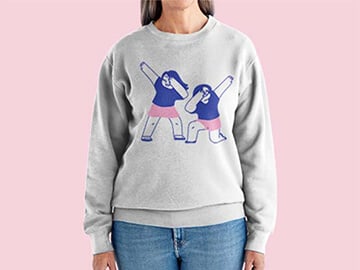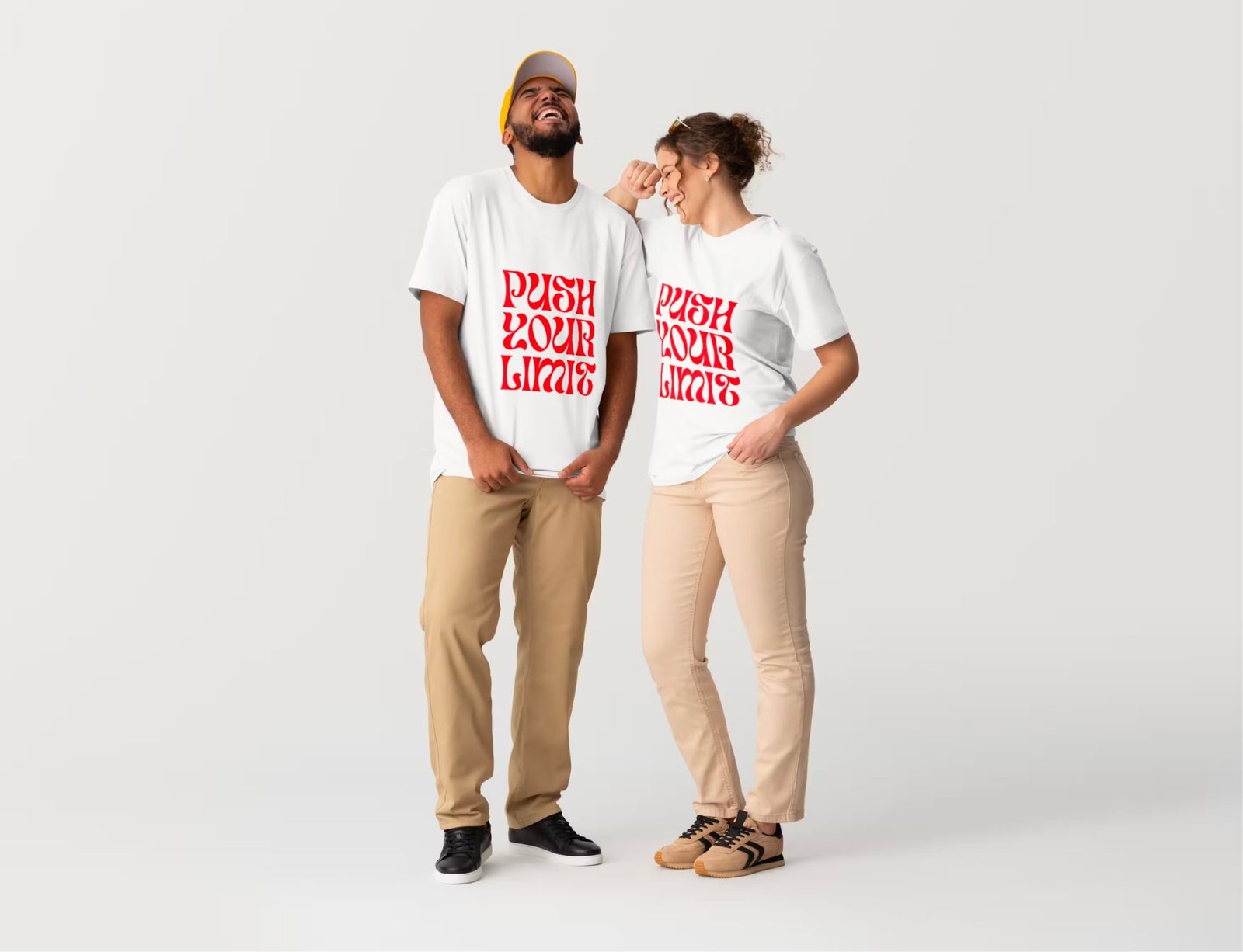
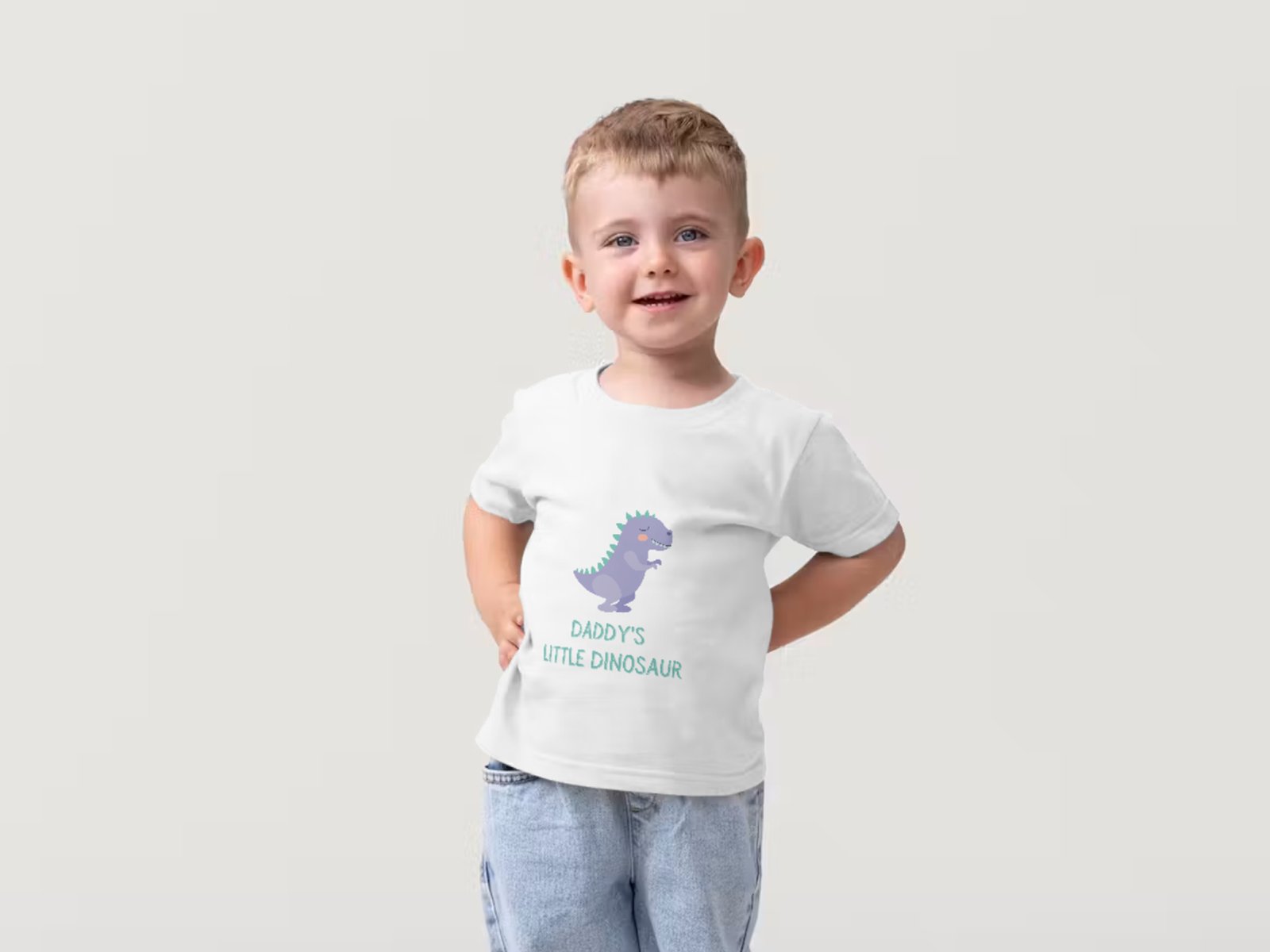
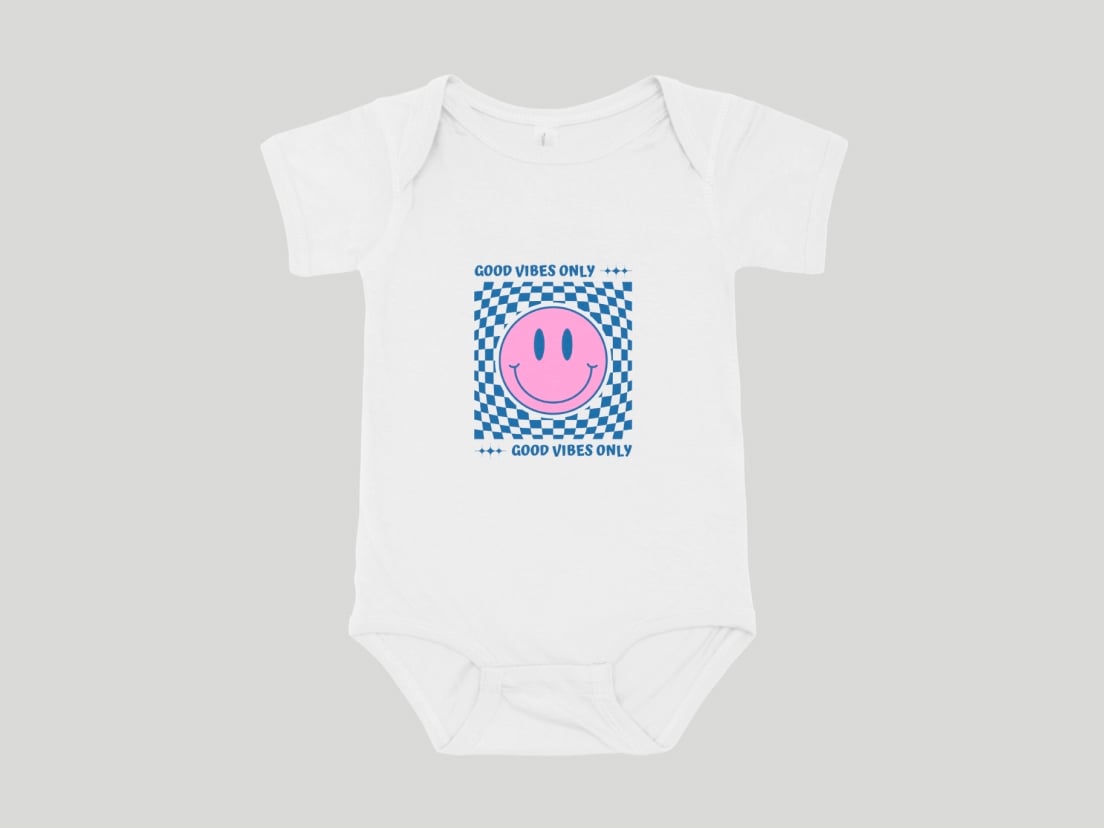
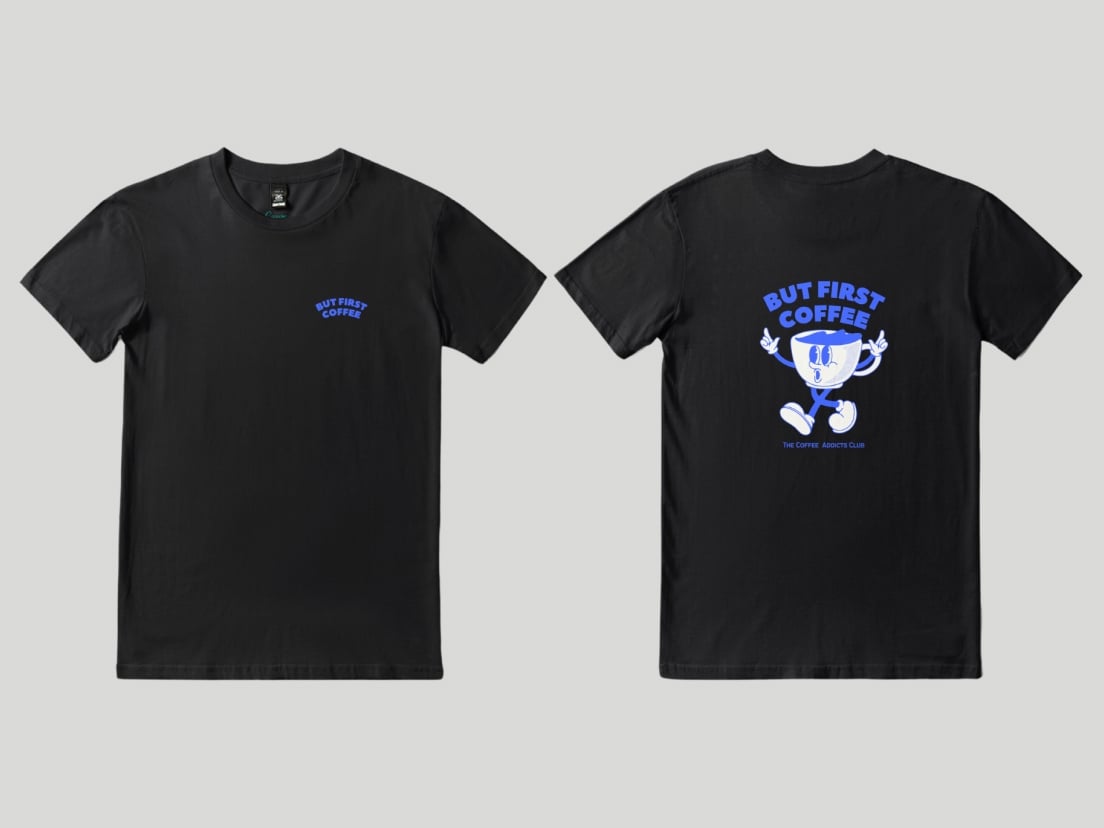
Everyday essential with a soft, breathable feel for all-day wear
Front and back printing available
Made from medium-weight (185 GSM) combed cotton for a smooth finish
Gray (all sizes) and Light Blue (infant & toddler) feature a durable cotton-poly blend
Direct-to-garment (DTG) printing captures both simple graphics and detailed photo designs
Light colors may appear softer on dark fabrics
Design, customize, and print your own T-shirt
4.1
Put your unique spin on a wardrobe essential and order your shirt designs straight from Canva.
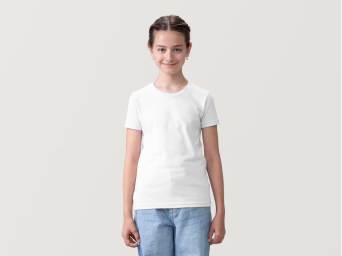
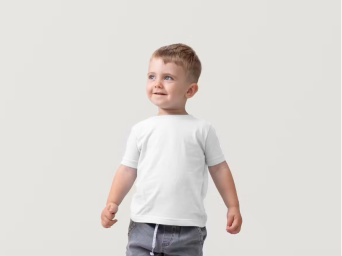
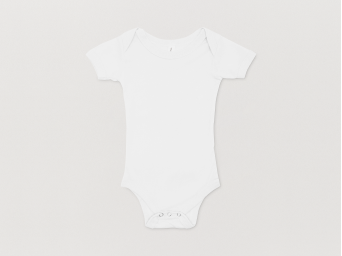
Start inspired
Get a headstart with free design templates you can customize in a few clicks.


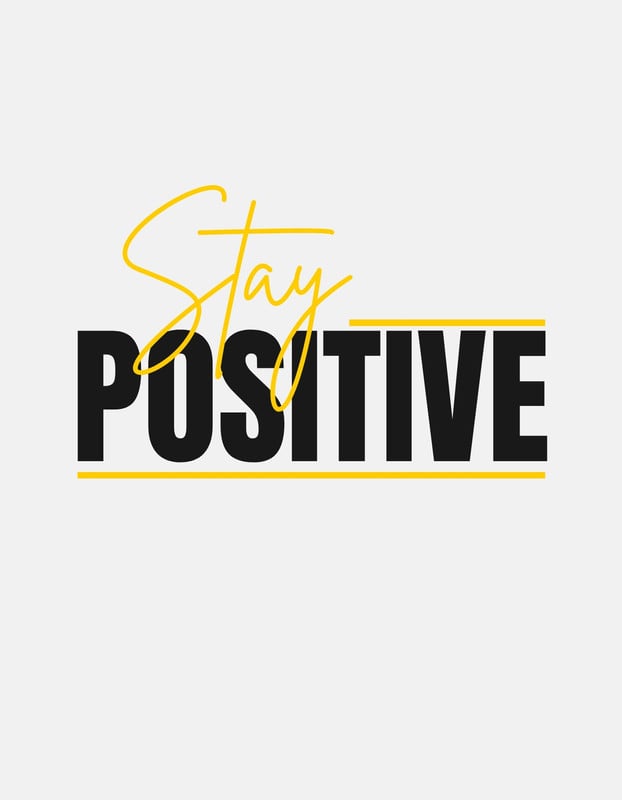
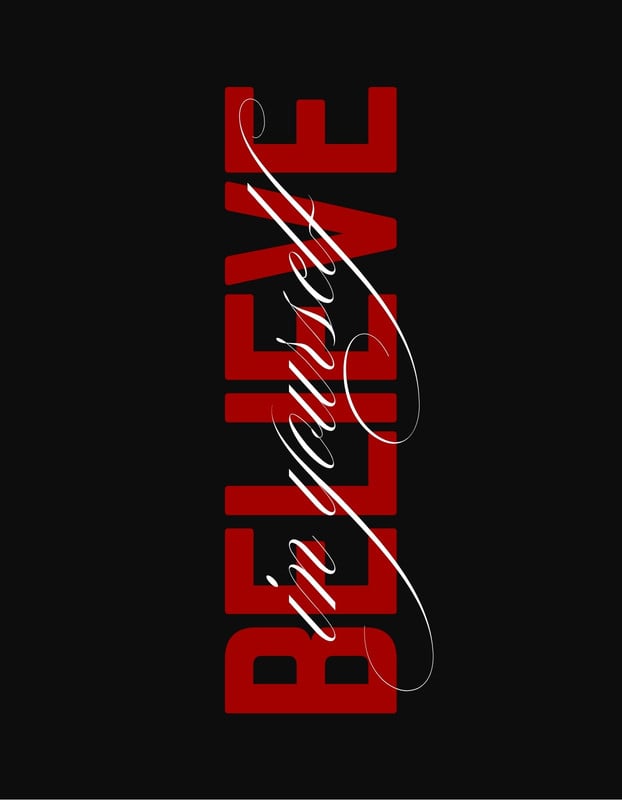
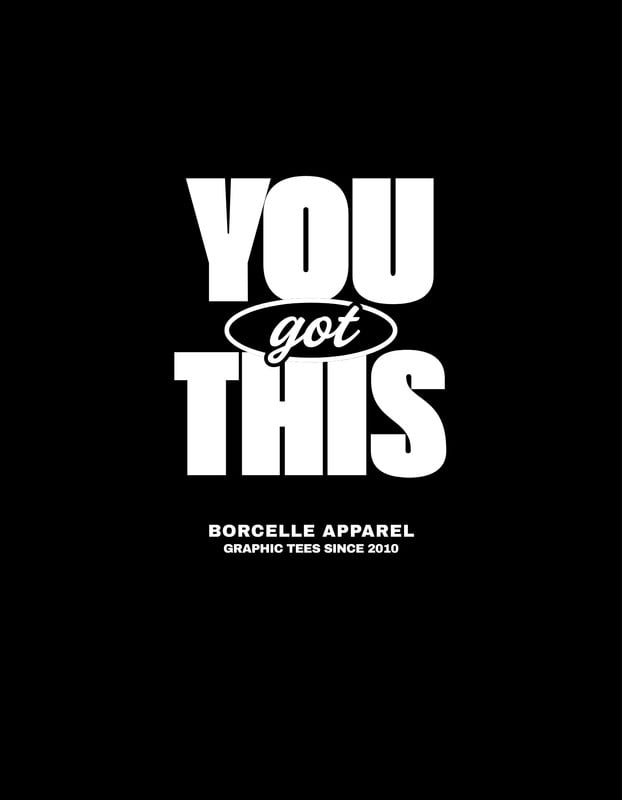
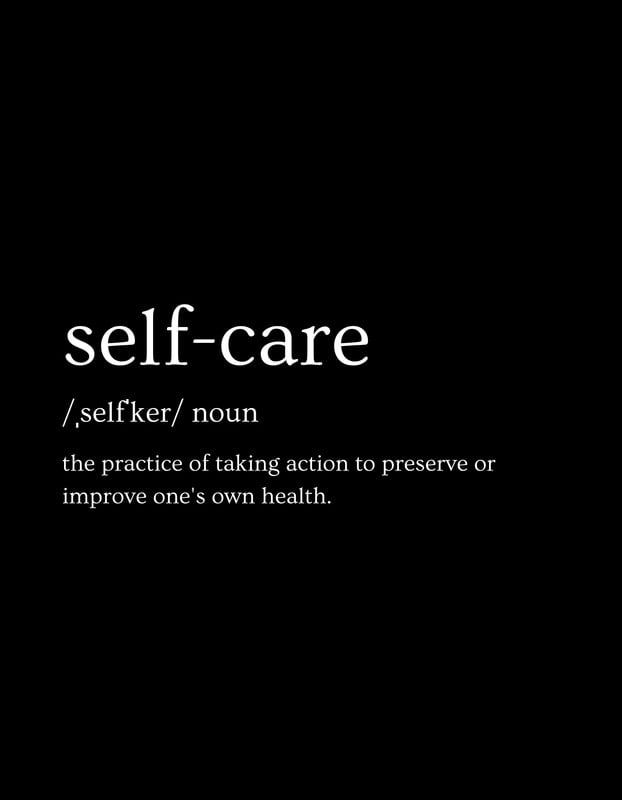
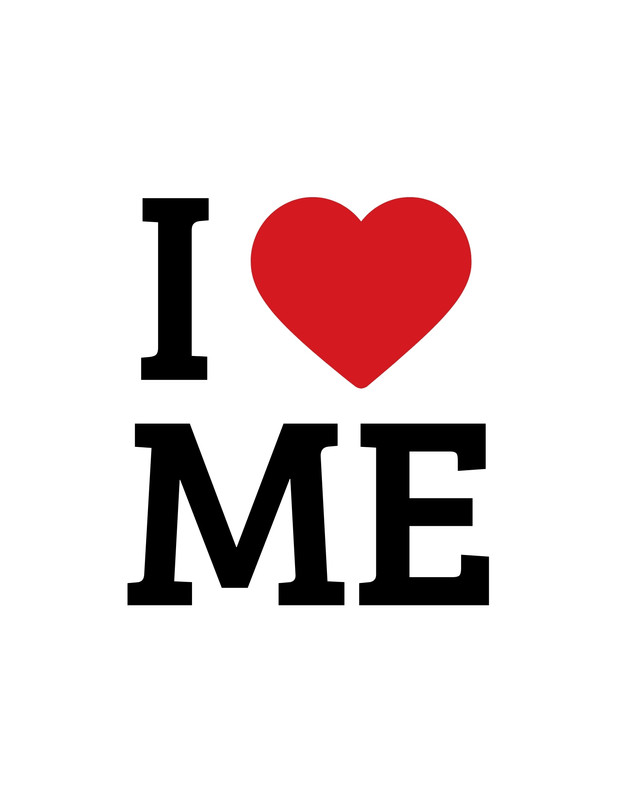
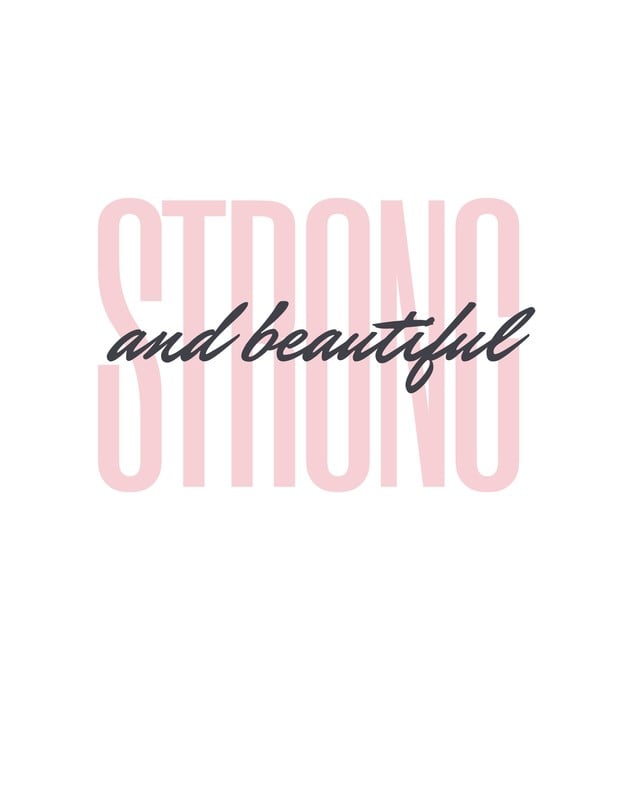
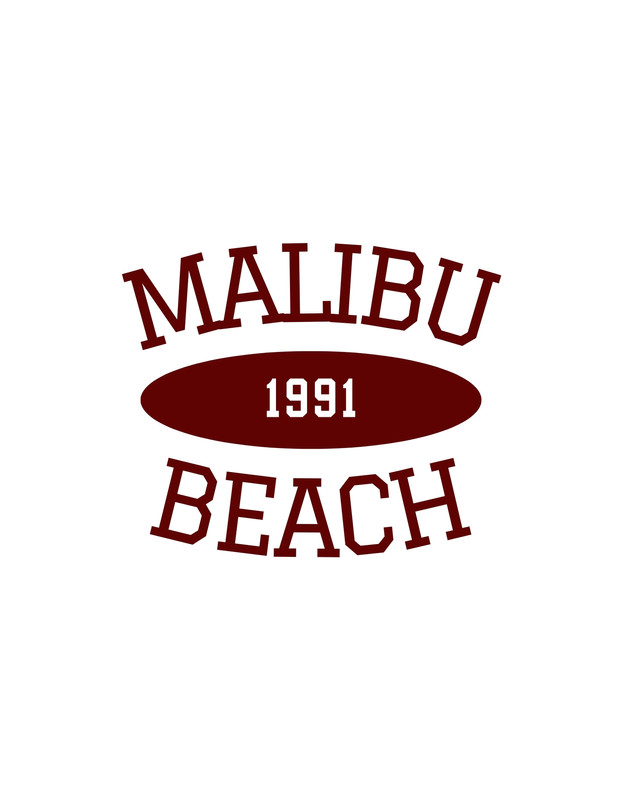
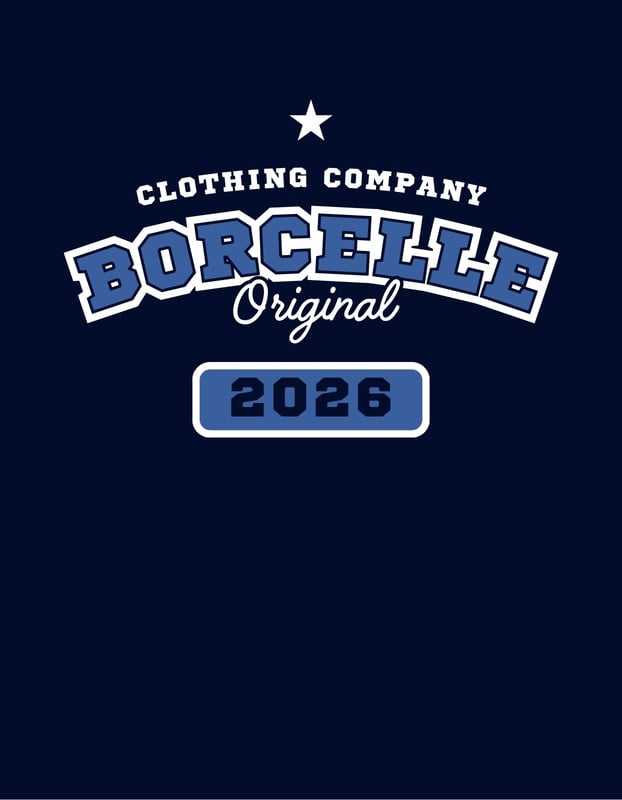
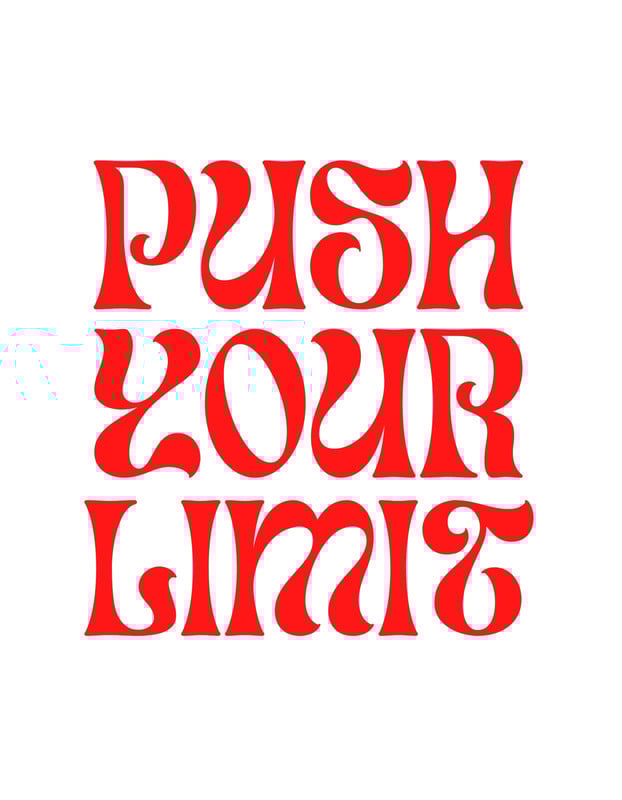
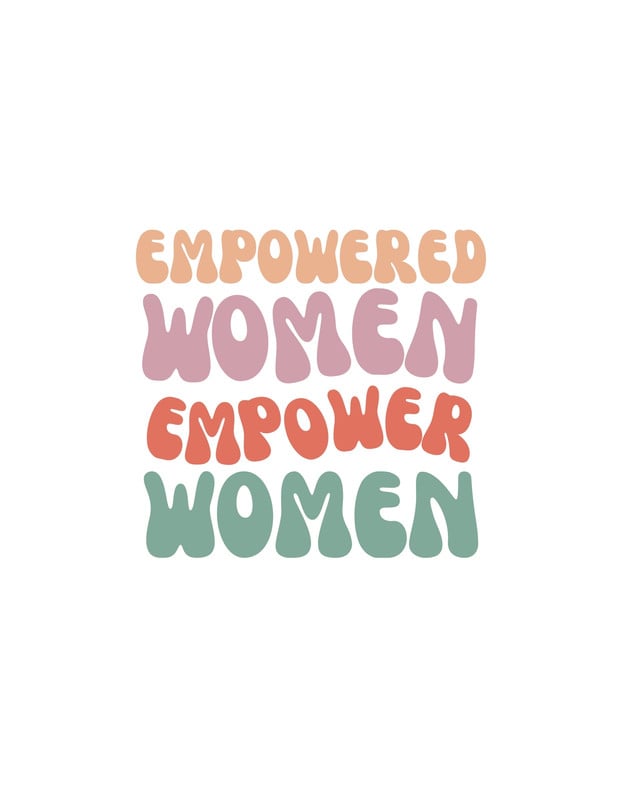
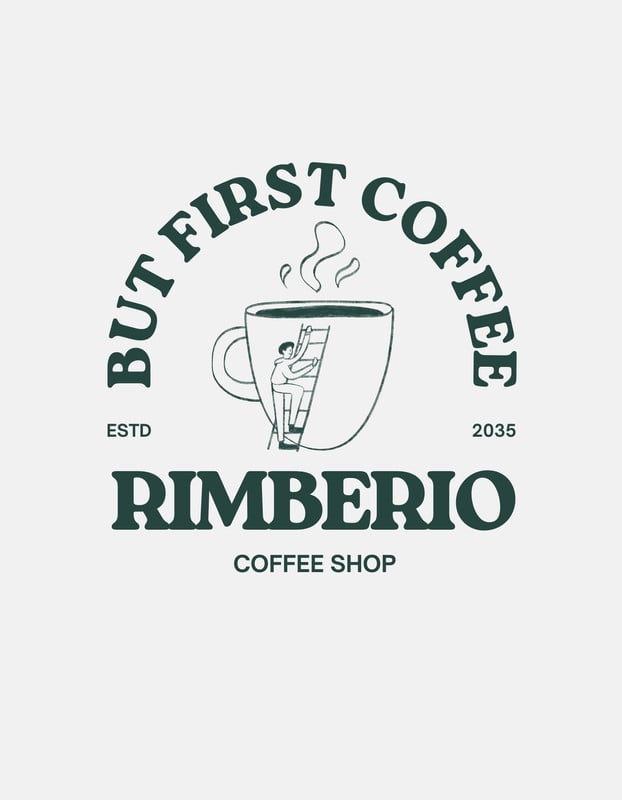
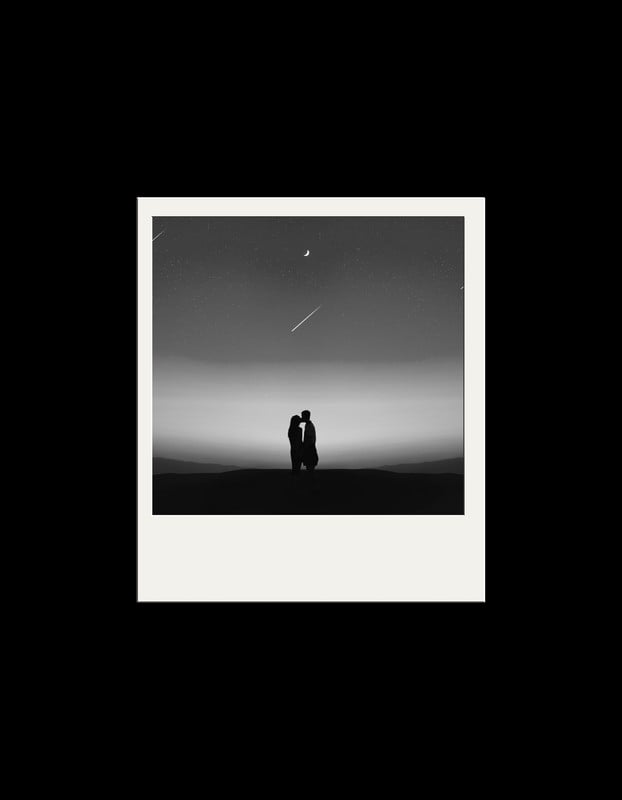

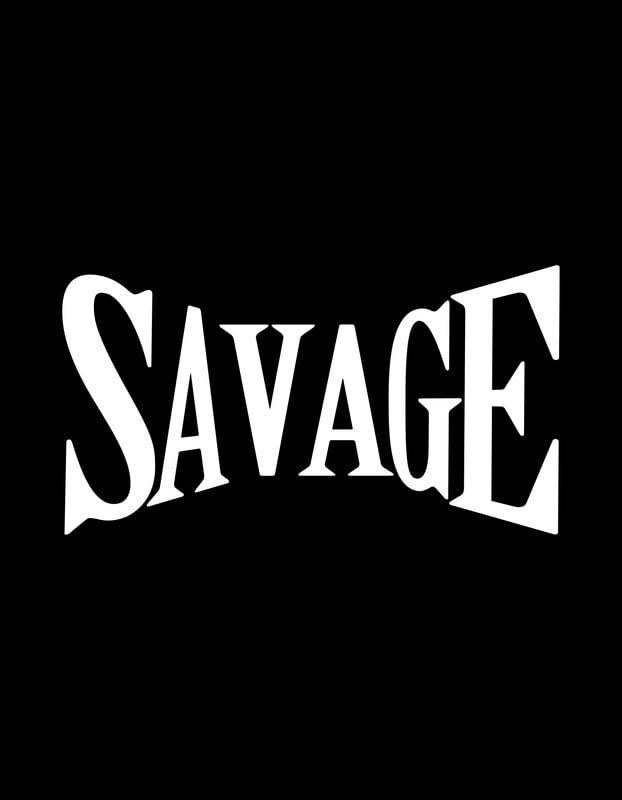
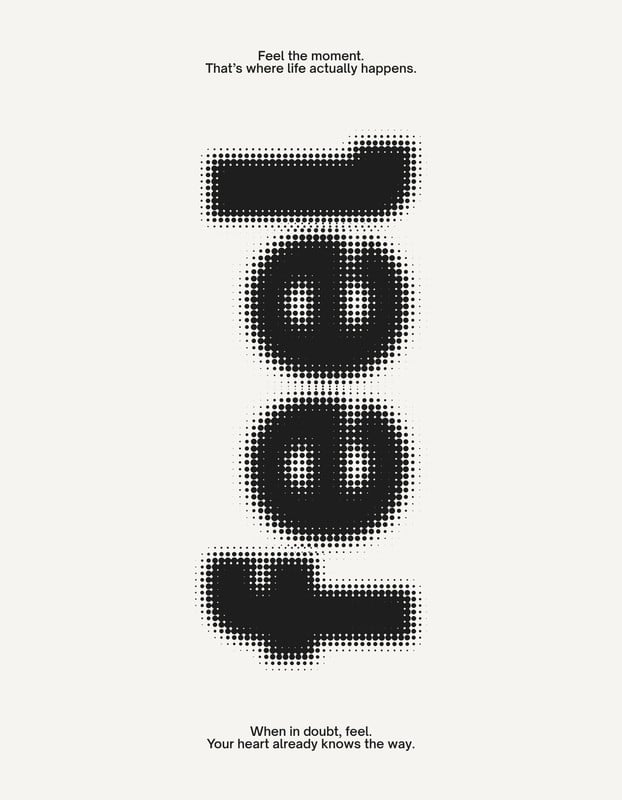
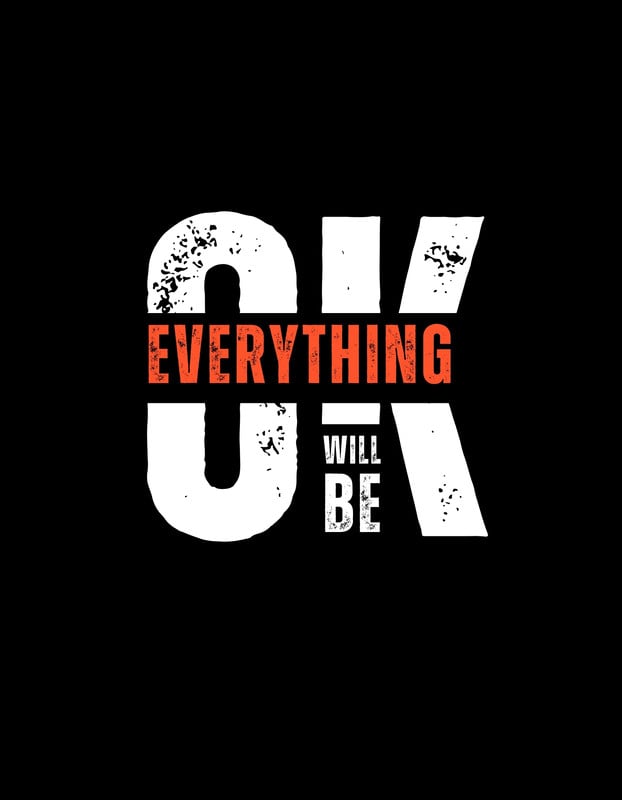
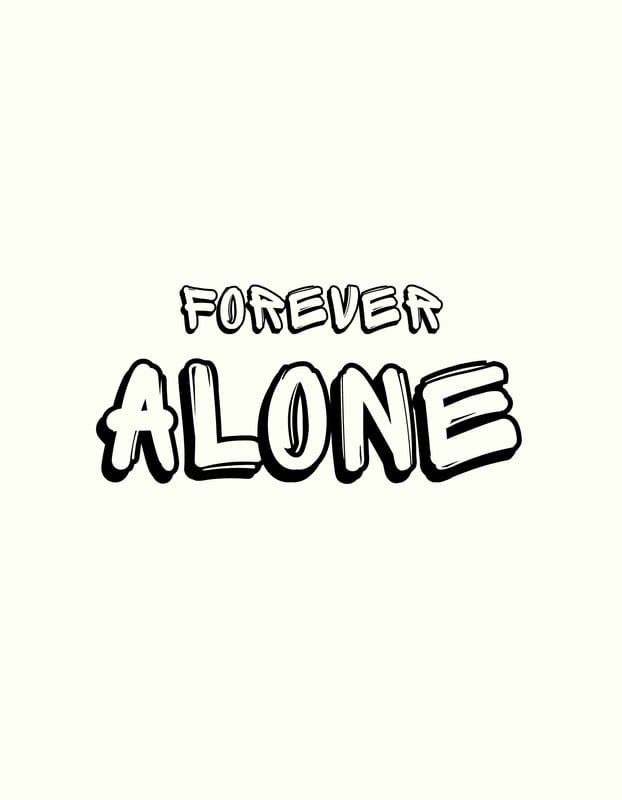
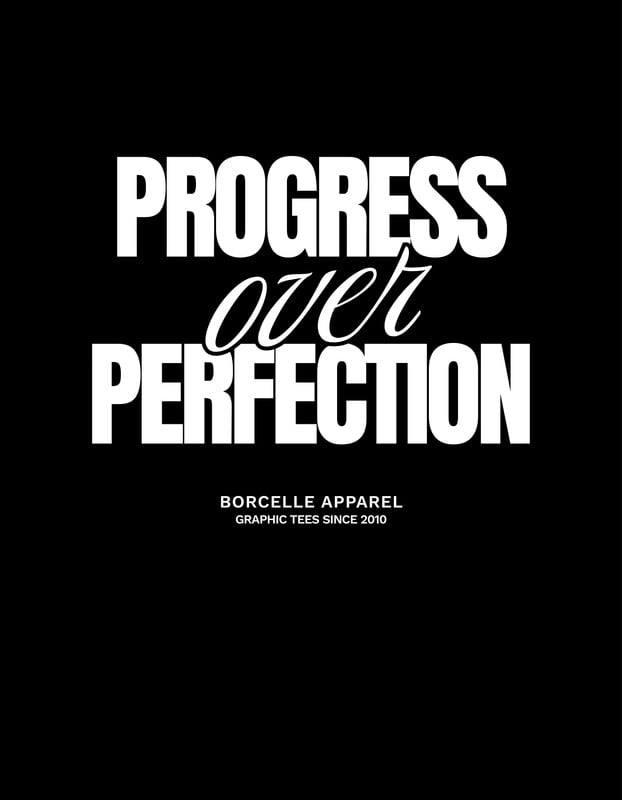
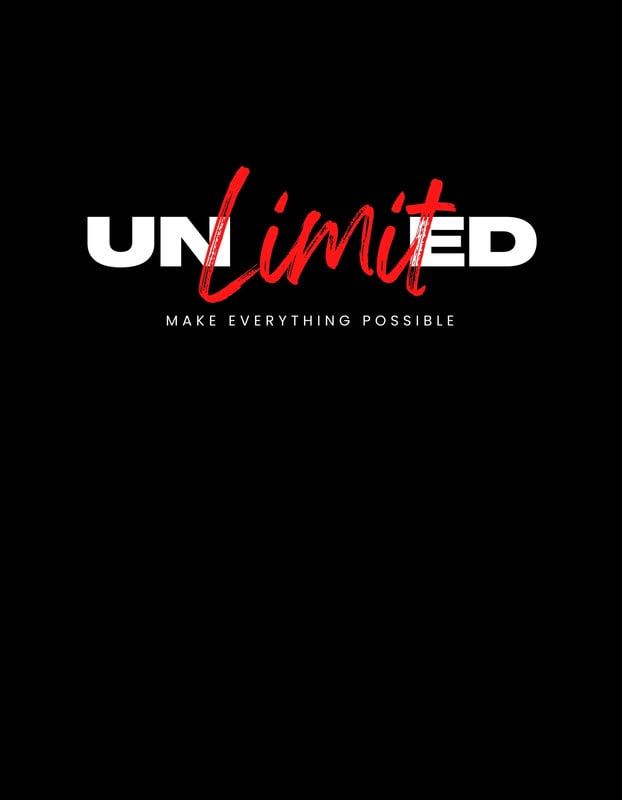

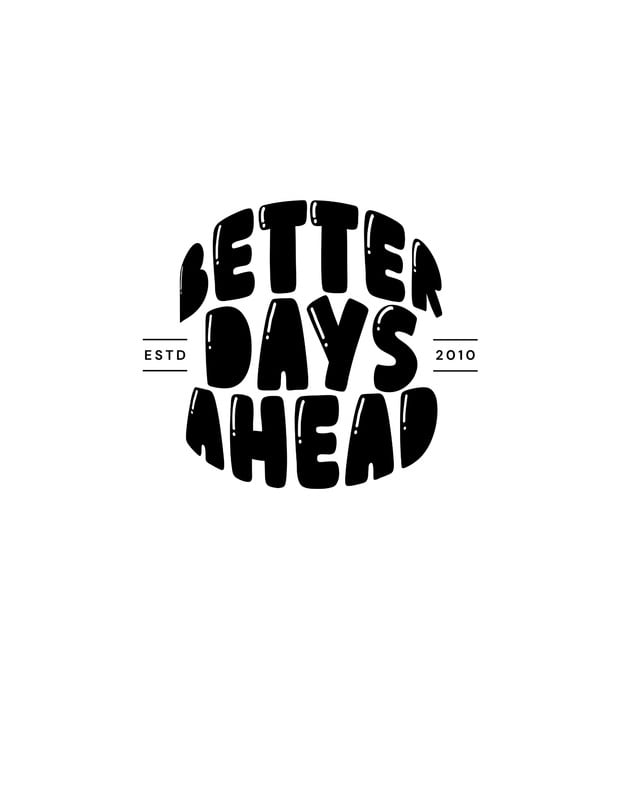
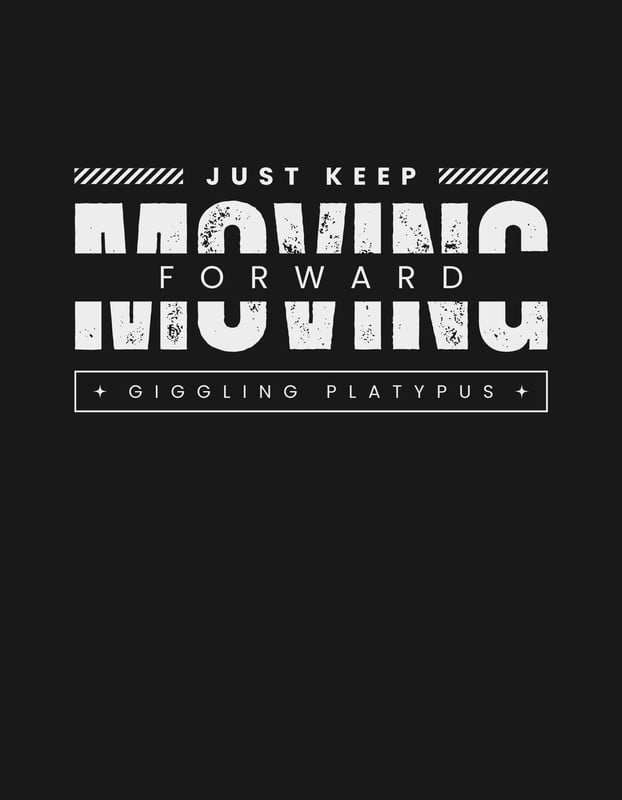
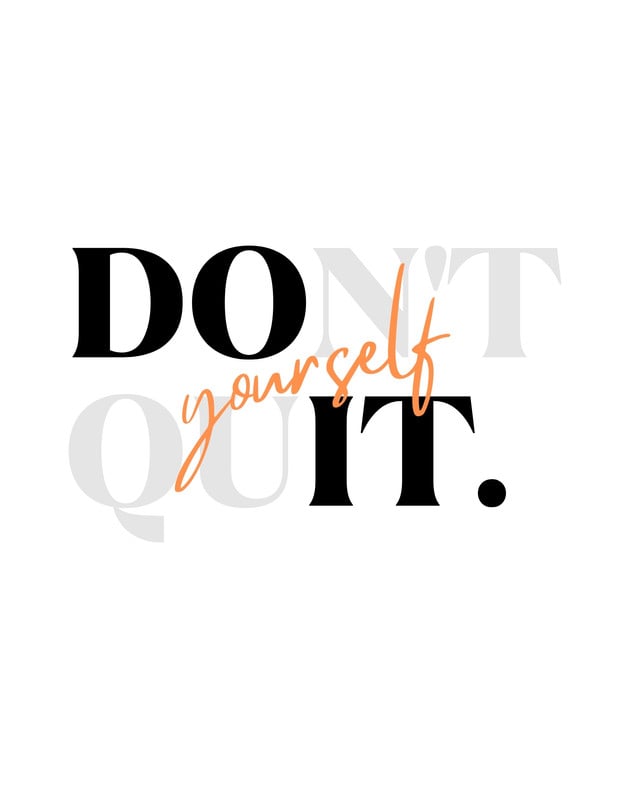
How to design and order custom T-shirts
Begin with a template from our library or start your own shirt design from scratch.
Customize your design with graphics, text or your own uploaded images.
Get feedback from friends, family or the team with a shareable link or via socials.
Order prints by selecting your preferred T-shirt size, style, and quantity.
Get your order sent to your door with free delivery.
All the printing features you need
Canva’s free drag-and-drop design tools make it easy to create and order any t-shirt design, fast!
Thousands of free templates
Start inspired with thousands of customizable print templates.
Delivered to your doorstep for free
Choose from flexible delivery options, including free standard shipping, express delivery, or in-store pickup.
Your happiness, guaranteed
We’ll refund or reprint your order if you’re not happy with it.
Brand Kit (Pro)
Store your logo, brand colors, and fonts to stay effortlessly on-brand.
Magic Switch (Pro)
Create your design once, and we’ll magically resize it into any printable product. Turn your design into a flyer, poster, sticker, and more.
Automated proofing
One-click Auto-Proofing will ensure your text size is ideal, element placement is within the bleed zone, and your resolution is pixel-perfect.
Your questions, answered
To make a T-shirt design, your first need to install specific graphic design software. Once you’ve done that, start your creation and make sure that your final design is at least 220 PPI so it won’t be pixelated when printed. Before you finish and download, enhance your design for CMYK printing so that your artwork will look vibrant on fabric.
We’ve tried to simplify that whole process with our drag-and-drop design screen, where making your own design is as easy as finding the right template or simply starting with a graphic and adding your own photos and text.
More tips and resources
Get inspired, and learn more about design
Explore the blog
Create a T-shirt design on Canva
Learn more
10 Awesome T-Shirt Ideas for Father’s Day
Learn more
Basic color theory
Learn more