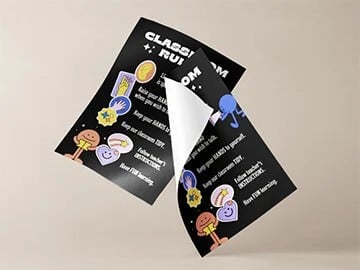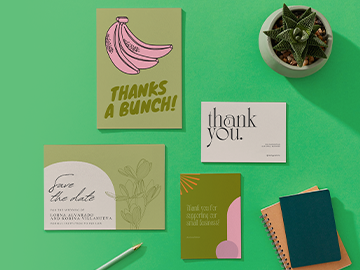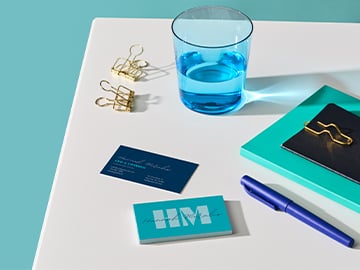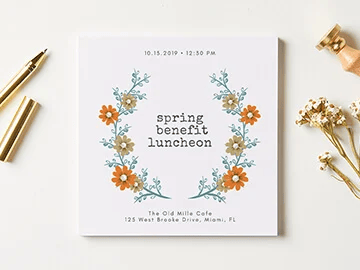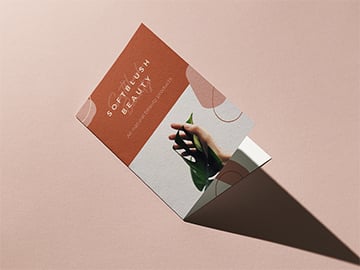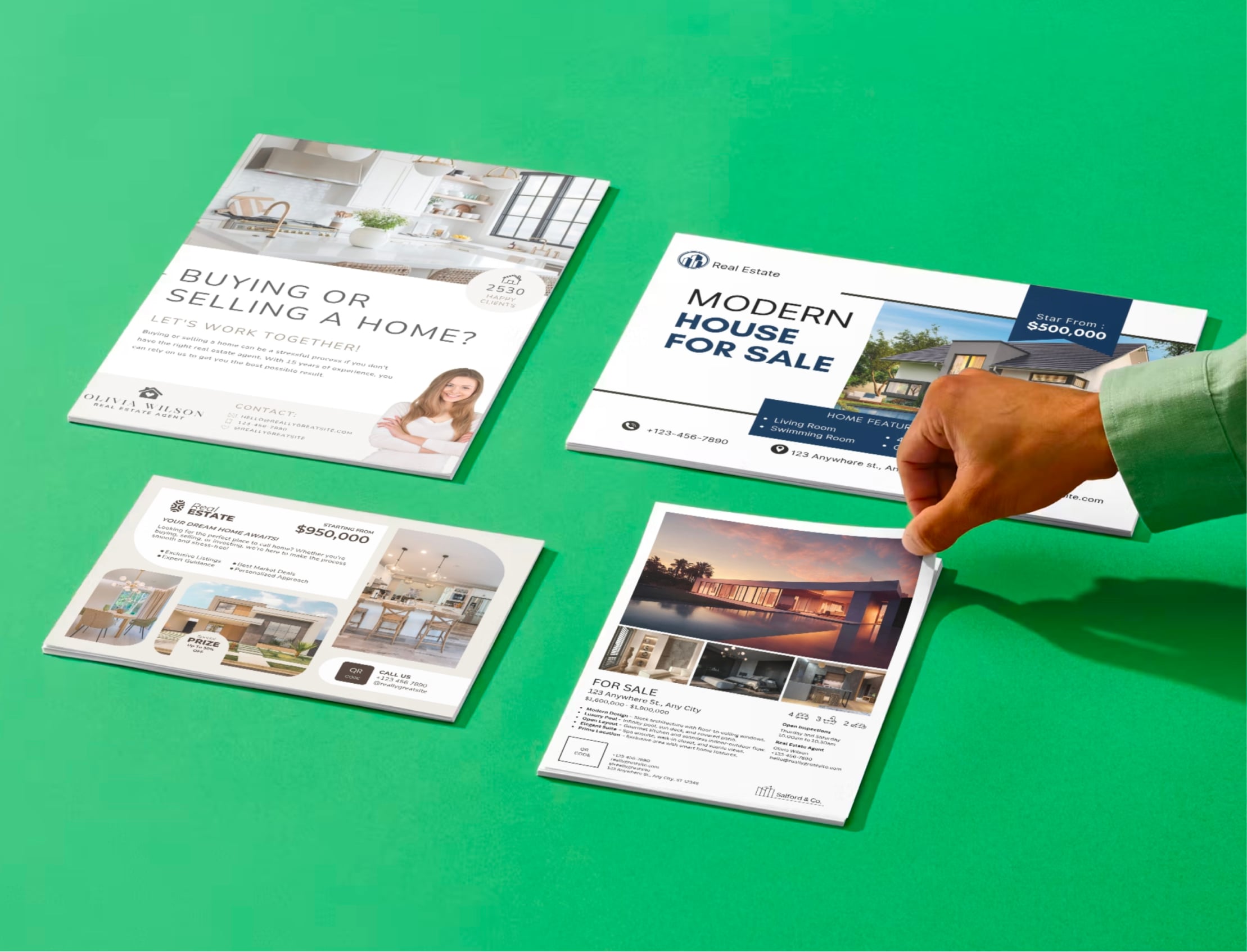
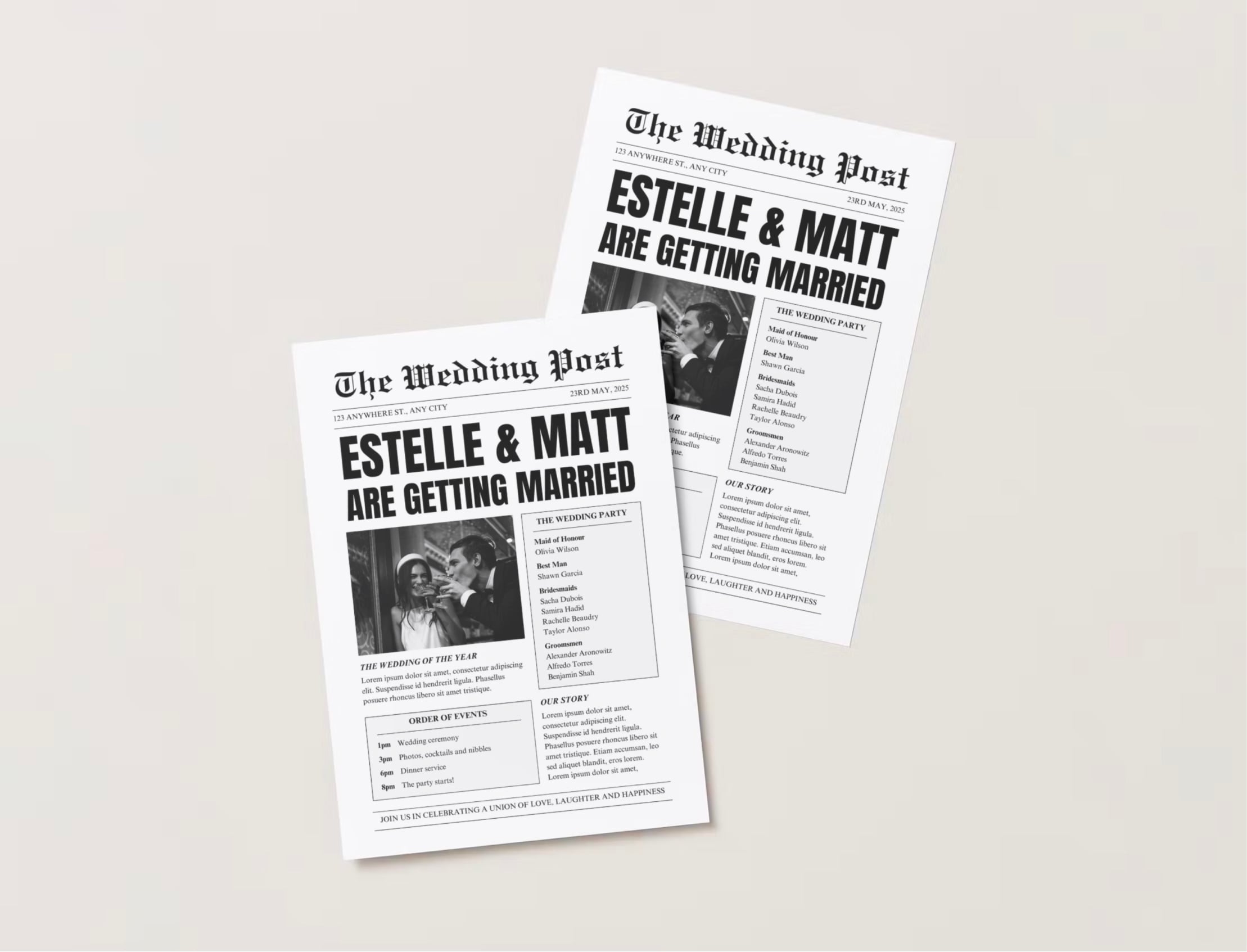
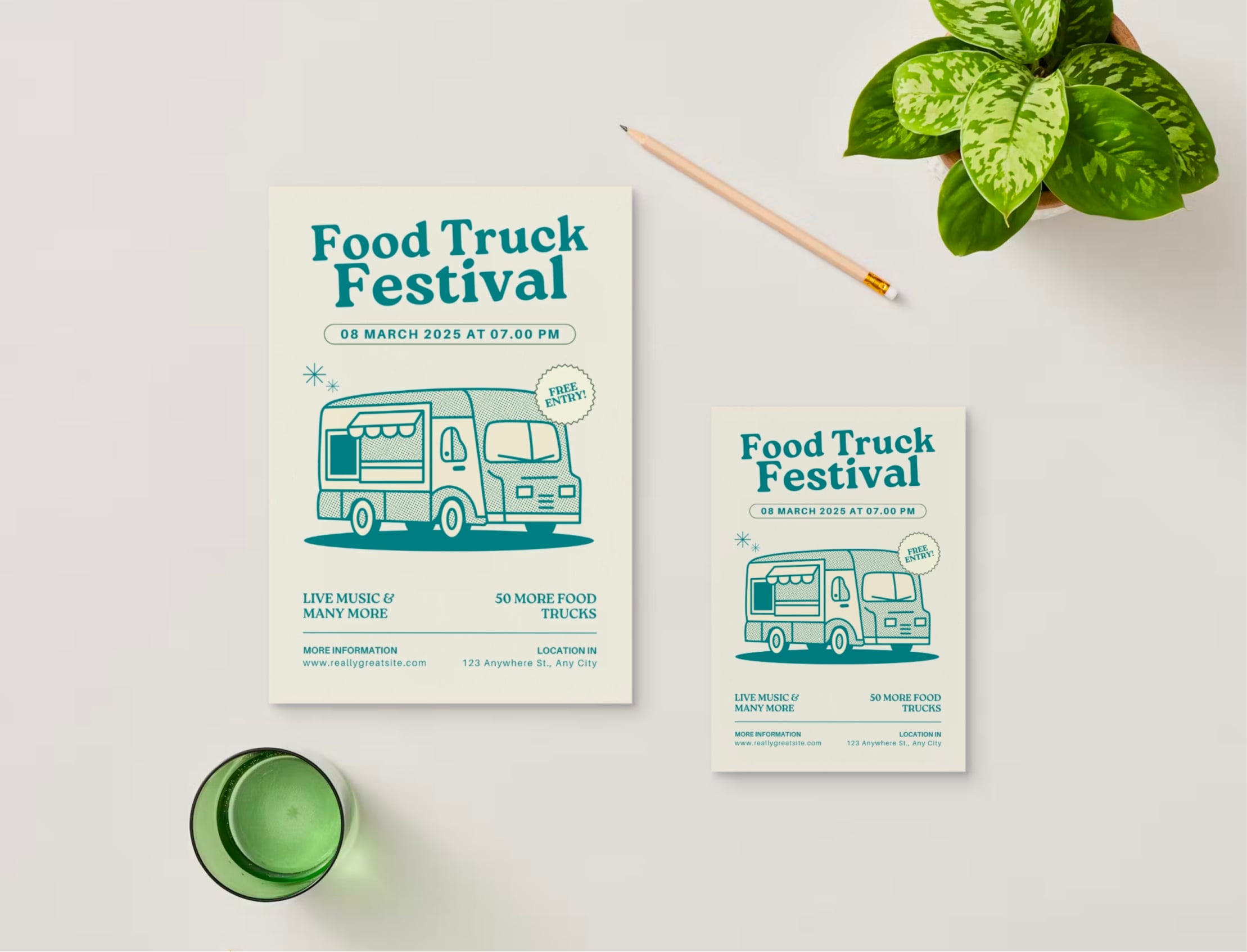
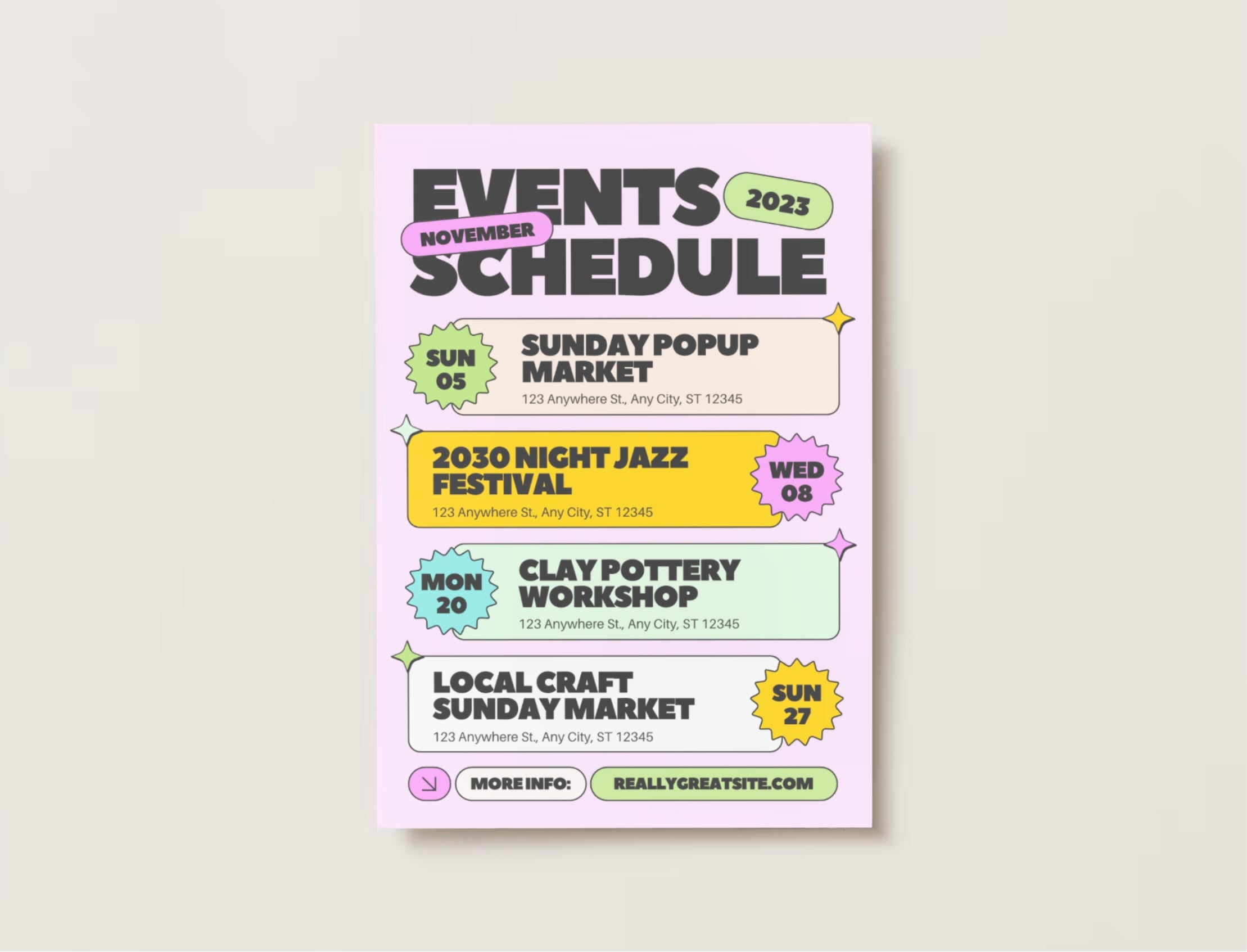
Printed with sharp color and clear detail
Single and double-sided printing available
Print custom flyers
Build brand awareness, spread your message, and connect with your customers by printing custom flyers with Canva. Browse a wide range of templates and buy with confidence through selecting your choice of paper orientation and finish to stand out from the crowd.
Shop flyers by popular categories
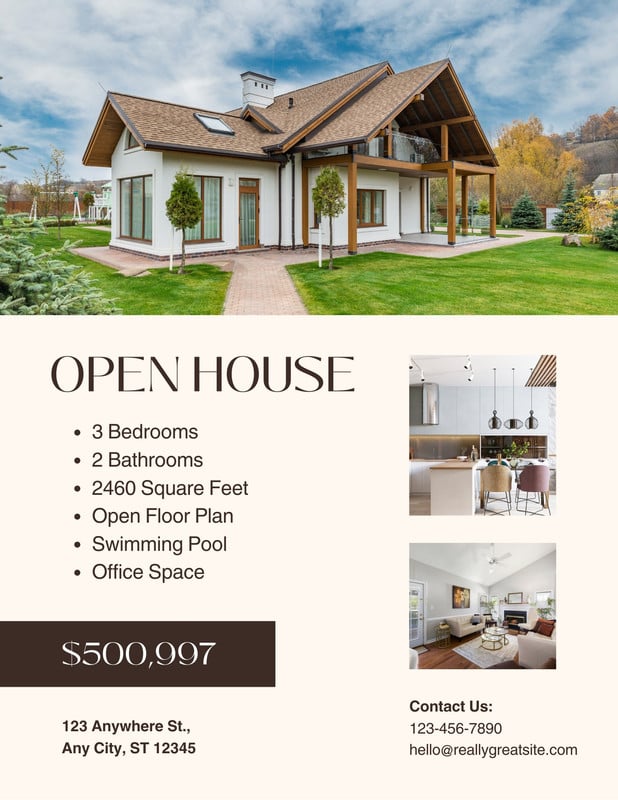
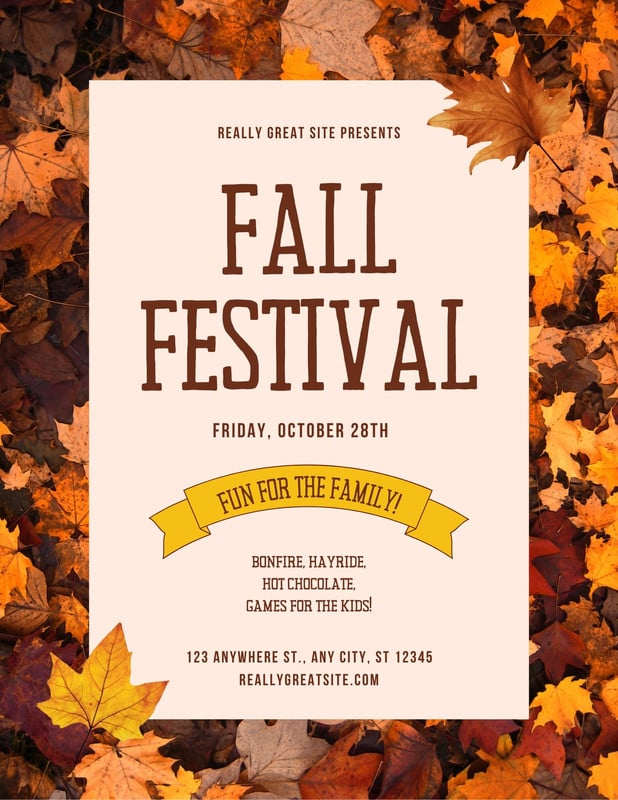
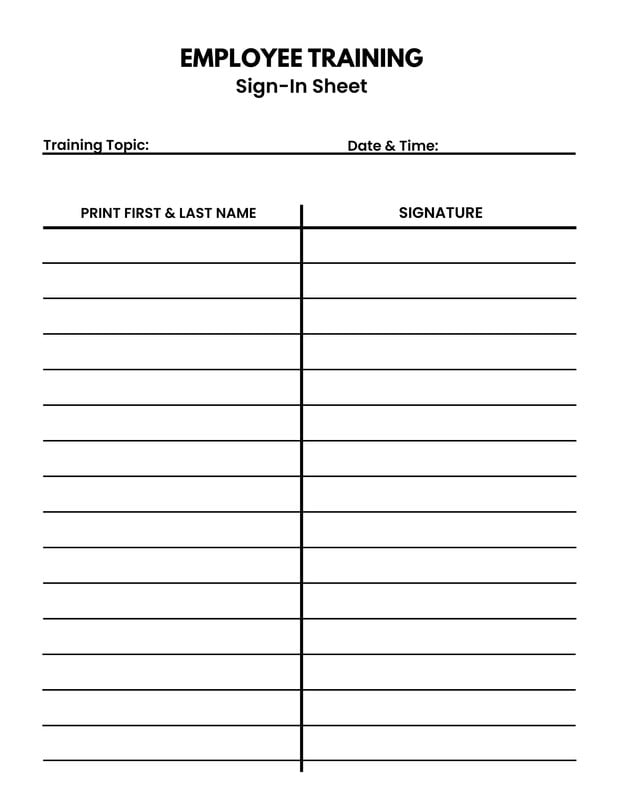
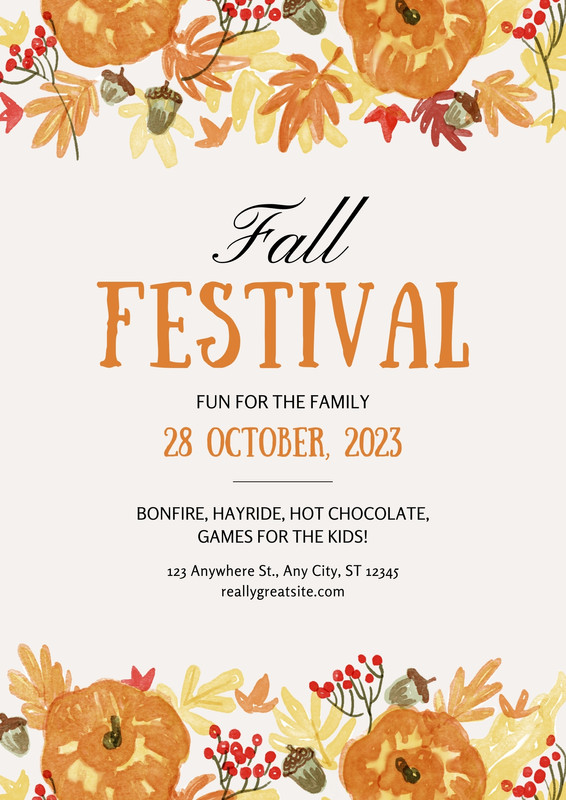
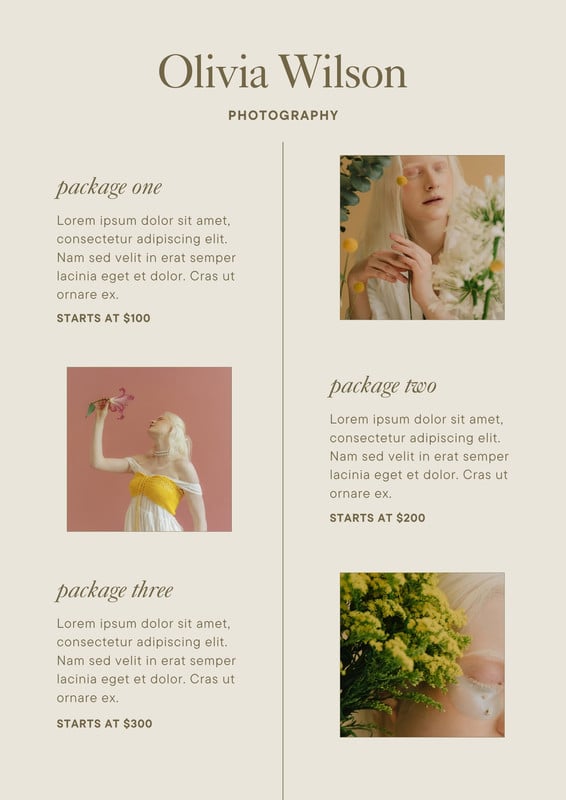
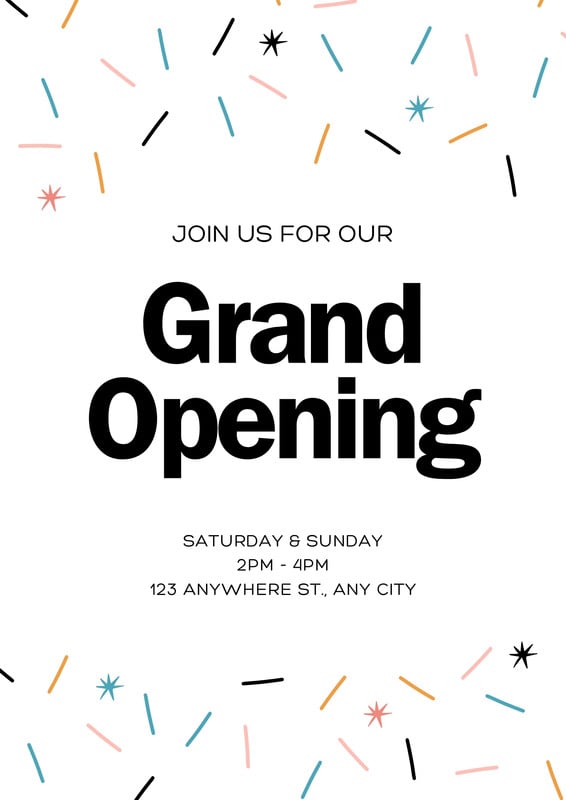
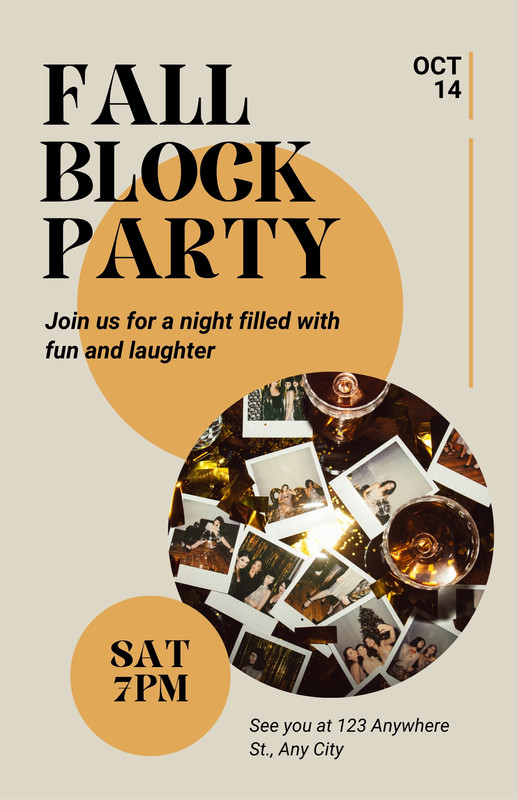
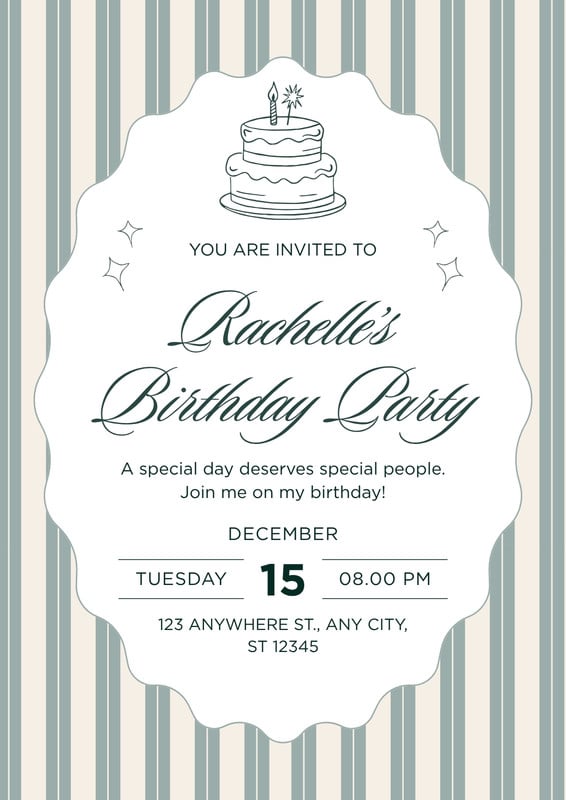
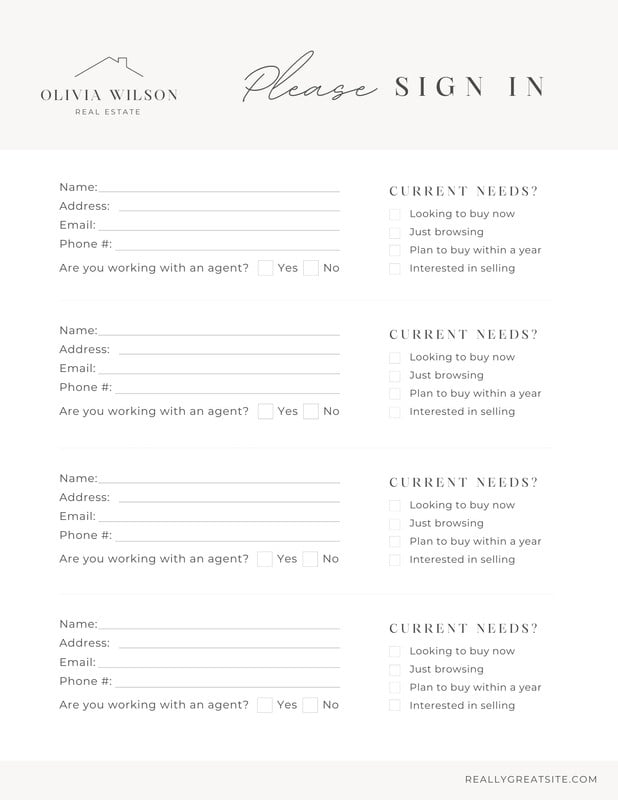
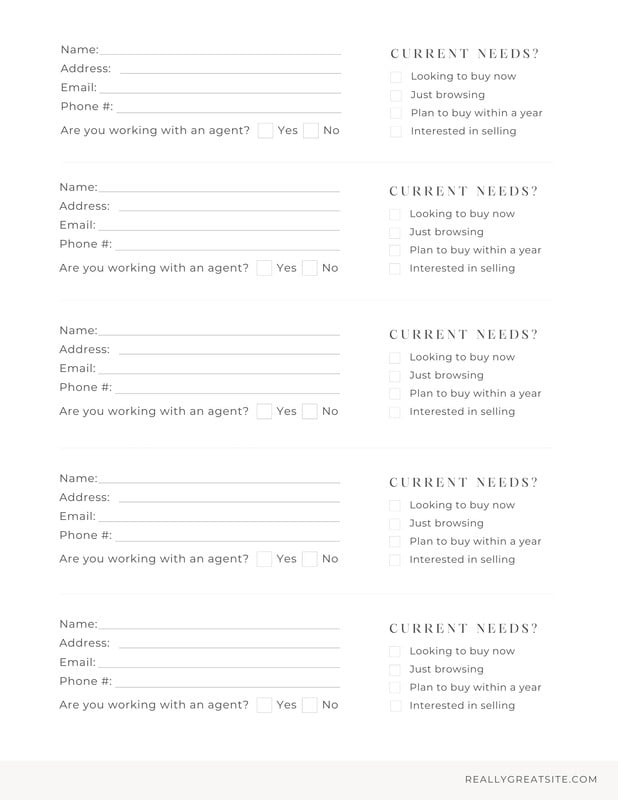
Get a head start on your custom flyer design with a free, pre-designed template you can use for your business, event marketing, sales, services, and so much more.
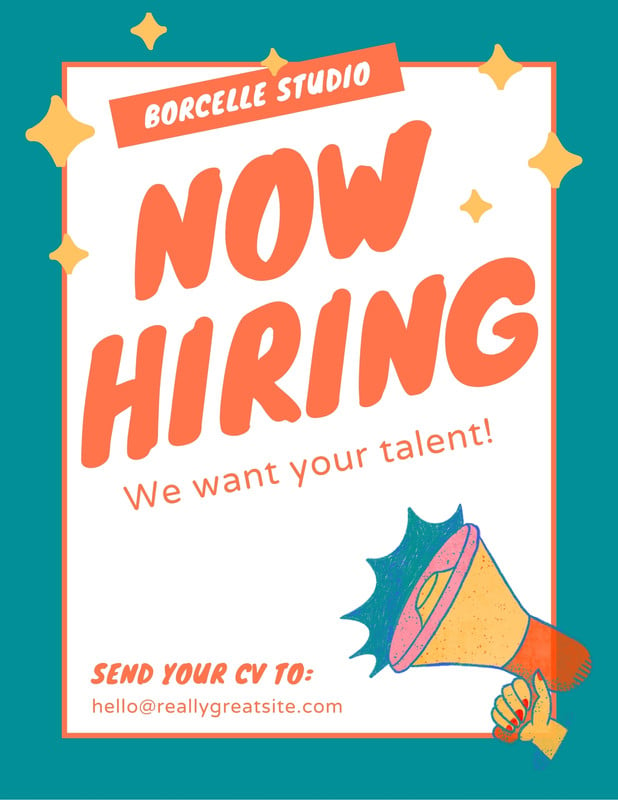

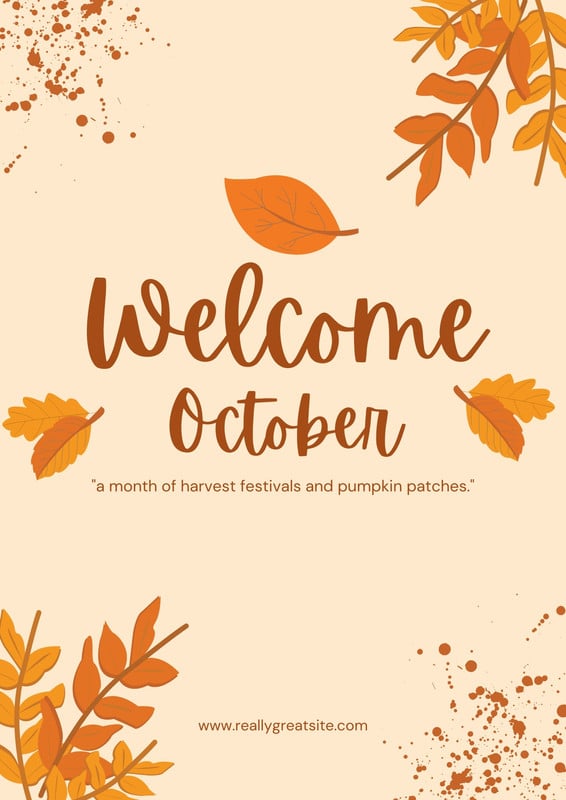
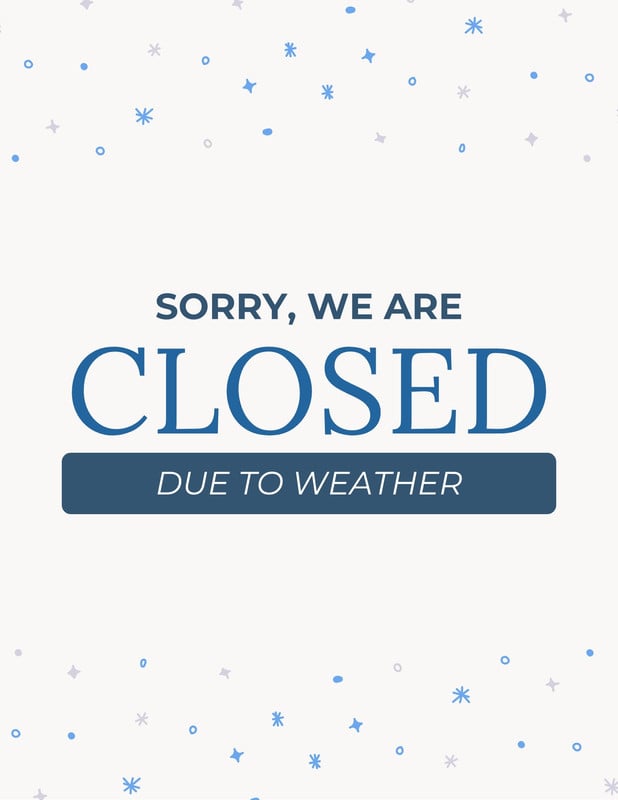

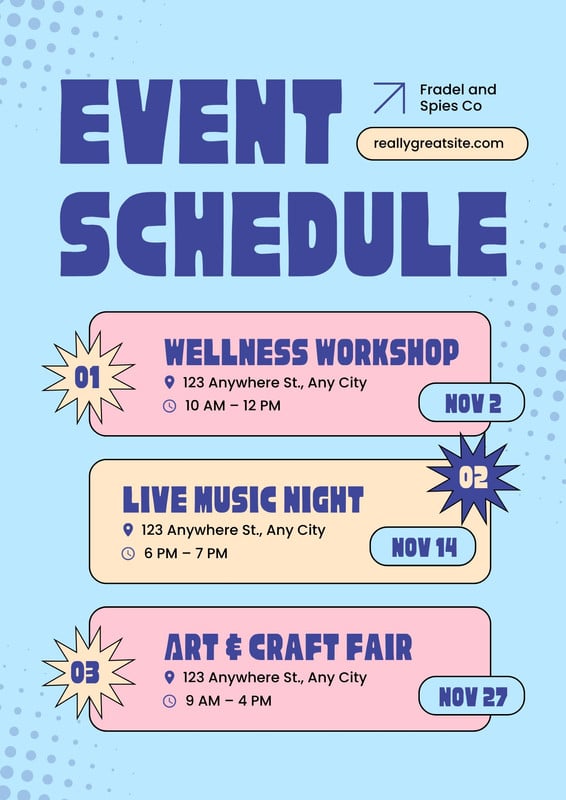
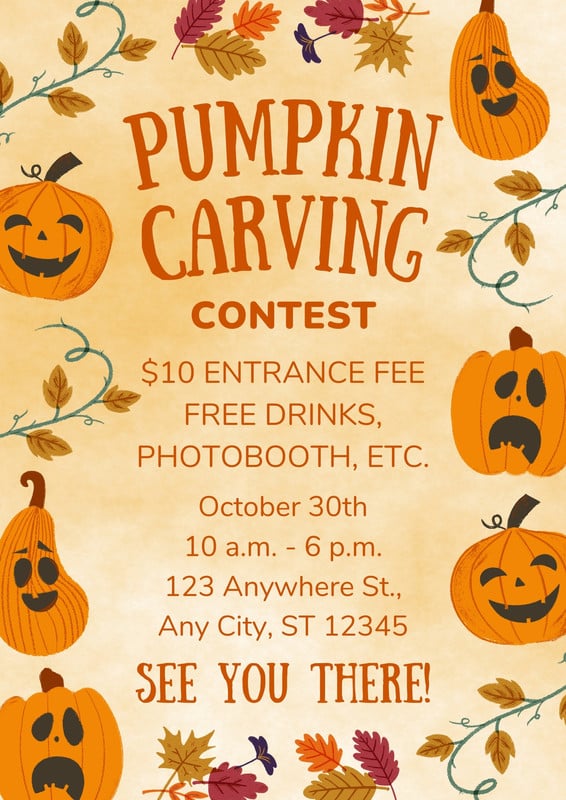

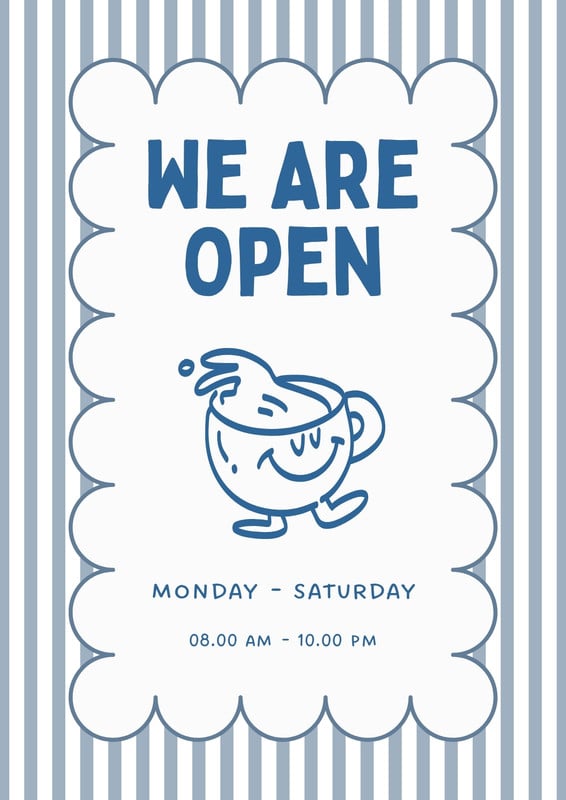
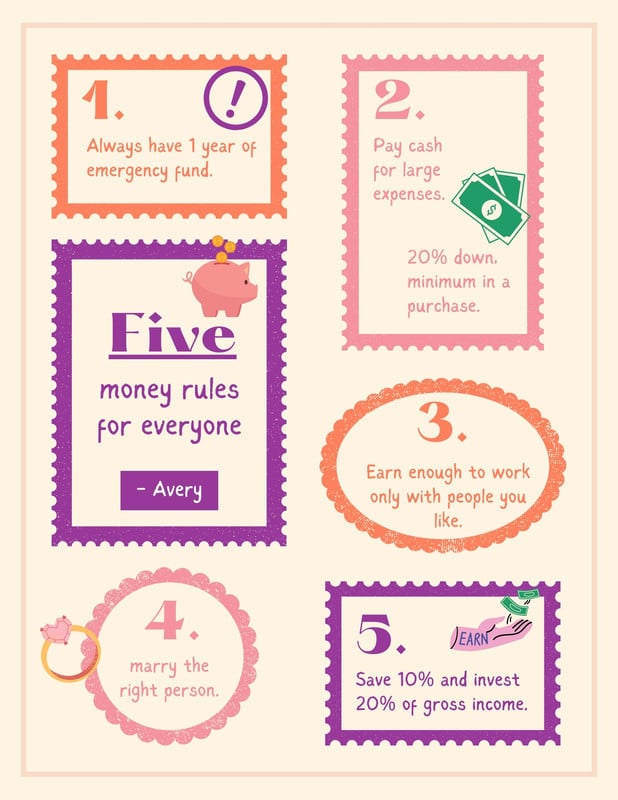



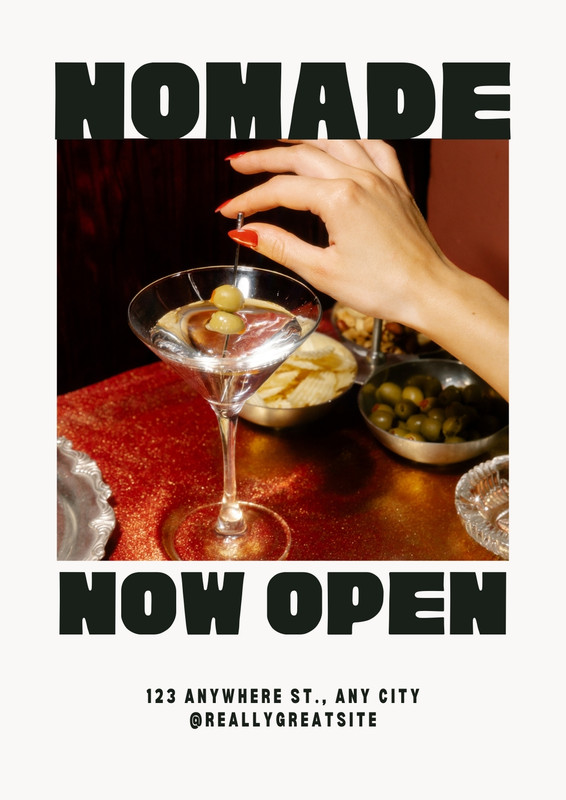
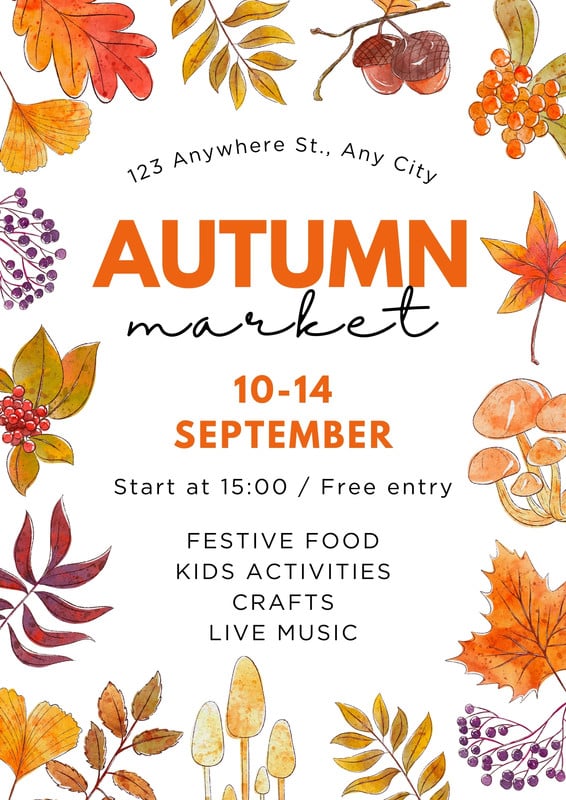

How to design and print your flyers
Get inspired and select a flyer template from thousands of options. You can also start from scratch.
Make it your own with images, text, icons, and graphics that showcase your event, sale, or products and services. Upload your own assets to your Brand Kit (Pro) and add it to your custom flyer design to keep it consistent with your business brand.
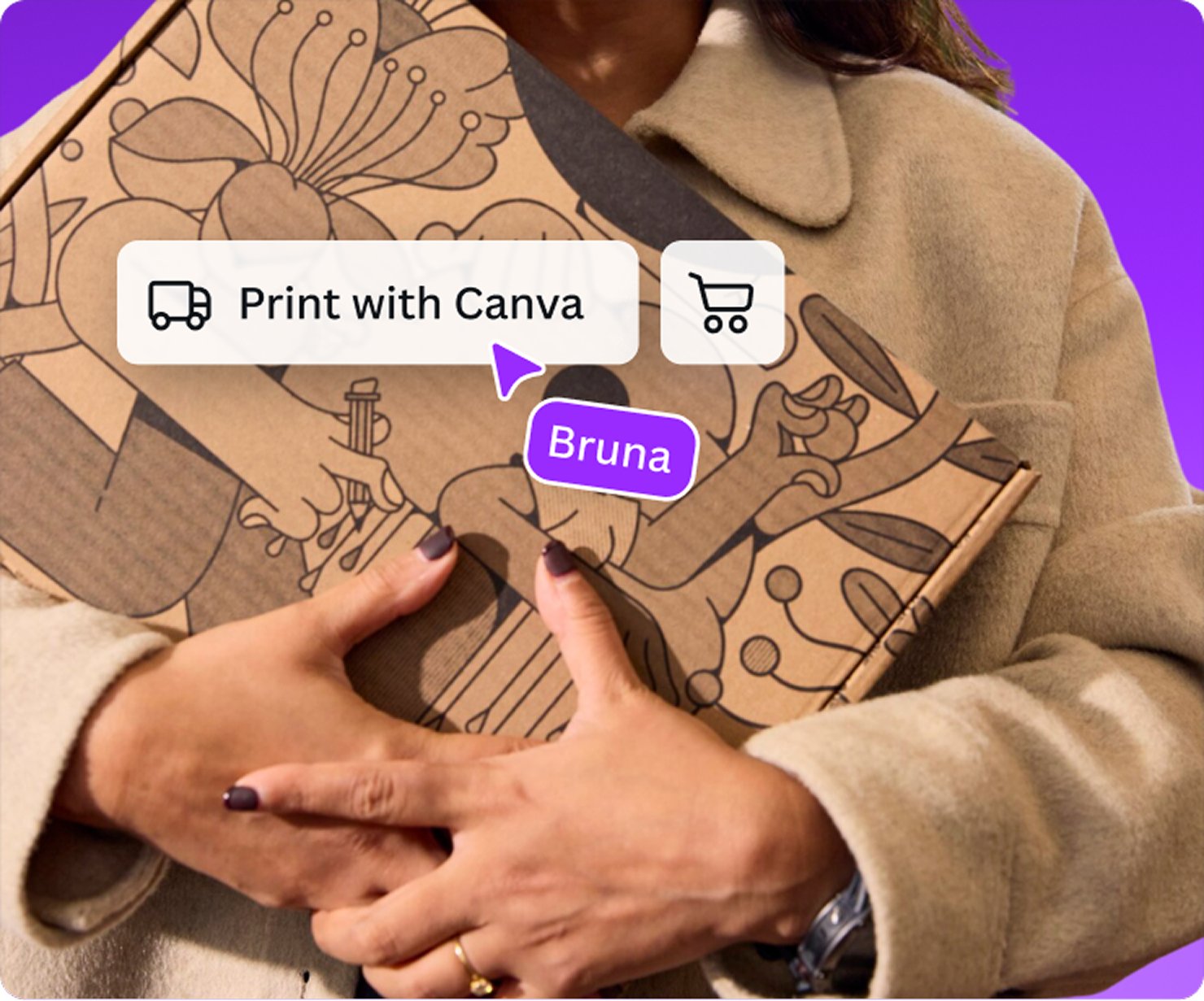
To proceed to printing your flyer, just click the Print button and select the size, paper type, finish, and quantity you prefer.
Approve your final design before printing, or send a link of the file to your clients and peers for a second look.
Get your order delivered to your door via Canva’s flyer printing services with free standard shipping.
All the printing features you need
All the tools and services you need to to achieve the perfect flyer printing quality are right at your fingertips.
Thousands of free templates
Start inspired with thousands of customizable print templates.
Delivered to your doorstep for free
Choose from flexible delivery options, including free standard shipping, express delivery, or in-store pickup.
Your happiness, guaranteed
We’ll refund or reprint your order if you’re not happy with it.
Brand Kit (Pro)
Store your logo, brand colors, and fonts to stay effortlessly on-brand.
Magic Switch (Pro)
Create your design once, and we’ll magically resize it into any printable product. Turn your design into a flyer, poster, sticker, and more.
Automated proofing
One-click Auto-Proofing will ensure your text size is ideal, element placement is within the bleed zone, and your resolution is pixel-perfect.
Frequently asked questions
You can have your customized flyers printed and delivered through Canva. Just select Print Flyers from the menu bar above the editor, or the Share menu on a mobile device.
If the Print button isn’t visible, resize your design(opens in a new tab or window).
More tips and resources
Get inspired, and learn more about design
Explore the blog
Create a flyer in Canva
Learn more
The Ultimate Guide to Flyer Design
Learn more
50 Brilliant Flyer Designs
Learn more