Canva home

Free candle mockup generator
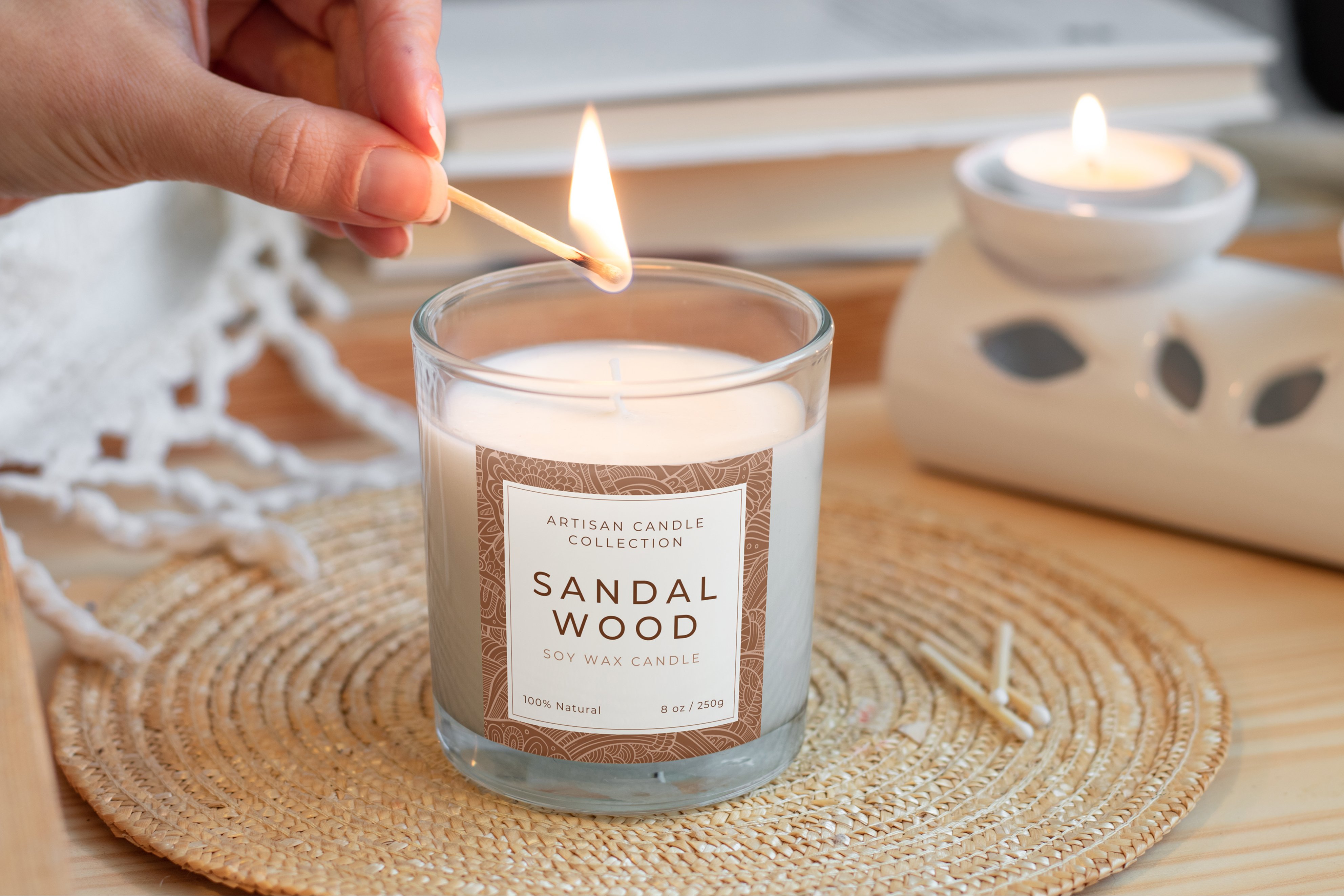
Free candle mockup generator
DragDrop

Easy drag-and-drop editor

Templates

1M+ professionally-designed templates

Device

Design from any device

Download

Download or share designs easily

Light up your brand with Canva's free candle mockup generator. Design captivating jars, packaging, and labels in minutes.

How to create a candle mockup

Start of list

1

Start with Canva

Open Canva to start a design or work on an existing one. In Elements, go to Mockups and select Home & Living, or search "candle mockup" to select a layout you can customize.

2

Upload your candle label design

Use Canva's candle mockup generator to drag and drop images of glass or amber candle jars for realistic product previews of your brand asset design. Crop and adjust its size and alignment.

3

Share with ease

Get your candle mockups in seconds. Share design links with clients, download print-ready images in any format with one click, post it on your socials, or embed in a website.

End of list

Benefits of a candle mockup generator

Explore realistic candle mockups for every style and scent

Bring products to life with photo-ready candle mockups before pouring any wax. Browse cozy home settings to sleek studio backdrops, then showcase every variation without booking a photoshoot. Try jars for signature scents, tins for travel lines, or luxury designs for premium collections. Instantly swap between glass, amber, or box styles to test your branding on different materials with perfect lighting and shadows.

Customize candle labels and packaging designs in minutes

Perfect every candle detail inside Canva's candle mockup generator. Position logos, reshape labels, and fine-tune colors across jars and boxes instantly. Build cohesive collections fast as you duplicate designs, swap scent names, adjust colors, and see your line emerge. Switch between packaging styles from luxury candle boxes to travel tins while maintaining consistent with your branding.

Share candle mockups across stores, pitches, and social

Turn Canva into your candle mockup playground where everything just flows. Design once, resize everywhere for online stores, wholesale catalogs, and social feeds with no tool-hopping required. Export marketplace-ready shots that double as lookbook gold. Need client approval before printing? Share links, catch feedback live on designs, and polish instantly. From single amber jar to full collection, watch ideas become shelf-ready magic in one space.

Frequently Asked Questions

  • A candle mockup is a realistic, editable preview of your candle product and packaging, created digitally so you can design and test ideas before printing. Our candle mockup generator lets you pick a ready-made scene, drop in your logo or artwork, and instantly see how your brand looks on jars, boxes, or tins in a professional setting.

  • A good candle mockup makes your product feel real on screen, so customers can almost smell the scent before they buy. Start with sharp lighting, clear shadows, and enough space around the candle to show off your branding. Choose a mockup layout with a setting or background that jives with your candle label designs. With our candle mockup generator and AI-powered tools, you can test designs quickly, export polished previews for your store or client, and keep every fragrance line looking cohesive.

  • Most candle mockup templates from our collection are licensed for commercial use, so you can promote and sell products with trust. You can use these designs in marketing materials, product listings, and client work. Both Free and Pro content support commercial use; the difference is access to premium assets, not whether you can use them to sell your candles. Always review Canva's Content License Agreement if you're unsure about a specific element or use case. The key is using mockups to showcase your products, not selling the mockup templates.