Canva home

Free employee handbook generator
Mockup Desktop Image
Mockup Mobile Image
Employee Handbook Doc
DragDrop

Easy drag-and-drop editor

Templates

1M+ professionally-designed templates

Ai

Generate content and media with AI

Download

Download or share designs easily

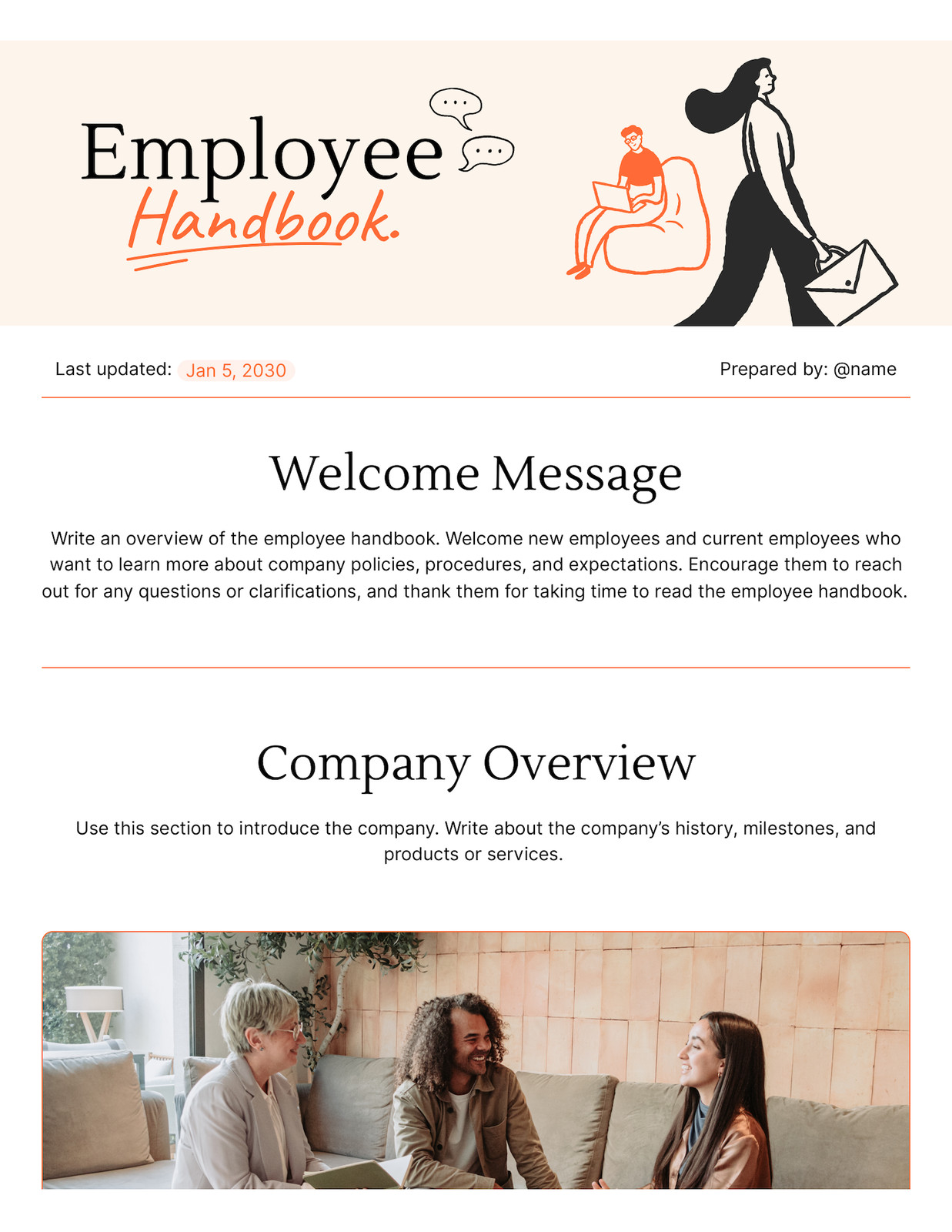
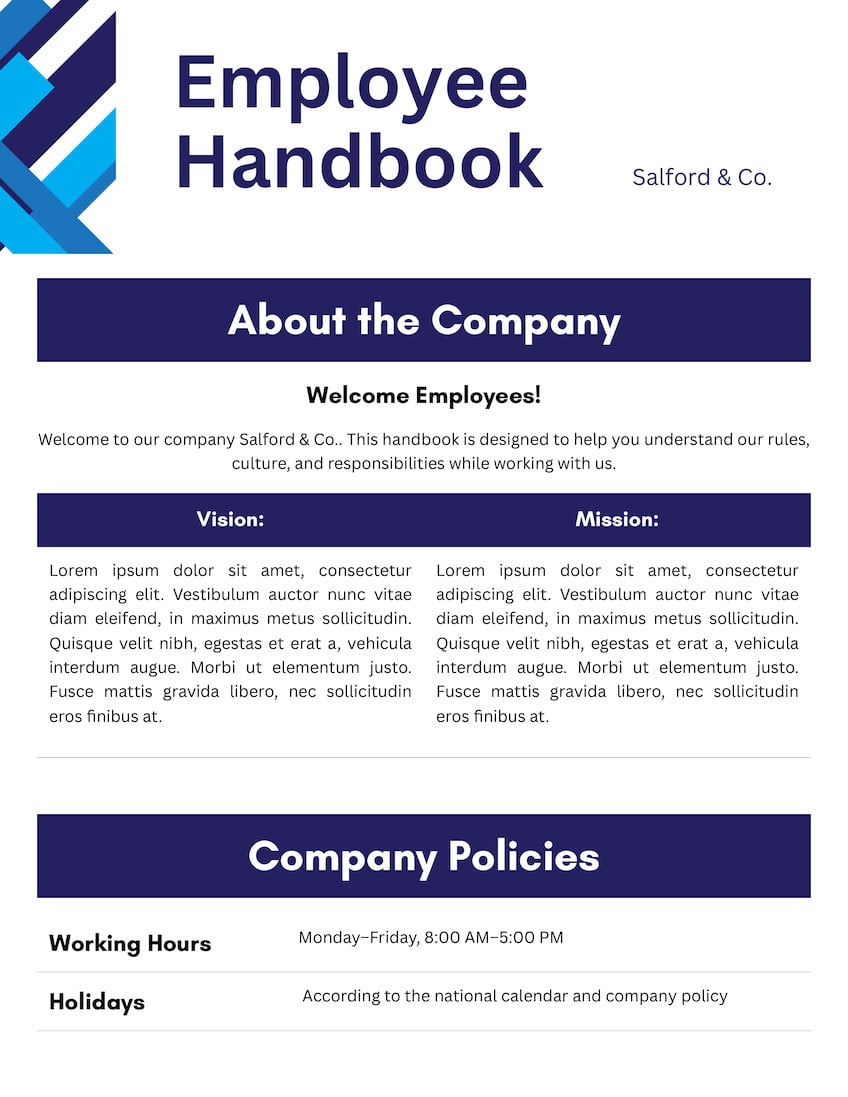
Outline your company’s policies and procedures with the free employee handbook creator on Canva. Customize our free templates and share instantly.

Get started with employee handbook templates

Start of list: templates and elements
Employee Handbook Doc
Yellow Bright Professional Style Employee Handbook Doc
Employee Handbook Doc
Blue White Minimalist Employee Handbook Document
Grey Red Professional Employee Handbook Document
Employee Handbook Doc
Yellow Bright Professional Style Employee Handbook Doc
Employee Handbook Doc
Blue White Minimalist Employee Handbook Document
Grey Red Professional Employee Handbook Document
Employee Handbook Doc
Yellow Bright Professional Style Employee Handbook Doc
Employee Handbook Doc
Blue White Minimalist Employee Handbook Document
Grey Red Professional Employee Handbook Document
End of list: templates and elements

How to create an employee handbook

Start of list

1

Start with Canva

Open Canva, click Docs, then search “employee handbook” in the search bar. Browse our collection of templates and pick one that perfectly matches your needs and preferences.

2

Customize your employee handbook

On Canva Docs, customize each section of the template to communicate your workplace policies. Easily add logos, change fonts, and swap color palettes to reflect your brand identity.

3

Share with ease

Share your visual employee handbook with your team through a Canva design link or embed it in your internal website. You can also download it as a PDF or DOCX file and print copies to hand out.

End of list

Benefits of an employee handbook creator

Go from a blank page to your first draft with AI

Say goodbye to writer’s block and get started with a ready-to-polish draft using Magic Write, powered by OpenAI. Simply enter a prompt with details like your company name, location, values, and key policies, and watch it craft an employee handbook that outlines sections such as code of conduct, benefits, and time-off rules in seconds. Then, refine each section, ask Magic Write to “make this clearer” or “shorten for new hires,” and adjust the tone so it matches your company’s brand voice.

Turn your employee handbook into a visual doc

On Canva Docs, it’s easy to turn your employee handbook into a visual doc that holds your readers’ attention. With our drag-and-drop editor and curated media library, effortlessly add graphics, icons, photos, and illustrations to explain complex policies, so every team member understands them at a glance. Use design blocks to insert custom timelines, process diagrams, or org charts without leaving the doc. Then, add banners to mark each major section, like “Welcome,” “Workplace expectations,” or “Health and safety,” so employees can quickly find what they need.

Keep your employee handbook organized and updated

An employee handbook only works if people can find and understand the latest version. Canva Docs allow you to keep one living, central handbook instead of scattered PDFs. When you update a policy, edit it once and share the same link with your team, instead of re-sending attachments. Tag HR, managers, or legal in comments to review tricky changes, and use text highlighting to flag what’s new or needs attention. It feels less like admin work and more like a shared workspace you all can easily navigate.

Frequently Asked Questions

  • An employee handbook is a living document that explains how your workplace runs and what new hires can expect from day one. It usually covers your company values and culture, code of conduct, working hours, leave and benefits, performance and pay processes, health and safety, remote work rules, and what happens when policies are broken. A clear employee handbook reduces confusion, protects your business, and gives every teammate a single, trusted source of truth.

  • AI can absolutely help you write an employee handbook, but it works best as your co‑writer, not your replacement. Using our employee handbook creator, you can access Magic Write to turn a simple prompt into clear sections for policies, benefits, conduct, and more. If you’re unsure how to create an employee handbook, it gives you a structured first draft in seconds, ready for you to refine. Just make sure to review the AI‑generated text with an HR or legal specialist before publishing.

  • Create an online employee handbook with our free employee handbook maker, so everyone in your company is on the same page. Select a pre-made template from our library and use AI-powered tools to draft policies and make the document visually engaging. Invite HR, leaders, and legal with one click to edit or comment in real time, then finalize your handbook as a living source of truth. All of your work is automatically saved to the cloud, so it’s easy to maintain and always updated to the latest version.

  • To implement an employee handbook that actually gets used, follow the steps below:

    • Finalize your document with legal review
    • Launch it with clear communication
    • Provide digital copies to employees
    • Establish a process for regular, legally compliant updates. 


    With our employee handbook generator, you have the option to disseminate your document by sharing via link, downloading as a PDF file, or turning it into a website that people can easily search and access from any device.