Free online maze generator
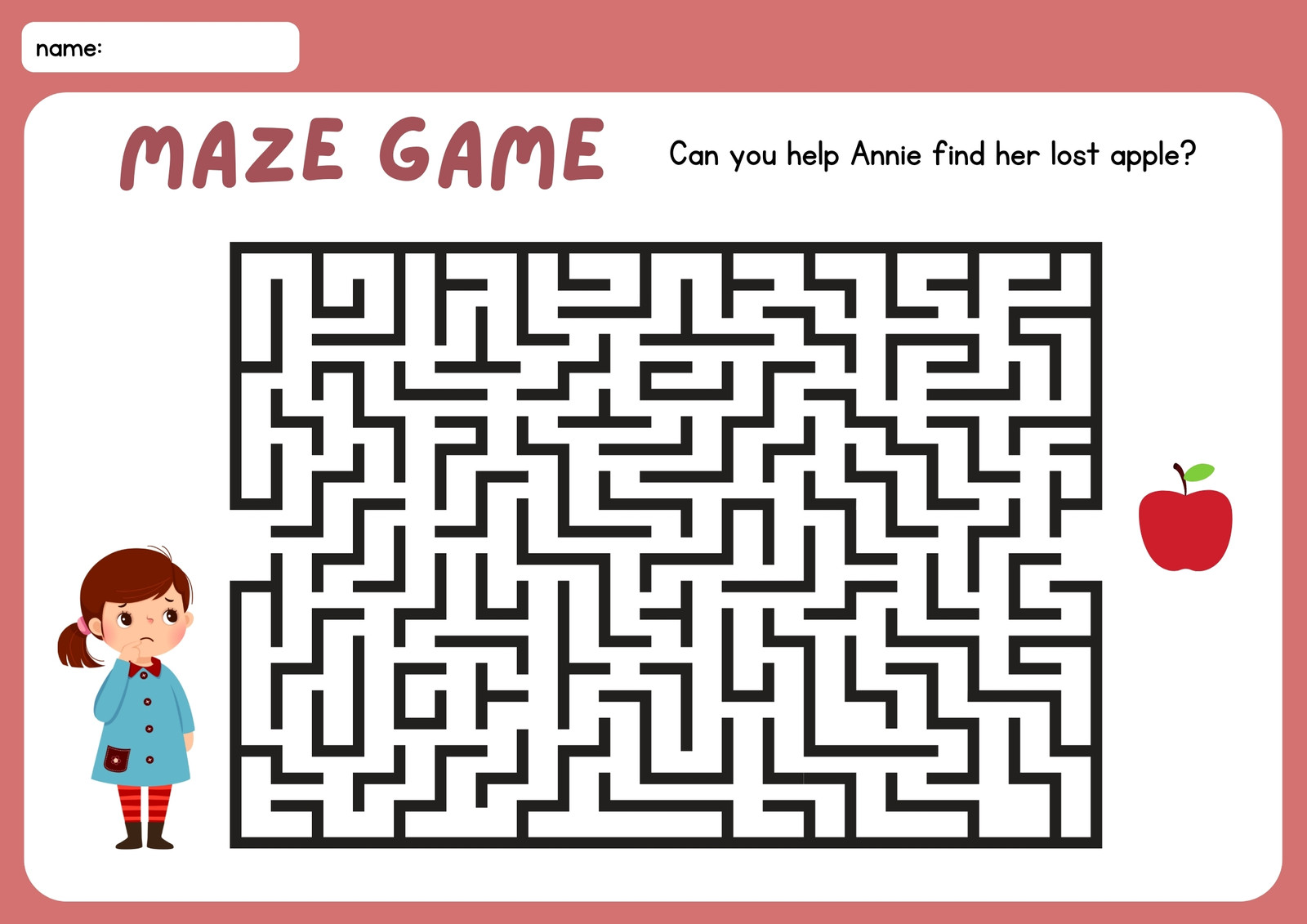

Easy drag-and-drop editor

1M+ professionally-designed templates

Generate content and media with AI

Download or share designs easily
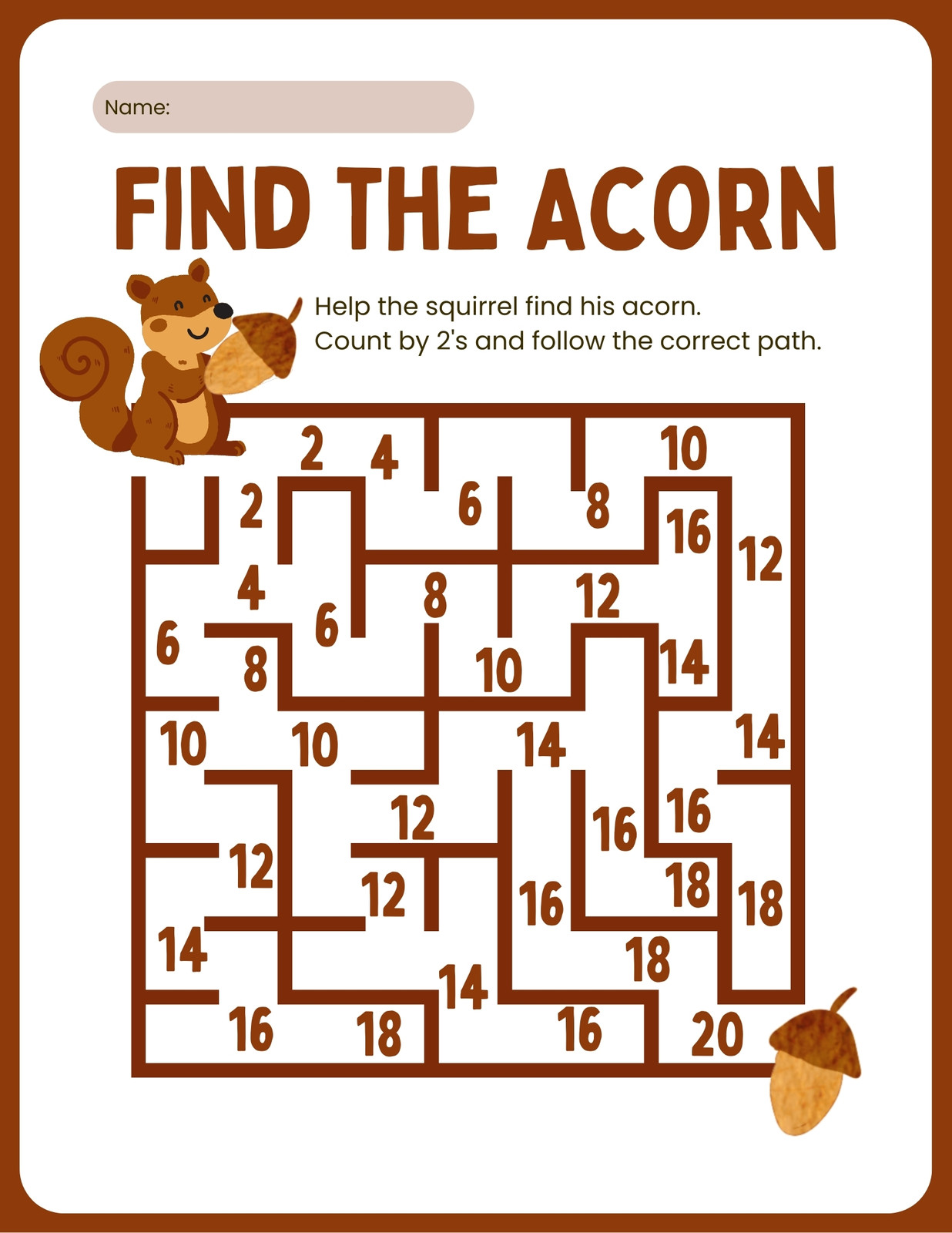
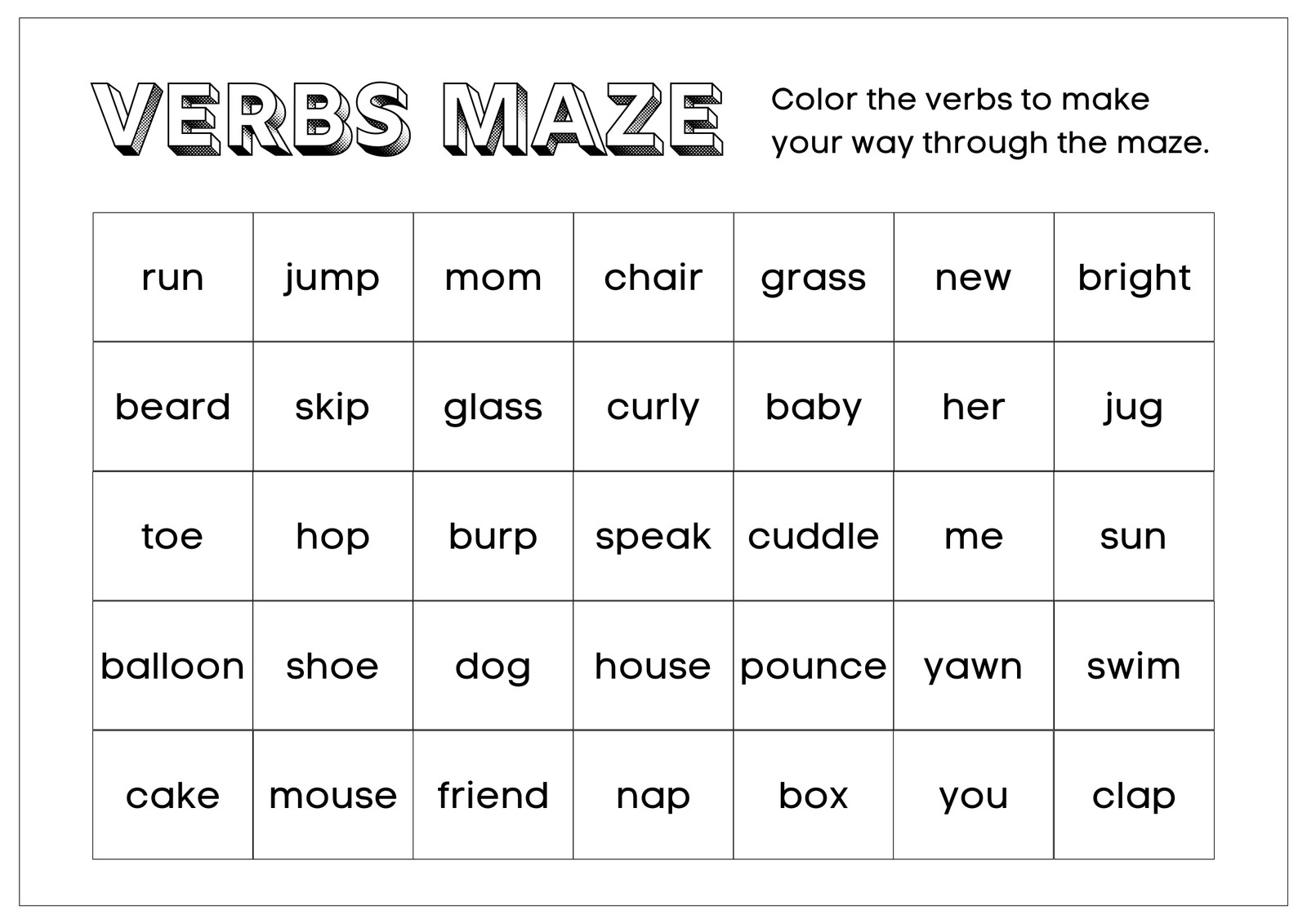
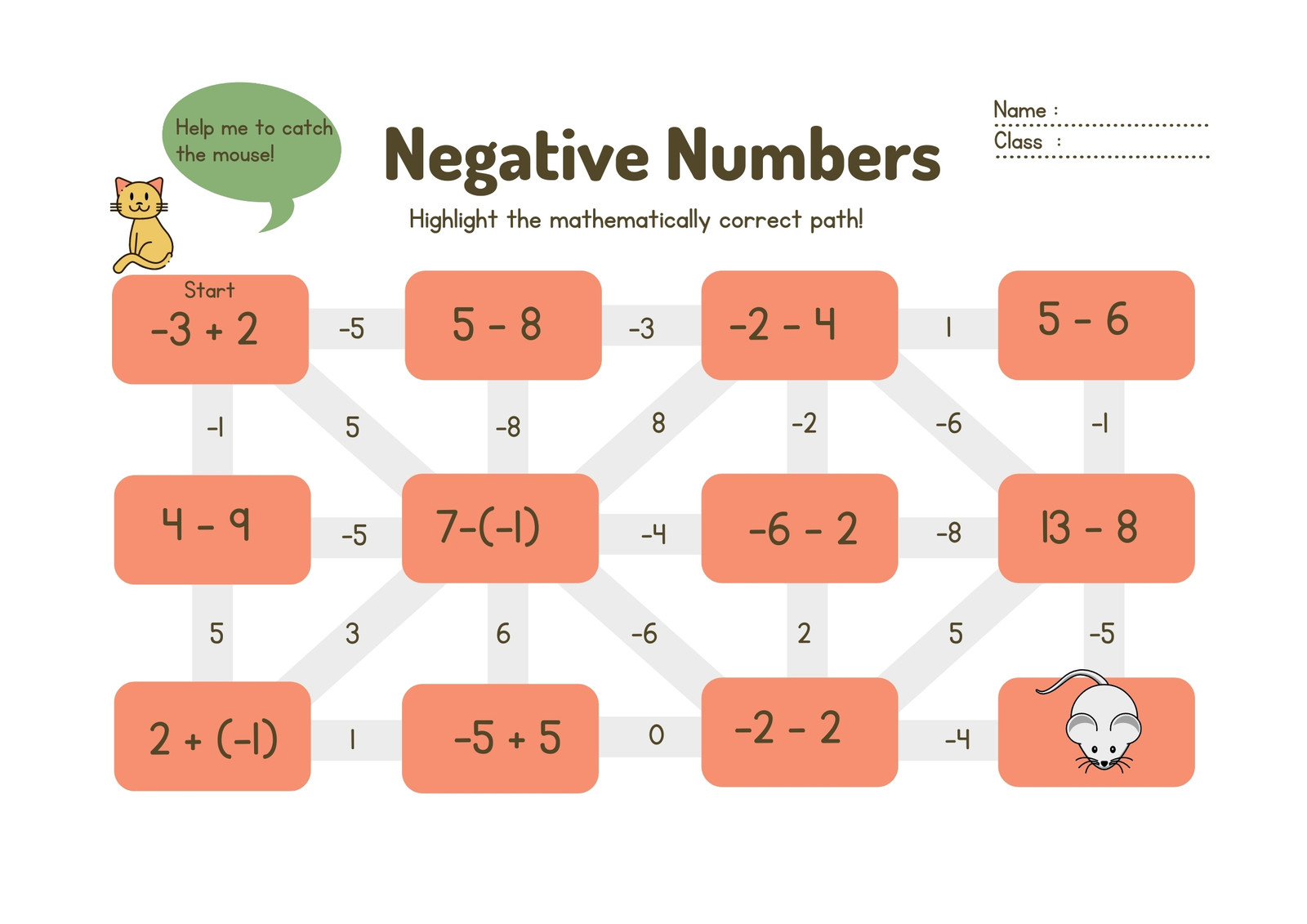
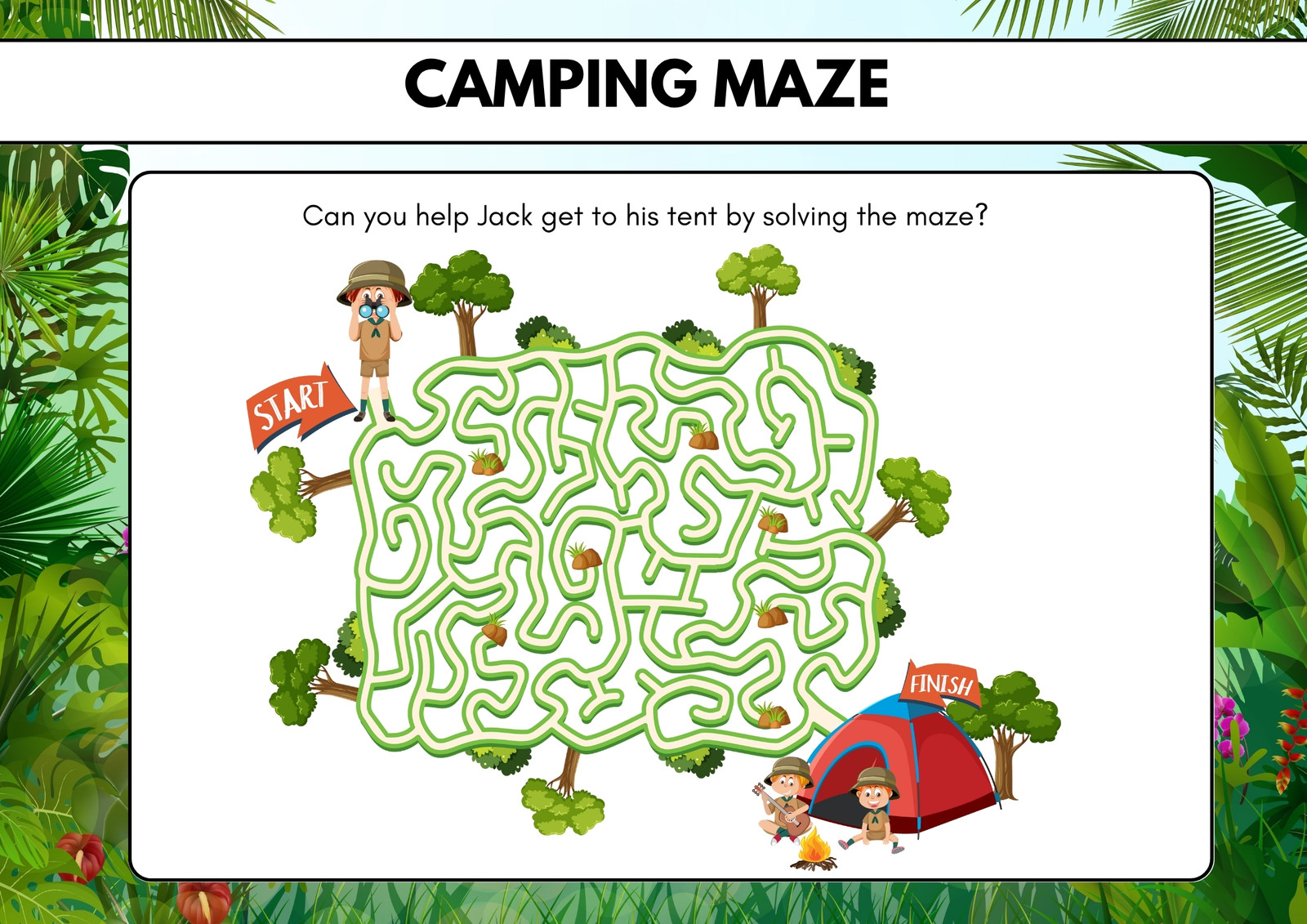
Find the right path to creating fun mazes for kids or classes with Canva's free maze generator. Use our customizable templates and AI-powered editor.
Get started with maze templates
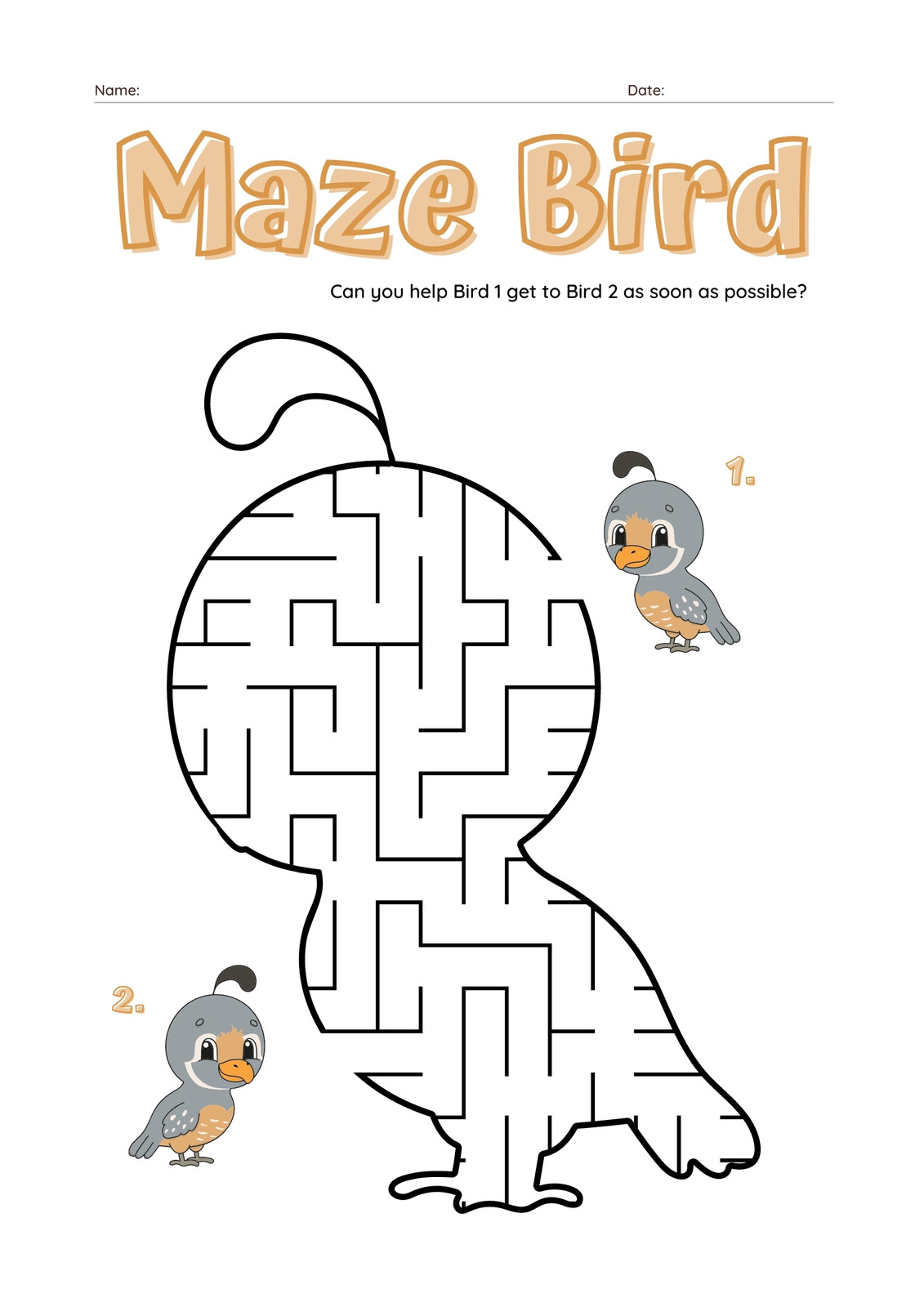
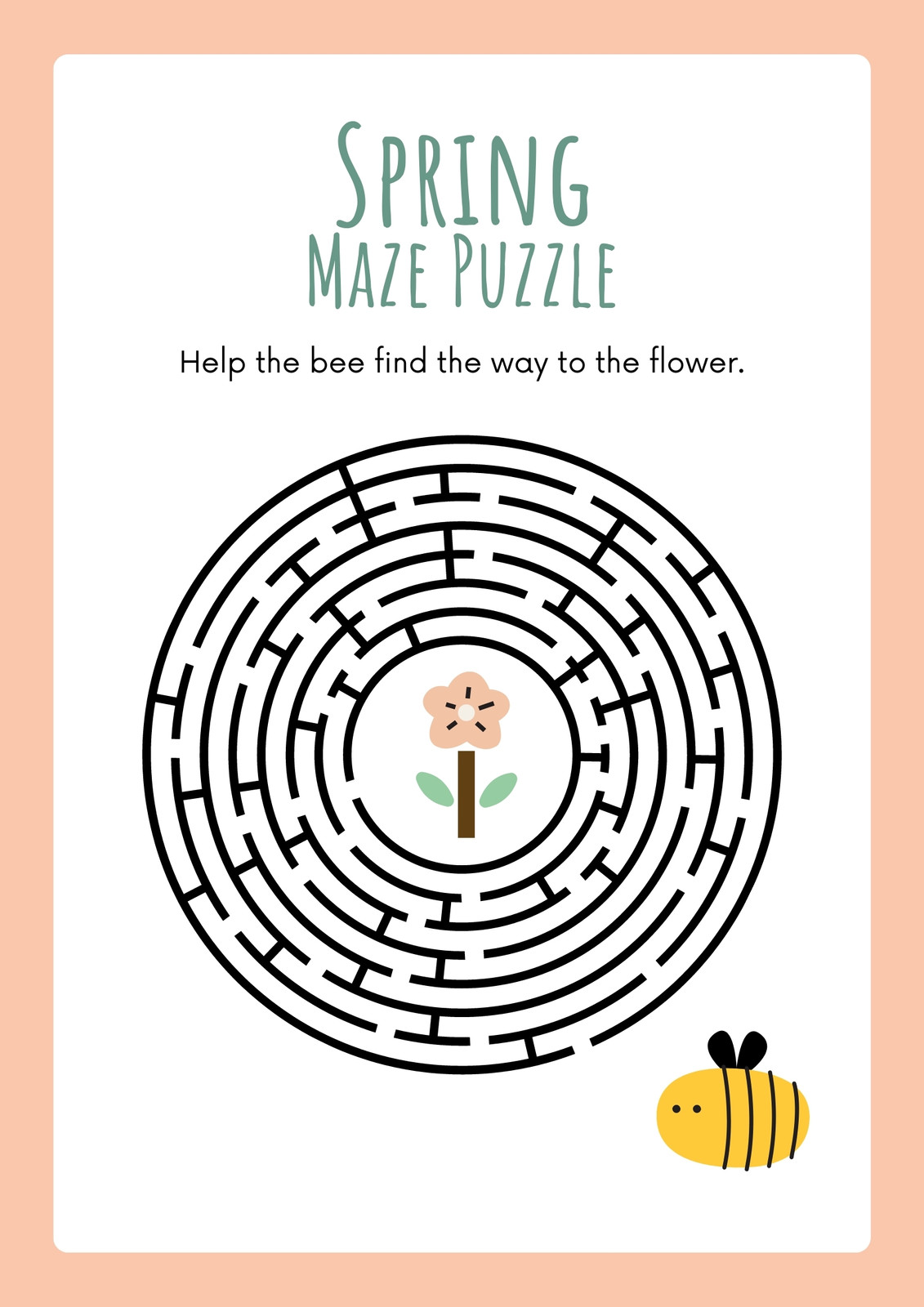
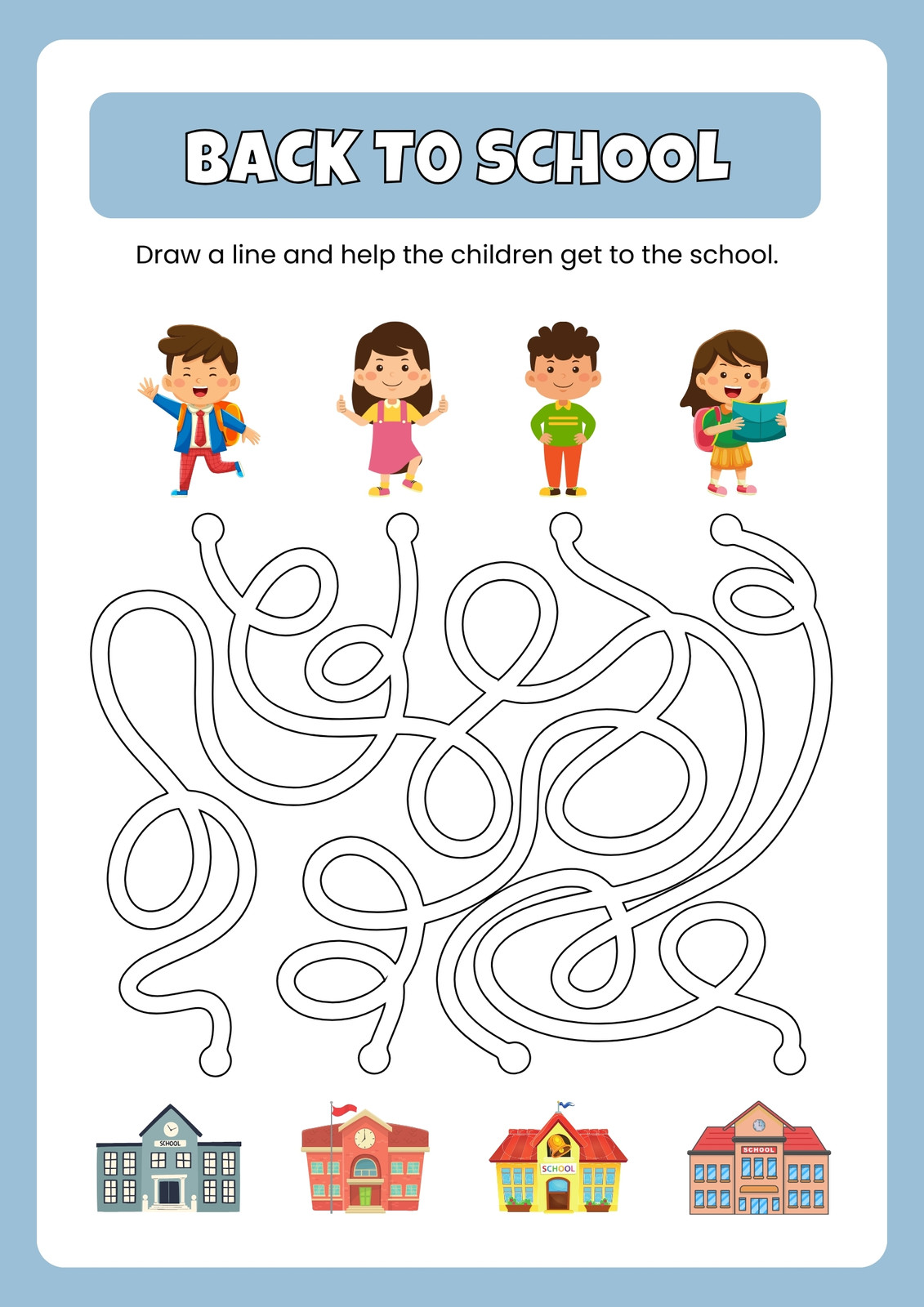
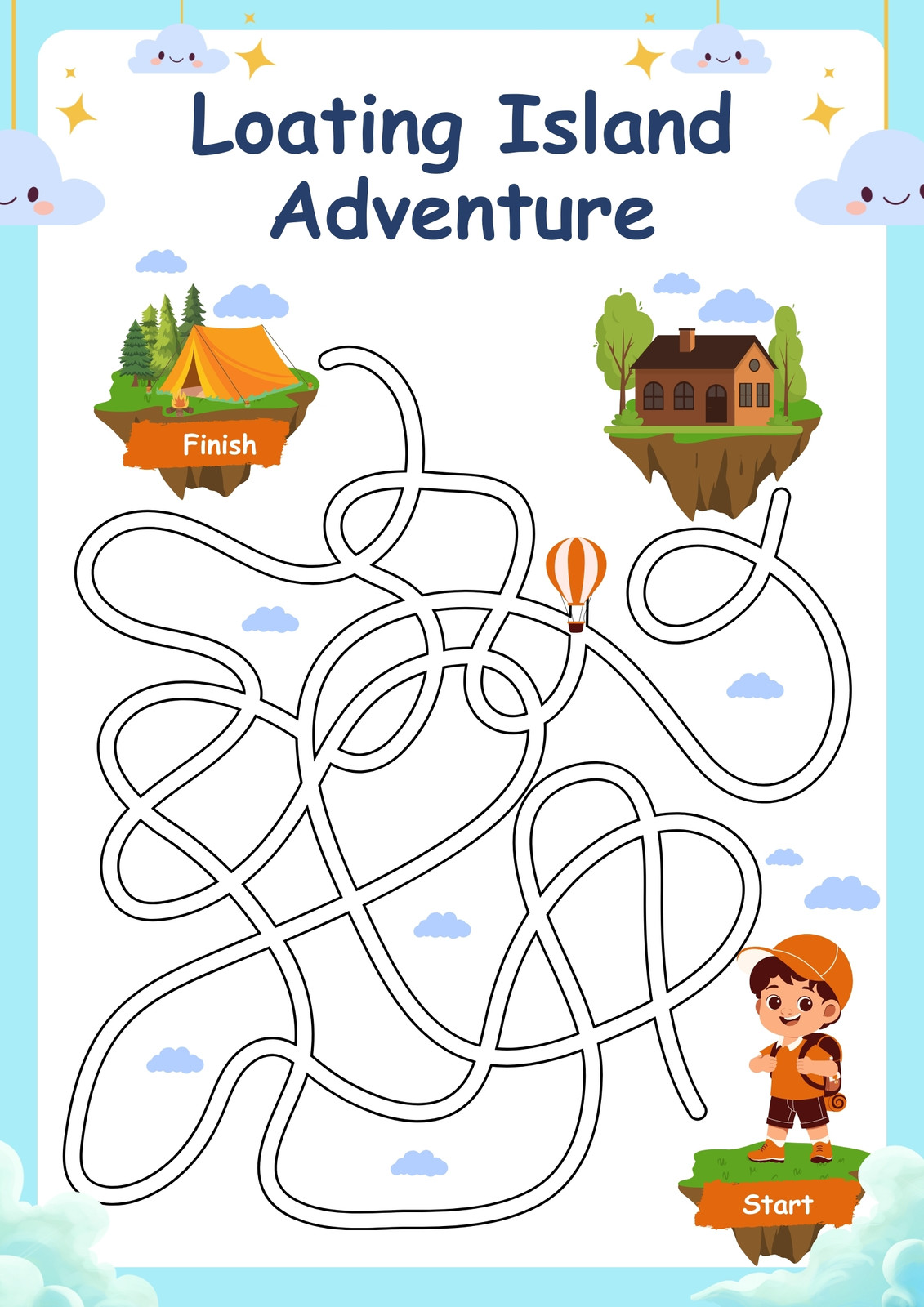

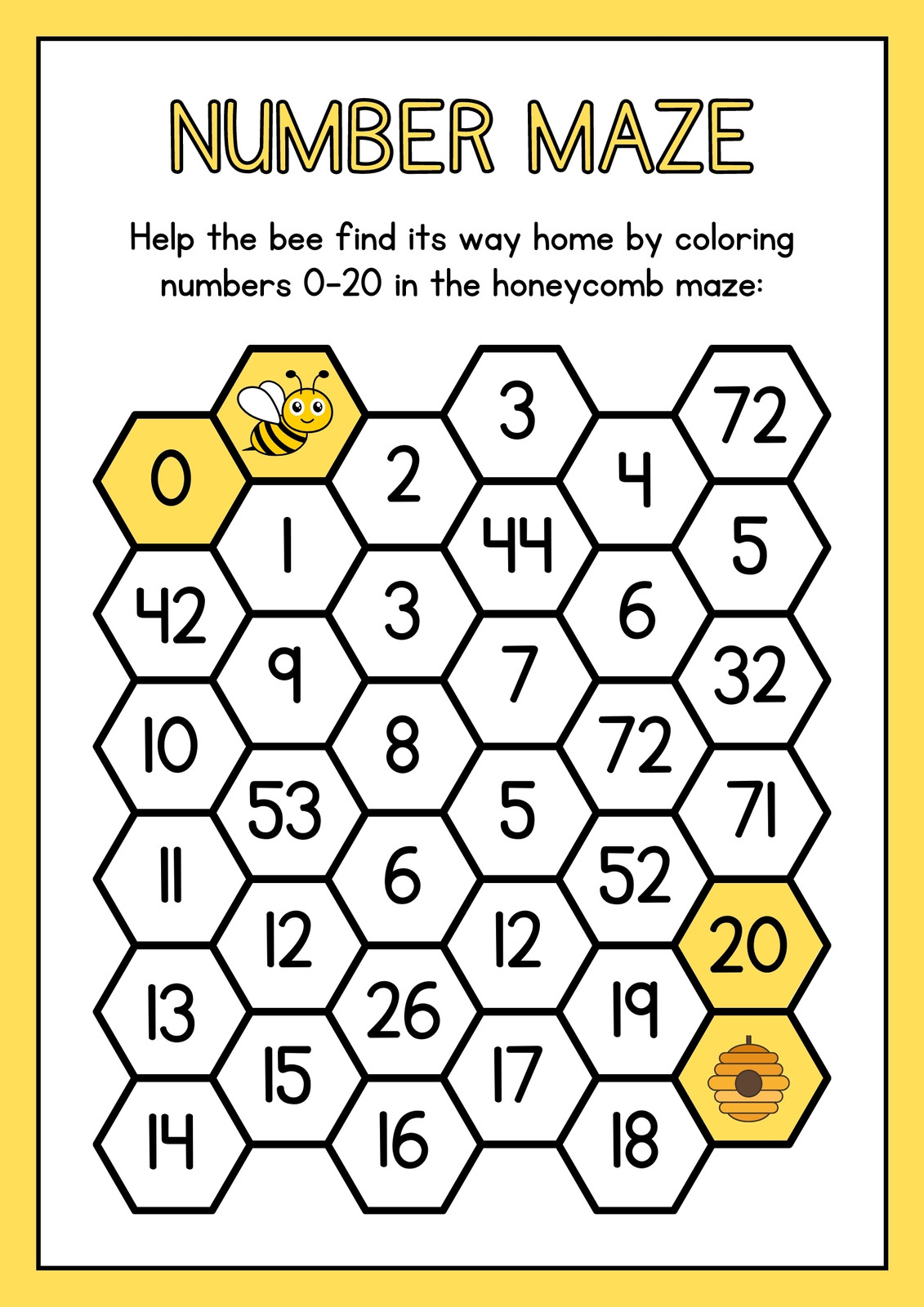
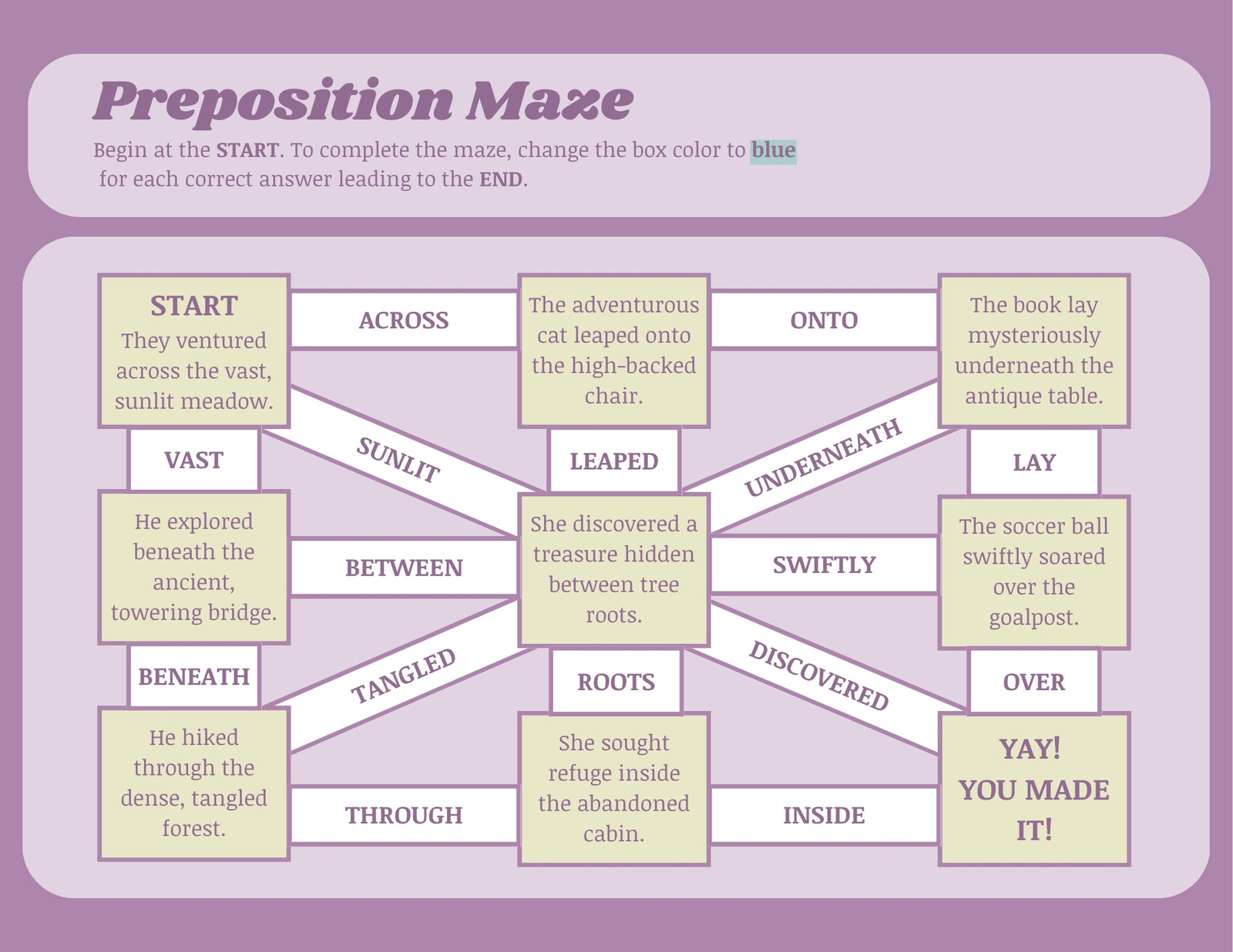
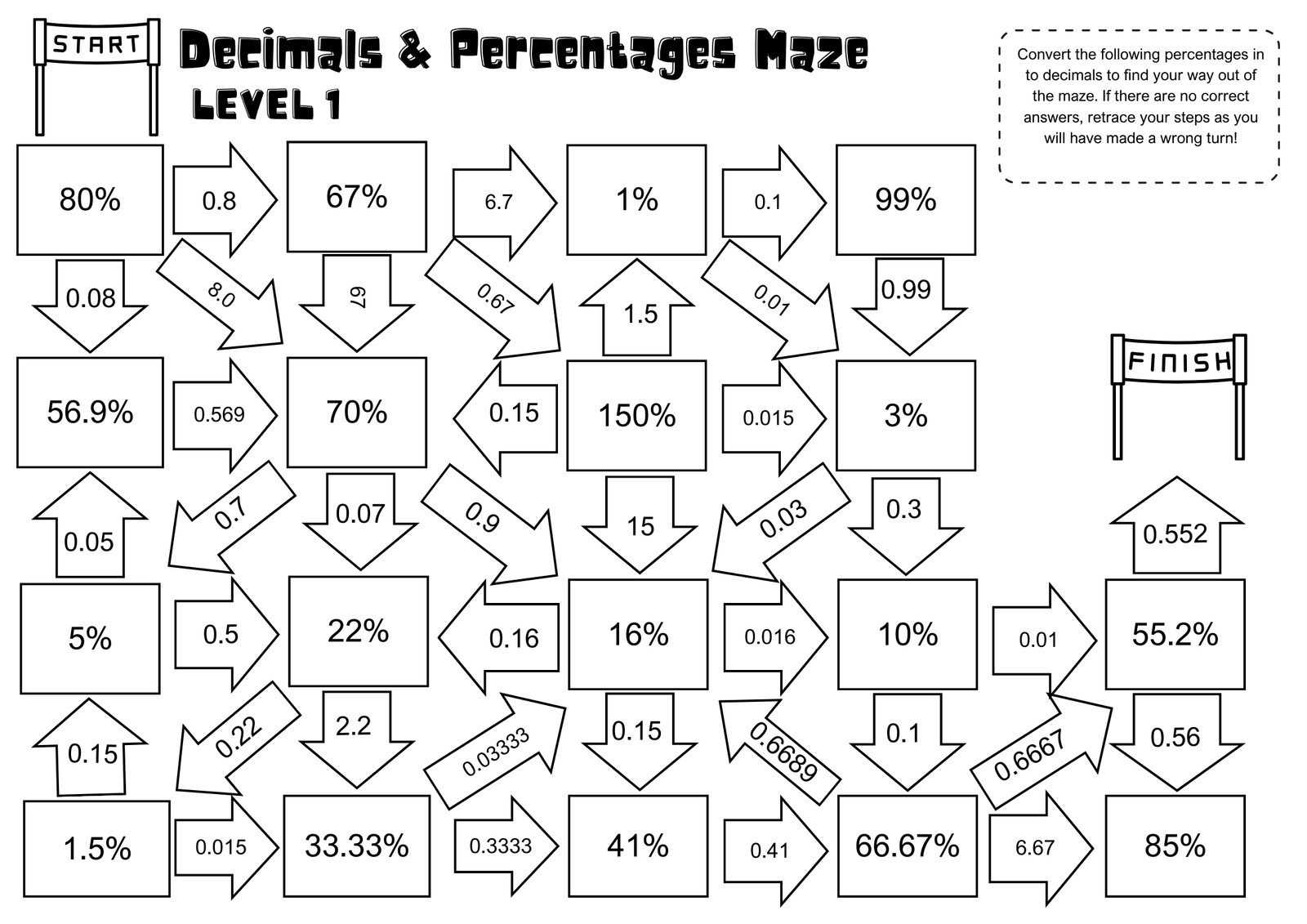

How to make a maze
1
Start with Canva
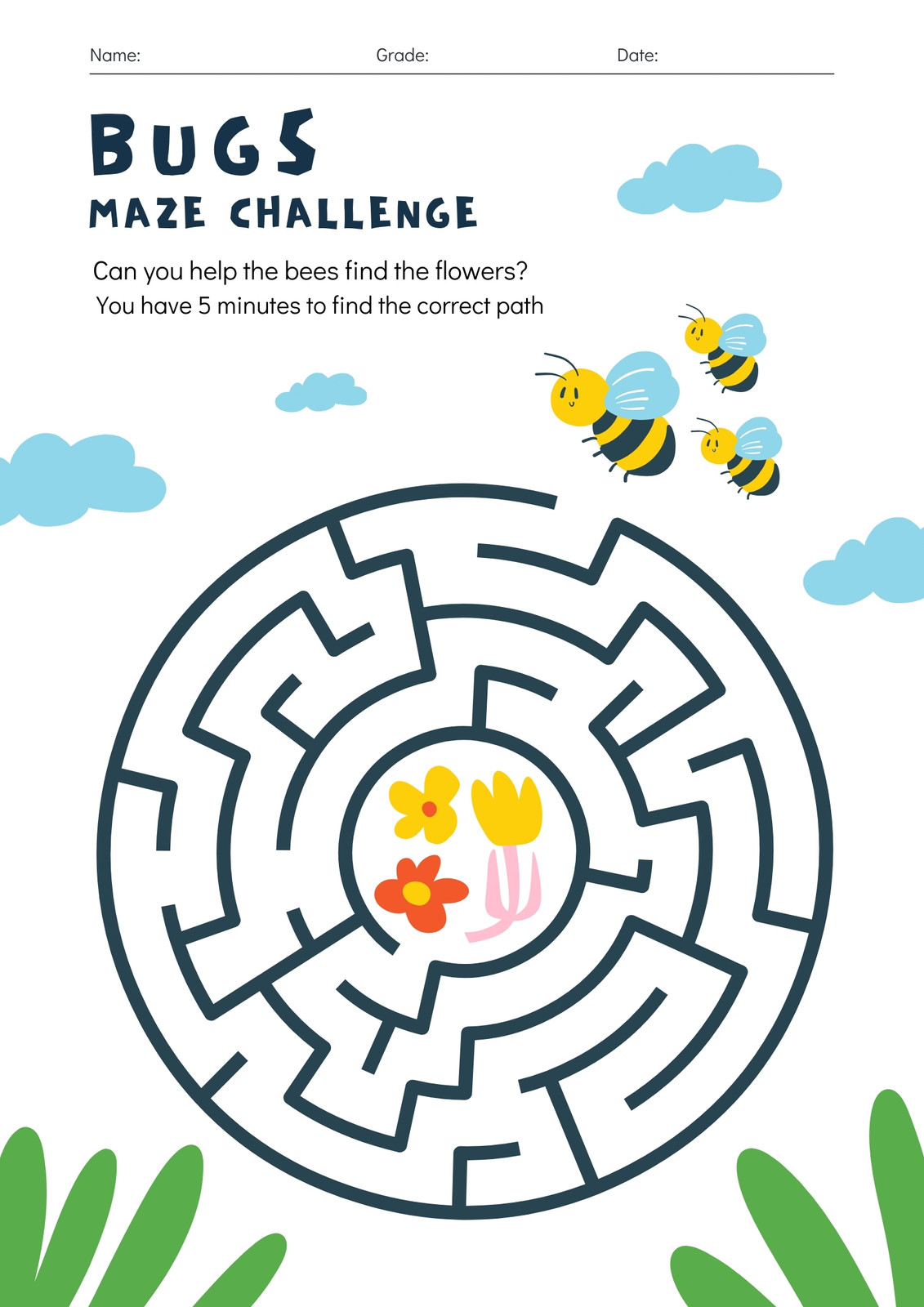
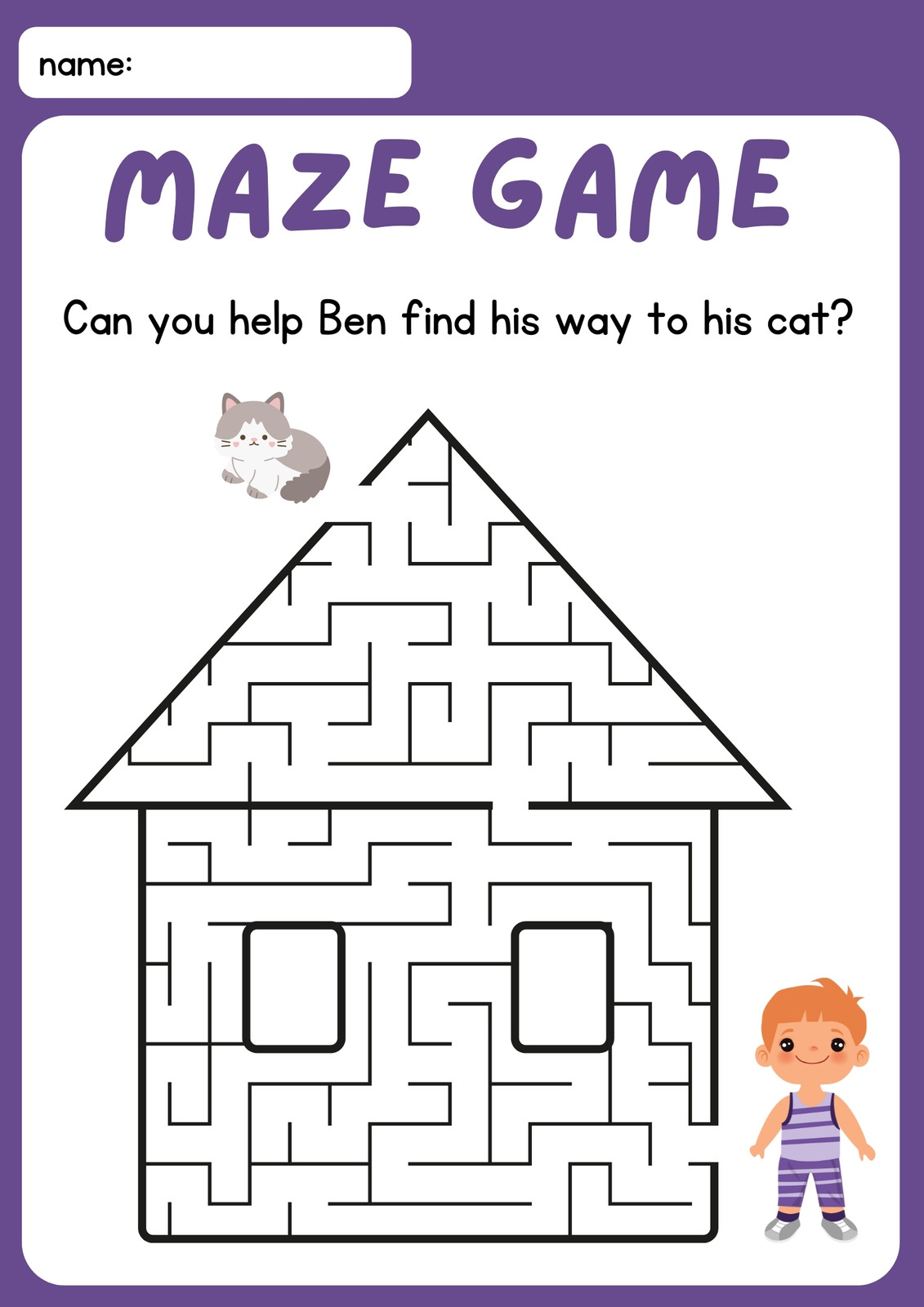
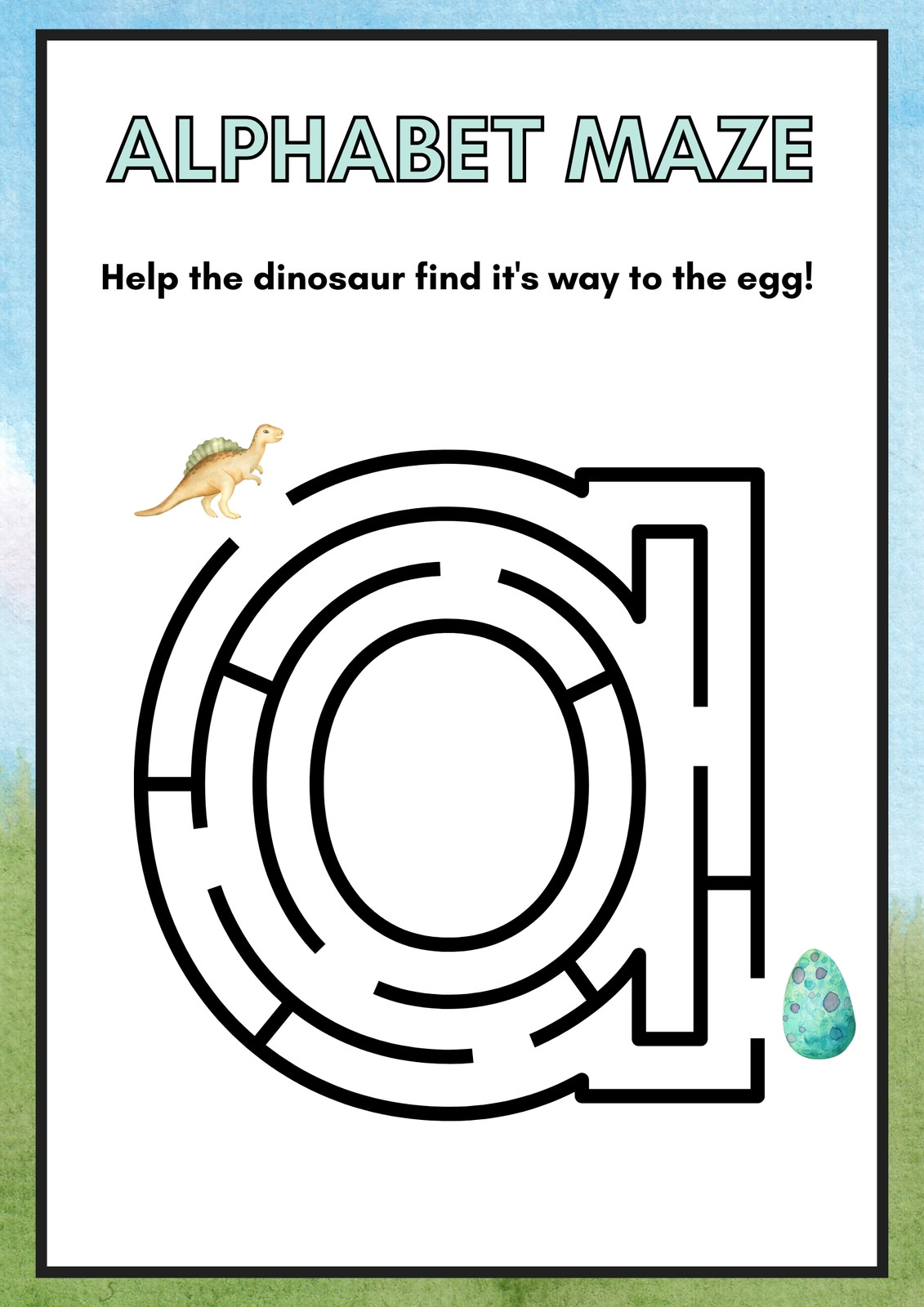
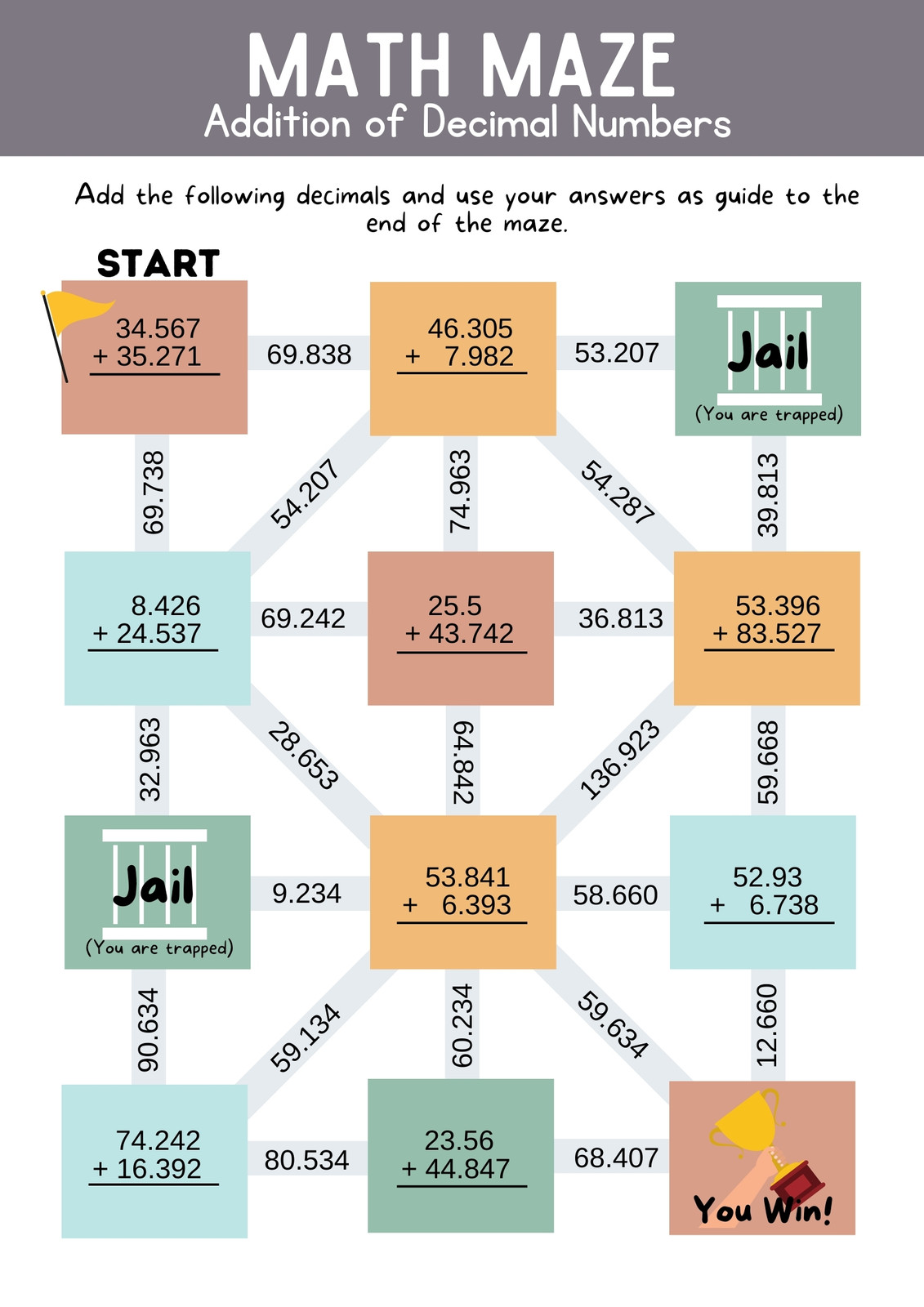
Open Canva and search "maze" to start building classroom-ready puzzles using our free templates. Choose from simple or complex designs, then customize the theme and colors.
2
Customize your maze
Design difficulty levels to fit your students' age, then adjust the layout and style. Create custom paths using shapes, graphics, or icons, or use Draw or maze creator apps in our library.
3
Share with ease
Share custom mazes in many ways with your class or colleagues. Download your design in PDF or other file formats, or easily print it. You can also upload to your LMS or share a design link.