Presentations to engage and inspire
Design and deliver slides that are anything but boring, with Canva.
Reimagine presentations with cinematic visuals that captivate audiences. Collaborate smarter, visualize data beautifully, and present with confidence.
Smart slides in seconds, powered by AI
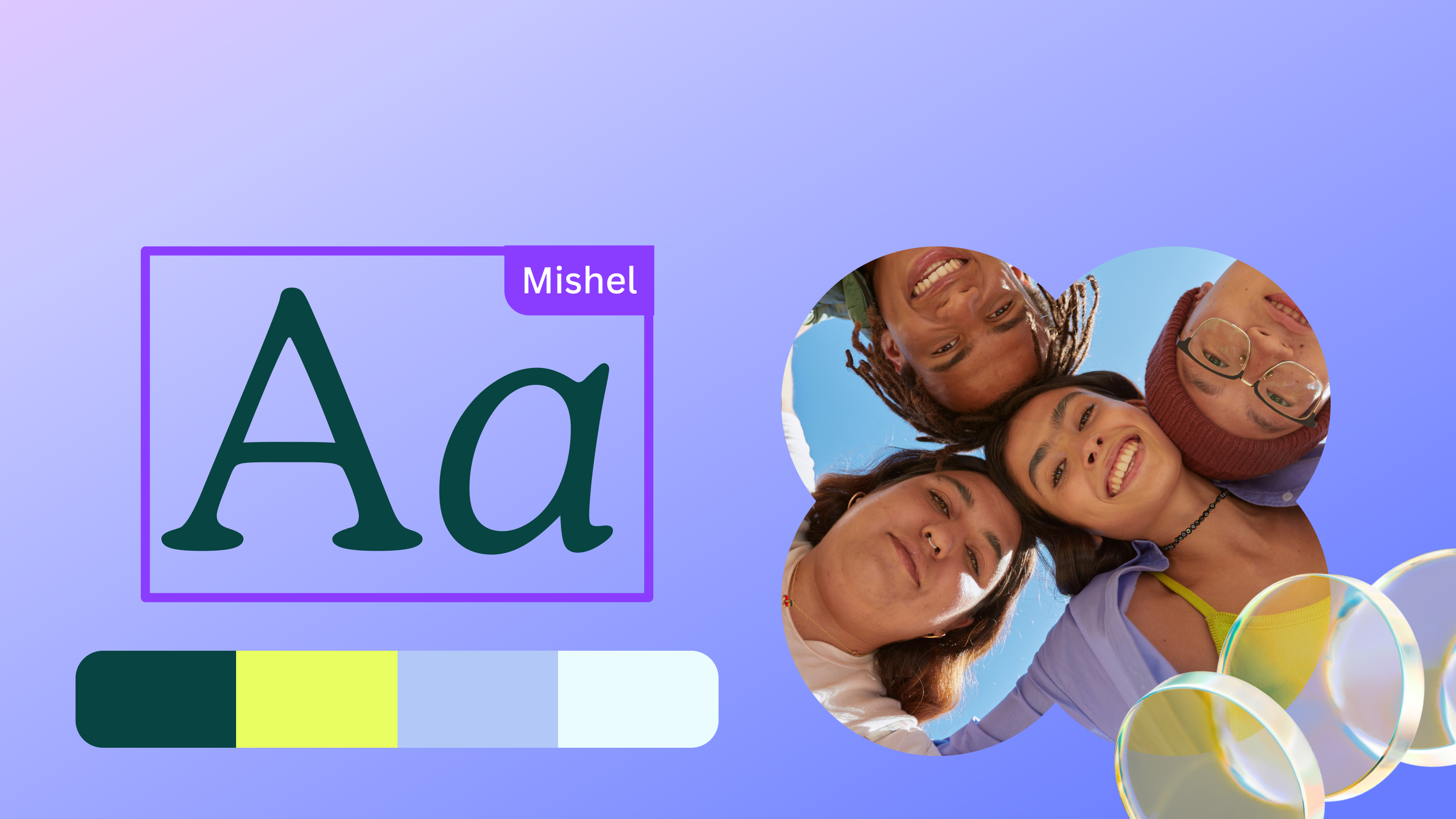
Start with a trending template


Create and collaborate seamlessly

Edit and present on the go
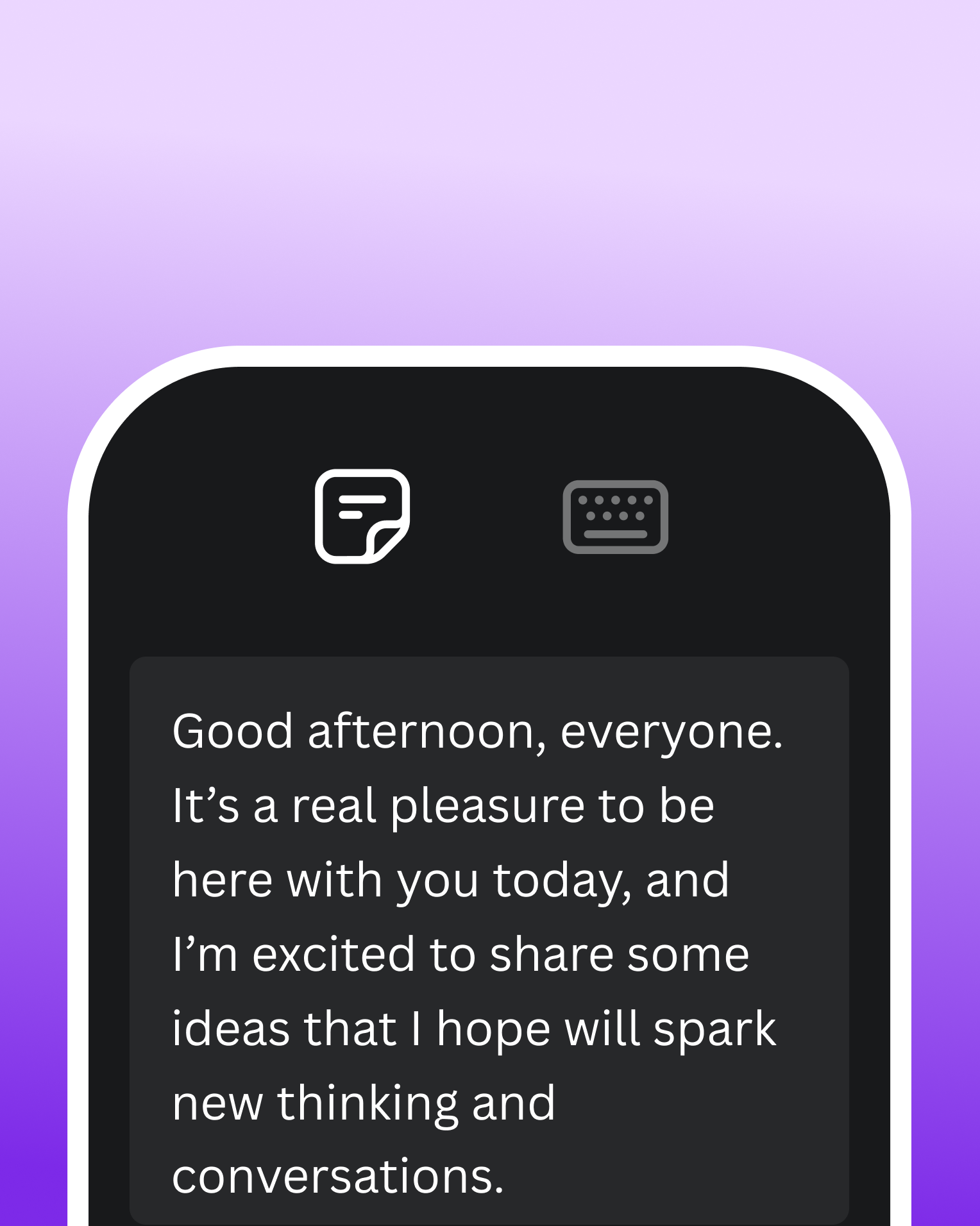
Edit slides and present from anywhere in the world, on any browser or mobile device.
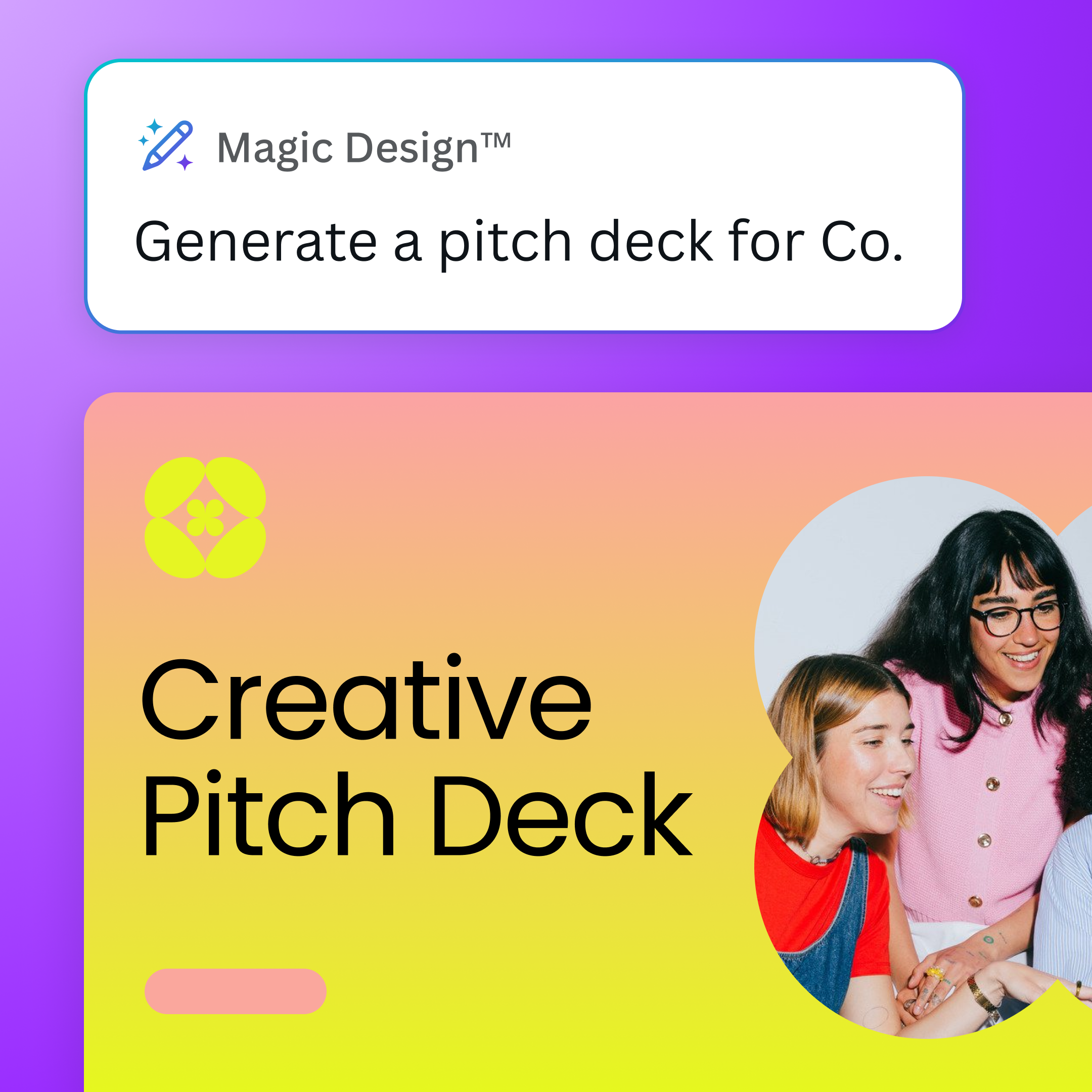
Build impactful decks in less time
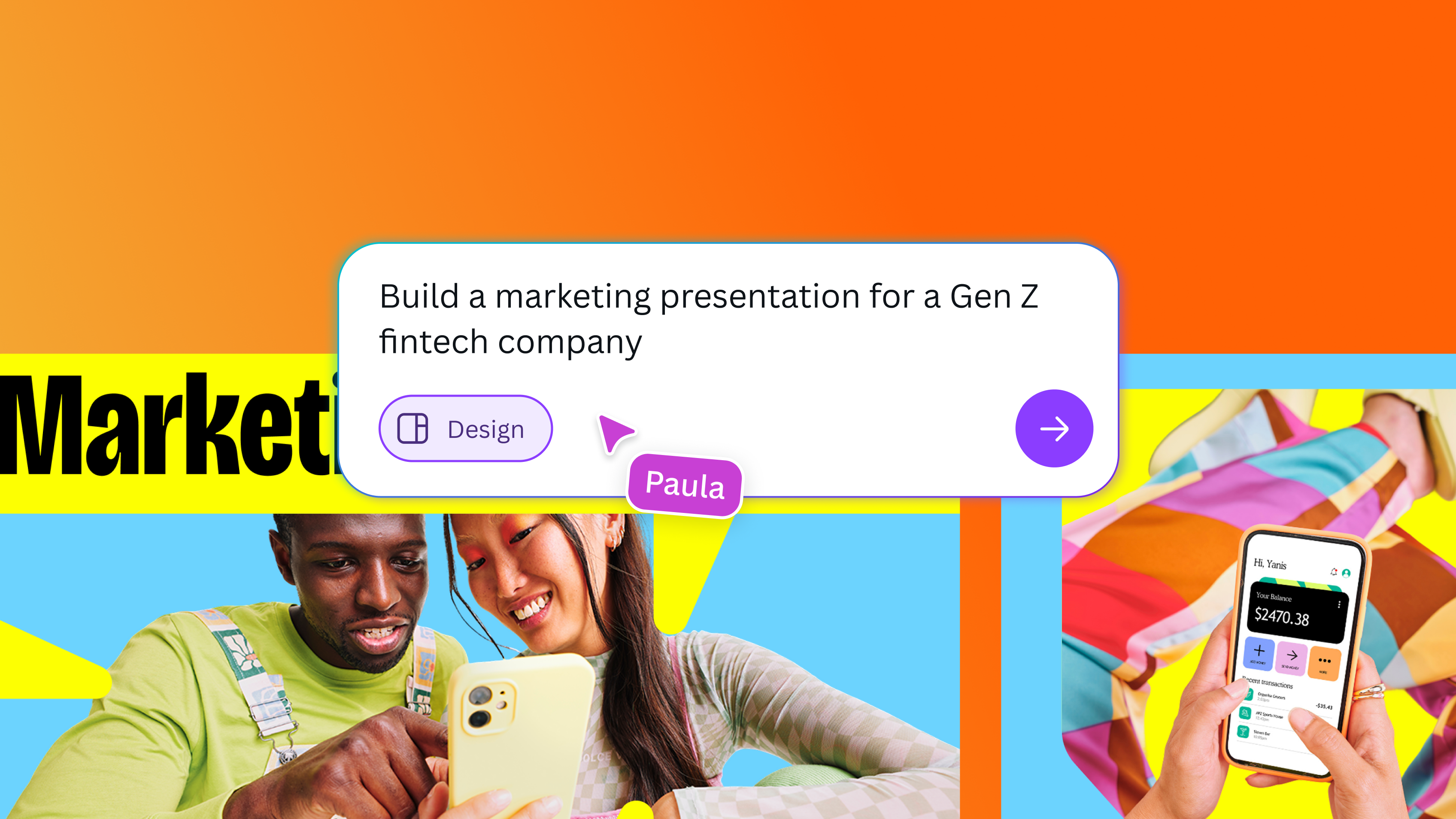
Turn a prompt into a personalized, ready-to-edit deck with Canva AI’s Guided Presentations.
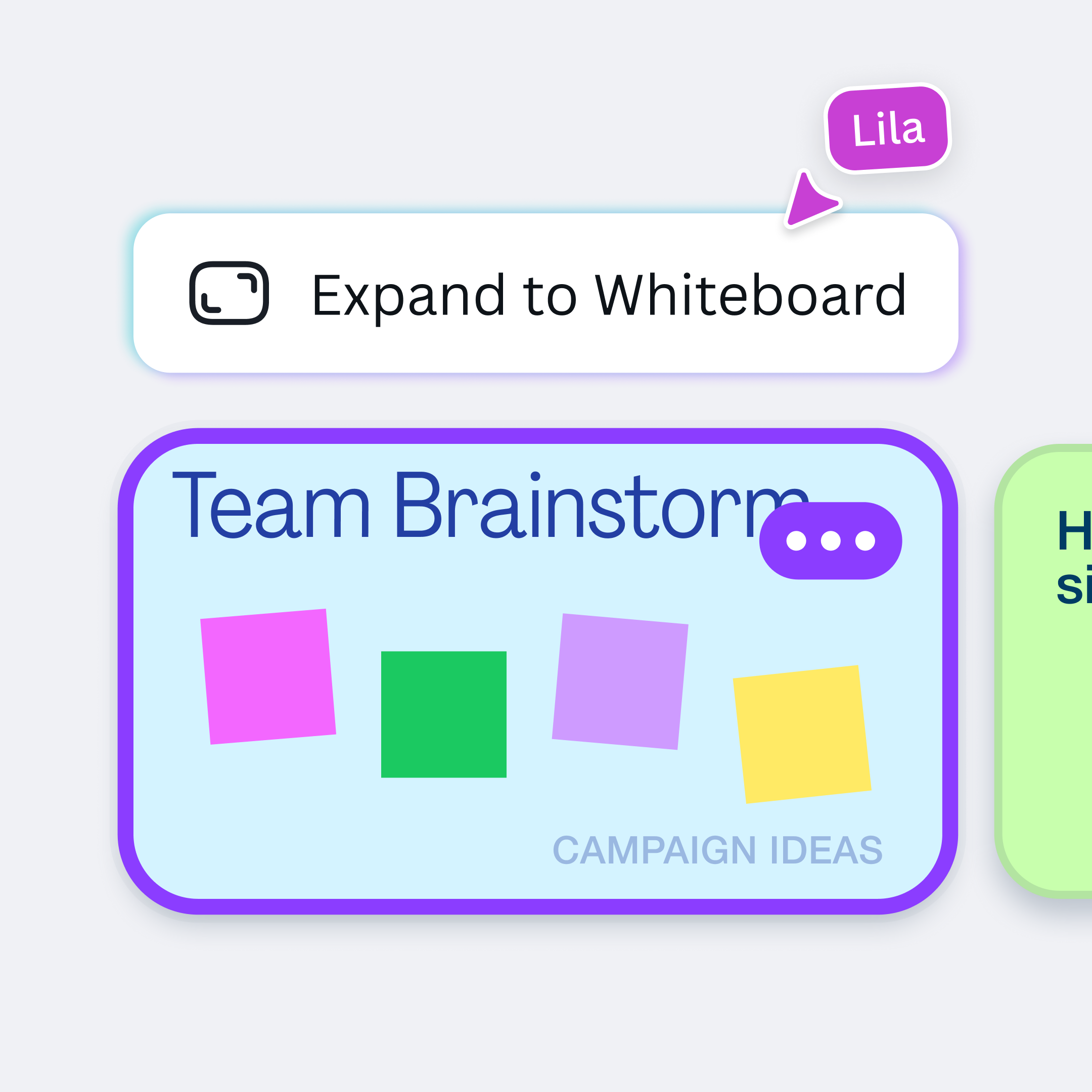
Workshop your ideas
Expand a presentation slide into an infinite whiteboard and bring together your best ideas.
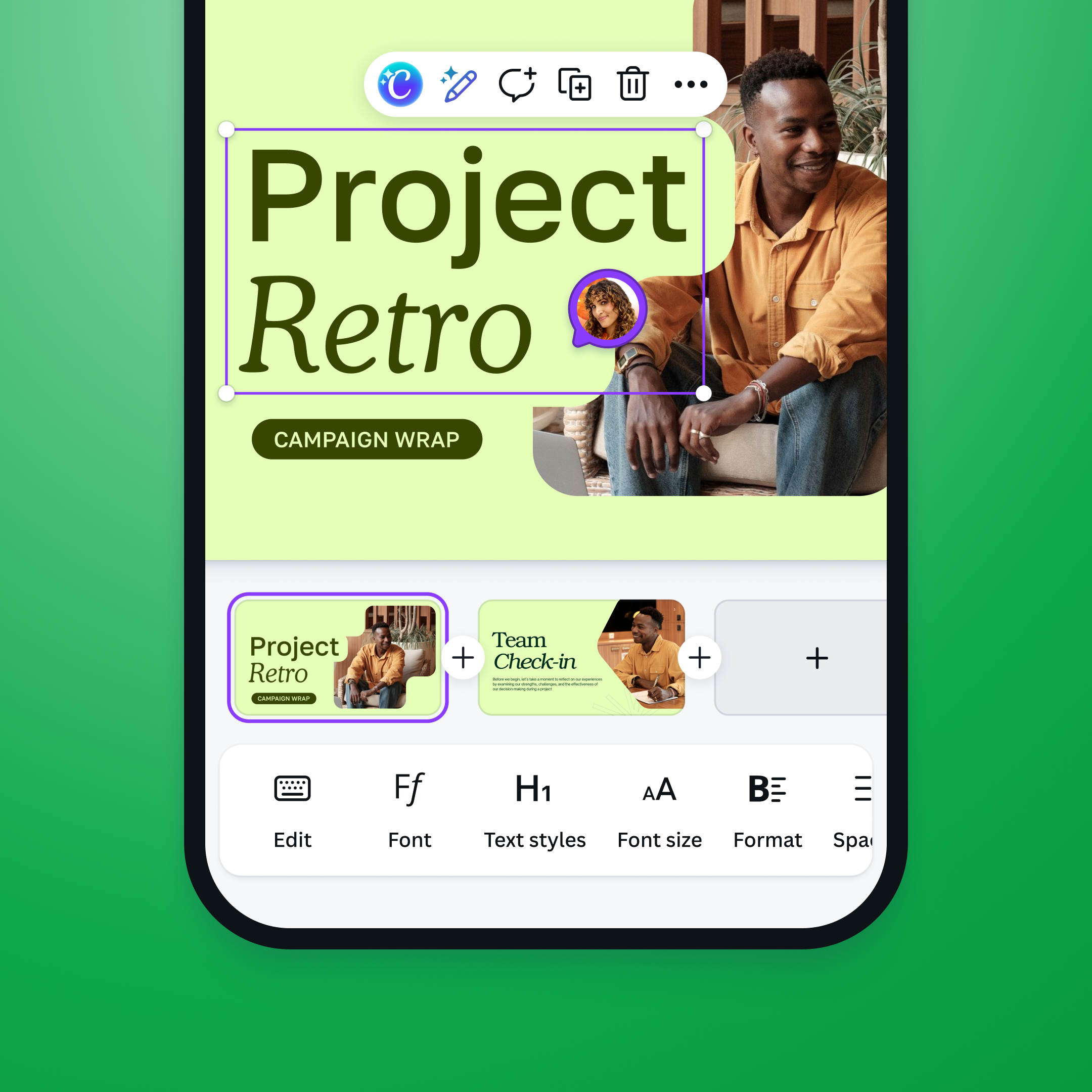
Collaborate from anywhere
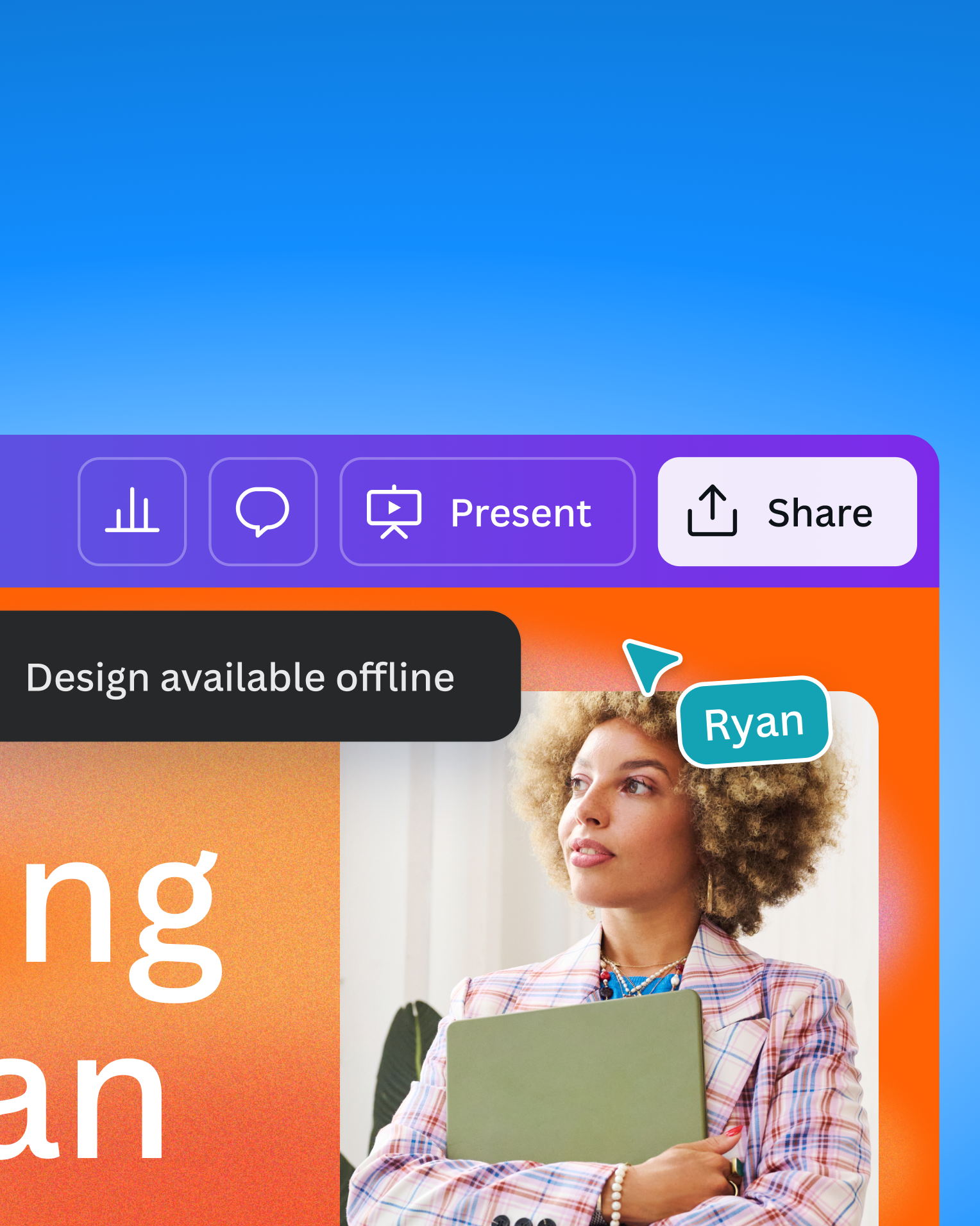
Bring your team together with comments, assigned tasks, and real-time editing.
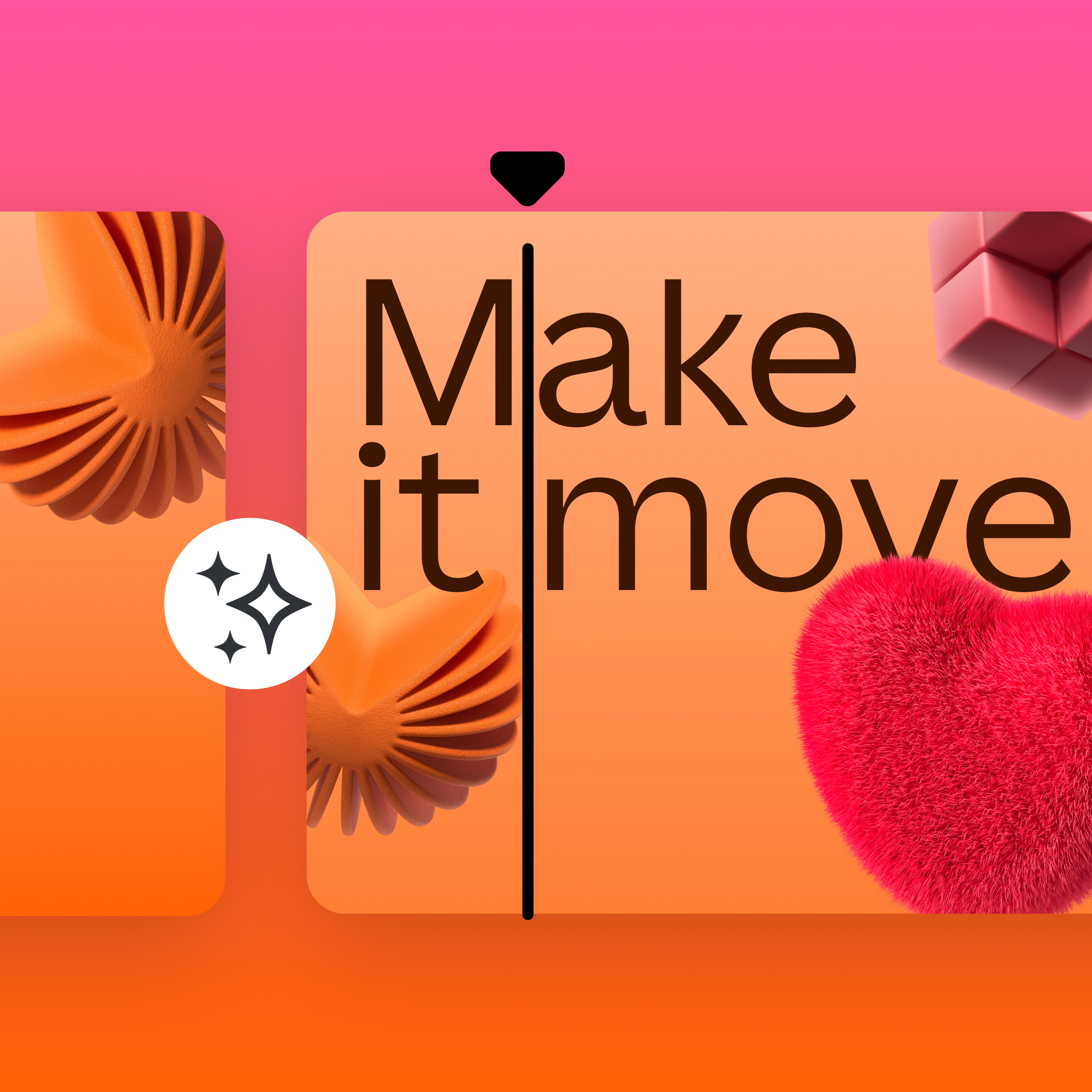
Captivate with cinematic effects
Add smooth transitions, apply animations, and animate presentations in one click.
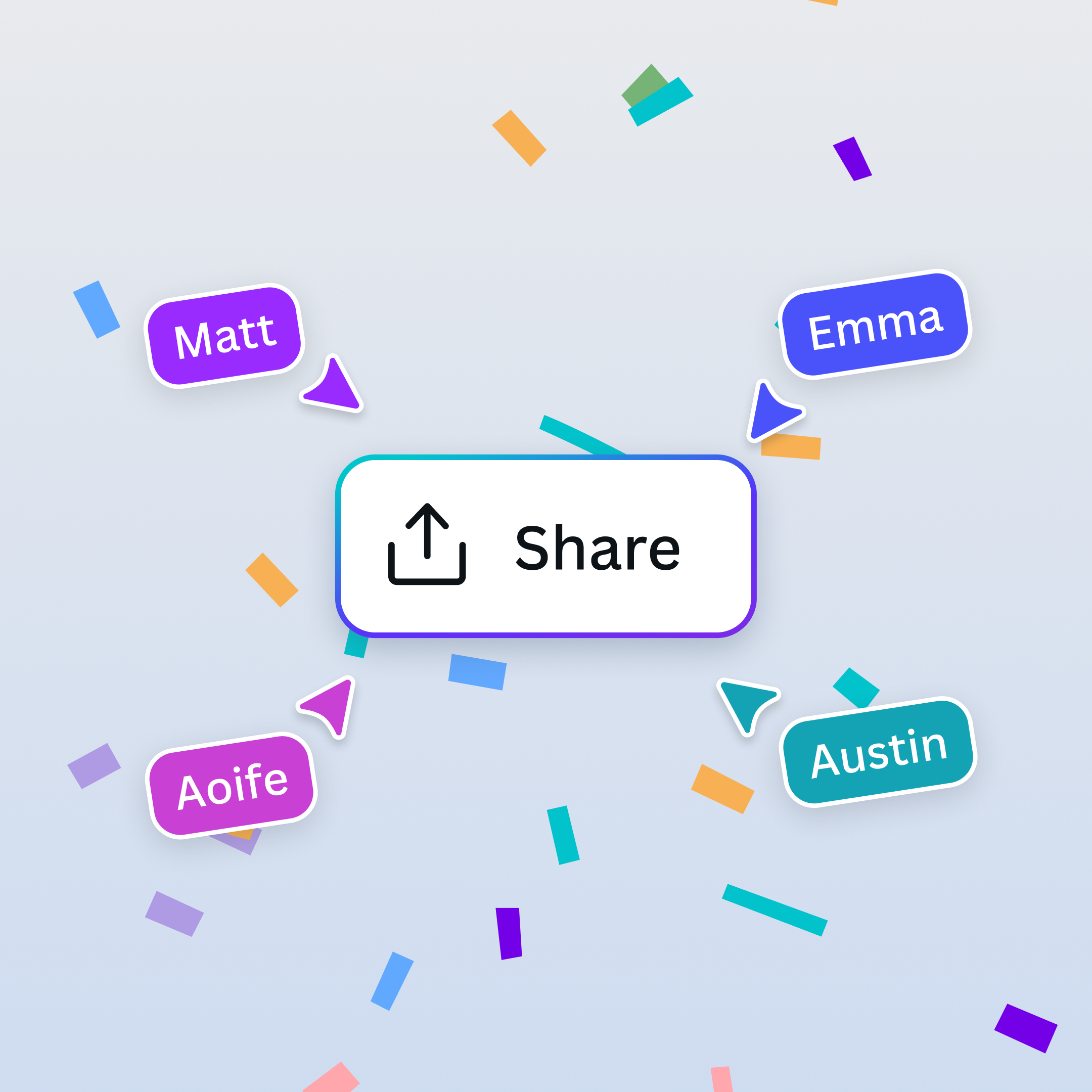
Share with pride
Export your slides as a PowerPoint presentation, PDF, video slideshow, or Canva website.
Edit and present on the go
Edit slides and present from anywhere in the world, on any browser or mobile device.
Build impactful decks in less time
Turn a prompt into a personalized, ready-to-edit deck with Canva AI’s Guided Presentations.
Workshop your ideas
Expand a presentation slide into an infinite whiteboard and bring together your best ideas.
Collaborate from anywhere
Bring your team together with comments, assigned tasks, and real-time editing.
Captivate with cinematic effects
Add smooth transitions, apply animations, and animate presentations in one click.
Share with pride
Export your slides as a PowerPoint presentation, PDF, video slideshow, or Canva website.
Edit and present on the go
Edit slides and present from anywhere in the world, on any browser or mobile device.
Build impactful decks in less time
Turn a prompt into a personalized, ready-to-edit deck with Canva AI’s Guided Presentations.
Workshop your ideas
Expand a presentation slide into an infinite whiteboard and bring together your best ideas.
Collaborate from anywhere
Bring your team together with comments, assigned tasks, and real-time editing.
Captivate with cinematic effects
Add smooth transitions, apply animations, and animate presentations in one click.
Share with pride
Export your slides as a PowerPoint presentation, PDF, video slideshow, or Canva website.
Edit and present on the go
Edit slides and present from anywhere in the world, on any browser or mobile device.
Build impactful decks in less time
Turn a prompt into a personalized, ready-to-edit deck with Canva AI’s Guided Presentations.
Workshop your ideas
Expand a presentation slide into an infinite whiteboard and bring together your best ideas.
Collaborate from anywhere
Bring your team together with comments, assigned tasks, and real-time editing.
Captivate with cinematic effects
Add smooth transitions, apply animations, and animate presentations in one click.
Share with pride
Export your slides as a PowerPoint presentation, PDF, video slideshow, or Canva website.
Edit and present on the go
Edit slides and present from anywhere in the world, on any browser or mobile device.
Build impactful decks in less time
Turn a prompt into a personalized, ready-to-edit deck with Canva AI’s Guided Presentations.
Workshop your ideas
Expand a presentation slide into an infinite whiteboard and bring together your best ideas.
Collaborate from anywhere
Bring your team together with comments, assigned tasks, and real-time editing.
Captivate with cinematic effects
Add smooth transitions, apply animations, and animate presentations in one click.
Share with pride
Export your slides as a PowerPoint presentation, PDF, video slideshow, or Canva website.
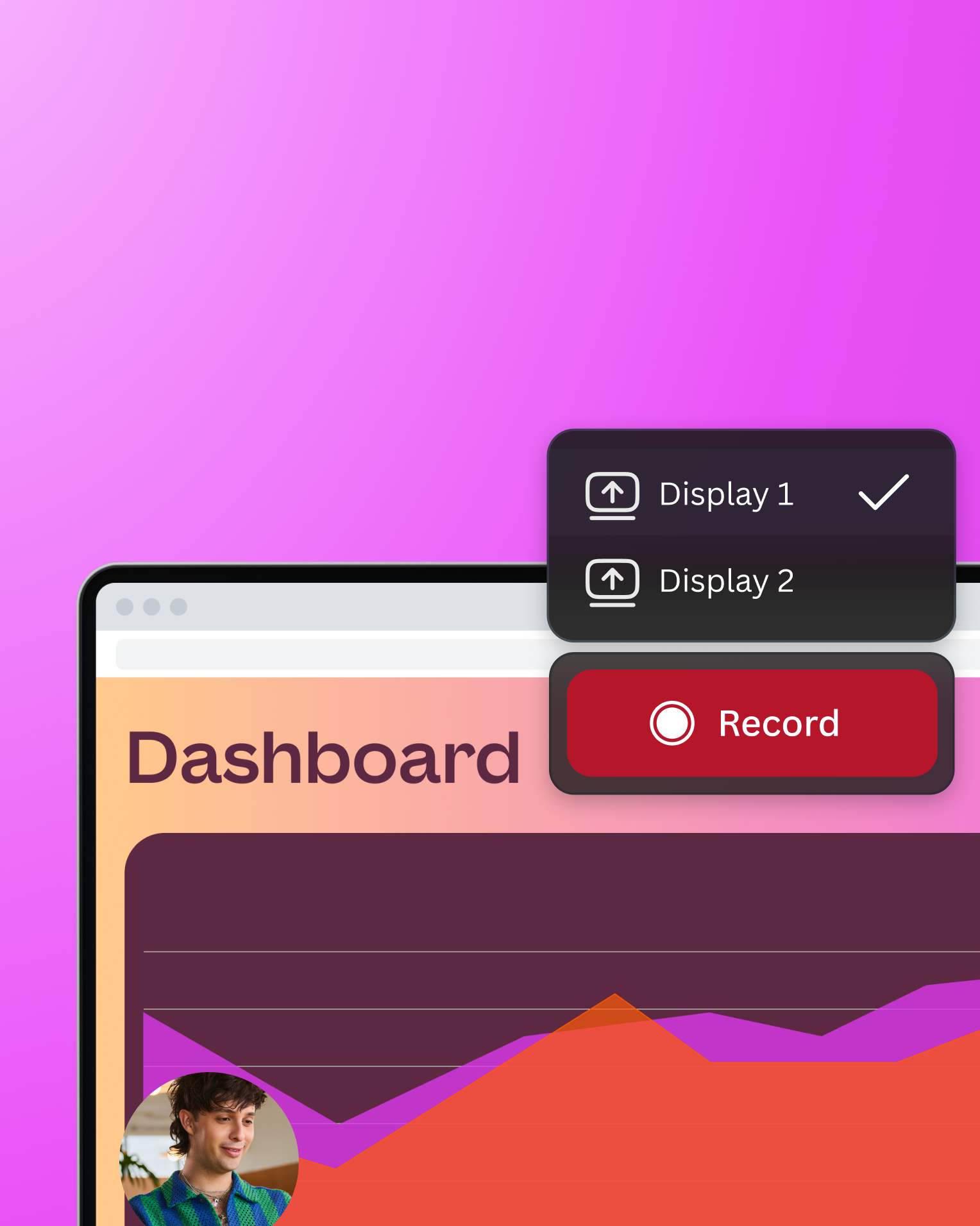
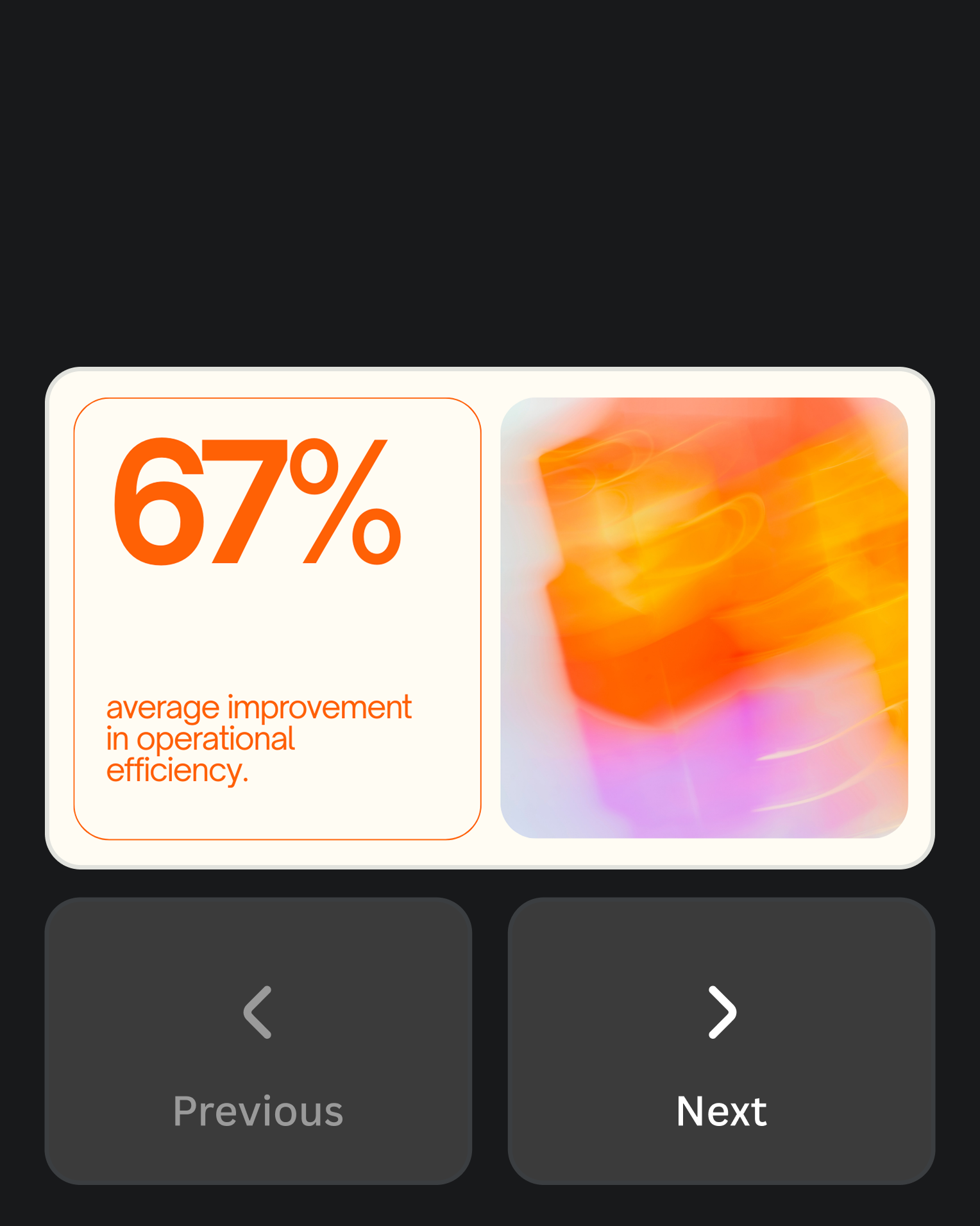
Everything in one place
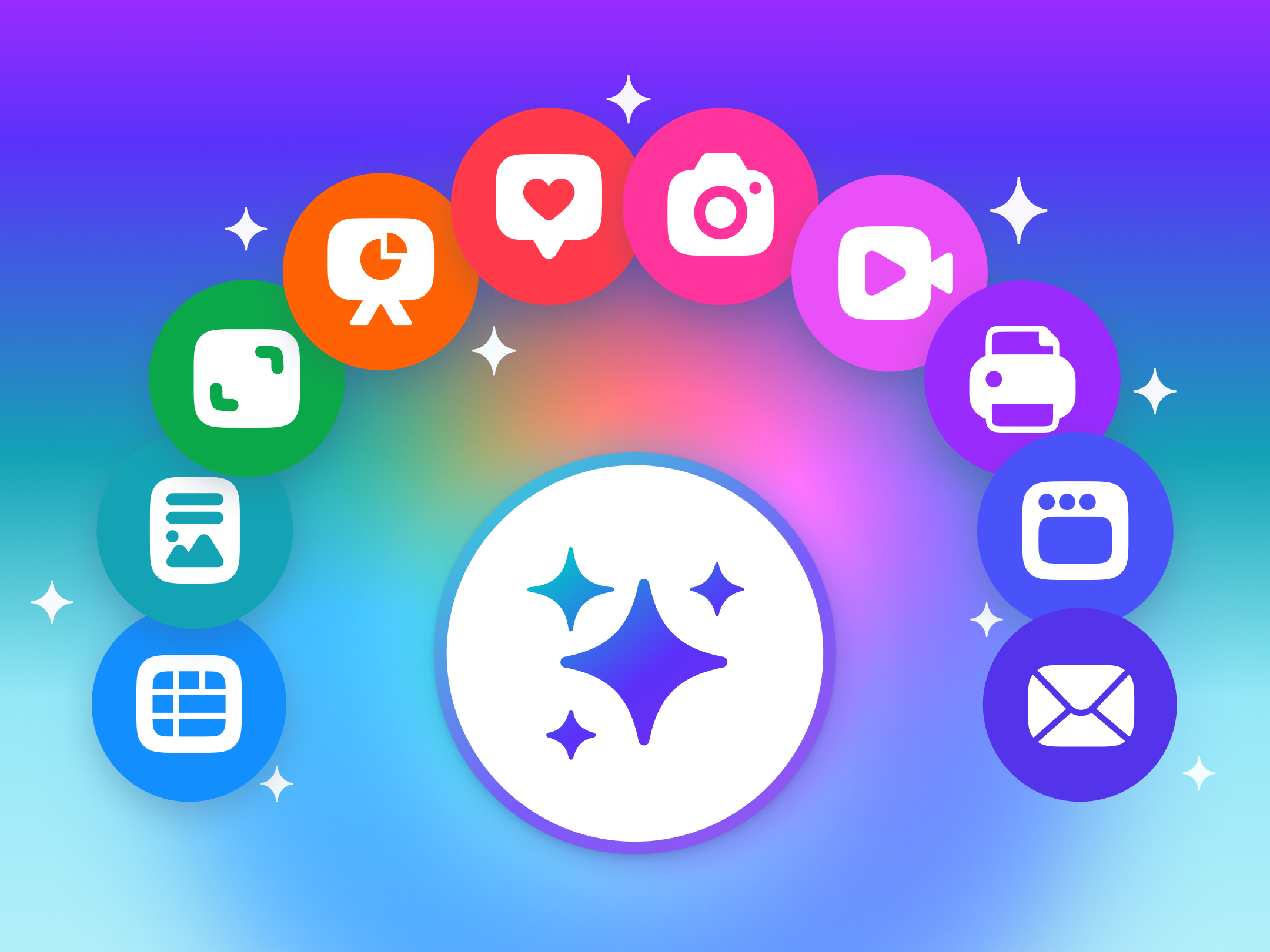
Visual Suite, in one design
Create all Canva formats in a single design and unlock endless possibilities for every project.
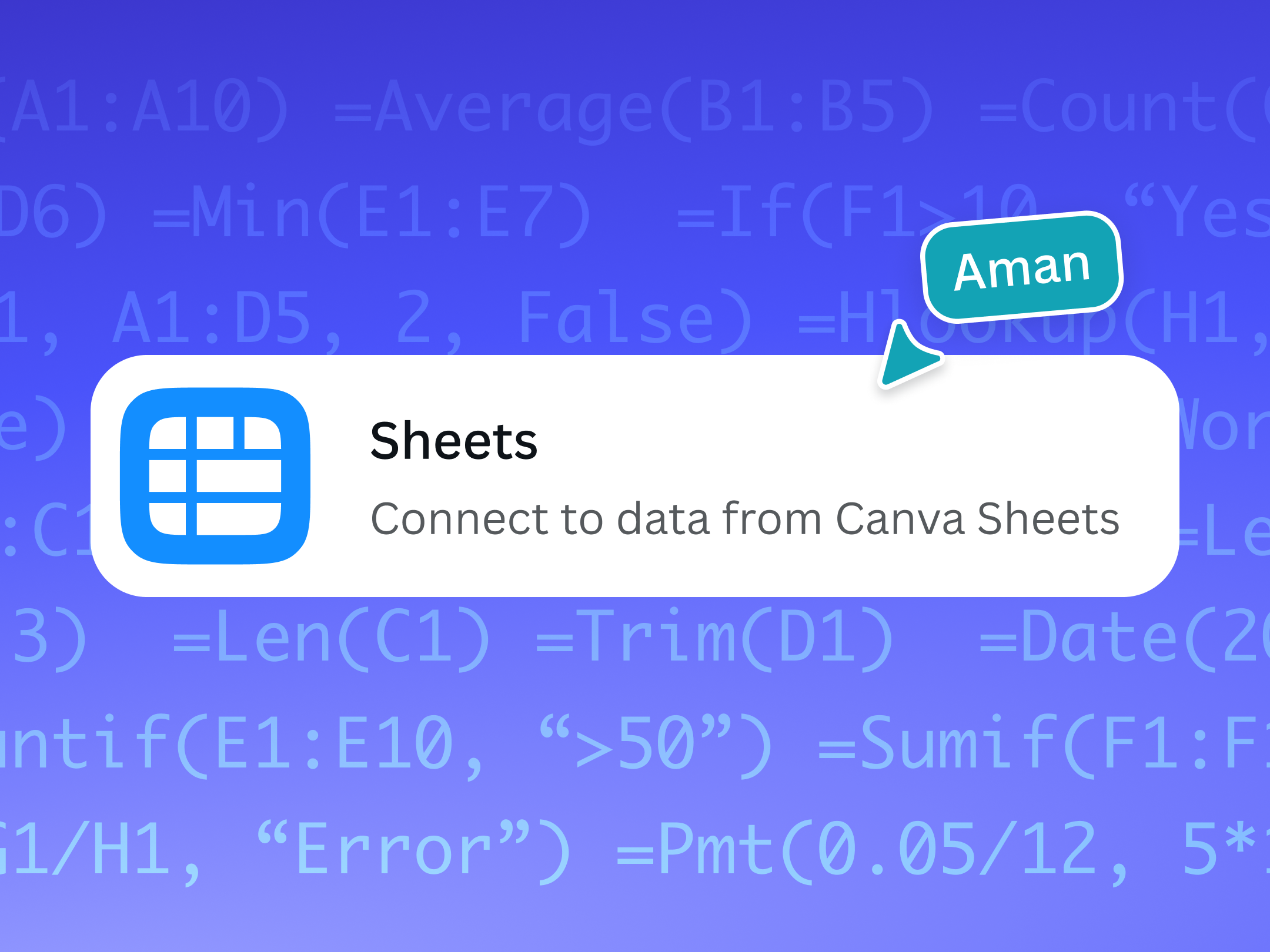
Connect decks to data sources
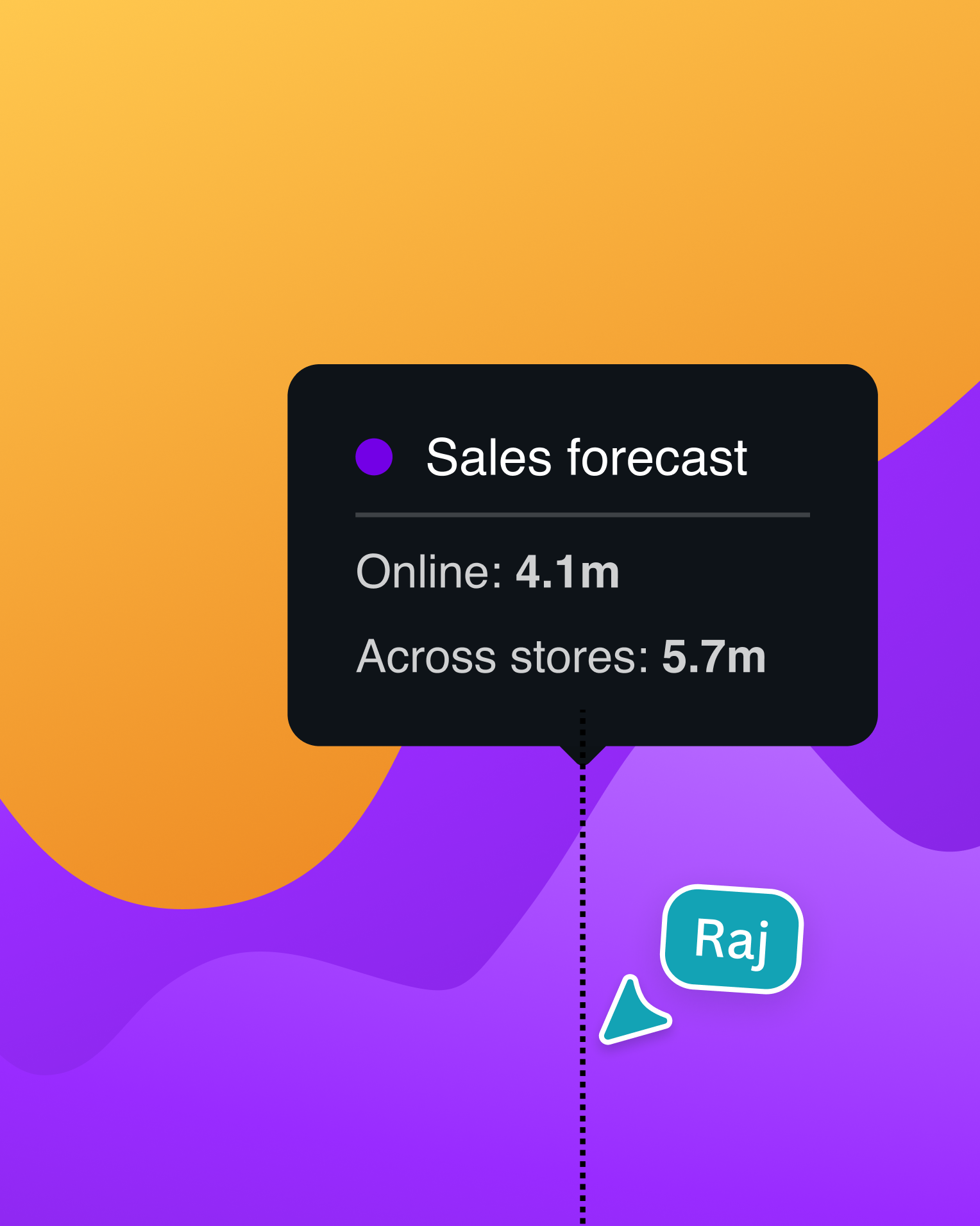
Bring data stories and visualizations from Canva Sheets to your presentations.
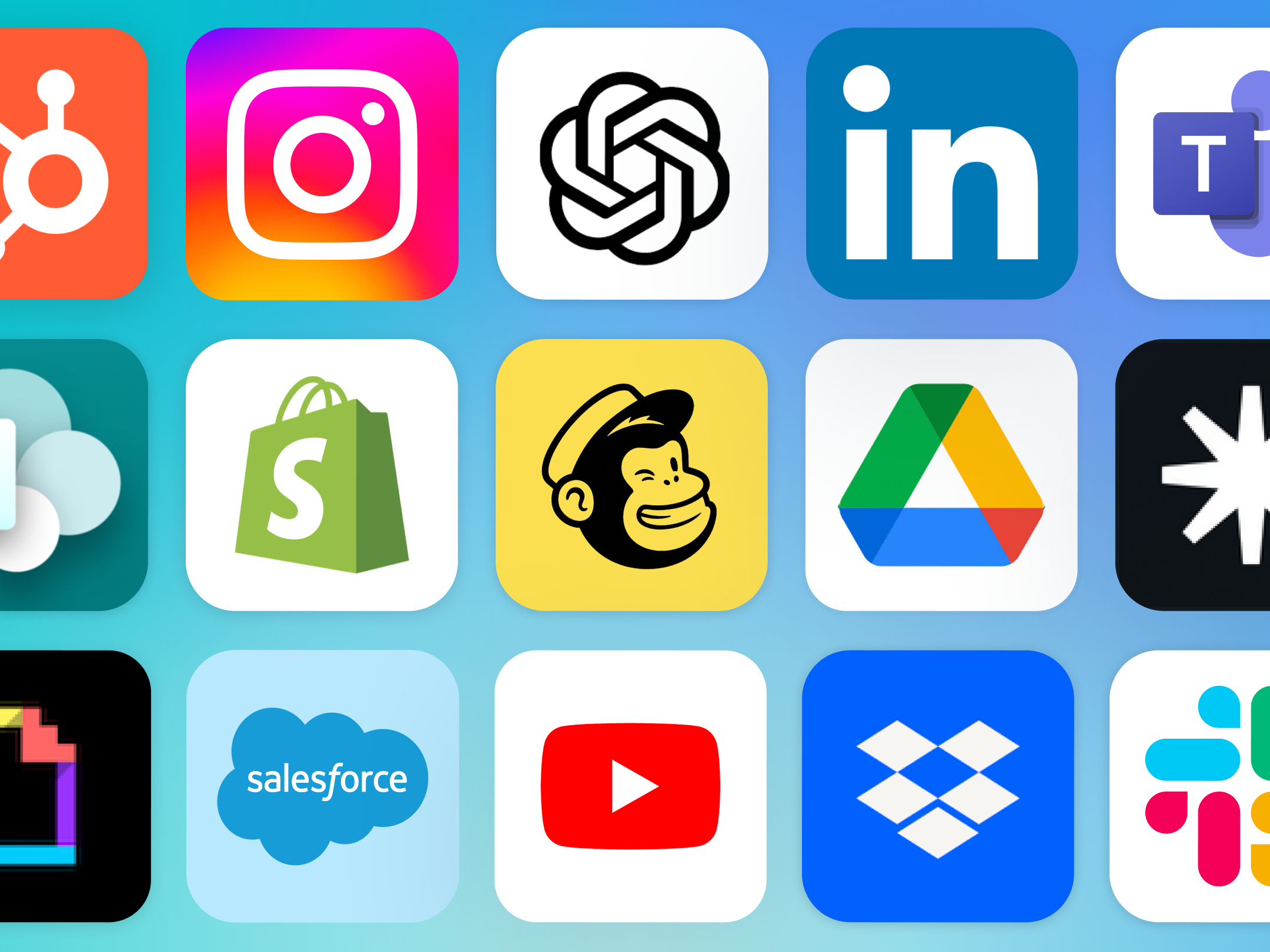
Powerful app integrations
Power up your creative process with AI-powered design and productivity tools.
Features that inspire creativity
Thousands of free templates
Included
Real-time collaboration
Included
Mobile-first presentations
Included
Magic Write™
Included
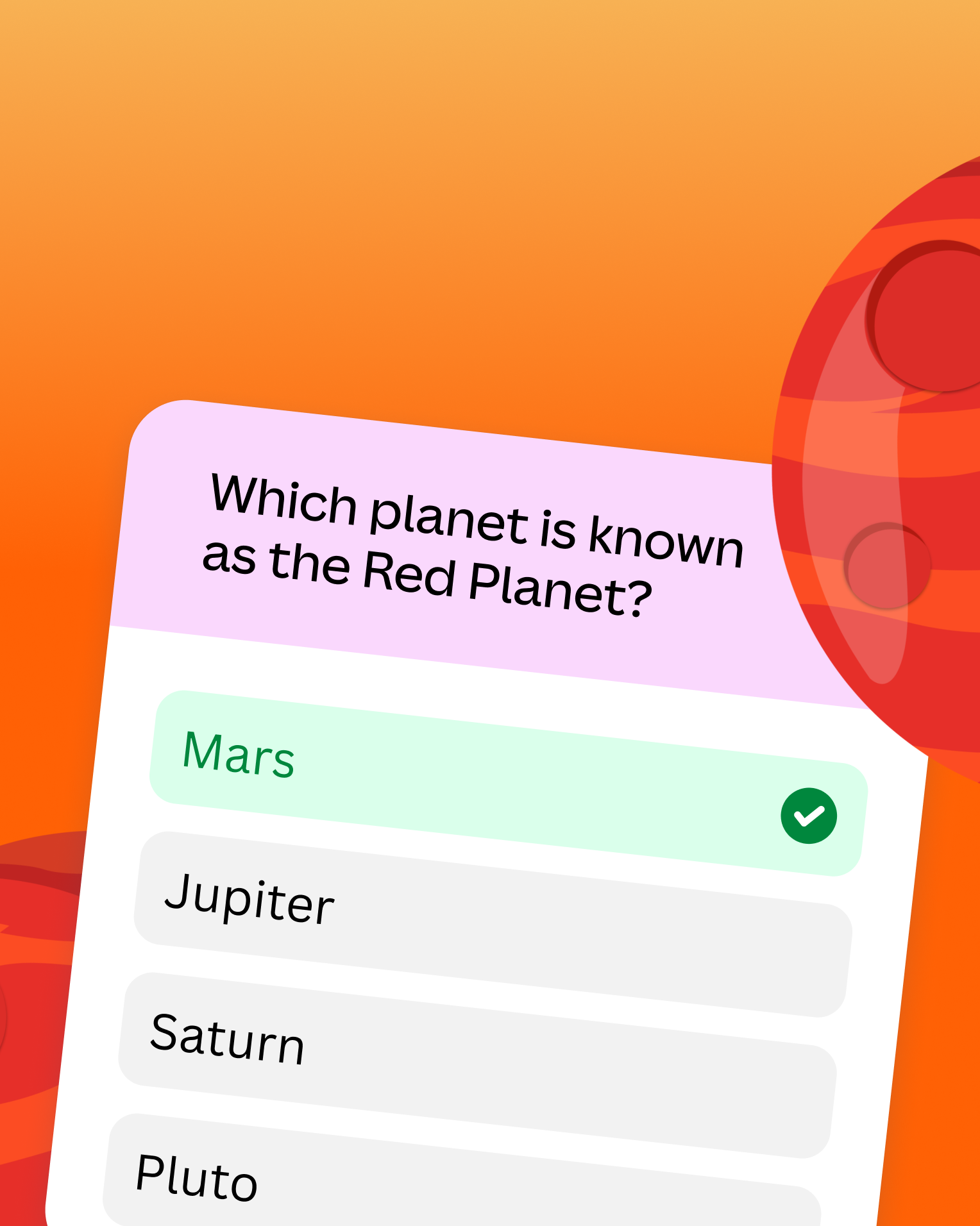
Polls and quizzes
Included
Get started with Presentations
Frequently asked questions
Start designing with