
Canva home
DragDrop

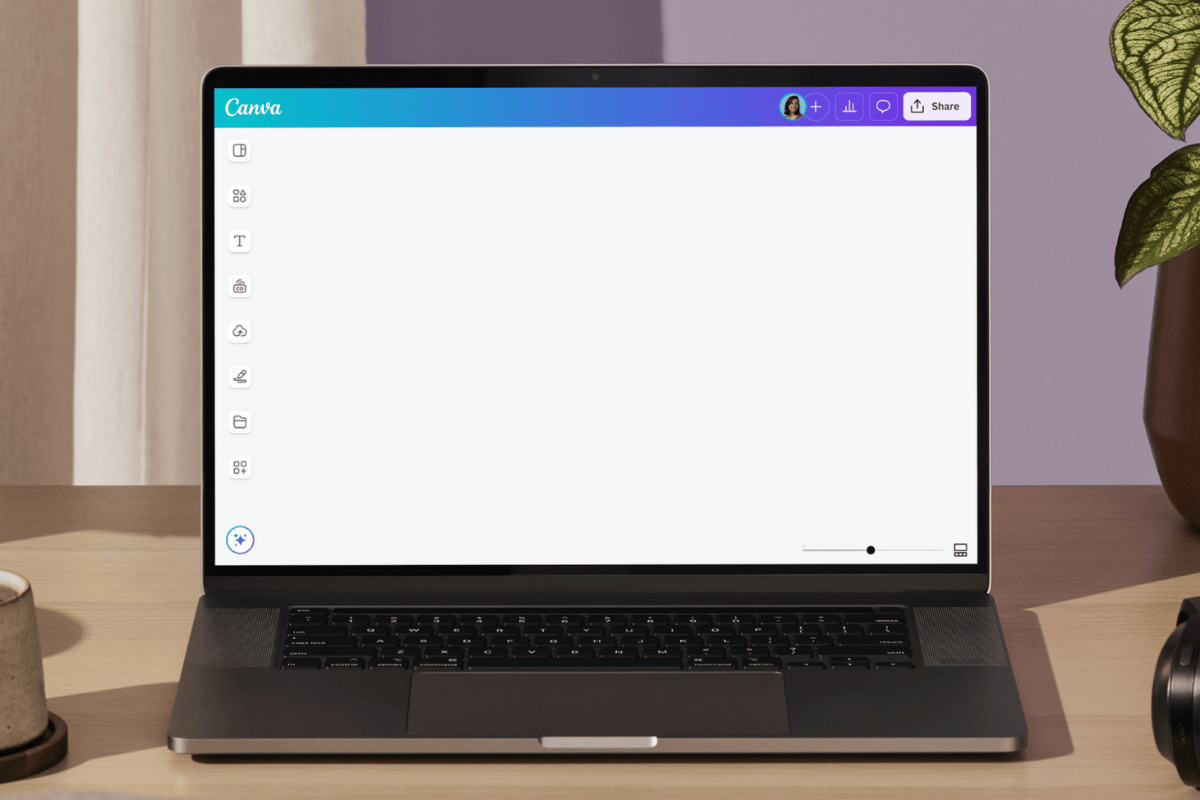
Easy drag-and-drop editor

Templates

1M+ professionally-designed templates

Ai

Generate content and media with AI

Download

Download or share designs easily

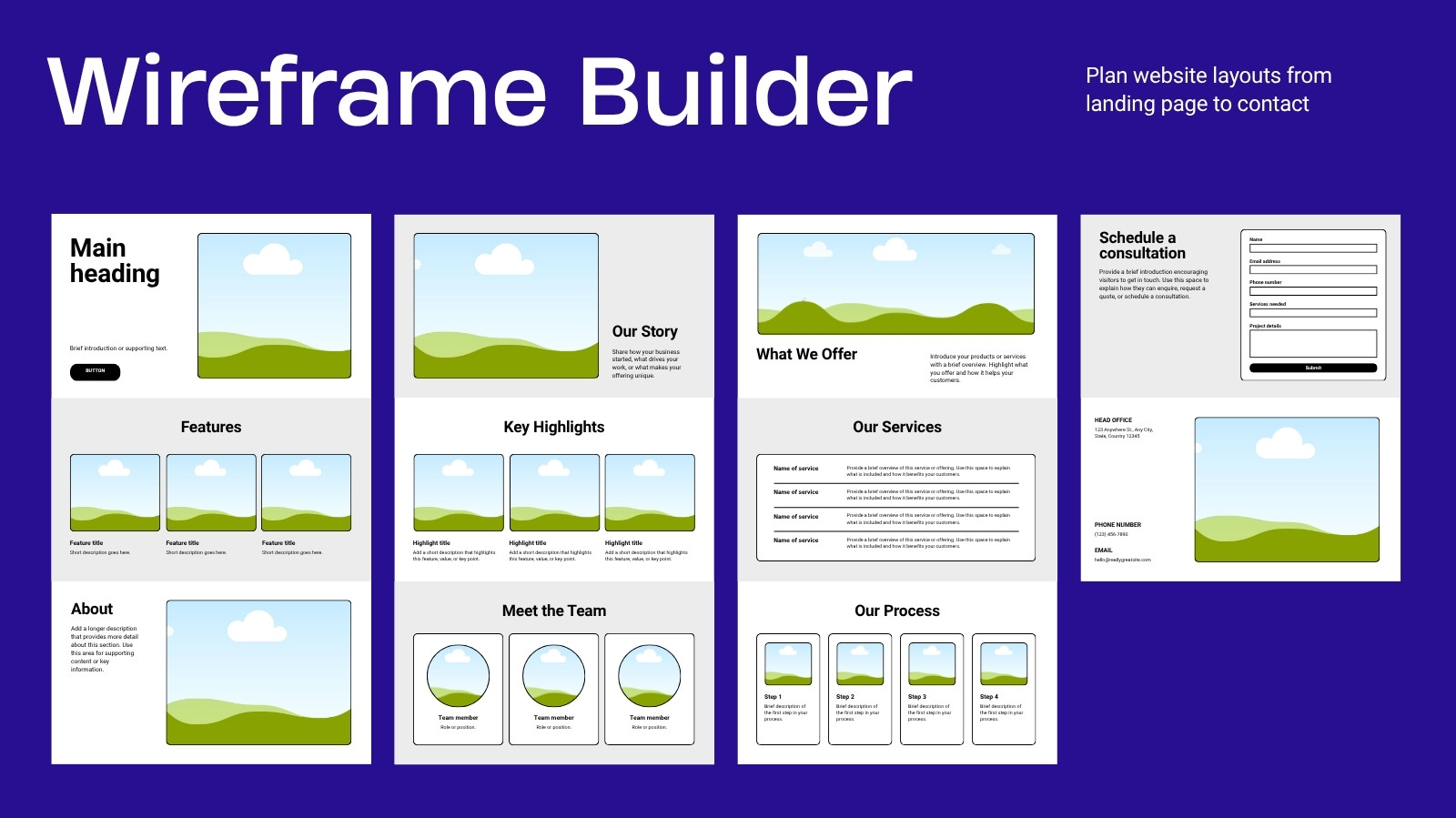
Map out a professional and on-brand website with Canva's website wireframe maker. Customize templates and create a website wireframe in minutes.

How to create a website wireframe

Start of list

1

Start with Canva

Open Canva and search "website wireframe" to access our library of templates. Choose one that perfectly matches your brand's needs.

2

Customize your website wireframe

Personalize every part of your website wireframe in mere minutes. Drag and drop different elements, add descriptive text, and enhance images with different effects and filters.

3

Share with ease

Once you're happy with your website wireframe, you can share it with teammates or clients. Simply download your design, send it via email, or present it directly from our editor.

End of list

Benefits of a website wireframe maker

Start with a stunning website wireframe template

With Canva, you don't have to start from scratch. Browse our extensive selection of website wireframe templates to find one that captures your brand's essence. From fun and playful designs to professional layouts, you'll find templates for every need. Save time and effort while getting polished results fast.

Make custom website wireframes with our intuitive editor

Making a website wireframe is a breeze with Canva's wireframe maker. Whether you're a seasoned designer or just starting out, it only takes a few clicks to bring your vision to life. Just choose a template and tweak it however you want - from changing layouts and colors to adding eye-catching visuals and descriptive text. It's quick, simple, and requires no design experience!

Collaborate seamlessly

With Canva's collaborative features, you can work on website wireframes with your team anytime, anywhere. Leave updates, tag each other on comments, and see any edits made to your design in real-time. Once you're happy with your wireframe, you can export it in various formats, send it via email, or present it to clients straight from our editor.

Frequently Asked Questions

  • A website wireframe is a blueprint for your website's layout, guiding the structure and functionality before diving into design details. It serves as an outline that dictates where elements like headers, images, and text will sit. You can build a website wireframe from scratch, but using our website wireframe maker simplifies this process, allowing you to visualize your site's framework effortlessly.

  • Creating a wireframe for your website is easy with our intuitive website wireframe maker. Start by selecting a template that suits your needs. Then, you can drag and drop elements like headers, images, and text boxes to map out your site’s navigation and content flow. Once your wireframe is complete, you can transition smoothly to the design phase. With our website wireframe tool, it only takes a few clicks to get stunning results.

  • Creating a website wireframe gives you a better idea of your website's structure, which also helps you spot any gaps or necessary changes early on. Additionally, it lets you see what navigation path works best for your site, and keeps everyone on the same page. If you need feedback from multiple stakeholders, presenting them with a wireframe is also a good way to gather insights before committing to the creation of an actual site.