
Affinity Essentials
Get started with Affinity through structured lessons covering the essential tools, studios, and creative workflows. You'll work through the Vector, Pixel, and Layout Studios individually, then combine them in real workflows, before covering typography, custom studios, and how to use Canva AI within Affinity.
Affinity Essentials
1h 45m
9 lessons
Get started with Affinity through structured lessons covering the essential tools, studios, and creative workflows. You'll work through the Vector, Pixel, and Layout Studios individually, then combine them in real workflows, before covering typography, custom studios, and how to use Canva AI within Affinity.
Affinity Essentials
Get started with Affinity through structured lessons covering the essential tools, studios, and creative workflows. You'll work through the Vector, Pixel, and Layout Studios individually, then combine them in real workflows, before covering typography, custom studios, and how to use Canva AI within Affinity.
Looking for a quick intro to Affinity? Start here.
The perfect starting point for anyone new to the software, our Affinity Essentials course covers all the fundamentals, guiding you through each studio space with visually driven projects to get you comfortable working in the app.
In this first lesson, you’ll get a tour of the UI and the different studios, highlighting key tools and functionality before diving into a hands-on activity using artwork from Brazilian lettering artist Lebassis.
Download the lesson file here to follow along.
What you’ll learn
- How to navigate and use the core tools within Affinity's Vector, Pixel, and Layout Studios.
- How to combine studios into seamless workflows for more complex design, photo editing, and layout projects.
- How typography, custom studios, and Canva AI work within Affinity to speed up and enhance your creative process.

Join our growing community of Affinity Essentials experts.
Join our growing community of Affinity Essentials experts.
Courses you might like
Courses you might like
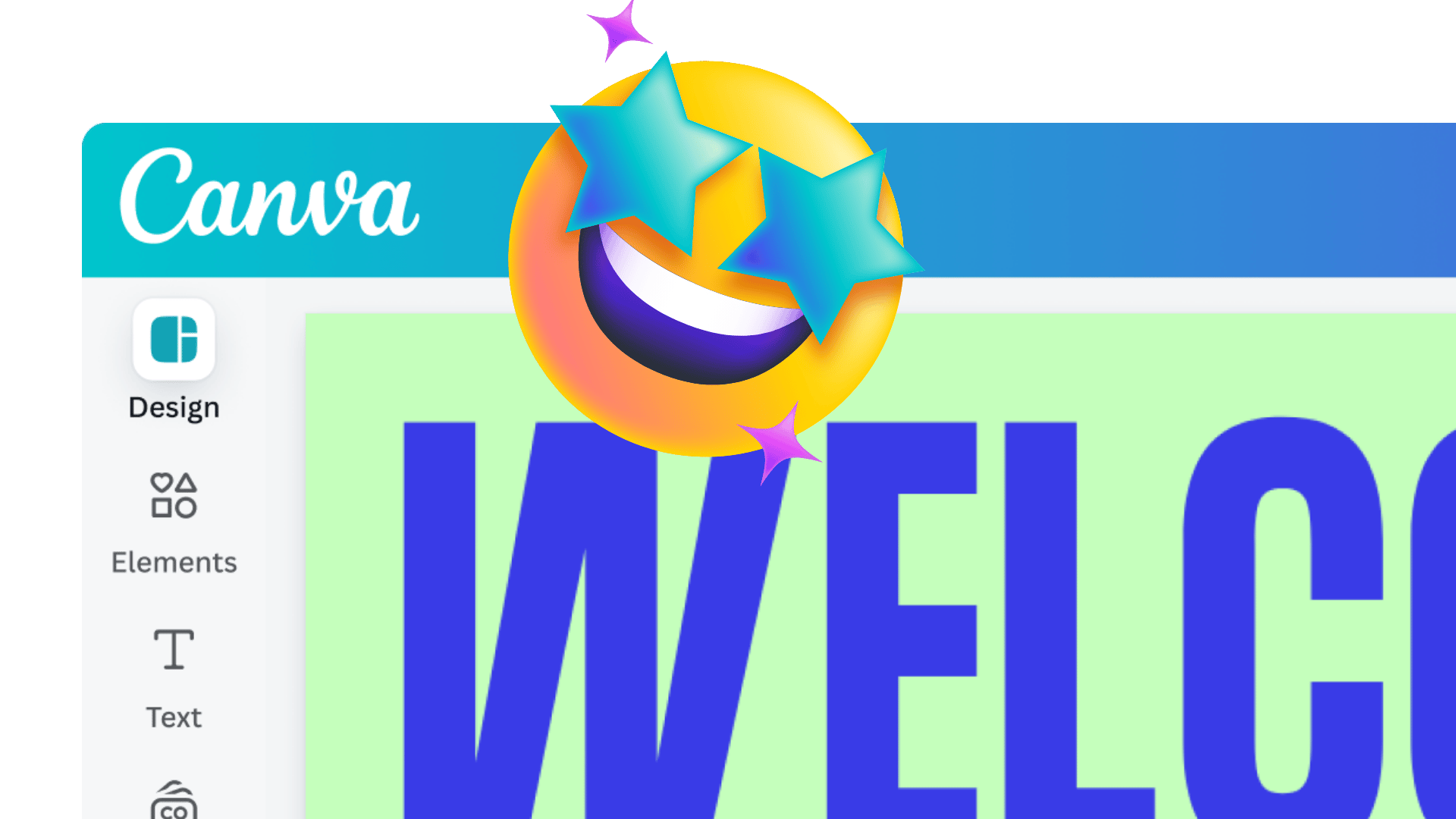

The Course covers every essential component of Canva for educators. It provides easy-to-follow videos and hands-on activities, enabling educators to feel more confident using Canva for their own projects and, more importantly, with their students.
Alyssa, Instructional Design Coach