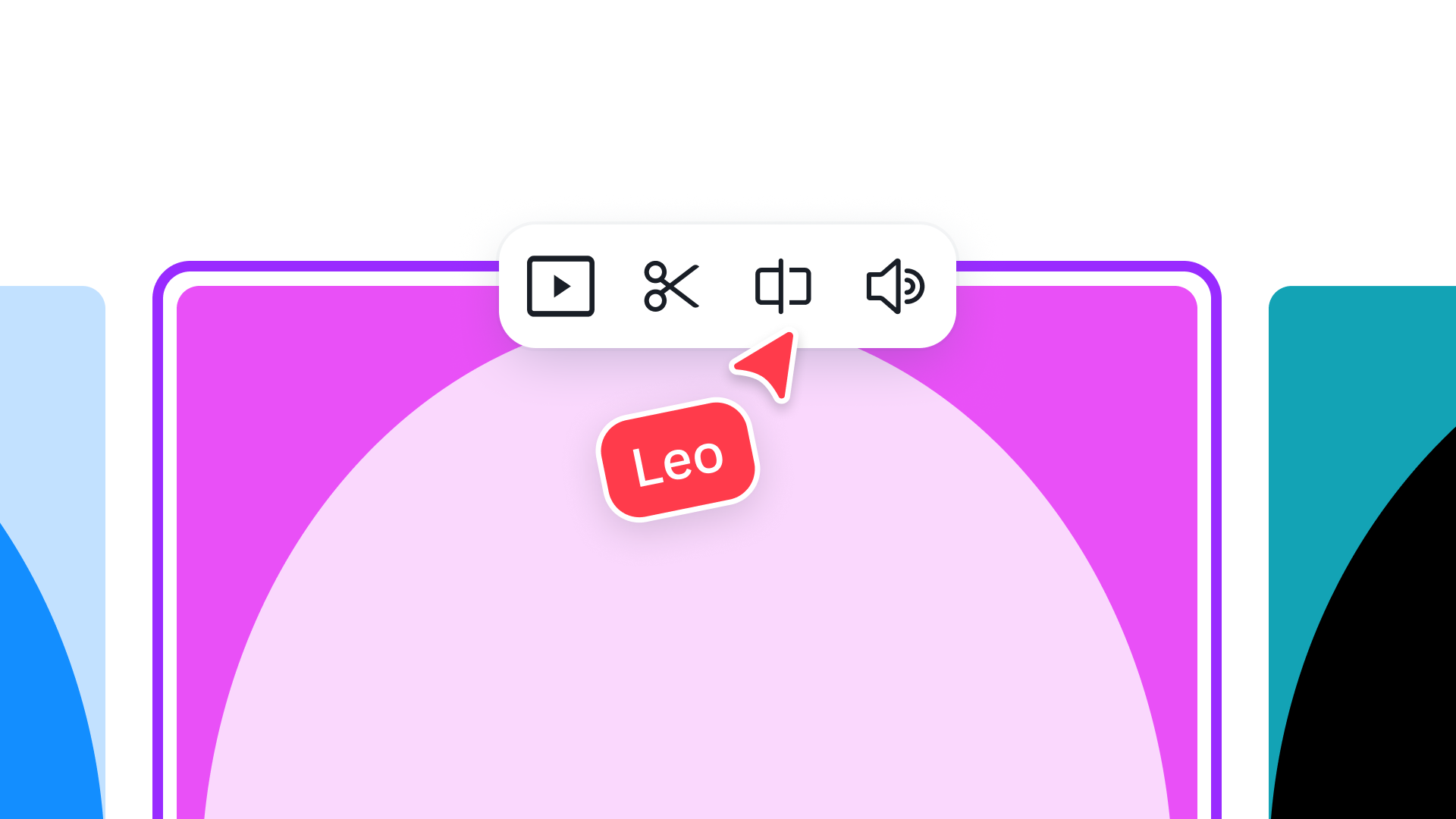
Easily edit videos with AI
Use Canva's AI-powered tools to speed up your video editing workflow. Make quick edits, apply effects, and polish your videos without the complexity.
Easily edit videos with AI
5m
Use Canva's AI-powered tools to speed up your video editing workflow. Make quick edits, apply effects, and polish your videos without the complexity.
Easily edit videos with AI
Use Canva's AI-powered tools to speed up your video editing workflow. Make quick edits, apply effects, and polish your videos without the complexity.
Easily edit videos with AI
5m
Use Canva's AI-powered tools to speed up your video editing workflow. Make quick edits, apply effects, and polish your videos without the complexity.
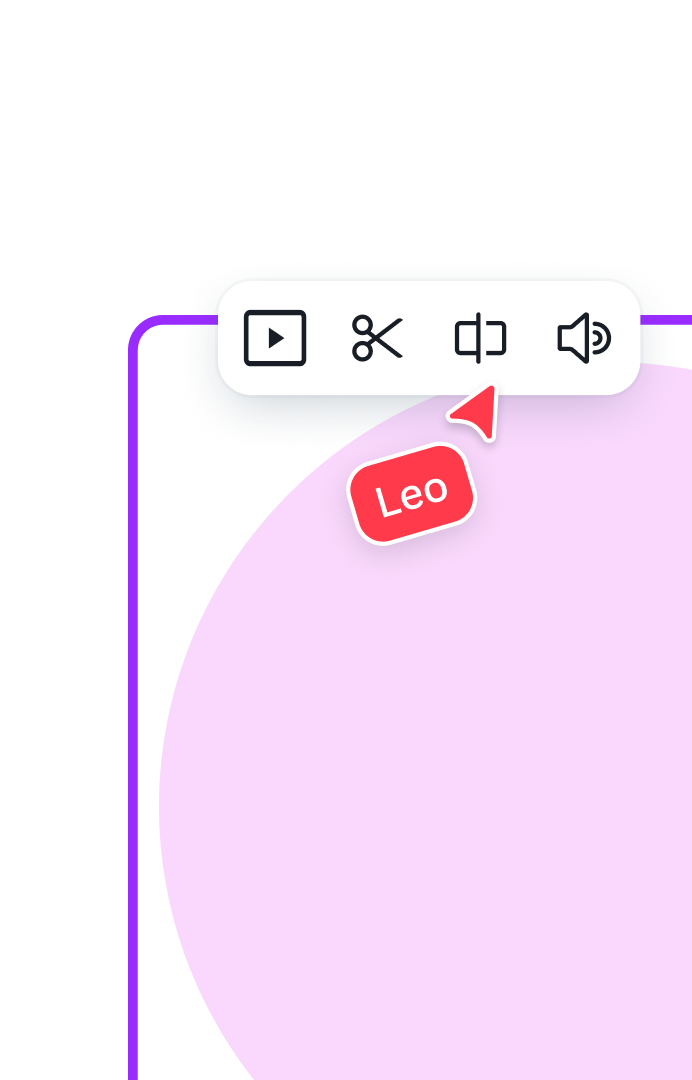
Lesson outline
What you’ll learn
- Use AI to speed up your content workflow
- Add animation, music, and visual effects using our new video editor
- Polish your videos quickly without complex tools

5m
Key skills
Featured in these courses
Share
Last updated 03 Sep, 2026







