Canva home
New in Canva
New in Canva

Edit flat images with Magic Layers

5m

Beginner

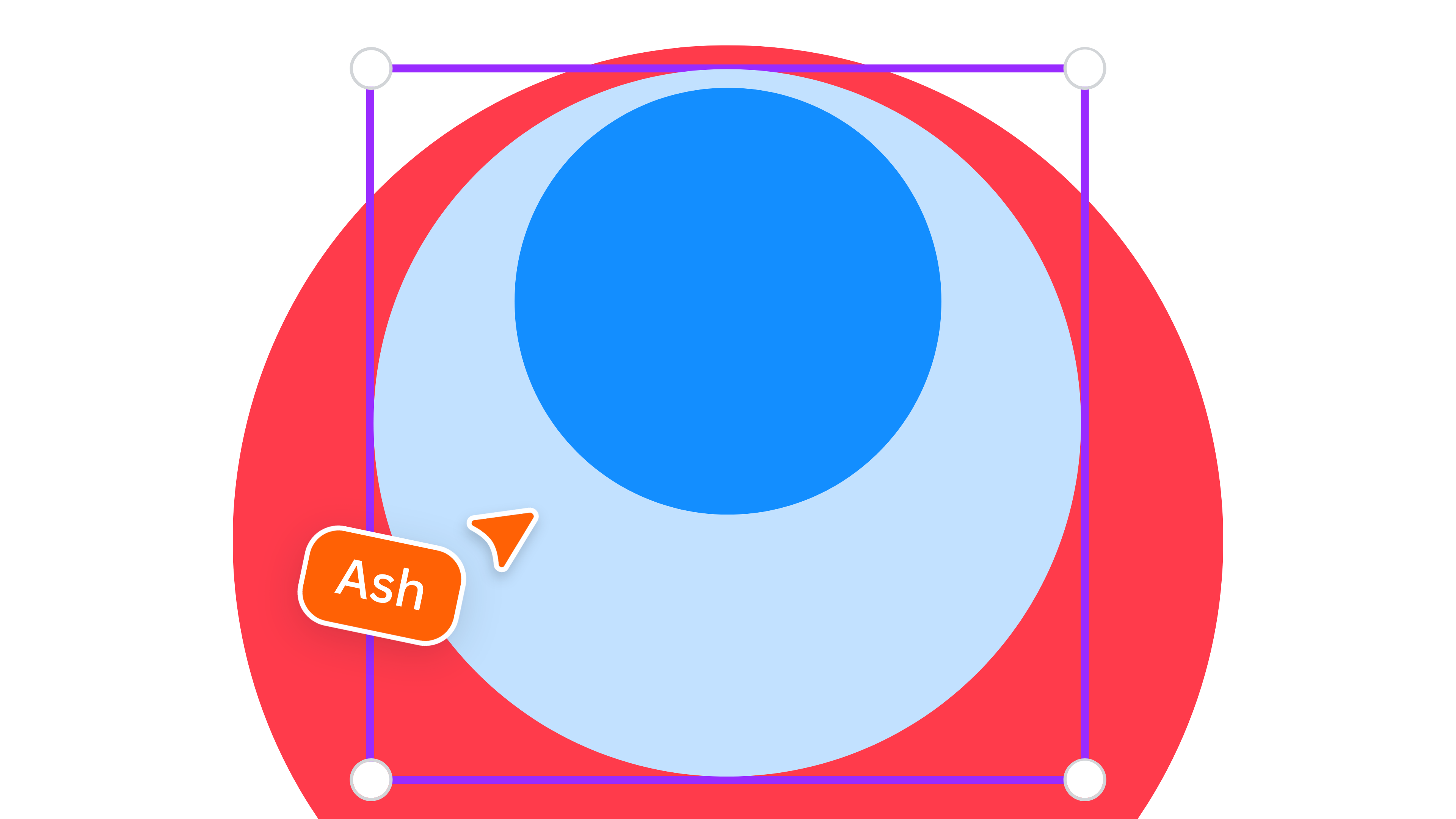
Learn how to use Magic Layers. Take a flat image or design and turn it into something you can actually edit, so you can update, refine, and reuse it without starting from scratch - all in an instant.

New in Canva
New in Canva

Edit flat images with Magic Layers

5m

Beginner

Learn how to use Magic Layers. Take a flat image or design and turn it into something you can actually edit, so you can update, refine, and reuse it without starting from scratch - all in an instant.


What you’ll learn

  • How Magic Layers turns flat images into editable layouts
  • How to update text, colours, and elements
  • How to refine and reuse designs quickly
Key skills

Share

Last updated 21 Apr, 2026

Activities you might like

Activity
Customizing templates

Customizing templates

Customizing templates

5m

Beginner

Activity
Using search

Using search

Using search

5m

Beginner

Activity
Explore Element Library

Explore Element Library

Explore Element Library

5m

Beginner

Activity
Editing images

Editing images

Editing images

5m

Beginner

Activity
Text effects

Text effects

Text effects

5m

Beginner

Activity
Provide feedback on student work

Provide feedback on student work

Provide feedback on student work

5m

Activity
Font pairing basics

Font pairing basics

Font pairing basics

Beginner

Activity
Color relationships

Color relationships

Color relationships

10m

Beginner