Free branding mockup generator

Easy drag-and-drop editor

1M+ professionally-designed templates

Design from any device

Download or share designs easily
Visualize your logo and brand assets on packaging, signage, and social media posts with Canva’s free mockup generator and watch your brand come to life.
How to create a branding mockup
1
Start with Canva
Open an existing Canva design or start a new one. In Elements, select Mockups, and browse different layouts from our branding mockup collection.
2
Upload your brand asset design
Select a brand mockup layout, and drag and drop any image. Fix the image's cropping, alignment, size, or orientation, then click Apply changes.
3
Share with ease
Download your custom brand mockup in the format you need to use in a new design or post online. Present from the editor or share a link with your teammates or clients to review your design.
Benefits of a branding mockup generator
Fast digital branding mockups with ready-made layouts
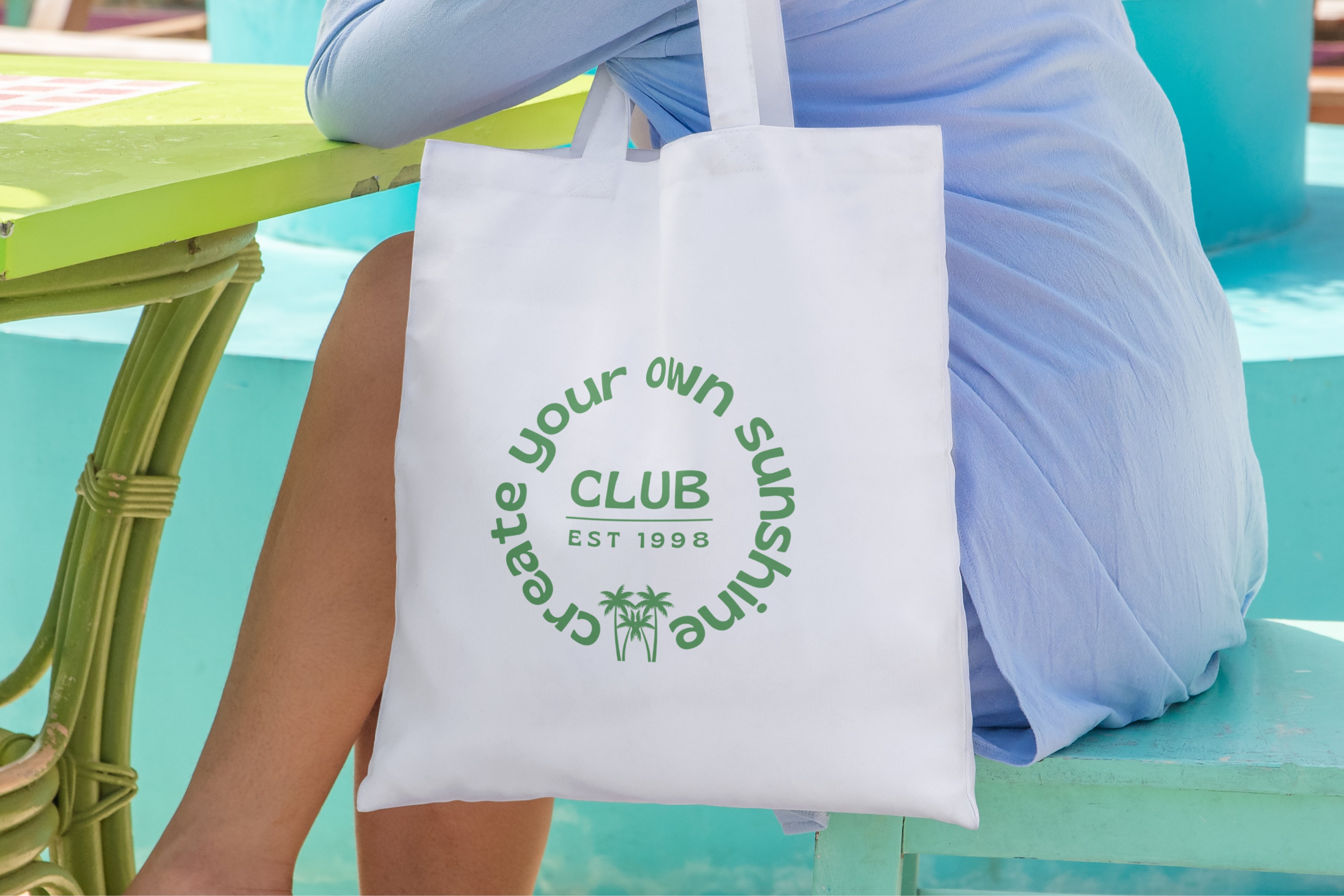
Turn that new logo into a polished branding mockup in minutes. Start with professionally made mockup templates for everything from cards and letterheads to bags and packaging. Swap in your logo, colors, and fonts, then drag and drop your visuals into place. No complex layers, no extra apps. If you have a Brand Kit (Pro), you move even faster. Apply your branding with a click for instant consistency.