Canva home
Back to School sale: Get 20% off orders over $30 with code BTS20. T&Cs
    • Design for a front cover, back cover and from 20 to 98 inside pages.

    • Inside faces of the covers and endpapers (hardcover only) will be left blank.

    • Inside pages are printed with quality 148gsm paper in a gloss finish.

  • We’ll refund, reprint, or offer a coupon if you’re not happy.

  • Economy delivery

    FREE

    11-20 days

    Standard delivery

    9-12 days

    Express delivery

    5-5 days

    In-store pickup may be available at checkout.

Create custom photo books and albums

Design for free
Easy to customize

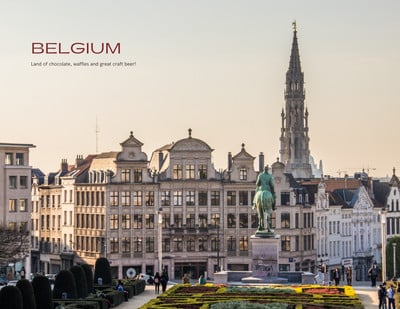
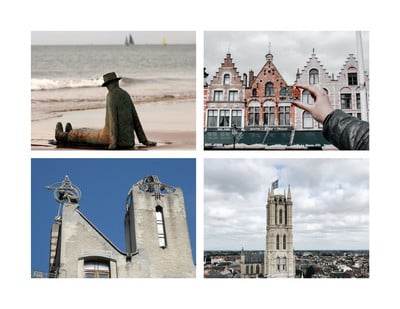
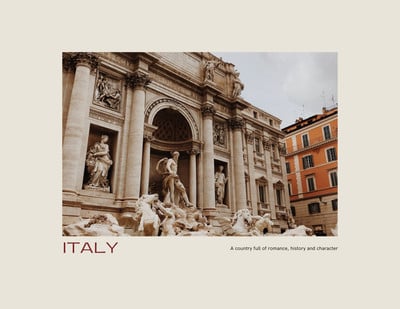
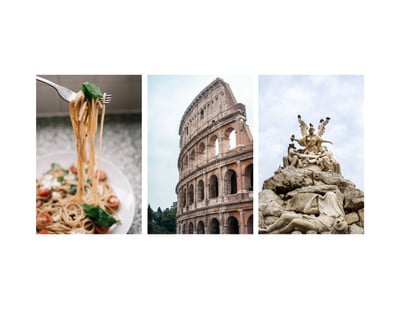
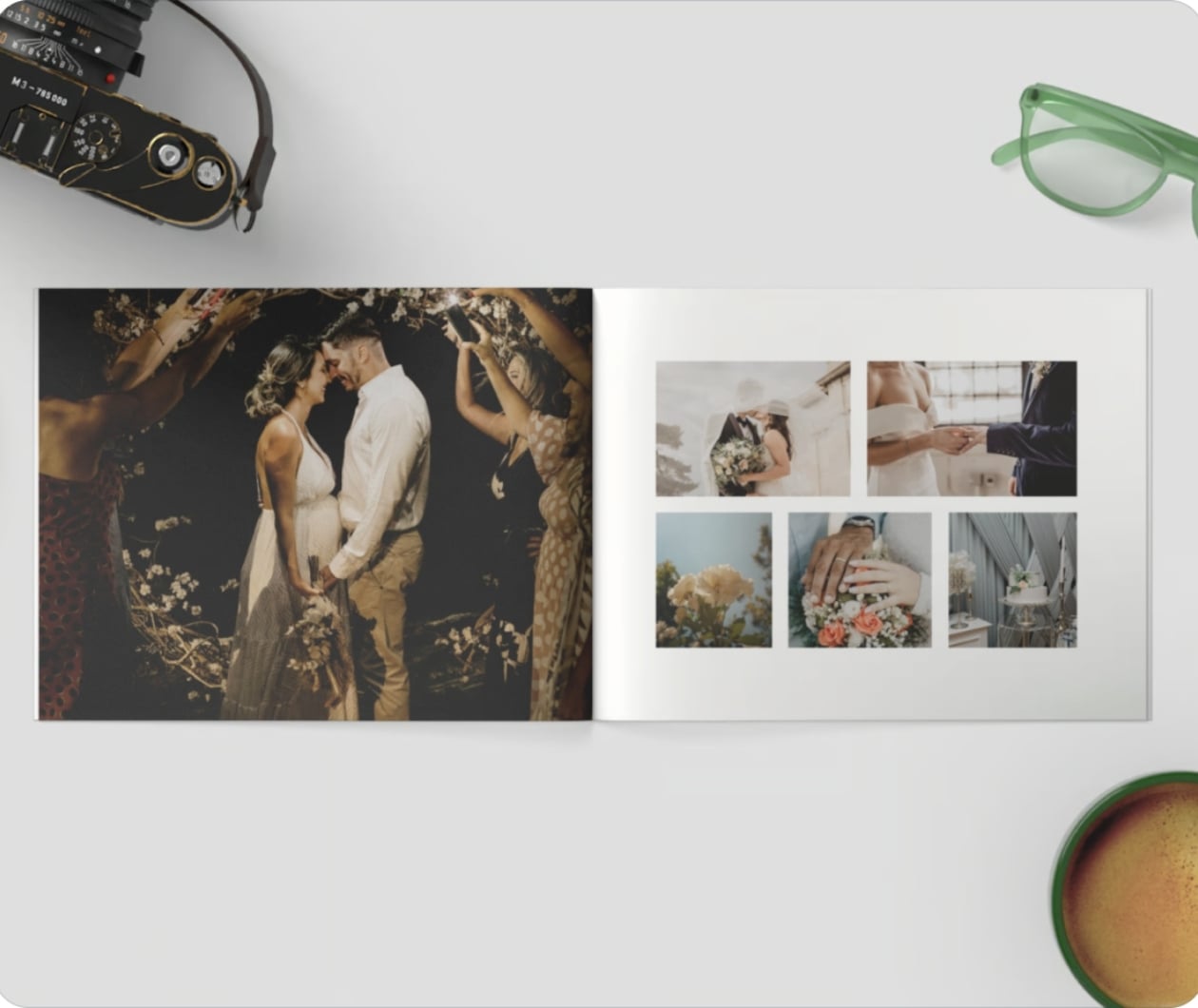
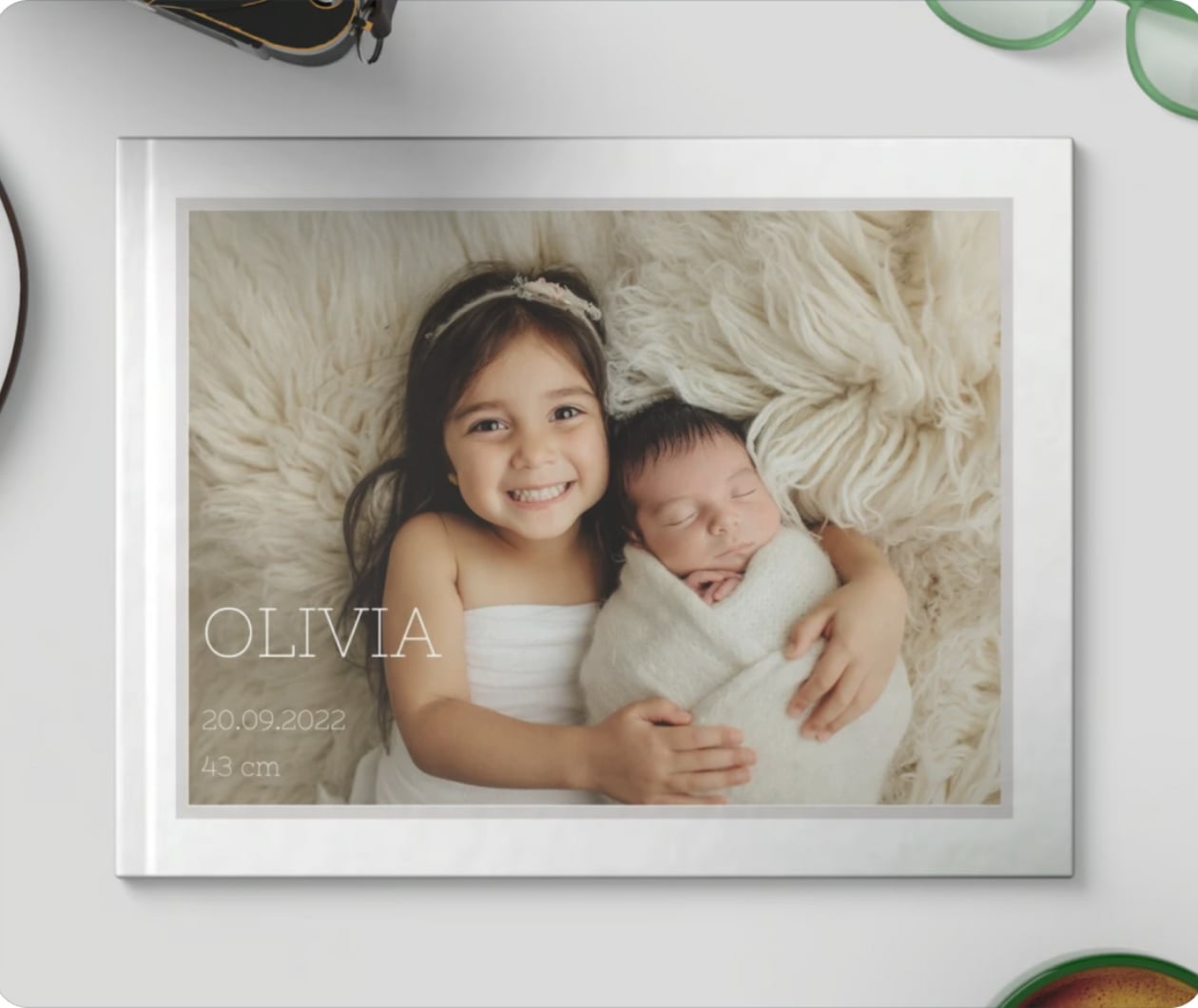
Relive your favorite memories and design a custom photo book or album using Canva’s free photo book maker. With timeless templates and easy uploading, you can design a photo book in minutes—and treasure it for years to come.

Format
Landscape
What size?
8 x 6in
Cover type

Softcover

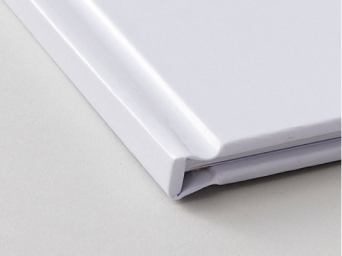
Hardcover

Cover finish

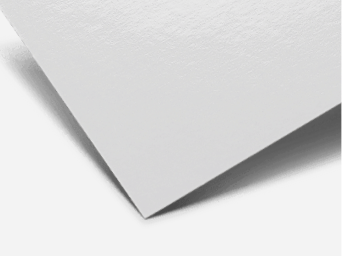
Gloss finish

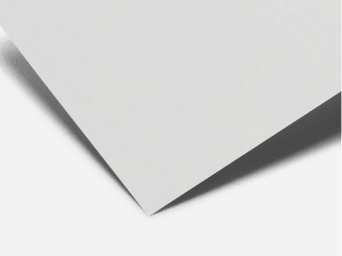
Soft touch finish

Shop printable photo books

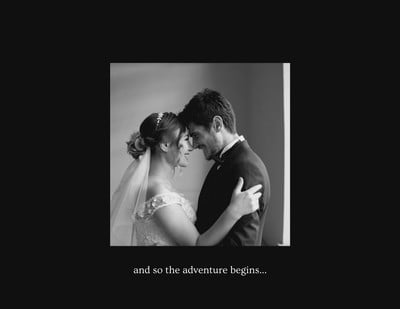
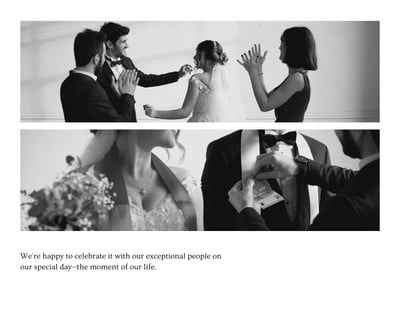
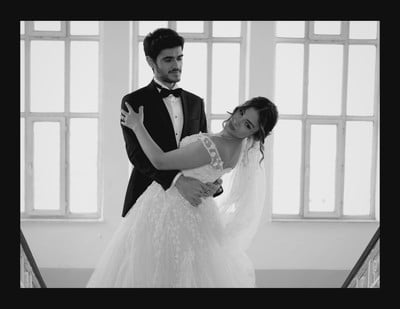
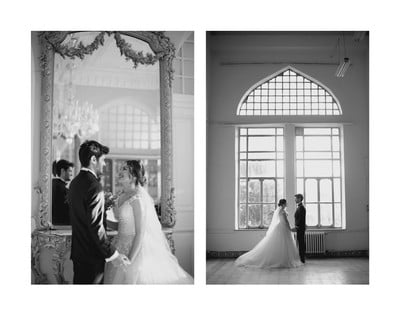
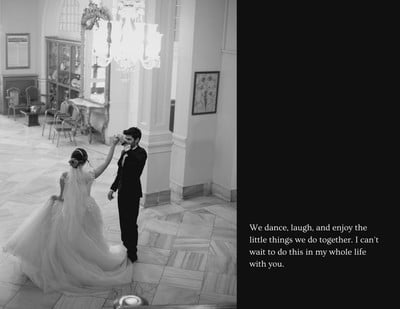
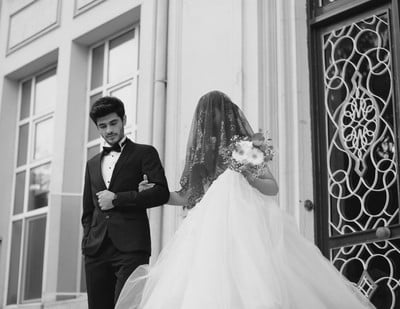
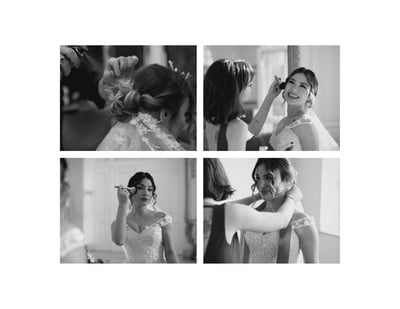
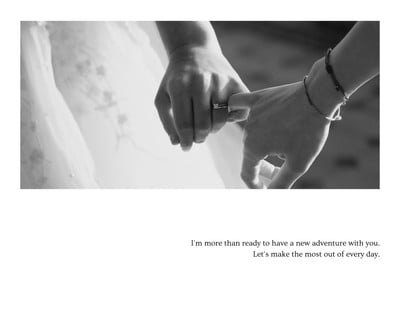
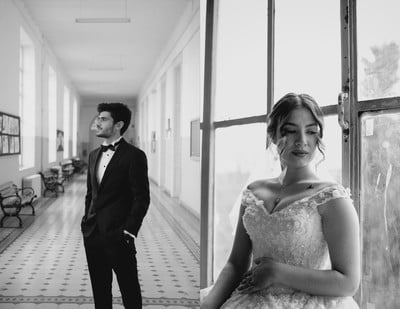
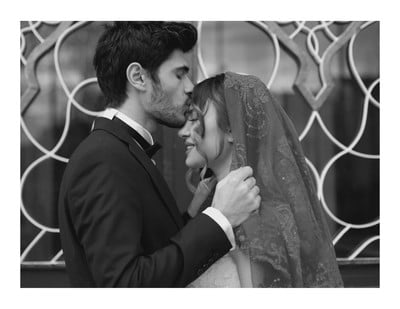
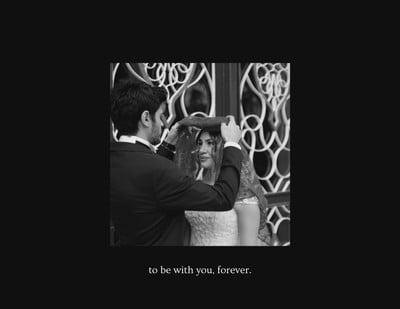
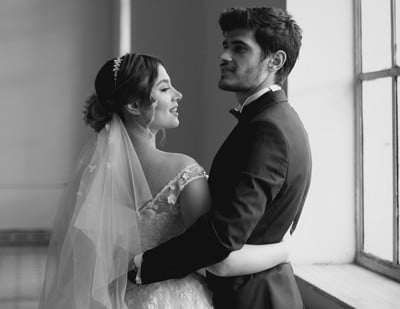
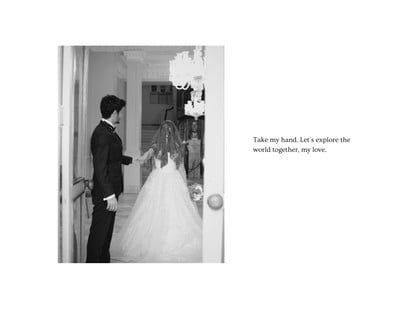
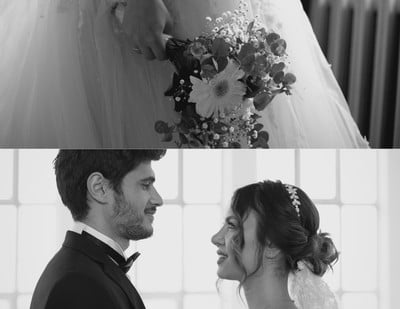
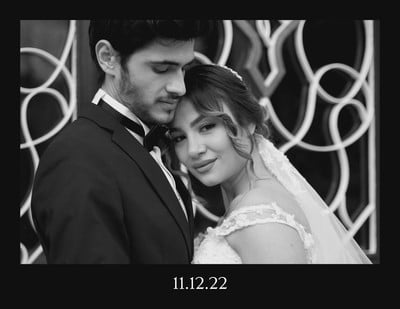
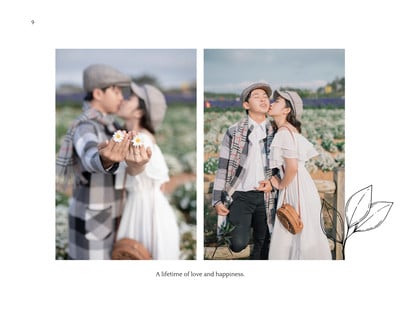
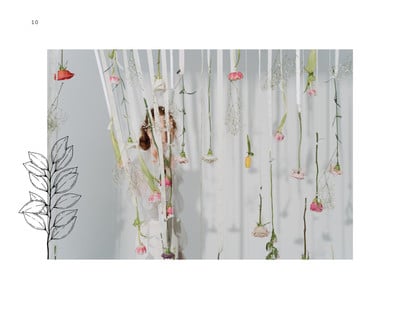
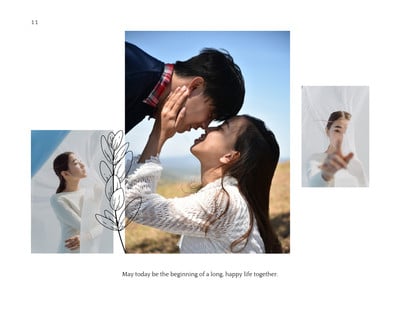
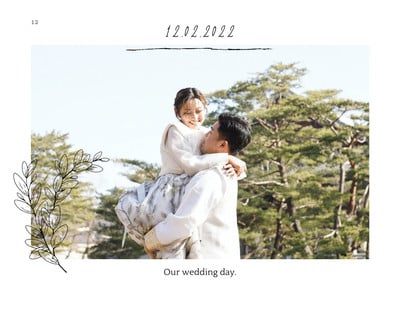
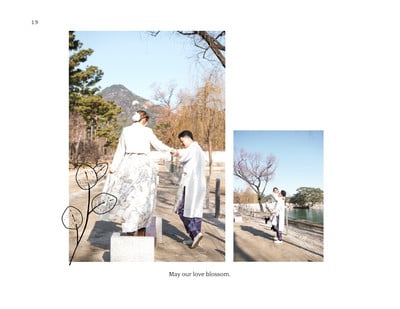
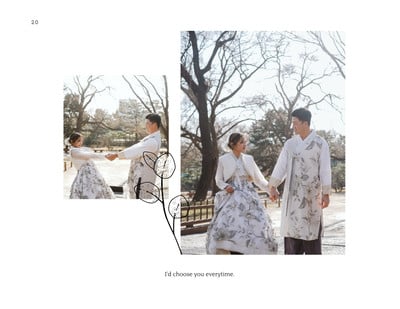
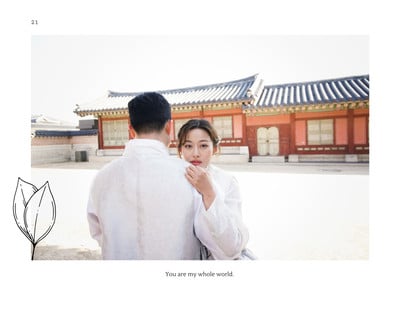
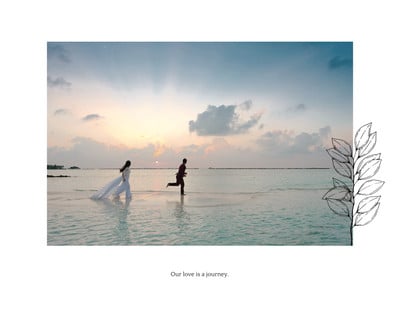
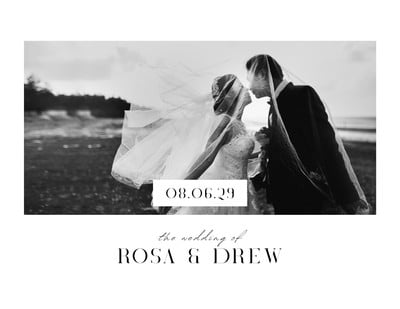
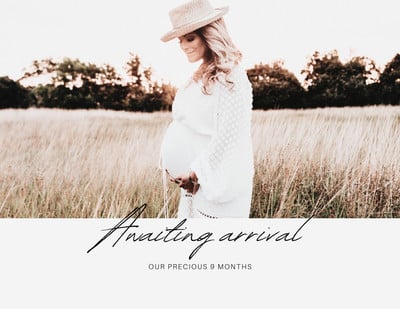
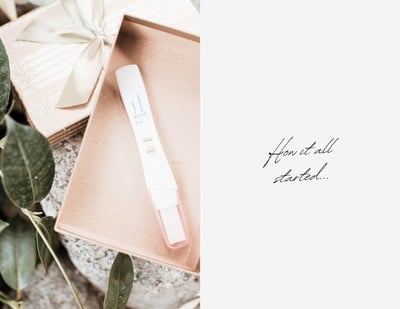
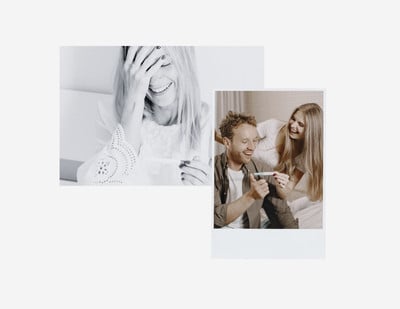
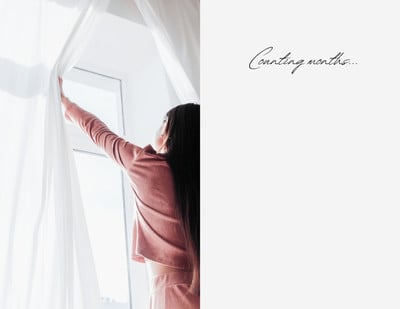
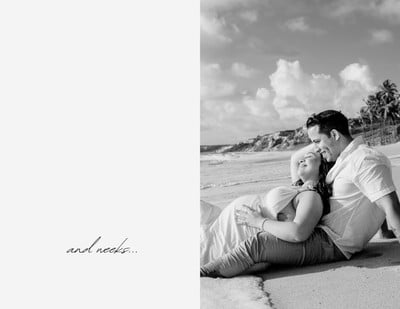
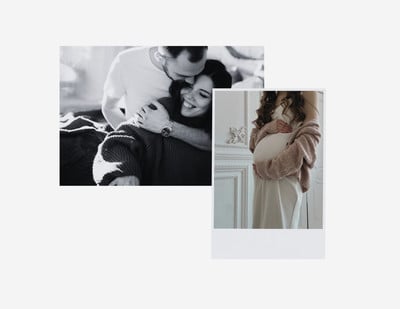
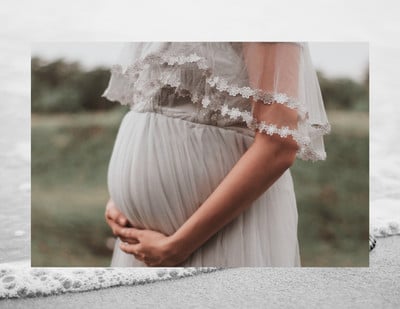
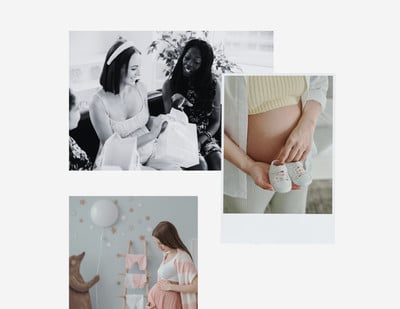
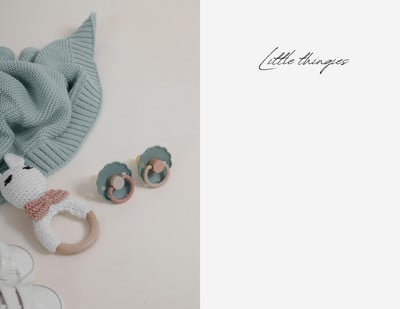
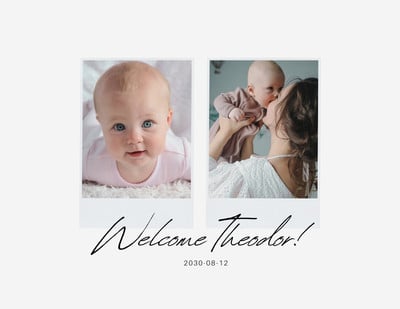
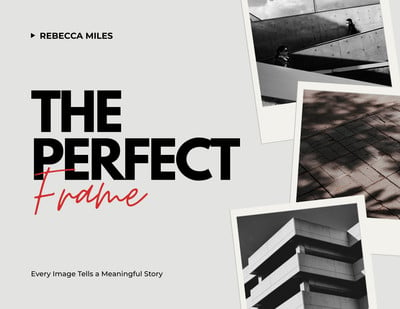
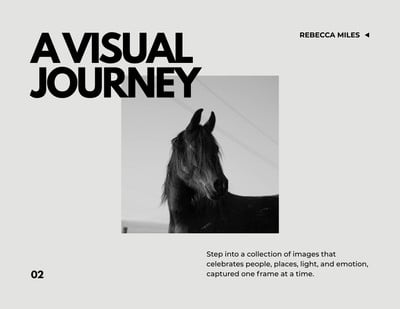
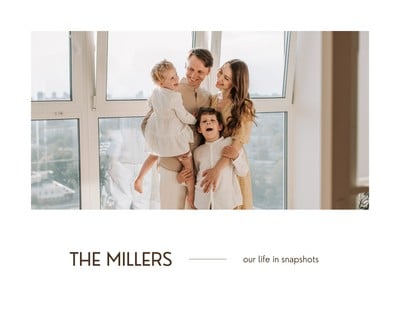
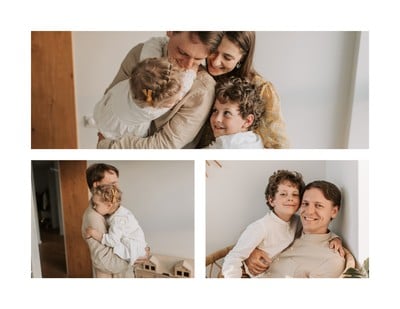
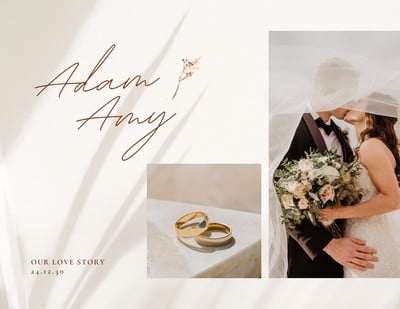
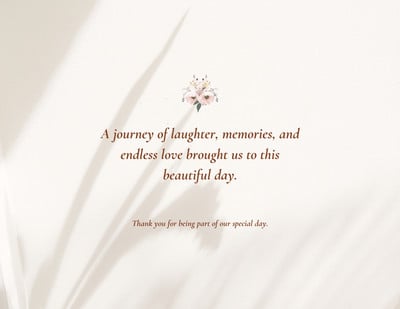
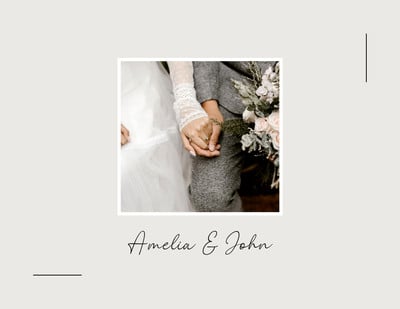
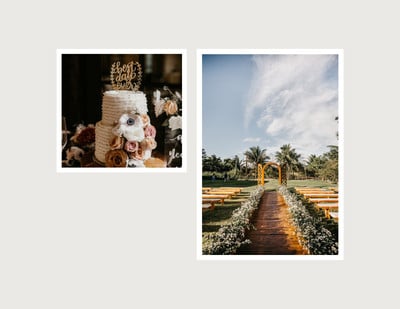
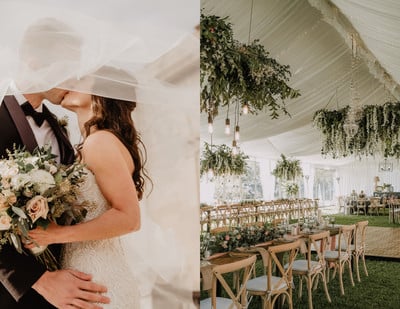
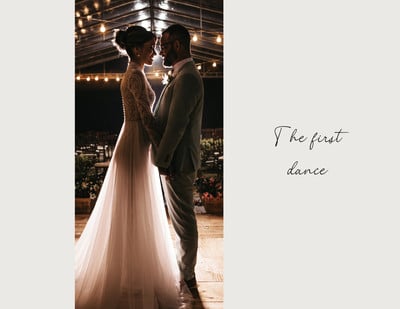
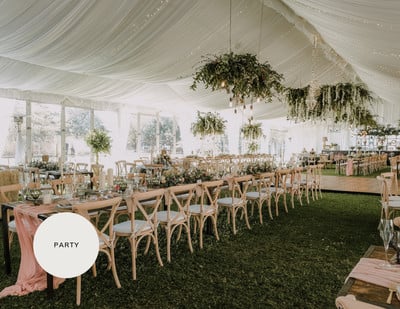
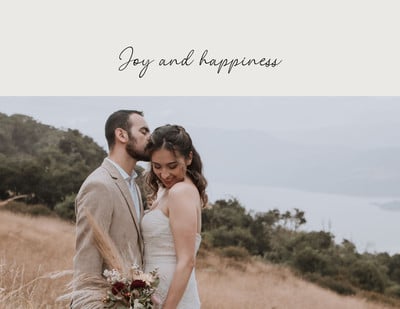
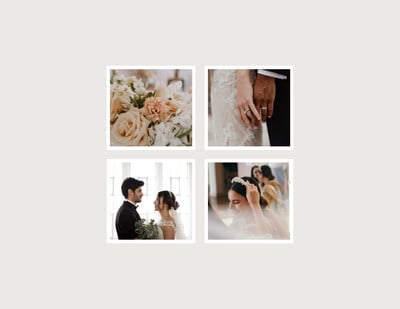
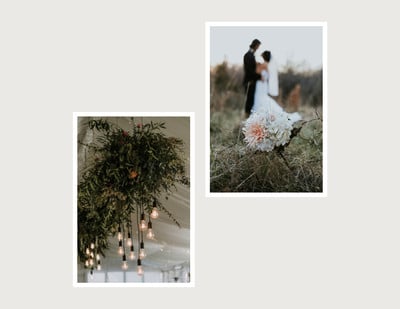
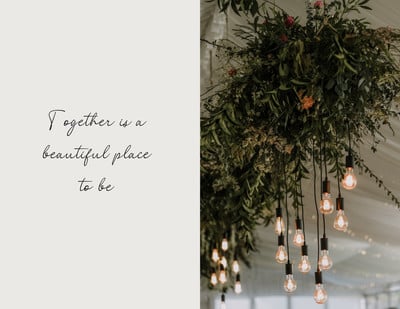
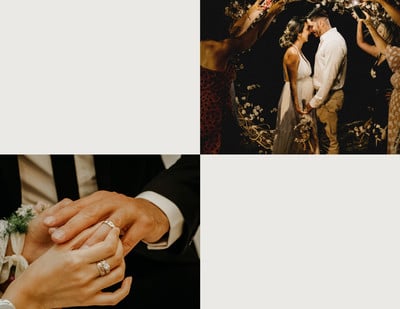
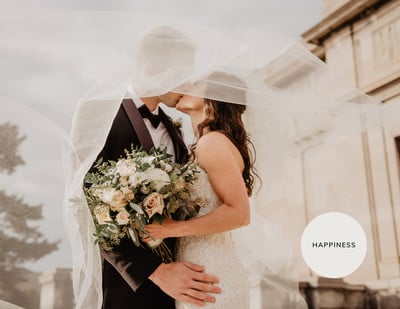
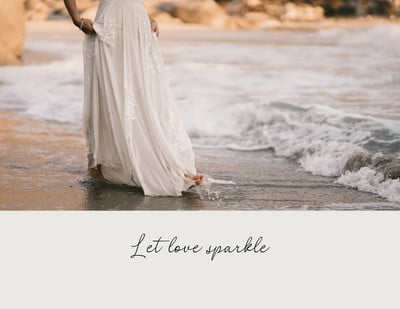
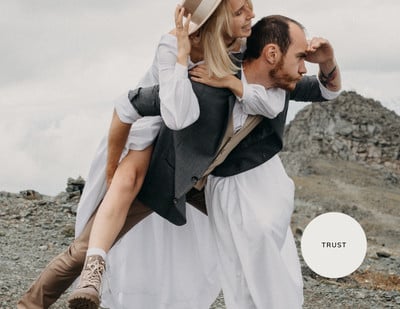
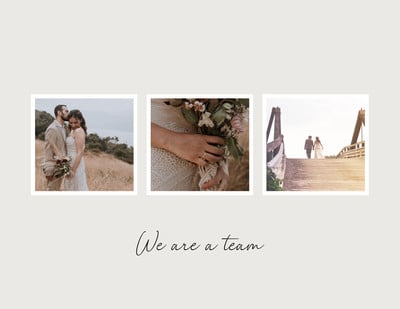
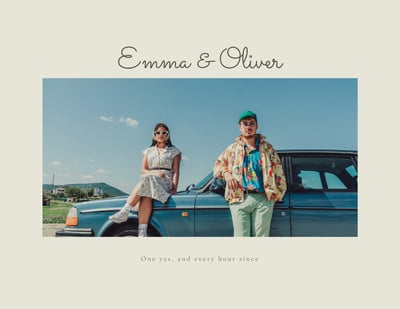
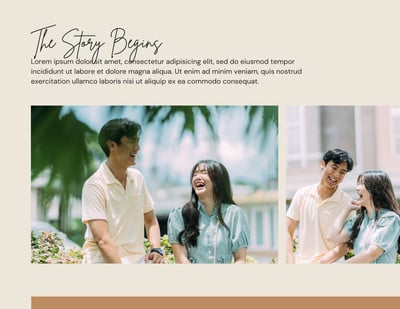
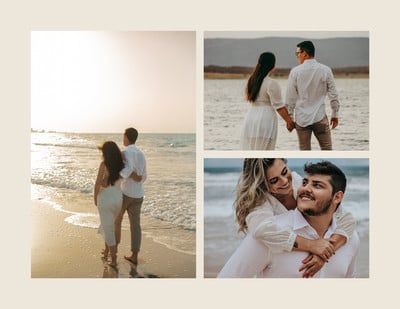
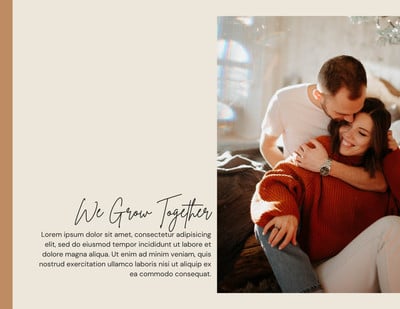
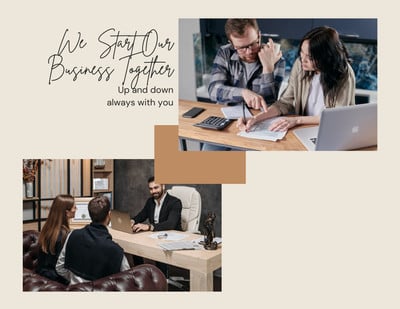
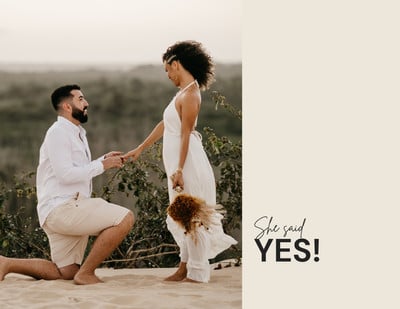
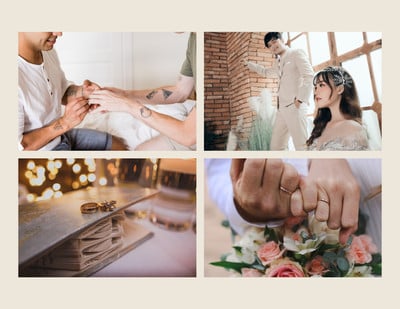
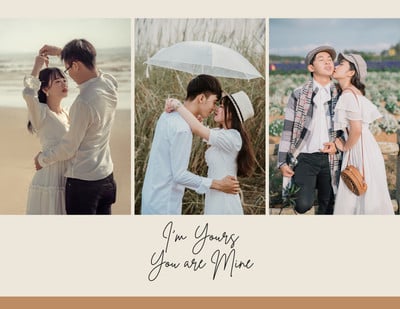
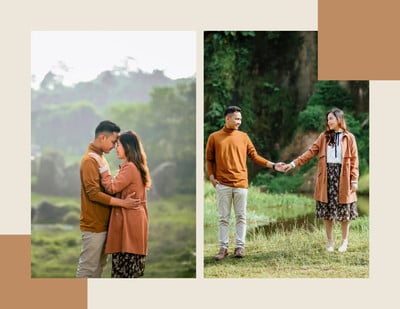
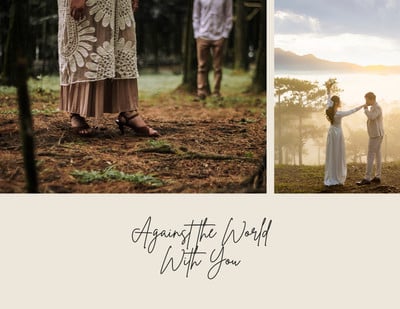
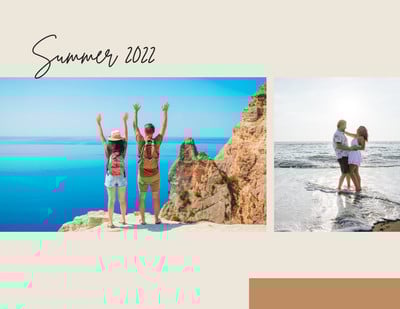
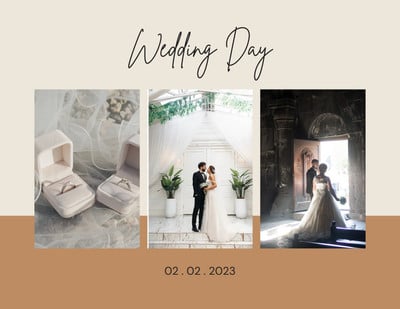
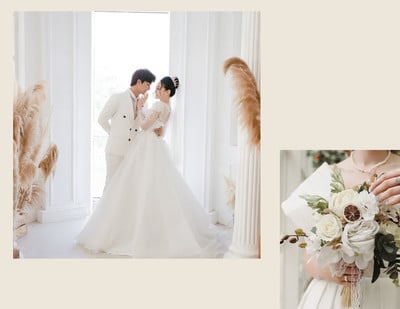
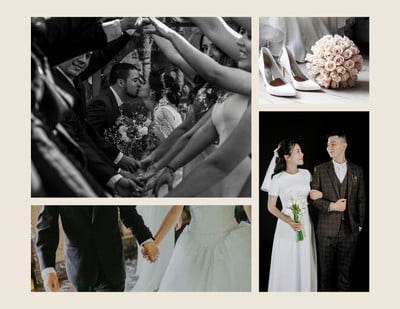
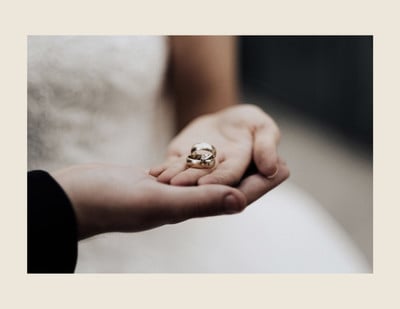
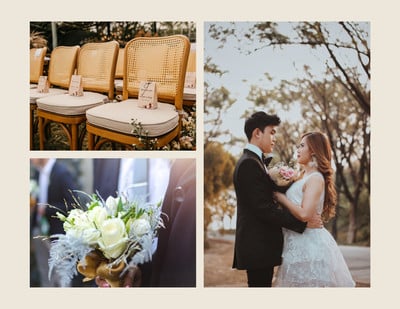
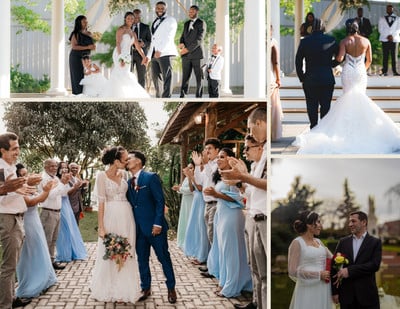
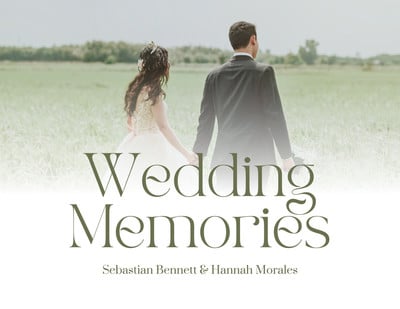
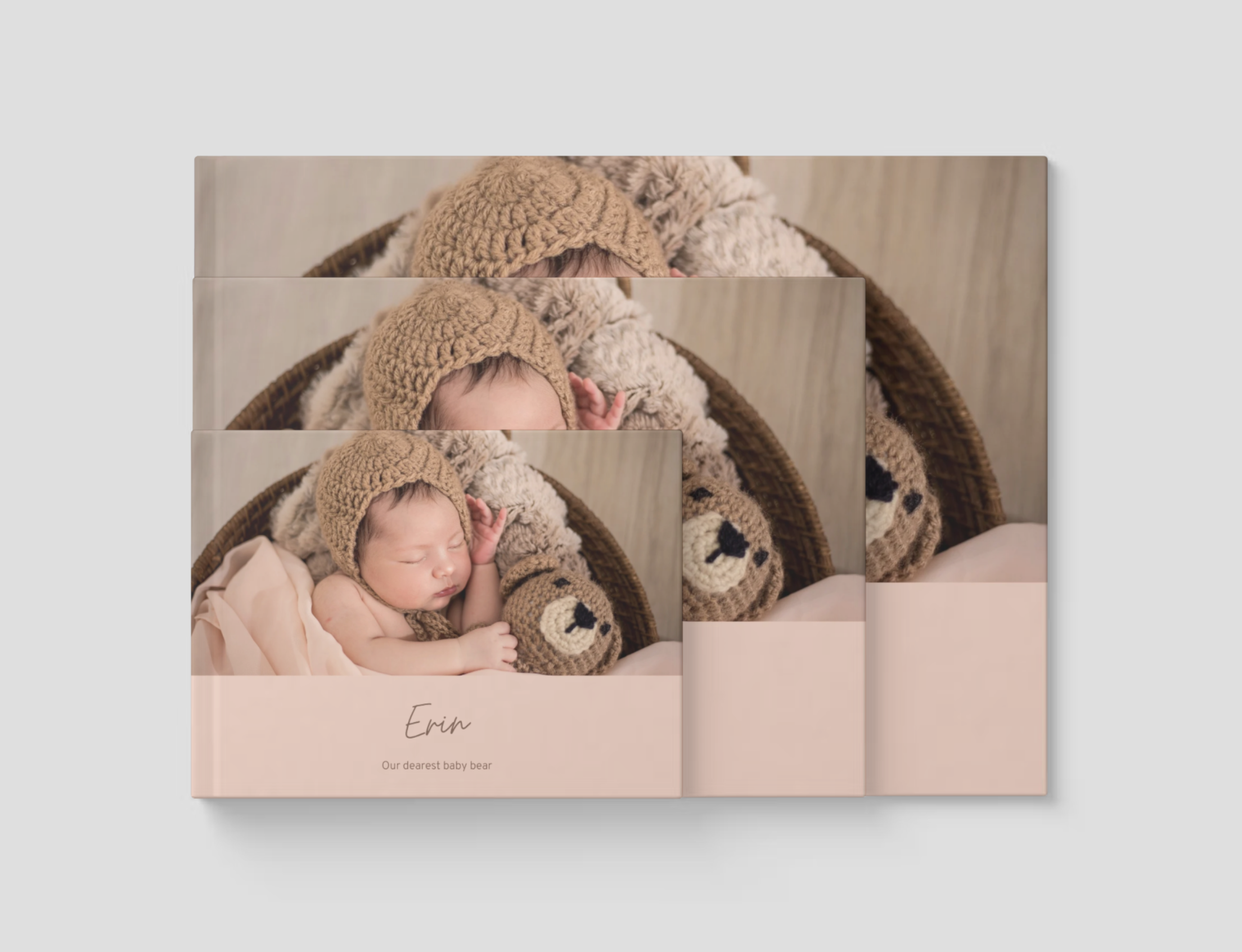
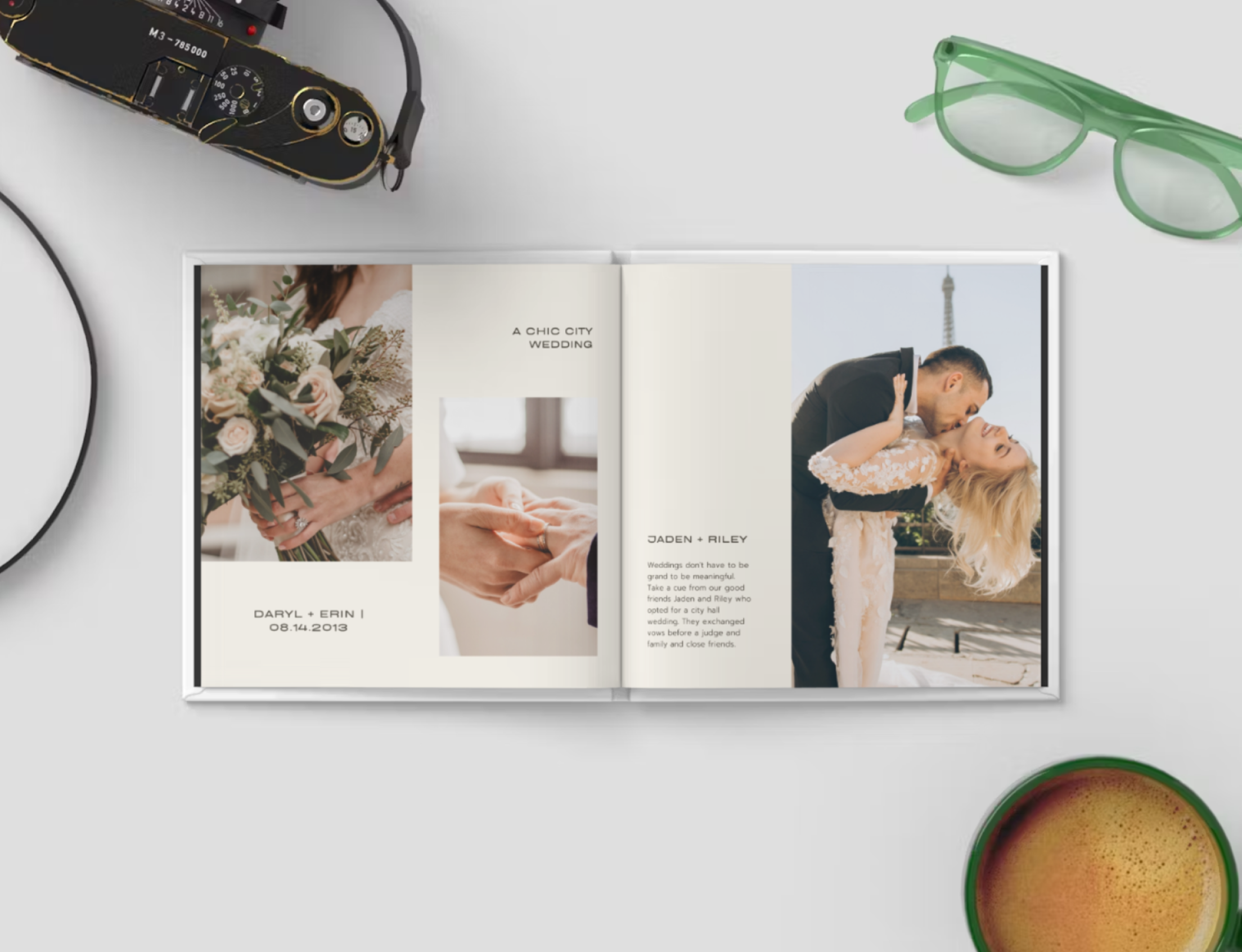
Get a head start with free design templates you can customize in a few clicks. Find templates for baby books, wedding and anniversary photo books, and more.


Custom photo books for any occasion

A keepsake that’s easy to create. That’s the goal. With Canva’s free online photo book maker, bringing your digital photos to life doesn’t need to be time-consuming or expensive. With our extensive library of templates and easy-to-use tools, you can create a photo book you’ll love—and have fun in the process.

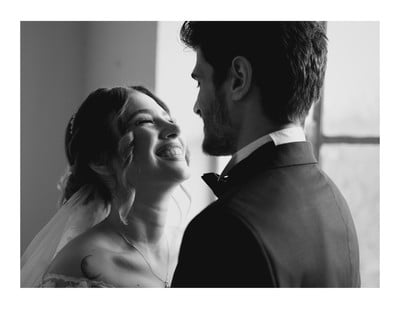
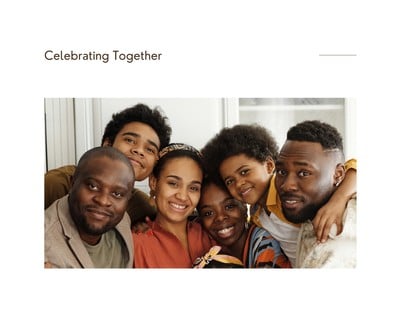
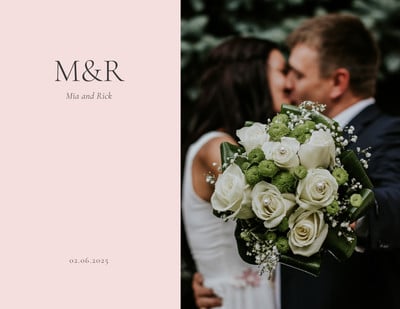
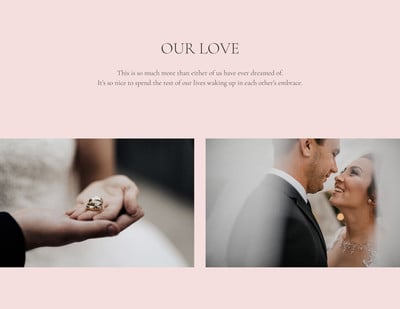
From weddings and first birthdays to big moves and golden anniversaries—create a custom picture book to commemorate life’s big moments. Find templates in a range of themes, styles, events, colorways, and causes.

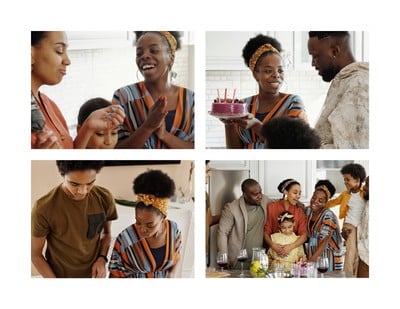
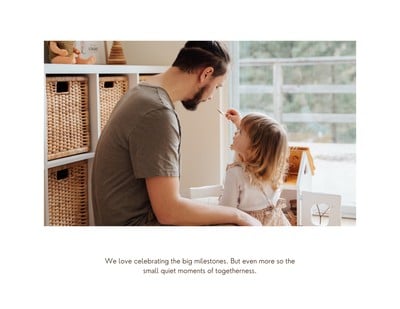
A lot can happen in a year. Make your own photo book to remember both major events and quieter days at home. Use our photo editor to touch up selfies and blurry shots and brighten dark photos.

Got tons of old photos, cards, and mementos gathering dust in your attic? One of the best gifts you can give your family is an online photo album that everyone can access and share. With Canva’s seamless collaboration tools, you can invite your whole family to help make your digital photo book come to life.

How to make a photo book

  1. Open Canva

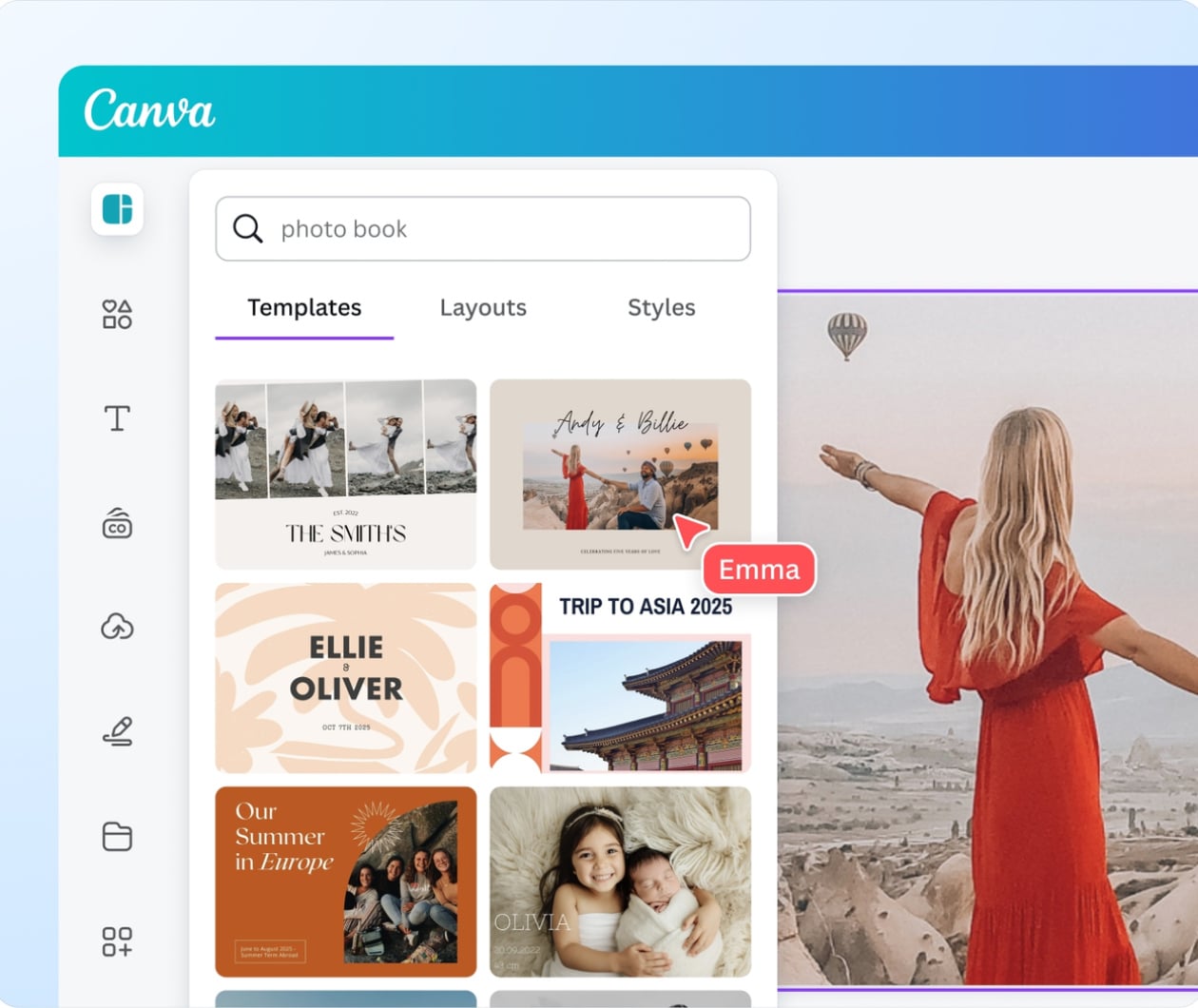
    To create a photo book on Canva, simply open the app on your web browser or mobile device and type “photo book” in the search bar.

  2. Browse templates

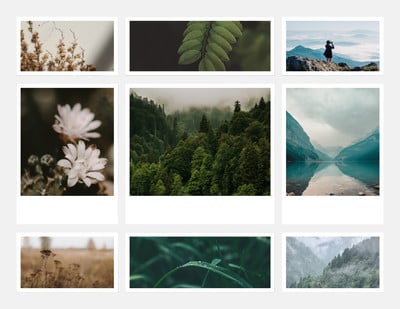
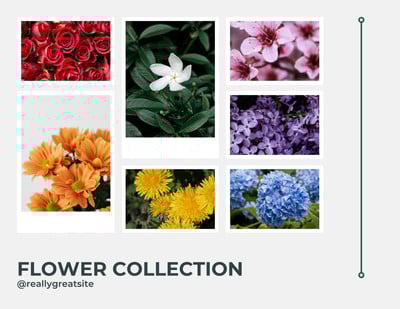
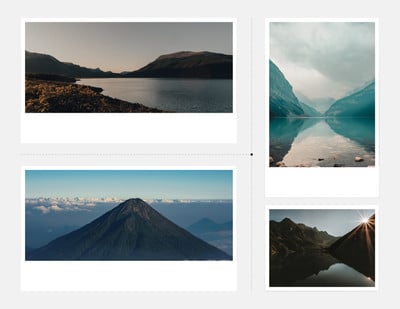
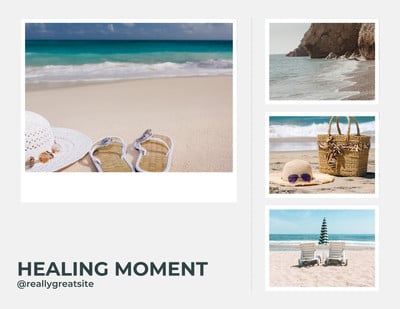
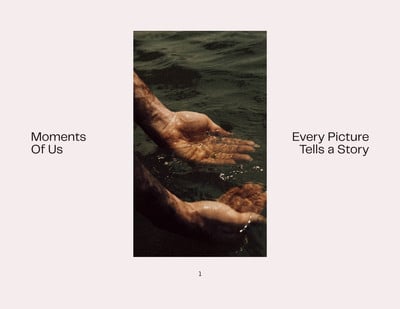
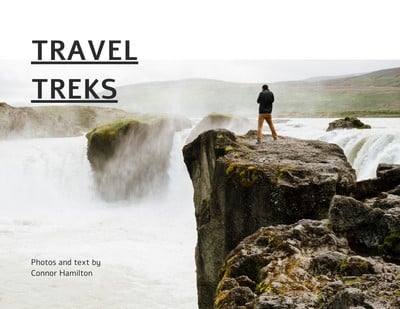
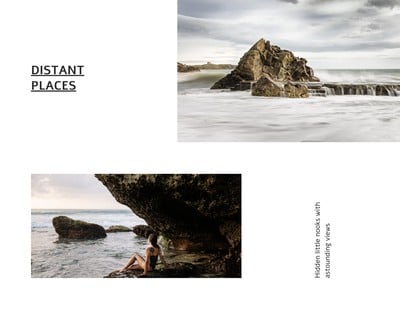
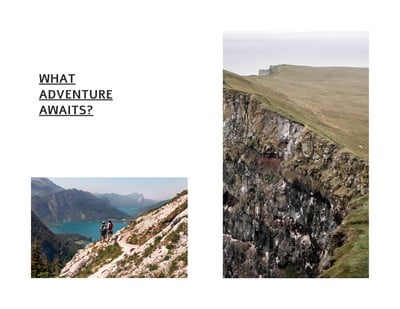
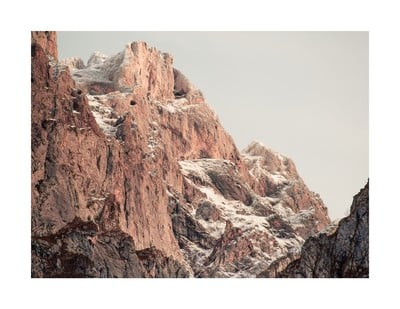
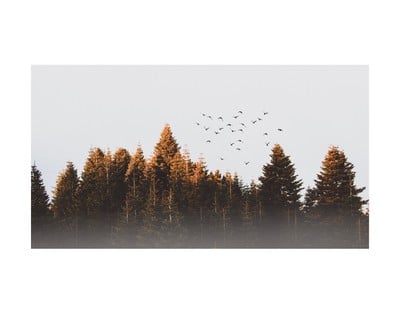
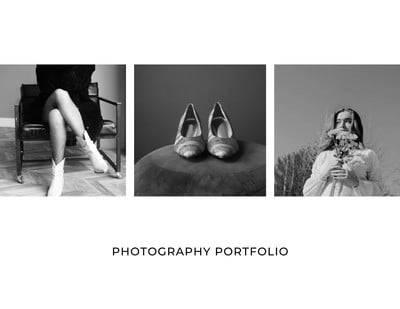
    Start inspired with high-quality photo book templates. Find design themes for travel, anniversaries, weddings, recipes, holidays, photography collections, and more. Each template comes with several pages.
  3. Explore features

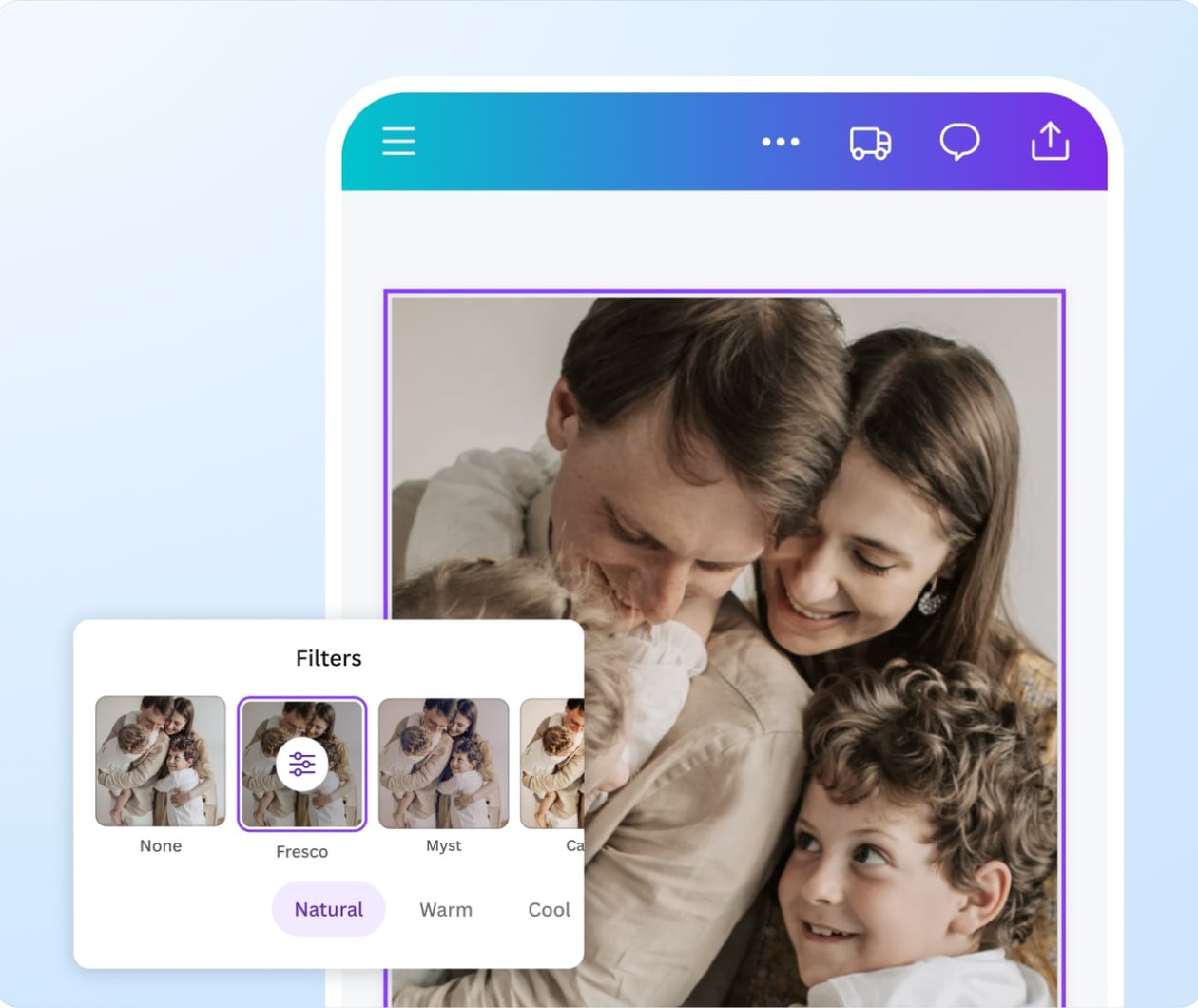
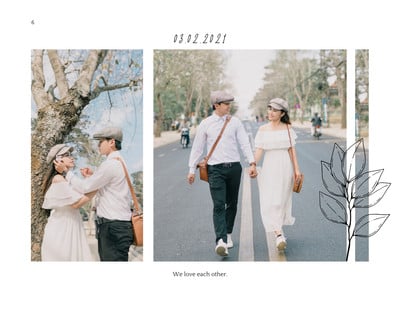
    Get creative with millions of high-resolution stock photos, images, illustrations, icons, font styles, and other graphics. Use the photo effects feature to apply filters or adjust the contrast and saturation. Add text where you want it.

  4. Customize your photo book

    Make your photo book as unique as you are. Easily upload your own photos, images, and artwork. Choose your own color scheme, background, and font style. Rearrange the layout and pages as you see fit.

  5. Share or print

    Download and save your custom photo book pages as PNGs, JPGs, or print-ready PDFs. Order high-quality photo book prints directly from Canva. Or, share an online version in a few clicks.

Start designing

All the printing features you need

Canva’s free drag-and-drop design tools make it easy to create any design, fast!

Thousands of free templates

Start inspired with thousands of customizable print templates.

Delivered to your doorstep for free

Choose from flexible delivery options, including free standard shipping, express delivery, or in-store pickup.

Your happiness, guaranteed

We’ll refund or reprint your order if you’re not happy with it.

Brand Kit (Pro)

Store your logo, brand colors, and fonts to stay effortlessly on-brand.

Magic Switch (Pro)

Create your design once, and we’ll magically resize it into any printable product. Turn your design into a flyer, poster, sticker, and more.
Automated proofing

One-click Auto-Proofing will ensure your text size is ideal, element placement is within the bleed zone, and your resolution is pixel-perfect.

Your questions, answered

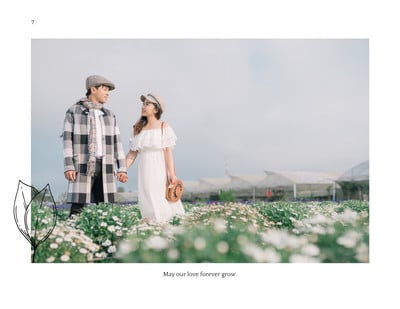
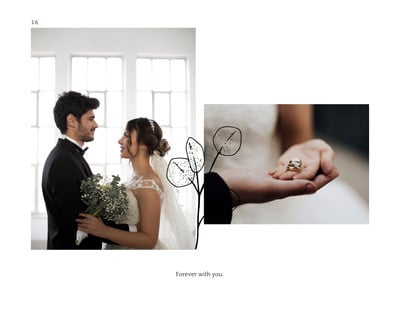
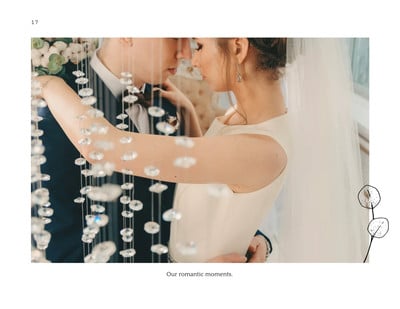
  • A photo book is a collection of photos, illustrations, or drawings arranged in different layouts and styles. Most photo books follow a theme or are based on an occasion or life milestone. Think wedding photo books, birthday photo books, vacation photo books, graduation photo books, or even baby photo books. A photo book is often created as a keepsake or given to a loved one as a special gift.
  • Photo books are made out of high-quality paper and ink in order to render beautiful images that last. Some photo books may also incorporate leather or metal covers. Canva prints on high-quality glossy or soft-touch paper, with either a hard-cover or soft-cover to pull your photo book together.

  • The difference between a photo book and a photo album is how the end product comes together. A traditional photo album resembles a book. When you make a photo album, you insert pictures or cards into compartments in an album specially made for photo-keeping.

    However, a photo book is created digitally with multiple elements. Photos, layouts, scrapbooking elements, and text are added using an app or software and you can then print your photo book design how you’d like it.

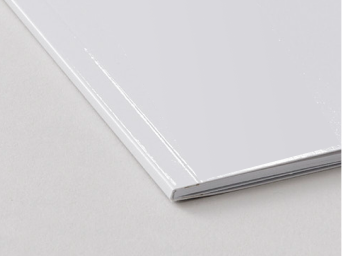
  • The main difference comes down to each book’s binding and cover material. As its name suggests, softbound photo books are bound using adhesives, and the cover page is laminated. In comparison, the pages of a hardbound book are aligned and bound using an adhesive binding machine with the cover being image-wrapped.

  • Learning how to create a photo book is very easy. First, gather the photos you’d like to include in the book. Choose an online software or app like Canva to put the book together. Select the right size, format, and orientation. Then set the pictures, layout, and design. Design a cover and choose your paper. Once done, you can move on to printing your photo book. You can also download your design as a free online photo album you and your loved ones can access any time.
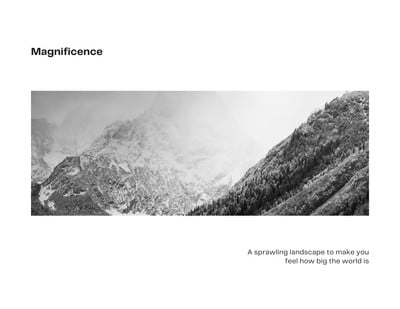
  • Some photo book software programs allow up to 1,000 photos per book, but most photo books contain between 50 and 100 images, with around 4 images per page. It will depend on the tools you’re using for the job, and how many photos you wish to include.
  • To check if photo book printing is available to you, visit What We Print(opens in a new tab or window).

    We always aim to partner with professional printers located as close to you as possible. For this reason, our print product catalog may vary depending on the country.

  • At Canva Print, we strive to deliver your photo book orders as soon as possible. The shipment of your order depends on the selected delivery type chosen upon ordering. 

    • Economy delivery: Up to 14 business days
    • Standard delivery: Up to 8 business days
    • Express delivery: Up to 3 business days

    All delivery times include a production time of 1-2 business days, not including weekends and public holidays.

    Please note that shipping times vary between regions, and delivery to more rural areas may be slightly longer than to metro areas.

    Check your print order status(opens in a new tab or window) to see which one you selected.

  • Photo books printed and delivered through Canva are covered by our Happiness Guarantee. To see what’s covered by the guarantee, visit Canva Print order issues(opens in a new tab or window).

    If you have issues with a recently delivered print order, get in touch within 30 days of receiving itContact support about a print delivery issue(opens in a new tab or window).

    You can also get in touch with a print order you haven’t received yet. Contact support about an undelivered print order(opens in a new tab or window).

  • Unfortunately, we don’t offer samples of our products right now.

    If you’re looking to make a large order, we suggest ordering a lower quantity first to ensure you’re happy with the results.

  • No, we don’t offer layflat binding at this time. We do, however, offer PUR binding using a strong bookbinding adhesive. While your photo book may not lay flat initially upon purchase, over time its pages will relax and lay flat.

  • The One Print, One Tree initiative is just one of the ways we are making our printing solutions more sustainable, as part of doing the most good that we can through our Two-Step Plan(opens in a new tab or window). So, how does it work? Simple: for every print order you make with us, we will plant one tree. For more information visit here(opens in a new tab or window).

More tips and resources

Get inspired, and learn more about design

Explore the blog

42 book cover ideas to try

Learn more

10 rules of composition all designers live by

Learn more

Learn design elements and principles

Learn more
Discover more products

Canvas prints

Labels

Notebooks

Postcards

Booklets