Free postcard mockup generator

Easy drag-and-drop editor

1M+ professionally-designed templates

Design from any device

Download or share designs easily
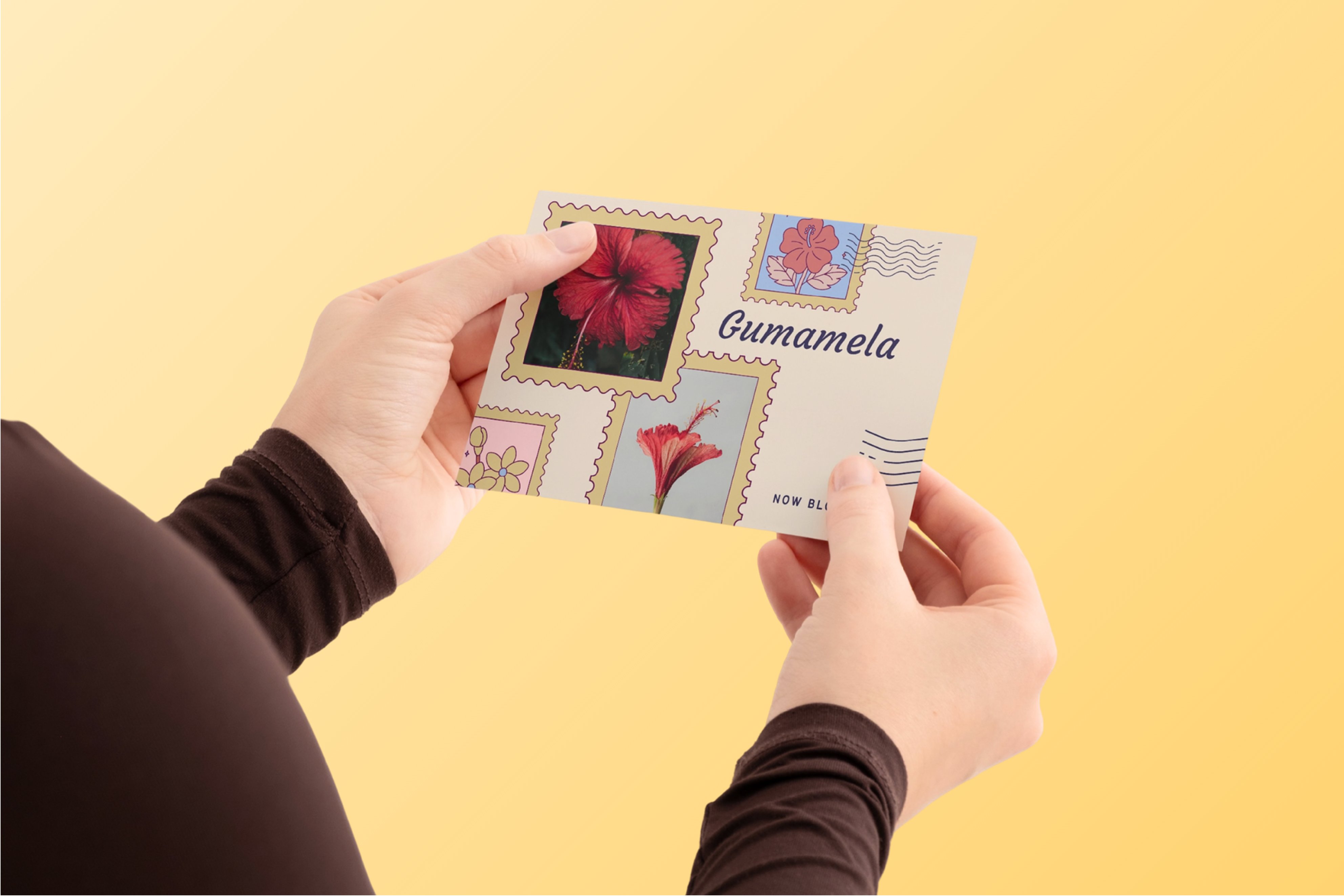
Preview print-ready designs and create a custom postcard mockup with Canva’s free postcard mockup generator. Easily customize and download them online — all in minutes.
How to make a postcard mockup
1
Start with Canva
Open an existing Canva design or make a mockup postcard from scratch. Go to Elements, select Mockups, and choose from our Print layouts or search for "postcard mockup" to pick and customize.
2
Upload your postcard design
In Canva’s free postcard mockup generator, drag your design onto the template for an instant realistic postcard mockup. Swap backgrounds and finishes as you like.
3
Share with ease
When you're done, download your postcard mockup and share it straight from Canva. You can send a view-only link to clients, post it on your social media, or embed it to your website.
Benefits of a postcard mockup generator
Instantly preview your postcard design in realistic scenes
Customizable mockups to match your brand
With Canva, you can turn a simple postcard design mockup into a scene that fits and stays consistent with your campaign. Apply fonts and logos from your Brand Kit (Pro), change background colors, adjust shadows, or even add props from Canva’s content library. Because they’re stored in your folder, you can repurpose your postcard mockups for future campaigns, and even resize them to various formats.