Free QR Code Generator
Create static or dynamic QR codes with Canva’s free QR code generator. Customize the QR code design and choose whether the destination URL is fixed or flexible.





Update the QR code link anytime
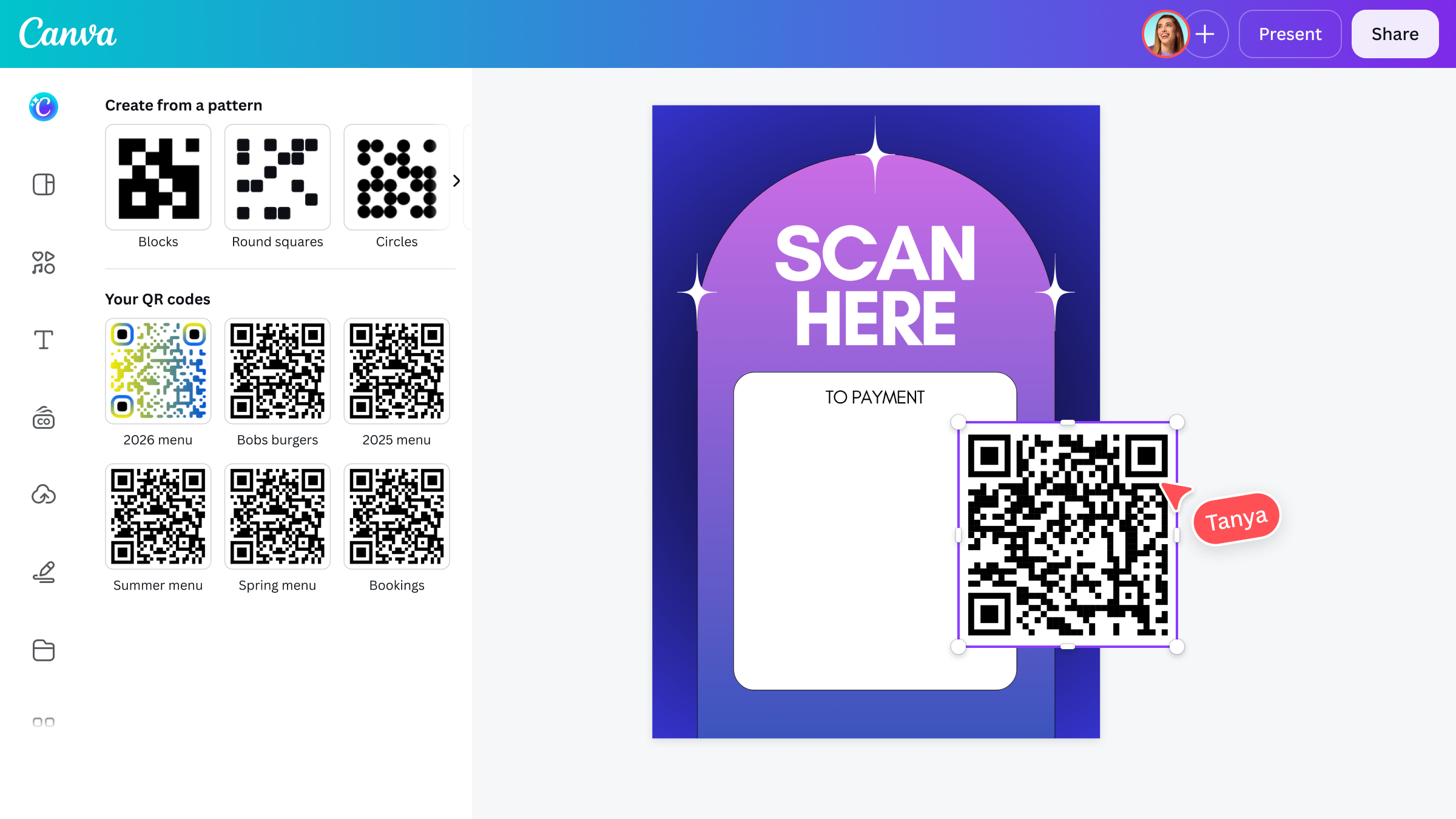
Change the destination URL of dynamic QR codes generated in Canva. Whether you're linking to a product page, digital menu, contact form, or availability status, you stay in control of the content behind the code, even after it's been shared or scanned.
Manage your QR codes with ease

Manage and update your QR codes
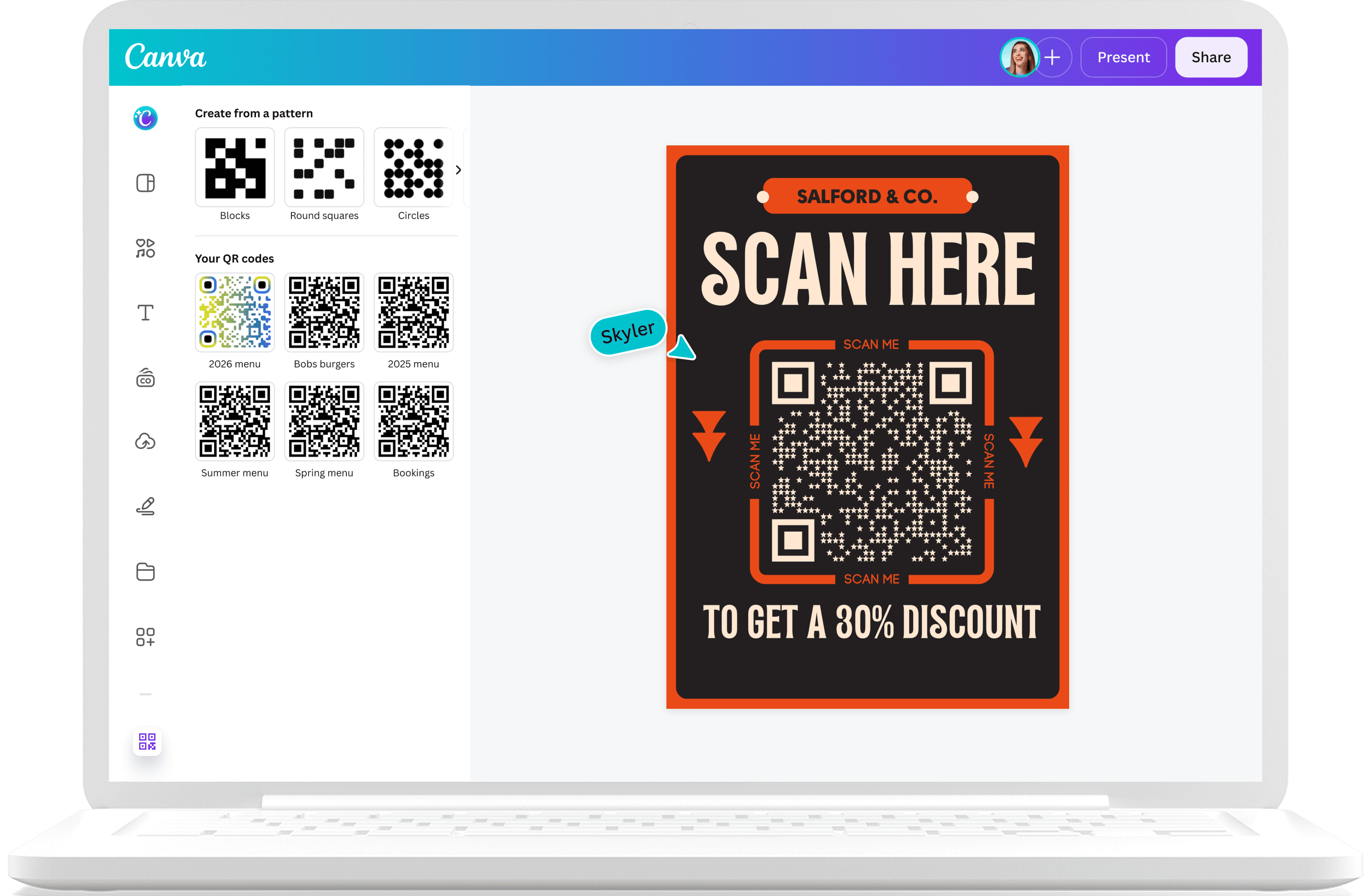
View all your previously created QR codes. For dynamic codes, update the destination URL without changing the design.

Customize QR codes
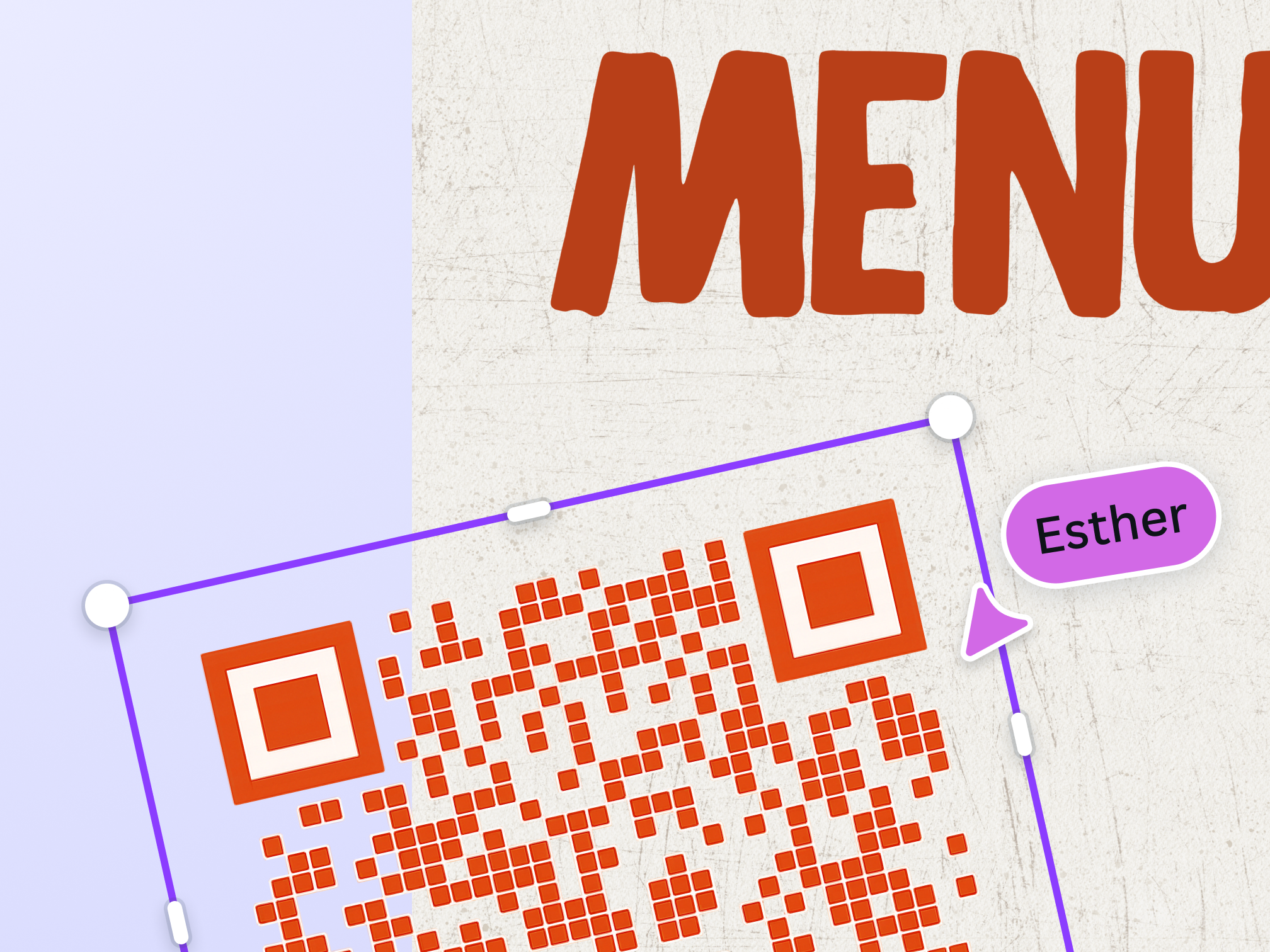
Customize your QR code’s color, corners, and patterns to match your brand or design. If you have Canva Business or Enterprise, you can also replace the default Canva logo on the QR code with your own icon.

Set when your QR code will expire
Set an expiry date or time on your dynamic QR code, along with a fallback URL that redirects users to a specified destination. If no fallback is provided, they’ll be redirected to the generic QR code error page.
Share and collaborate anytime

Download your QR for later
Open your generated QR code in Canva to save it in different formats and layouts, including PNG, JPG, SVG, or PDF and get high-quality prints.

Easy QR code sharing and refining
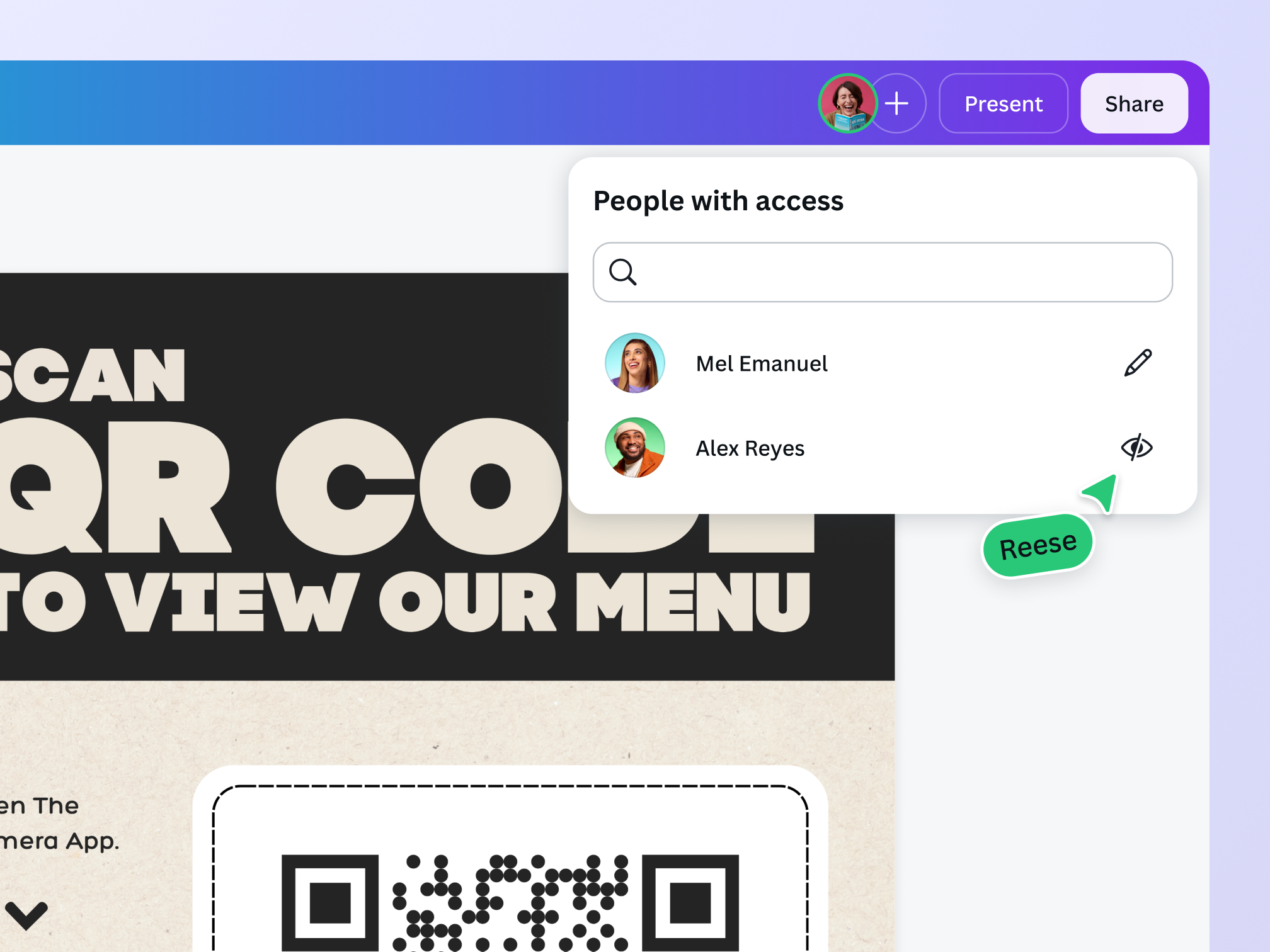
Working with a team? Send teammates a secure, viewable link to your QR code design. Change the editing permission and toggle “Allow other editors to update” to let them edit your QR code.

View QR Code Insights
With Canva Business or Enterprise, you can track QR code performance, like scan counts, device data, and location data.
QR codes for every need

Marketing
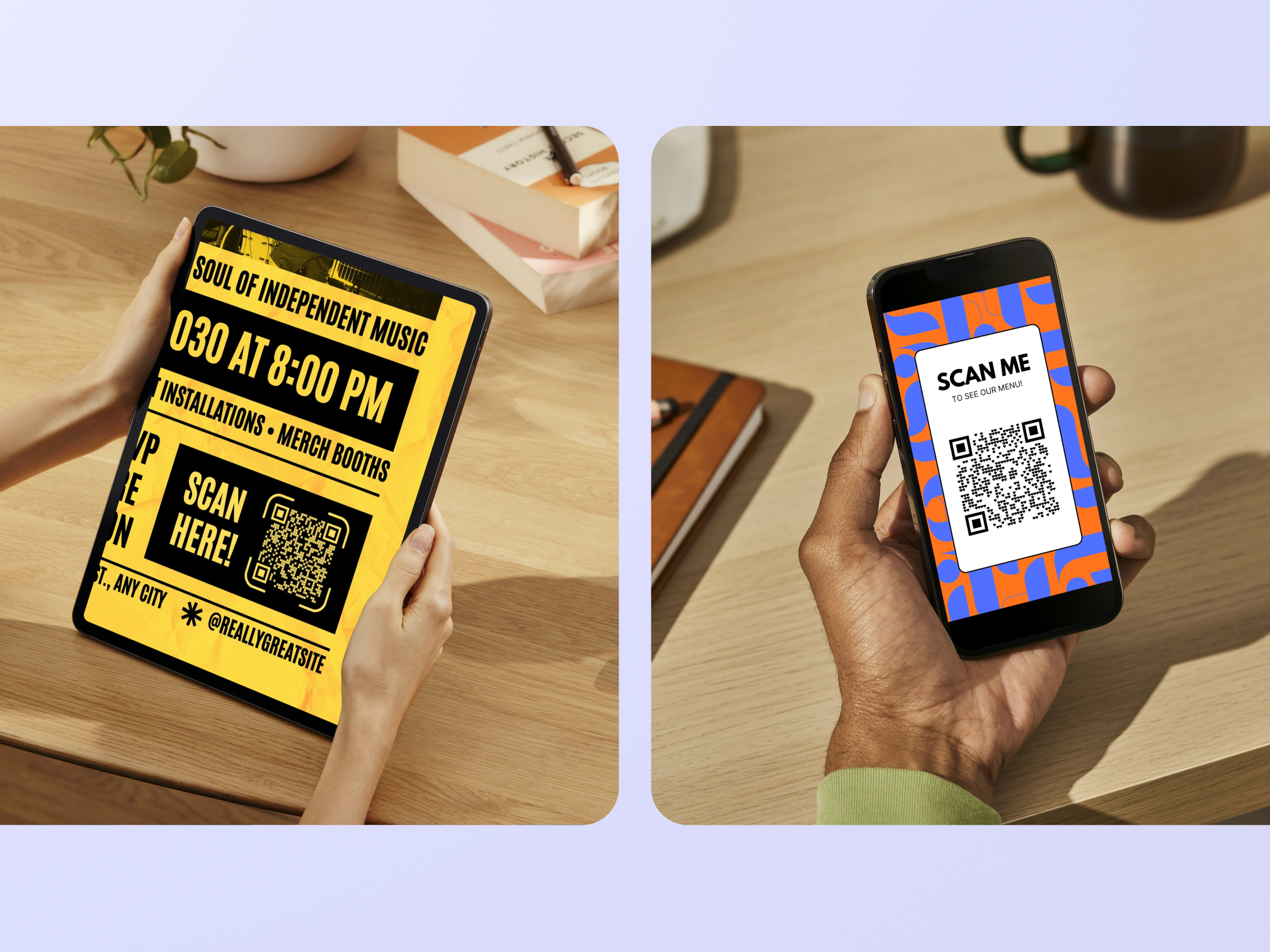
Promote your business with aesthetic material and direct new customers to your website.

Business
Gather feedback to improve your products and increase customer engagement.

Freelancers
Impress with a custom QR code on business cards and direct clients to your portfolio.
All the features you need
Canva's free drag-and-drop design tools make it easy to create any design, fast!
Millions of free images, icons, and graphics
Get access to our entire library of millions of photos, icons, graphics, media elements, audio, sound effects, and more.

Font library
Upload your own or access 3,000+ free and premium fonts.

Easily get everyone’s comments
Revise with ease. Get your teammates’ and clients’ feedback directly on your design.
Access on any device
Jump from mobile to desktop—design how you work best!
Free standard shipping
Order prints and get them delivered fast, free, and in recycled packaging.
Real-time collaboration
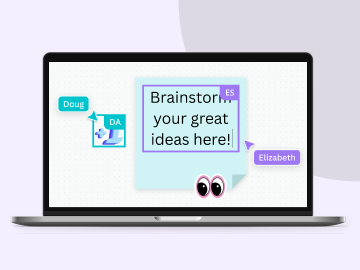
Create, collaborate, comment on designs, and get everyone on the same page, at the same time, from anywhere.
Cloud storage
Get free 5GB storage or upgrade to Canva Pro and get unlimited folders with up to 1TB storage for all your designs.
Your happiness, guaranteed
We'll refund or reprint your order if you're not happy with it.
Easy sharing and exporting tools
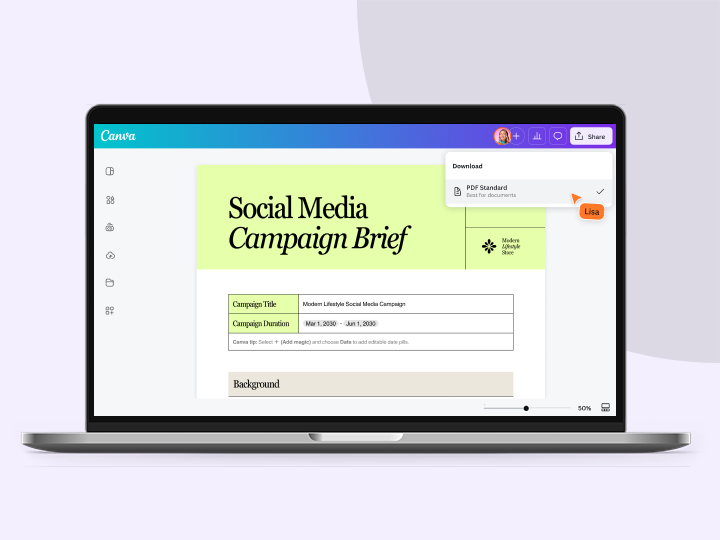
Share and export designs as a JPG, PNG, PDF, and PPTX. And when you embed a doc, you can customize which page will be displayed.
Autosave
Canva autosaves your progress so you can update anything, anytime.
Brand Kit (Pro)
Store your logo, brand colors, and fonts to stay effortlessly on-brand.

One-click magic switch (Pro)
Design once, resize to anything.
How to generate a QR code
- Open a Canva design.
- Go to "Elements" and search "QR code." A banner with two options will appear: "Create static" and "Create dynamic."
- If you choose Create static, enter your URL, customize the design, then click "Generate code." Alternatively, you can go to "Apps" then search "QR codes" to create static codes.
- If you choose Create dynamic, choose a pattern, enter the web address, and customize the design. Then, hit "Save."
- Download the design as a high-quality image or PDF. Or add it to any printable product and order copies with free standard shipping.
Your questions, answered
A QR (quick response) code is a type of 2D barcode, made up of a 2-tone pixel pattern. Unlike a traditional barcode, a QR code is able to contain more information and is scannable from any orientation. They were first used by Denso Wave, who developed them for marketing components, but soon found their way into mobile marketing when smartphones were more widely adopted.
QR codes work by translating the arrangement of a provided URL into a unique 2D arrangement of squares. When these squares are scanned, the optical scanner rearranges them back into the URL’s original form so you can access the link.
More resources
Create a landing page on Canva
DIY your dream landing page in clicks.

71 inspirational ads that will change the way you think
Impactful ads to inspire and make you ponder.
The content creator’s guide to making the best merch
Make your merch stand out with this handy guide.

40 of the best contact us page ideas
Reinvent your contact page with these fun ideas.
Discover more products

Free QR Code Generator
Create static or dynamic QR codes with Canva’s free QR code generator. Customize the QR code design and choose whether the destination URL is fixed or flexible.