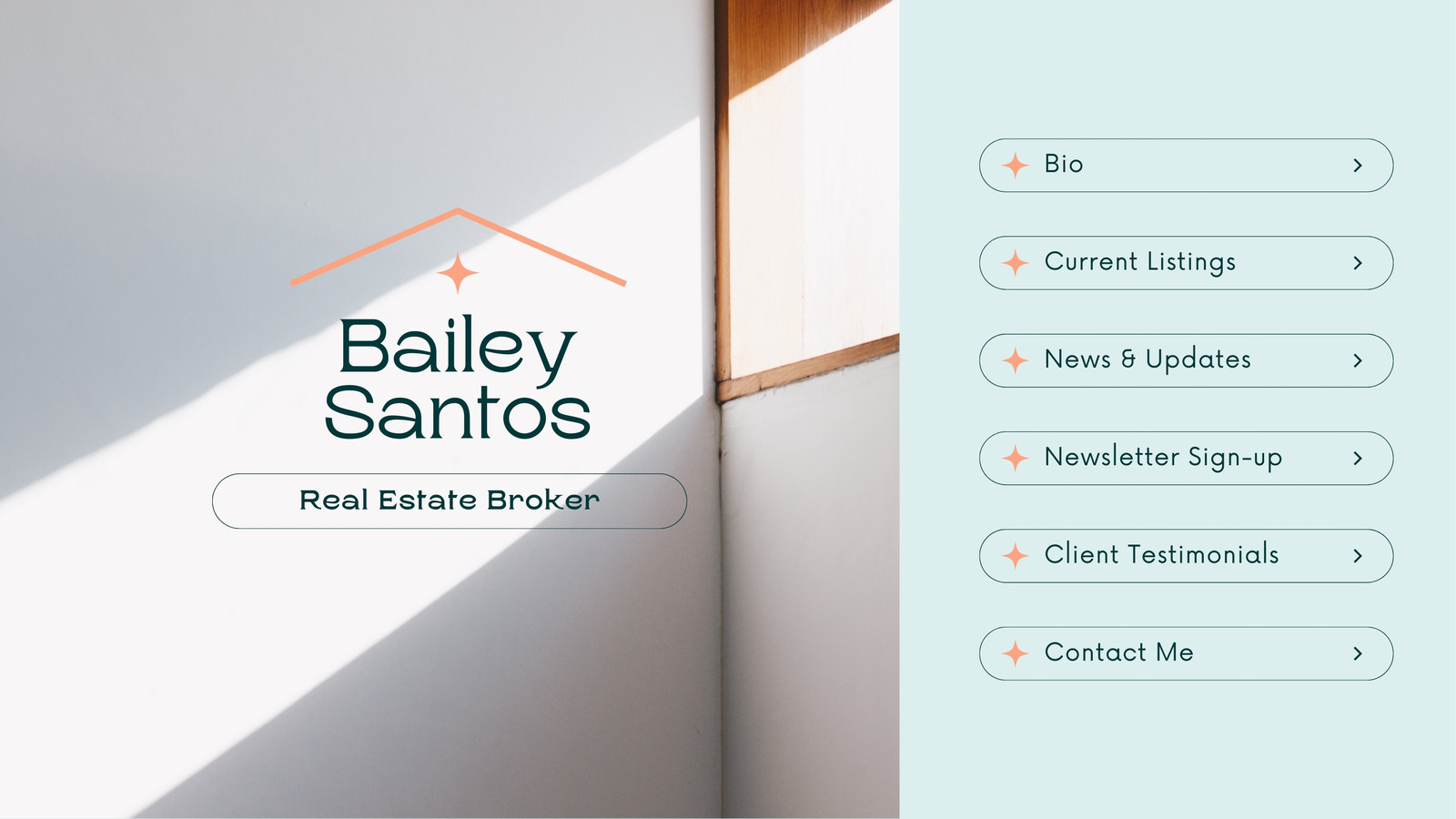
Real estate website builder



Easy drag-and-drop editor

1M+ professionally-designed templates

Generate content and media with AI

Download or share designs easily
Create a stunning real estate website with Canva's easy-to-use builder. Customize a template, add brand elements, and launch your site in minutes.
How to create a real estate website
1
Start with Canva
Open Canva and search "real estate website" to pick a template that fits your brand's vision and needs. There are options for both single and multi-page websites.
2
Design your real estate website
Use our drag-and-drop tools to easily insert images and logos to your real estate website. Experiment with filters, add supporting text, and tweak elements to make them on-brand.
3
Share with ease
Click “Publish Website” to get your site live. Opt for a free Canva domain, or purchase one to customize, then share your real estate website link with clients or teammates.
Benefits of a real estate website builder
Start fast with stunning real estate website templates
Need a professional real estate website for your brand? There's no need to start from scratch with Canva's extensive library of real estate website templates. Whether you're a real estate agent or a marketing professional, we have templates for every need. Plus, Canva's drag-and-drop tools make it easy to switch out photos, add your own text, and edit the site layout—no coding required!
Design a unique and on-brand real estate website
Easily bring your real estate website to life, even with zero design skills. Add in photos and graphics from your Brand Kit (Pro), create property descriptions with the help of Magic Write™, and rearrange elements as you go. You can even use our AI photo editor to make eye-catching enhancements to listing photos. With Canva, making the best real estate website design is quick and simple.
Collaborate on your real estate website anytime, anywhere
You don't have to work on your real estate website alone. Our platform has collaboration features that make team coordination effortless. Simply share your project link with your teammates, and they'll be able to review, edit, and comment on your site instantly. Plus, you'll see any changes made in real time, ensuring that everyone stays on the same page.