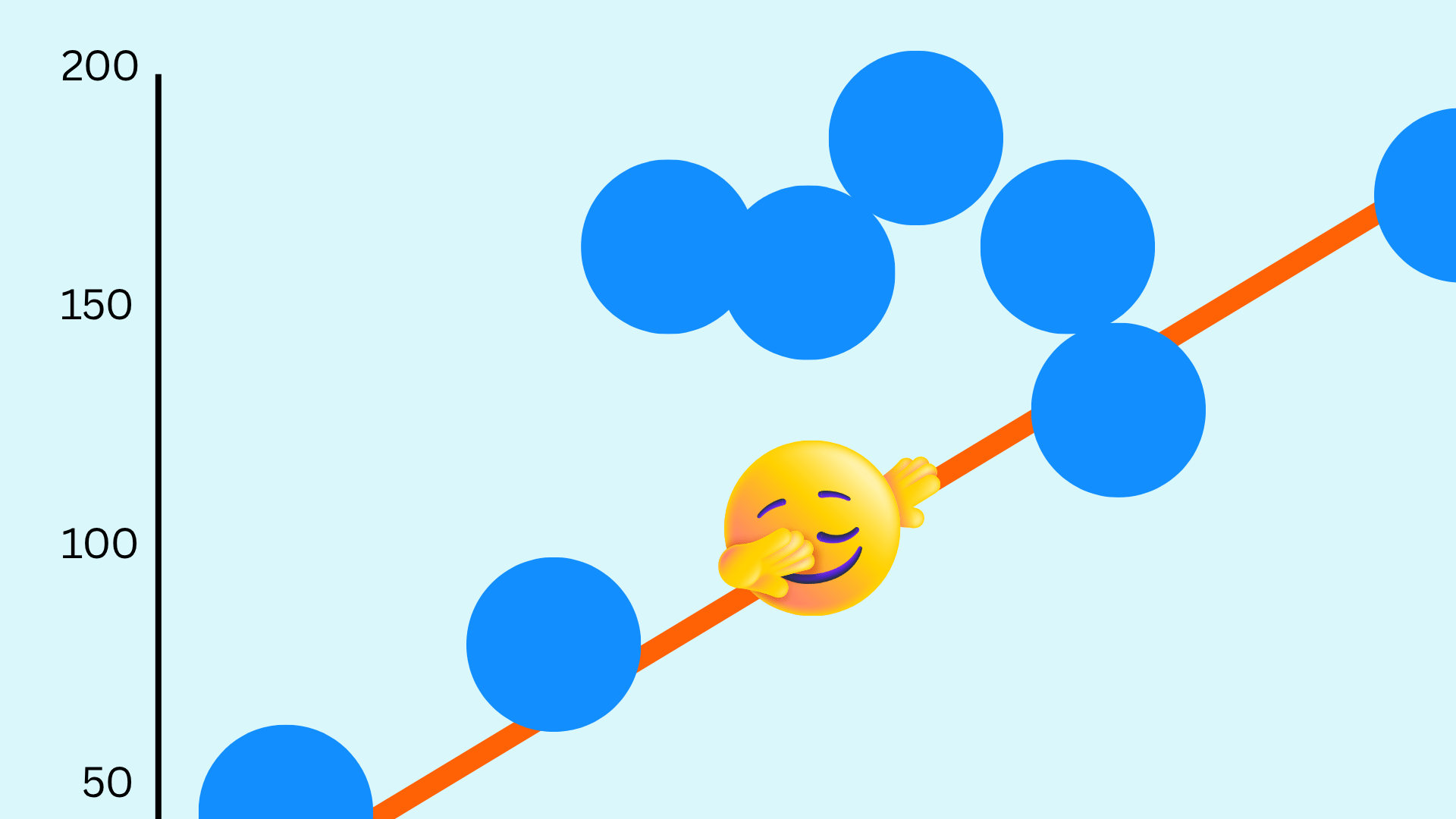
Canva Tips: Create charts for teaching and learning
10m
Beginner
Canva Tips: Creating a class
Creating widgets for the classroom
2m
Canva editor shortcuts cheatsheet
Visual hierarchy
5m
Mastering the Canva Content Planner
Master every platform
3m
Canva Tips: Whiteboards
Student Activity: Create an infographic
20m
Canva Tips: Canva Code prompts to spark inspiration
Deep Dive: Video Editing
Back to School teacher guide for Canva Education
How to create student learning journals
Meet Canva AI
4m
Try Magic Layers in class
100 creative prompts for AI-generated visuals
How to login to Canva Education
Design a vision board for what's next
Get to know Canva Code
Deep Dive: Get started with Live learning
Canva Tips: Presentations
Canva Tips: Create an activity with AI
Canva Tips: Turn student ideas into 3D content
Deep Dive: Run and guide lessons live in Canva
Student activity : Create a video news segment
30m
Quick guide to lesson planning with Canva AI
Teacher Appreciation Week Ideas
Student activity: Design a personal logo
Student Ideas: Bring stories to life through book cover designs
Deep dive: Kick off the year with a student interest survey
Student activity: Create a gratitude board
Create stunning student portfolios
Deep Dive: Smart ways to collaborate
Deep Dive: Give every student a voice with Forms
Connect Canva to your Google Classroom
Resource Ideas: Celebrate World Animal Day
Canva Tips: Your first 10 minutes in Canva Education
AI features in Sheets every busy teacher needs
Deep Dive: How to use Sheets to track student progress
Design personal learning pledges
Deep Dive: Co-create class expectations with your class
Deep Dive: Create student study notes instantly
Get to know your students
Deep Dive: Create a digital book with your class
Canva Tips: Docs
Canva Tips: the 8 most popular resources for teachers
Activity: Create your own coloring pages
Goal setting for your students
Canva Tips: Streamline student collaboration
Student Activity: Create a Halloween comic strip
Skip to end of footer
Skip to start of footer