Understanding type in Affinity
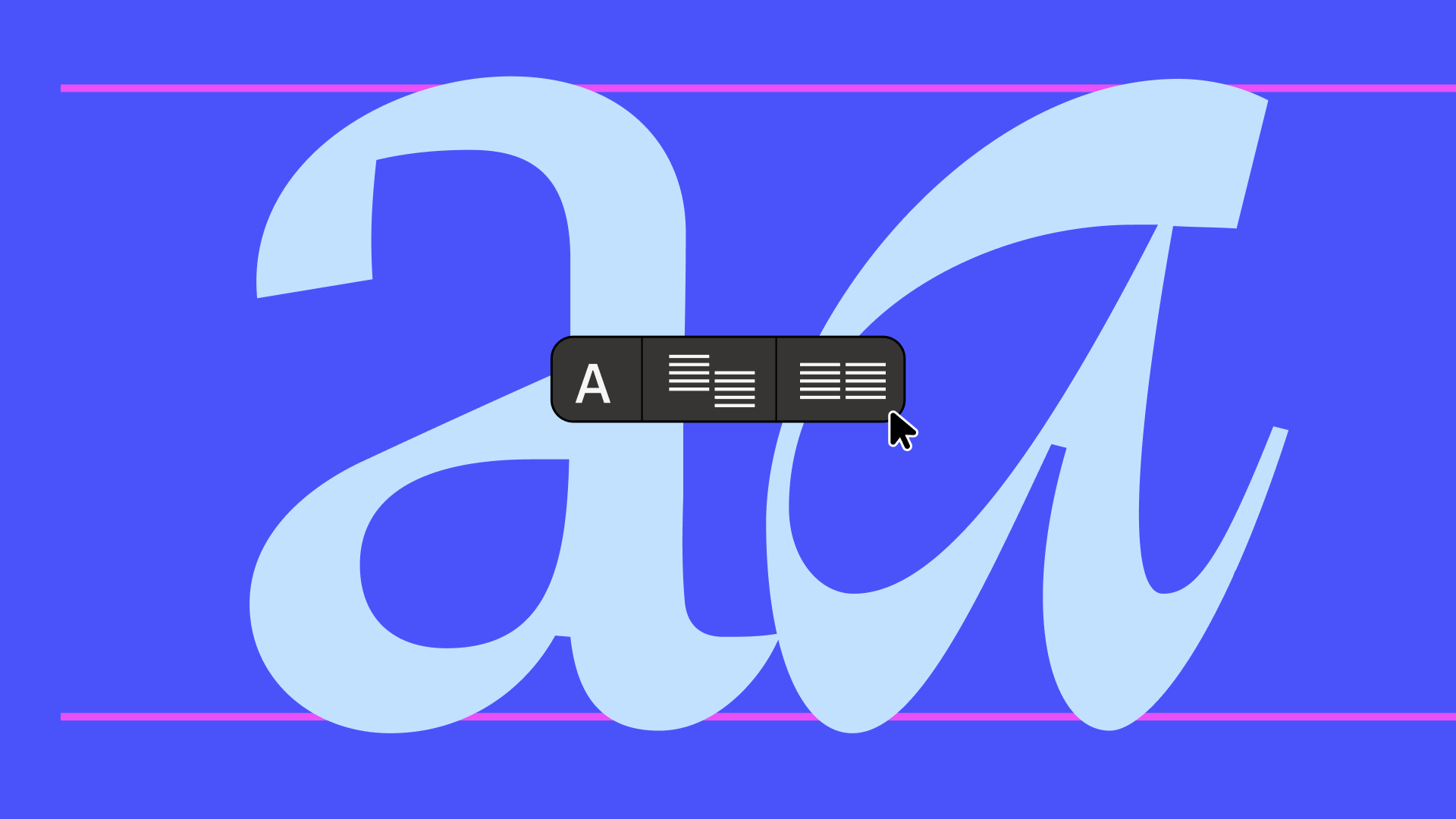
If you control type, you control attention. In this lesson, you’ll get hands-on with Affinity’s type tools and learn how to shape, refine, and control text for maximum impact.
Using an editorial design by artist Isabela Humphrey as your foundation, you’ll work with frame text, artistic text, and tables to build flexible layouts. We’ll then show you how to align and distribute elements with precision, adjust leading, tracking, and kerning for stronger legibility, and experiment with variable fonts for more granular control.
Download the lesson file here to follow along.
Understanding type in Affinity
10m
If you control type, you control attention. In this lesson, you’ll get hands-on with Affinity’s type tools and learn how to shape, refine, and control text for maximum impact.
Using an editorial design by artist Isabela Humphrey as your foundation, you’ll work with frame text, artistic text, and tables to build flexible layouts. We’ll then show you how to align and distribute elements with precision, adjust leading, tracking, and kerning for stronger legibility, and experiment with variable fonts for more granular control.
Download the lesson file here to follow along.
Understanding type in Affinity
If you control type, you control attention. In this lesson, you’ll get hands-on with Affinity’s type tools and learn how to shape, refine, and control text for maximum impact.
Using an editorial design by artist Isabela Humphrey as your foundation, you’ll work with frame text, artistic text, and tables to build flexible layouts. We’ll then show you how to align and distribute elements with precision, adjust leading, tracking, and kerning for stronger legibility, and experiment with variable fonts for more granular control.
Download the lesson file here to follow along.
Understanding type in Affinity
10m
If you control type, you control attention. In this lesson, you’ll get hands-on with Affinity’s type tools and learn how to shape, refine, and control text for maximum impact.
Using an editorial design by artist Isabela Humphrey as your foundation, you’ll work with frame text, artistic text, and tables to build flexible layouts. We’ll then show you how to align and distribute elements with precision, adjust leading, tracking, and kerning for stronger legibility, and experiment with variable fonts for more granular control.
Download the lesson file here to follow along.
Lesson outline
What you’ll learn
- Add and format frame text, artistic text, and tables
- Align and distribute text elements with precision
- Adjust leading, tracking, and kerning for improved legibility
- Experiment with variable fonts and editable axes
- Create and apply character and paragraph styles
- Manage typography confidently across your designs

10m
Key skills
Featured in these courses
Share
Last updated 17 Sep, 2026







