- How to make custom hoodies and sweatshirts
How to make custom hoodies and sweatshirts
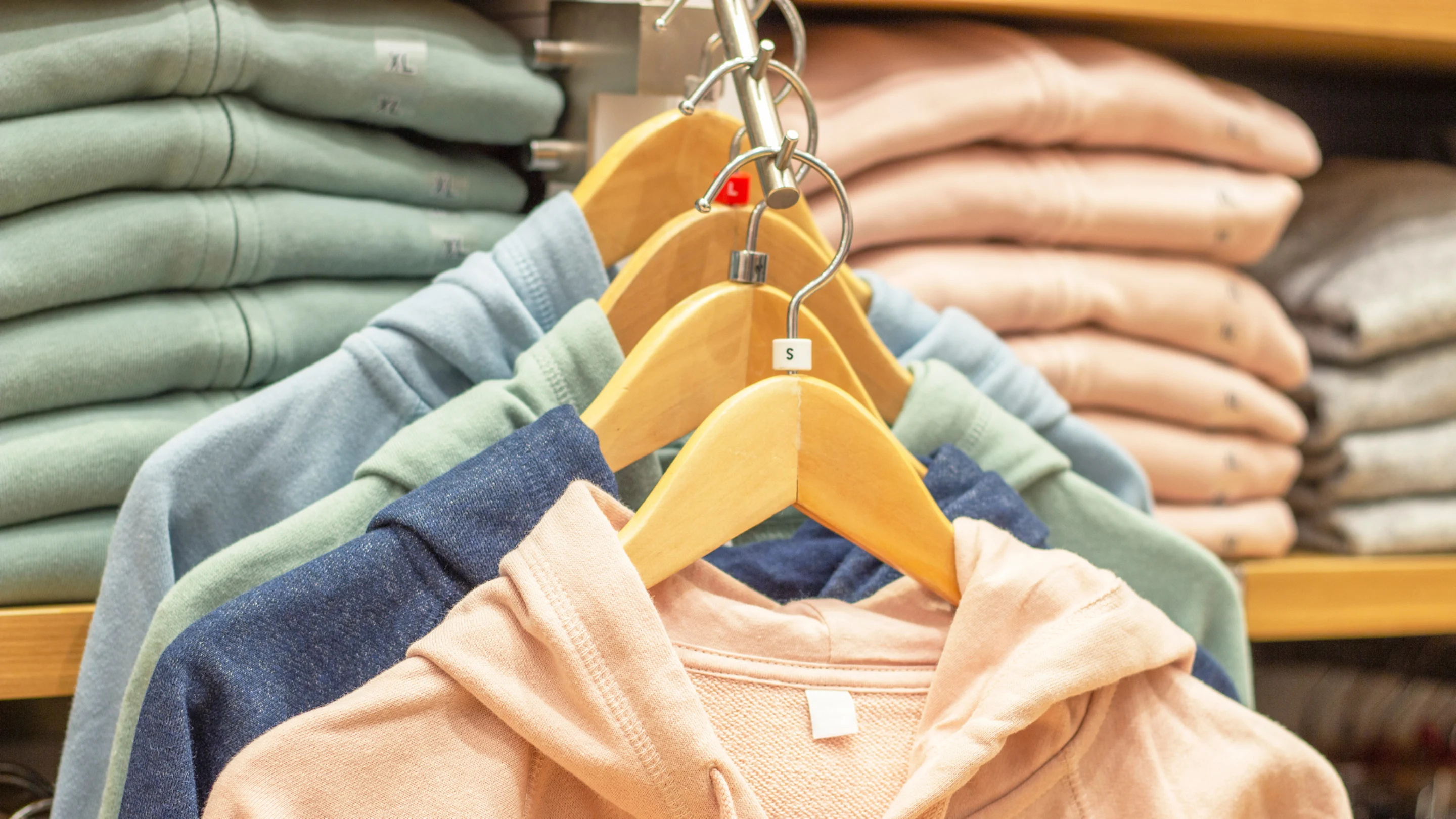
Easy custom branded hoodies and sweatshirts
Make your own custom hoodies and sweatshirts quick and easy in Canva with the new Smartmockups tool. Learn how you can create a range of different designs for different purposes and even print them directly from Canva. We’ll show you how to upload images and logos, create patterns and add interesting text effects.
Why make your own hoodies?
Custom hoodies and sweatshirts are a great way to express your personality and show off your individuality by wearing your own creation. Whether you’re designing for one, a bunch of friends, for a special event, or making some merch for your brand, band, or grandmother, Canva has all the tools and inspiration you need to make your own DIY custom hoodies.
Considerations before you get started
Whenever possible, it’s best to start with the end in mind. So before you start exploring Canva and building your design, think about what color you want your hoodie to be.
Darker colors will need to have lighter text and images to create contrast so everything’s clear and easy to read. If you’re going for a lighter-colored hoodie, you can still use lighter text or graphics, you’ll just need to use a background color or a dark border (which usually looks better) to achieve the same contrast.
Getting started making a custom hoodie in Canva
On the Canva homepage, click on “print products”. These are all the items you can print in Canva and have delivered to your door. Scroll down to see the hoodie or sweatshirt. You can add designs on the front and back. To add an image to the back, search for whatever you want in the elements panel then filter the search so you only see graphics. For inspiration, explore themed options like our Disney Hoodies(opens in a new tab or window), Disney Princess Hoodies(opens in a new tab or window), or Frozen Hoodies(opens in a new tab or window) to incorporate beloved characters into your design.
Once you find something that resonates, add it to your design. Add any other graphics you want, such as stars or shapes, and add some text too if you want. Then you can move onto the design for the front. You could duplicate the back design, make it smaller and put in on the chest, or add some text, a graphic or simply add a name to personalize it. If you want some design inspiration, try searching for “logos” and use them as a starting point then substitute in your own elements.
Printing your hoodies
Once you’ve finished your hoodie or sweatshirt design, it’s time to get them printed. Click ‘Print Hoodies’ in the top right of the editor. This will let you choose which design to place on the front and back, the size, color and how many you want to order.
You can order different sizes and colors by adding to cart and then choosing the different options you want and adding them to cart too. Once that’s done, hit continue and continue to checkout and finalise your order. It’s that easy! For a step-by-step guide, watch our video tutorial(opens in a new tab or window).

