Free Online Forms
Add beautiful, on-brand forms to any design and instantly collect responses in Sheets. Canva’s online form builder helps you easily customize every field, engaging your audience and quickly sparking insights and decisions.
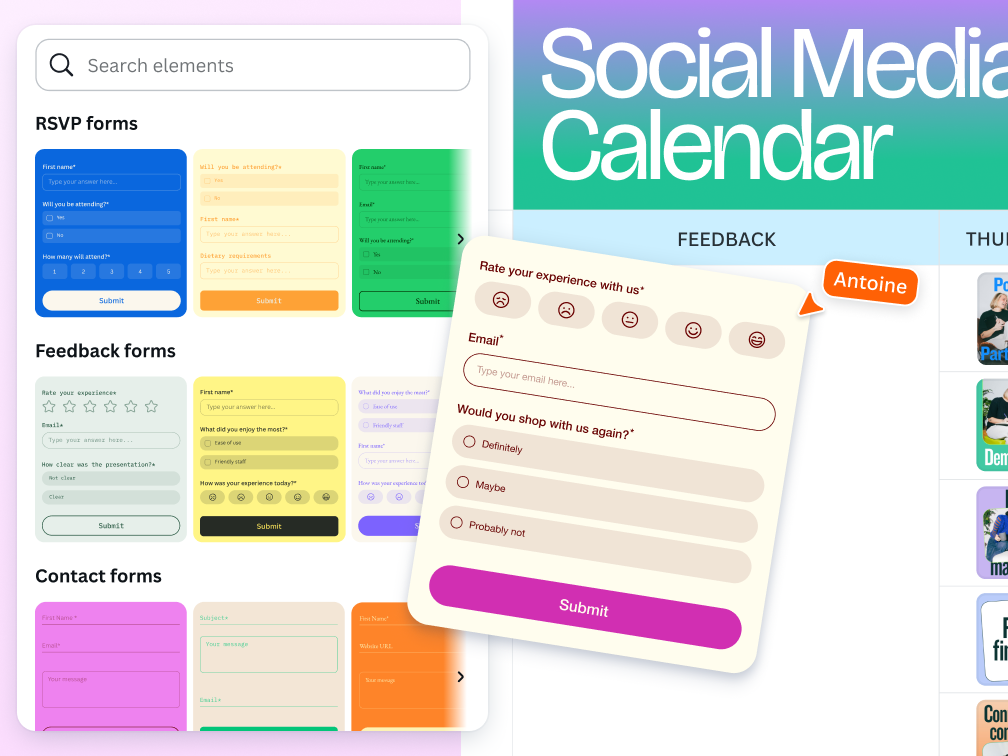
Custom forms for every purpose
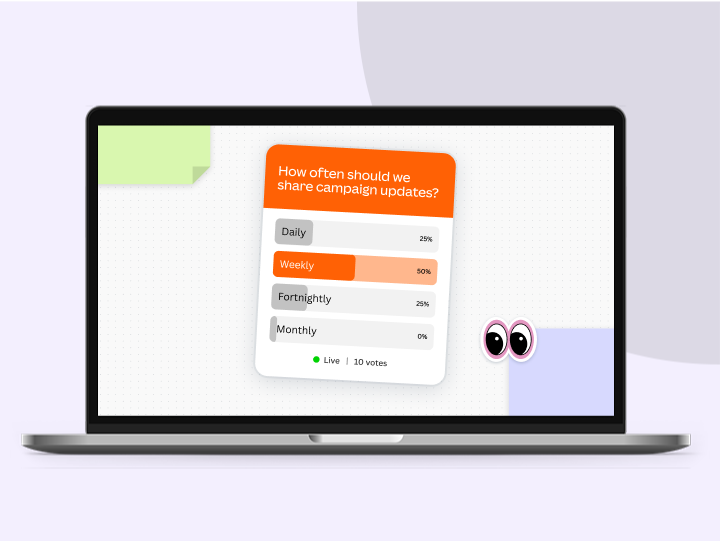
Data gathering has never been more engaging. With Canva’s online form builder, you can customize your form to fully communicate with your target audience. With templates and multiple question types to populate your form, you can create forms that fit your specific requirements and collect responses straight to Canva Sheets.
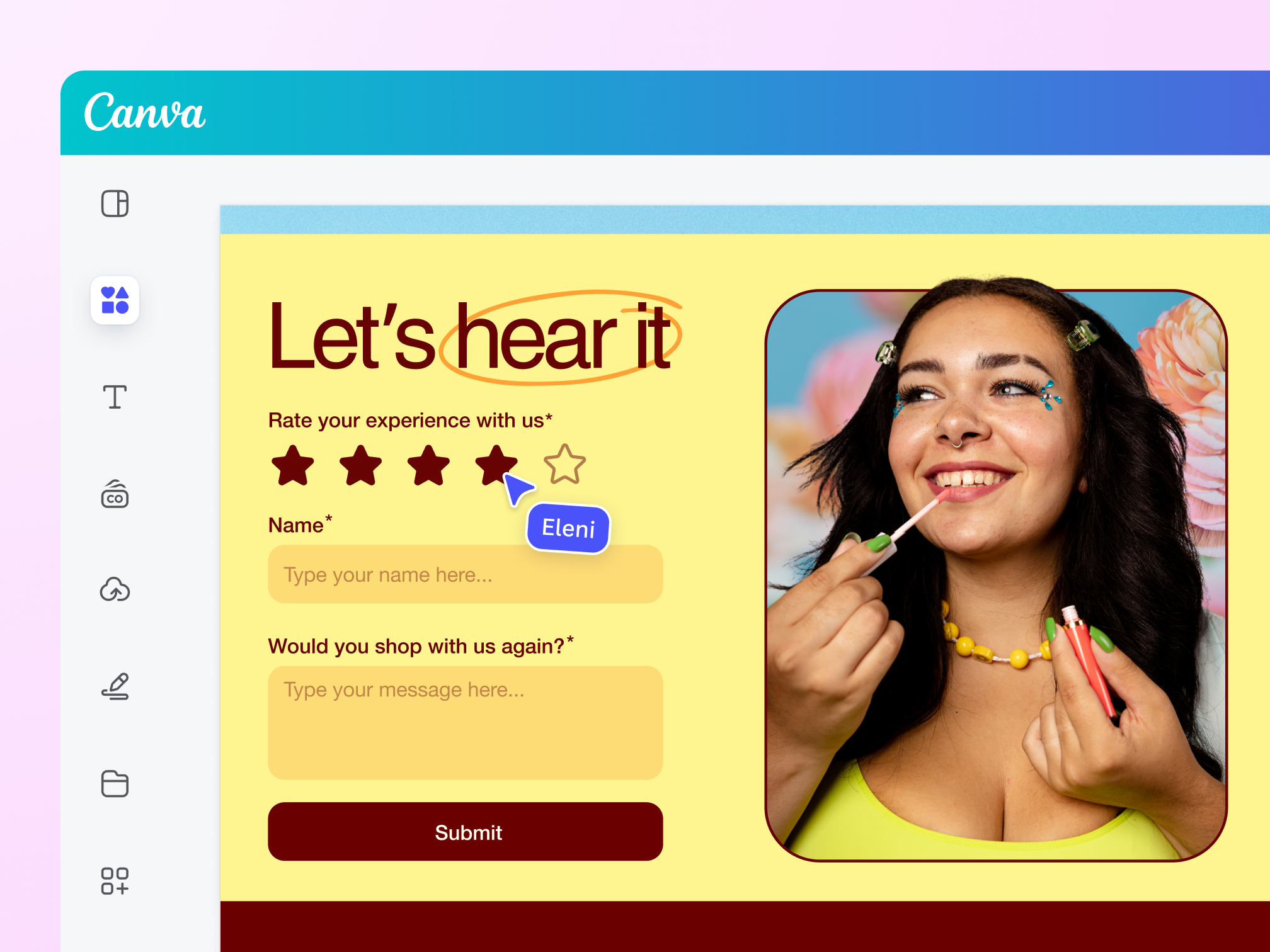
Embed and share your form anywhere
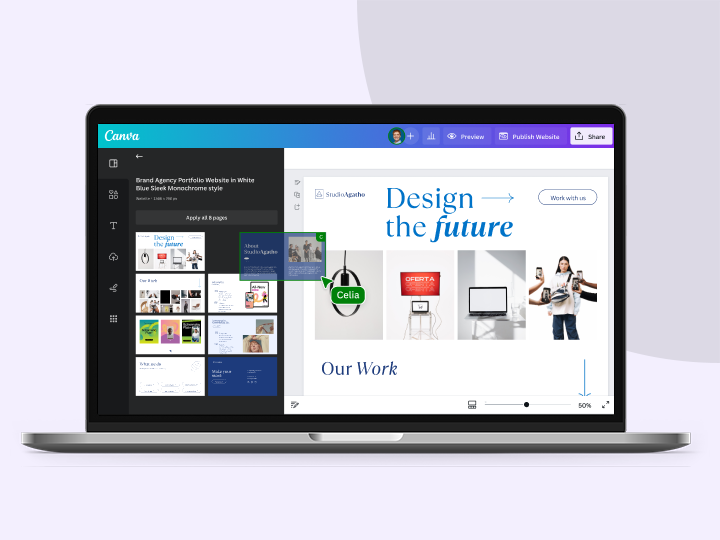
Let your assets pull double duty by attracting attention and encouraging conversation. Embed your digital forms on any Canva presentation or website and share in an instant. Get newsletter subscriptions on your landing pages, or feedback on your onboarding decks with ease.
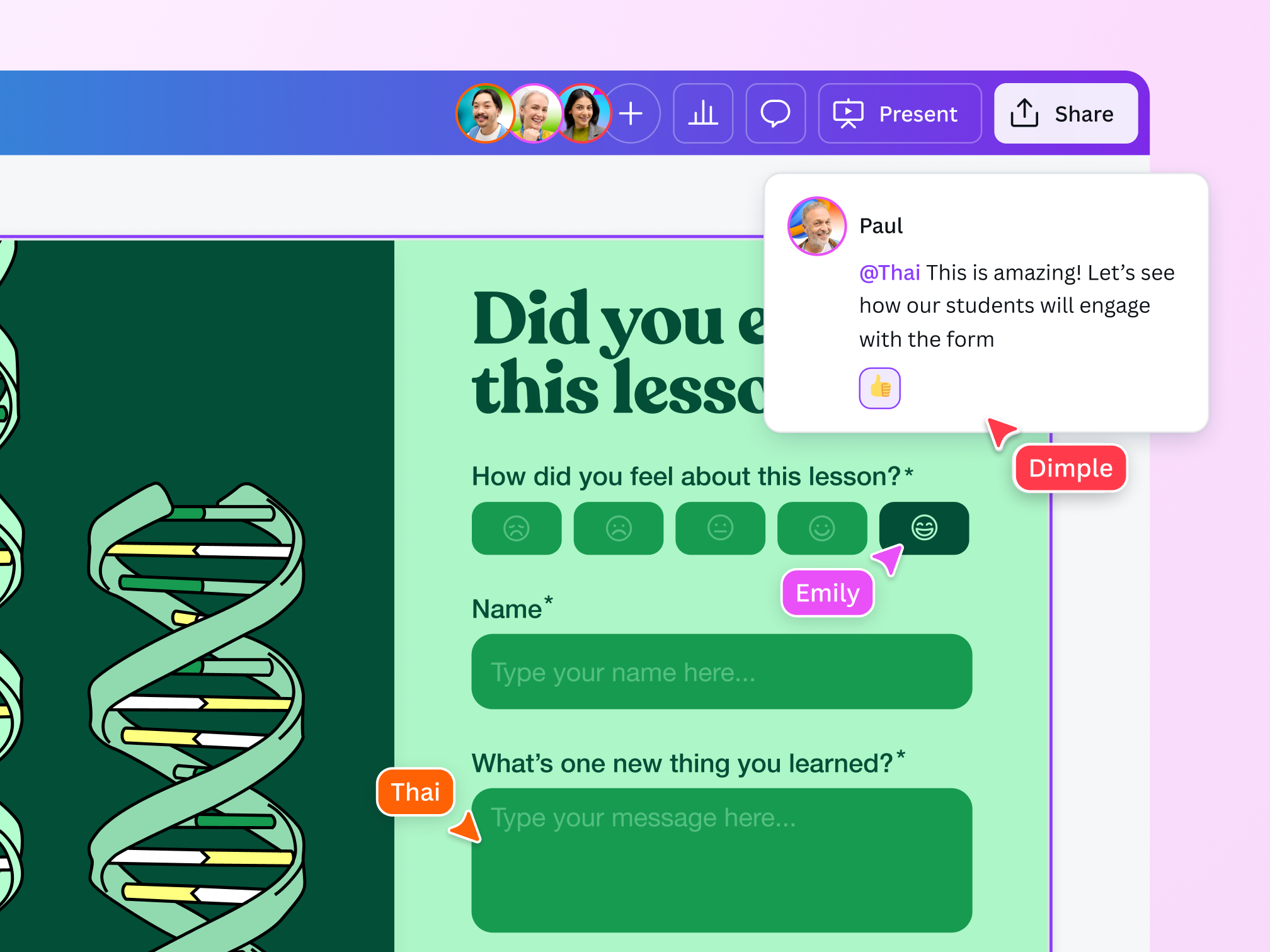
Build the perfect form as a team

Collaborate in real time
Assign tasks and give editing access to your team members so they can make changes to the form when needed.

Access on any device
Get Canva on your desktop, mobile, or tablet so you can tweak your forms anytime, anywhere.

Easy-to-use design tools
With or without design know-how, you and your team can build the perfect form with Canva’s beginner-friendly design tools.
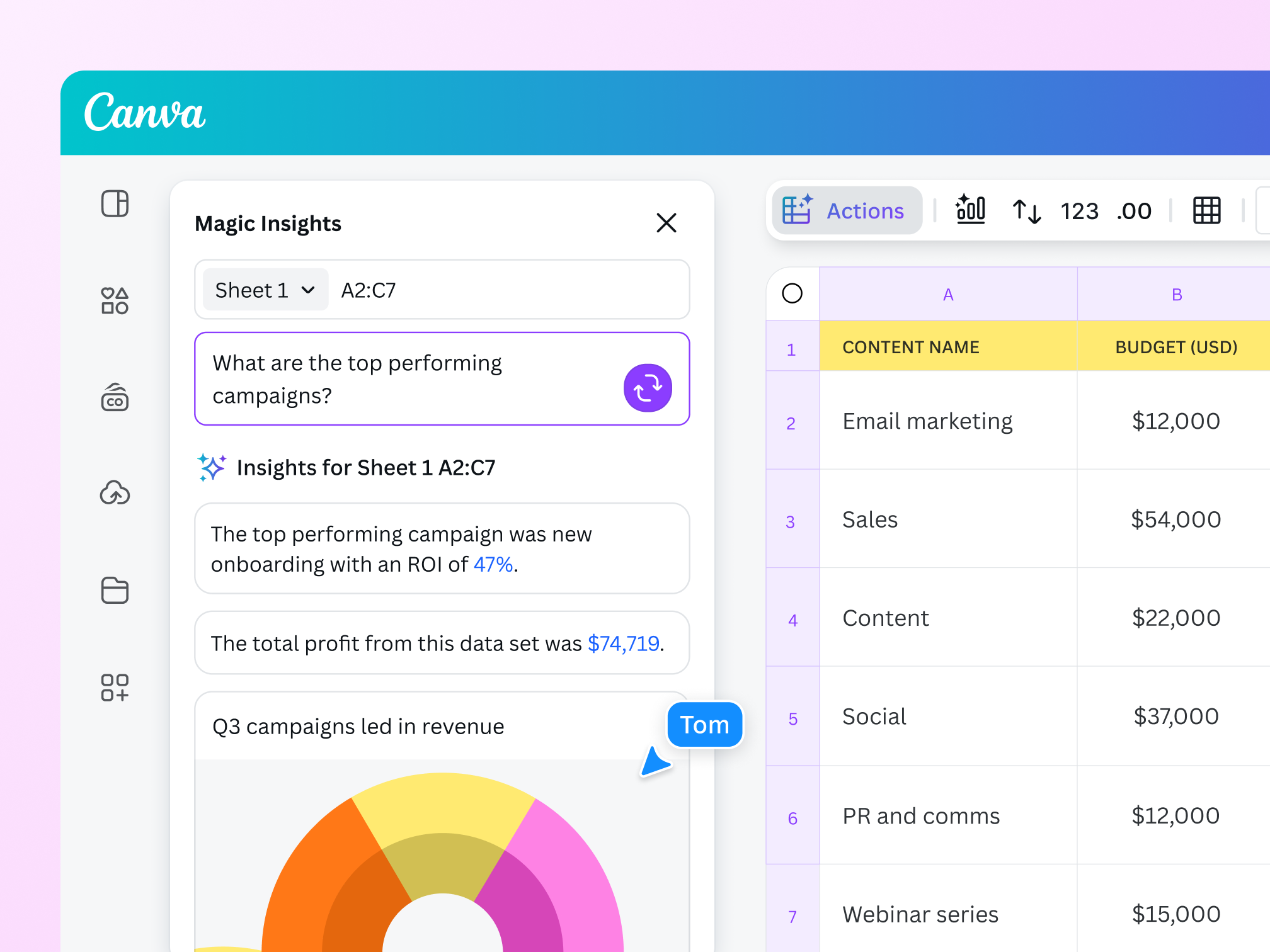
Capture insights with ease

Get real-time data
Canva’s online forms let you see a clear and immediate view of all collected information, so you can make informed decisions without delay.

Export insights as CSV
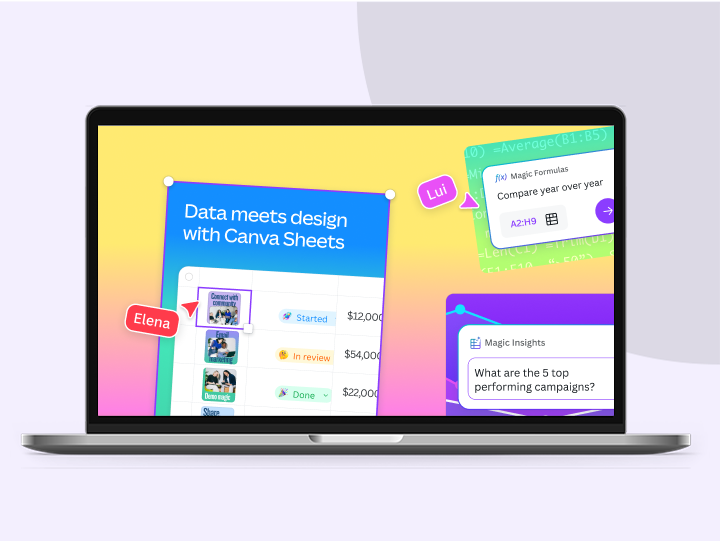
No need to manually export your form insights. Connect your form to Canva Sheets. Or, download your data with ease by exporting your form as a CSV file.

Upgrade to get more insights
Sign up for Pro or Teams to get Design Insights. This allows you to see engagement information on your forms, including the number of respondents and response timestamps.
The best online forms

For marketing and research
Create high-converting forms to nurture leads and engage with customers.

For HR processes
Streamline HR processes and get employee feedback to improve workplace culture.

For general feedback
Create forms for day-to-day needs: attendance, RSVPs, sign-ups, and more.
All the features you need
Canva’s free drag-and-drop design tools make it easy to create any design, fast!

Free form templates
Choose from a variety of form designs that match your question and choices.

Instant form data
Our form maker lets you see the results of your form in real time.

Drag-and-drop online form design
Create beautiful forms with Canva's intuitive drag-and-drop tools. Choose from a wide range of fonts, colors, and formatting options.

Export form data
Quickly download all of your form data as a CSV file.

Easy form sharing
Share your form with anyone, on any device, at any time.

No integration needed
Easily add forms or surveys to your project without additional software or integrations.

Forms on mobile
Effortlessly create forms on templates made for mobile.

Quiz maker
Add quizzes to make your design even more interactive.

Built-in comments
Collaborate and communicate within designs.
Real-time collaboration
Create, collaborate, comment on designs, and get everyone on the same page, at the same time, from anywhere.

Brand Kit (Pro)
Store your logo, brand colors, and fonts to stay effortlessly on-brand.

Access anywhere and autosave
Jump from device to desktop—design how you work best! Canva autosaves your progress along the way.
How to create a form
Start a project
Open a new or existing project on Canva.Go to Forms
Click “Elements” on the left panel. Look for “Forms,” where you’ll find form templates.Choose a form template
Find the perfect form template, then drag it onto your design.Build your form
Click “Edit” to customize. Choose from different question types, rearrange your questions, and change text as needed.Download and share
Done with your edits? Save your design and share it with your intended audience.

Your questions, answered
Yes, our online form maker feature is completely free to use. Easily insert forms to make your designs more interactive and dynamic. Simply go to the Elements tab on the left side panel and choose from the free form templates under the Forms section.
More resources
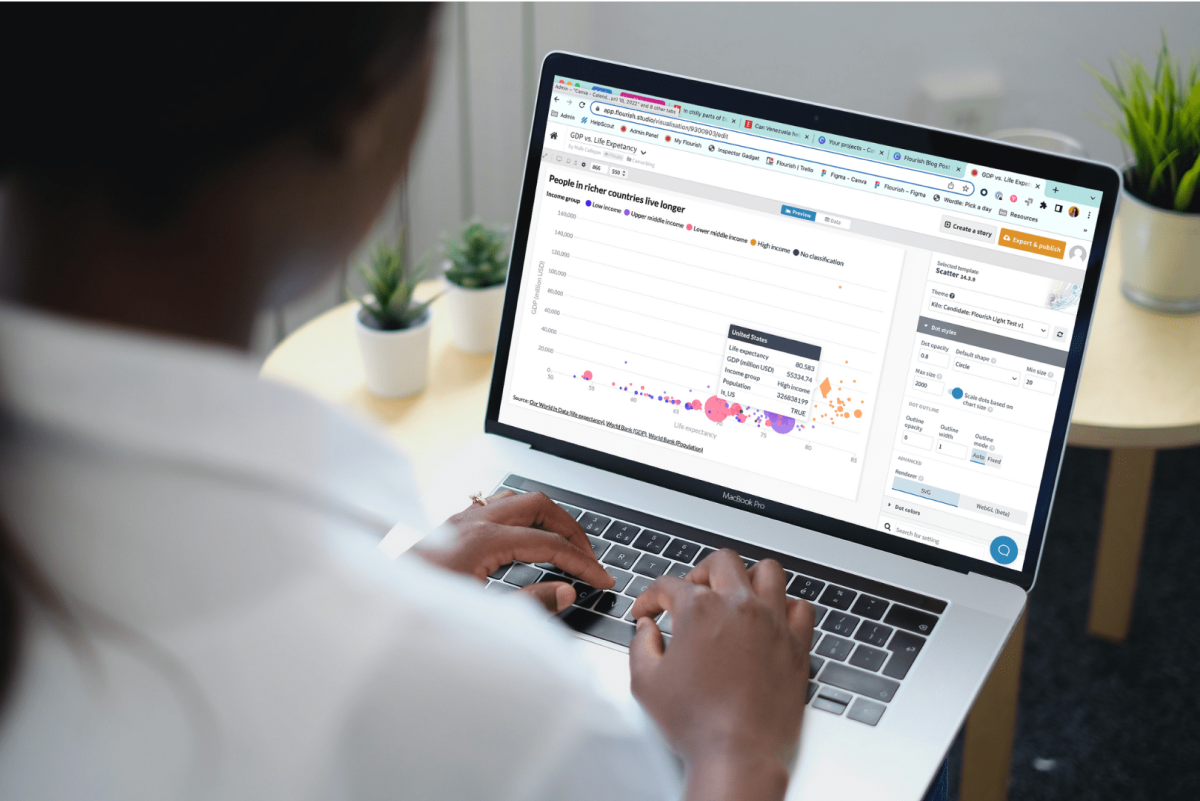
How data visualization can empower students in a data-driven world
Find out how the skill of data visualization prepares children for the future of data.
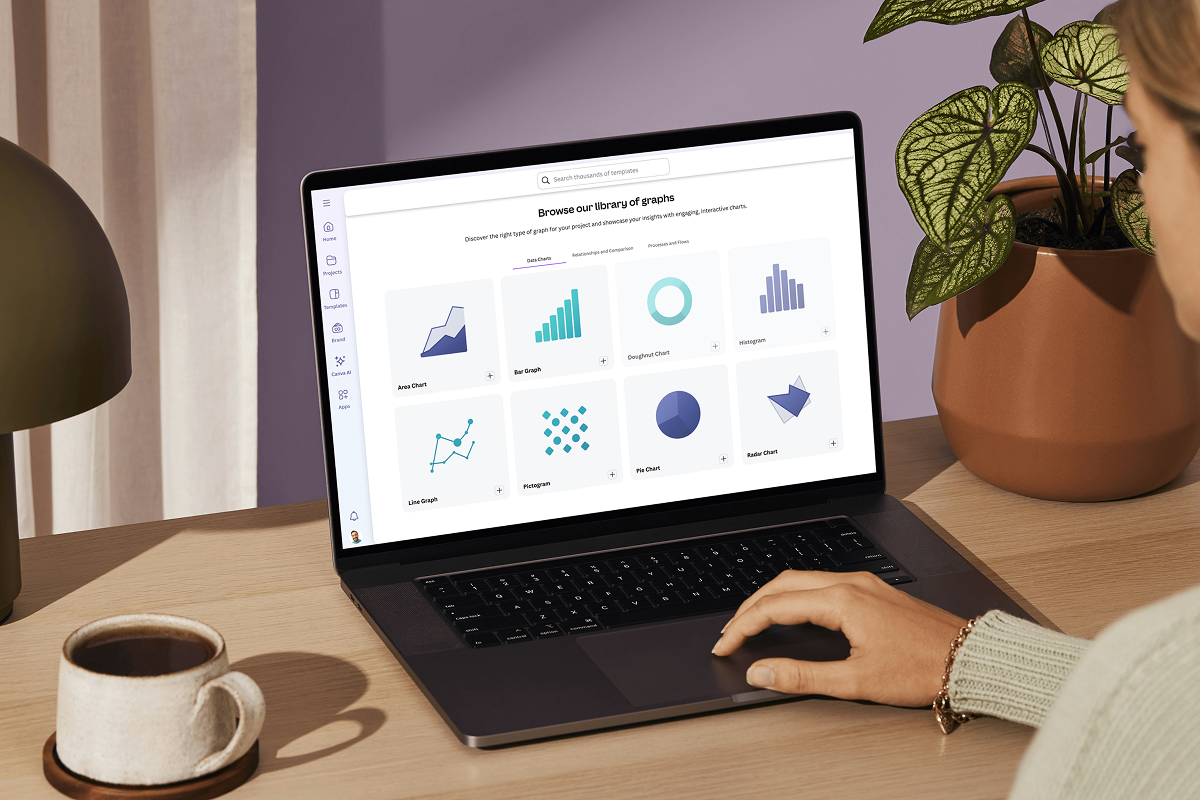
Data visualization: How-tos, templates, and tips
Explore how data visualization transforms visual communication.
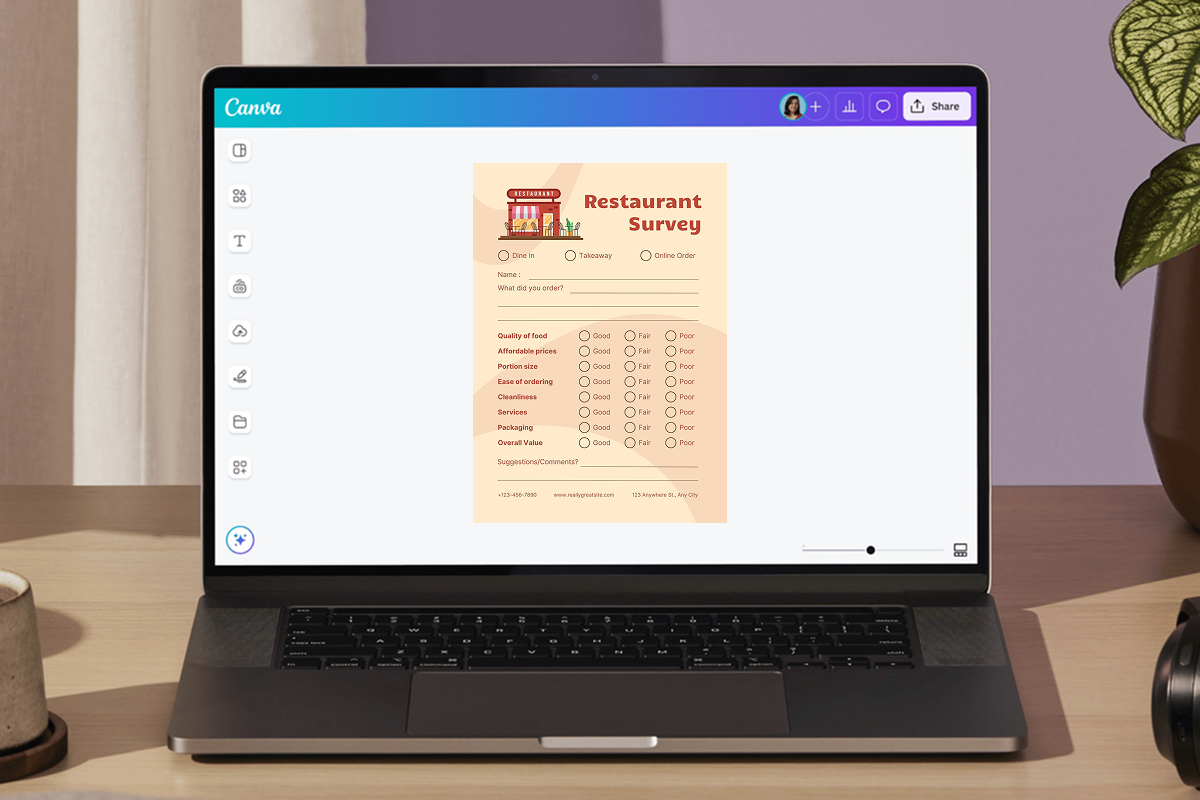
Create printed or digital surveys with our free survey marker.
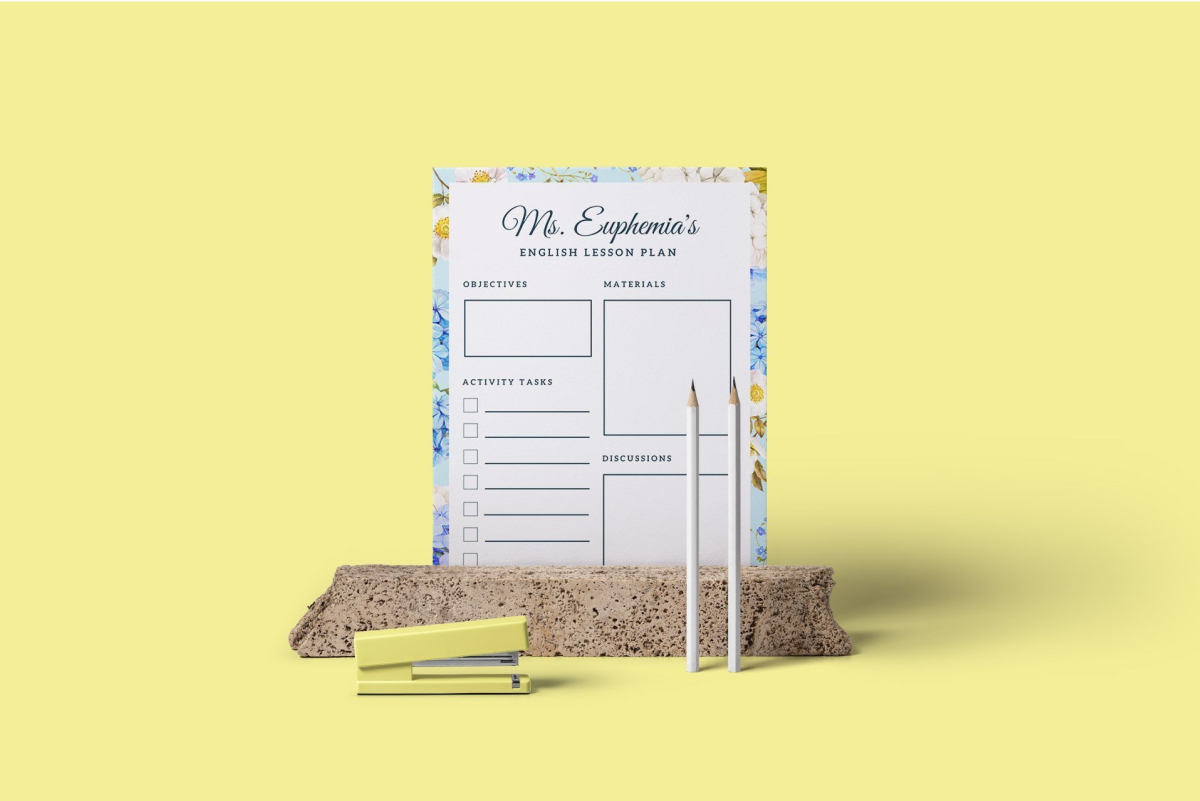
Creating engaging lesson plans: a step-by-step
Keep students interested and inspired with a well-designed lesson plan.
Discover more products

Free Online Forms
Add beautiful, on-brand forms to any design and instantly collect responses in Sheets. Canva’s online form builder helps you easily customize every field, engaging your audience and quickly sparking insights and decisions.