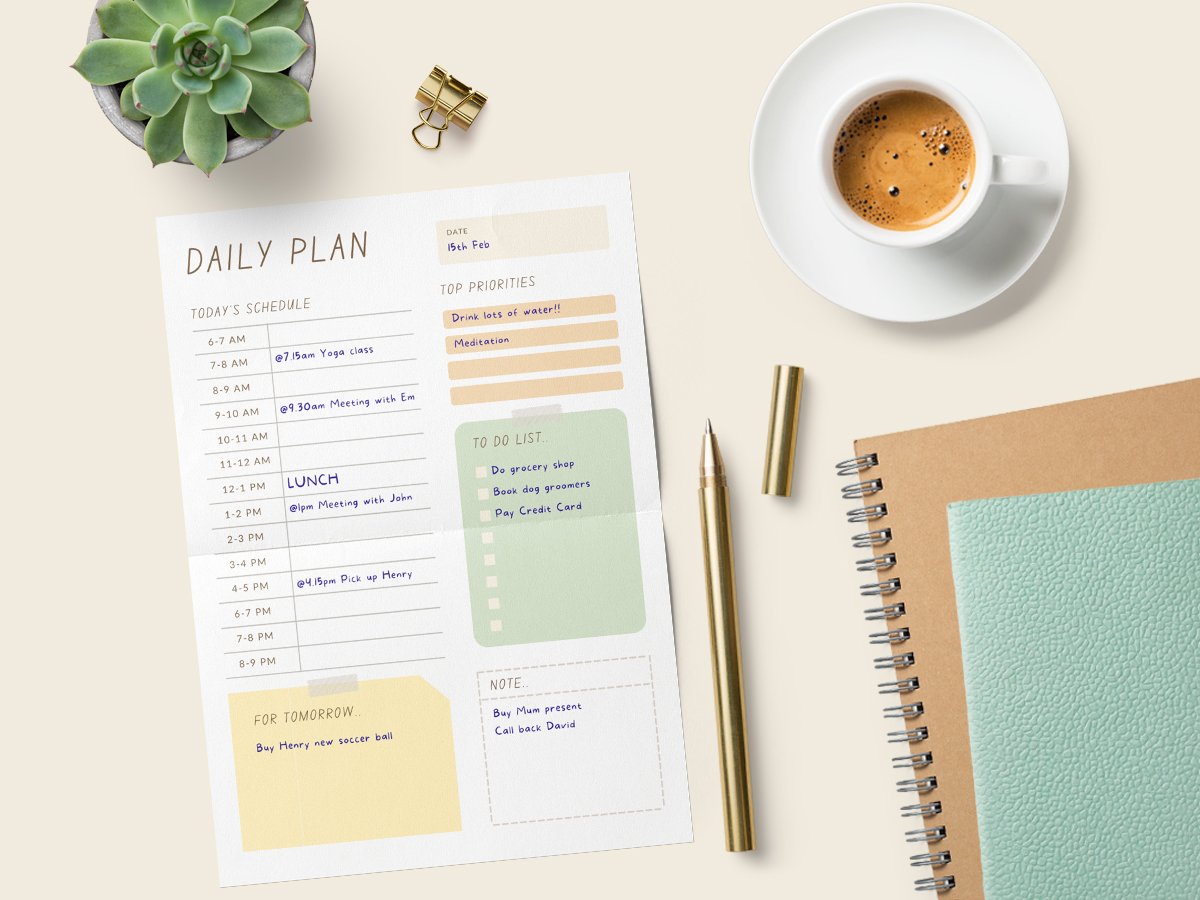
Stay organized with beautiful custom planners
Manage your life and stay motivated with your own custom digital or printable planner.





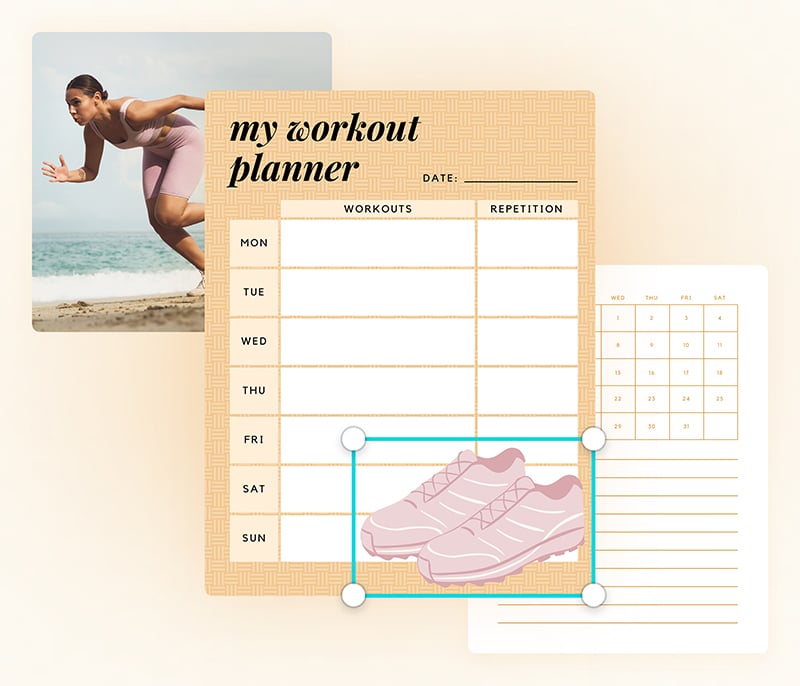
Personalize your planner
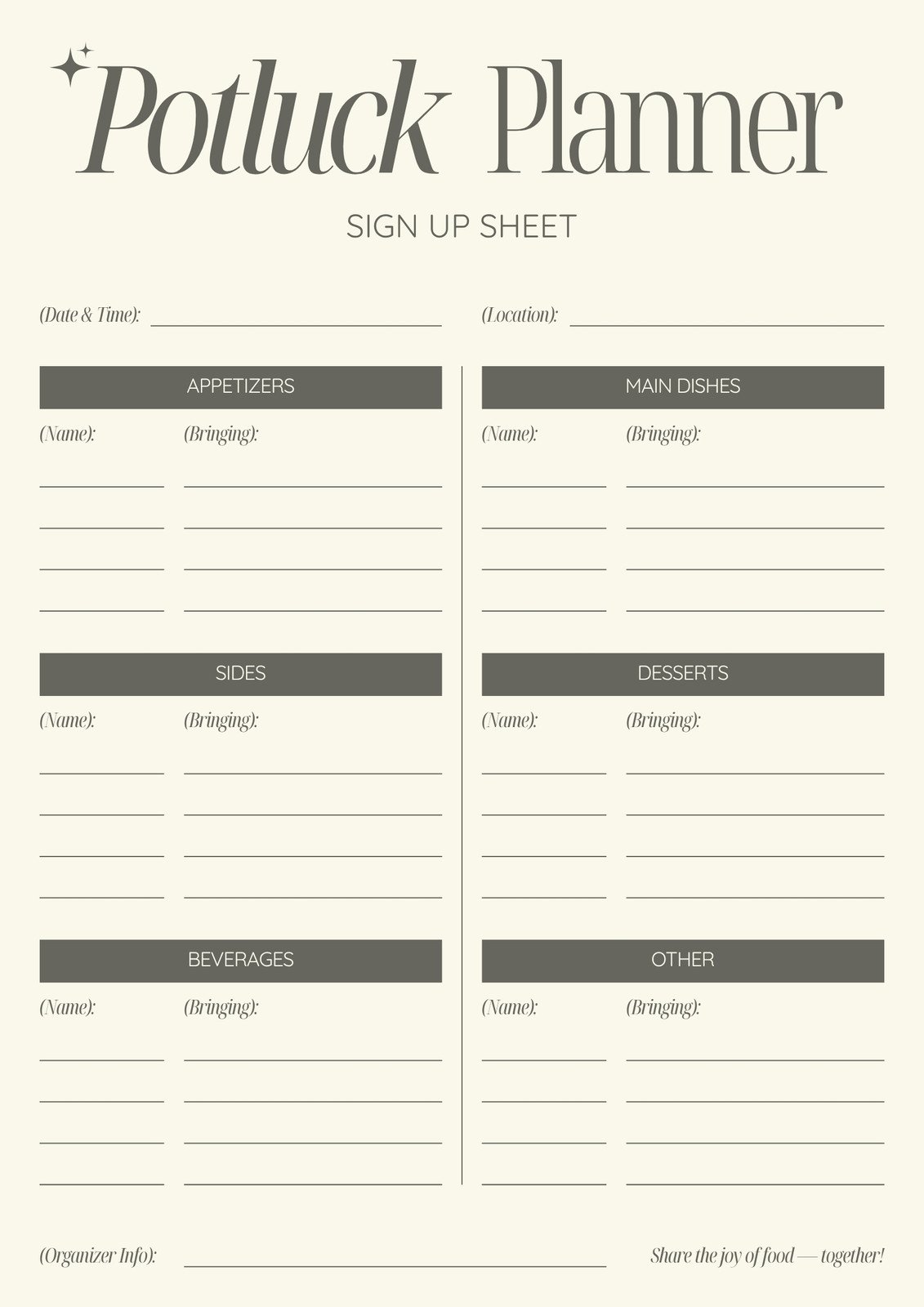
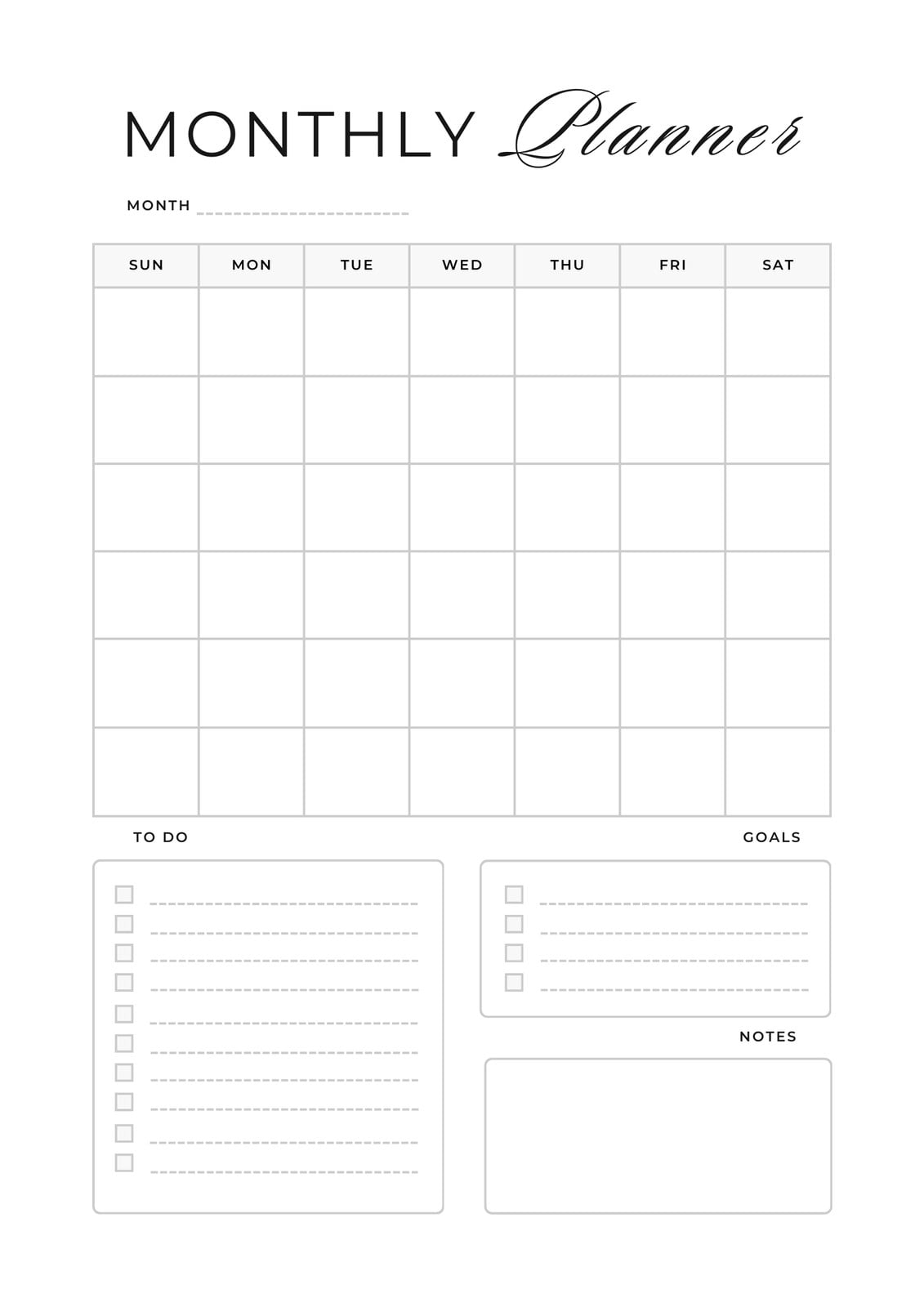
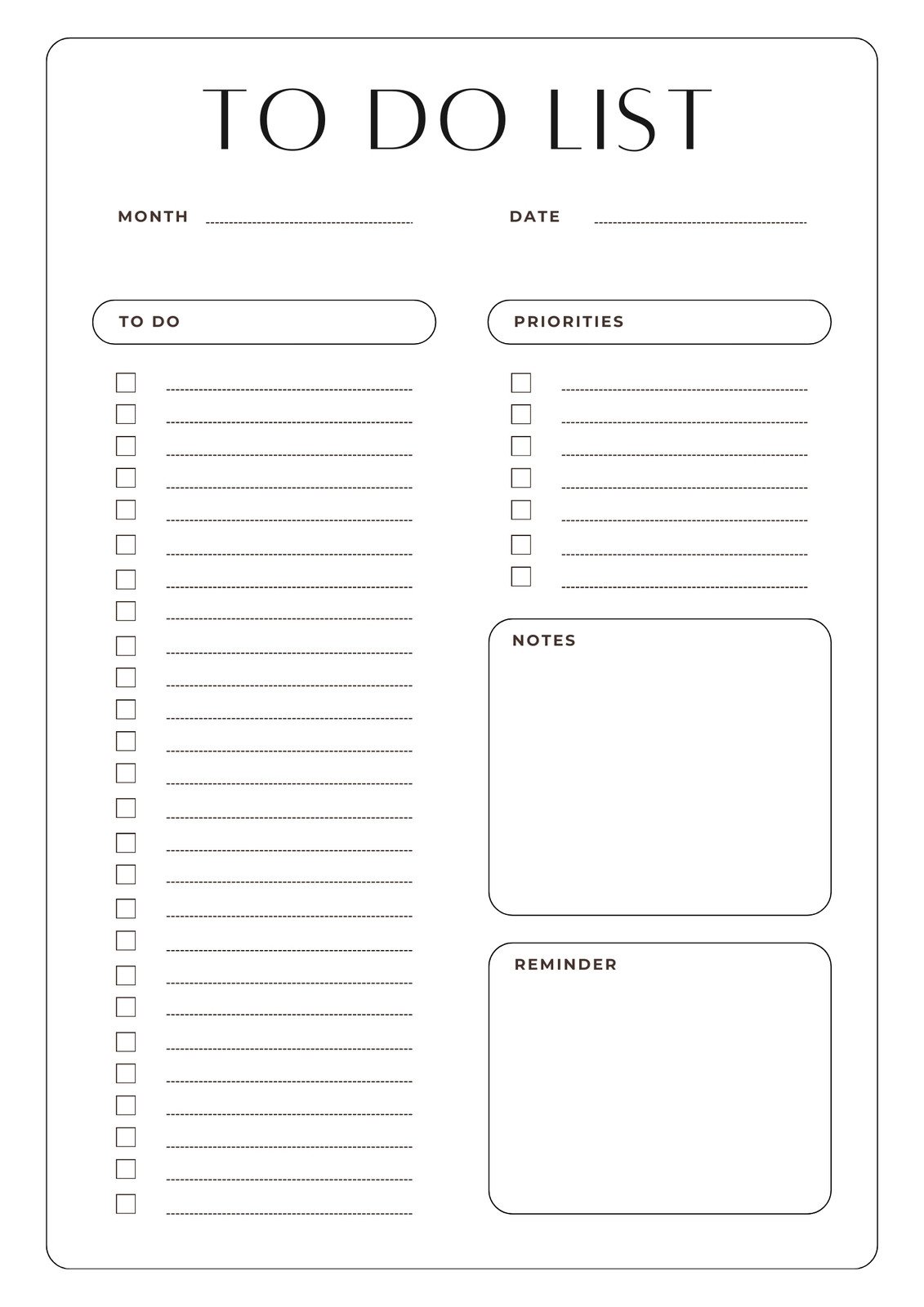
Hundreds of beautiful templates
Drag-and-drop design tools
Millions of free stickers, graphics, illustrations
Work seamlessly on the go
Work on any device or browser

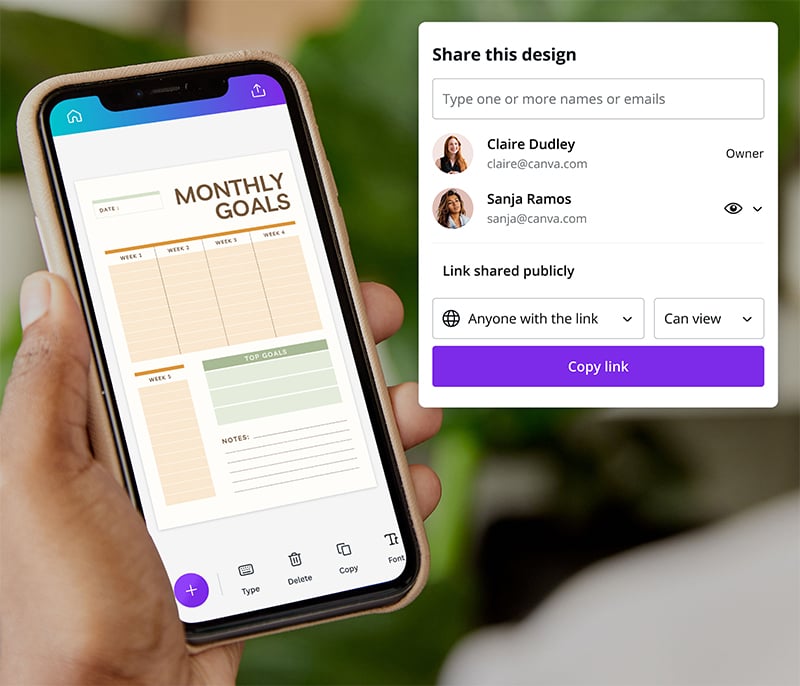
Share access to your project timeline

Get the Canva app on iOS or Android
Start inspired
Get a headstart with free design templates you can customize in a few clicks.
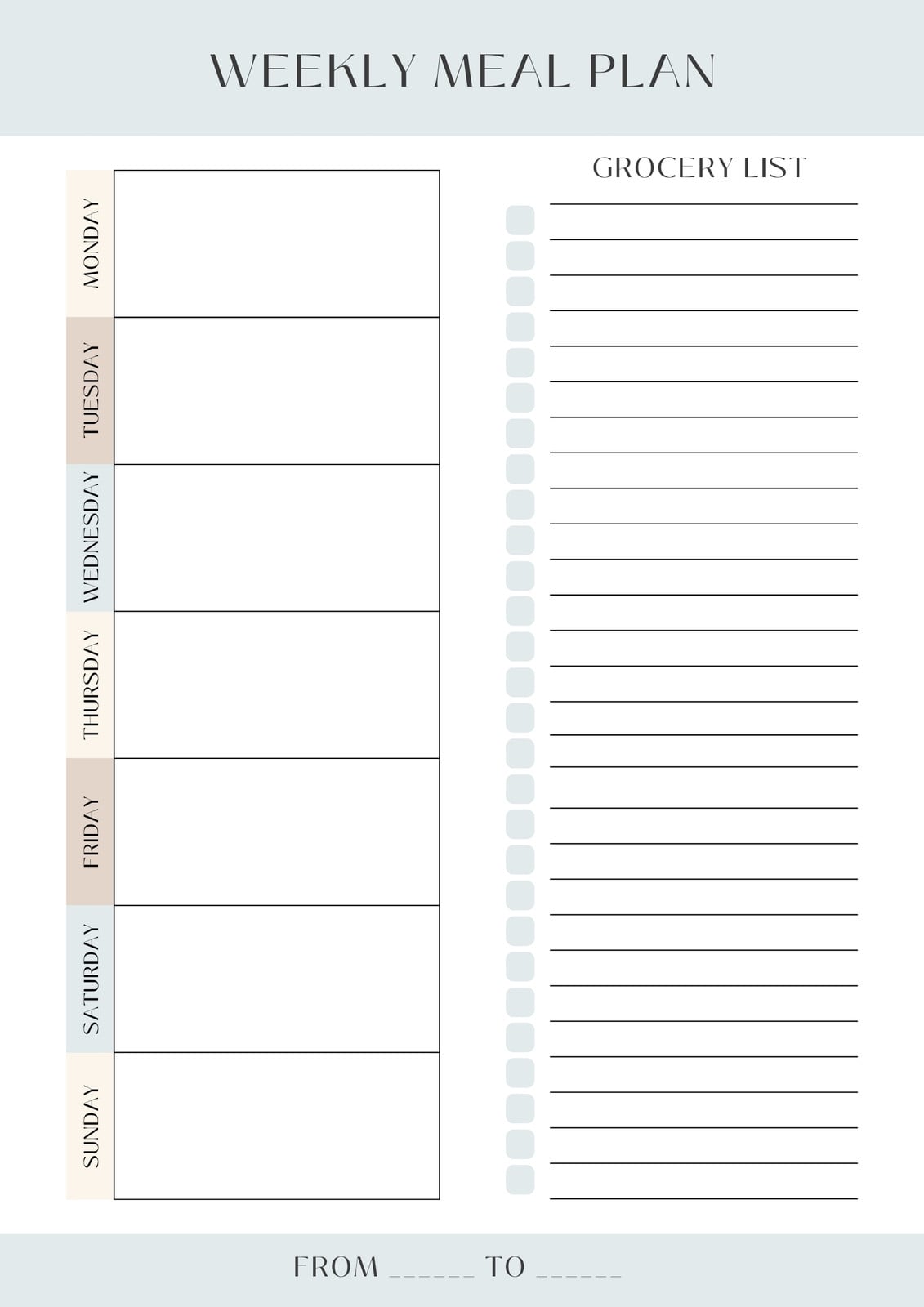
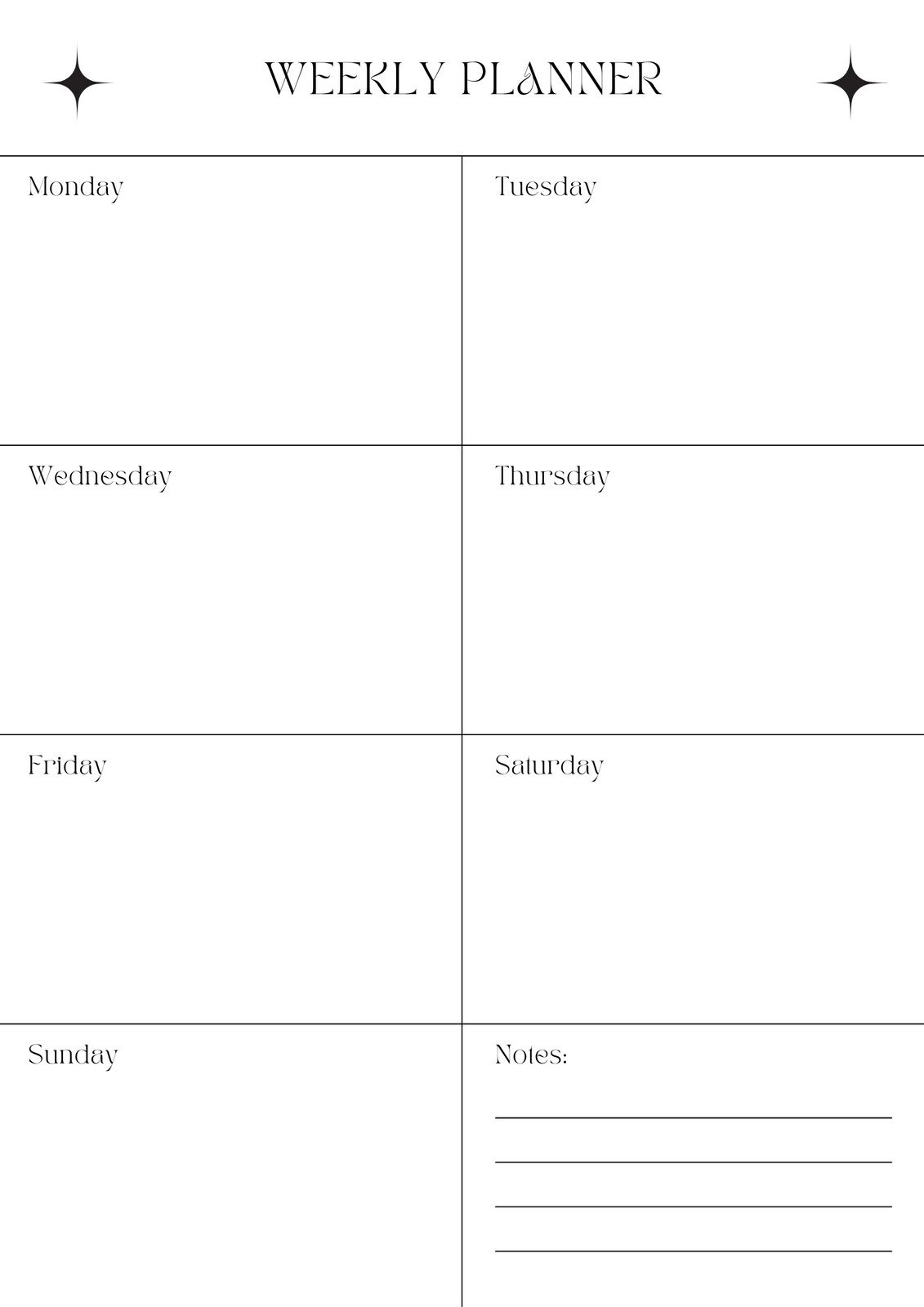
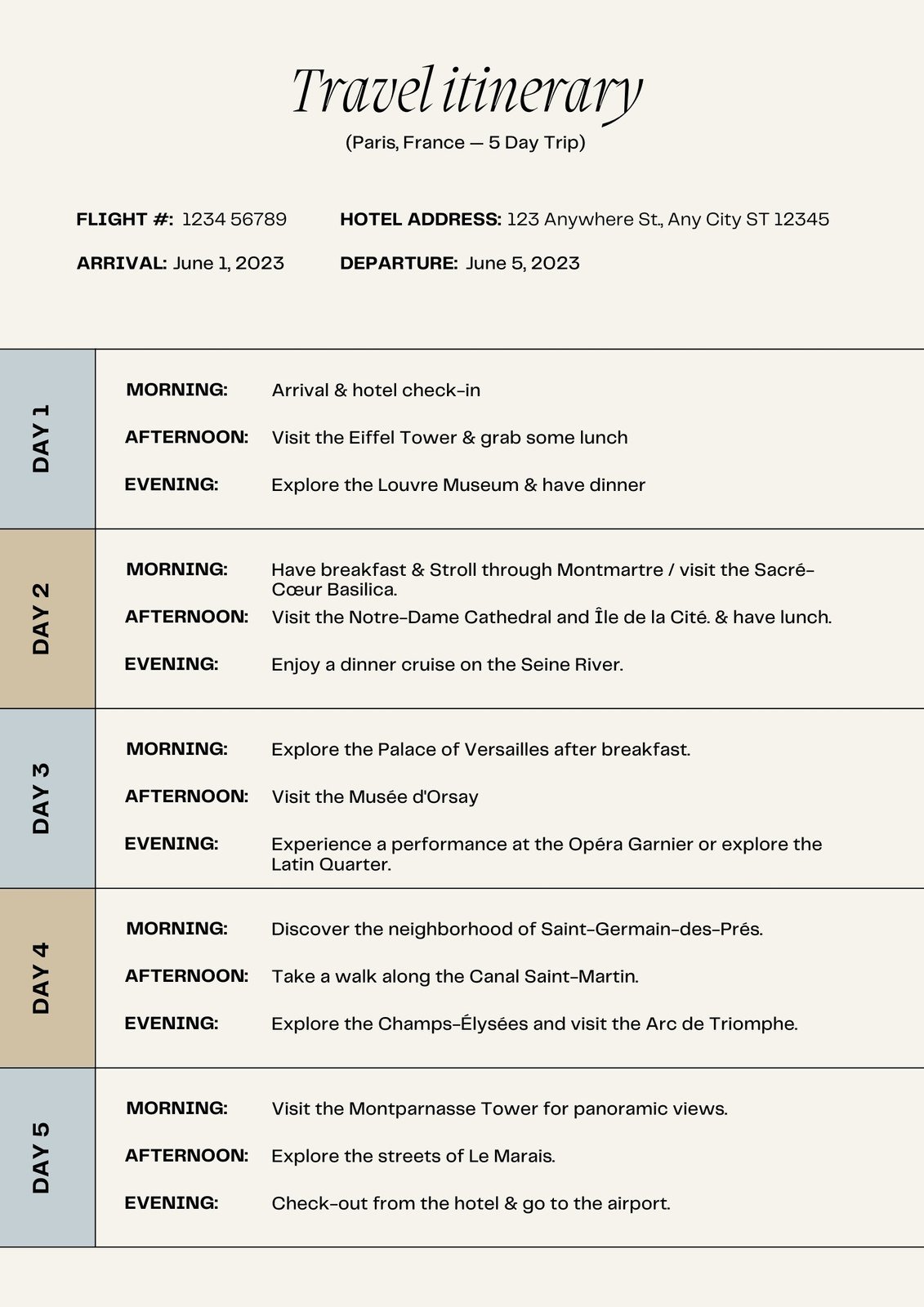
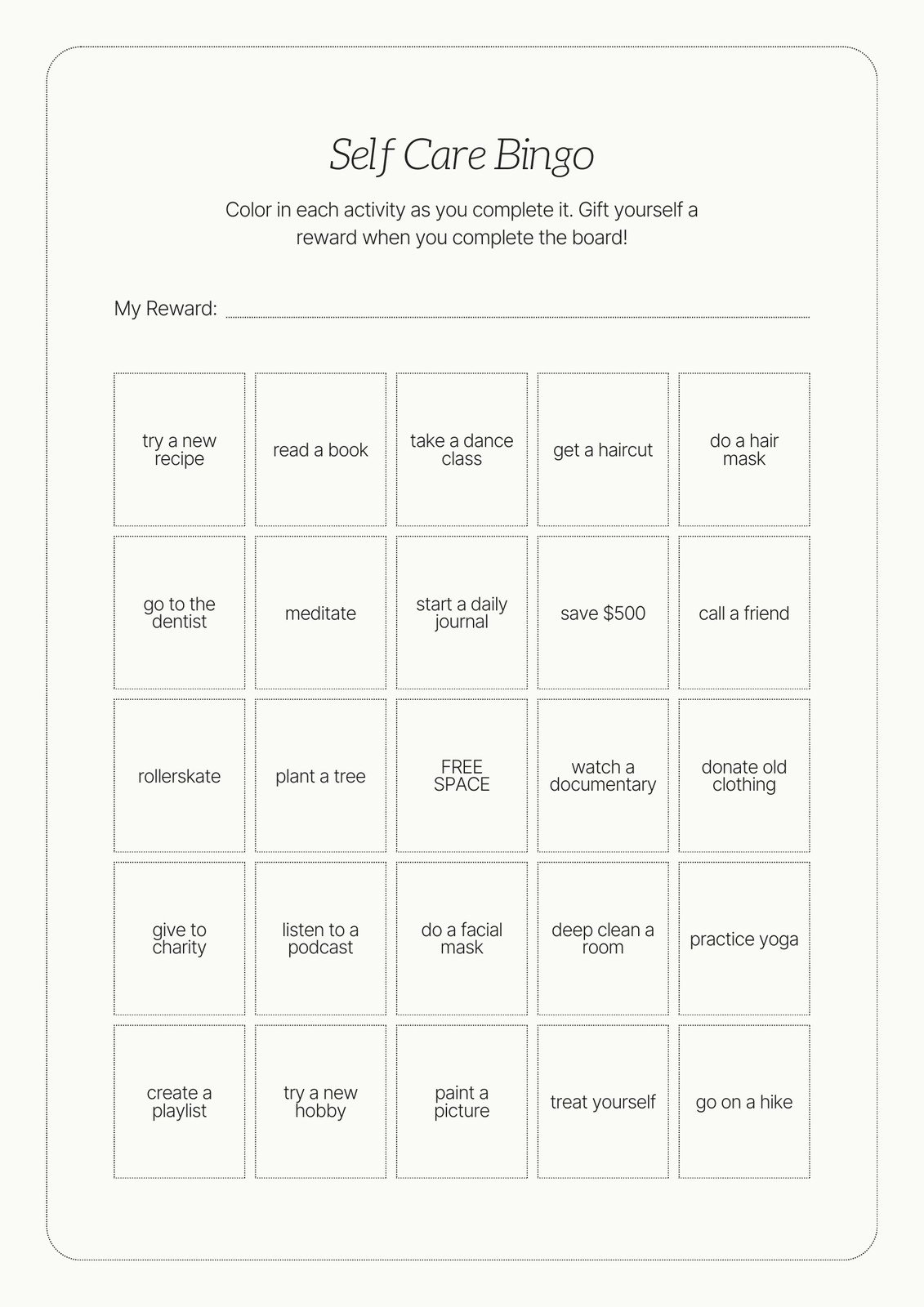
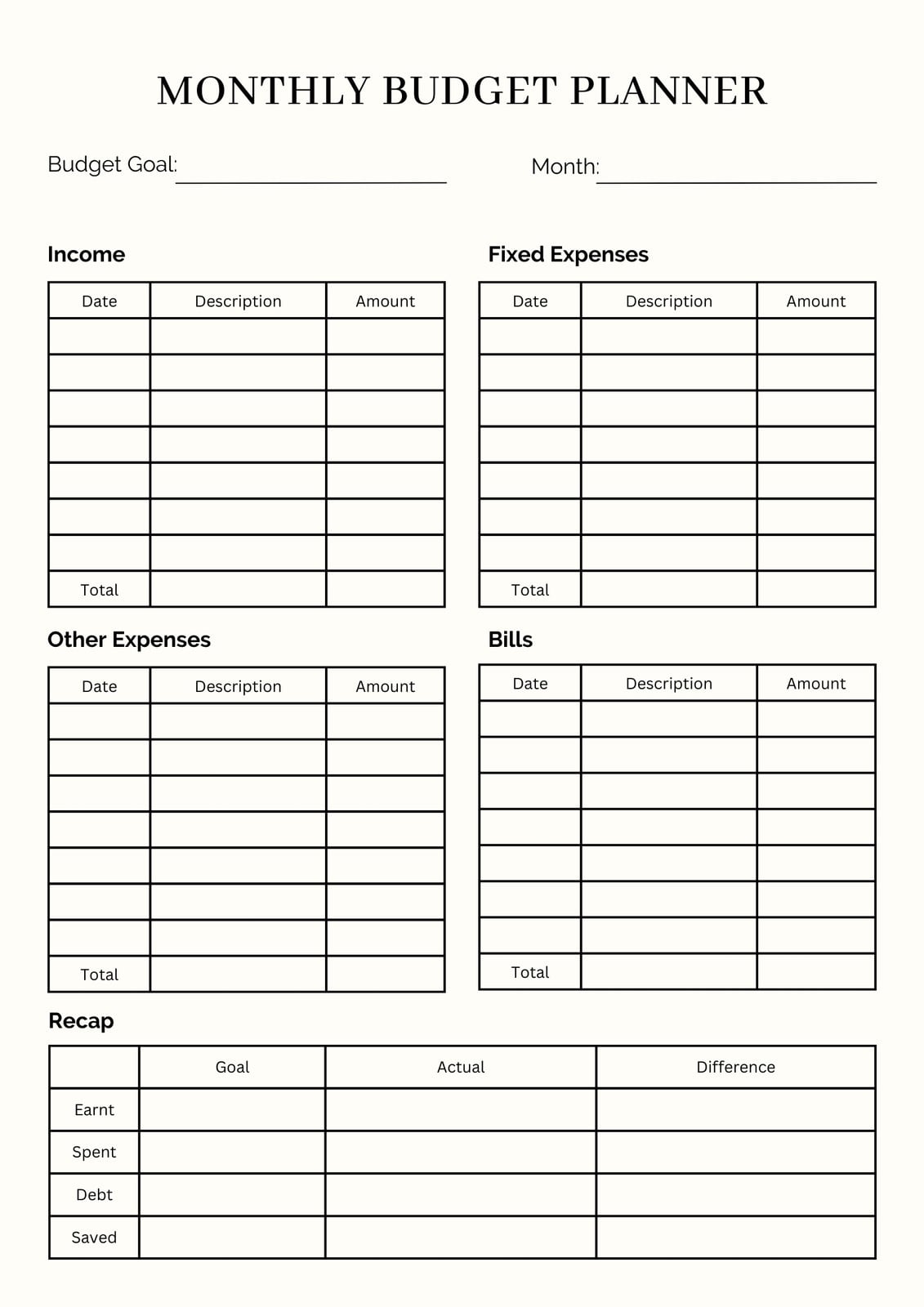
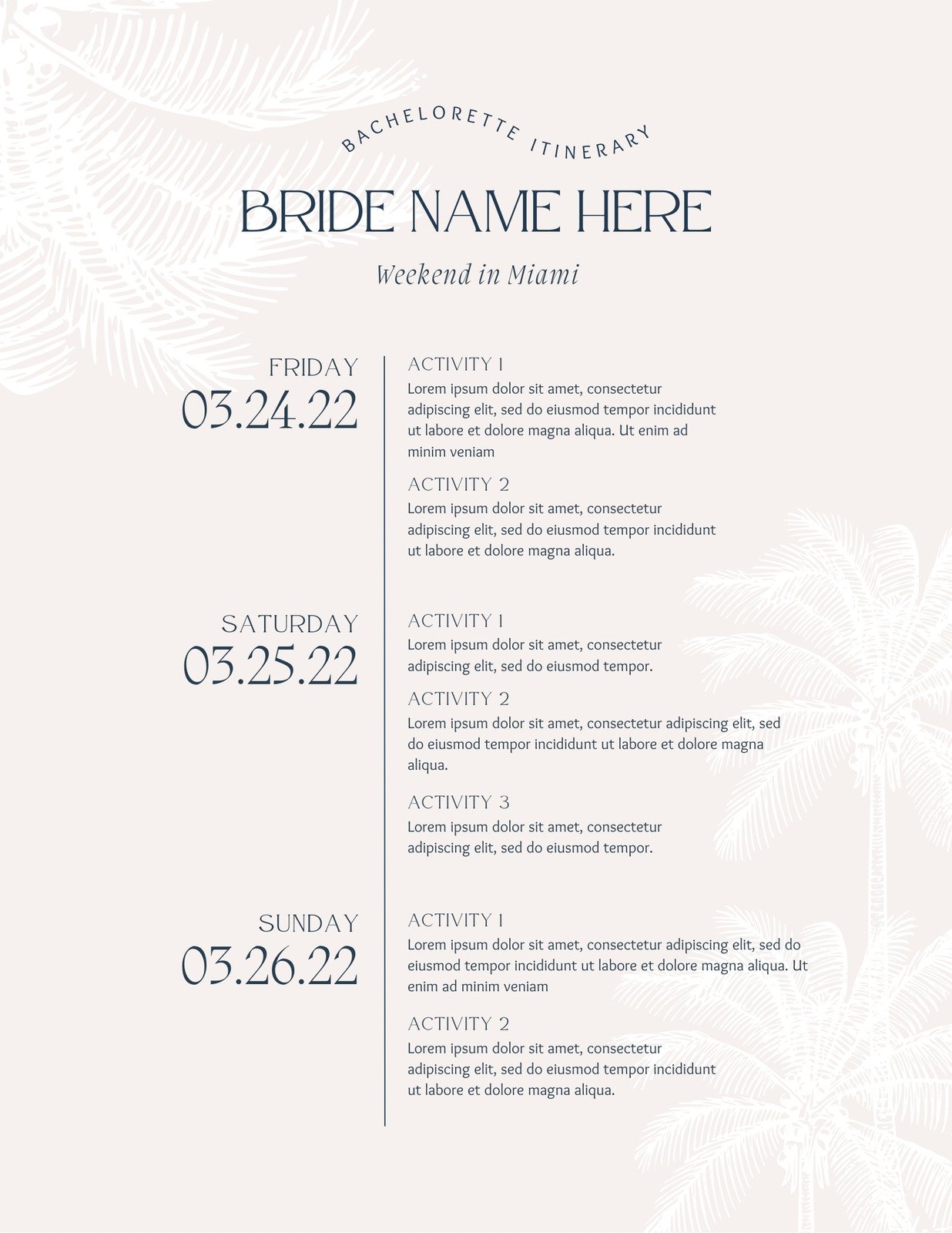
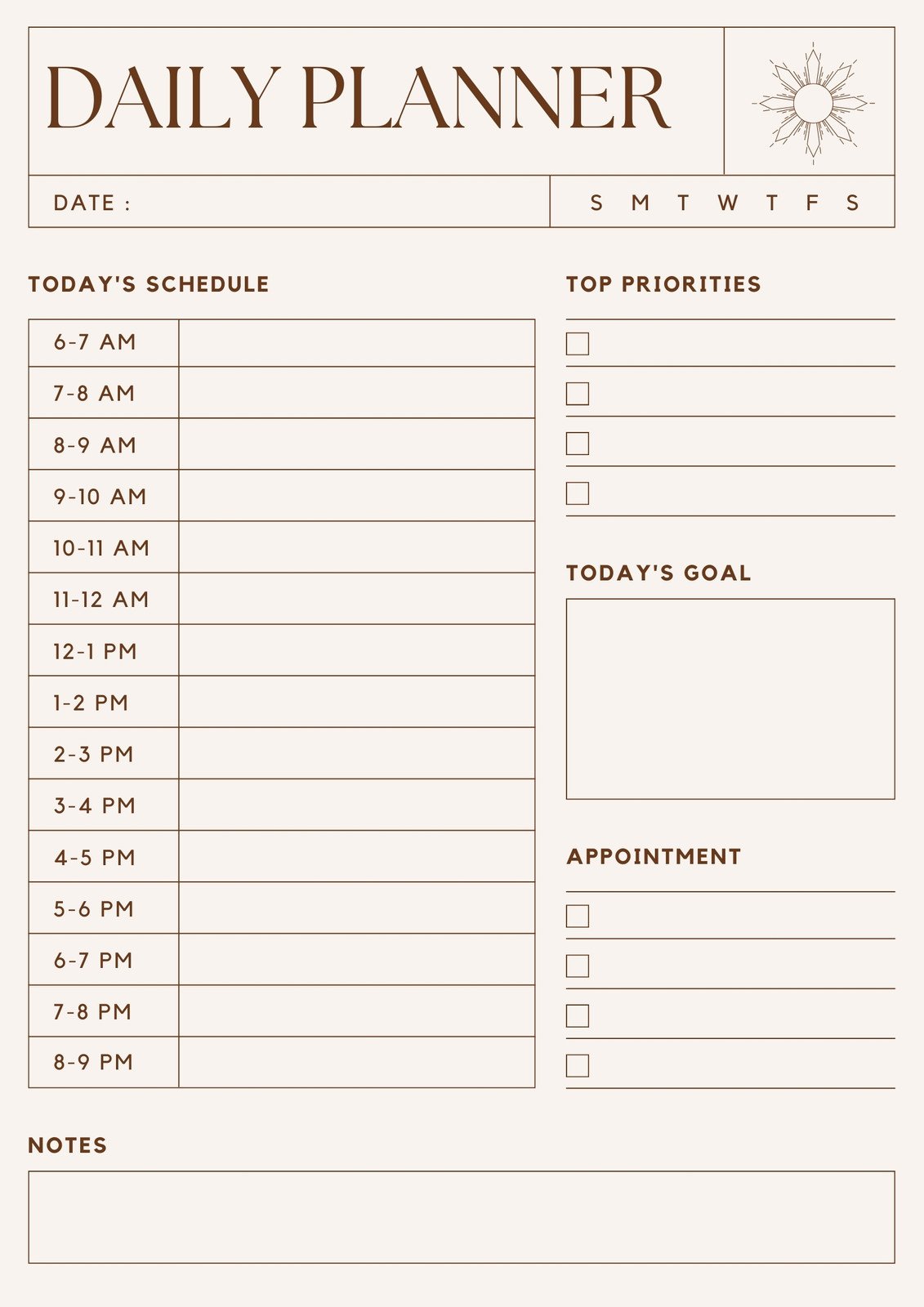
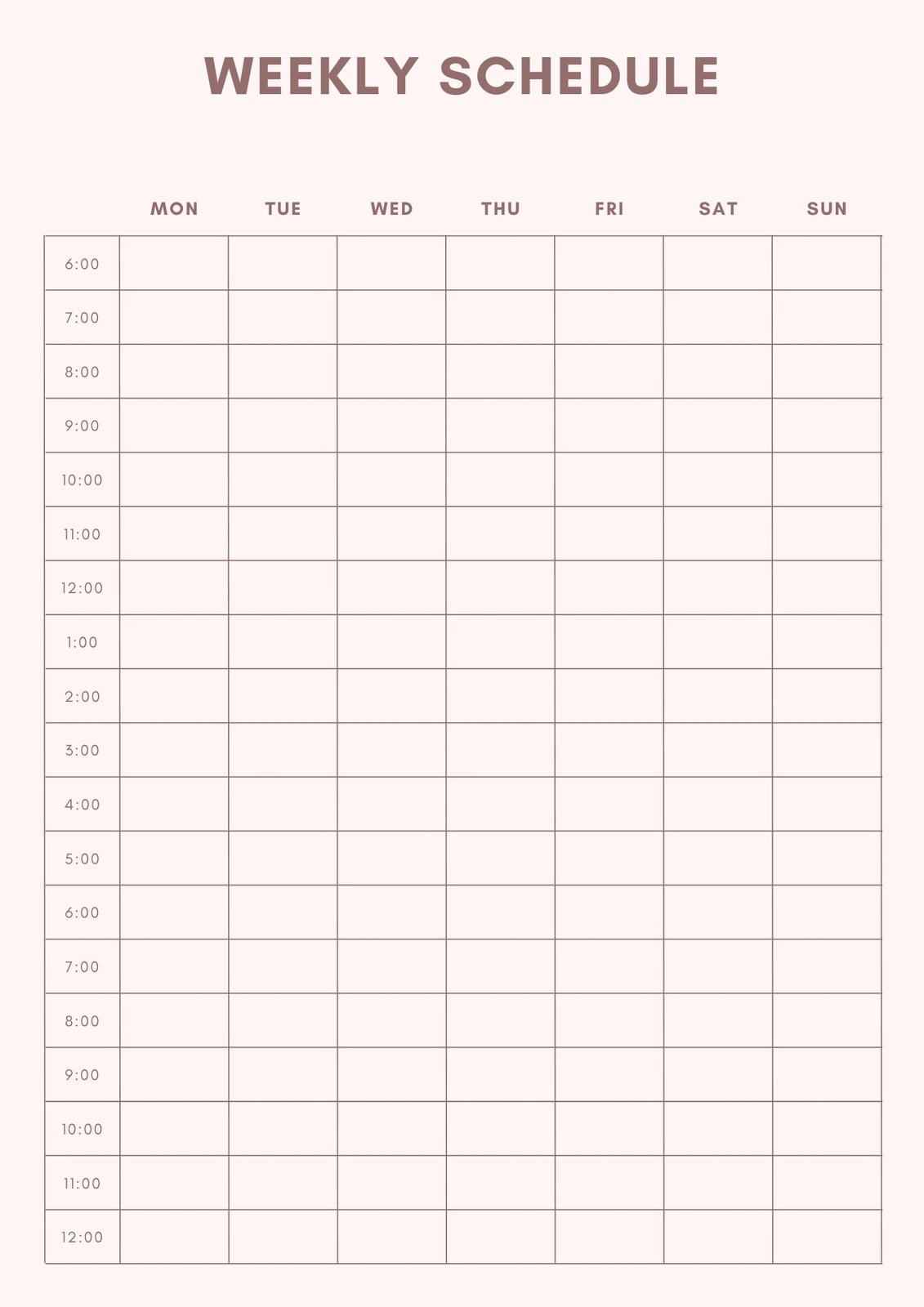
All the features you need
Canva's free drag-and-drop design tools make it easy to create any design, fast!
Thousands of free templates
Plenty of template design inspiration for any occasion, no need to start from scratch and 100% customizable.
Millions of free images, icons, and graphics
Get access to our entire library of millions of photos, icons, graphics, media elements, audio, sound effects, and more.
Easy sharing and exporting tools
Share and export designs as a JPG, PNG, PDF, and PPTX. And when you embed a doc, you can customize which page will be displayed.
Access on any device
Jump from mobile to desktop—design how you work best!

Real-time collaboration
Create, collaborate, comment on designs, and get everyone on the same page, at the same time, from anywhere.
Font library
Upload your own or access 3,000+ free and premium fonts.
Autosave
Canva autosaves your progress so you can update anything, anytime.
Cloud storage
Get free 5GB storage or upgrade to Canva Pro and get unlimited folders with up to 1TB storage for all your designs.
One-click magic switch (Pro)
Design once, resize to anything.
Free standard shipping
Order prints and get them delivered fast, free, and in recycled packaging.
Recycled packaging
Eco-friendly packaging with no plastic or bubble wrap included.
Color palette generator
Generate a color palette from any image that inspires you.
How to design and print your planner
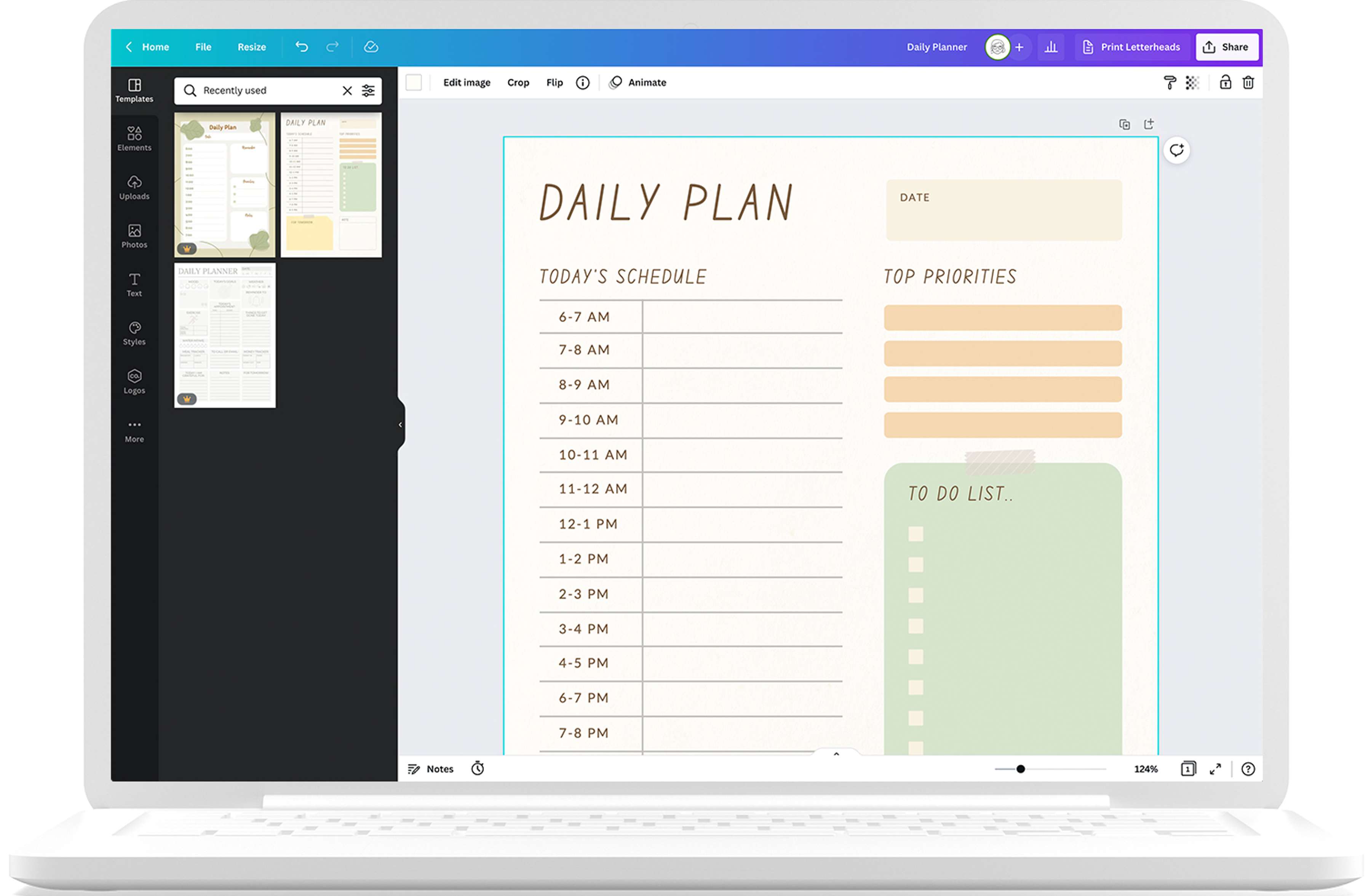
- Select a planner template from our library based on your needs.
- Add stickers and icons, switch up the colors, or combine different fonts.
- Download your planner in your format of choice.
- Share your design via your newsletter, website, or through social media.
- Print high-quality, eco-conscious planners with Canva Print.
Your questions, answered
Printable planners are usually around 3.7 × 6.7 inches or medium-sized. Other size options include full-letter sizes (8.5 × 11 in), half-letter sizes (5.5 × 8.5 in), as well as pocket-sized planners. The best size for you depends on how you’re planning to use it.
If you’re looking for a planner that you can use to jot down important dates and appointments, a pocket-sized planner might be ideal for you. But if you need an all-around planner that you can use to organize your professional life and keep your notes, half- and full-letter planners will work better for you.
More resources
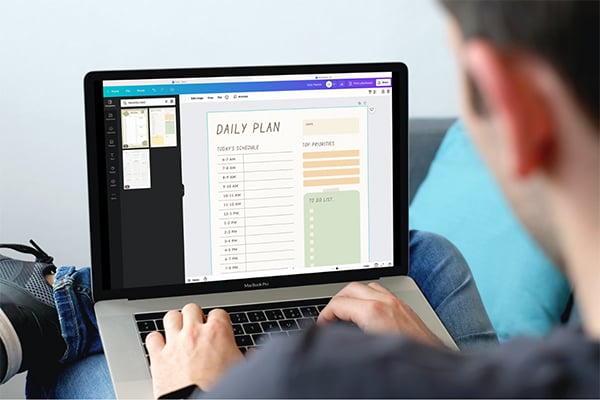
Create a personal planner in Canva
Learn to customize a planner with Canva.
How to plan your weekly schedule
Manage your week with these top tips.
Increase your creative output with 14 time management tips just for creatives
Get tips on how to be productive.
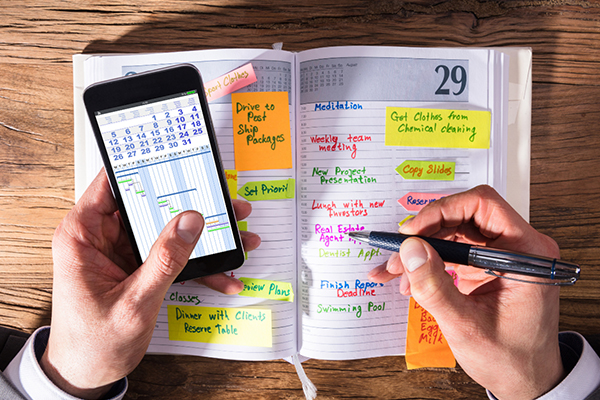
How to create an effective schedule
A guide on mastering your schedule.
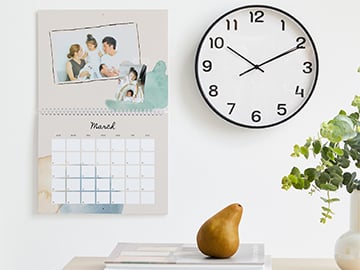
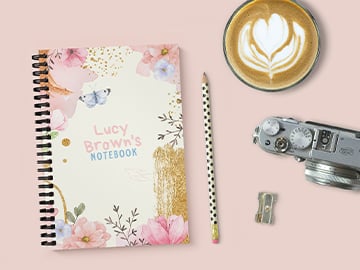
Stay organized with beautiful custom planners
Manage your life and stay motivated with your own custom digital or printable planner.