AI Quote Generator
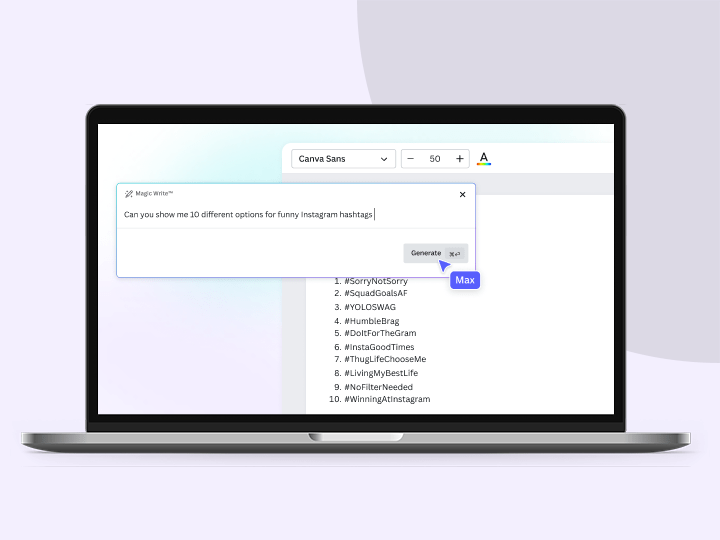
Instantly generate quotes to inspire your next design on Canva. Whether you need motivational quotes for your socials or an attention-grabbing presentation intro, Magic Write™’s quote generator lets you generate quotables in just a click.
Magic Write™
See how it works
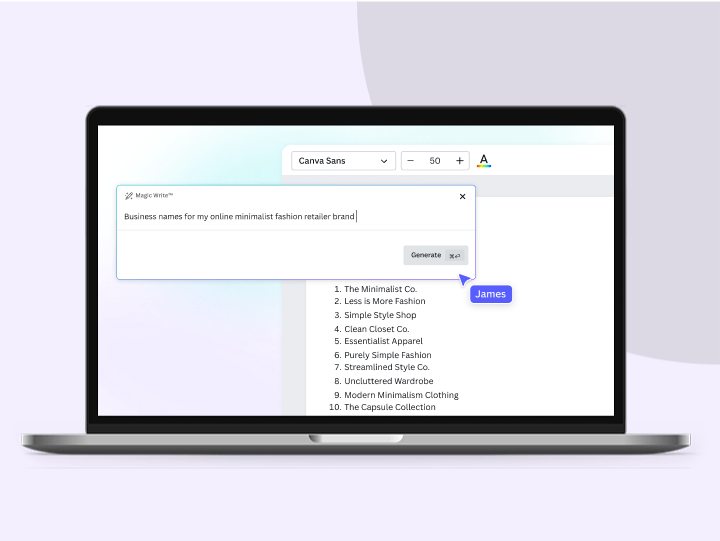
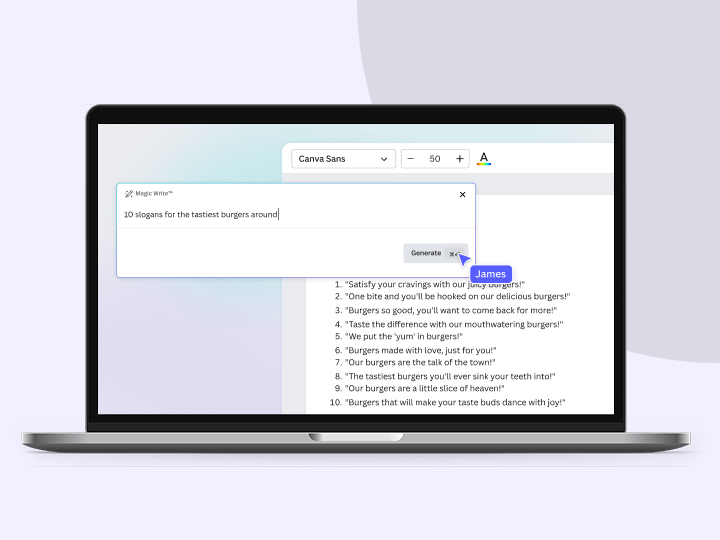
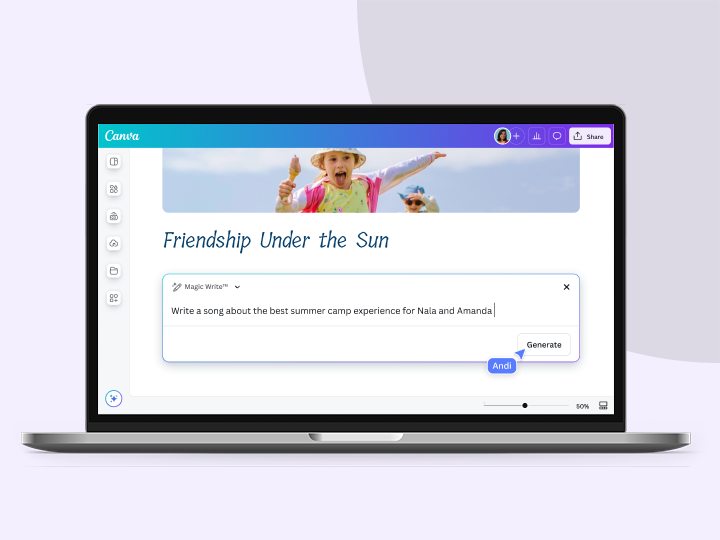
Interact with the sample prompts below to see the ideas generated by Magic Write.
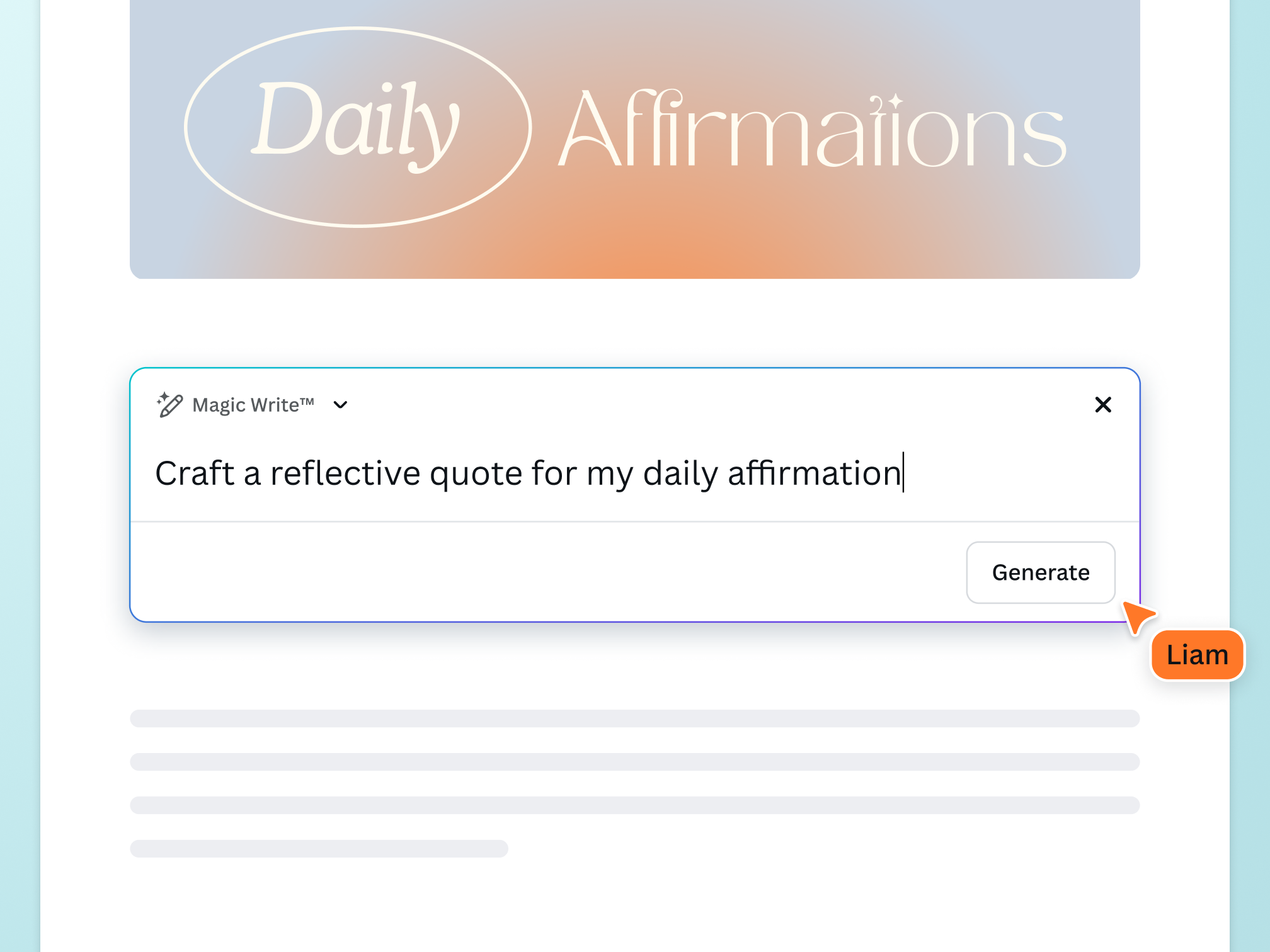
Introducing the Quote Generator
Uplift and inspire by featuring a beautiful quote on your design. No need to scour the internet to find the perfect saying. With the AI quote generator on Canva, powered by OpenAI, you can generate an array of quote ideas with a prompt and a click. Use the quote generator up to 50 times for free.
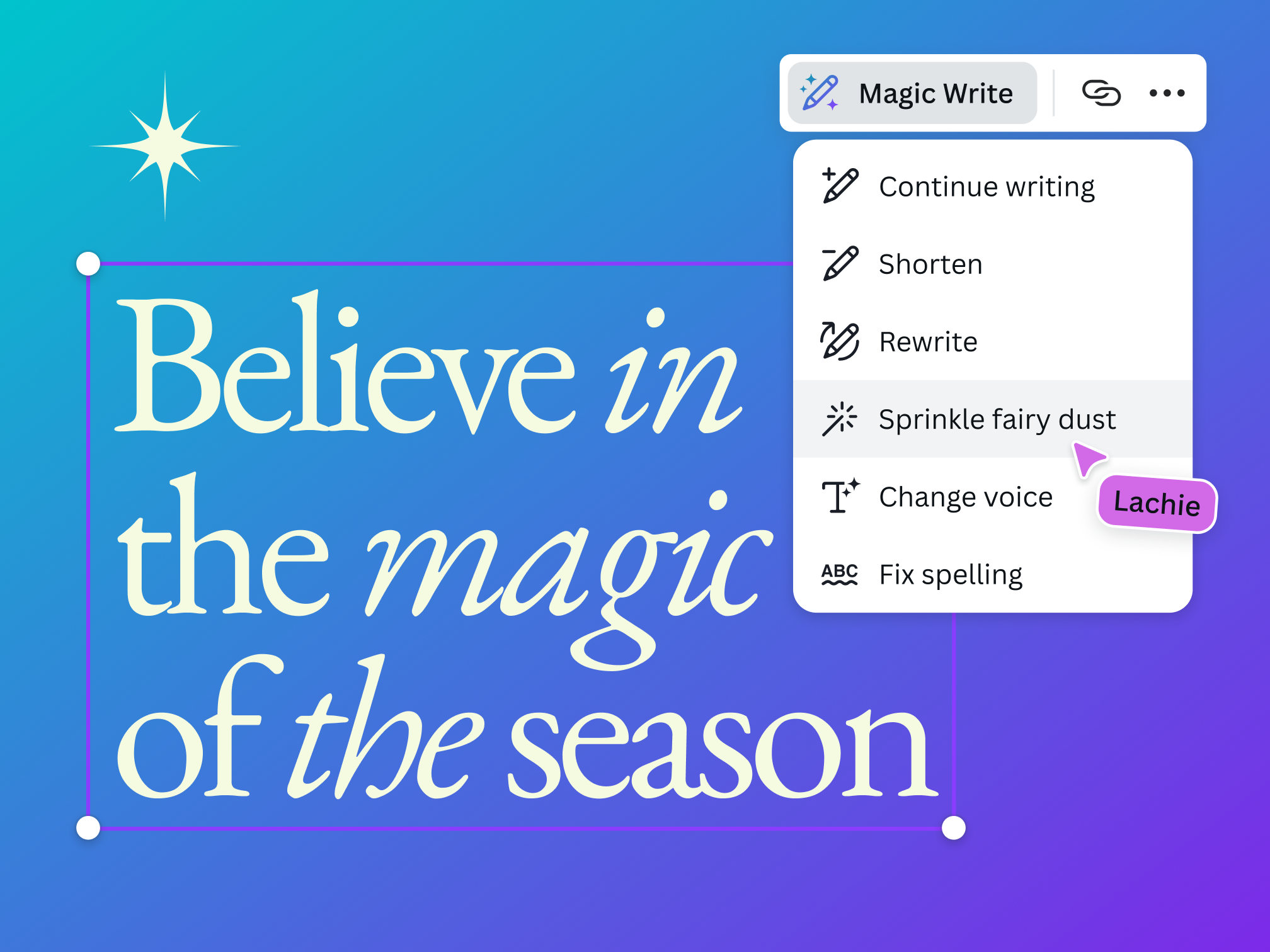
Get text options for any design need
Whether you need a quote for a poster or placeholder text for your presentation, Magic Write™ has your back. Just enter a prompt, specify how many you need, and generate in a click. Need on-brand quotes? Produce quotes in your brand’s voice by adding a text sample Magic Write™ can model.
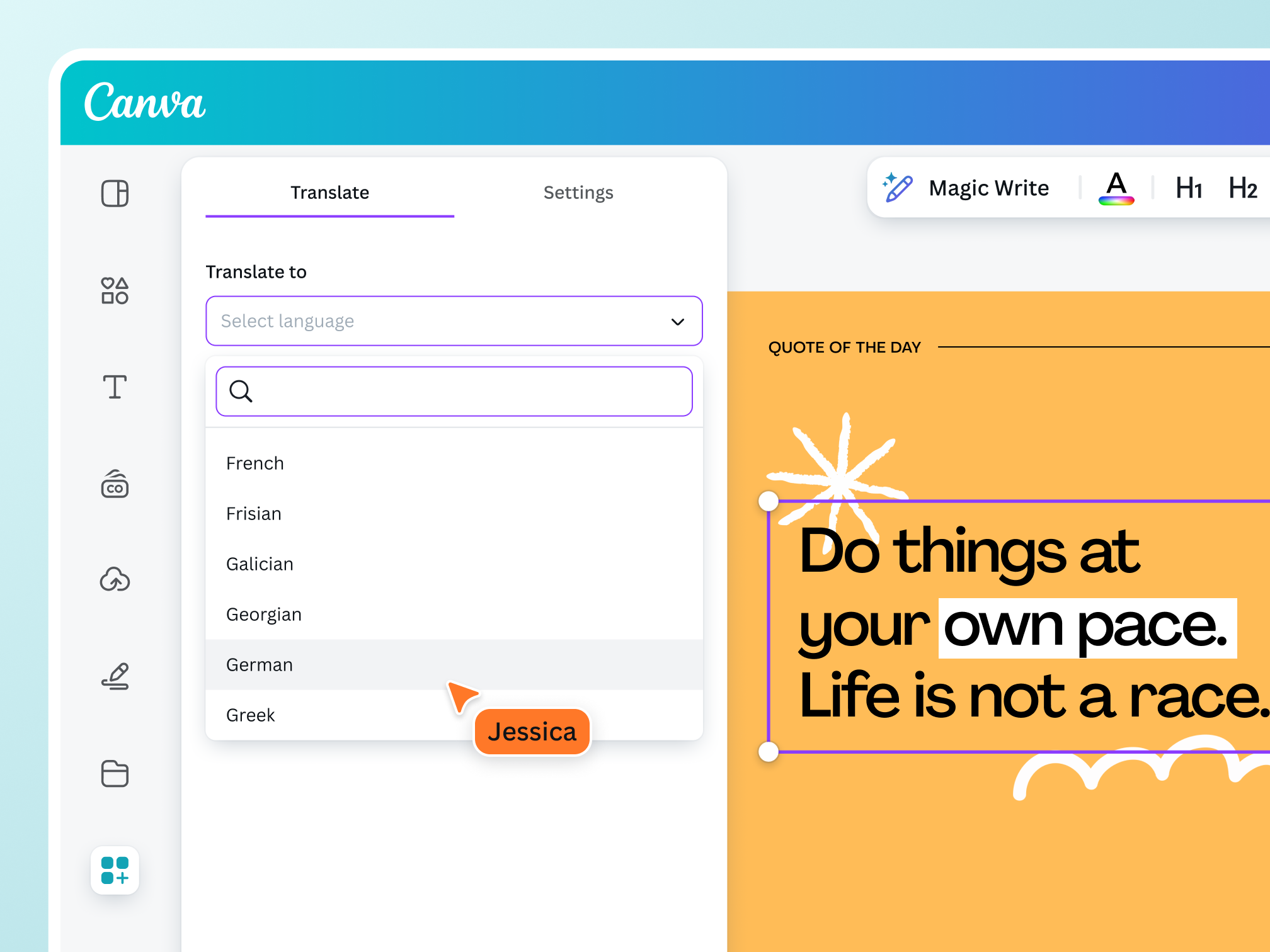
Widen your reach with ease
Appeal to a wider audience effortlessly. Skip manual translation and generate quotes in 20 languages, including English, Spanish, Russian, Thai, and more. With Magic Switch (Pro), ensure that your quote design looks great on any channel and reaches your people on their favorite platforms.
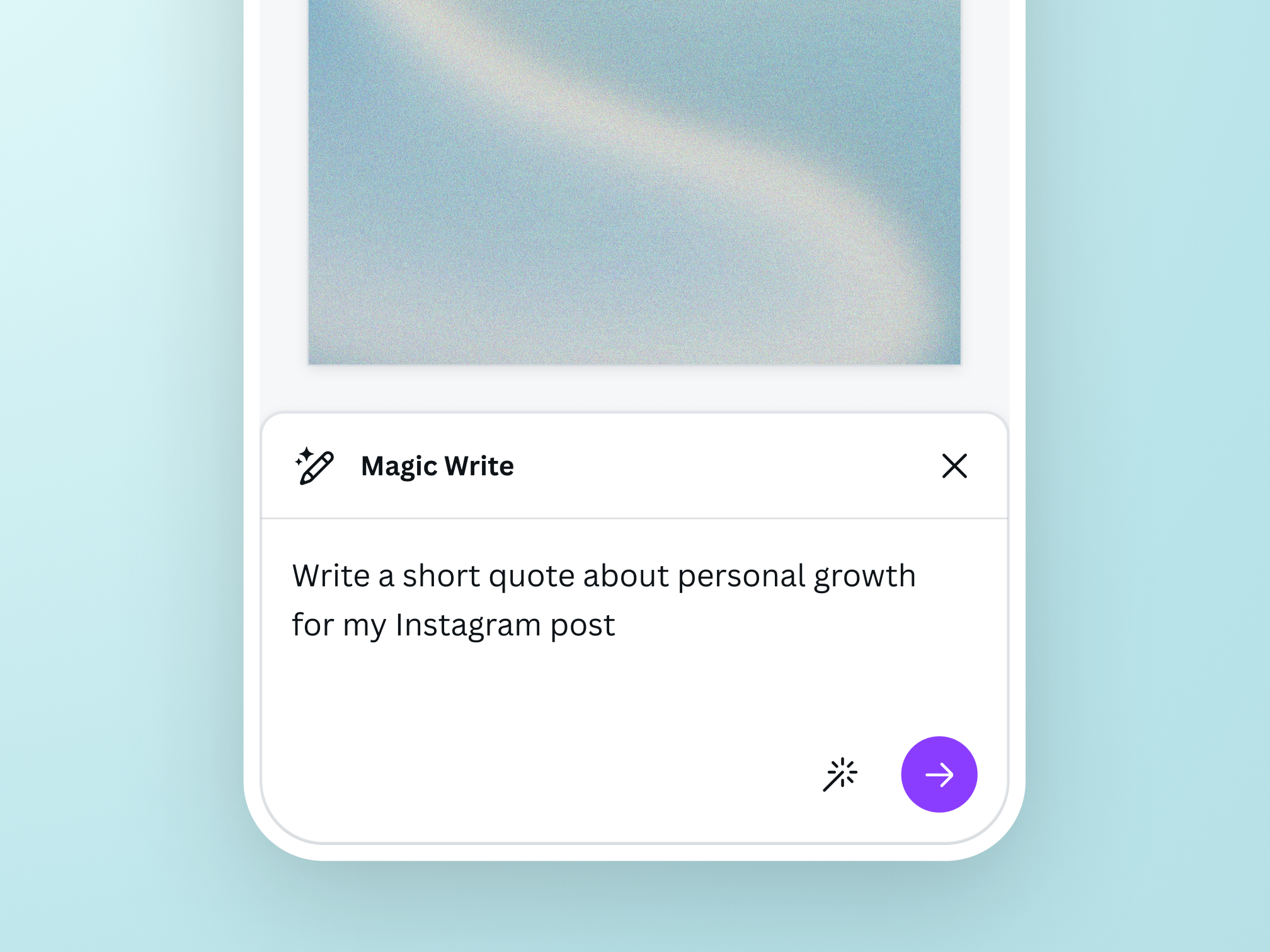
Optimize your creative process
Get quote ideas anytime, anywhere
Magic Write™’s quote generator is available on your web browser, mobile, or desktop app, so you can generate insta-quotes wherever you are.

Create and design in one platform
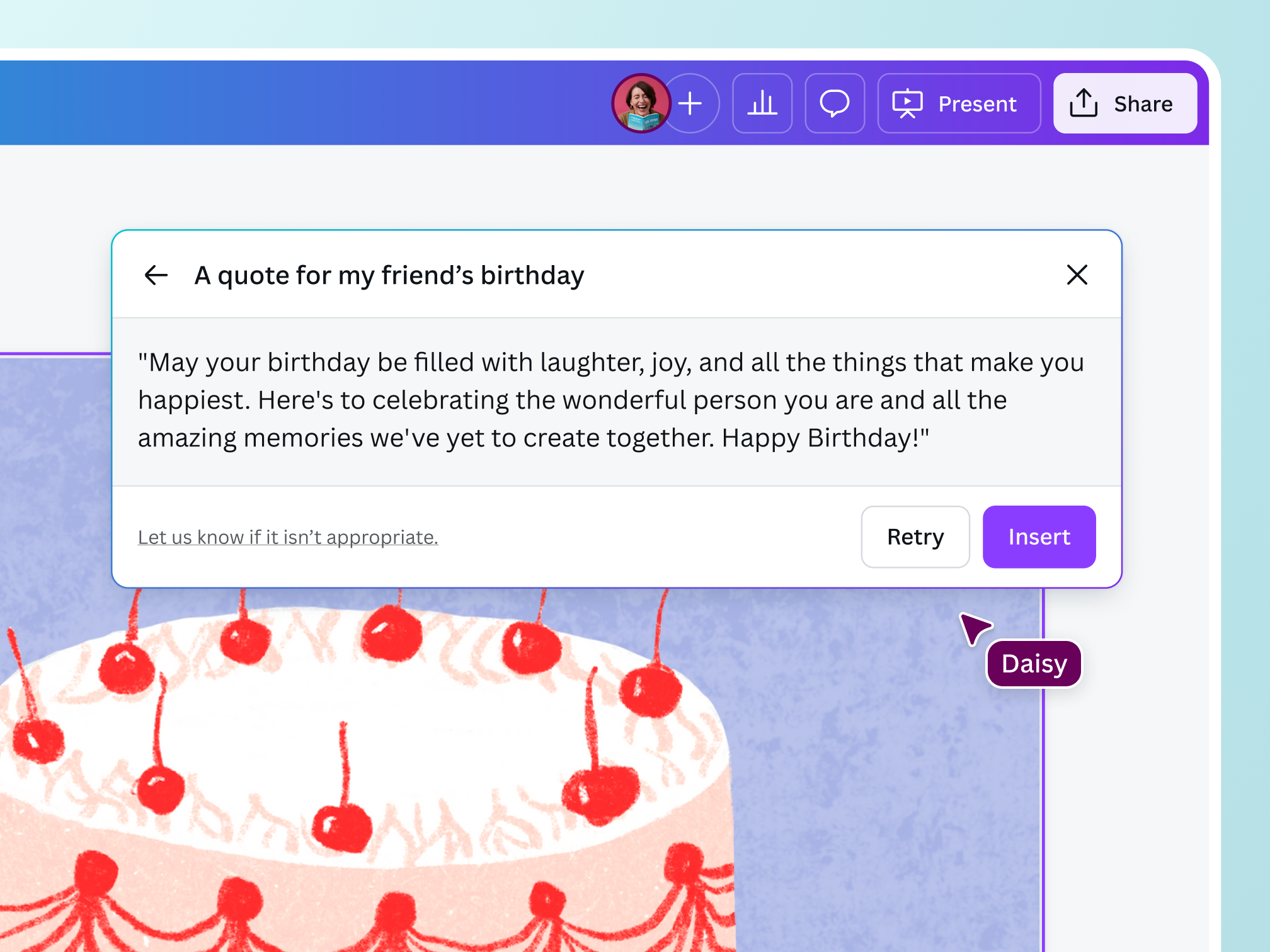
Brainstorm quote ideas, feature them in multiple designs, and publish your work all in one place—right here on Canva.

Collaborate with ease
Take teamwork to the next level. Share access to your quote design with the rest of your team so they can directly add their input in real-time.
A safe space for your creativity
Let your ideas safely flourish on Canva. The quote generator and other AI tools on our platform are equipped with layers of security measures to filter out harmful content. ‘Be a good human’ and use Magic Write in a responsible and ethical way, in keeping with our Terms and Acceptable Use Policy.
The best quote generator for all users

For entrepreneurs
Add inspiring quotes to your promotions to connect with your buyers.

For marketing pros
Easily generate the perfect quote that resonates with every type of audience.

For content creators
Create consistent content with quotes that showcase your unique persona.
All the features you need
Canva’s free drag-and-drop design tools make it easy to create any design, fast!

Brand voice
Craft on-brand copy with Magic Write™ by setting up the Brand Voice feature with your brand guidelines for your entire team to use.

Personalized tone of voice
Create impactful content that sounds like you by adding a text sample for Magic Write™ to analyze and follow whenever you need writing assistance.

Brainstorm faster and find new ideas
Magic Write™, an AI Writer and idea generator, helps you come up with ideas and topics you may have never even thought of.

Generate short-form text
Create any short-form text—from social media captions, profile bios, product descriptions, and more—with a few prompts.

Generate long-form text
Quickly craft high-quality, long-form content for blogs, sales emails, feature stories, and more. Experience a faster writing process.

Expand writing
When stumped for words and ideas mid-sentence, let Magic Write™ continue writing and expand the rest of your content.

Create outlines
Use Magic Write™, an AI writing assistant, to effortlessly generate outlines for articles, blogs, or essays and to better structure any piece of content.

Create lists
An AI writer tool that lets you generate lists—from pros & cons lists to marketing strategy lists—so you can focus on writing better, faster.

Headline generator
Generate catchy headlines, titles, and taglines fit for your blog, article, essay, story, or more with the keywords you specify.

Paragraph generator
Generate complete paragraphs for articles, essays, stories, blogs, and other content types in your desired tone or voice.

/ Magic shortcut
Access Magic Write using our custom /Magic keyboard shortcut.

Paraphrase tool
An AI-powered paraphrasing tool that will reword and rewrite any piece of content, so you can focus on spinning and editing it into a creative sentence or paragraph.
How to generate quotes with AI
Log in to Canva
Open a new or existing design to go to the editor. Or type a prompt on the landing page to go to the editor with Magic Write enabled.Launch Magic Write™
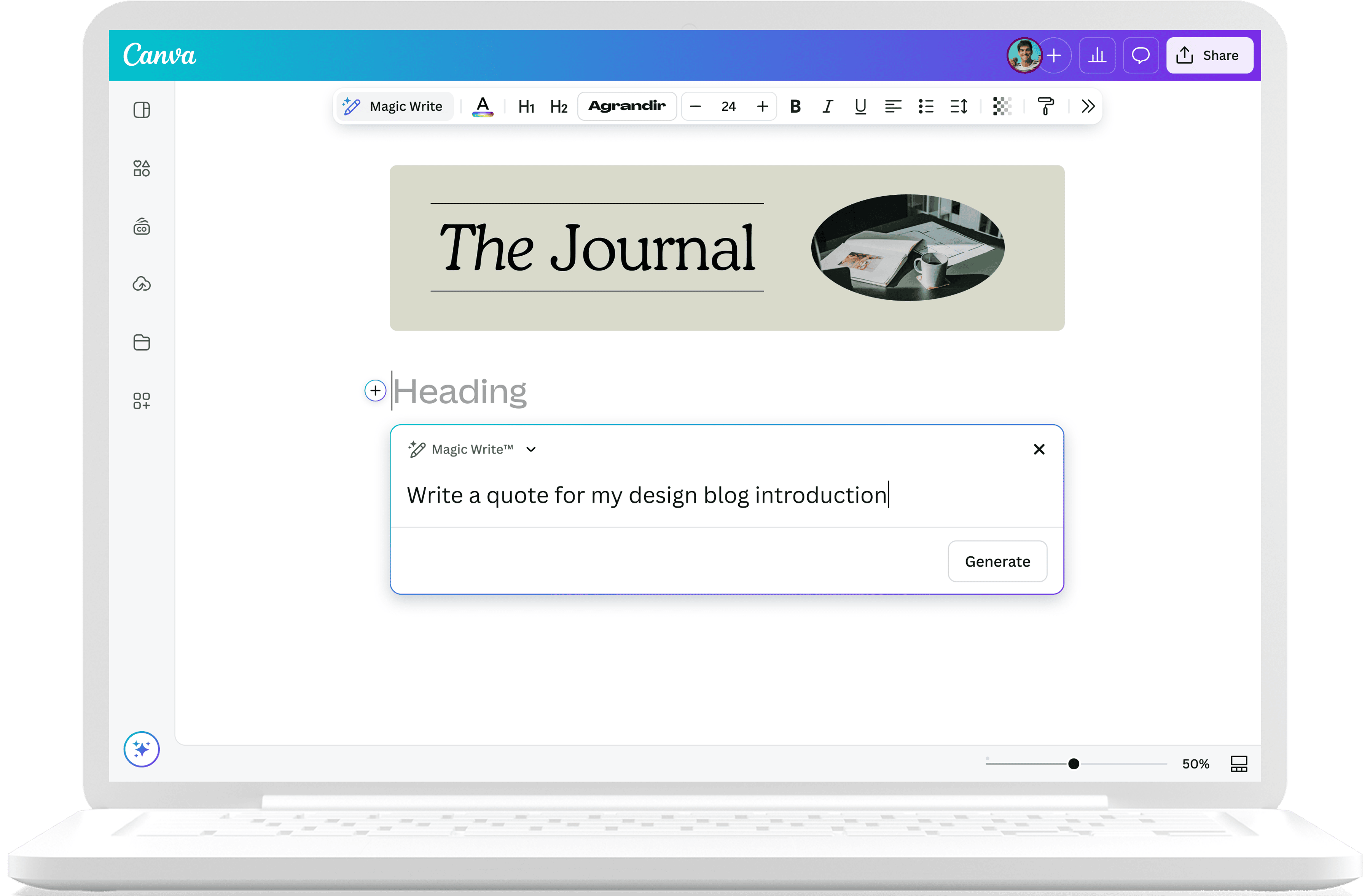
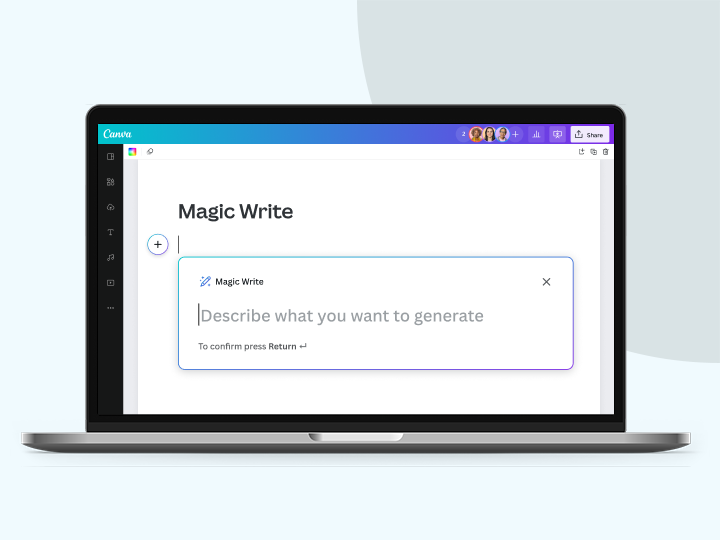
Tap the + button on Canva Docs or find the Canva Assistant icon in the lower right corner of the editor. You can also type / to open the Canva Assistant shortcut, then select Magic Write from the list.Enter your prompt
Describe the kind of quote you want on the quote generator. Specify the number and language. The more context, the better.Generate random quotes
Hit ‘Enter’ if you’re happy with your prompt and get quote ideas from the quote generator in seconds.Review and choose the best quote
Check if your chosen quote is properly attributed. Insert in any Canva design or docs.
Your questions, answered
A quote generator is an AI text generator that gives you random quotes or placeholder text. All you need to do is specify the type and number of quotes you want, whether you want inspiring, witty, or thought-provoking quotes on any subject.
Using a quote maker tool like Magic Write™ helps you create faster and more efficiently. Instead of spending hours online researching for the best quote for your specific design, you can simply enter a prompt that describes what you’re looking for and get great options in seconds which you can then add instantly to your presentations, posters, and other designs.
More resources
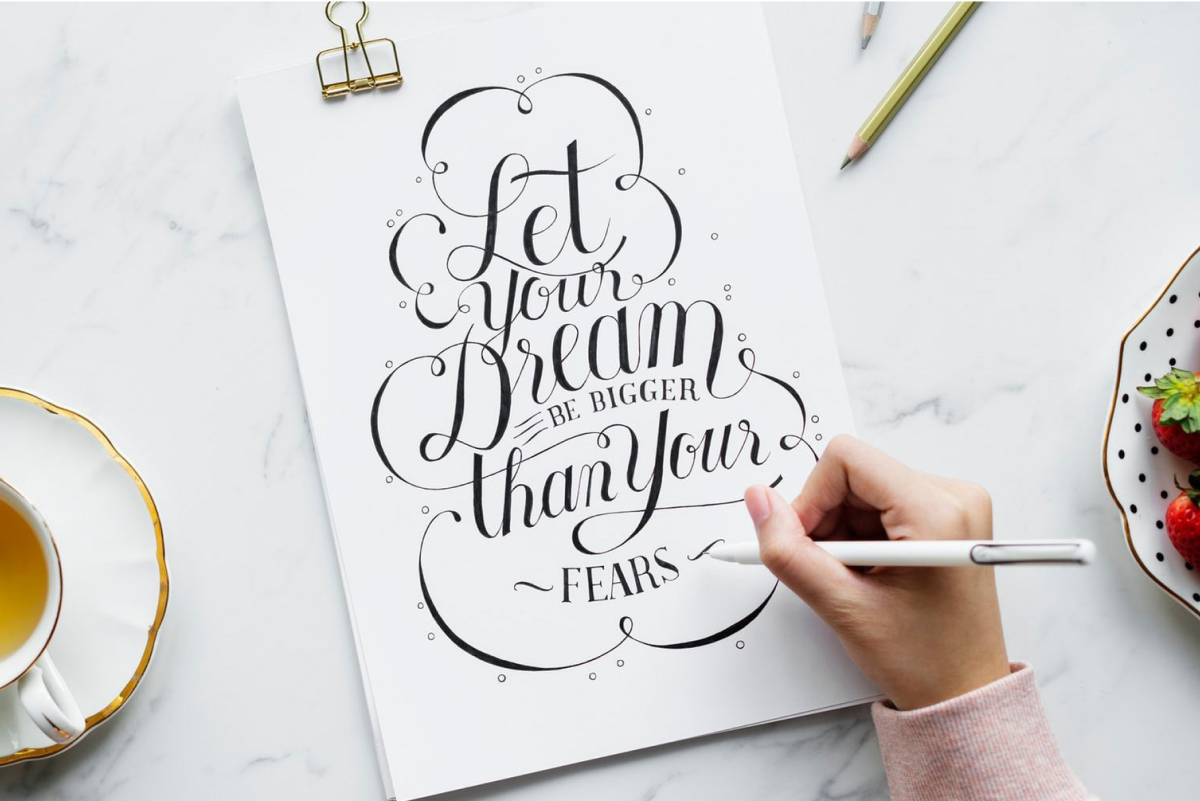
Find tips and tricks on how to make quote graphics that stand out.
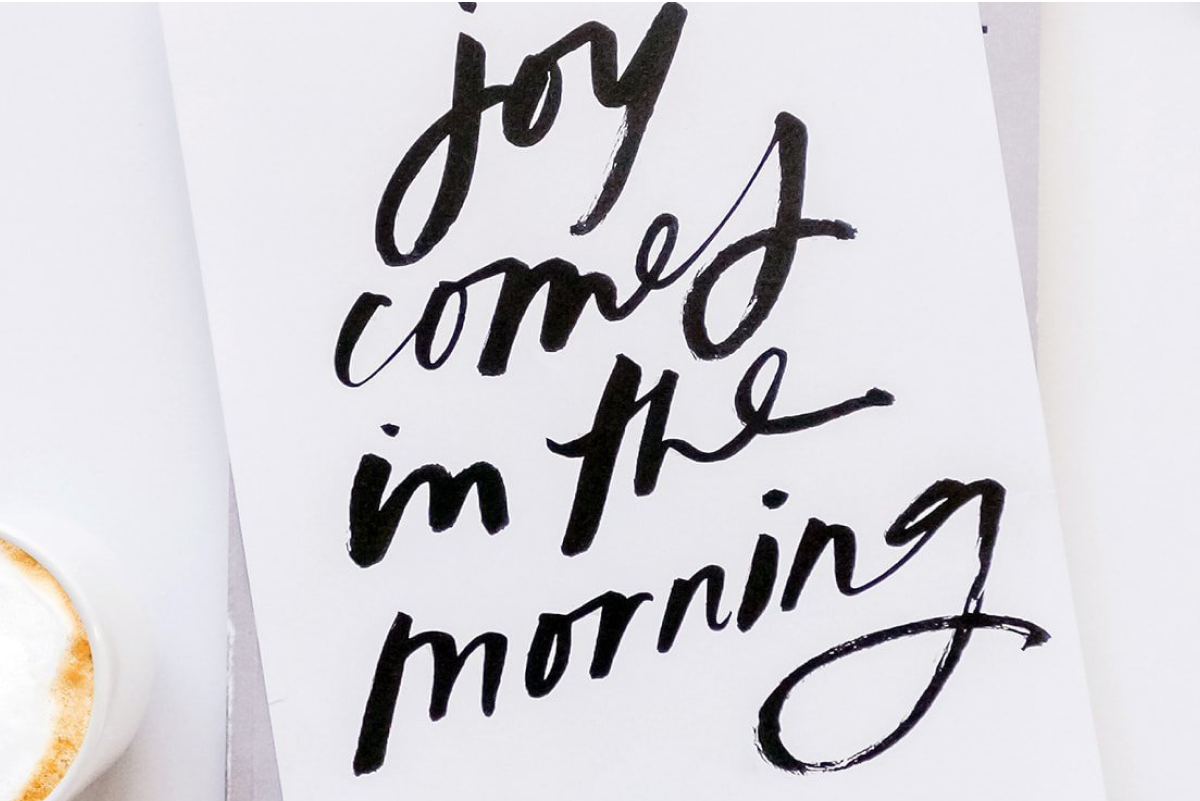
50 creativity quotes to inspire you
Get a boost of inspiration from these quotes on creativity.
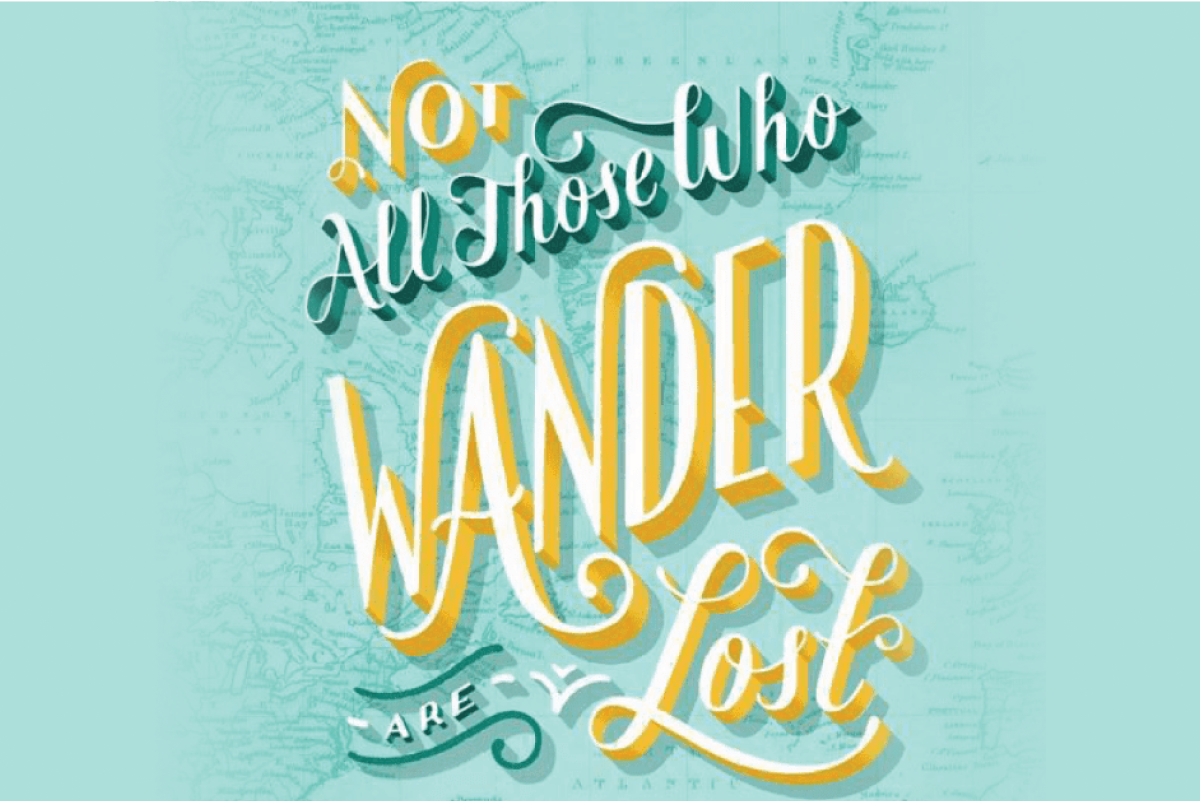
Learn best practices from these top-notch picture quote designs.
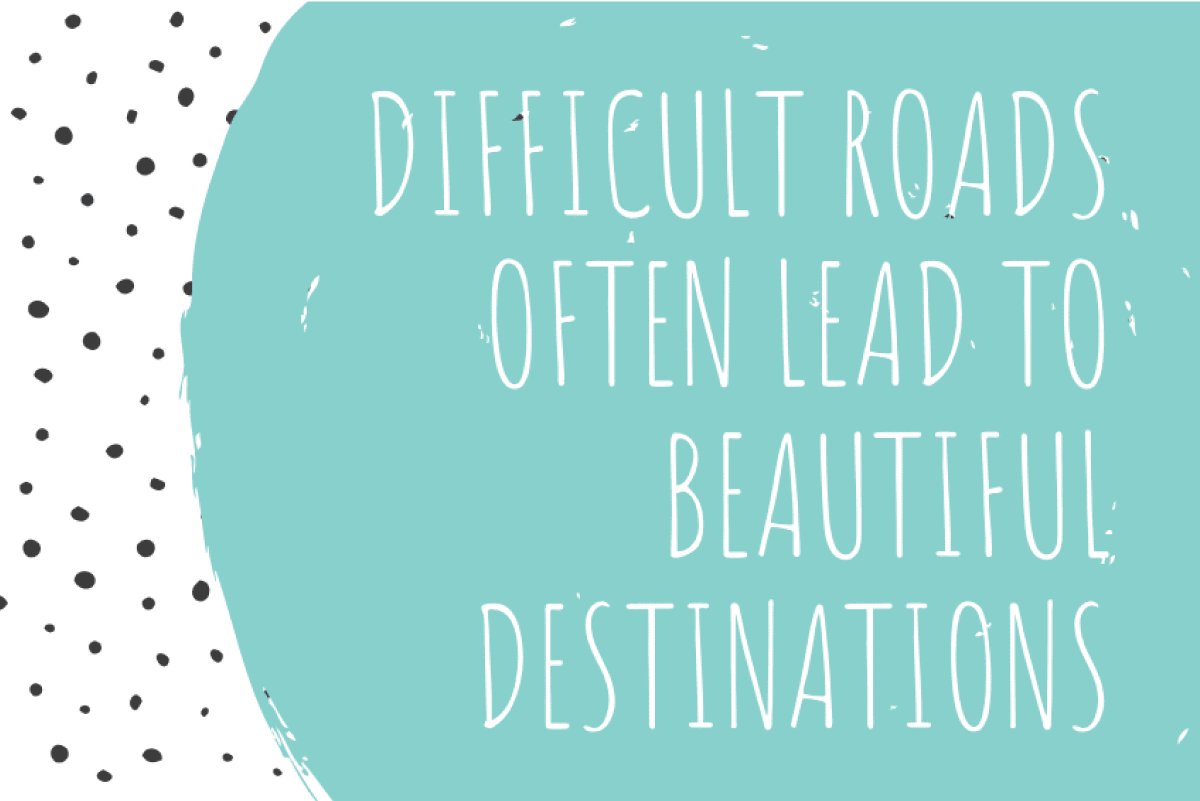
30 inspiring quotes for students
Create a welcoming classroom with these design ideas.
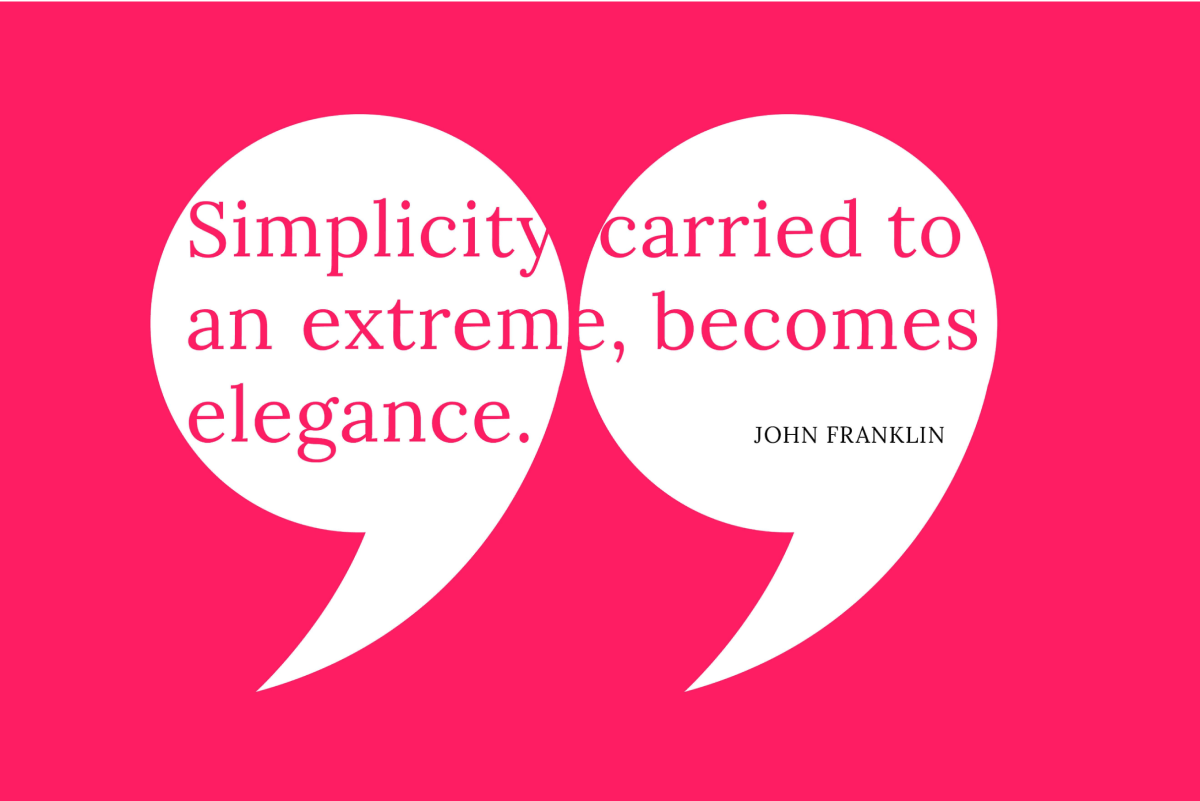
A showcase of 100 design quotes
Inspire your next creative endeavor with these legendary quotes.
AI Quote Generator
Instantly generate quotes to inspire your next design on Canva. Whether you need motivational quotes for your socials or an attention-grabbing presentation intro, Magic Write™’s quote generator lets you generate quotables in just a click.