- Canva Classroom Recipe: Turn students into scientists with digital storyboards
Canva Classroom Recipe: Turn students into scientists with digital storyboards
Guest author: Dominique’ Harbour
Dominique’ Harbour is an Educational Technology Specialist with nearly 20 years of experience supporting teachers and students through innovative, engaging learning experiences. She is driven by a deep belief that technology can empower every learner and open doors to new possibilities. Her greatest inspiration in the classroom comes from watching students gain confidence as they discover what they can create, imagine, and achieve.
💡 Ready to create your own classroom recipe? Submit your innovative Canva classroom activities(opens in a new tab or window) and you could be the next to be featured!
Activity overview
“When students become scientists, they stop looking for answers and start creating them, and THAT is where real learning begins.”, shared by Dominique.
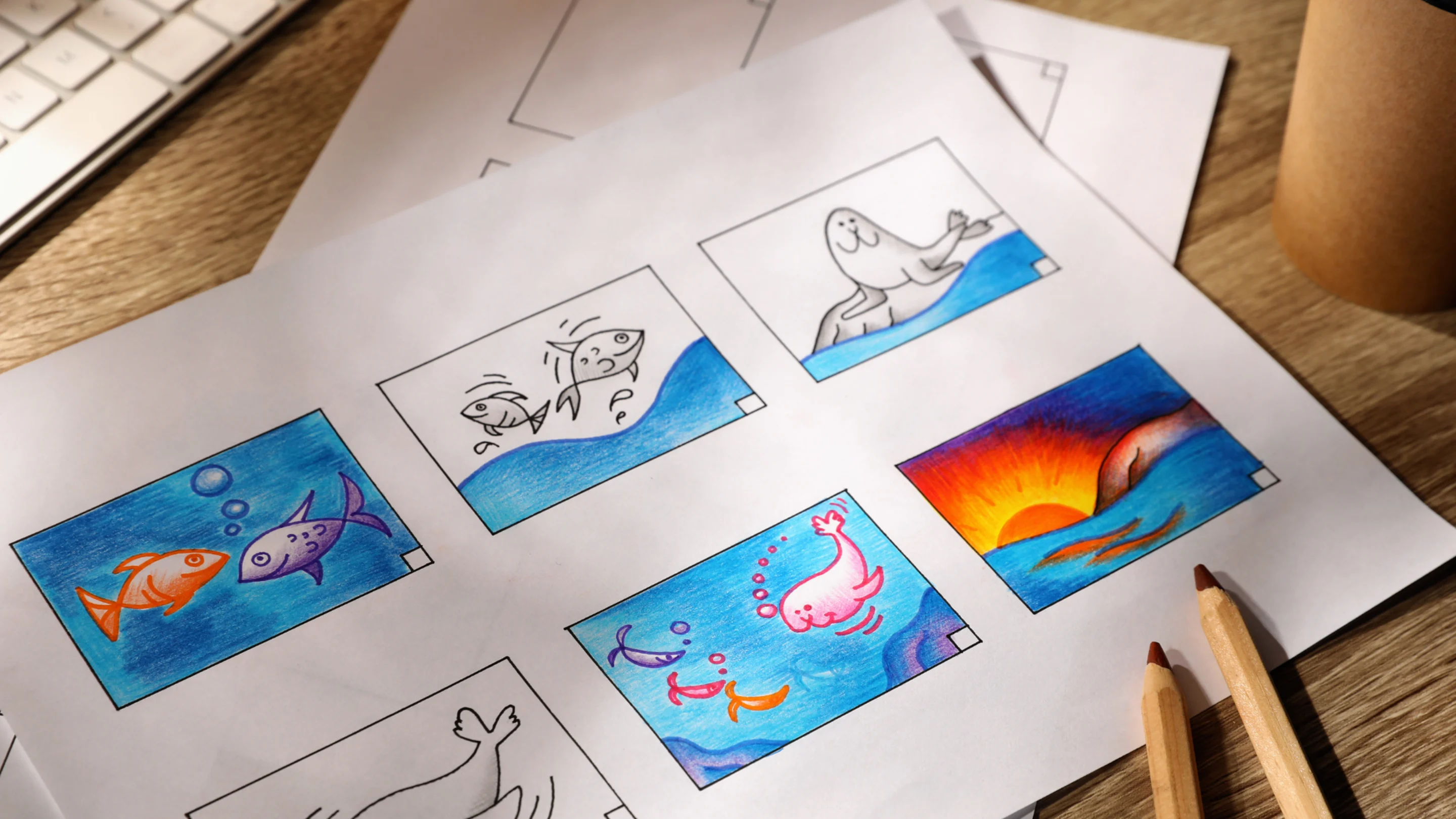
What happens when you put students in the shoes of real scientists? They think deeper, ask better questions, and take ownership of their learning. This digital storyboard activity invites students to become "Soil Scientists" (or any type of expert you choose) and communicate their findings through a visually engaging six-panel storyboard.
The storyboard format breaks complex information into digestible chunks, making it perfect for young learners who are still developing their scientific writing skills. Students love adding their own avatar, choosing images that match their explanations, and seeing their work come together like a real research presentation. While the example focuses on soil and erosion, the same storyboard structure works for any compare-and-contrast science topic: states of matter, animal habitats, weather patterns, or plant life cycles.

Sample student work
Quick snapshot
- Grade level: 2–5
- Subject: Science (easily adaptable to other subjects)
- Duration: One 45–60 minute class period (assumes prior learning on the topic). Can also be broken down into two 30 minute periods.
Learning objectives
- Demonstrate understanding of a scientific concept by explaining comparisons and drawing conclusions
- Develop science communication skills by presenting findings in a clear, visual format
- Practice using evidence and scientific vocabulary to support explanations
- Build digital literacy skills through template navigation, image selection, and text formatting
Preparation
Essential Canva features
- Storyboard template: Use Dominique’s Soil Scientist template(opens in a new tab or window) or create your own six-panel storyboard based on the topic
- Elements library: Students search for and add relevant images (photos, graphics, illustrations) to support their explanations
- Text editing: Students type directly into text boxes, practicing clear and concise scientific writing
- Avatar/photo options: Students personalize their storyboard by adding an image or avatar to represent themselves as the scientist
Requirements
- Devices with internet access (computers, Chromebooks, or tablets)
- Canva Education accounts for all students
- Prior instruction on the topic (e.g., soil types and erosion, or your chosen science concept)
- Optional: student exemplar to display during introduction
Time allocation
- Introduction and template walkthrough: 10 minutes
- Student work time: 25–35 minutes
- Sharing and presentation: 10–15 minutes
📚 Setting up your class on Canva Education
Teachers: If you haven’t already, sign up for Canva Education here(opens in a new tab or window) - it’s 100% free for verified primary high school teachers and their students, and will unlock all of Canva’s premium features plus more.
Inviting students: In your Canva Education account, go to Homepage → Open the side menu -> “Invite people” and share the join link or class code with your students. If your school district has already rolled out Canva Education through SSO, they can simply log in(opens in a new tab or window) with their school email address to access the full education features.
Schools and districts: Discover how to implement Canva Education across your entire district(opens in a new tab or window), enabling your teachers, students, and staff to collaborate and communicate visually - all at no cost!
Step-by-step implementation
Step 1: Customize the template for your topic
Dominique's Soil Scientist template is designed to be easily adapted for any compare-and-contrast science topic. Before class, open the template and make a copy to customize for your unit. Update the title (e.g., "Adventures of a Weather Watcher" or "Adventures of a Habitat Explorer"), then adjust the panel prompts to match your topic.
For example, if studying states of matter, Panel 3 could prompt students to explain what happens to solids when heated, Panel 4 covers liquids, and Panel 5 covers gases. Keep the six-panel structure intact—introduction, three comparison items, and conclusion—as this scaffolding helps students organize their thinking regardless of the content.


Step 2: Introduce the activity and distribute the template
Explain to students that they will take on the role of a scientist—in this example, a "Soil Scientist"—and use what they've learned to create a digital storyboard that explains and illustrates their findings. Display a completed student exemplar so students can see the end goal. Walk through the six panels of the template, explaining what belongs in each.
Share the template link with students through Canva or your preferred LMS. Have students open the template in Canva and make their own copy. Confirm everyone has the template open before moving on.
Step 3: Students complete their storyboard
Students work through each panel, adding:
- Their name and a photo or avatar representing themselves as the scientist
- Images from the Elements library that match each section (search terms like "sand," "clay," "erosion," "soil")
- Written explanations in 2–3 sentences per panel, using scientific vocabulary
Circulate the room to support students with image searches, spelling, and sentence construction. Encourage students to reread the prompts in each panel and check that their images match their explanations.
Step 4: Review and present
Have students do a final check of their storyboard: Are all panels complete? Do the images match the text? Is the conclusion supported by evidence from the other panels?
Students can present their storyboards in small groups or to the whole class, taking on the persona of their scientist role. Encourage presenters to read their conclusion panel aloud and explain their reasoning.
Assessment and showcase ideas
Presentation approach
Have students present their storyboards as a "Science Symposium" where each student stands at their device and classmates rotate through to hear their findings, asking one question per presentation. Alternatively, compile all student storyboards into a class ebook or slideshow that can be shared with families or displayed during a science showcase night.
Marking rubric
- Scientific accuracy: correct information and appropriate use of vocabulary (30%)
- Visual communication: relevant images that support explanations (25%)
- Written explanations: clear, complete sentences that answer the prompts (25%)
- Conclusion: logical reasoning supported by evidence from the storyboard (15%)
- Completion and effort: all panels filled in with care (5%)
Reflection prompts
- What was the most interesting thing you learned while creating your storyboard?
- Which panel was the hardest to complete, and why?
- If you were a real Soil Scientist (or other role), what would you want to investigate next?
- How did adding images help you explain your thinking?
Differentiating this recipe to suit your classroom
To challenge students
Extend the activity by having students add a seventh panel with a "further investigation" question they'd like to explore, or ask them to record a short "Science Podcast" episode using Canva's recording feature where they narrate their storyboard as if presenting to a real scientific audience. Advanced students can also research and add real-world examples—such as photos of erosion in their local environment—and explain how their findings connect to what they see in the world around them.
To make this activity easier
For younger students or those needing extra support, pre-fill some panels with sentence starters (e.g., "Sand erodes quickly because...") so students only need to complete the thought rather than write from scratch. You can also reduce the number of panels from six to four, focusing on just two comparisons plus an introduction and conclusion. Pairing students to work collaboratively on a single storyboard allows one partner to focus on images while the other handles text.
To flex this recipe for different subject areas
- 📚 English Language Arts: Students become "Book Detectives" or "Character Investigators," creating storyboards that compare characters from a novel, different versions of a fairytale, or text features across genres—using images and explanations to highlight similarities, differences, and conclusions about what they've read.
- 🌎 Social Studies: Students become "History Detectives" or "Geography Experts," creating storyboards that compare communities (urban, suburban, rural), regions, or historical time periods, using images and explanations to highlight key differences.
- 🏃🏽♂️Health and PE: Students take on the role of "Nutrition Scientists" or "Fitness Coaches," creating storyboards that compare food groups, types of exercise, or healthy vs. unhealthy habits, with evidence-based explanations for their recommendations.
- 🔢 Math: Students become “Problem Solving Detectives,” creating storyboards that show different strategies for solving the same problem. Student can use models, visuals, drawings, etc. along with step-by-step explanations that show each strategy. Pairing any of these variations with a custom word search(opens in a new tab or window) featuring the unit's key vocabulary is a quick, low-prep way to reinforce new terms before students dive into their storyboards.
Ready to get started?
Think about an upcoming unit where students need to compare and contrast: swap in your topic, adjust the prompts, and you'll have a ready-to-use storyboard activity in minutes.
We'd love to see your students' storyboards in action! Share their work by tagging @CanvaEdu on X (Twitter) or posting in the Canva Teachers Community on Facebook(opens in a new tab or window). Bonus points if your students present in character as their scientist persona.
Have your own creative Canva classroom activity? Submit your idea(opens in a new tab or window) for the chance to be featured as the next Canva Classroom Recipe author—and inspire teachers around the world.

