Free paper cup mockup generator

Easy drag-and-drop editor

1M+ professionally-designed templates

Design from any device

Download or share designs easily
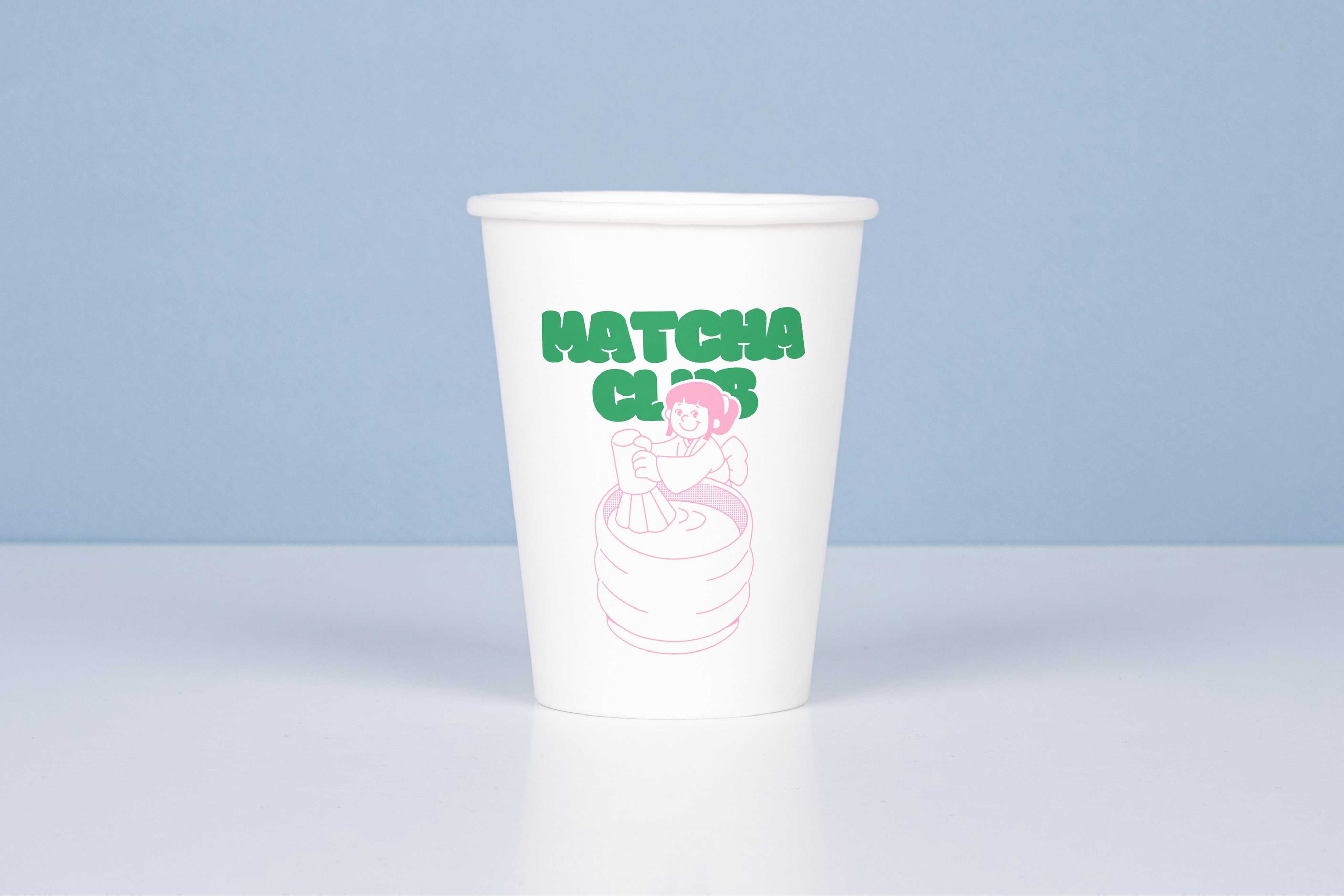
Make sure your paper cups serve the hottest and "coldest" designs. Visualize them easily with Canva's free paper cup mockup generator.
How to create a paper cup mockup
1
Start with Canva
Open a new or existing Canva design. In Elements, select Mockups, then Home & Living and browse paper cup mockup layouts you can personalize.
2
Upload your paper cup design
Drag and drop your logo design, images, or other brand assets. Enhance photos and your paper cup mockup to make it more realistic with effects, filters, and design elements.
3
Share with ease
Download your paper cup mockup in high-resolution image formats. Post it on socials, embed on your website, or share a design link for your clients and colleagues to collaborate on.
Benefits of a paper cup mockup generator
Visualize your paper cup design within minutes
See your paper cup design thrive in real-life settings with Canva Mockups. Picture it served hot to a customer or sitting well in your new store with its fresh packaging. Skip the over-the-top photoshoot and simply drag and drop an image or brand asset to test different artwork and concepts in seconds. Bring more eyes to your design. Get your team's feedback, approve visuals, or apply changes themselves. Collaborate on any Canva design and create paper cup mockups anytime, anywhere.
Deliver your brand in every paper cup mockup
Stay on-brand as you edit your paper cup mockups into any design. Blend your paper cup mockups in your custom post for social media or a presentation outlining your new brand guidelines.
Turn any template into a perfect match for your café, event, or product with Brand Kit (Pro). Upload your logo, set your brand colors and fonts, and apply them consistently on any design. No need to start from scratch!
Serve your paper cup mockup with magic
Canva's AI-powered design editor takes our free paper cup mockup generator to the next level. Rework any design element with Magic Edit (Pro) or clean up your images with Magic Eraser (Pro). Want a different setting for your paper cup mockup? Set a new background by removing the old with Background Remover.
Download high-resolution images and drop straight into pitch decks, menus, or social posts. Show a clean front view for your website, then export a lifestyle version for marketing campaigns, all from the same design.