Free coffee cup mockup generator


Easy drag-and-drop editor
3M+ free stock photos and graphics
Design from any device
Download or share designs easily
Create a standout coffee cup mockup with Canva’s easy-to-use mockup generator(opens in a new tab or window). Browse templates, customize designs, and make quick edits with our AI-powered tools. Perfect for cafes, branding projects, or packaging redesigns. Make your vision a reality in just a few clicks!

Creating a stunning coffee cup mockup doesn’t have to be complex or stressful. Canva’s free coffee cup mockup generator lets you bring your design to life before you commit, helping you be confident in your work. Whether you’re launching a brand, pitching designs to clients, or creating social media ads(opens in a new tab or window), creating your own mockup is a great alternative to printing designs without knowing how they’ll turn out.
Perfect your vision before going all in – no design experience needed.
How to create a coffee cup mockup

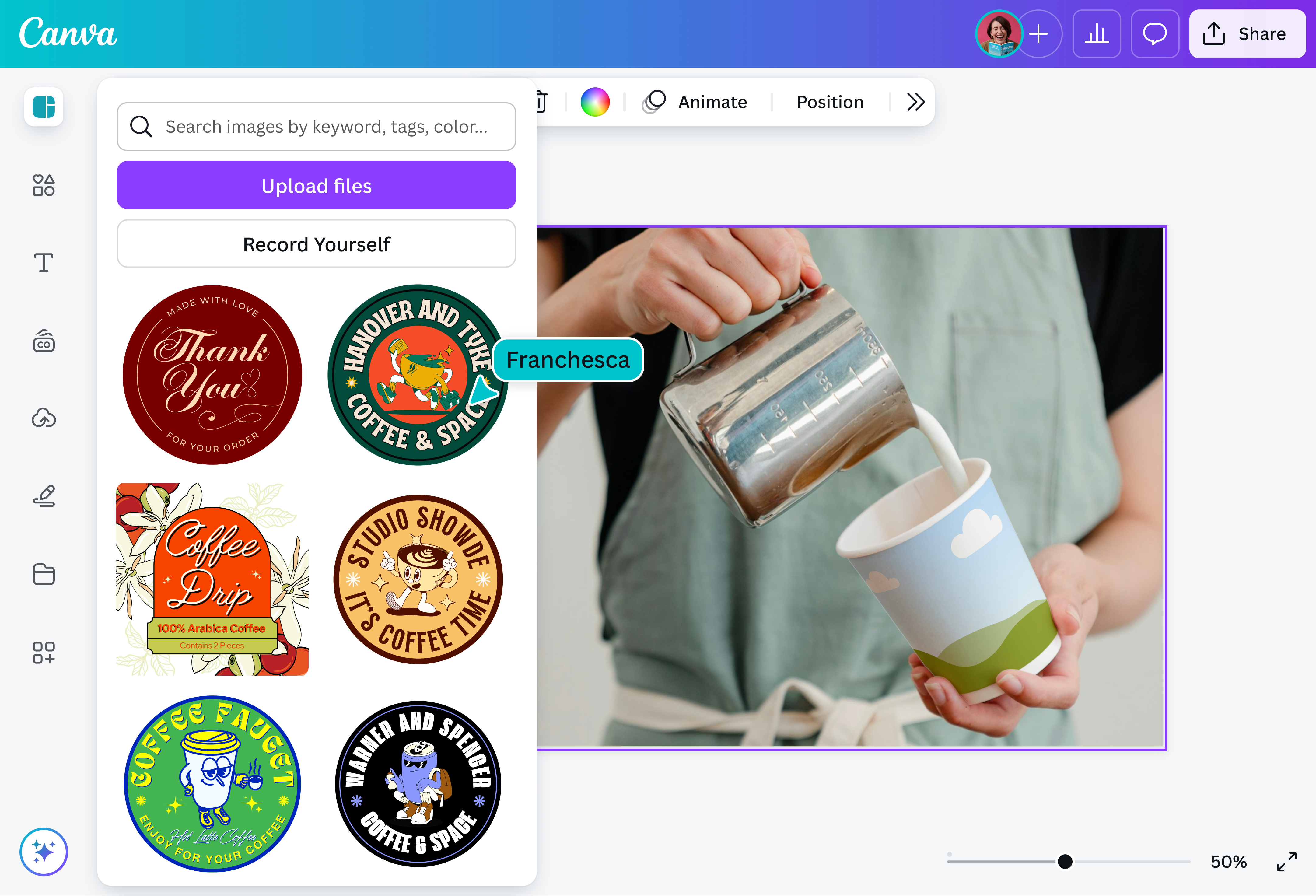
Meet Magic Studio™: All the power of Canva’s AI
Magic Studio™ brings together the best AI-powered tools for you and your team to help you design with more ease, speed, and creativity.


Find the perfect cup for your brand
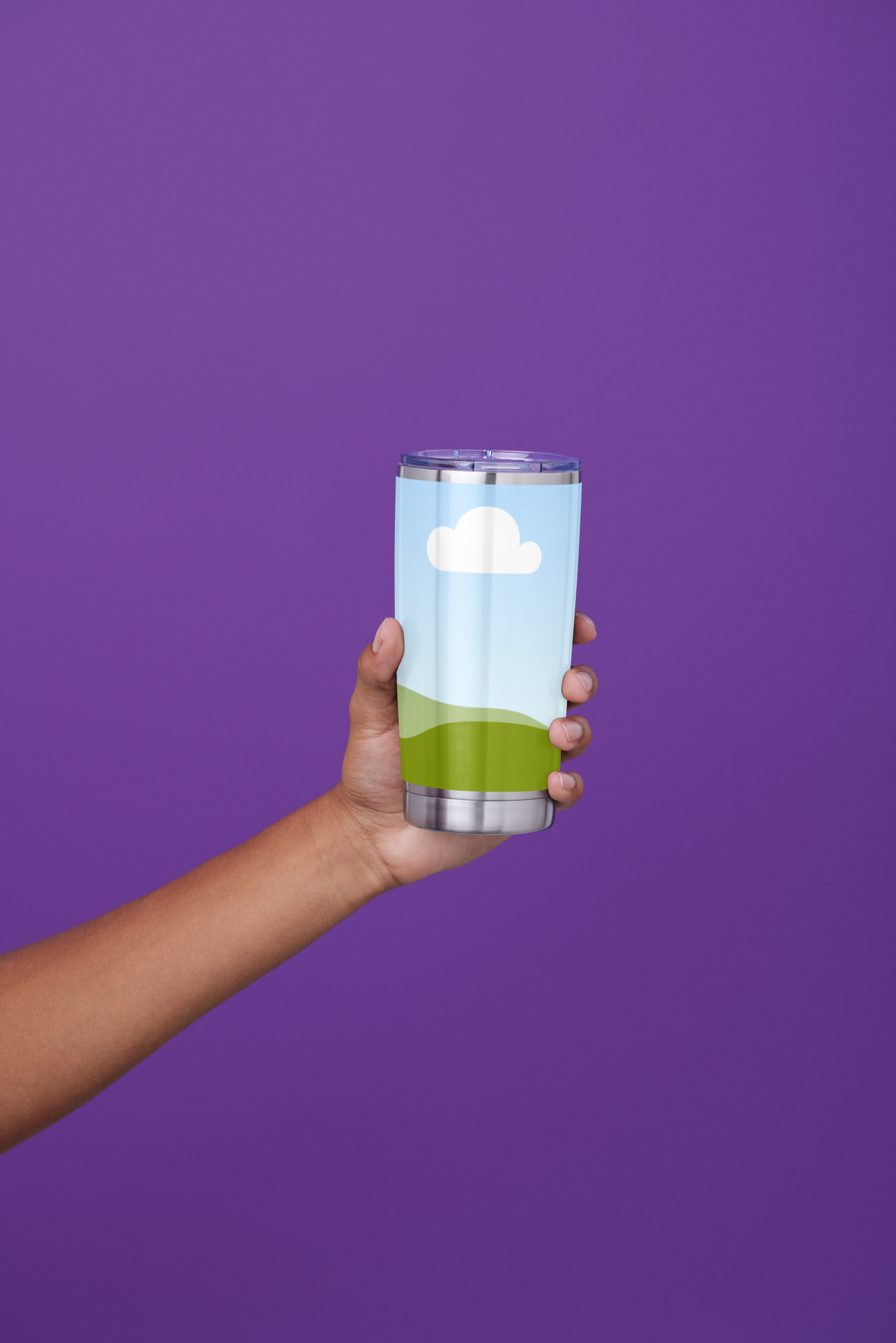
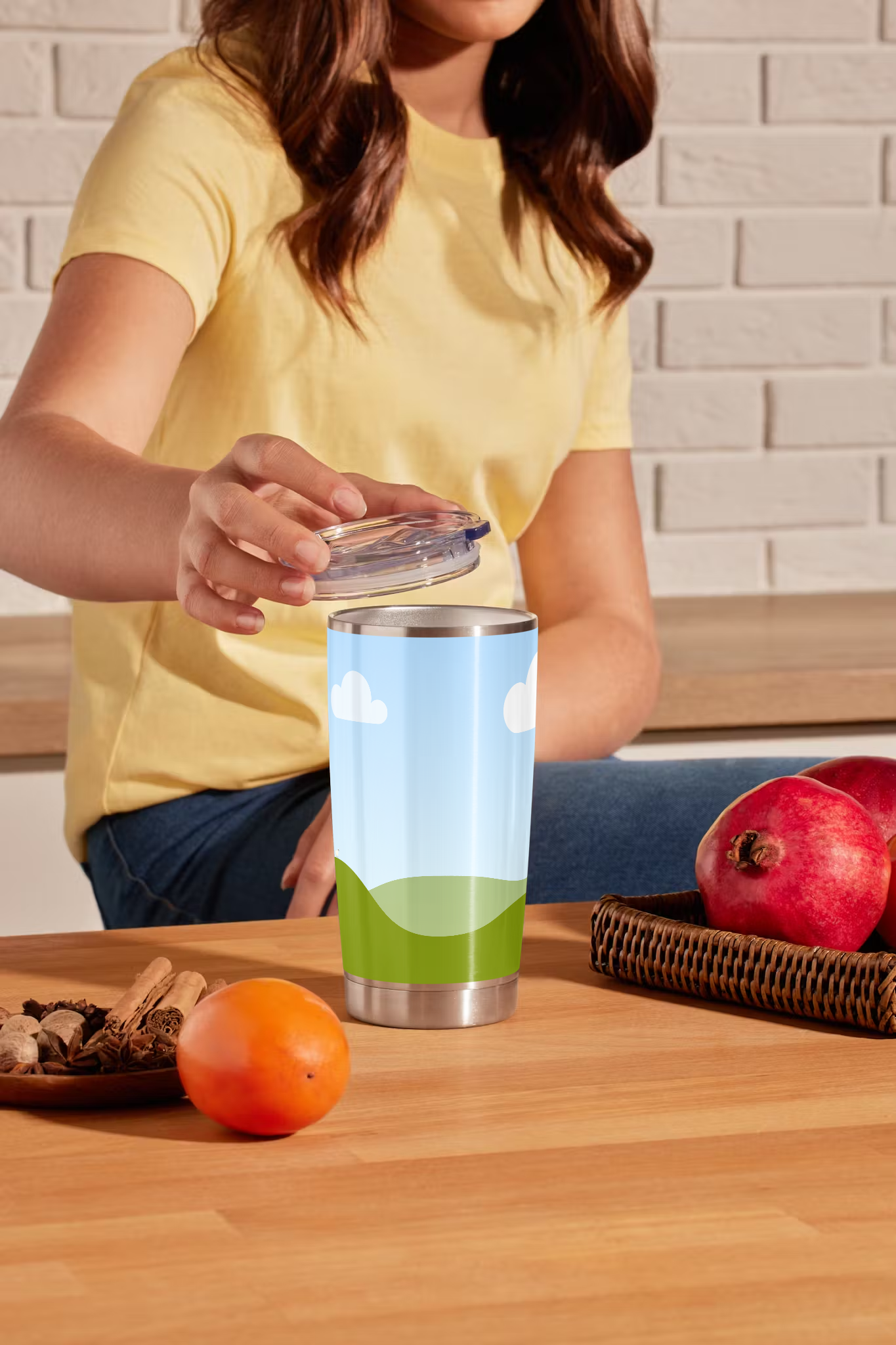
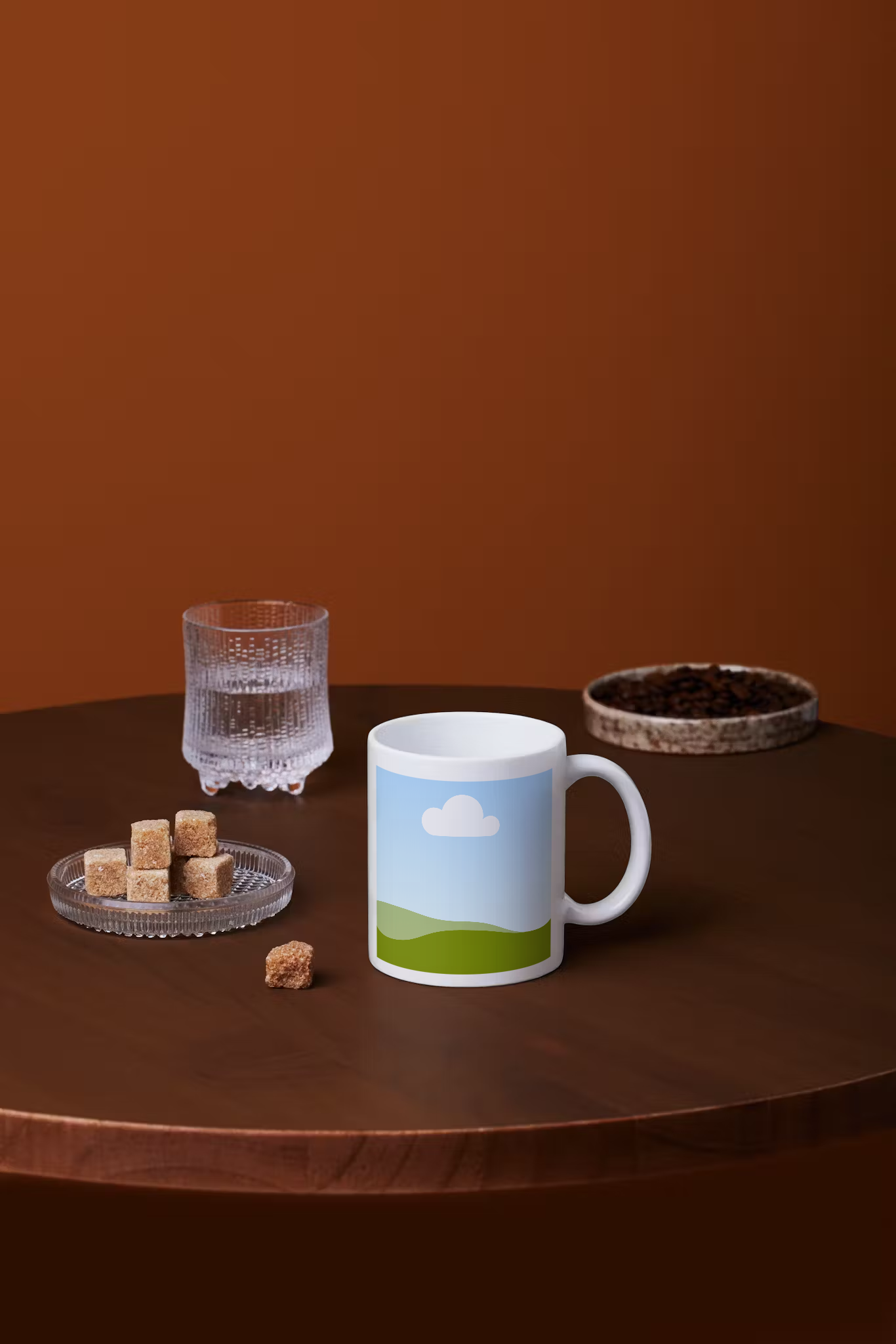
From a barista’s hand to a cafe tabletop, choose from a variety of free coffee cup mockups that fit your brand’s story. Explore different settings, backgrounds, and product types, from beverage containers to full packaging designs, all in one place.
To ensure that your design is as realistic as possible, Canva’s AI-powered Mockups(opens in a new tab or window) also analyzes your image and detects the best surfaces for placing your design. This gives you a beautiful, high-quality mockup without the need for complex tools.
Skip the spill—save time and money
Printing test runs and staging photoshoots can be expensive and time-consuming. With Canva’s coffee cup design maker, you get an accurate preview of your work in seconds without spending a cent on production. Perfect your concept before committing to print.
Add a splash of magic to your coffee cup mockup
Take your coffee cup mockup to the next level with the help of Canva’s AI-powered tools. Easily replace or add any element in your design with Magic Edit (Pro)(opens in a new tab or window), or clean up visual clutter with Magic Eraser (Pro)(opens in a new tab or window). Need a crisp, straightforward look to your mockup? Use the Background Remover(opens in a new tab or window) to erase the image’s background in one click.
Collaborate hassle-free and in real-time
Collaboration on Canva is as smooth as a freshly brewed latte. Share the mockup of your coffee cup, gather feedback, and fine-tune your design with your team all in real-time, without endless email chains.
FAQ

@navneet4