- How to make posters for any occasion in Canva
How to make posters for any occasion in Canva
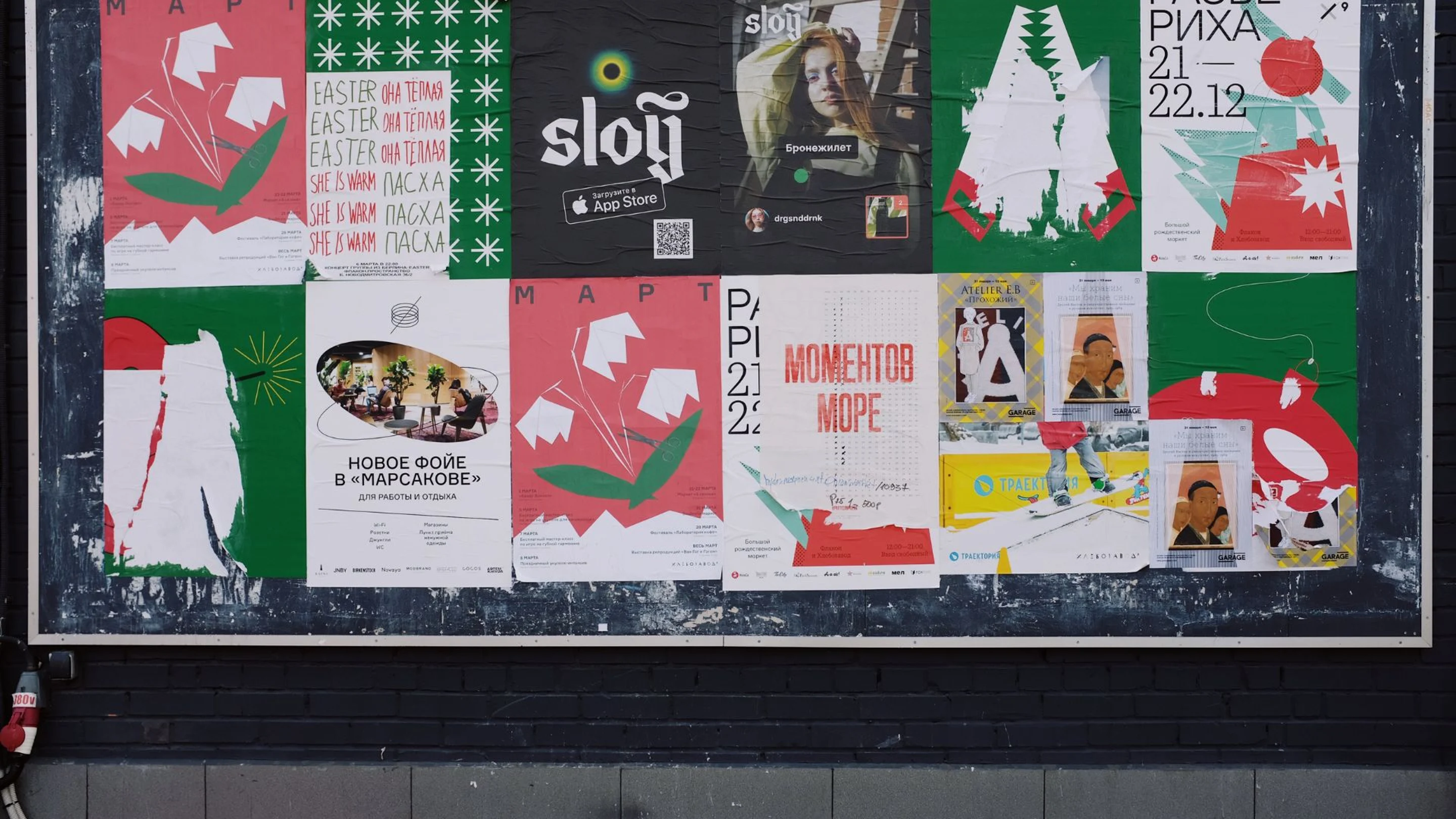
Get creative with Canva posters
Quickly create stunning posters for any occasion that will capture the attention of your audience. Whether you need something for a special event or just to share an important message, Canva’s design tools can help you create a unique poster.
In this blog, we’ll walk you through all the necessary steps to designing an attractive poster, from adding fonts and graphic elements to creating a compelling call to action for maximum impact.
You’ll learn how to customize posters(opens in a new tab or window) for different purposes using Canva's drag-and-drop tools and how to add elements such as shapes, lines and images in just minutes. We’ll cover event posters, information posters, promo posters, even decorative designs for your home and office.
Let’s get started.
How to create a call to action poster
With posters, timing is key. You need to be strategic with what information to include and what to leave out. To create a stunning design that captures your audience’s attention, try exploring the thousands of free designer-made templates(opens in a new tab or window) available on Canva.
If you type “posters” into your homepage search bar, you’ll uncover designer-made layouts(opens in a new tab or window) to suit every type of event. When you open a template, you can see all the elements are editable — so it’s super easy to customize. Be sure to look out for templates with a crown symbol. They are specifically designed for Pro and Canva Business users, but all other layouts are free of charge. If you find yourself falling in love with a design only available to Pro subscribers, remember you can always purchase a one-off license for just a dollar.
You also have the option to create a design from scratch. To learn how, follow along with our tutorial here.
Choose the right typeface and colors
It’s best practice to use three or fewer fonts on a poster to establish a clear text hierarchy(opens in a new tab or window), using different sizes and colors. Too many font styles can make the design feel chaotic and disorganized. Use poster mockups(opens in a new tab or window) to check how your design would look like. Each font should have a purpose.
When designing your poster, make sure the most important information is bigger and bolder than the rest. Use an eye-catching display font for an impactful heading, like a serif font, and opt for a subtle and basic typeface for key event details in your body copy. Your heading should be in a central position and be a different color than the rest of the poster text.
For small text, such as captions or labels, go with a condensed type which won’t take up much space. That way, all your fonts will work together harmoniously.
It’s also important to note how people read documents in Western cultures. Generally, we read from the top left-hand corner and work our way down to the bottom right-hand corner. Meaning, the right corner is the last thing people will read and therefore, makes it more likely to remember. We suggest placing your call to action or business logo here.
Appeal to viewers with graphics that reflect their needs
When selecting images(opens in a new tab or window) and graphics for your poster, consider the desires of your audience and how your event or services address their needs.
Finding the perfect balance between text, colors, images and shapes will help create an impactful design that conveys your message concisely. Don’t overcomplicate it. Use a hero image that clearly summarizes the atmosphere and purpose of your event. For example, if you’re advertising a music festival, consider a performance-based visual or a portrait of friends having fun at the venue.
Print your poster from home
Once you're happy with your poster design, it's time to get it printed!
Head to the ‘Share’ button and select 'print posters(opens in a new tab or window),’ select your desired size, finish, and quantity. For a durable result, go for the glossy option and select A3 for a design big enough to create a ‘wow’ factor. In certain regions you can even frame your poster. After filling out the required information at checkout, your order should arrive on your doorstep within five to seven business days.
It’s easy to unleash your creative potential with Canva. Whether you need a poster for an event, business promotion, or simply to showcase your artistry, Canva has all the tools and resources you need to bring it to life. If you still want to expand upon your branding and marketing skills, learn how to make your own website here(opens in a new tab or window).

