- How to customize fonts to improve your designs
How to customize fonts to improve your designs
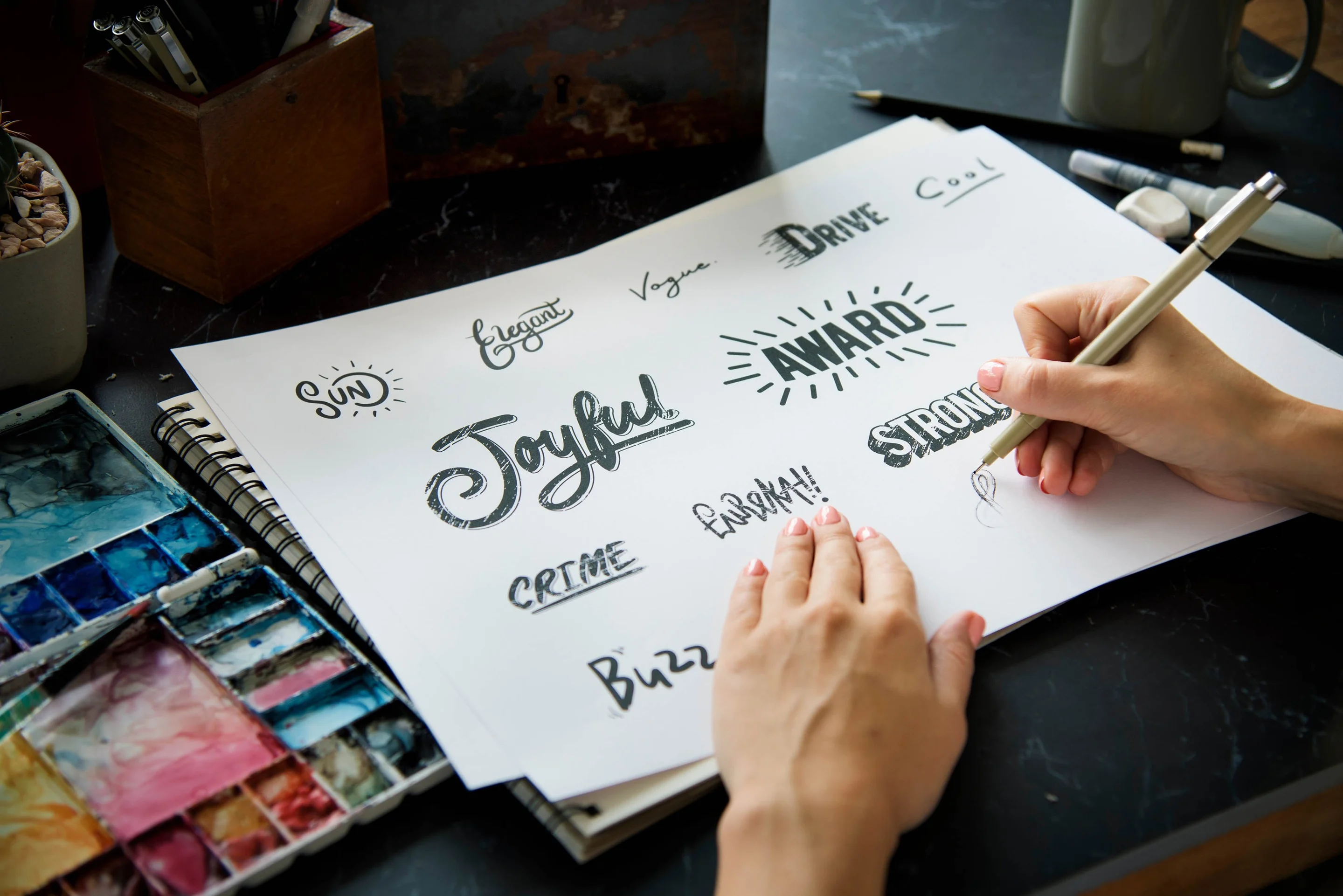
Fonts have the power to completely change your design and alter the messaging – hello there, Comic Sans. Sometimes a design that's not quite working just needs a different font(opens in a new tab or window). So how do you know how to choose the right font for your design(opens in a new tab or window)? Let’s take a look. In this article, you’ll learn how to:
- Choose fonts that match your message
- Use different font weights to create contrast
- Create hierarchy with different font sizes
- Choose easy-to-read fonts for blocks of text
- Make a shape out of your text by adjusting the font size of each line
1. How to choose a font that matches your message
Much like colors and images, fonts contribute to the personality and tone of your design. Every font has a personality and visually communicates a tone – elegant, fun, cool, relaxed – there are countless fonts and personalities. Let’s take a look at four categories of fonts. Check out this short video guide on how to choose the right font for your design.(opens in a new tab or window)
Elegant fonts
Elegant fonts convey a level of sophistication. They are often script, old style, calligraphic, cursive and sometimes italicized. Some examples of these typefaces are Euphoria Script, Parisienne, Allura, and Great Vibes.

These menus look fit to be seen in any fancy restaurant. The Cream Illustrated Fruits Elegant Menu(opens in a new tab or window) uses Pinyon Script with Playfair Display, while the Green and Gold Pattern Elegant Menu(opens in a new tab or window) uses Parisienne with Old Standard.


Fun fonts
This lively family of typefaces can be quite divisive. You may love their recognizable characteristics or hate their goofy and sometimes over-the-top symbols and embellishments. These are excellent fonts to use with kids! Some include Lobster, Cody Star, Londrina Sketch, and Sniglet.

Mix and match your design with cool fonts and illustrations for a fun and funky vibe. The Light Pink Circles Cat Picnic Instagram Post(opens in a new tab or window) uses Chewy and Quicksand with these cute cats, while the Teal Confetti Baby Shower Social Media Post(opens in a new tab or window) uses Knewave and Quicksand with the colorful shapes.


Cool fonts
The back-of-the-bus-bandits of the font world. On-trend, geometric sans-serifs with attitude. Bold and easy to read, these are great for headlines and body copy alike. Helvetica, Anton, Archivo Narrow, and Racing Sans One are part of this cool font group.

Fredoka One and Lato partners up in Ice Cream Birthday Ideas Collage(opens in a new tab or window) template for a literally cool vibe, while League Spartan stands on its own in the Modern Menswear Fashion Photo Collage(opens in a new tab or window) template.


Relaxed fonts
The long, beach holiday of fonts, these are great for beach/summer style artwork as a way to tone down the formality of the content. Some of these include Satisfy, Sacramento, Pacifico, and Yellowtail.

Putting together Selima and Aileron Regular in the White Brush Script Beach Summer Promotional X (Twitter) Post(opens in a new tab or window) template can make you want to drop everything and head to the beach. Sacramento and Roboto Condensed in the Beach Party X (Twitter) Post(opens in a new tab or window) lets you know that it's always a good time.


Extra help pairing fonts
Finding the perfect fonts to pair and partner is an art in itself. Having a good balance will help bring out the best in your design. Want to know more about combining fonts? Check out Canva's ultimate guide to font pairing(opens in a new tab or window) on the Learn blog.
2. How to create contrast with font weight
When designing with text(opens in a new tab or window), creating a hierarchy is important to ensure people focus on the most important information. There are lots of ways to establish hierarchy in your designs – size, weight, position and color. Increasing the weight of your font, by making it bold, will make that text stand out and contrast against the normal text(opens in a new tab or window). A simple change like that can help guide attention where you want it in your design.
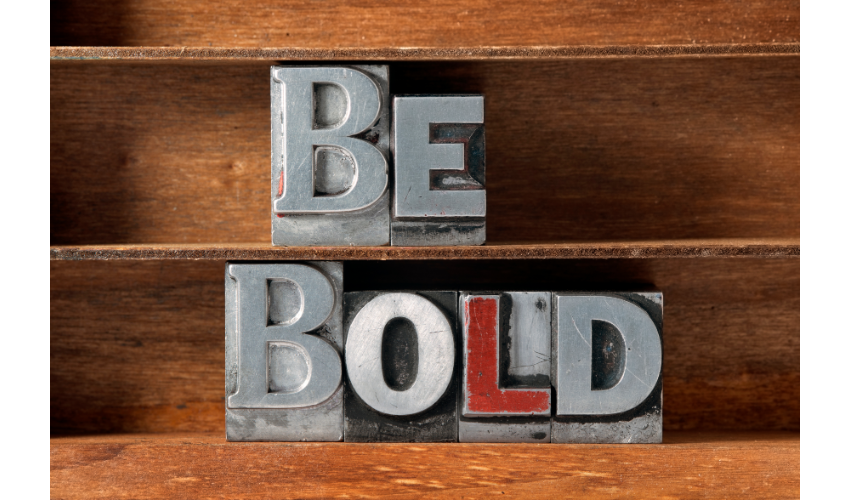
3. How to create hierarchy with different font sizes
The most common way to create heirarchy in your design is to use different font sizes(opens in a new tab or window). Have you noticed how headlines and even subheads are often a larger and bolder font weight than body text? This helps guide the eye. Change font size to shift focus to a particular word or line of text.
4. How to make blocks of text easier to read
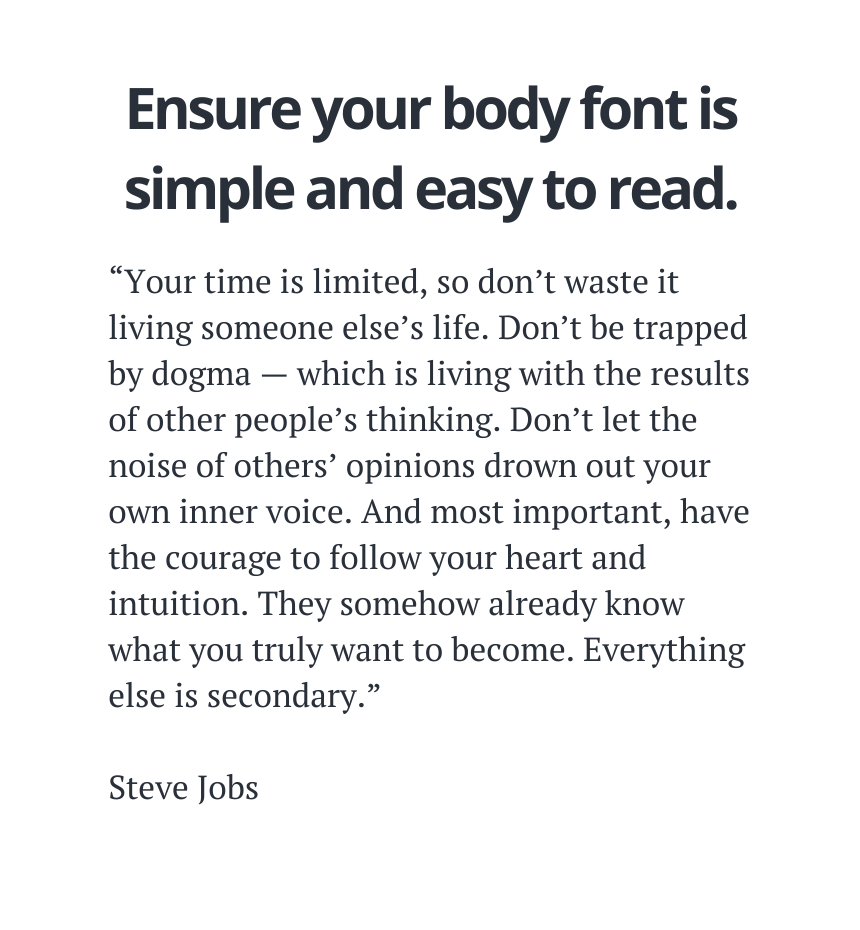
Body copy refers to larger blocks of text – like a paragraph in a blog article. Blocks of text can be tricky to design. One of the most important factors for blocks of text is readability. Choosing a simple easy-to-read font, like Times New Roman or a basic serif font(opens in a new tab or window) will encourage reading.
5. How to create eye-catching text designs
Transform text in your design by playing around with the size of each line of text. If you’re new to this, create a shape, like a box, and then a text box for each line of text. Once you’ve added your text in, expand each text box until it fills the box and look at how it transforms your design. Did you know we have a tutorial that helps you practice customizing fonts?


Written by
Poppie Pack



