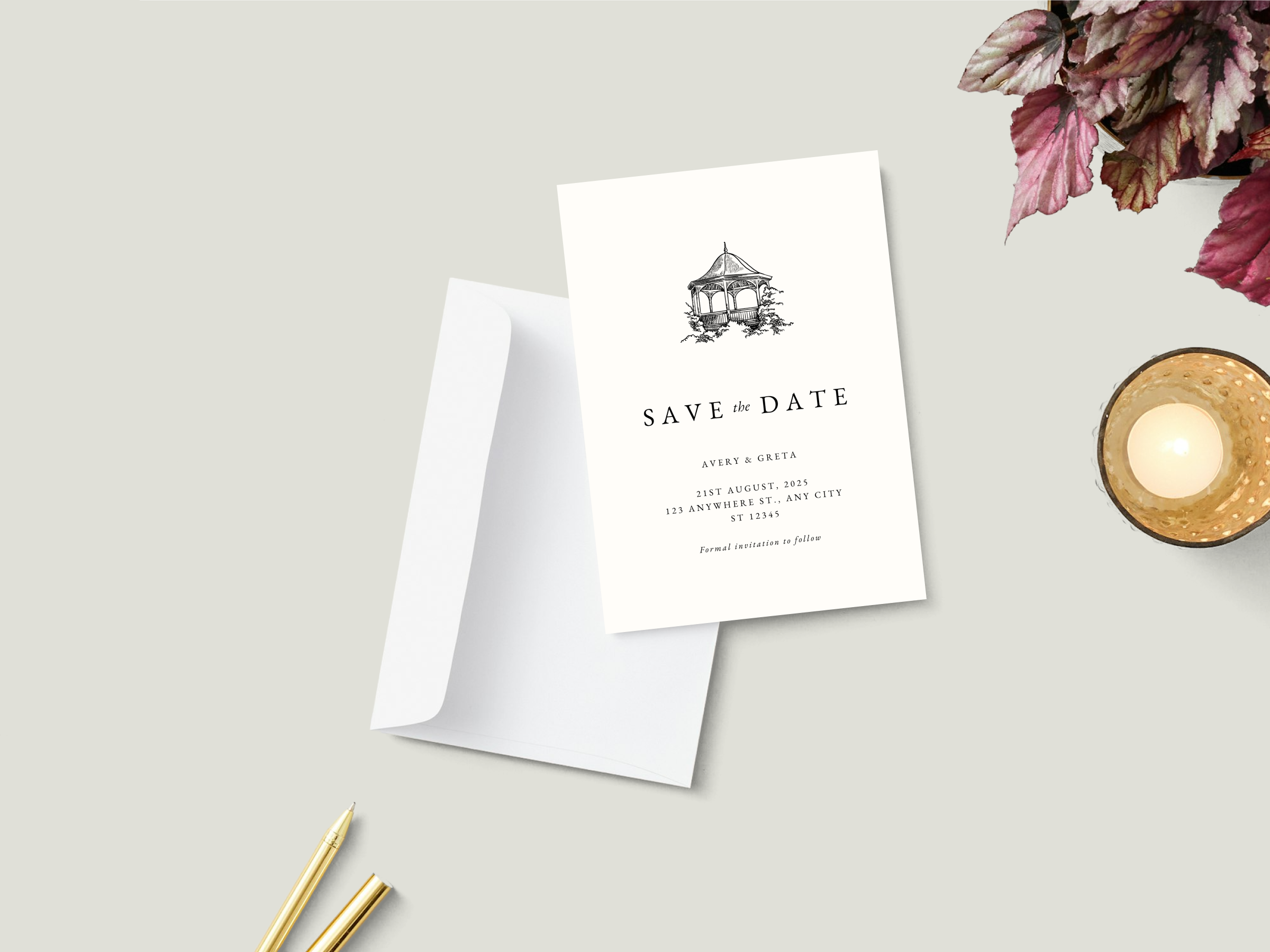
Save the Date Cards
First, you shared the news, now share your wedding date. Create a save the date card with Canva’s gallery of editable cards and invitations. Then, get your custom prints delivered straight to your doorstep or upload your designs online!
Easy to create and customize
Eco-conscious, high-quality prints
Fast and free standard shipping
Customer happiness guarantee
Shop save the date cards by size and shape
Make sure your guests remember your special day by sending them attention-grabbing save the date cards printed on beautiful paper formats and styles.
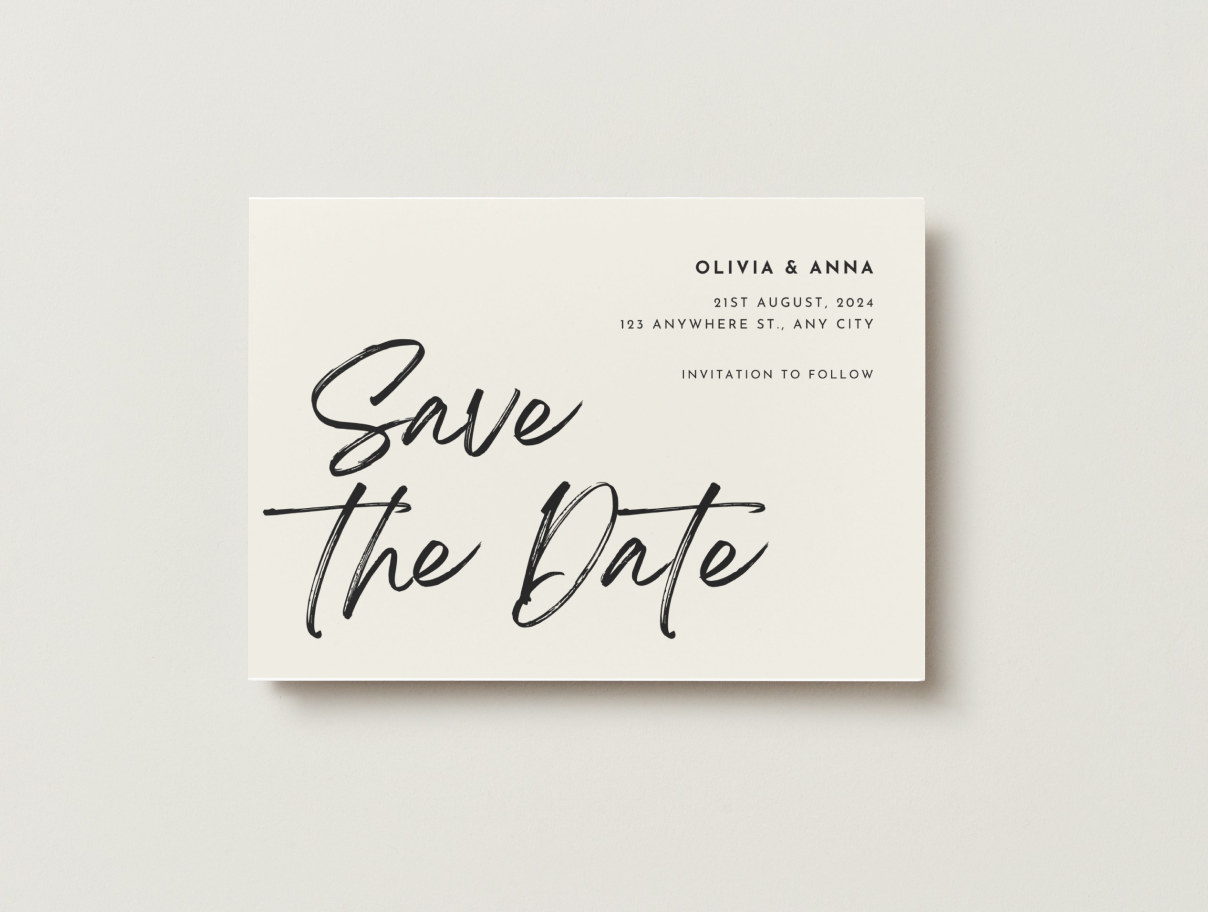
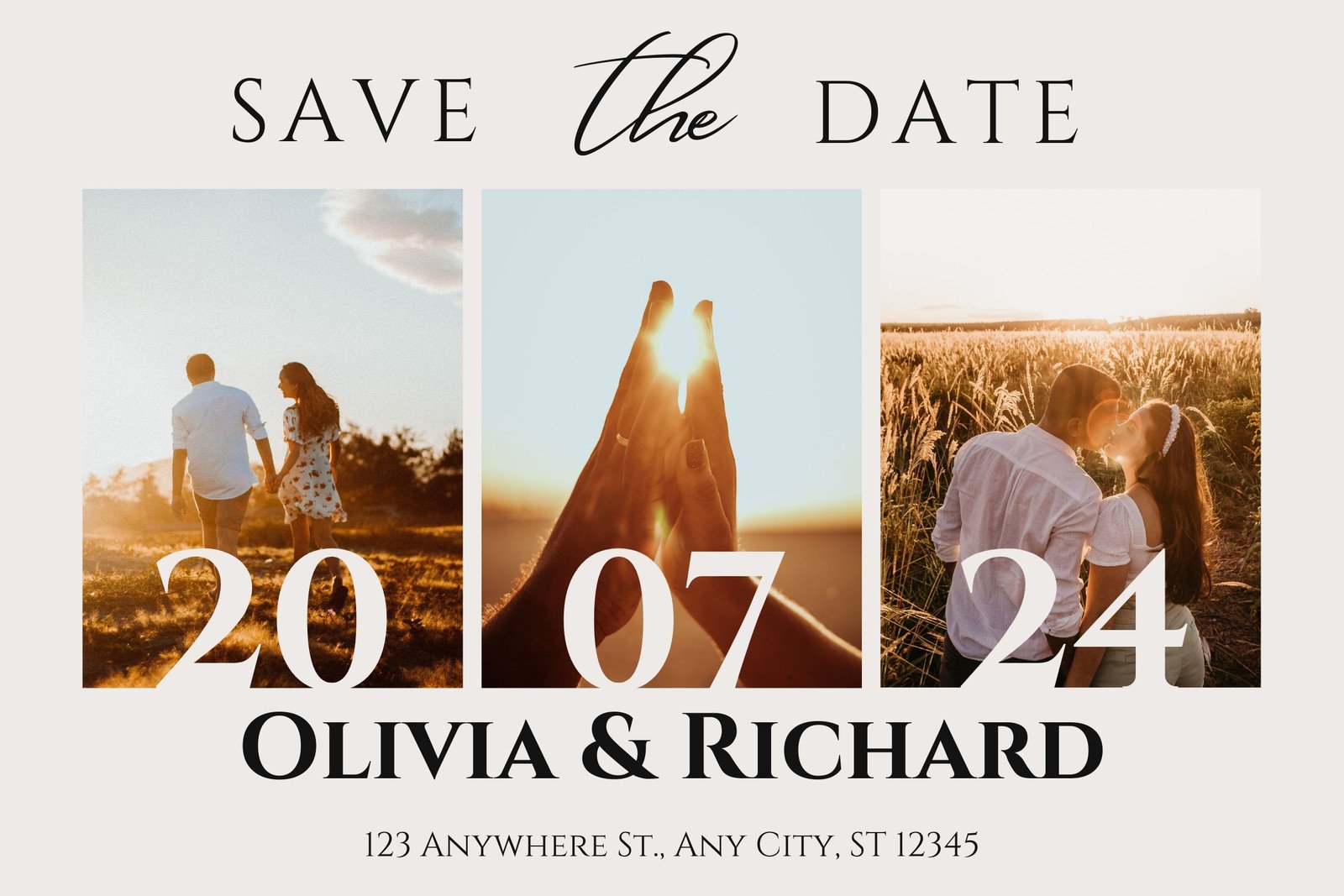
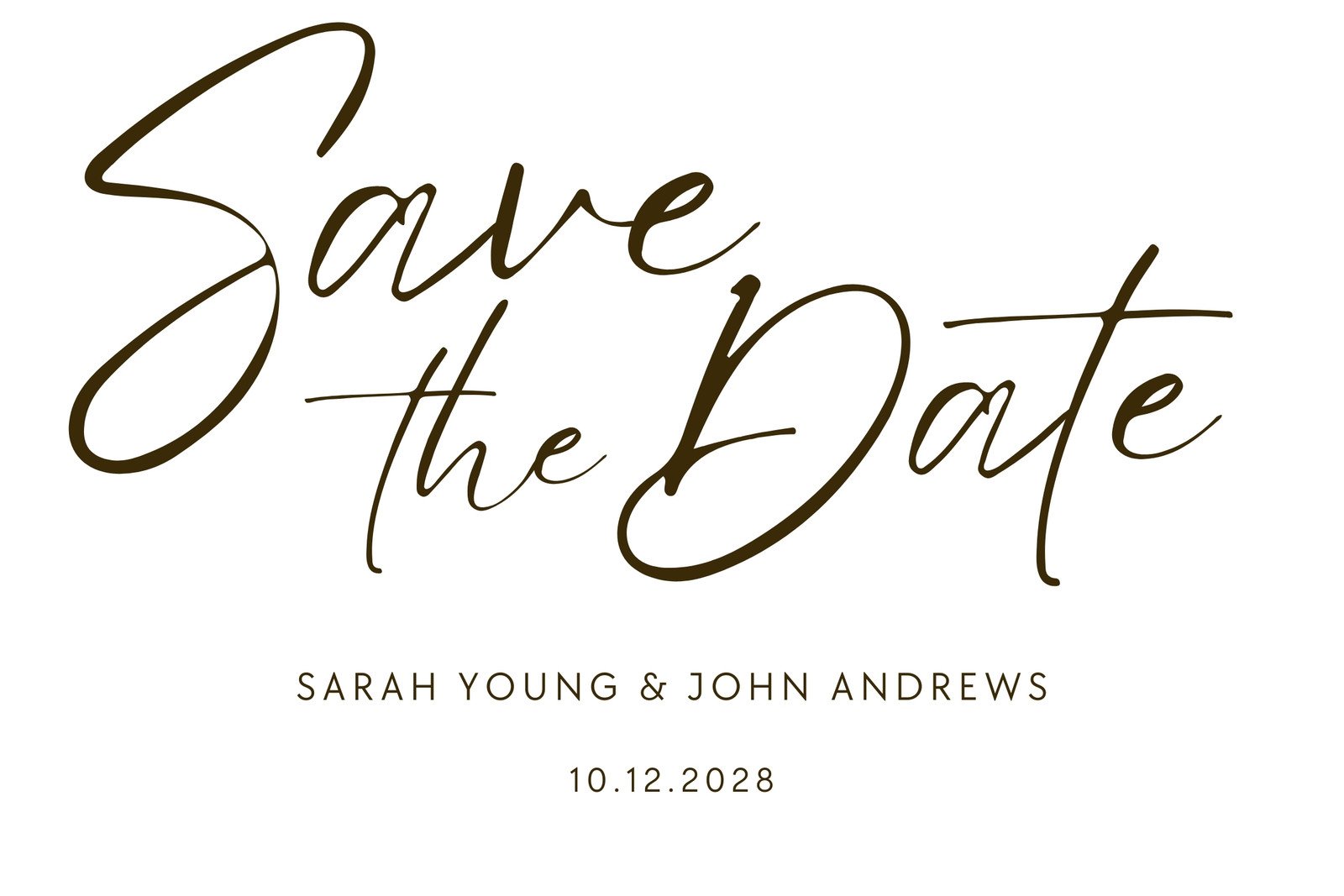
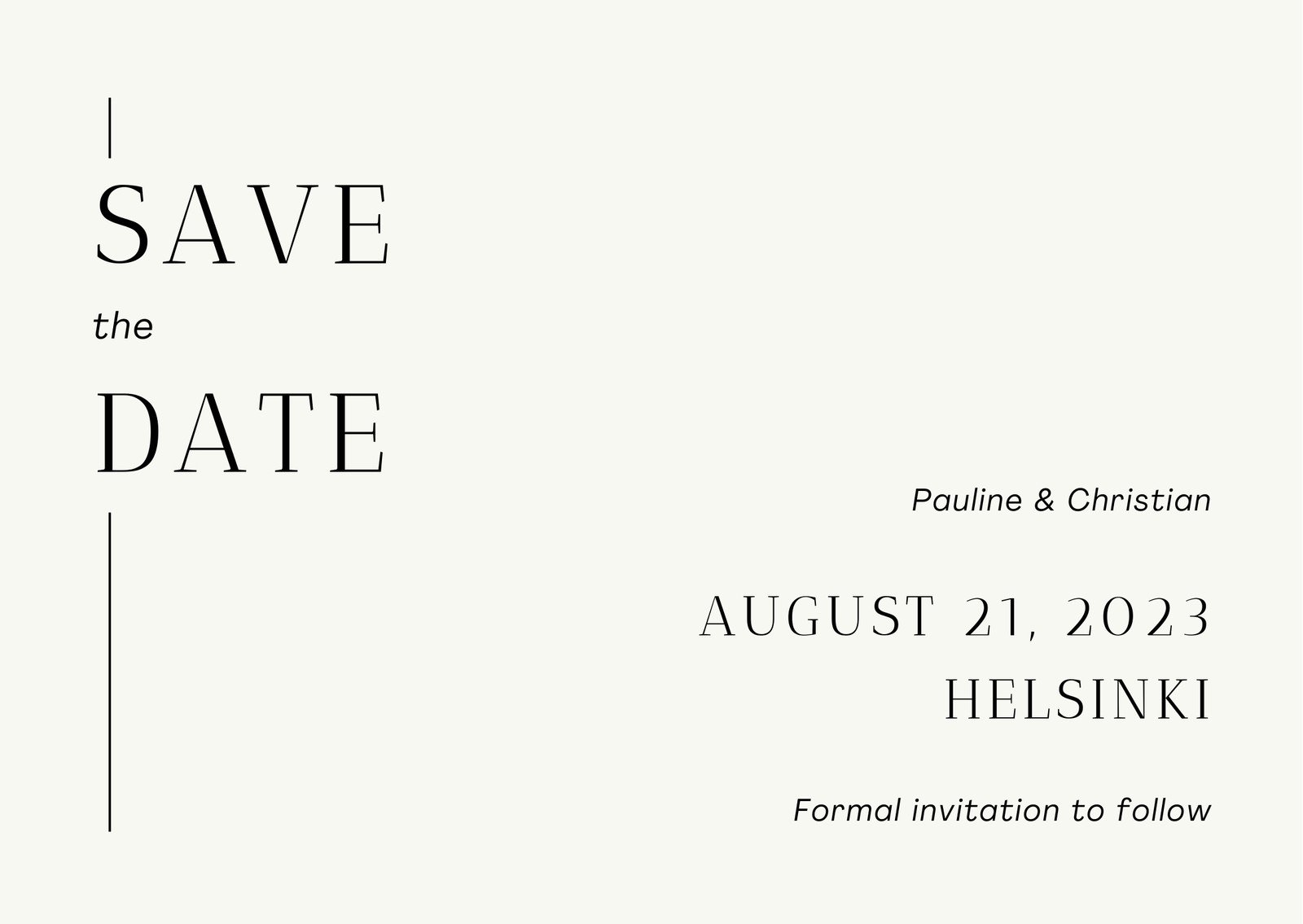
Landscape flat save the date cards
1 card from $11.40
7 × 5 in
Great for making a big statement in large, sweeping fonts.
Available in a wide range of paper stocks and finishes.
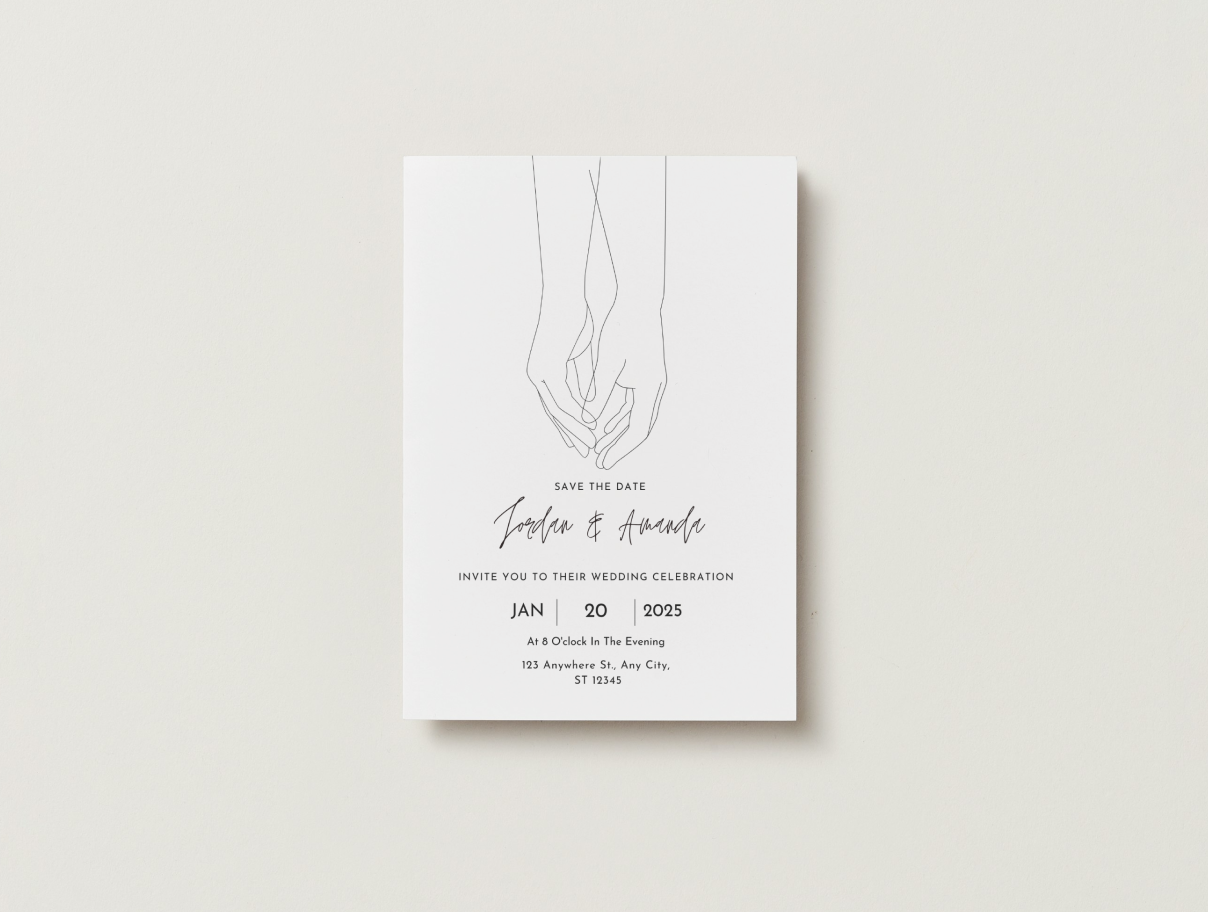
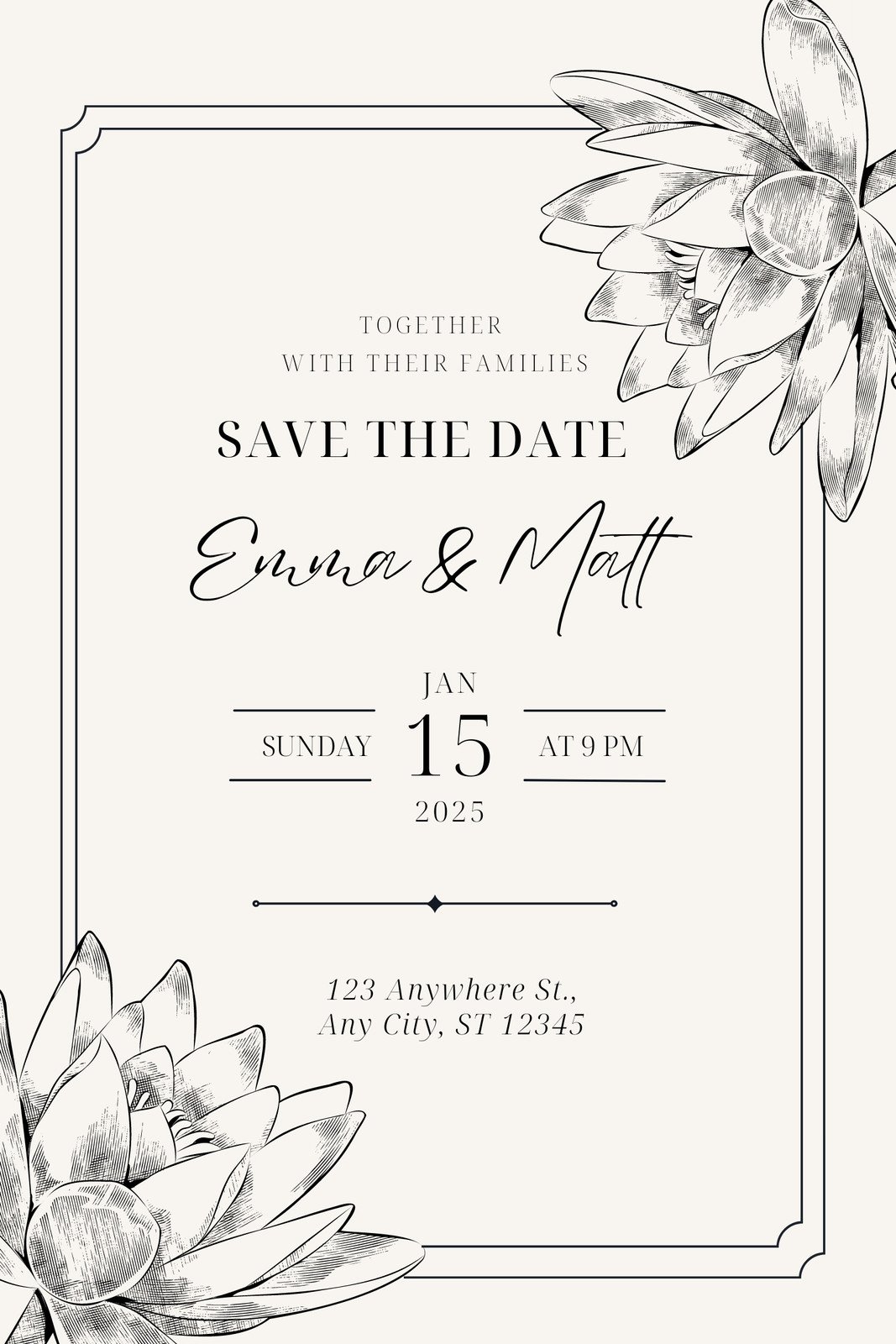
Portrait flat save the date cards
1 card from $11.40
5 × 7 in
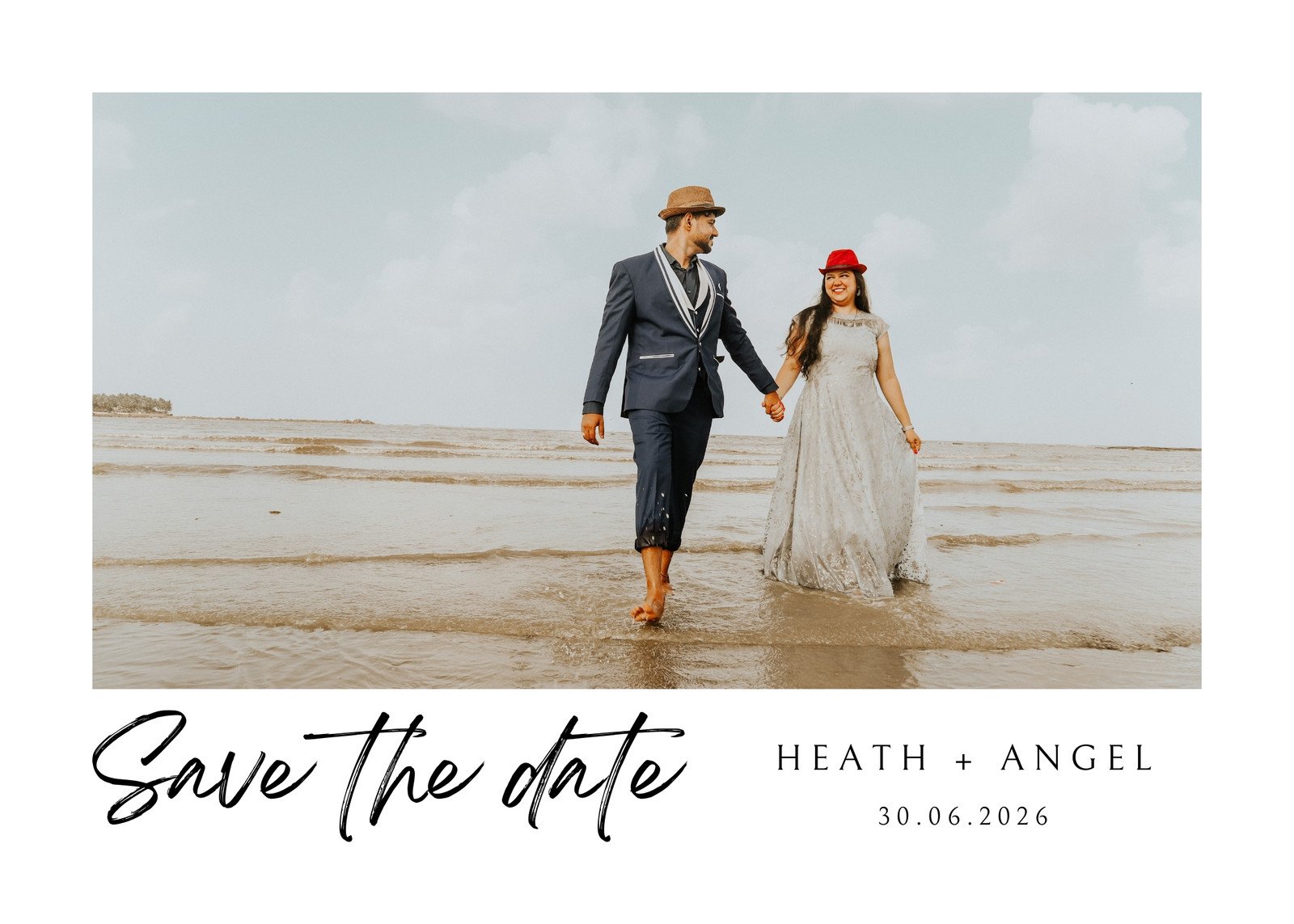
Perfect for showing off engagement photos and cute artwork.
Order in your choice of paper type and finish.
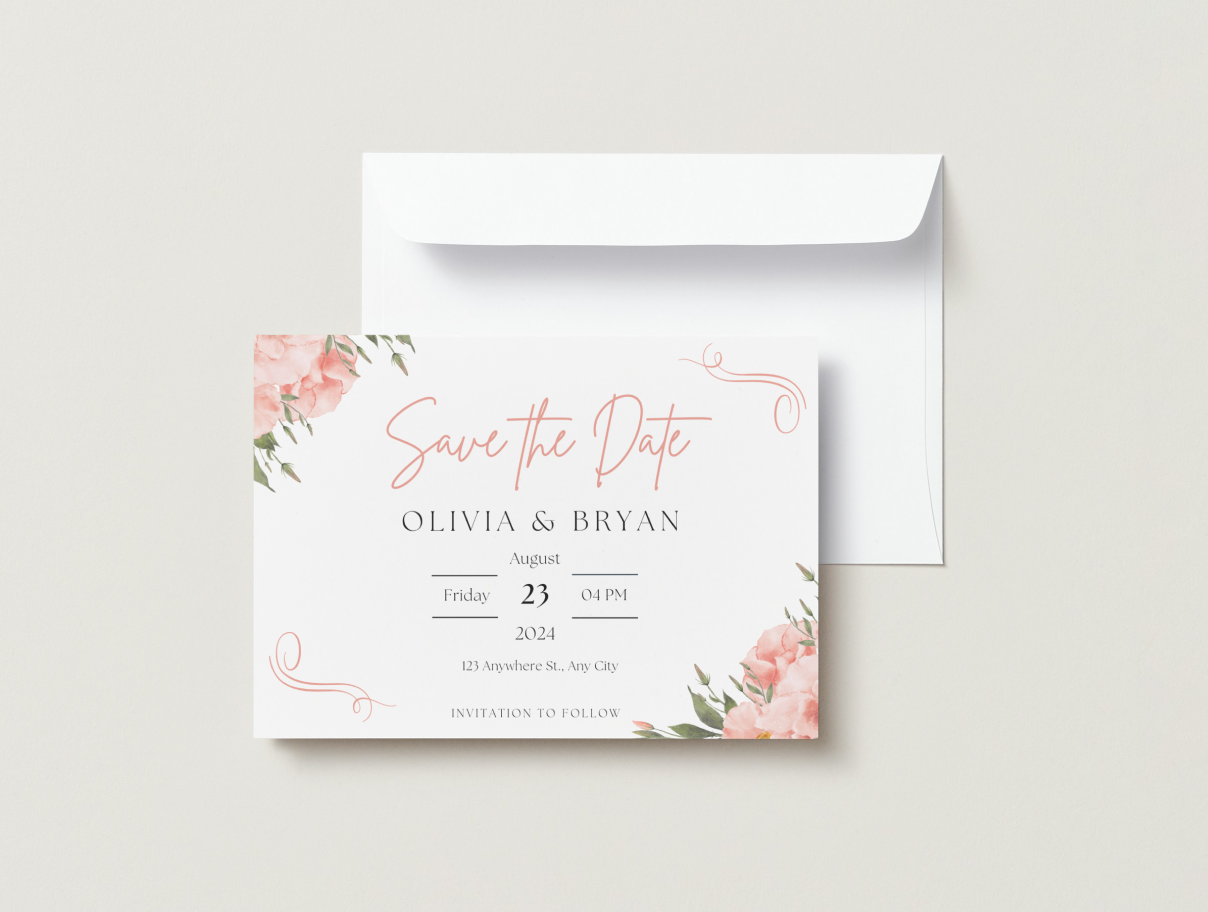
Landscape folded save the date cards
1 card from $12.00
7 x 5 in
Share photos, artwork, and more details with this format.
Get this in three types of paper finishes and stocks.
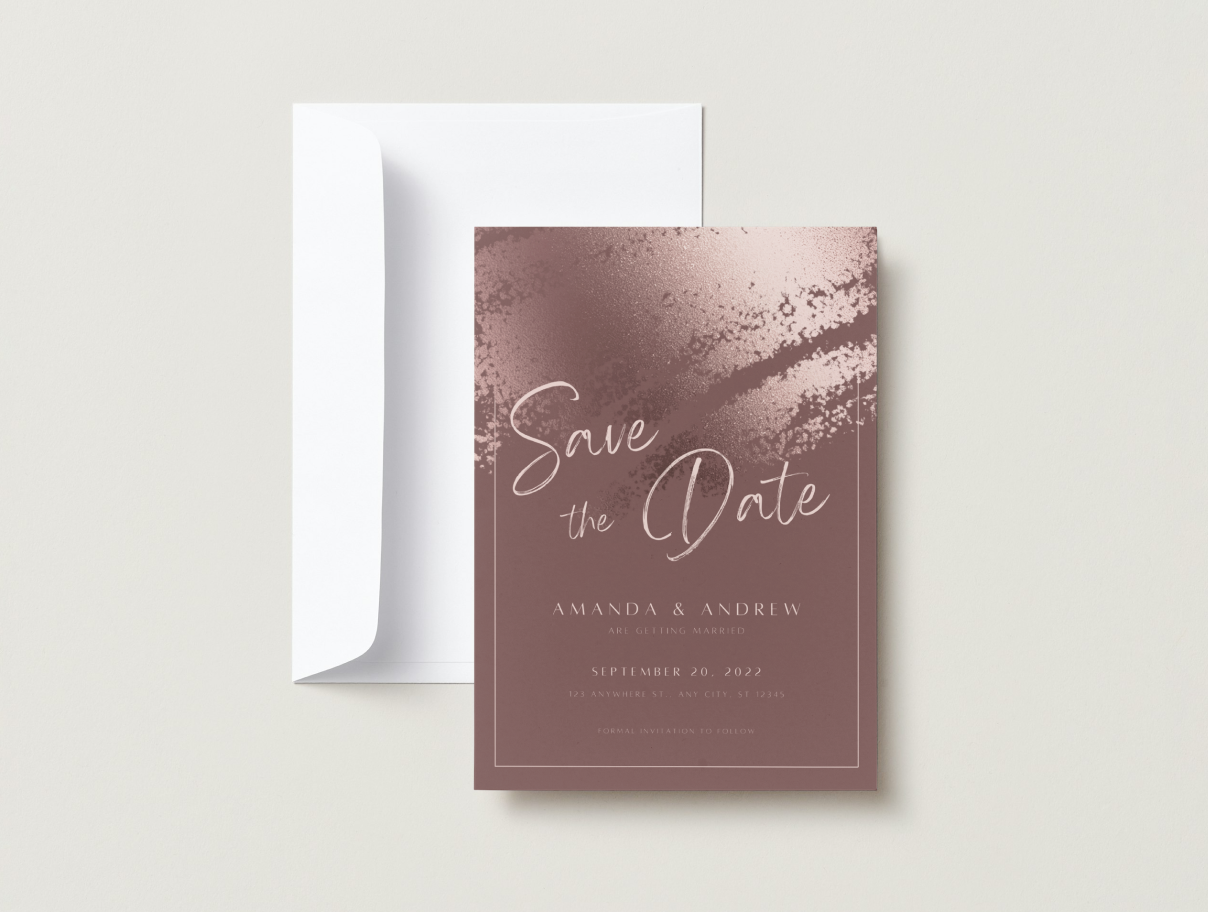
Portrait folded save the date cards
1 card from $12.00
5 x 7 in
A classic format with more room for details.
Shop in a range of paper types and finishes.
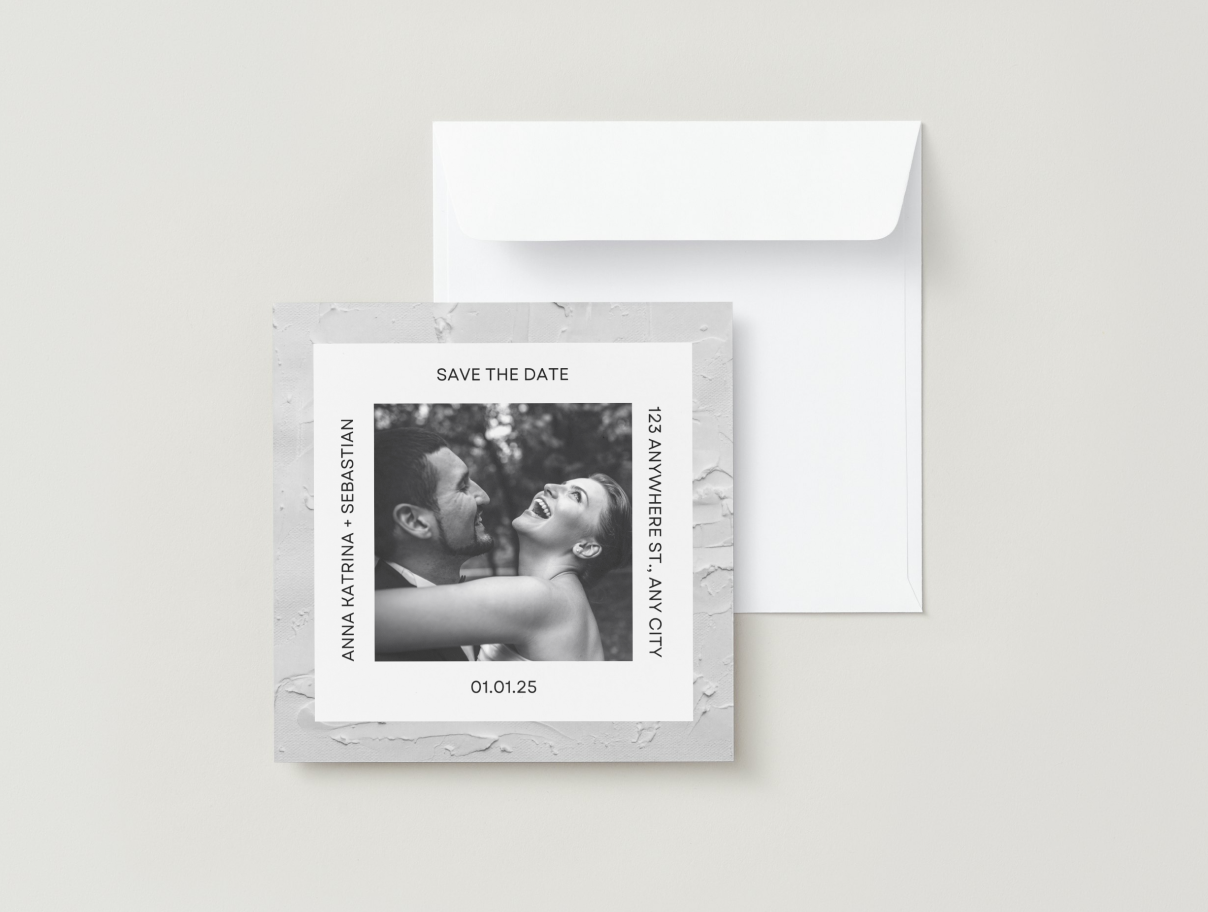
Square save the date cards
1 card from $9.00
5 x 5 in
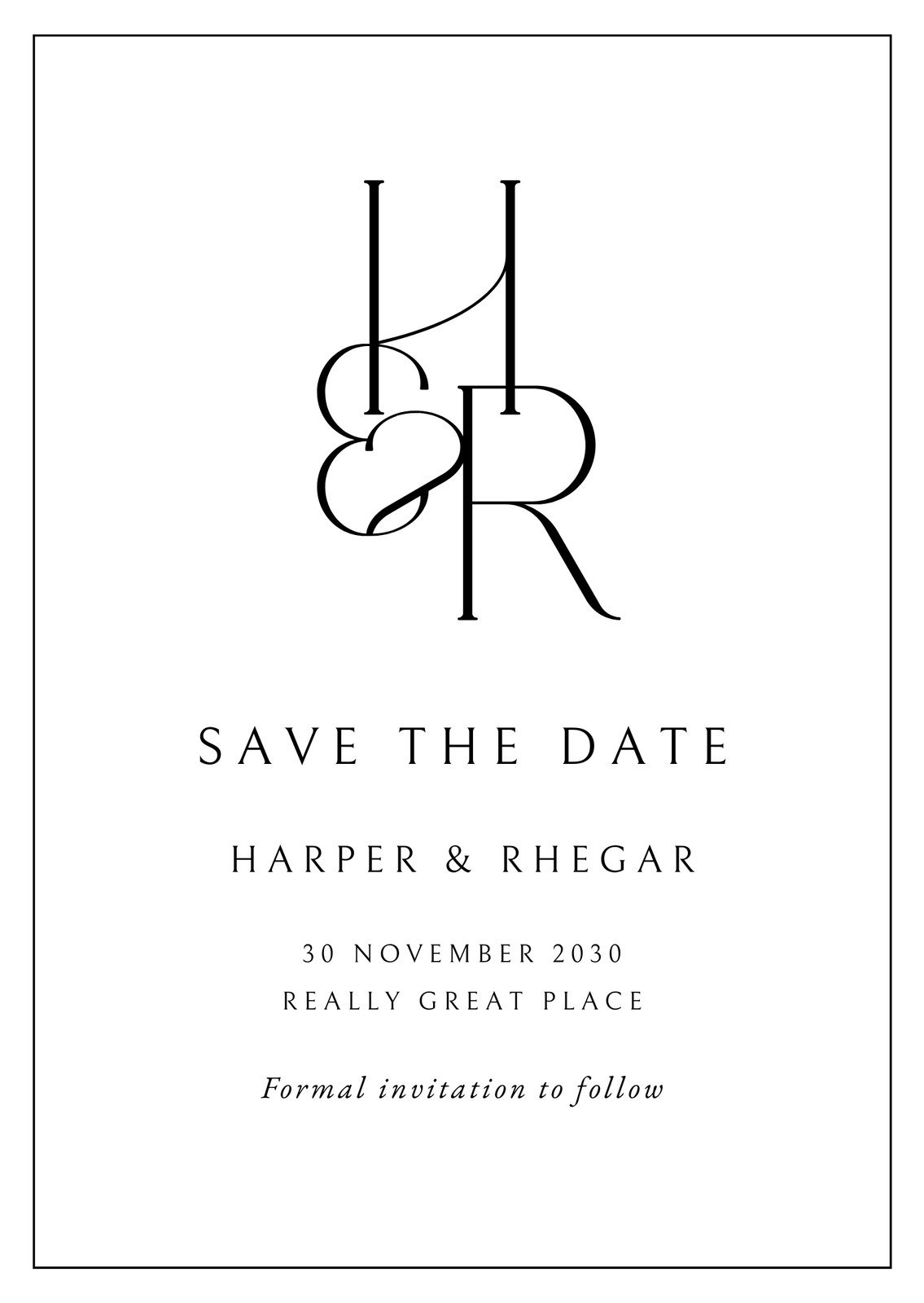
A more contemporary, equal-sided card format.
Available in standard paper and three finish options.
Shop save the date cards by paper corner type
Design and order save the date cards that perfectly reflect your wedding style.

Square edges
1 card from $11.40
Stylish save the date cards featuring crisp square edges.
• Offered in premium, deluxe, and standard paper stocks and dimensions.
• Choose from matte, glossy, and uncoated paper finishes.
• Sharp square-edge design perfect for a contemporary wedding announcement.

Rounded corner
1 card from $12.77
A touch of elegance to your save the dates featuring rounded corners.
• Order in premium, deluxe, and standard paper types.
•Available in matte, glossy, and uncoated finishes.
• Polished rounded edges match any wedding theme.
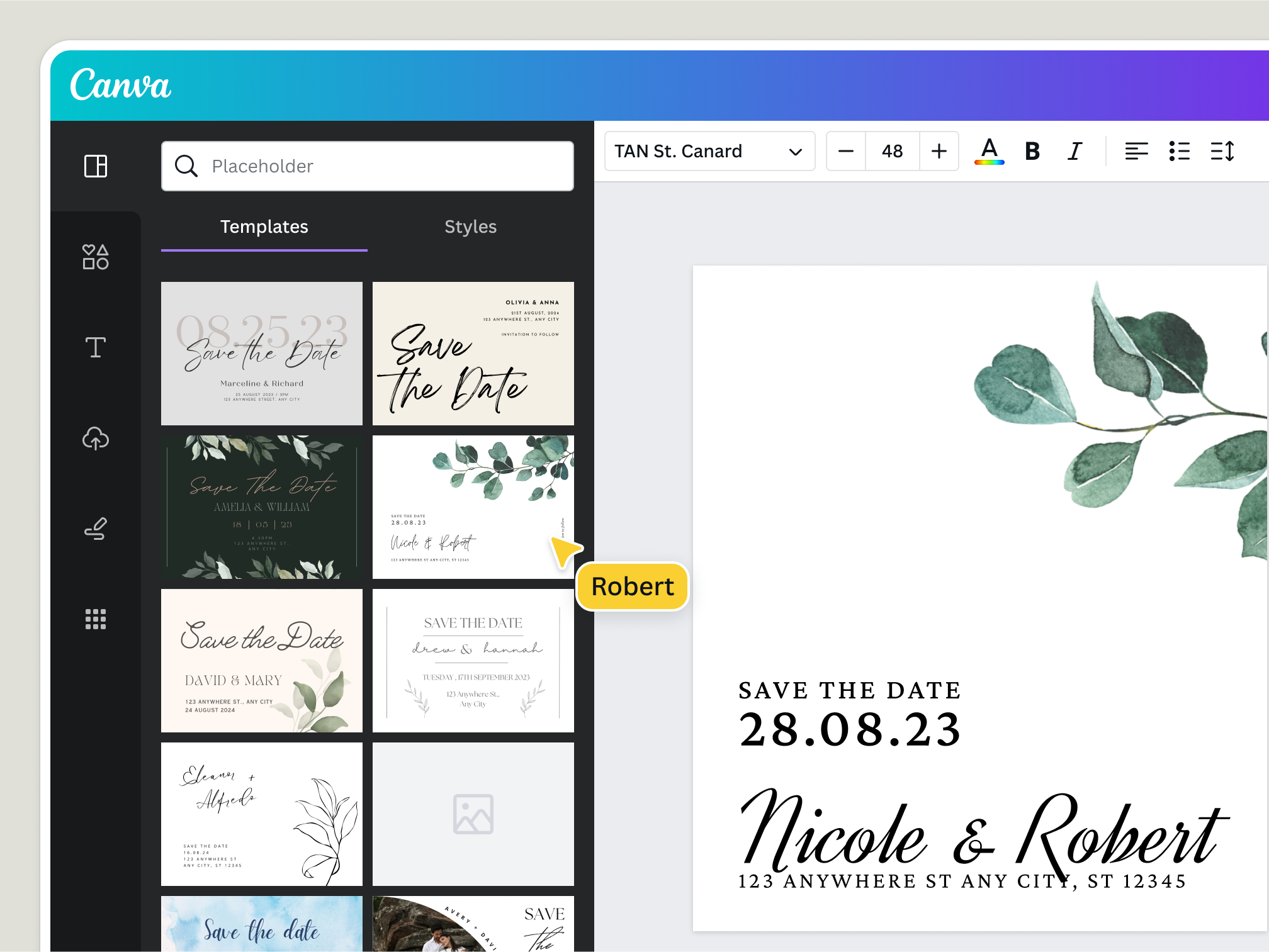
Create a custom save the date card
You finally have a wedding date! Let everyone know with a DIY save the date card. Making your own save the date cards online is a great way to add a personal touch to your wedding stationery—plus, it’s free! Get started with Canva’s library of customizable templates and easy-to-use drag-and-drop editor.
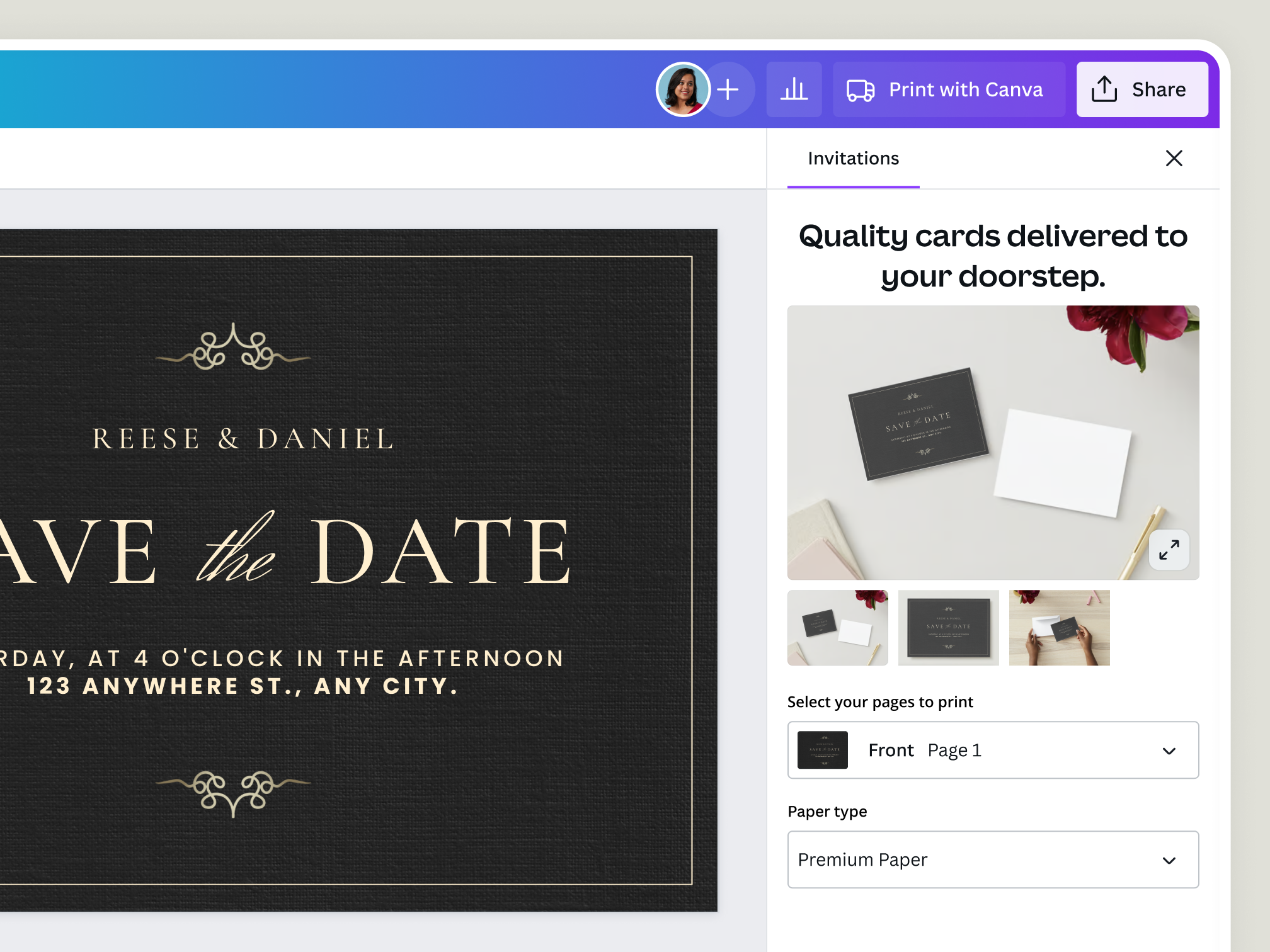
Use our no-frills save the date maker

Create picture-perfect save the date cards
Share your love with your guests by adding engagement and prenuptial images to your save the date cards and invitations. Use our free online photo editor, and we’ll help you crop, filter, and process your photos too!

Plan and coordinate your wedding online
More than just a save the date card creator, Canva can be your one-stop online wedding planning platform. Create and store all your designs on the cloud. Share and collaborate on designs with your partner or wedding planner.

Send your save the date cards any way you like
Choose to send digital save the dates or go the traditional route by sending cards in the mail. Send your save the date e-card via email, post it on social media, or order custom prints in a variety of paper sizes, stocks, and finishes.
Shop printable save the date cards
Will your wedding be magical, formal, or cozy? You can announce your wedding date in so many ways. Get a head start with free, printable save the date templates you can customize in a few clicks.









All the printing features you need
Canva’s free drag-and-drop design tools make it easy to create and order any design, fast!
Thousands of free templates
Start inspired with thousands of customizable print templates.
Delivered to your doorstep for free
Choose from flexible delivery options, including free standard shipping, express delivery, or in-store pickup.
Your happiness, guaranteed
We'll refund or reprint your order if you're not happy with it.
Brand Kit (Pro)
Create consistent, on-brand designs. No need to upload your logo, colors, and font every time you need it. Upload it once and access it anytime for any design.
Magic Switch (Pro)
Create your design once, and we'll magically resize it into any printable product. Turn your design into a flyer, poster, sticker, and more.
Automated proofing
One-click Auto-Proofing will ensure your text size is ideal, element placement is within the bleed zone, and your resolution is pixel-perfect.



How to make your own save the date cards
- Open CanvaTo create a save the date card online, launch Canva and search for “Save the date card.”
- Search for a templateWhether it’s for a wedding, birthday, or business event, start with one of Canva’s ready-made templates. Find save the date templates for every theme, layout, color scheme, or style preference.
- Enjoy a range of featuresSpice up your design with Canva’s high-resolution photos or images. Use the drag-and-drop tool to add event details following complementary font colors and styles. Be creative with the photo and animation effects.
- Keep personalizingPersonalize your save the date card by uploading your own photos and images. Experiment with backgrounds and color schemes to make your design unique. You can even mix and match elements from multiple templates.
- Share online or order printsReady to share your design with the world? Save it as a PNG or JPG, or download it as a print-ready PDF. Share on social media in a few clicks, print at home, or order high-quality prints from Canva Print.

Your questions, answered
A save the date is a card sent to inform wedding guests that you’ve locked down a date and location for your big day and are expecting their attendance. Save the dates are sent months in advance to give guests enough time to prepare.
Everything you need to know about save the date cards

How to design a wedding invitation from scratch
A handy guide to designing wedding invitation cards.

25 perfect wedding color combinations
Here we’ve gathered 25 color palettes taken from some of the most inspiring wedding invitations online.

50 beautifully designed print invitations to inspire you
50 beautiful print invitations to inspire your own designs.

25 free wedding font combinations to give your special day a touch of elegance
From fancy scripts to simple handwritten fonts, here are 25 free wedding fonts you can use for your wedding invites, favors, RSVPs and more.
More print products

Save the Date Cards
First, you shared the news, now share your wedding date. Create a save the date card with Canva’s gallery of editable cards and invitations. Then, get your custom prints delivered straight to your doorstep or upload your designs online!