AI Story Generator
Develop your raw story idea into a tour de force. Churn out a first draft fast with the Magic Write™ AI story generator and give yourself more time and energy to polish your manuscript to perfection.
Magic Write™
See how it works
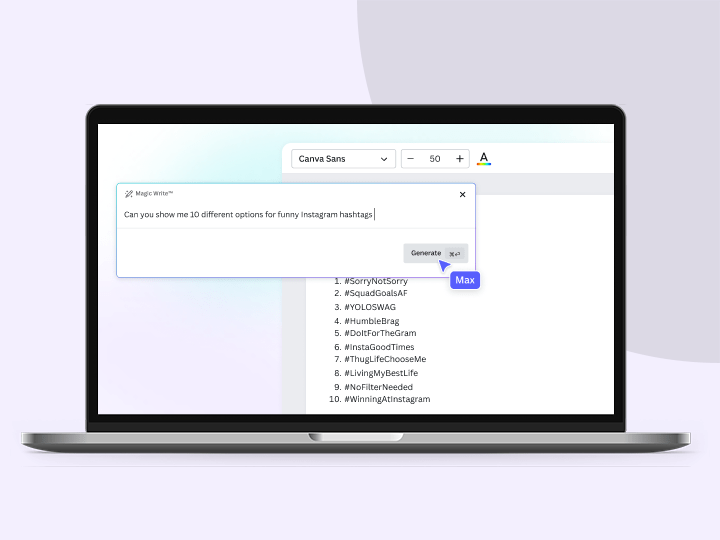
Interact with the sample prompts below to see the ideas generated by Magic Write.

Introducing Magic Write’s AI story generator
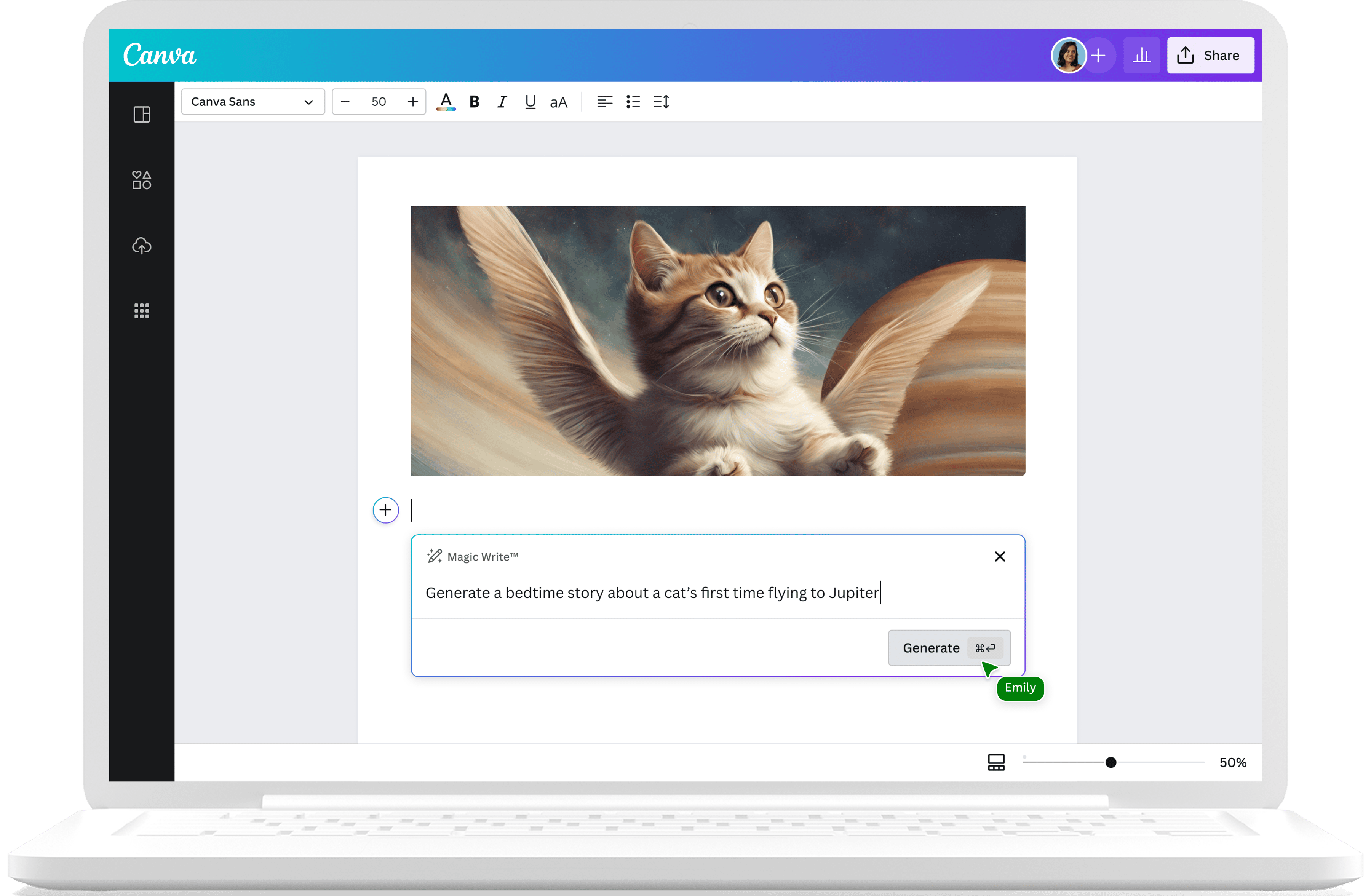
Start your creative process and bring out your rough story idea’s potential with Magic Write’s AI story generator, powered by OpenAI. Simply launch Canva Docs to access the story maker tooI. Enter a detailed storytelling prompt, and watch as words fill the page within seconds. Run free with this AI-generated story draft and transform it into a page-turner with your own voice and vision.
As a Canva Free subscriber, you get a limited number of Magic Write generations. Upgrade to Canva Pro to unlock more writing power and unlimited creativity.
Easy brainstorming & story writing to a HEA

Generate new ideas fast
Use the story idea generator to brainstorm character arcs, unique settings, genre-bending twists, and other ideas to make your story soar.

Defeat writer’s block
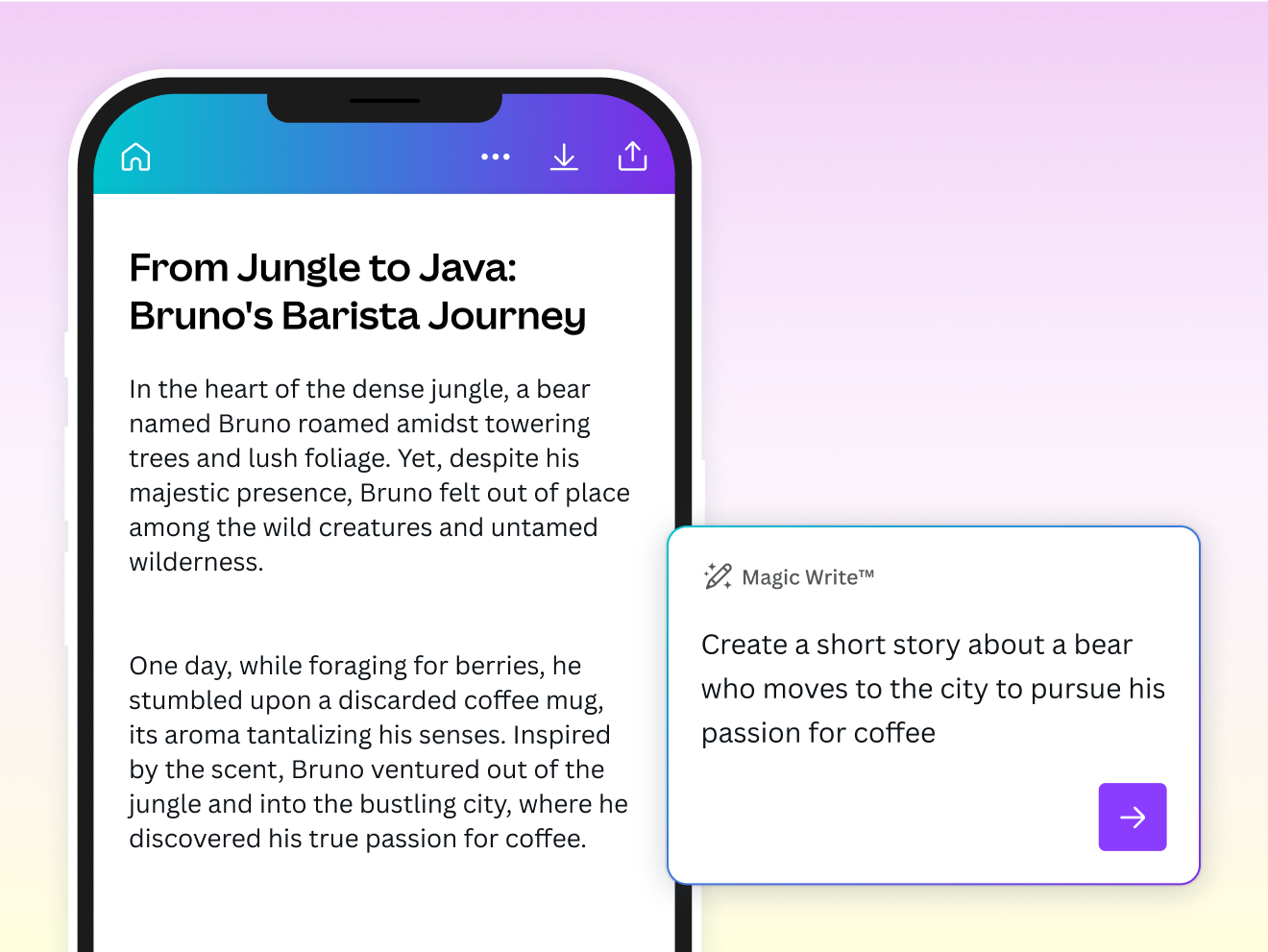
Unblock yourself to unlock your story. Type down your unfinished paragraph and let Magic Write continue for you.

Finish strong
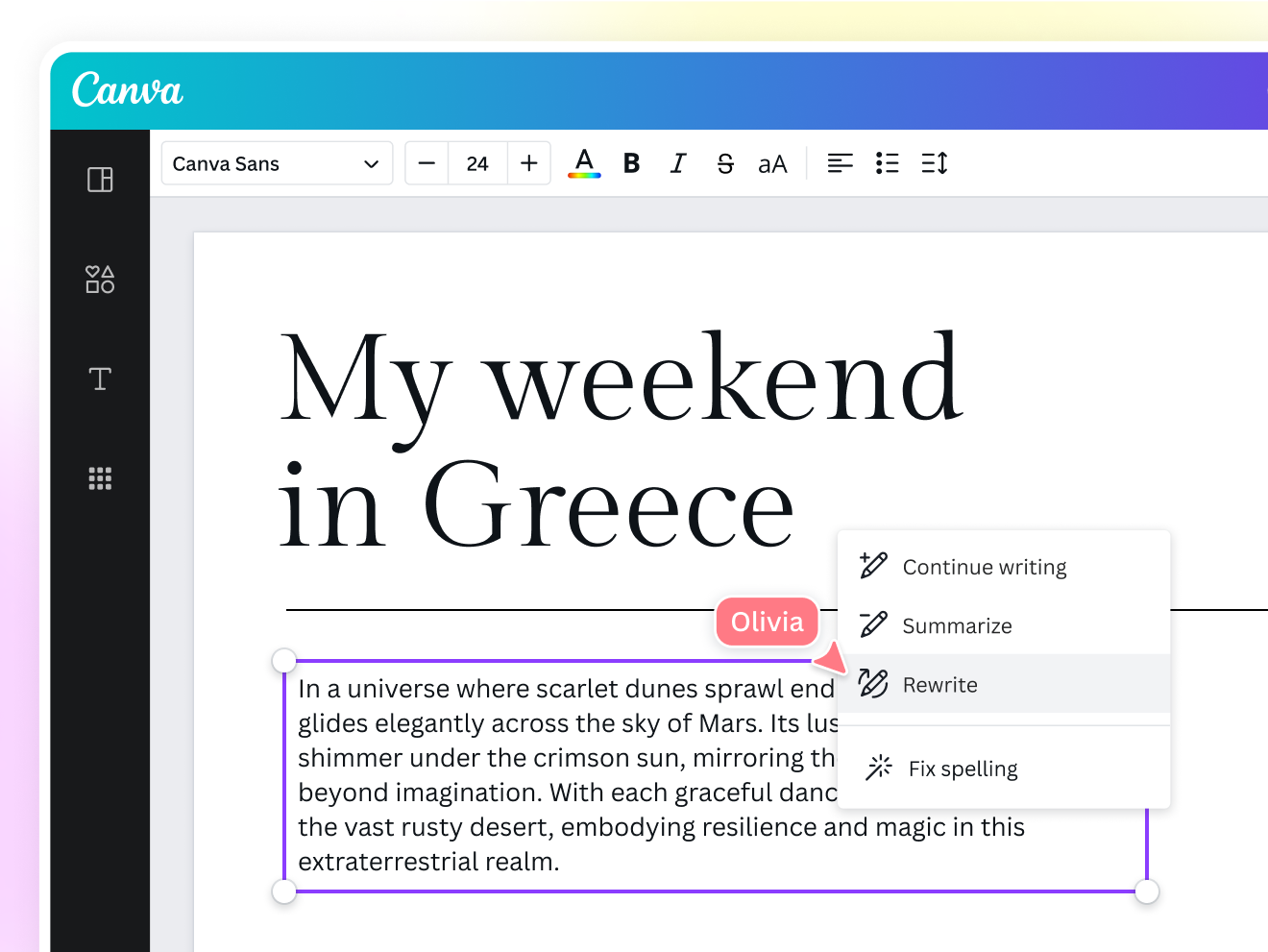
Need help polishing your first draft? Edit and refine your existing written work fast with Magic Write’s rewrite tool.
A whole new online document creator

Collaborate seamlessly
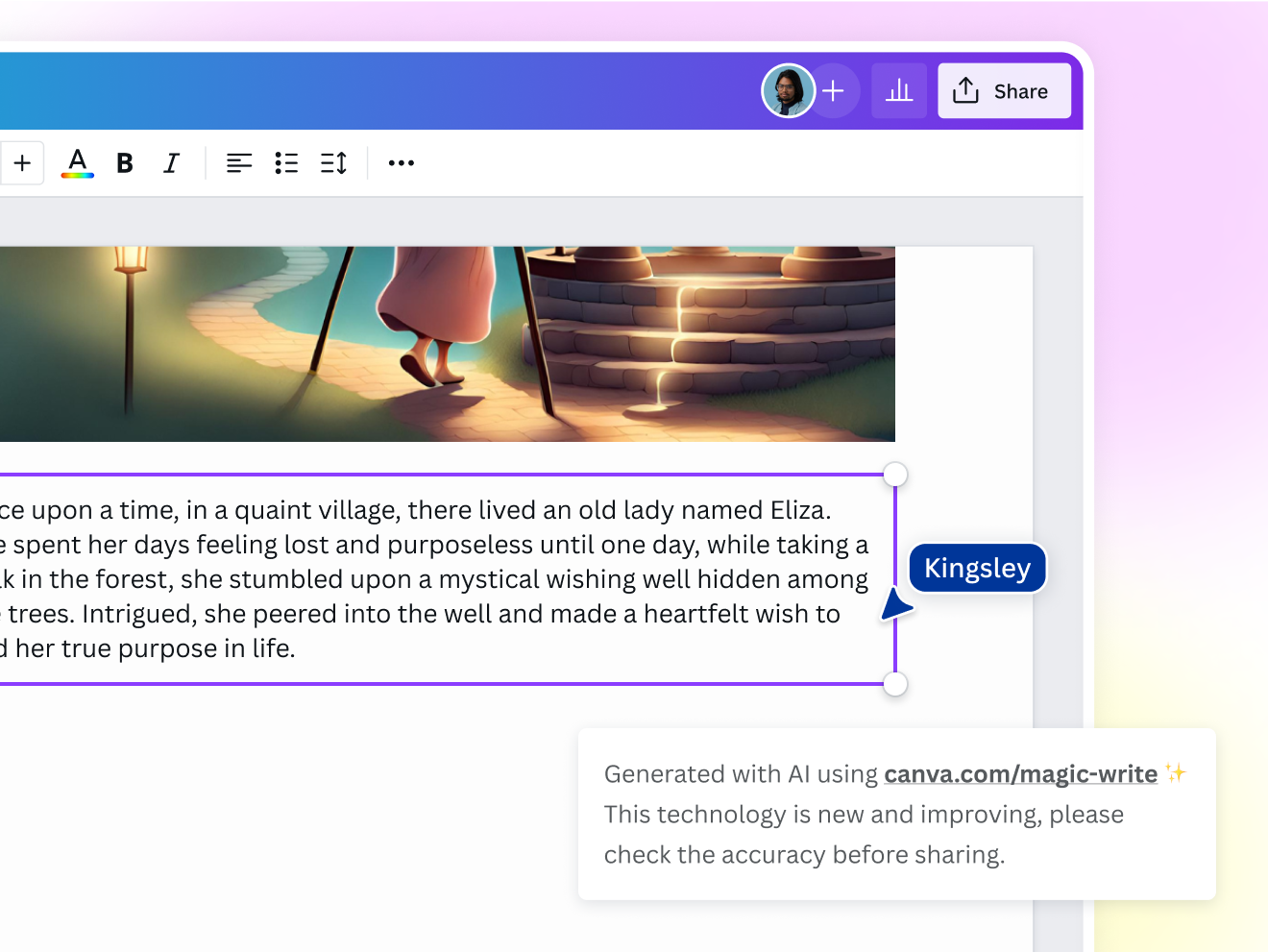
Give your co-writers editing access to your Canva Docs and make your collaboration smooth and easy.

Always be ready for the muse
Work on your story idea when inspiration strikes. Access Magic Write via Canva Docs on your iOS or Android device.

Show, don’t tell
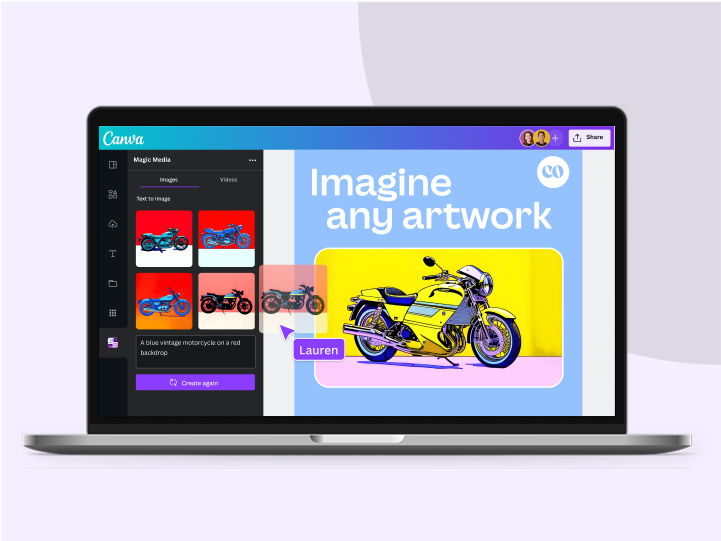
Visualize your AI-generated story on Canva Docs. Insert AI-generated art, pictures, and other elements for an immersive narrative experience.
A safe and sound writing environment
Push the boundaries of your imagination with Magic Write. To protect your creative process, Canva has put in layers of safety measures, including blocking prompts that may generate inappropriate content. We won’t tolerate any use of the AI story generator that violates our Terms and Acceptable Use Policy.
For every kind of storyteller

For aspiring writers
Conquer your doubts and complete your creative passion project with confidence.

For content pros
Consistently incorporate compelling storytelling into your content.

For entrepreneurs
Create and publish a brand story that touches your customers’ hearts.
All the storytelling features you need
Never lose the plot with Magic Write’s AI story generator.

Brainstorm faster and find new ideas
Magic Write™, an AI Writer and idea generator, helps you come up with ideas and topics you may have never even thought of.

Generate short-form text
Create any short-form text—from social media captions, profile bios, product descriptions, and more—with a few prompts.

Generate long-form text
Quickly craft high-quality, long-form content for blogs, sales emails, feature stories, and more. Experience a faster writing process.

Create outlines
Use Magic Write™, an AI writing assistant, to effortlessly generate outlines for articles, blogs, or essays and to better structure any piece of content.

Create lists
An AI writer tool that lets you generate lists—from pros & cons lists to marketing strategy lists—so you can focus on writing better, faster.

Headline generator
Generate catchy headlines, titles, and taglines fit for your blog, article, essay, story, or more with the keywords you specify.

Paragraph generator
Generate complete paragraphs for articles, essays, stories, blogs, and other content types in your desired tone or voice.

Rewriting tool
An AI-powered tool to help you rewrite any piece of content, so you can focus on getting out that first draft, fast.

Expand writing
When stumped for words and ideas mid-sentence, let Magic Write™ continue writing and expand the rest of your content.

Edit content
An AI-powered text editor and grammar checker automatically edits typos and zaps grammar mistakes so you can speed up your creative process.

Paraphrase tool
An AI-powered paraphrasing tool that will reword and rewrite any piece of content, so you can focus on spinning and editing it into a creative sentence or paragraph.

Summary generator
An AI-powered text summarizer tool that will condense and extract key topics from any piece of content, so you get a shortened, more readable version.
How to create a story with AI
Launch Canva Docs
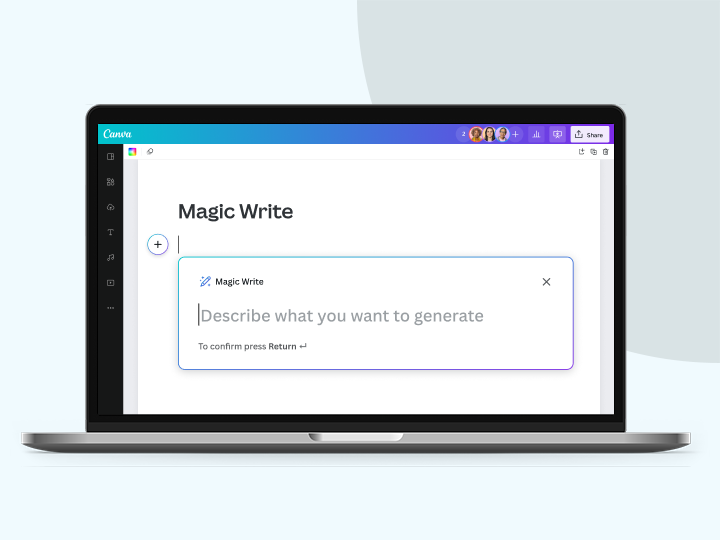
Click the plus “+” button on the left side of the page or type “/” to use /Magic shortcuts.Choose Magic Write™
On the dropdown menu that appears, click on Magic Write. A text field will appear beside it.Enter a story prompt
Type a simple but detailed storytelling prompt. Add appropriate keywords for the AI story generator. Hit enter to generate a story.Proofread and refine your story
Read the AI-generated story based on your prompt and make the necessary changes on Canva Docs. Conduct a plagiarism check to verify if the content is unique and original.Download, share, present
Finalize your story. Convert your Canva Docs to PDF or a presentation for easy sharing.
Your questions, answered
To create a story for you, the Magic Write™ AI story generator uses a machine learning model to predict and generate the text you want based on any storytelling prompt you provide. Powered by OpenAI, it has been trained with public web pages on the internet up to mid-2021, and uses this data to make its prediction and generate the text. Because the text is generated based on the instructions you provide, the more specific your story prompt is, the better your AI-generated story will be. You can learn more about writing a good prompt here.
More resources
Learn the basics for creating your ideal document.

Visual communication for future managers
Communicate your ideas visually to become an inspiring leader.

How to organize your blog post while you write
Structure your thoughts and ideas for an awesome blog post.

Create a landing page on Canva
DIY your dream landing page in clicks.



AI Story Generator
Turn your wild story idea into a tour de force. Churn out a first draft fast with the Magic Write™ AI story generator and give yourself more time and energy to polish your manuscript to perfection.