- AI cartoon generator
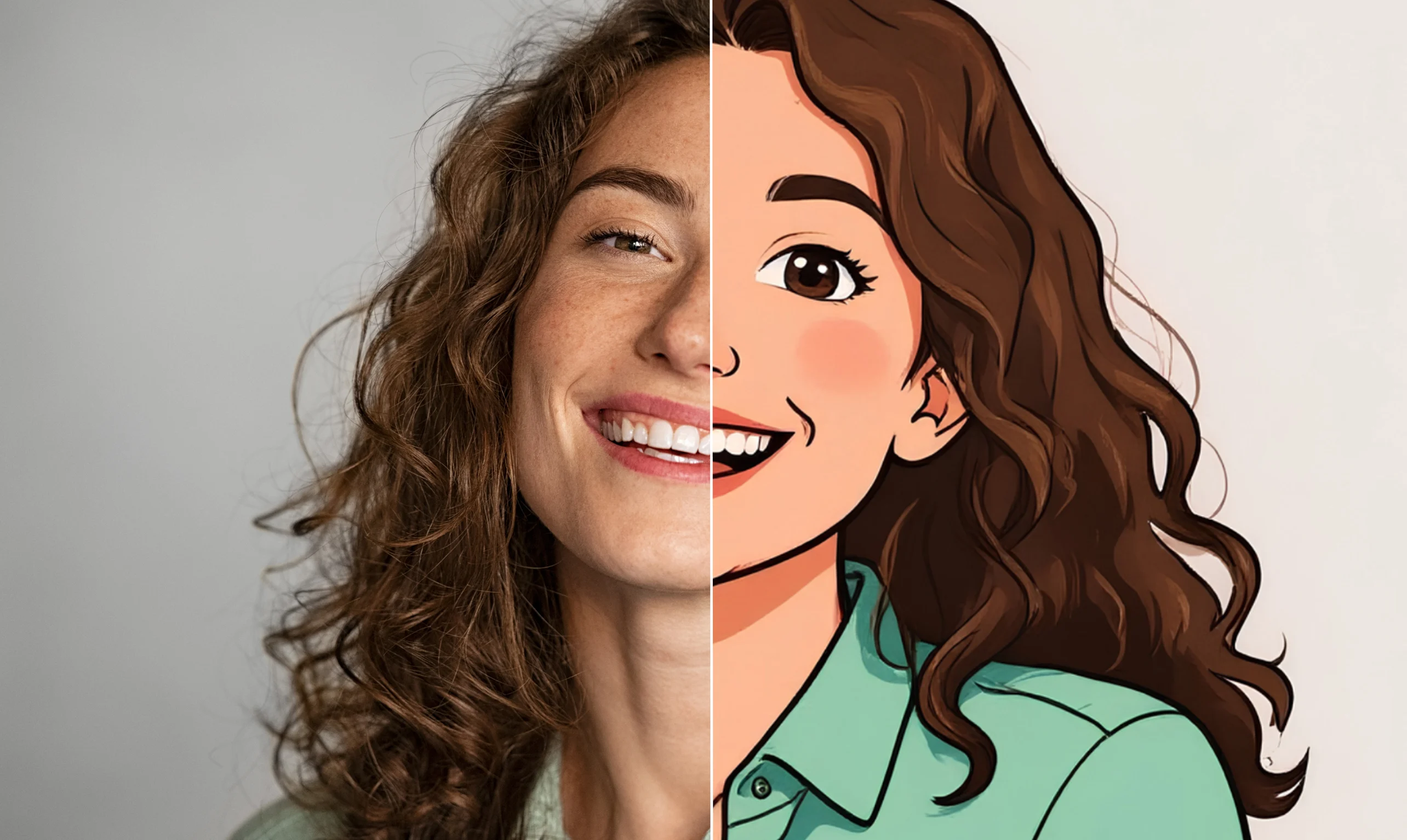
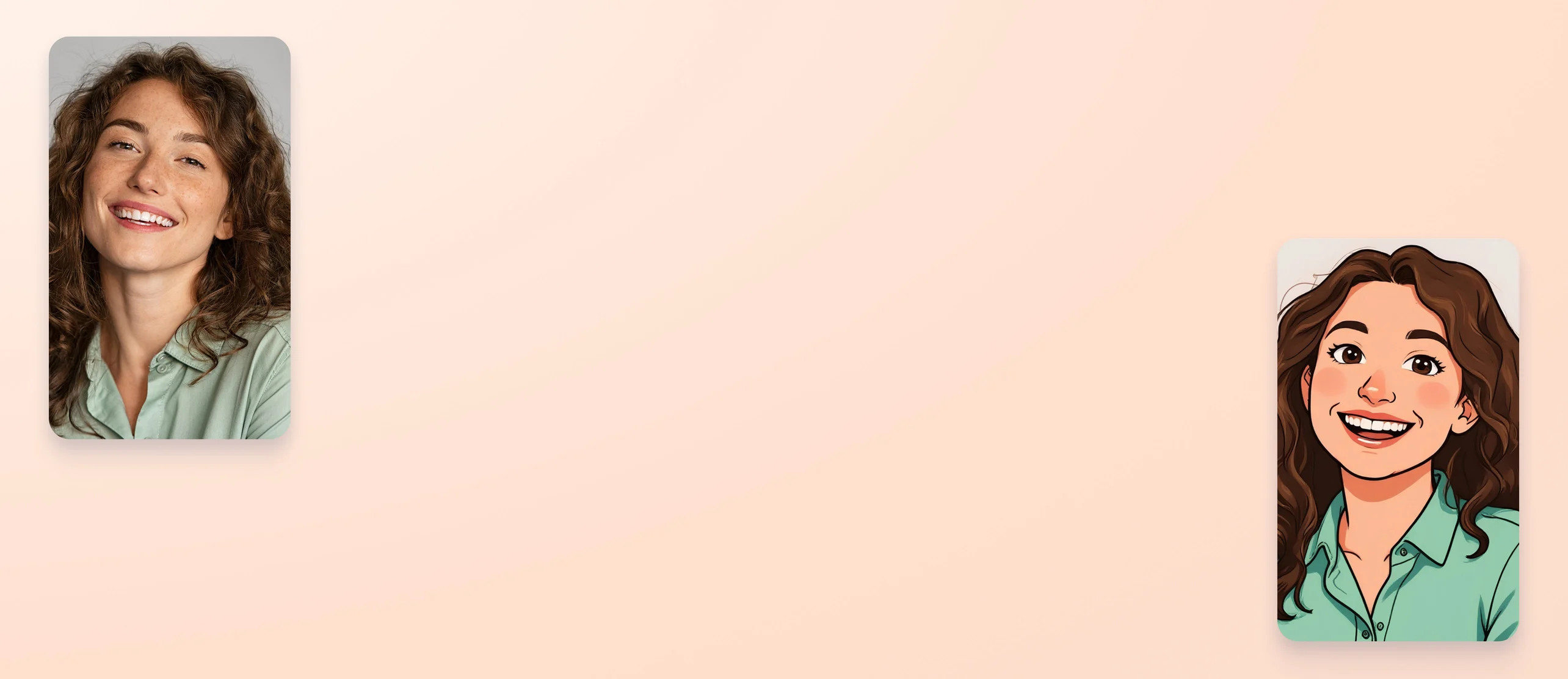
Convert photos to cartoons with the AI cartoon generator
Use the Cartoonify photo-to-cartoon generator to transform images to whimsical cartoons with AI. Unleash your inner artist and add a dash of fun and style to your social media content and personal projects.
or drop it here
Learn about Canva's upload formats and requirements. See how we use your content in our Privacy Policy.
How to convert a photo to a cartoon
Upload your image
Select the “Upload your image” button or easily drag and drop your files into the section.
Edit your image
Use the “Cartoonify” app to turn your image into a cartoon with the help of AI.
Download your image
Finally, download your new image in high-quality JPG or PNG format.
Instant photo-to-cartoon transformation

Create cartoons that’ll impress – even without artistic skills or a design background. Turn your portraits, pet pictures, family photos, and even artistic shots into playful, high-quality cartoons in seconds with Cartoonify, an AI cartoon generator on Canva. See the magic in seconds with stunning before-and-after comparisons.
Creative additions to your designs

Get creative and customize your cartoons for your projects, portfolios, social media posts, ads, classroom materials, and keepsakes. Add text and other creative elements like frames, stickers, and graphics from Canva’s media library. Make each image memorable, eye-catching, and uniquely yours.
Explore more apps

Find more free AI cartoon generators on Canva Apps. Use Cartoonist(opens in a new tab or window) to create unique cartoon images and enhance them based on text descriptions. Produce more cartoon-style art by transforming images using the Cartoon Filter(opens in a new tab or window) app. The possibilities of generating cartoons are endless.
How to cartoonize a photo


Frequently Asked Questions
- You can convert a photo to a cartoon by simply uploading a photo from your phone or desktop gallery and selecting the Cartoonify app in our design platform. In seconds, you’ll have a high-quality cartoon you can download, send, or add to your social media posts, marketing assets, or educational materials.
- Yes, you get three free Cartoonify credits that refresh daily. If you want more, you can subscribe to unlock up to 100 credits per day.
- No, the AI cartoon generator doesn't leave a watermark, so you don’t have to worry about removing unwanted text or logos from your cartoons.
- Our design platform features a host of free, easy-to-use AI cartoon makers. Cartoonify is an image-to-cartoon converter that instantly transforms photos into playful, high-quality cartoons you can integrate into your designs. Cartoonist lets you create unique cartoon images you can tweak with text descriptions, while the Cartoon Filter app lets you transform images to cartoons in an instant.

@curlyfrosista