- Photo to Anime
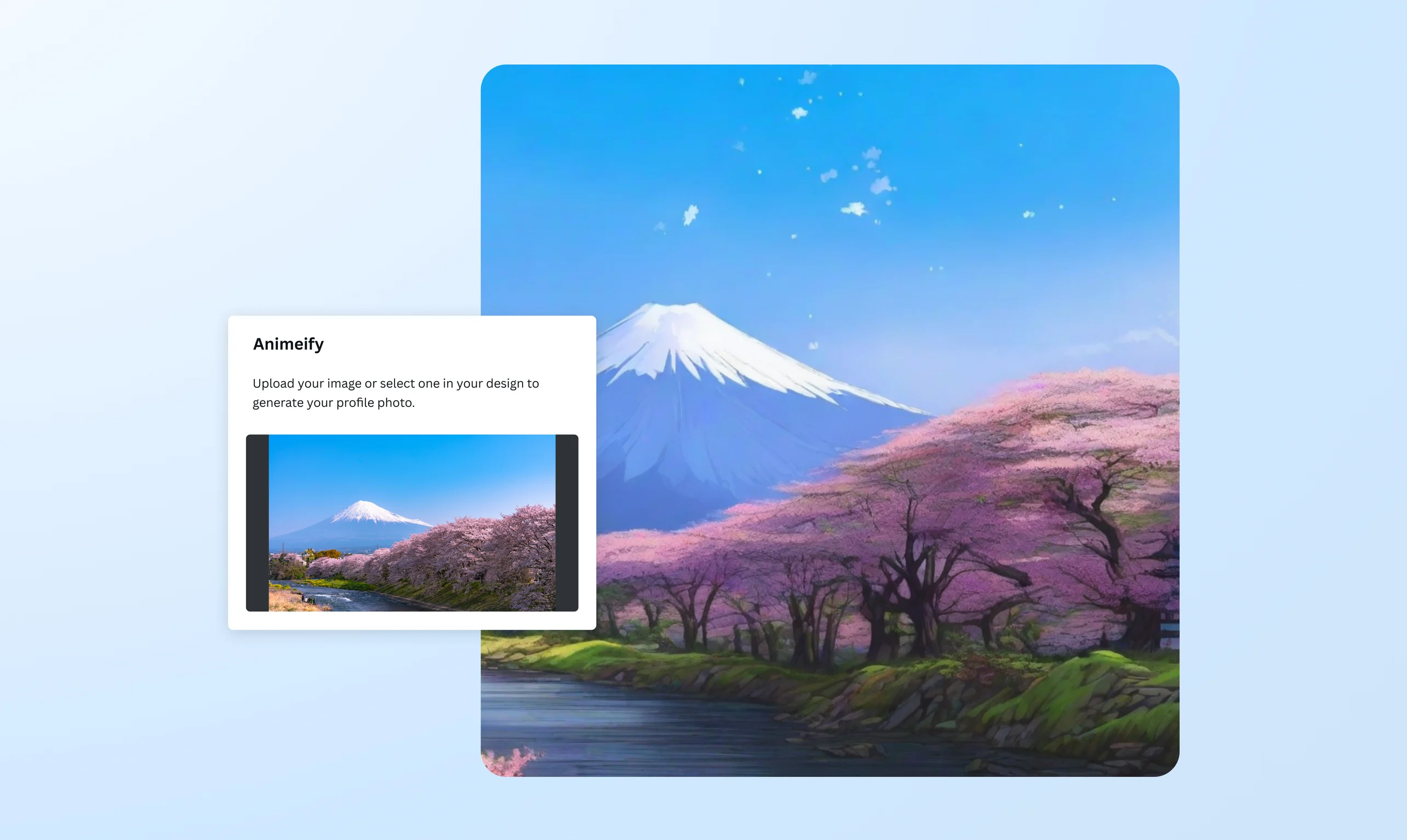
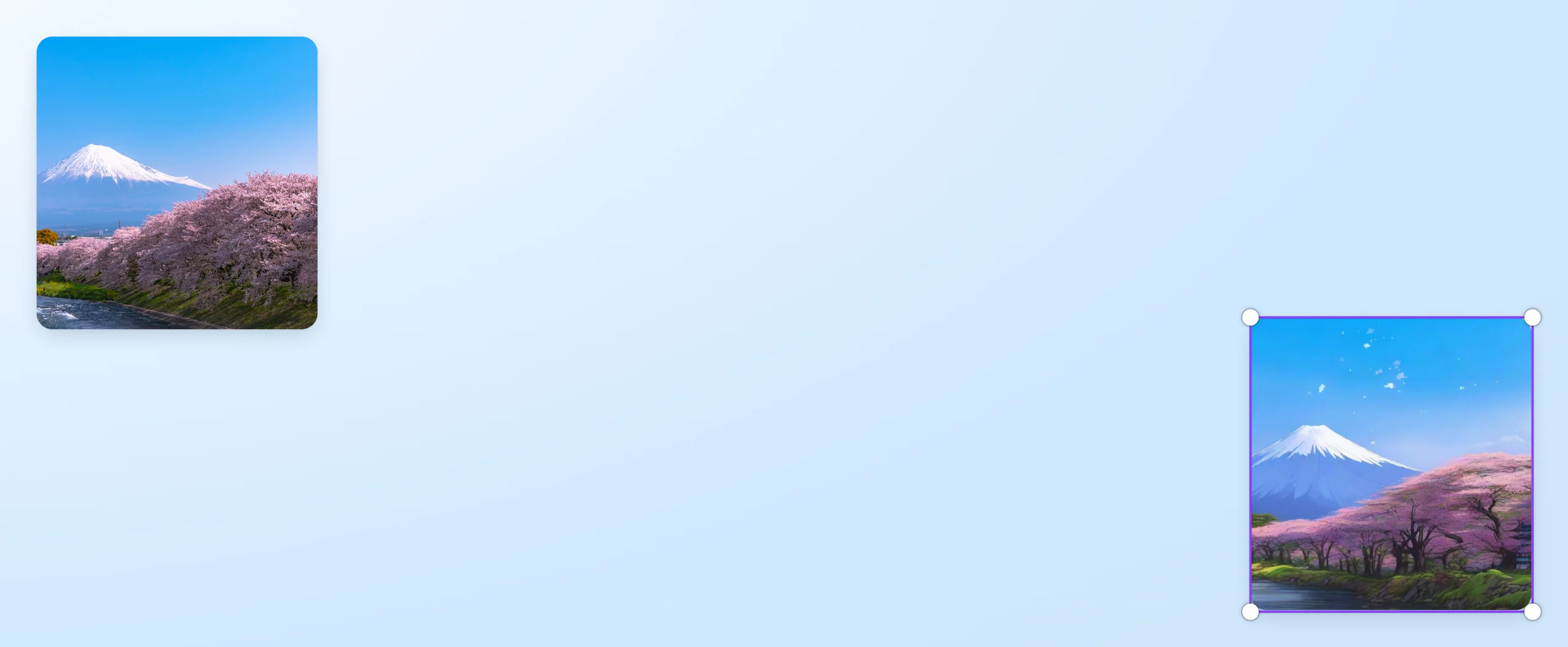
Convert photos to anime with a click
Turn your picture into a gorgeous image straight out of an anime series or your favorite manga. Create a world of anime with your photos using the Animeify picture-to-anime converter on Canva.
or drop it here
Learn about Canva's upload formats and requirements. See how we use your content in our Privacy Policy.
Create unique anime art from your photos


Ever wondered how you’d appear as a manga character? Or what the view from your window would look like in an anime? Just upload a photo and let the Animeify image to anime converter work its AI magic. Transform your pet’s picture into chibi, turn your cosplay shots into anime-style portraits, generate entirely new anime-inspired characters with the Anime AI Generator(opens in a new tab or window), or gift your otaku bestie with an anime version of yourselves.
The perfect jumpstart for anime-themed projects

Turn your converted anime image or photo to sketch(opens in a new tab or window) into any design using Canva. Add speech bubbles for an instant manga strip, then play with the colors to intensify the anime filter. Create kawaii avatars for your gaming live streams, a sticker logo for your DIY crafts, or an anime-style wallpaper of your dream destination. Use our editor and media library to take your anime photos up a notch.
Powered-up features for a reimagined world

Think of Canva as a mecha that unlocks your creativity. After the photo to anime app, you can use Magic Grab(opens in a new tab or window) to separate the subject and reposition or edit it. Change the backdrop with our premium background remover(opens in a new tab or window). You can even animate the converted image. Try Image Animate(opens in a new tab or window) to make GIFs, digital greeting cards, and short videos, or use our animation maker(opens in a new tab or window) for more video animation options. Want to add fun cartoons? Use our AI Cartoon Generator(opens in a new tab or window) and turn images into playful, high-quality cartoons in seconds.
Turn images to anime anytime and on the go

The Animeify app is ready to cloak you with an anime filter whenever inspiration strikes. Take a selfie on your daily walk, upload it to the Canva mobile app, and transform it into an anime-style version of yourself in the streets of Tokyo. Convert multiple photos of you and your friends, spruce them up with our free AI photo editing tools(opens in a new tab or window), then share them to social media in minutes.
How to convert a photo to anime

Frequently asked questions
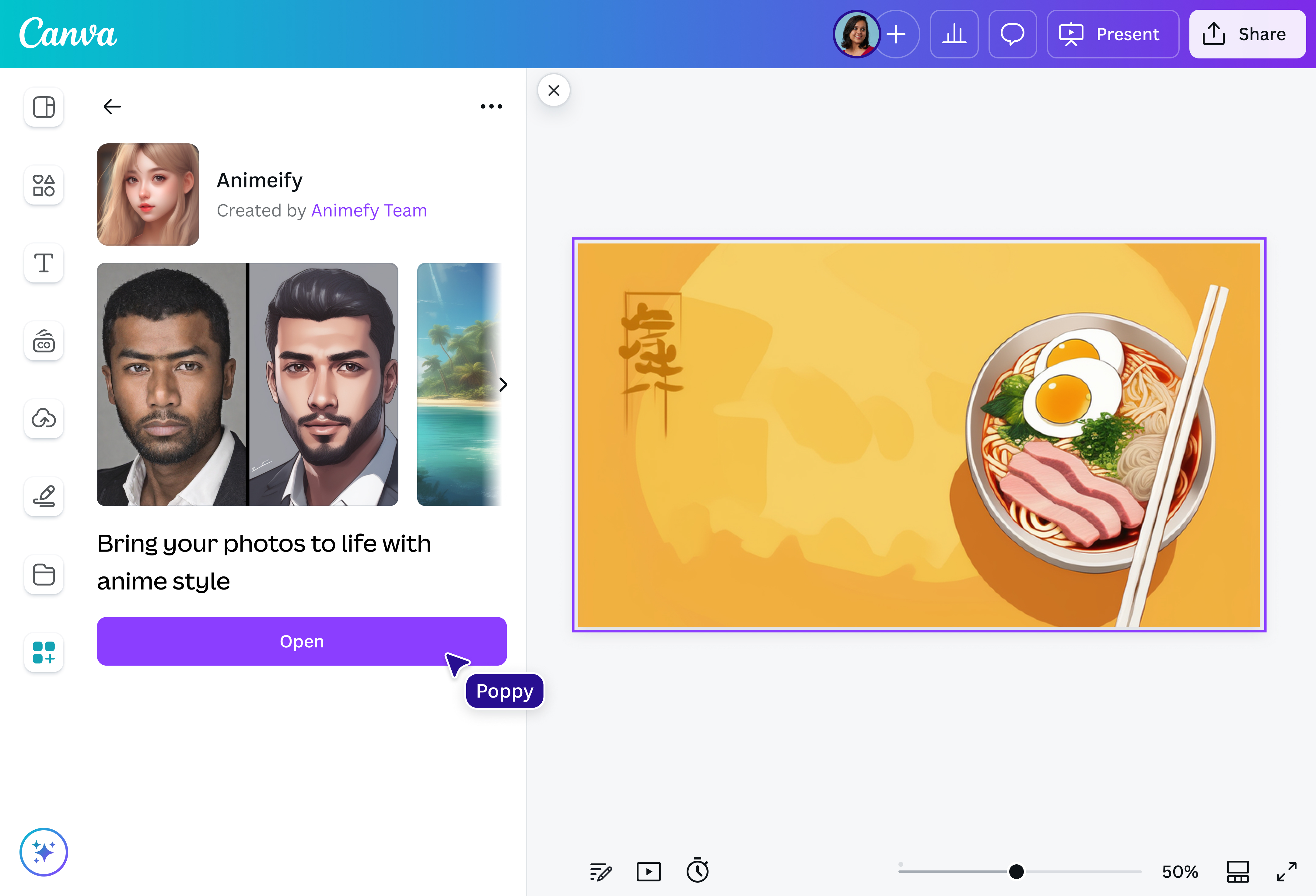
- Got a photo in an existing design you want to convert to anime? No problem! Just click on Apps on the sidebar, open the Animeify app, and select the photo. Then, click “Animeify and replace” to generate an anime image.
- Animeify is one of a wide range of apps available on our editor. It’s an AI-powered photo to anime generator that turns your pictures into anime art. After transforming the photo with the app, you can play with other editing tools on the platform to further enhance the anime image.
- The online photo to anime converter app offers eight free credits to transform a photo to anime art. Once you’ve used them up, you’ll have to wait for the credits to refresh, so you can turn an image to anime for free. Or you can purchase additional credits by clicking the link at the bottom of the app page within the editor.

@IGchef_andrewb