Breathe life into a still image with photo animation
Only have a few seconds to get your audience’s attention? Make it count. Turn static images into vibrant, eye-catching visuals for free with Canva’s online photo animator. With Canva Pro, you get access to all animation styles in our animation library.
Move audiences to action
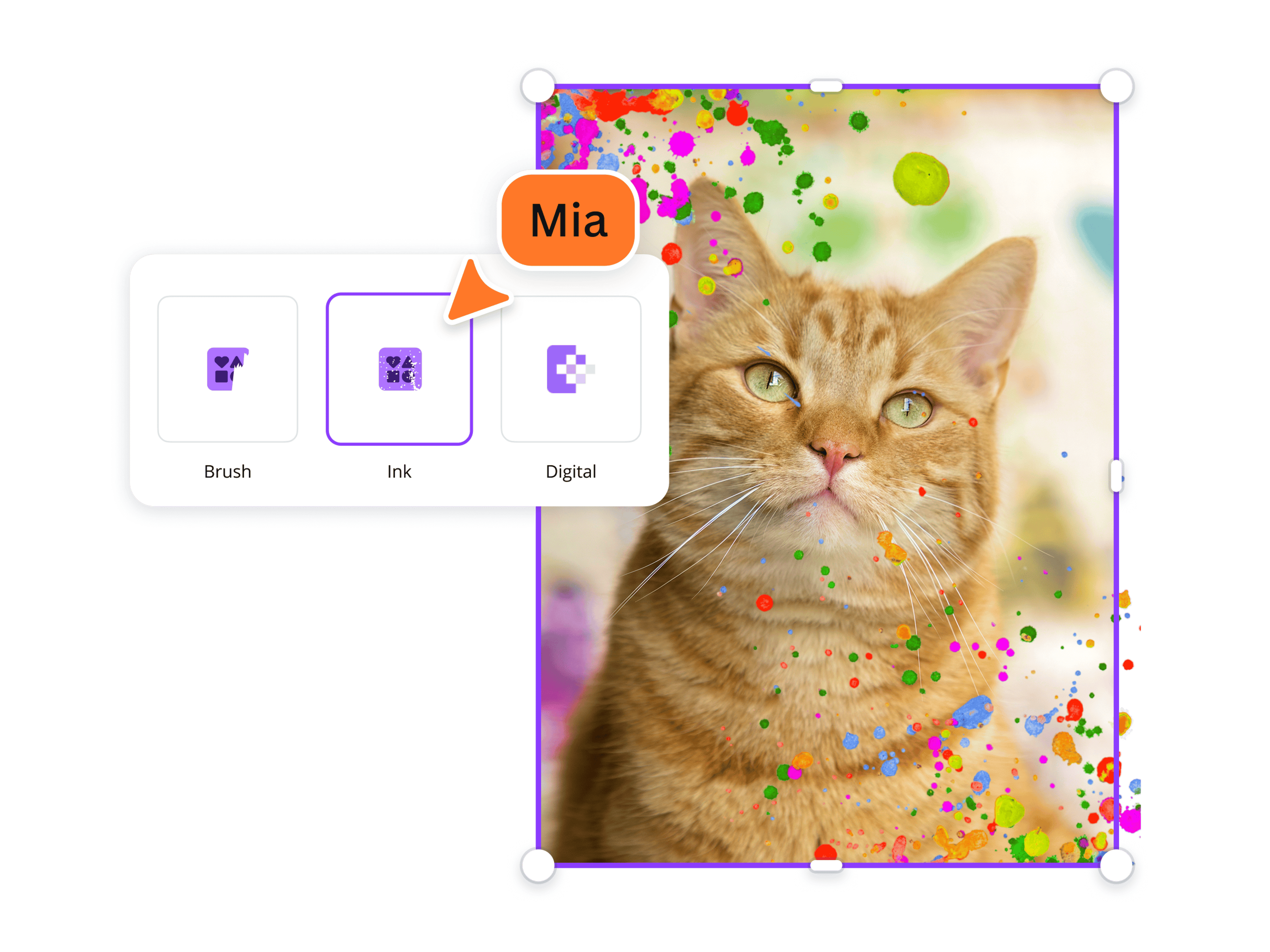
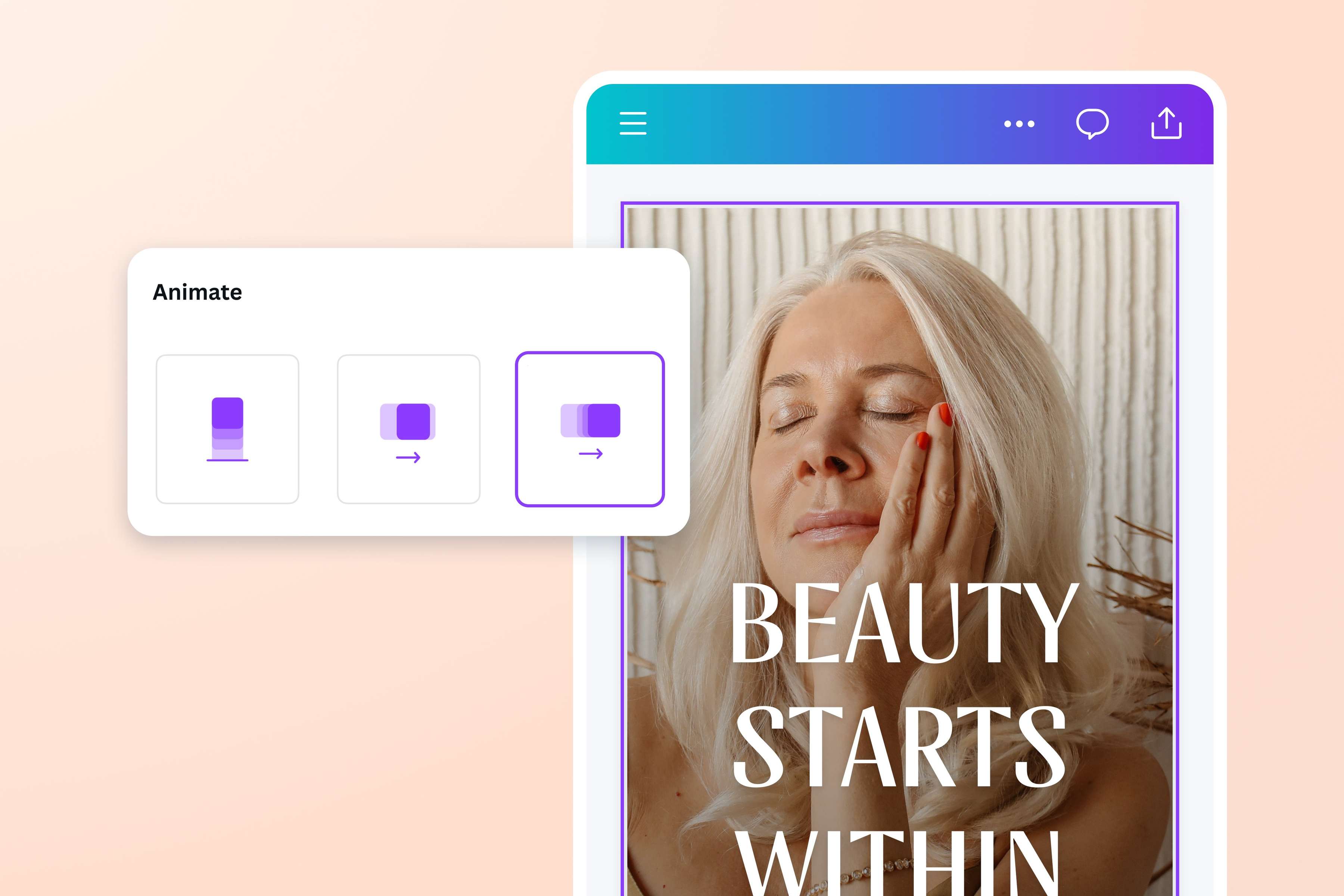
Create engaging, scroll-stopping content with Canva’s free online photo animator. Experiment with our photo and video animations to breathe life into still images and clips. Gradually reveal or hide an image with a moody Ink mask effect, take your design to the future with a dynamic Glitch, or add an artsy touch with a Paint Brush mask effect.
Want people to buy your product on social media? Or discover your artistic work through a digital portfolio? Animated photos might be the key. Produce stunning visual content with our feature-rich photo editor and ensure your messages are received in their entirety.
Set your creative wheels in motion
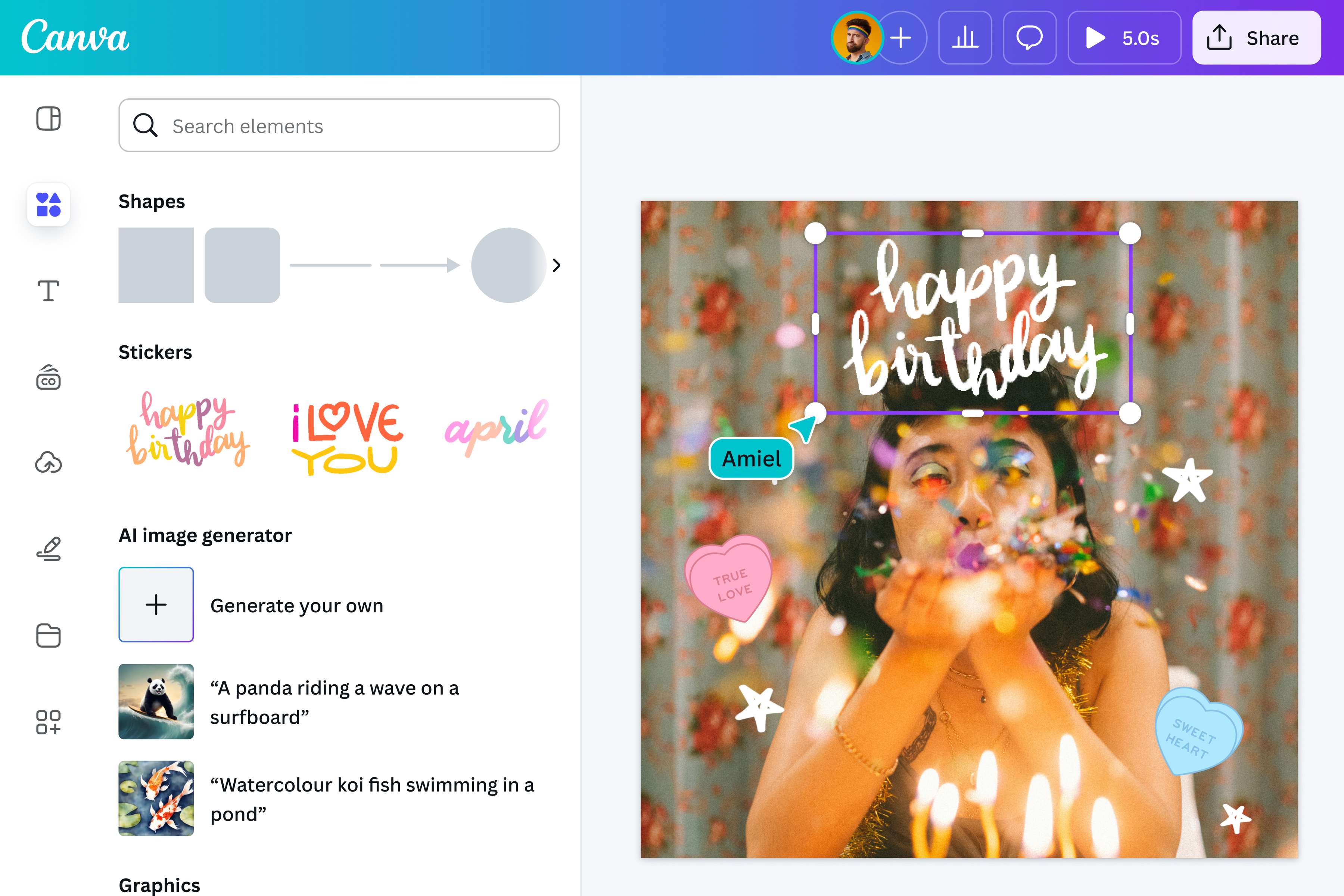
Swap out boring, static photos with moving visuals that instantly make your content more appealing. From subtle swipes to exaggerated motions, animate photos for free on Canva and tell the story of your creative work. Style your product shot with a simple pan or introduce photo objects with stylistic paint brush strokes and playful scribbles. Bring your cartoon creations to life with custom motion paths using Create an Animation and apply cool and fun stickers for a playful take on your family picture. Animating photos doesn't have to be a tiresome process. Do it and more with our animation library and photo editor—no design background or complex software required. Create animated presentations that captivate your audience.
Communicate with impact
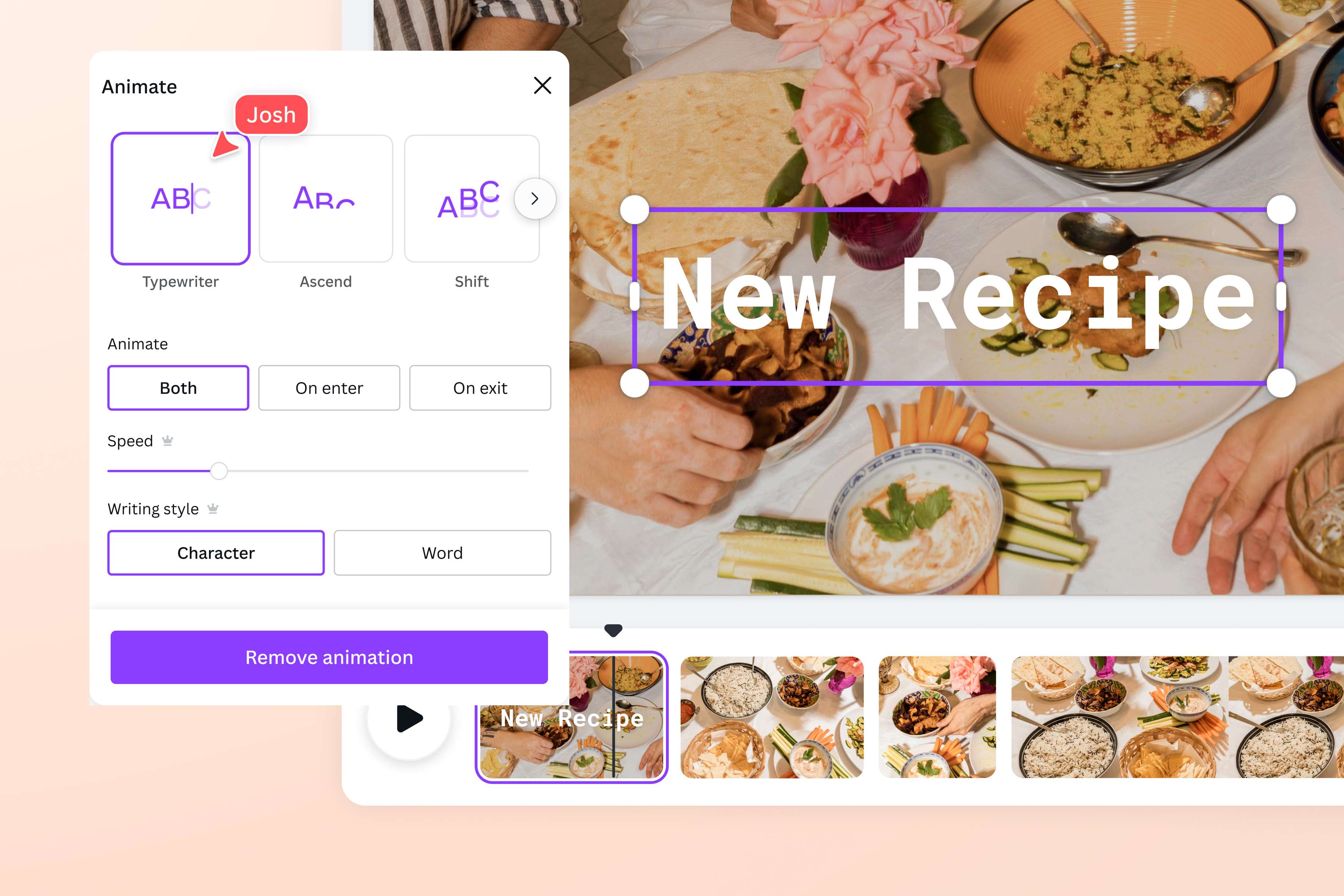
Whether you’re adding short text descriptions or subtitles to your video, make your captions more dynamic and memorable with animated text. Choose from a range of animation styles—make words roll, bounce, or zoom into frame—and adjust the speed of the animation. Decide when each caption should appear in your video by sliding it across your timeline. Experiment with different text animation styles on Canva and generate a video that looks good and communicates your brand story across all your social and digital channels.
How to animate a photo
Open Canva
Launch Canva on your desktop browser or your mobile app. Open a blank canvas or choose a ready-made template you want to work with.Upload your photo
Select the Uploads tab to upload a photo to animate. Drag and drop it anywhere you want on the editor. You can also choose from available stock photos(opens in a new tab or window) in our media library.Animate your photo
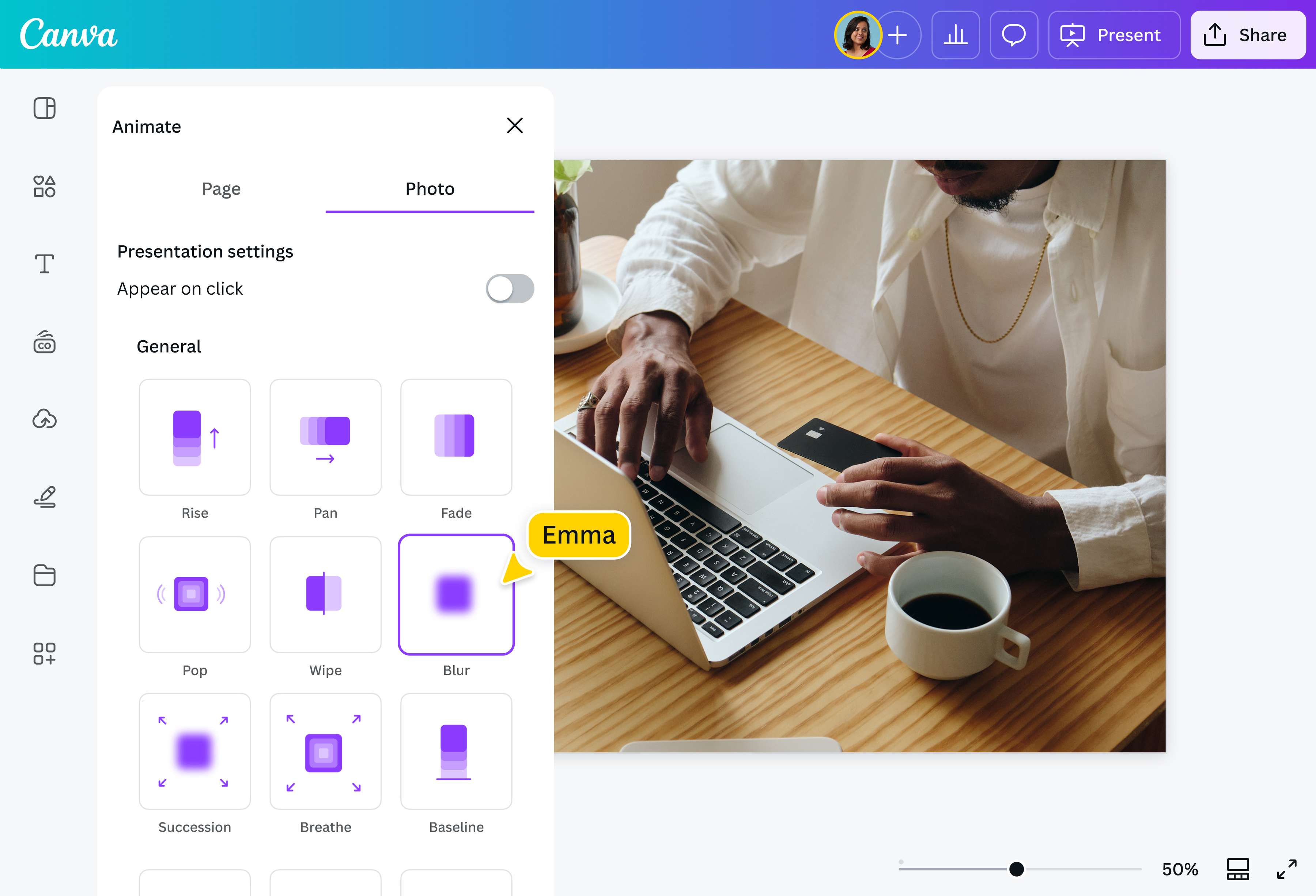
Select your photo, then click Animate. Add Brush strokes, Ink splotches, or try Pan, Tumble, Zoom, and a variety of other animation styles until you find the best motion for your design. Apply the same animation to multiple elements or assign custom effects to each one.Customize away
Make as many or as few customizations as you like. Enhance your photo by adjusting the brightness(opens in a new tab or window), contrast, and saturation. Add creative filters, borders(opens in a new tab or window), and even watermarks(opens in a new tab or window) to protect your work. Or crop(opens in a new tab or window), rotate(opens in a new tab or window), or sharpen(opens in a new tab or window), your image for added depth.Download and share
Download your animated photo in high-quality GIF or SVG format. Publish it on your website or share it on socials straight from the editor.
Frequently asked questions
- You can animate photos from your mobile device using our iOs or Android app. Upload your image on the editor, then choose Animate from the floating toolbar in Glow Up. Take advantage of the same animation styles and photo editing tools. Quickly produce high-quality animated pictures on your mobile just as you would on a desktop.