- ASCII Art Generator
Free ASCII art generator
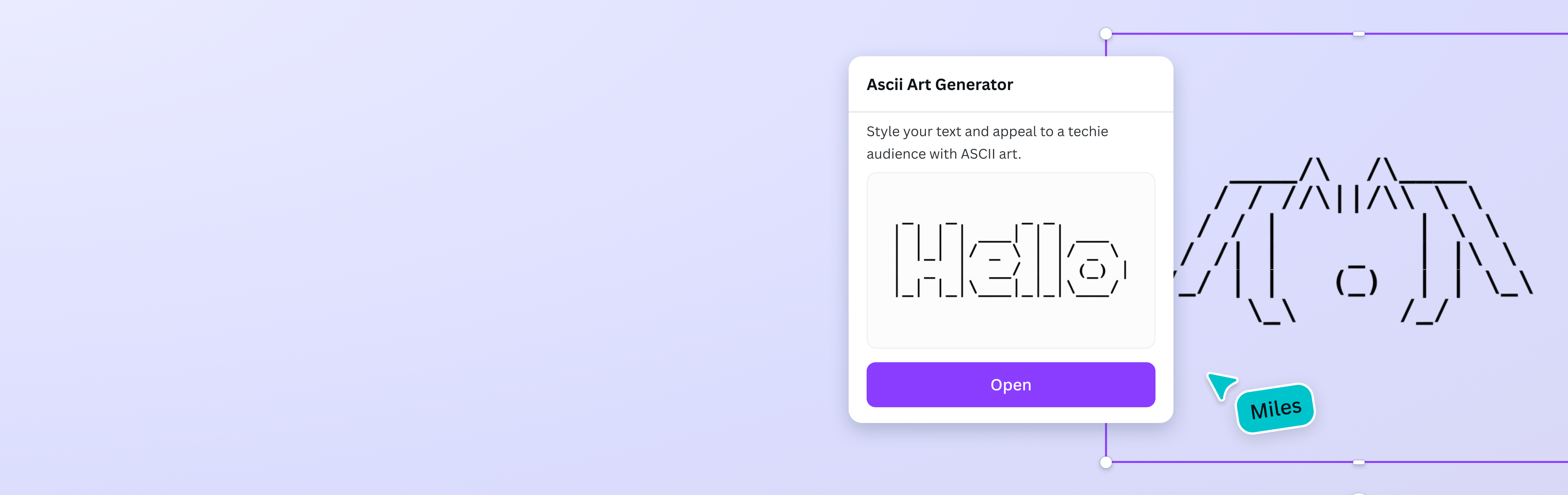
Plain text can look boring, so get creative! And it’s easy too — with the ASCII art creator on Canva, just type your text, and LetterArt will turn it into a stylish character art you can use for your designs.
How to convert text to ASCII art
Generate ASCII art from text
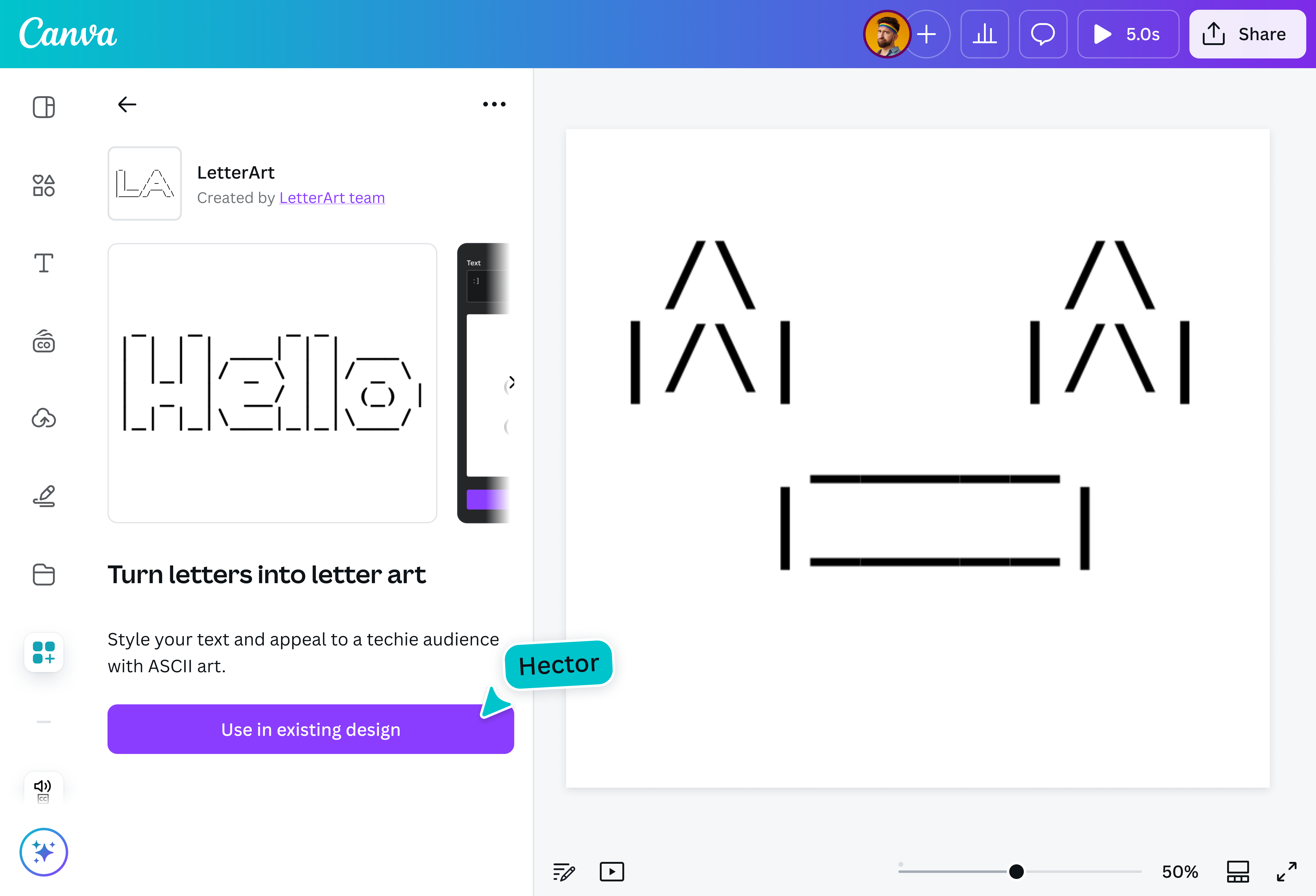
On the LetterArt app in Canva, type in your text to automatically asciify it.
Edit your design
Make some quick touch-ups on your ASCII art using our beginner-friendly editor.
Download your design
Click Copy to clipboard to use the asciified text, or Add to design and download as a JPG, PNG, MP4, or PDF file.
Unlimited ASCII, unlimited creativity

Generate as much ASCII art as you need — no limits, no hidden fees. Turn texts into designs for free until you get all the art you need, whether you’re creating eye-catching text for social posts, adding a retro touch to designs, or just having fun!
One click to ASCII-mazing art

Skip the complicated steps. Just type your text, hit a button, and watch the ASCII art generator app on Canva instantly transform it into ASCII art. No need to fiddle with settings or manually adjust anything. It’s quick, effortless, and perfect for anyone looking to add a unique, stylized touch to their typography without spending extra time on design work.
Edit anytime without starting over

Text not quite right? No worries. Even after converting your text, you can still tweak, update, or completely change it without starting over. Adjust words or fix typos without losing your progress. It’s a flexible way to experiment and ensure your design looks exactly how you envisioned it.
Copy, paste, or add it to your design

Use your ASCII art however you like. Drop it directly into a Canva design, copy and paste it into emails or social posts, or even use it on websites and online profiles. Plus, it’s automatically saved to your library, so you can revisit and reuse your creations anytime.
How to make ASCII art from text

Frequently asked questions
- ASCII art is a creative way of turning text and symbols into images, patterns, or unique typography using ASCII Standard characters. You can use this type of art to give your words a retro, pixel-like look, perfect for adding a techy or nostalgic touch to your designs.
- It’s easy! Just open LetterArt, the ASCII art generator on Canva, type your text, and let the tool do the work. With one click, your words quickly transform into ASCII art, ready to be used in your designs, or copied and pasted anywhere you like.
- Definitely! You can create ASCII art from images on Canva through ImageAscii. Just go to Apps > ImageAscii. Then, upload the image you want to convert and wait for the ASCII art generator to asciify your photo.