- Create AI Background
Free AI Background Generator


Easy drag-and-drop editor
3M+ free stock photos and graphics
Design from any device
Invite others and design together
Let your product images shine with high-quality, custom backgrounds. With just a short description and a single click, the AI background maker on Canva seamlessly integrates your uploaded photo onto a backdrop perfectly suited for your professional needs.

Reimagine product photos with generated backgrounds
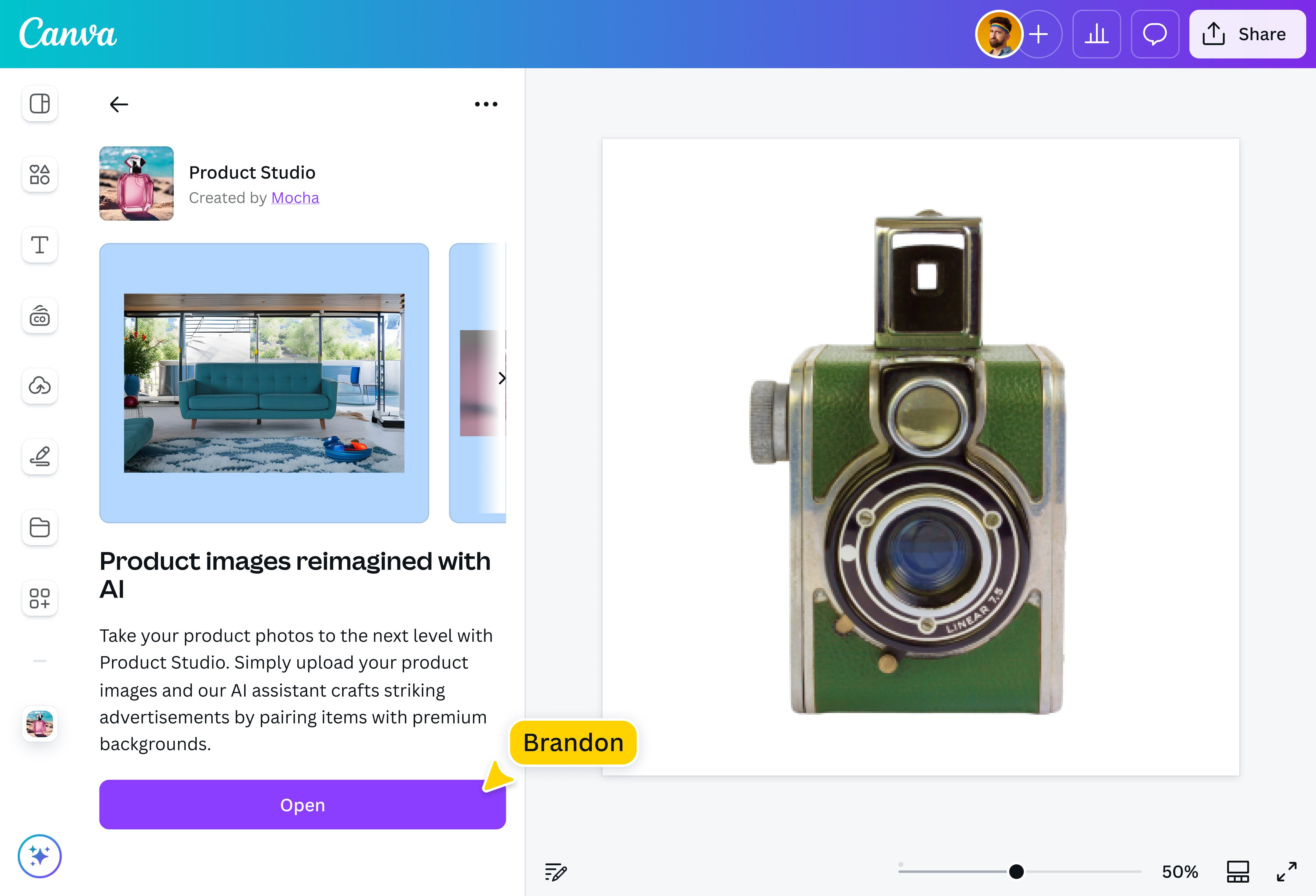
With the right background, your product photo instantly comes to life. Whether selling furniture pieces or handmade crafts, creating social media posts, or building a portfolio, there's no need to fuss about capturing the perfect setting. Just upload your image and enter a prompt, and the AI photo background tool will provide you with a custom backdrop that enhances your image effortlessly.
How to make an AI background

Set the scene for any industry
Need a country-style kitchen to display your home-cooked meals? A picturesque landscape to showcase camping supplies? With the AI photo background generator on Canva, you can turn a plain background into a beautiful set. Shoot engagement photos or pet models in a studio, then instantly create a whimsical background. The options are endless, with AI backgrounds custom-fit to your product needs!
Paint a picture with words
Being a content creator or owning a small business might mean doing everything yourself, but you don’t need advanced skills or complicated software to create a new backdrop for your product images. Let the background maker on Canva do it for you! Just upload your product photo, type a prompt to generate a background using AI, and get a new result each time!
A speedy workflow to get the job done
No need to waste time learning complex design tools. Use the AI product background generator to create a backdrop in just seconds! With high-quality results, you can immediately post on your website or social media before the final hour–and get the customer engagement you need. Working with a team? Invite them to collaborate and finalize an eye-catching, effective design.
Handy tools for instant customization
Turn product photos into gorgeous design material for your marketing collaterals and portfolios. After generating a background image, use Canva’s AI-powered tools like, ai headshot generator(opens in a new tab or window), Magic Edit(opens in a new tab or window), Pro’s Magic Eraser(opens in a new tab or window) and Magic Expand(opens in a new tab or window) to enhance the product image against the background. Add basic elements like text and illustrations, then apply your Brand Kit to capture your brand’s essence.
FAQ

@navneet4