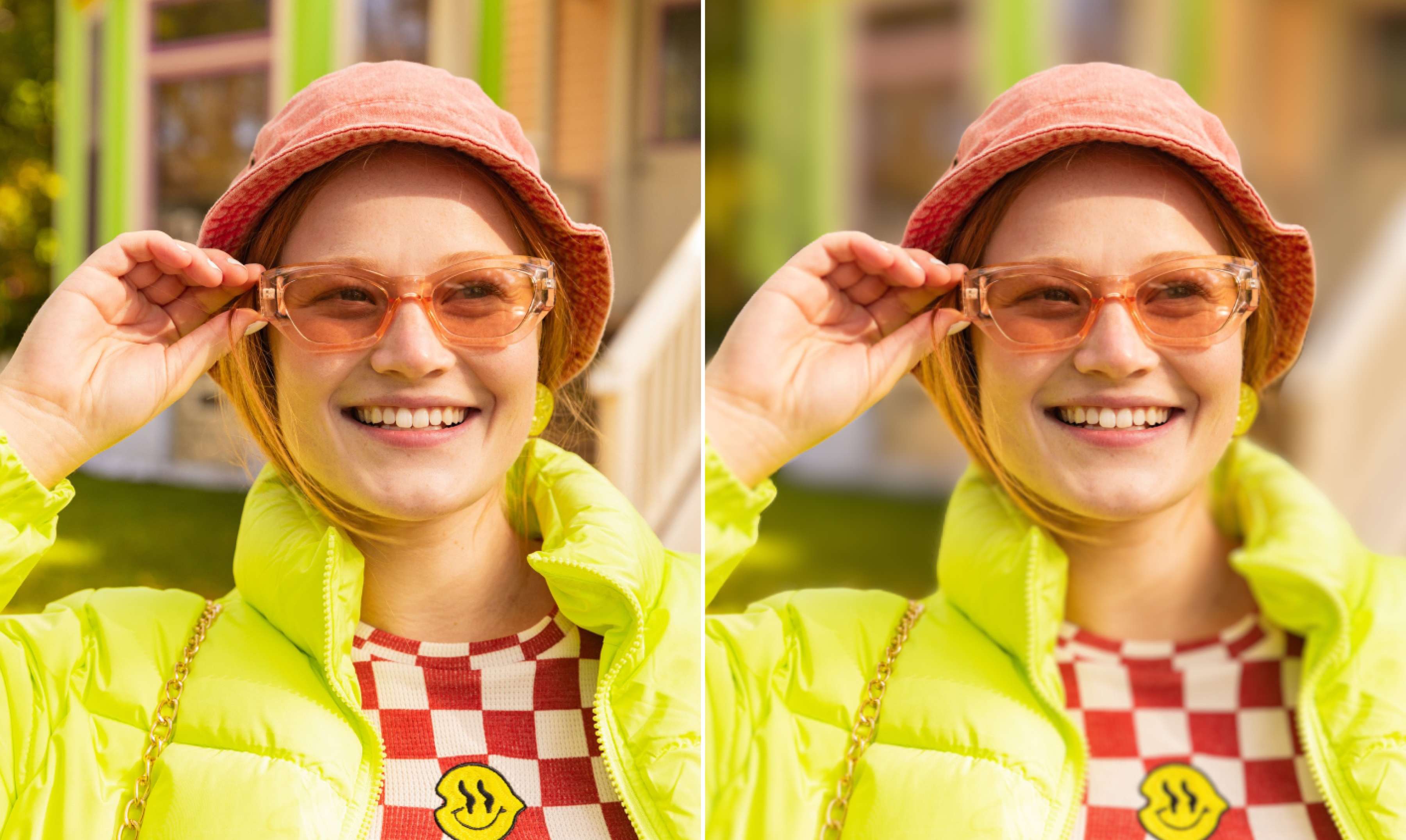
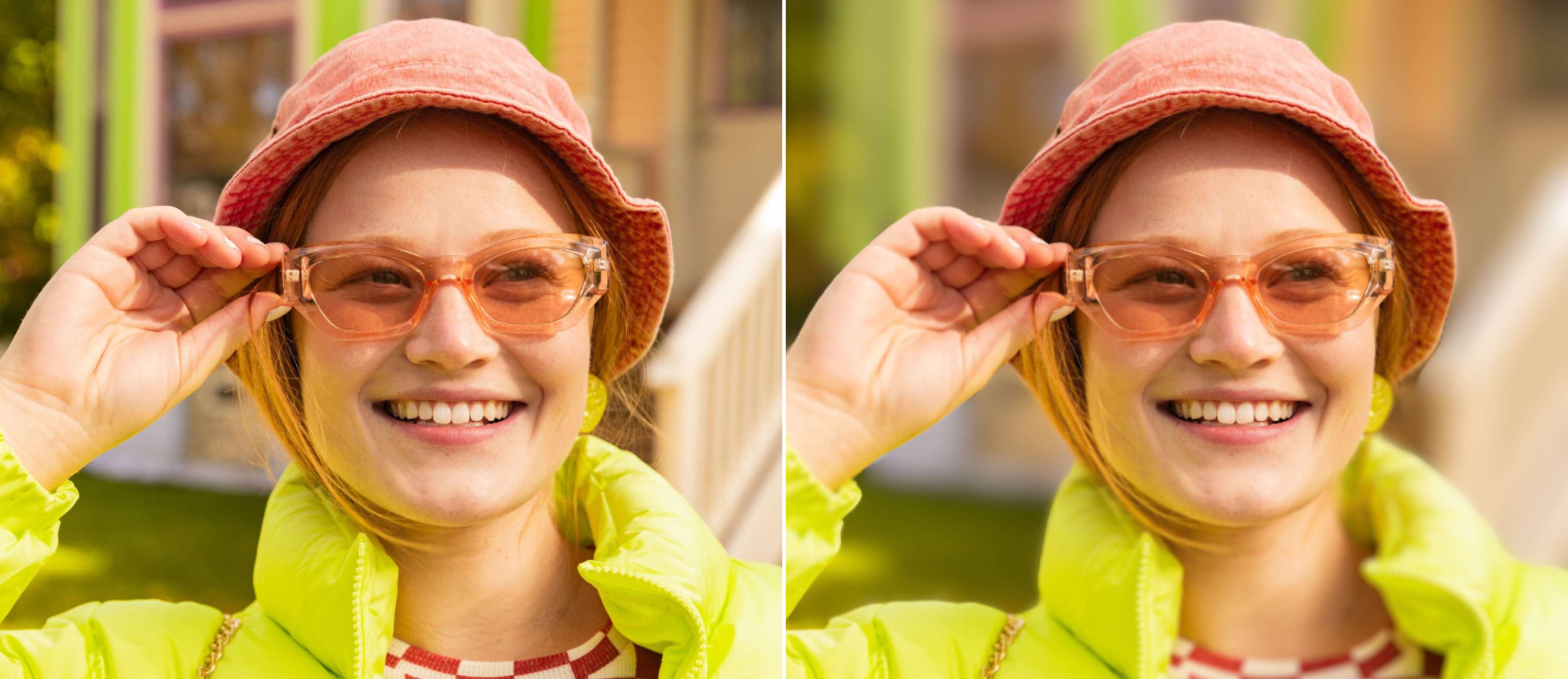
Blur backgrounds for free
Create a shallow depth of field instantly, focus on the subject, and produce eye-catching images. Auto-blur the backdrop with Canva’s free online blur background tool.
or drop it here
Learn about Canva’s upload formats and requirements. See how we use your content in our Privacy Policy.
How to blur the background of a picture
1
Upload your image
Select the “Upload your file” button or easily drag and drop your files into the section.
2
Blur background of image
Click “Edit photo” and choose “Auto Focus” to automatically blur the background.
3
Download your image
Finally, download your image with a blurred background as a JPG or PNG file for free.
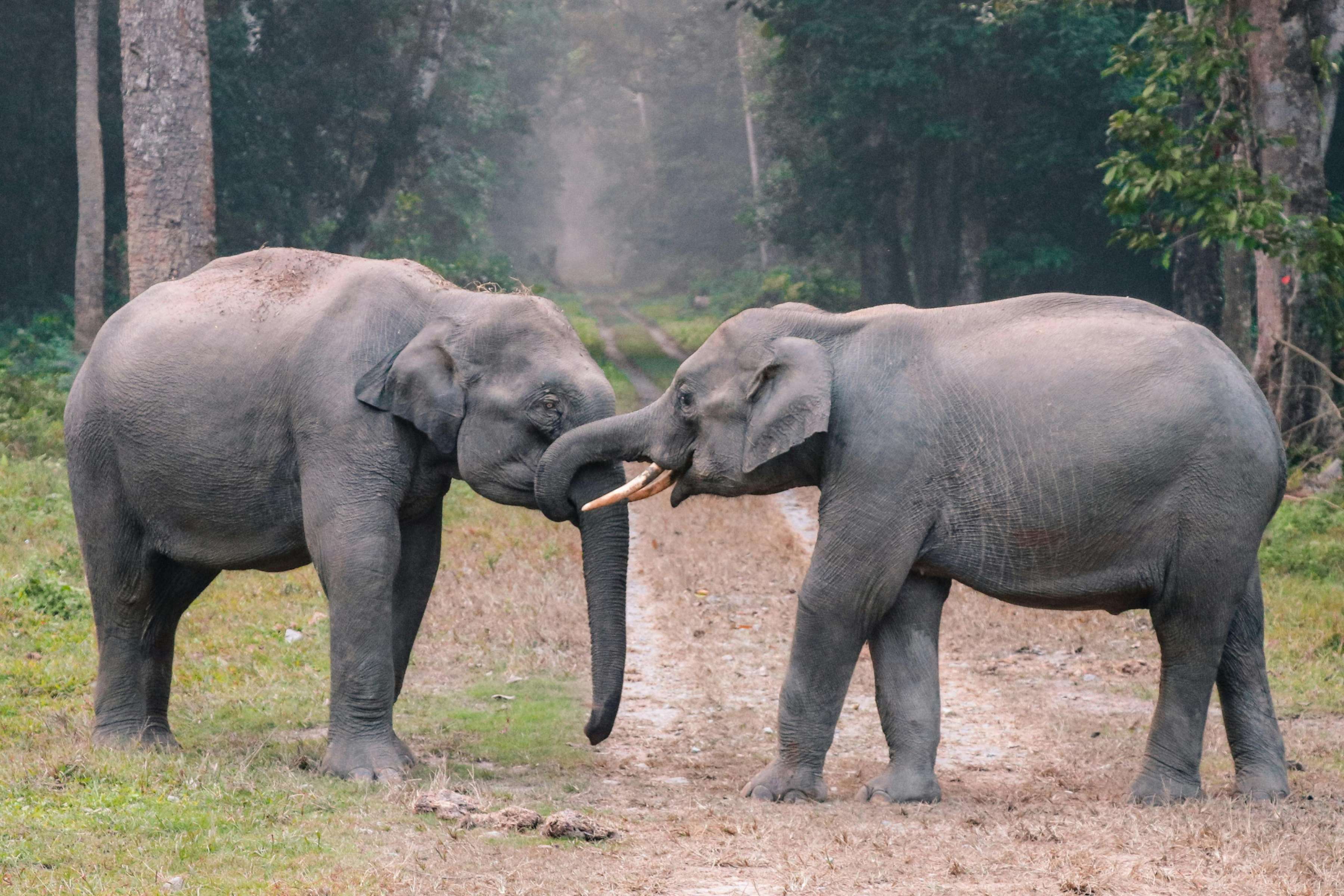
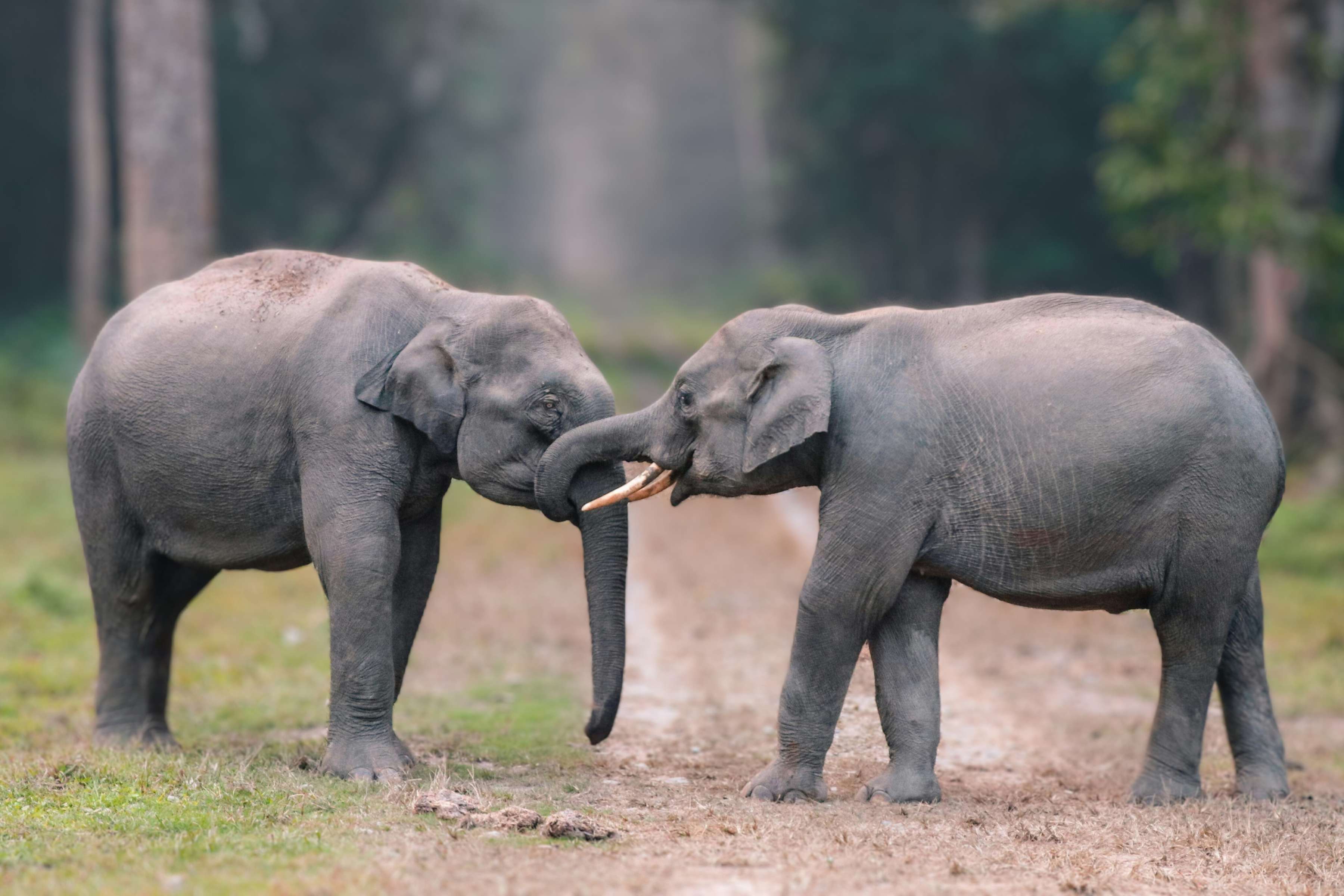
Achieve a shallow depth of field in an instant
The Auto Focus tool blurs the background of a photo quickly and gives it a shallow DOF effect, without costly equipment. Save unfocused shots or improve flat photos. Give your subject more definition and make cluttered backgrounds fade away. You’ll enhance visual impact, evoke a dreamy mood, and finish photo editing tasks easy-peasy.
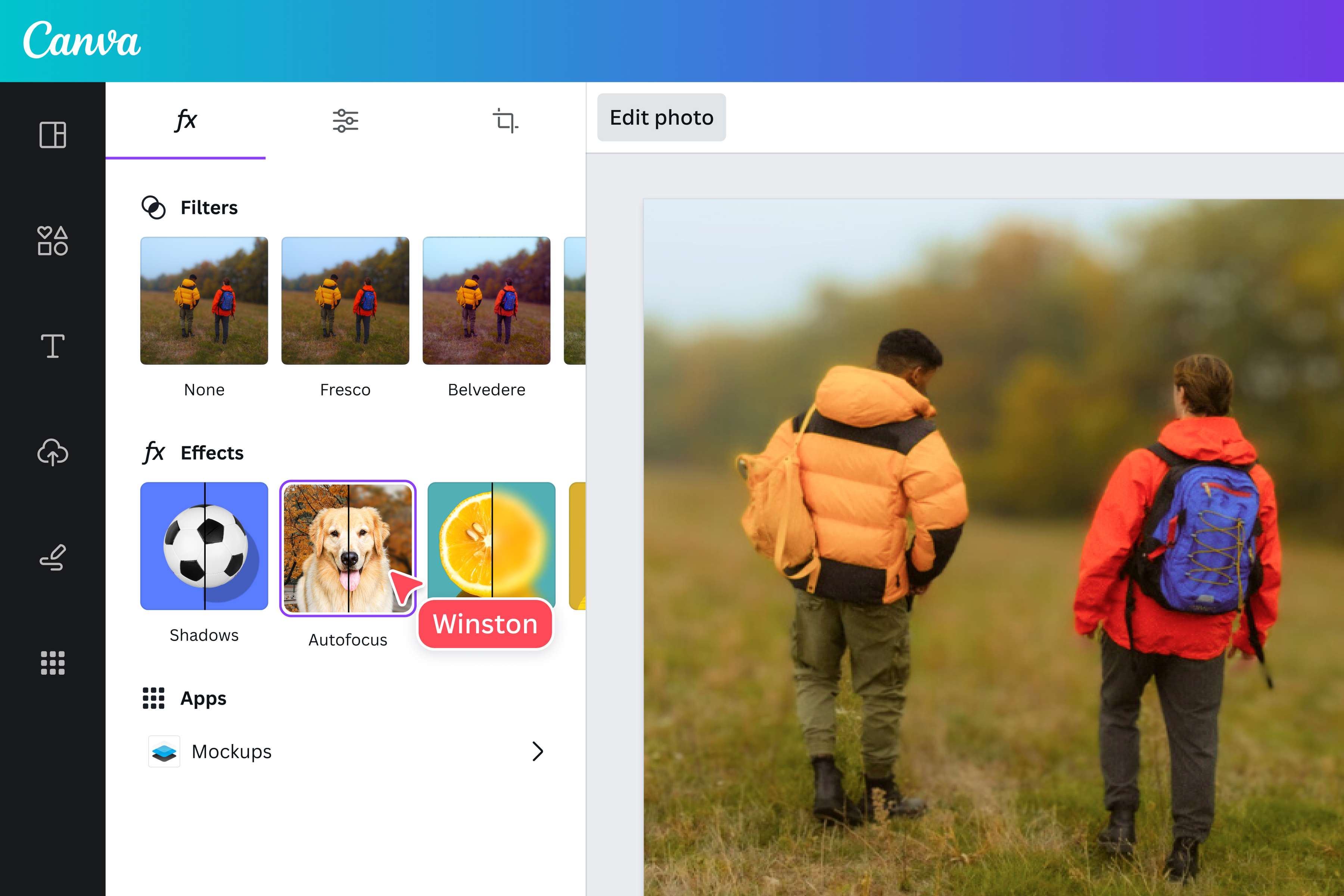
Highlight the subject with one-click Auto Focus
Make the subject the star of your photograph. Canva’s one-click Auto Focus tool automatically detects and sharpens the subject while blurring the background. Blur backgrounds quickly for all your projects, like product ads, professional headshots, or photo exhibits. Save time and effort that would’ve gone to tracing the subject’s outline and manually blurring the background.
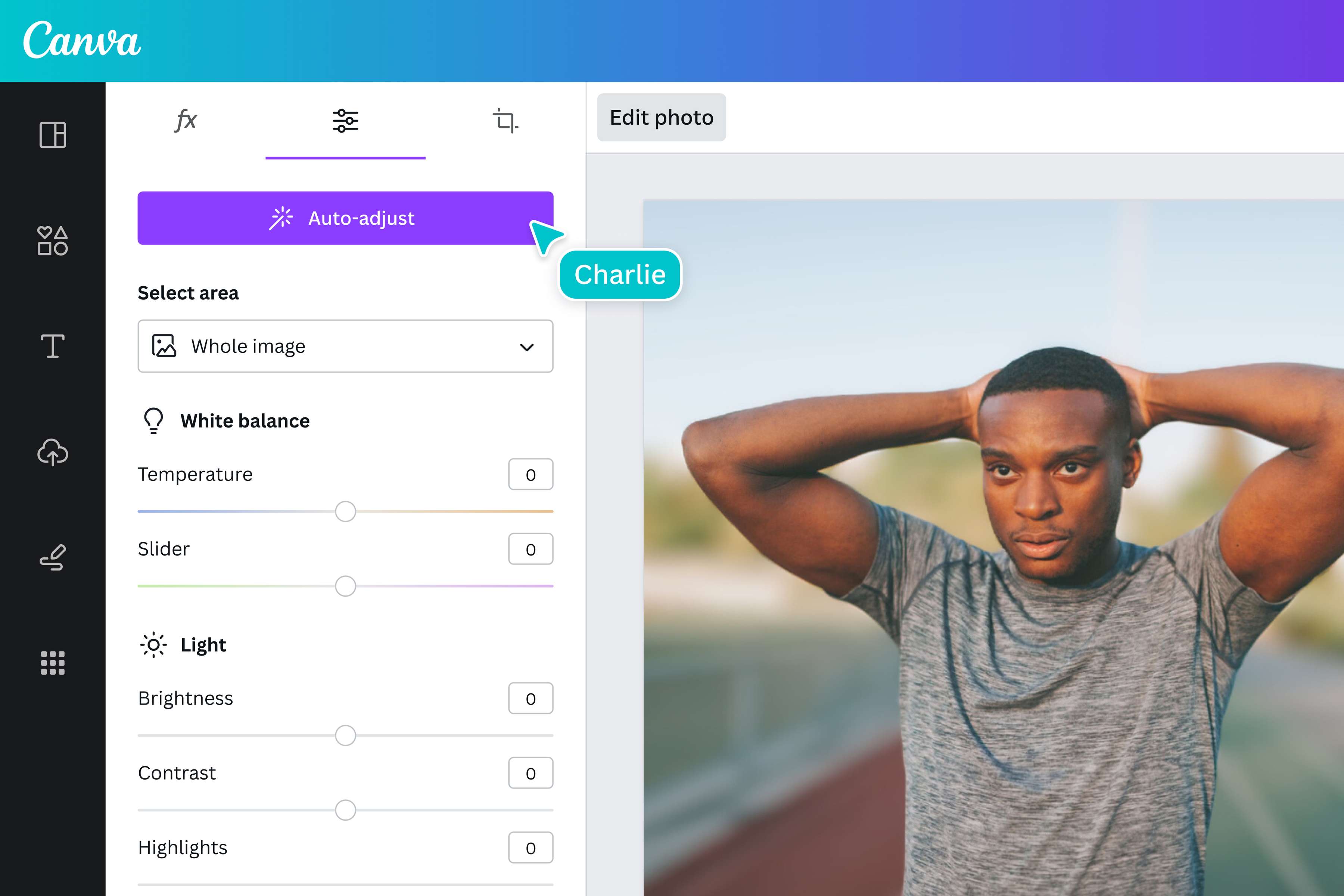
Edit your background
Go beyond background blur. With our powerful image editor, you can isolate the background and edit it independently, without changing the foreground. This means you can not only blur the background, but also change its brightness, contrast, vibrance, and more, while the subject remains the same. And if you’re on Pro, you can even remove the background and replace it with your own photo or one of our free stock photos. All your image editing needs is in one, awesome platform.
How to blur the background in photos
Open Canva
Launch Canva to blur the background of your image online.Upload your photo
Upload your photo by selecting it from your device or dragging and dropping it onto the page.Blur the background
Click Edit Photo and choose Auto Focus to automatically blur the background. Or go to Adjust tab and choose Background under the Select area option to adjust the sharpness of the image.Edit your image
Customize your image further by adding text, graphics, or filters. You can enhance the images with Canva’s free, built-in photo editor.Download and share
Download your edited image as a high-quality JPG or PNG file. Easily share it via email, post it on social media, or embed it on your website.
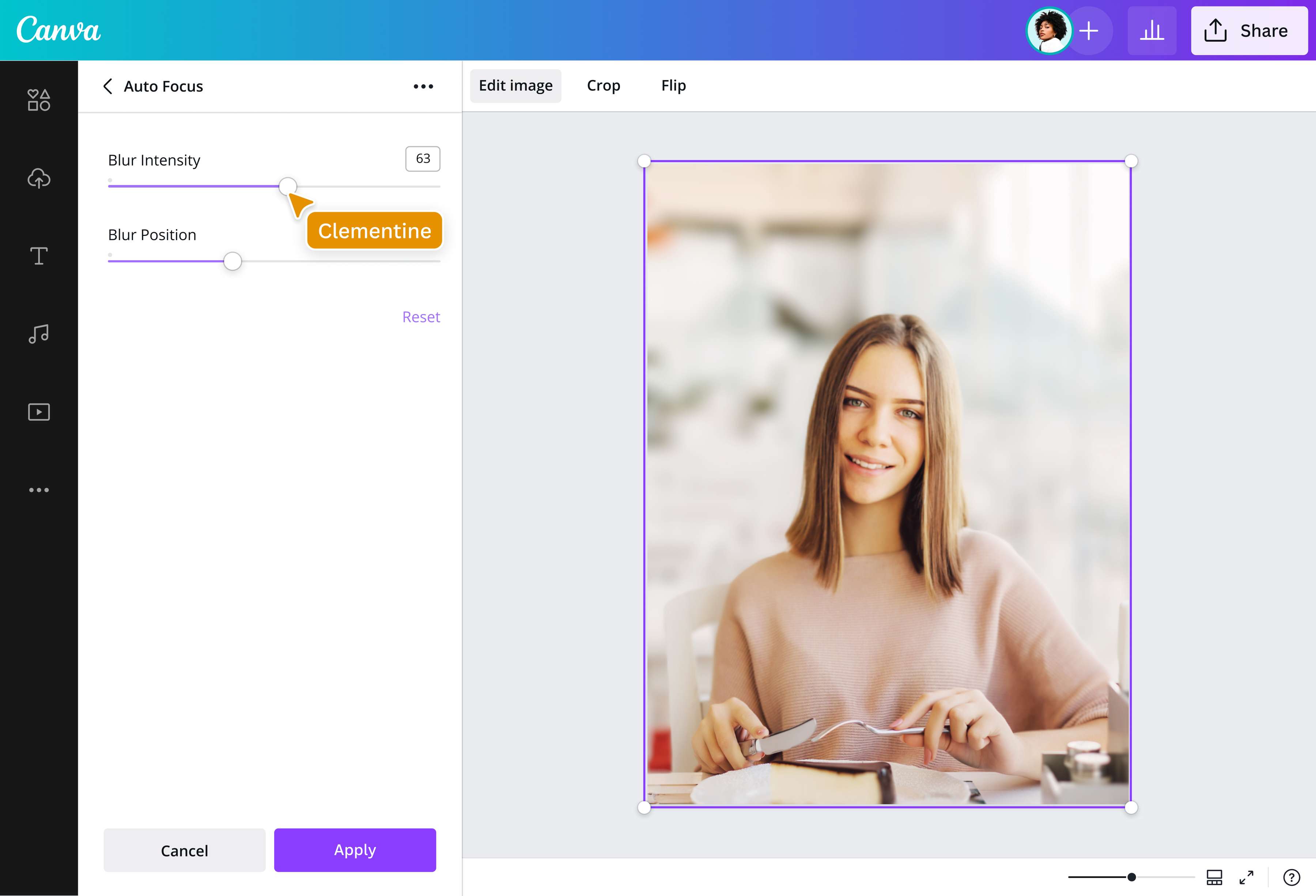
Frequently asked questions
- Even if you’ve already taken the shot, there’s still a way to blur the background. Upload your photo to our photo editor and use the Auto Focus tool. Voilà, the background will automatically be blurred, while the elements in the foreground remain sharp and crisp.