- Create AI LinkedIn Photo
Free AI LinkedIn profile picture generator


Try our design and work apps
Easy drag-and-drop editor
Design from any device
Download or share designs easily
Whether you’re seeking employment or establishing your presence on LinkedIn, dazzle everyone with a professional profile picture made using AI. With Canva’s AI LinkedIn profile picture generator, make a polished and unforgettable headshot in just seconds.

Make a great first impression with your AI LinkedIn profile picture
Exude professionalism on LinkedIn using an AI photo generator. Simply upload a selfie or portrait and let AI craft a high-quality image with the perfect lighting and background. For an even more polished look, you can use our face smoother tool(opens in a new tab or window) to remove unwanted scars or blemishes. Boost profile views and increase recruiter visibility with an image that captures your personality. Even better — your AI-generated profile picture not only works well for LinkedIn, but also for other formats.
How to make an AI LinkedIn profile picture

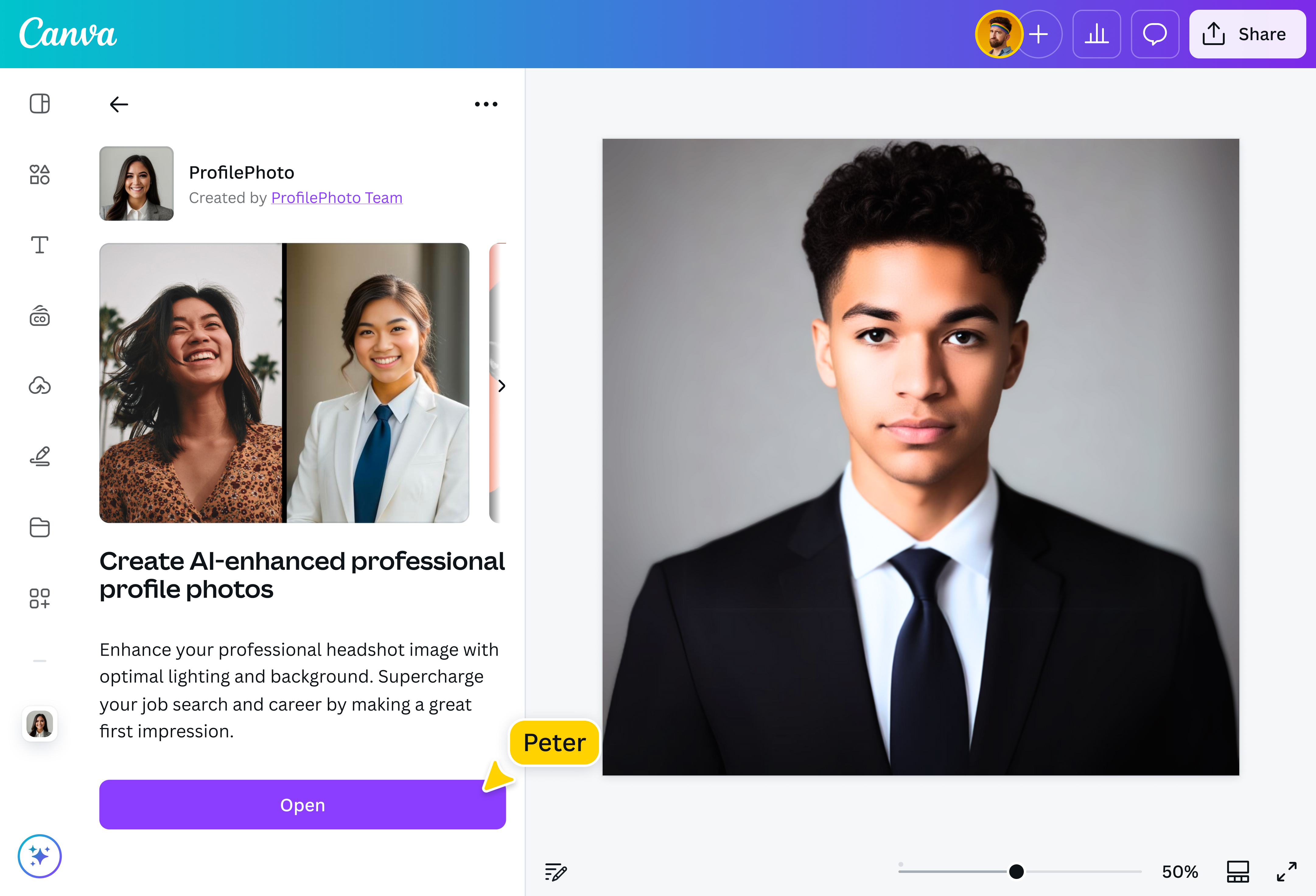
Put your best face forward, fast and effortless
Say goodbye to hiring costly photographers who charge by the hour. Skip the long process of setting up a background, lights, and camera to take a headshot. With the AI LinkedIn profile picture maker on Canva, simply use your existing images to create up to two free profile shots a day. Whether you’re going for smart casual or a traditional corporate look, getting a headshot has never been this easy.
Upload a headshot that aligns with your brand or personality
Are you a consultant affiliated with a business? Or maybe you’re an entrepreneur hoping to spread your reach online? Take note of colors and filters used by your brand and apply them to your AI-generated LinkedIn profile picture. Choose warm tones to appear friendly. Try mono options to look elegant. To upgrade your headshot further, revamp your outfit with Magic Edit(opens in a new tab or window), experiment with a new look using the AI hairstyle changer(opens in a new tab or window) or preview long hairstyles(opens in a new tab or window), and remove clutter with Magic Eraser (Pro)(opens in a new tab or window).
Build a consistent image
Your headshot can go beyond helping you land a job and build a solid network. Maximize your free AI LinkedIn profile picture by using it in other formats and platforms. Beyond LinkedIn, publish your headshot on Instagram, Facebook, and X (Twitter) to make yourself known. Add it to your online portfolio(opens in a new tab or window) or website(opens in a new tab or window) so clients can put a face to the name. Include a headshot in a printed resume(opens in a new tab or window) for easy viewing.
FAQ

@navneet4


