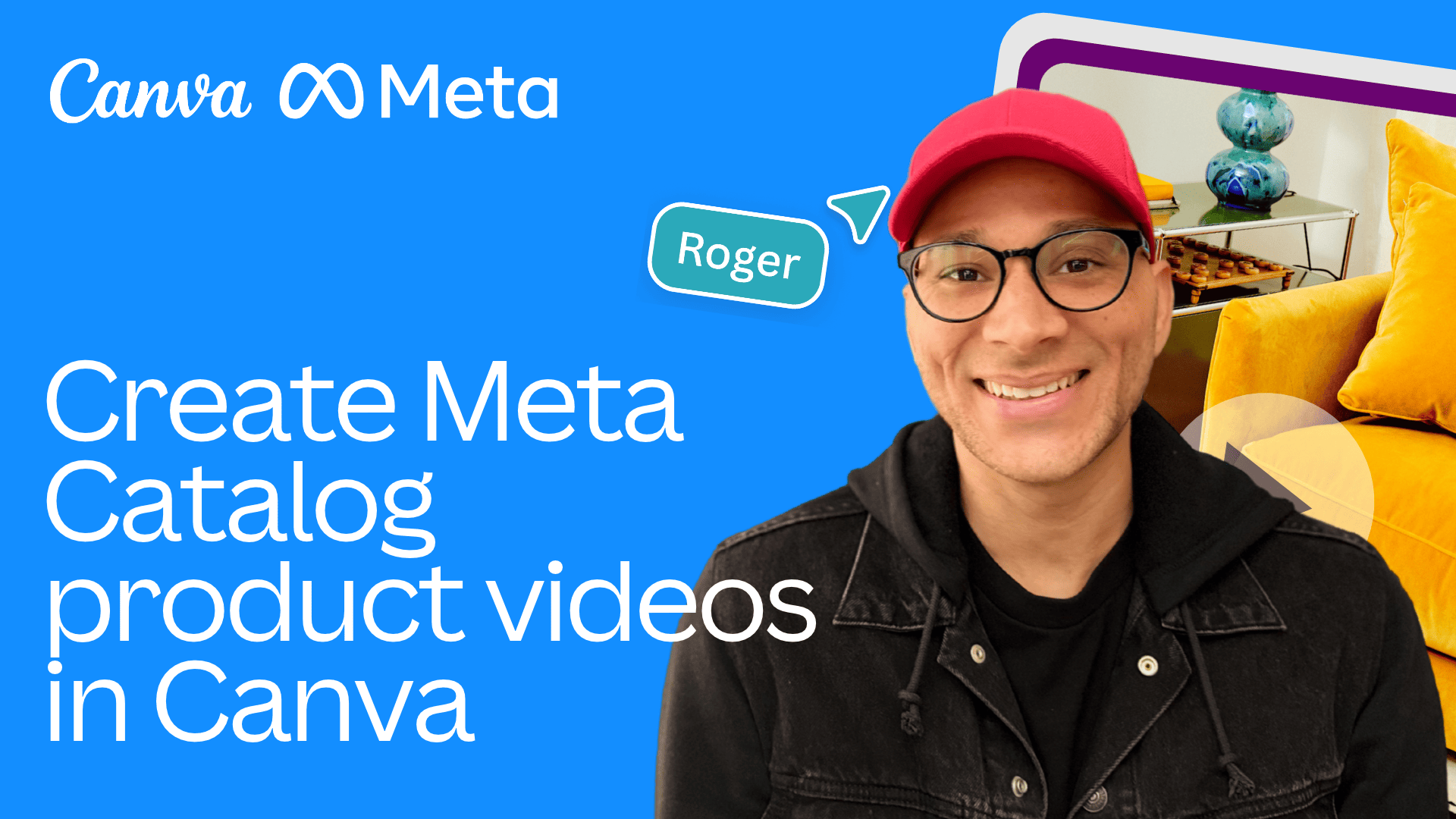
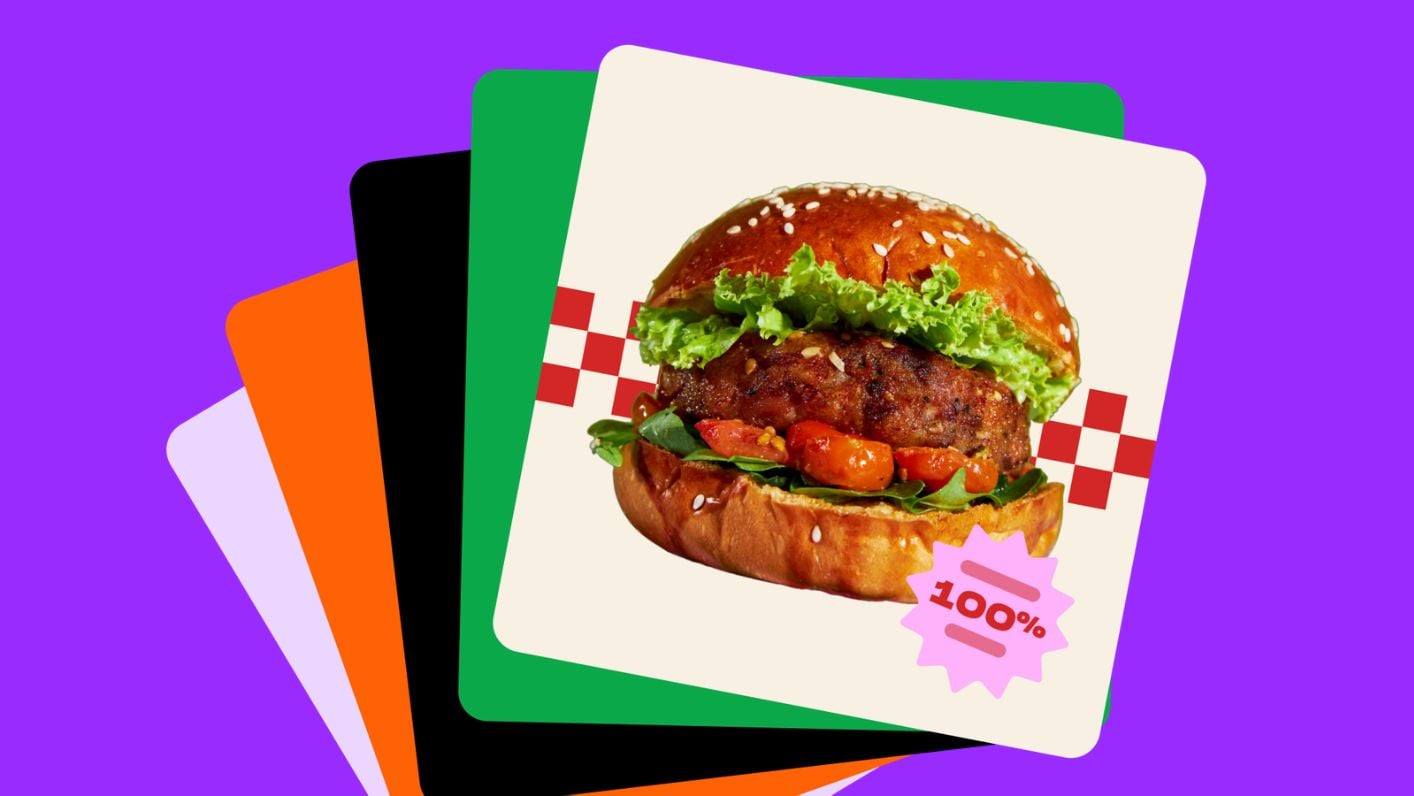
How to Develop a Meta Catalog Product Video in Canva
3m
Beginner
How to Create, Launch, and Learn from LinkedIn Ads with Canva Grow
Create eye-catching 3D Elements
How to create a resume with Canva
1m
Build a Brand Kit
2m
Give it a name
Discover Background Generator
Create custom animations
Add some personality
Magic Grab your main character
Canva Tips: Whiteboards
Add videos to the timeline
Choose your template
The graphic organizer
Deep Dive: Video Editing
Editing PowerPoint presentations in Canva
Craft click-worthy carousels
4m
Try Magic Grab
Try out Image to Video
Test out premium templates
Turning designs into templates
Magic Eraser the perfect picture
How to add and remove text on Canva
Enhance your videos
100 creative prompts for AI-generated visuals
How to save your Canva Presentation as a PowerPoint
How to login to Canva Education
How to turn a flat image into an editable design with Canva’s Magic Layers
Get to know Canva Code
Navigating your Canva Education homepage
Get paid straight from your Canva designs
Shape one post for every channel with Canva AI
Build a client-ready portfolio site with Canva Code
Structure your ideas quicker than ever
Prompt stunning presentations
Quick guide to lesson planning with Canva AI
Deep Dive: Create student study notes instantly
Canva Tips: the 8 most popular resources for teachers
Goal setting for your students
Moodboard magic
Polls and Quizzes for mobile
Try Background Remover
Resize for endless possibilities
Time videos to music
Magical highlights
Discover Community Wishes
Leveraging Canvas LMS with Canva
Discover Magic Write at scale
Try Magic Eraser
Skip to end of footer
Skip to start of footer