Editing images
5m
Beginner
Easy editing
2m
Editing PDFs
Edit photos like a pro
10m
Magic Guide: Editing
Easy editing from your phone
Deep Dive: Video Editing
Social video editing basics
12m
Uploading and editing photos
11m
Designing with images
4m
Polish pics in Photo Editor
Editing PowerPoint presentations in Canva
3m
Making text and image work together in Canva
6m
How to remove image backgrounds on mobile
Edit flat images with Magic Layers
The lost art of combining text and image
How to save your Canva design as an image
1m
Create and refine AI images
Scale content with AI
7m
How to combine text and images
Generate AI-powered images for your lessons
How to download images with a transparent background
13m
Brand new photo editing tools Magic Eraser and Magic Edit you wont believe your eyes
8m
How to make text and images work together
How to create stunning visuals with AI-generated images
Deep Dive: Create a digital book with your class
What's New in Canva Education: Jan/Feb Edition 2026
36m
Boost creativity and learning with AI
15m
How to turn a flat image into an editable design with Canva’s Magic Layers
What's New in Canva Education: Canva World Tour Edition
53m
Canva Tips: Key video terms to know
Create a color pop collage
What's New in Canva Education: Back to School Edition 2025
40m
Using Canva Pro on mobile
Try Magic Write for yourself
Complex edits made easy
Stand out fast with LinkedIn videos
Deep Dive: Smart ways to collaborate
Speed up video workflows
14m
Exploring the Visual Suite
9m
What's New in Canva Education: March 2025
Easily create expert videos
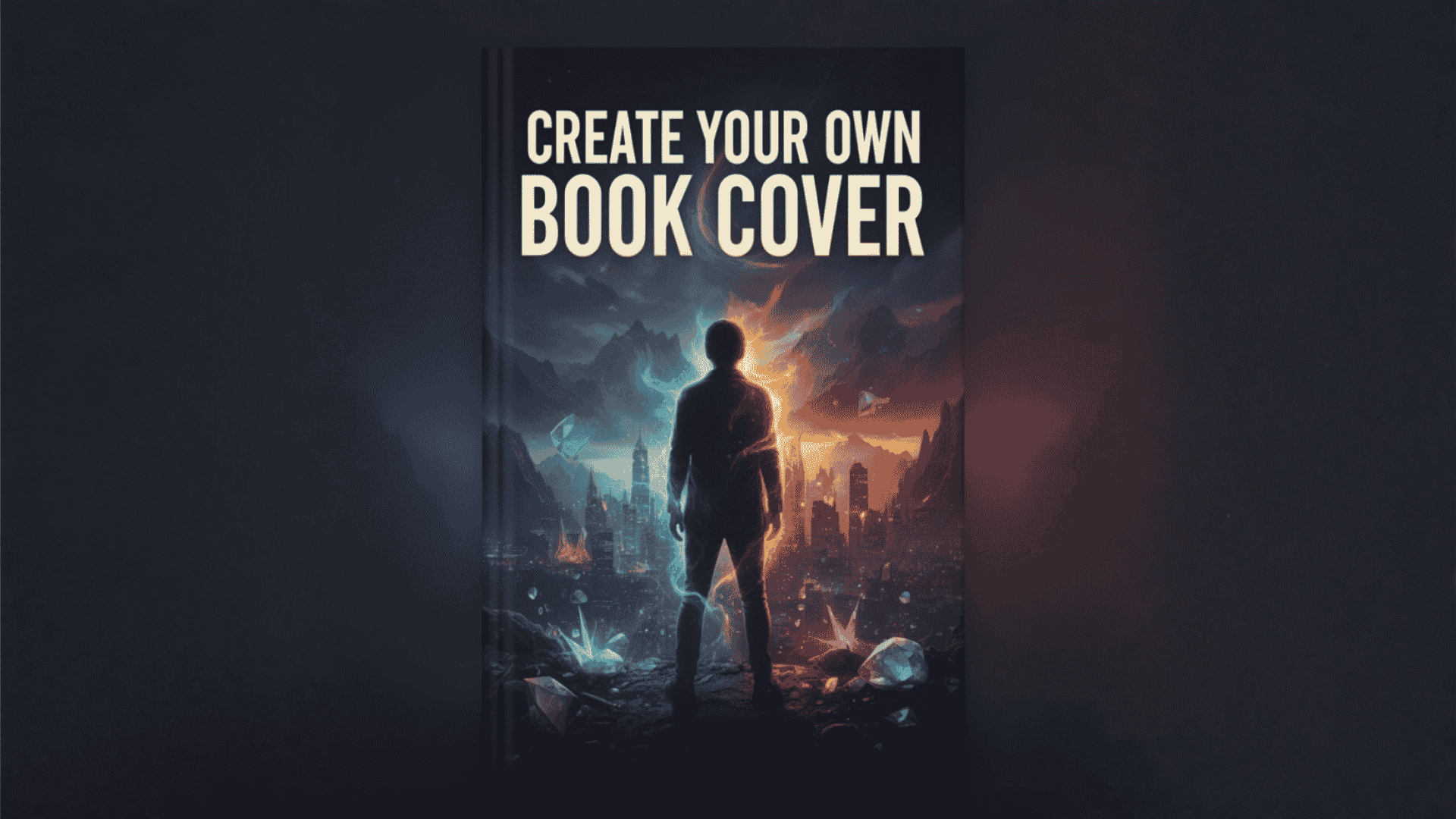
Create your own story book cover
30m
Using shortcuts in Canva
Keyboard shortcuts
Skip to end of footer
Skip to start of footer