- AI Lesson Plan Generator
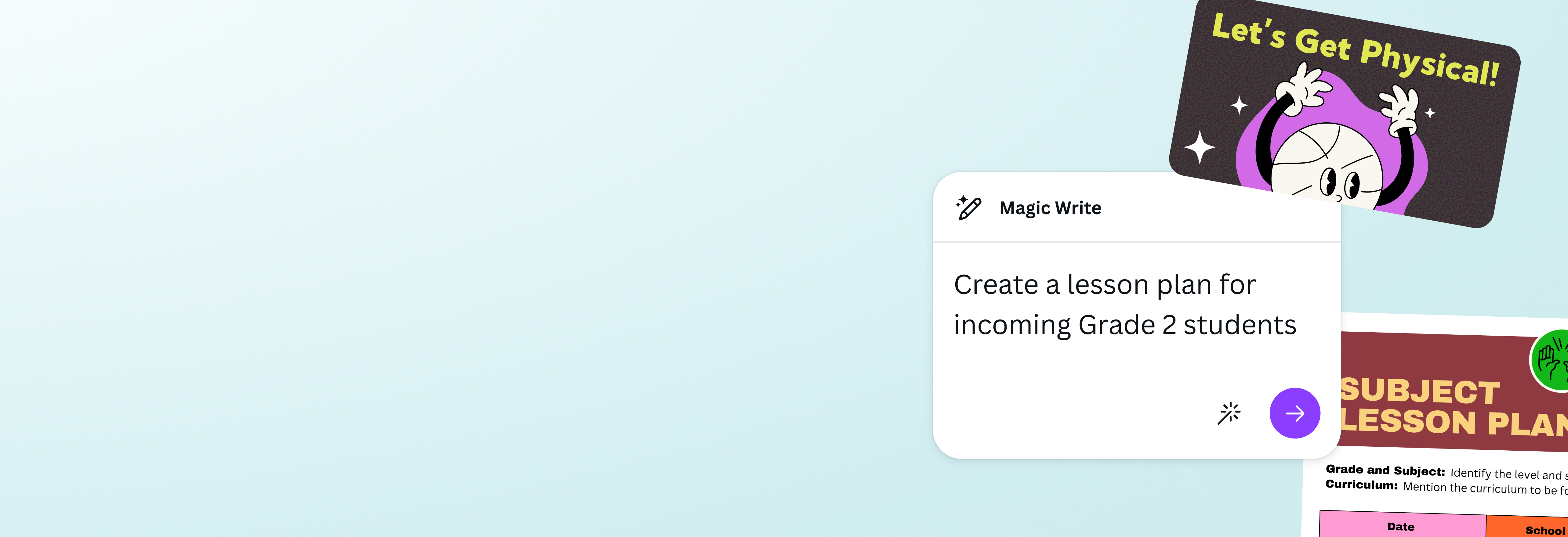
Be classroom-ready with Canva’s AI lesson plan generator
Always step into your classroom ready to tackle the topic of the day. With Canva’s AI lesson plan generator, easily create lessons and share materials you need for class via a single platform.
Idea to lesson plan in minutes

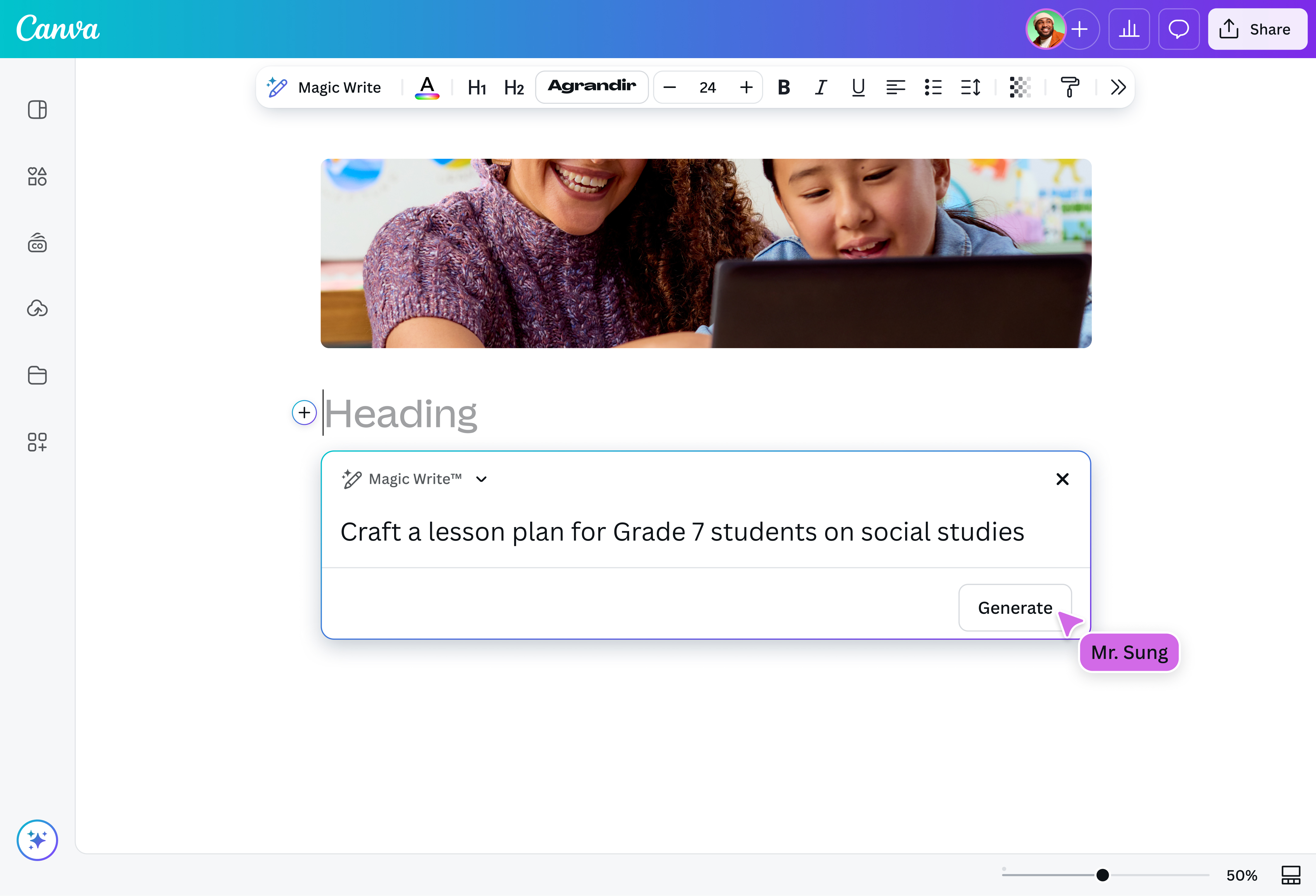
Drawing a blank or need to adjust your plans? Use Magic Write(opens in a new tab or window) as your AI-powered lesson plan generator. Available for free to teachers, school districts, and administrators on Canva for Education, this tool helps you create lesson plans that include objectives, assessments, and educational materials(opens in a new tab or window) in a single workflow. All you need is to type a single prompt, saving you hours spent starting from scratch!
Engaging lessons and activities

Expand lesson plans created from our lesson plan generator AI and turn it to a course using Magic Activities. An AI course creator(opens in a new tab or window) that also comes with Canva Education, it produces courses you can customize with your own templates, dynamic graphics, activities, and more. With new and fun ways you can now deliver your lesson, you can further encourage your learners to participate and keep them engaged.
Safely create lesson plans

Not only is Canva’s AI-powered lesson plan generator free, but it’s also secure and private. Our robust, multi-layered safety measures automatically review your generated lesson plan to block harmful, biased, and inappropriate content. We’re also compliant with FERPA and COPPA regulations, as well as a signatory of the National Data Privacy Agreement. We're committed to GDPR compliance and offer safe-for-school content.
How to write a lesson plan with AI

Frequently asked questions
- Writing a lesson plan is as simple as identifying learning goals and objectives, and then creating a feasible timeline to teach your students about your chosen topic. It may also help to include how you’ll present the topic to your students, as well as your success indicators for their performance in your assessments. Insights from these can help should you need to make adjustments to your lesson plan, or write another one in the future.
How a lesson plan looks will differ from one educator to another. This will depend on the subject, their objectives, personal styles, etc. For example, one teacher’s lesson plan may lean heavier on charts and graphs, while another teacher’s may utilize checklists.
As long as they apply the basic components needed in a lesson plan, educators can be as visual, creative, or as straightforward as they want to be with their modules.
A lesson plan serves as a guide or framework for more effective teaching. It helps the educator ensure that the information they intend to teach is successfully delivered, their learning objectives are met, and their students are engaged with the materials provided.
If the session didn’t have their desired impact on the students, or if it’s not up to their standards, then their lesson plan can also serve as their basis for any changes in teaching methods or materials used for future sessions.

@navneet4