- AI Course Creator
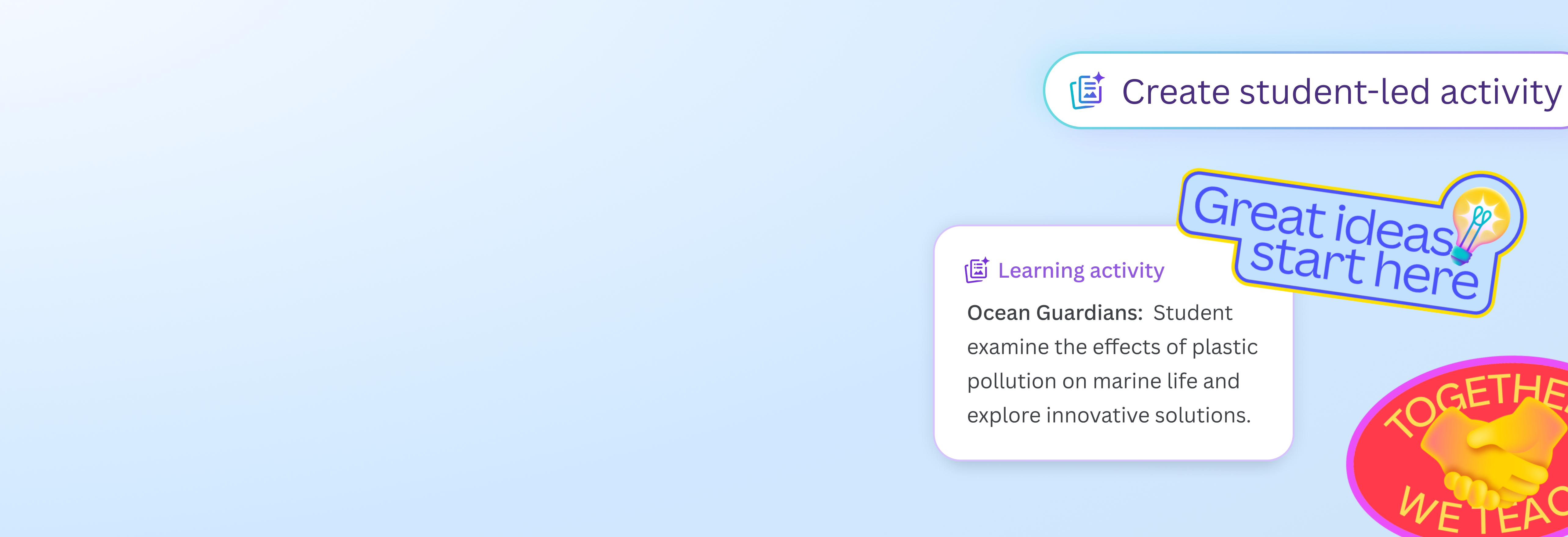
Elevate learning experiences with Canva’s AI course creator
Level up your teaching method with Canva’s free AI course generator. Instantly create an online course that effectively holds your students’ attention and helps them learn.
An AI-powered course creator for educators

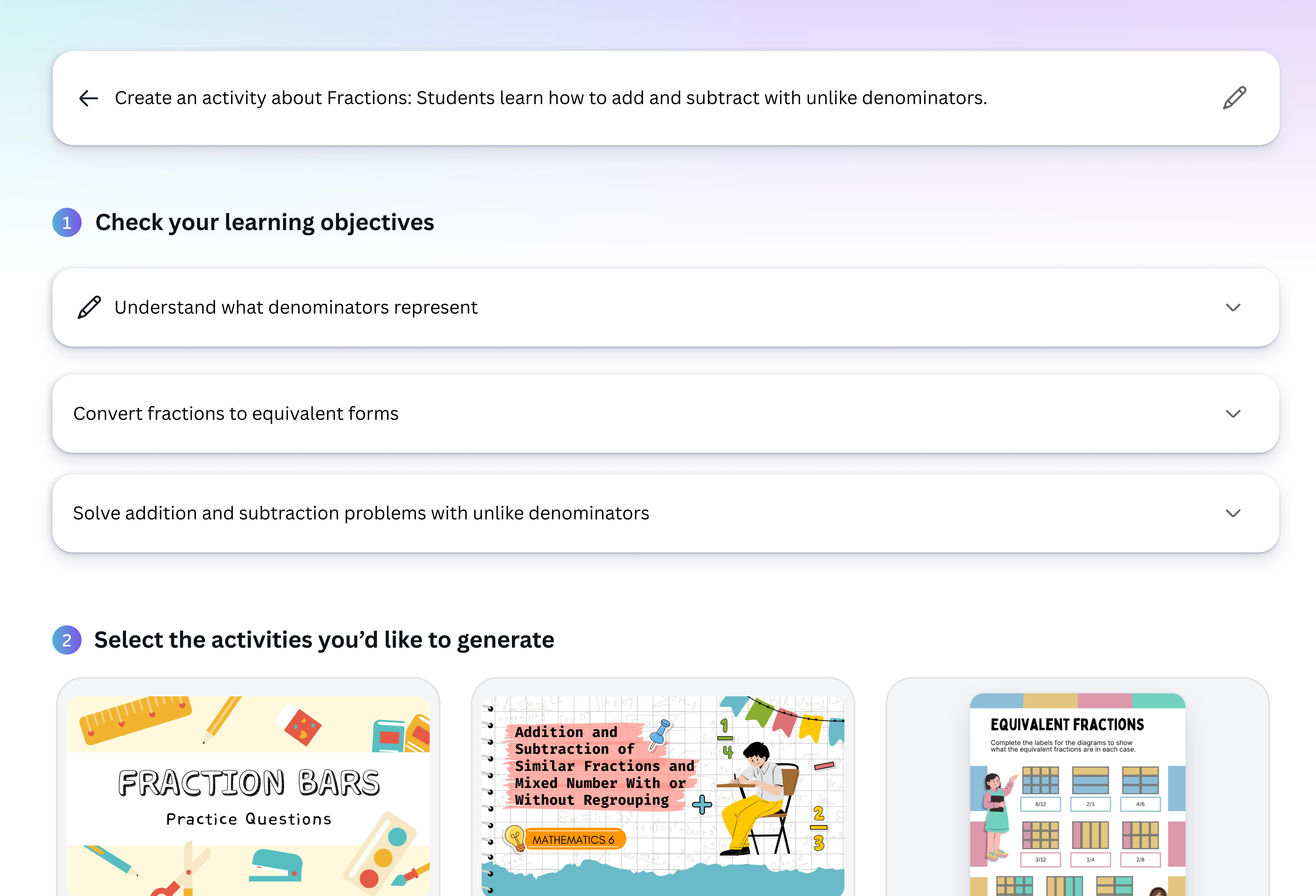
Cut back on hours spent putting lessons together with Magic Activities, the AI course creator on Canva for Education(opens in a new tab or window). Simply provide a written prompt, select the intended grade, subject, and learning purpose, and instantly generate ready-to-edit learning materials in Whiteboard and Docs formats.
Every course is saved in a folder and fully customizable, so you can rearrange activities, swap them out, or redesign the flow to suit your teaching style and class needs. Even better, add your favorite Canva templates, visuals, or interactive elements to keep students curious and engaged.
Generate online courses at no cost

If you're a K-12 (primary and secondary) educator at an eligible school, Canva for Education is 100% free. That means you have full access to our AI course content creator, design tools, premium content and graphics, and classroom resources without spending a single cent. Get verified and start delivering creative learning experiences with a Canva for Education account.
From folders to full courses in a few clicks

Got all your teaching materials organized in a folder? Perfect. Easily turn your folder into a complete course in just a few clicks — no need to start from scratch! It’s a faster, smarter way to reuse what you already have. Preview the course as a learner would, then assign it once it’s ready and track your students’ progress all on one easy-to-use platform.
Create educational materials safely

Feel safe and secure while creating learning materials on Canva for Education. To help you generate online courses worry-free, we’ve put layers of security measures in place, including automated reviews of input prompts for terms that might generate harmful or inappropriate content. We won’t tolerate any use of our AI course creator that violates our Terms(opens in a new tab or window) and Acceptable Use Policy(opens in a new tab or window).
How to create a course with AI

Frequently asked questions
- An AI course creator is a tool that uses artificial intelligence to help you create and design educational content faster. It can generate lesson outlines, slides, quizzes, and more based on the topic or input you provide, saving you time while giving you a solid starting point.
- AI-generated content is built on widely available knowledge and best practices. While it provides a good starting point, we strongly recommend reviewing and customizing materials to match your goals, teaching style, and class needs.
- You can create an online course in just seconds. From outline to slides, our AI online course creator gets to work instantly, turning your idea into a course that’s ready to edit and share. Just type in your prompt, select the subject and grade, define the learning objective, and wait for the AI to do its job.
- Our AI course creator is free for Canva for Education users. You will need to get verified before having access to the best AI course creator, plus a bunch of other classroom-ready tools at no extra cost. Check if you’re eligible here.

@navneet4