- AI QR Code Generator

Generate AI QR codes that look like art
Spread the word about your brand with a QR code that quickly catches the eye. Use the best QR code AI art generator on Canva to create stylish, artistic QR codes that stand out and are totally on brand.
Get your AI QR codes to stand out

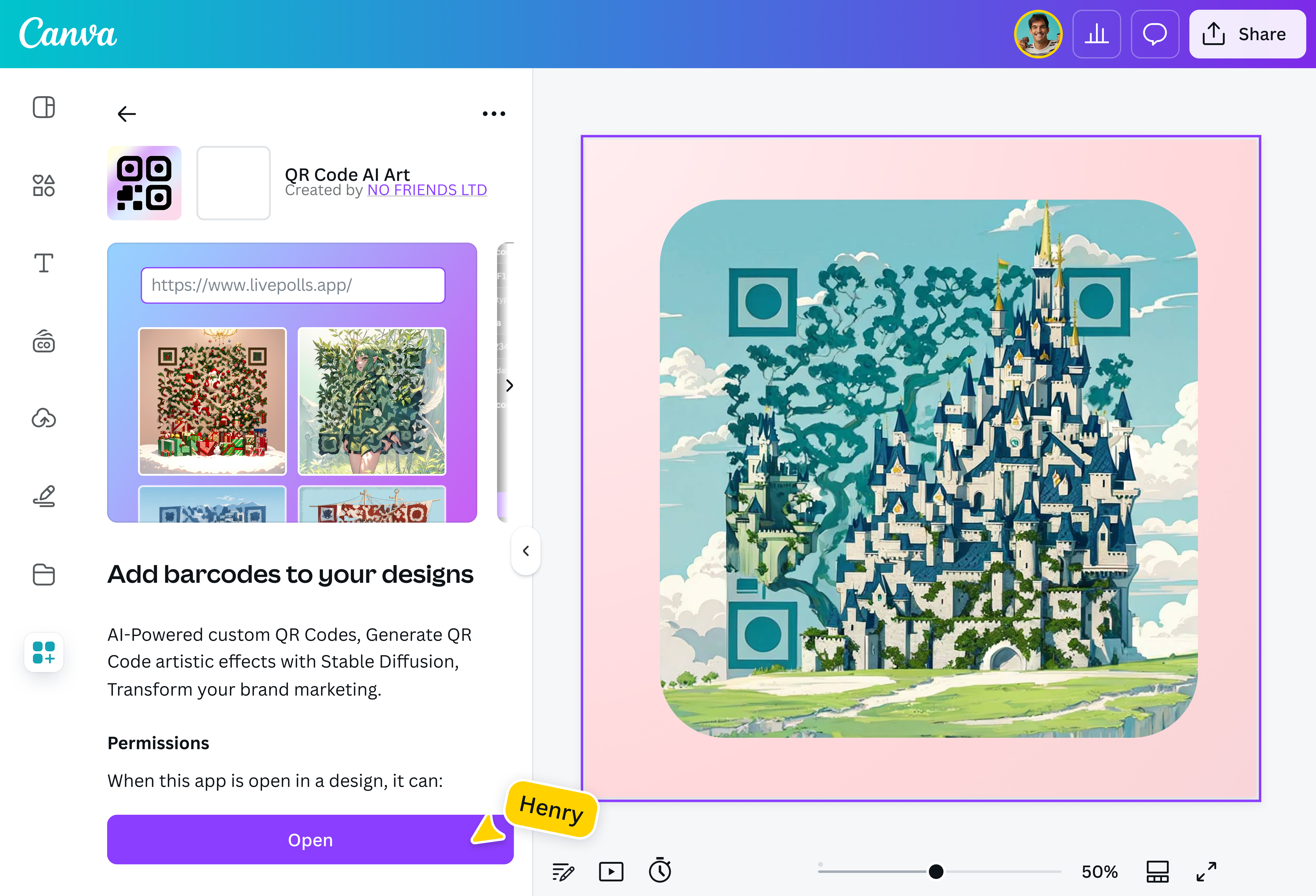
Keep your promotional assets from getting lost in the mix. On Canva, your AI-generated QR codes come with the graphic flair that you want. Choose from the AI QR code generator’s available preset styles: Pirate Ship, Christmas Time, Unicorn, and more. Make the most of our other AI-powered tools, too, to enhance the QR code design, such as Magic Edit(opens in a new tab or window) (Pro) for quick and easy modifications.
Make QR codes a seamless part of your design

Their ease and convenience of use have made QR codes an ubiquitous feature in packaging. Give yours a look that fits right in with your design. Use the QR code AI art generator on Canva to give it a visual appeal that complements your branding. That’s one more incentive for them to scan your AI QR code and find out more about your product and your brand.
Stay on brand, down to the smallest details

Yes, you want your QR codes to be noticeable, but not so noticeable that they stick out like a sore thumb. Keep your branding consistent across all marketing materials. The custom AI QR code generator on Canva can help you create scannable QR codes that can be flawlessly integrated into your poster, brochure, and newsletter designs.
Create a unique QR code with no hassle

You don’t have to be a design whiz to make your AI QR code look like art. With the easy-to-use AI QR code generator on Canva, you just need to know what you want—then use it as a prompt to create your unique QR code instantly. Be as specific as possible. Refine the results with additional directions. With Canva’s design tools, there’s no limit to what you can conjure from your artistic vision.
How to create AI QR codes

Frequently asked questions
A QR (quick response) code is a type of 2D barcode made of a 2-tone pixel pattern. They were first used by Denso Wave, who developed them for marketing components. Soon, QR codes found their way into mobile marketing when smartphones became more widely adopted.
QR codes work by translating the arrangement of a provided URL into a unique 2D arrangement of squares. When these squares are scanned, the optical scanner rearranges them back into the URL’s original form so you can access the link.
- Both QR codes and barcodes are types of machine-readable codes that contain data. Both are also used widely in sectors such as retail, logistics, and marketing. However, barcodes have a limited data-processing capability, thus their simpler, one-dimensional design. The upside to using them is that they’re more economical to generate and also easier to scan. QR codes, meanwhile, have high data capacity. This makes them useful for multimedia information storage. However, they require a specific QR code scanner to be read.
- Absolutely! Use the best AI QR code generator by launching Canva on your mobile phone and follow our how-to guide on generating customized AI QR codes in just seconds.

@navneet4