- AI Profile Picture Generator
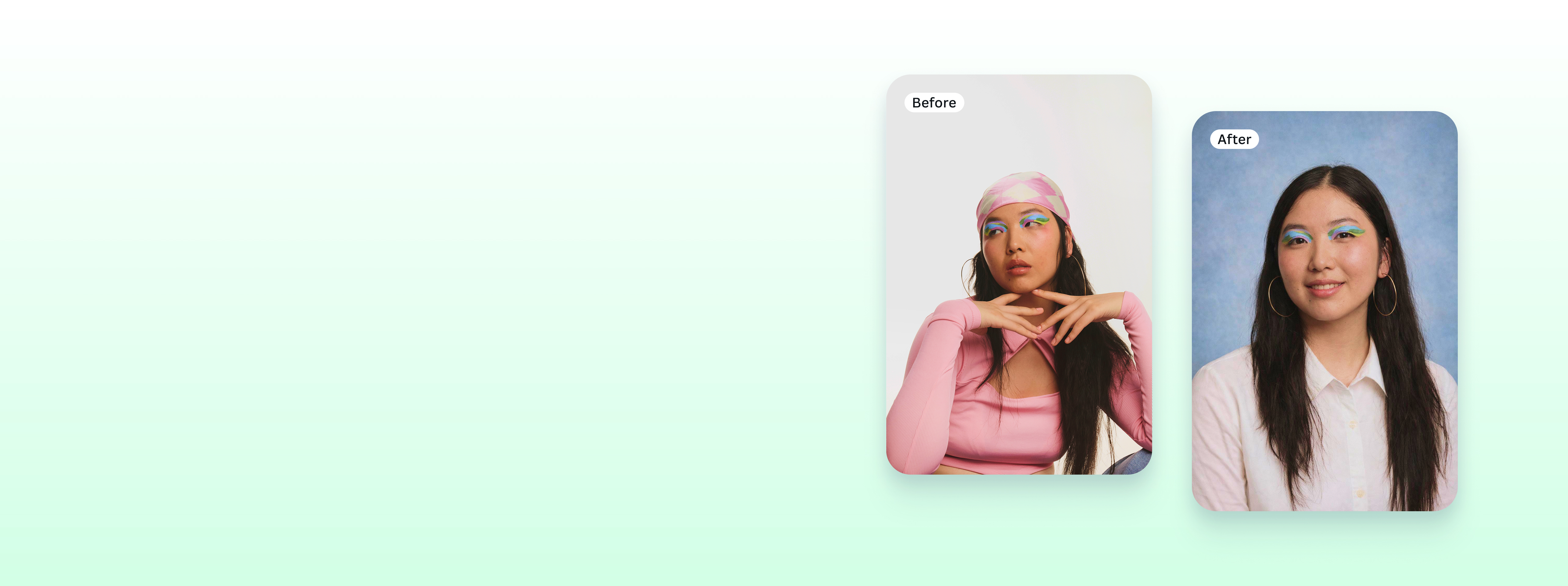
Stand out on socials with the AI profile picture generator
Generate impressive profile pictures from simple headshots, fast. Transform your photos into multiple styles and for any purpose with the AI profile picture generator on Canva.
Turn selfies into stunning portraits

Generate custom profile pictures with the help of AI. The profile photo generator on Canva analyzes your facial features—or even lets you create entirely new ones with our AI face generator(opens in a new tab or window)—to produce high-quality portraits in your chosen style. Now, you can share a studio-worthy headshot(opens in a new tab or window) that captures your personality perfectly across all your social media profiles.
Take your online persona to a new level

Choose from a wide range of pre-made styles. Do you prefer a natural look, similar to what you'd see with online face smooth(opens in a new tab or window) tools? How about a polished corporate vibe or maybe an edgy street-style portrait? Whatever your vision, you can craft a unique profile image on Canva that truly reflects who you are across social platforms, forums, and online communities.
Look professional across every platform

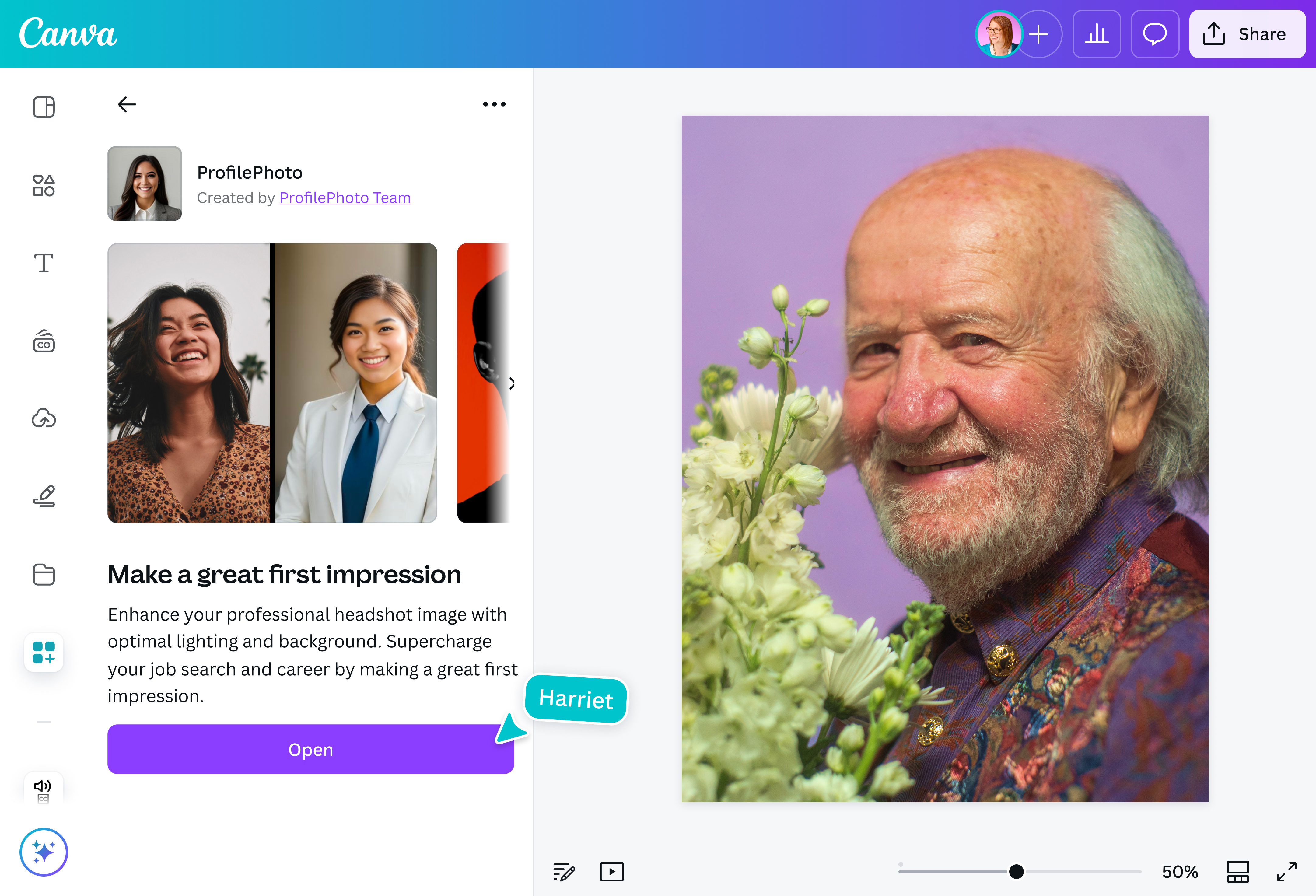
Build a strong personal brand with a polished profile photo for your LinkedIn(opens in a new tab or window), work portfolio, or company directory. Enhance the lighting to make the image appear sharper, or consider removing the background(opens in a new tab or window) and replacing it with a more professional one. Canva’s photo editor(opens in a new tab or window) gives you all the intuitive tools you need to refine your photos and make every detail look just right.
Edit, enhance, and express yourself

Touch up your AI-generated profile photo with Magic Studio™(opens in a new tab or window). Subtly remove imperfections or unwanted elements, reposition or resize selected objects, or expand your image in any direction to fit your desired social media format. Add final personal touches and express your individuality to create a profile picture that's creative, confident, and truly yours—right here on Canva.
How to generate AI profile pictures

Frequently asked questions
- An AI profile picture generator is an app that uses artificial intelligence to create a professional or artistic image based on an uploaded photo. It analyzes facial features, style preferences, and prompts to generate unique, customized images.
- An AI profile picture generator works by combining machine learning and image processing to generate customized photos. It uses AI models, trained to identify and analyze millions of images. After reviewing features and styles, it puts out multiple versions of your image in the style you choose.
- The AI profile picture generator offers one free credit to generate images in one style. It refreshes after 24 hours, so you'll need to wait until the next day to generate another image for free. If you want to purchase additional credits, you can subscribe to the third-party app and get 100 credits per day.

@navneet4