- Glitch Effect Generator
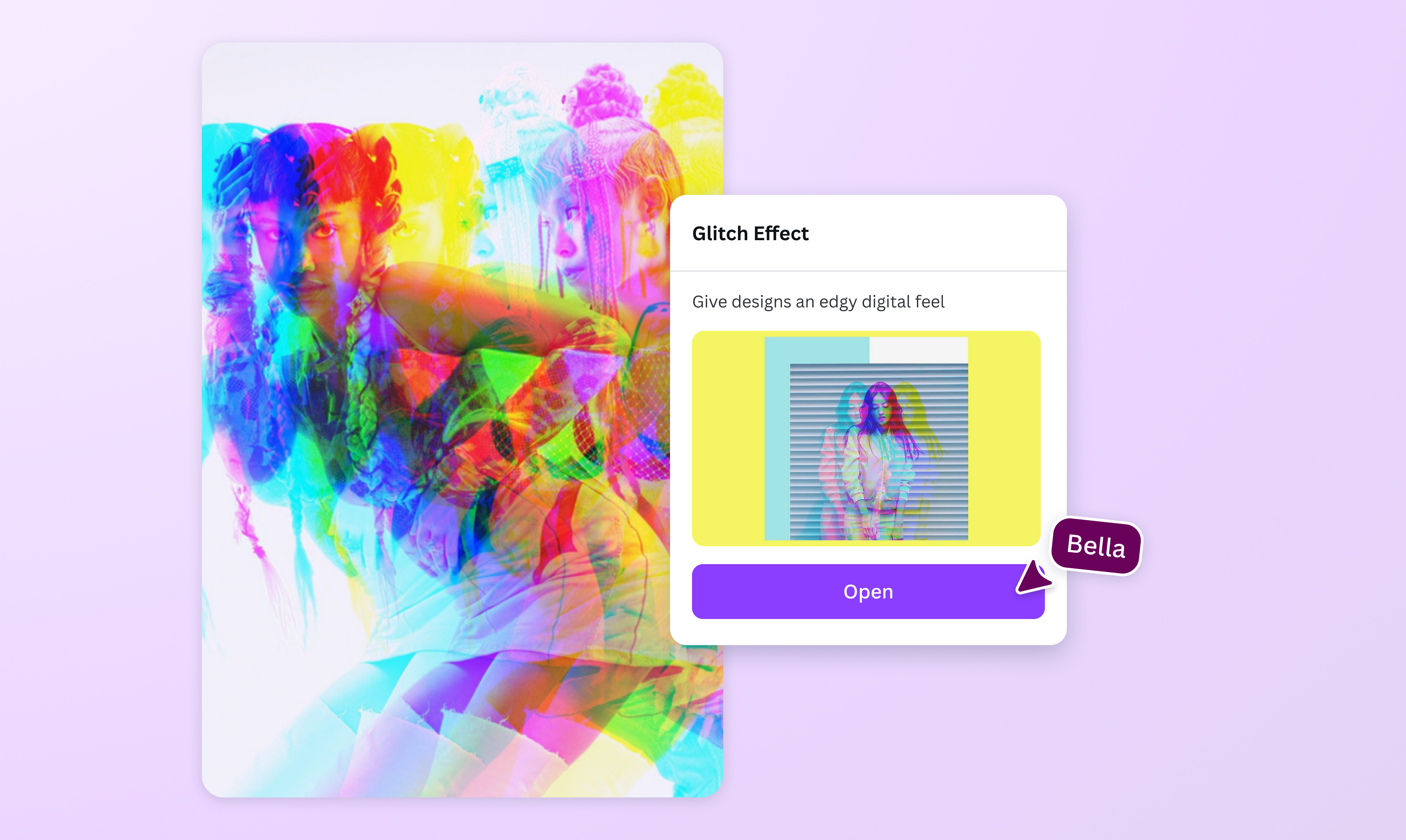
Add a glitch effect to your image
Add edgy digital distortions to your photos online with the glitch effect app on Canva. Give your images a nostalgic, retro feel or a cool cyberpunk aesthetic in seconds—no design experience needed.
Create striking distortions with the glitch effect app

Looking for an easy way to make glitch art? Try Trippy, the glitch effect maker on Canva. With Trippy, you can recreate edgy digital errors in just a few clicks. Choose from different effect styles and control functions like the RGB shift amount, jitter, and solarization.
Turn up the nostalgia

Use the glitch effect app on Canva to create Y2K-inspired content for your social media, design vaporwave images for yourself or your brand, or make nostalgic glitch art. Experiment with various glitching effects and get a unique image in seconds—no design skills or experience needed.
Explore more tools

Why stop at adding a glitch photo effect? Use Canva’s wide range of tools and features to enhance your design. Our intuitive photo editor allows you to add stylish filters, crop your image(opens in a new tab or window), and adjust color vibrance. Or, you can completely transform your image by replacing elements with Magic Edit (Pro)(opens in a new tab or window) or removing distractions and unwanted objects using Magic Eraser (Pro)(opens in a new tab or window).
Share your artistic vision

Invite your team to collaborate on your glitch effect design through a shareable link. Leave comments, assign tasks, and see edits in real time. Once you’re happy with your image, you can download it as a high-resolution file to use on other designs or upload it directly to your social media platforms.
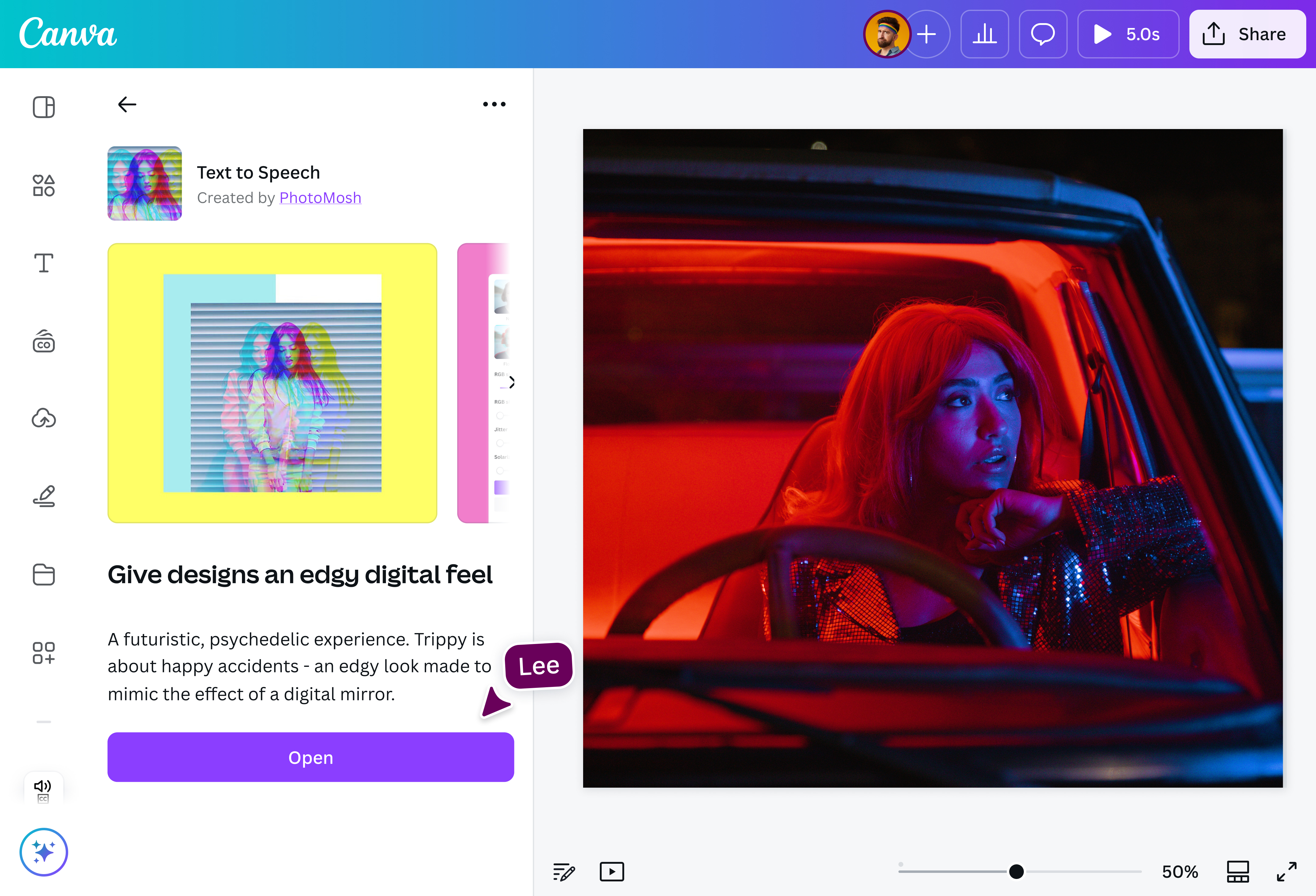
How to add a glitch effect to a photo

Frequently asked questions
- A glitch effect is a visual style that simulates digital errors and distortions for aesthetic purposes. With our free glitch effect editor, you can easily give your image a retro or futuristic feel.
- You can use photo editing software to manually create a glitch effect, or instantly “glitchify” an image for free with the Trippy glitch effect generator app. Just go to the Apps panel in our editor and search “Trippy” to play around with free glitch effects.
- There are many ways to achieve a good photo glitch effect. First, try to experiment with different filters. You can also customize the glitch effect by adjusting things like the RGB shift amount and the image jitters. Once you’re happy with each glitch in the picture, you can add graphics, text, and other design elements to complete your design.

@IGchef_andrewb