- Percentage Increase Calculator
Percentage increase calculator
Determine how much a value has grown with Canva’s free percentage increase calculator.
Get your answer instantly

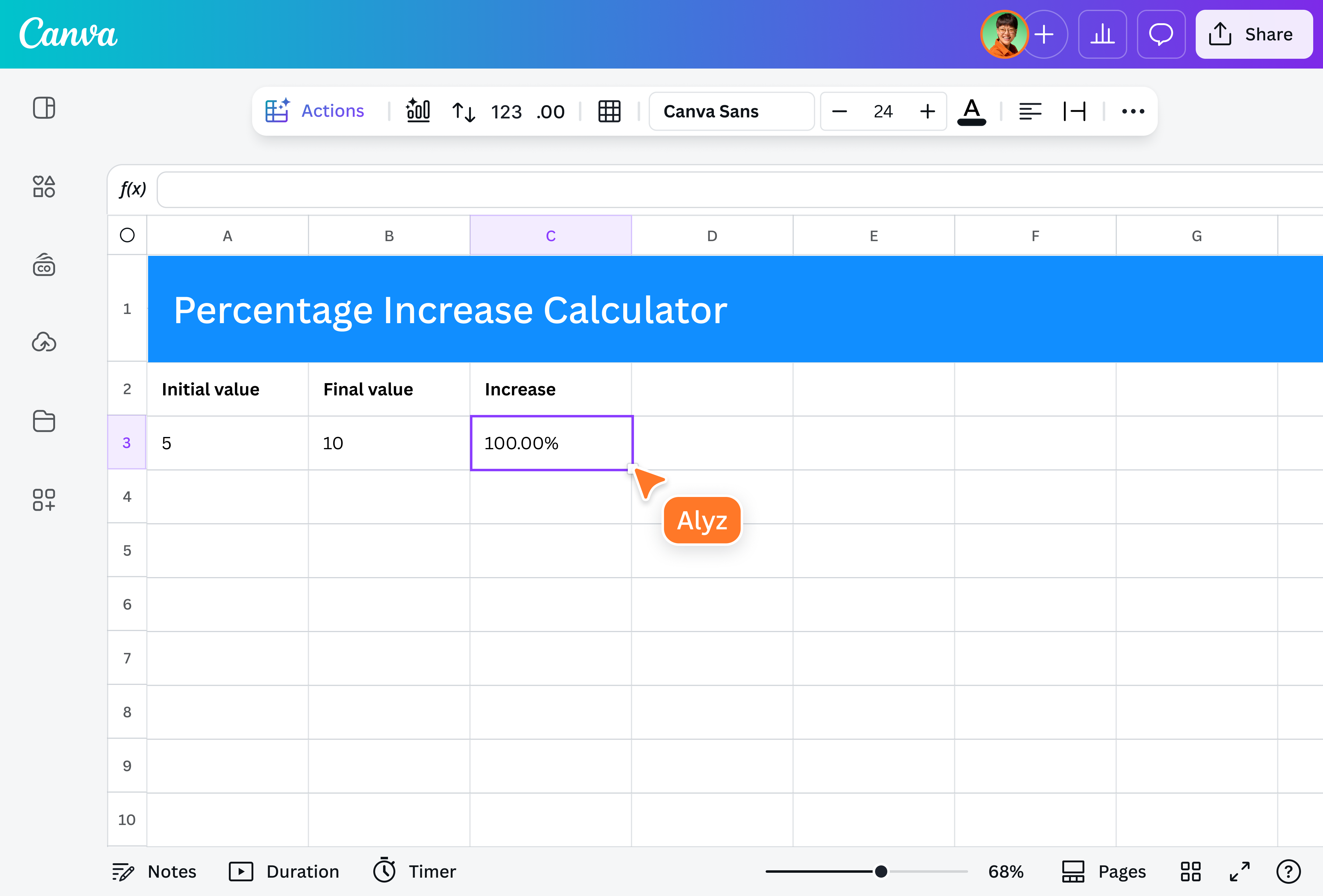
Forget calculating percentage increases manually. Just enter the original and new values into our free calculator, and the built-in percent increase formula will give you the answer instantly. You can save your calculations on Canva Sheets(opens in a new tab or window), your visual-first spreadsheet that makes data work easier than ever.
The user-friendly calculator for everyone

Get the numbers you need before every meeting or discussion. Whether you’re a business owner or marketer, analyzing revenue growth or engagement metrics has never been this quick. Use the calculator to compute any increase in salaries, prices, order volume, or even test grades. It’s also a great tool for teachers who need a simple way to demonstrate percentage changes.
Visualize your data with Canva Sheets

Explore Canva Sheets’ AI-powered tools to sprinkle some magic onto your numbers. On top of computing percentages, you can create on-brand content at scale and tell unforgettable data stories. Try Magic Formulas(opens in a new tab or window) to solve complex equations in seconds, use Magic Insights(opens in a new tab or window) to uncover insights in a snap, or apply Magic Charts to instantly transform your numbers into beautiful visualizations.
How to calculate the percentage increase

Frequently asked questions
- A percentage is a way to express a part of a whole in hundredths. It’s a fraction with a denominator of 100, which provides a standard method for comparison. The percentage is represented by the % symbol.
To compute the percentage increase without a calculator, get the difference between the new and original values. Then, divide the difference by the original value to determine the proportional increase. Lastly, multiply the quotient by 100 to express the answer as a percentage (%). Below is the formula for percent increase:
Percentage increase = (new value - original value / original value) x 100
- Canva’s percentage increase calculator is an online tool for computing the percentage growth between two different values. It calculates how much a starting number has grown.
- People calculate the percentage increase to track growth across different fields. In finance, for example, it measures investment performance and inflation to show economic trends. Businesses use percentage increases to understand sales growth and adjust pricing accordingly. In marketing, it helps monitor changes in engagement and traffic. For individuals, it can be used as a salary increase calculator or to quantify the change in the cost of living. Try the free calculator on Canva today.

@navneet4