- AI Image Upscaler

AI Image Upscaler
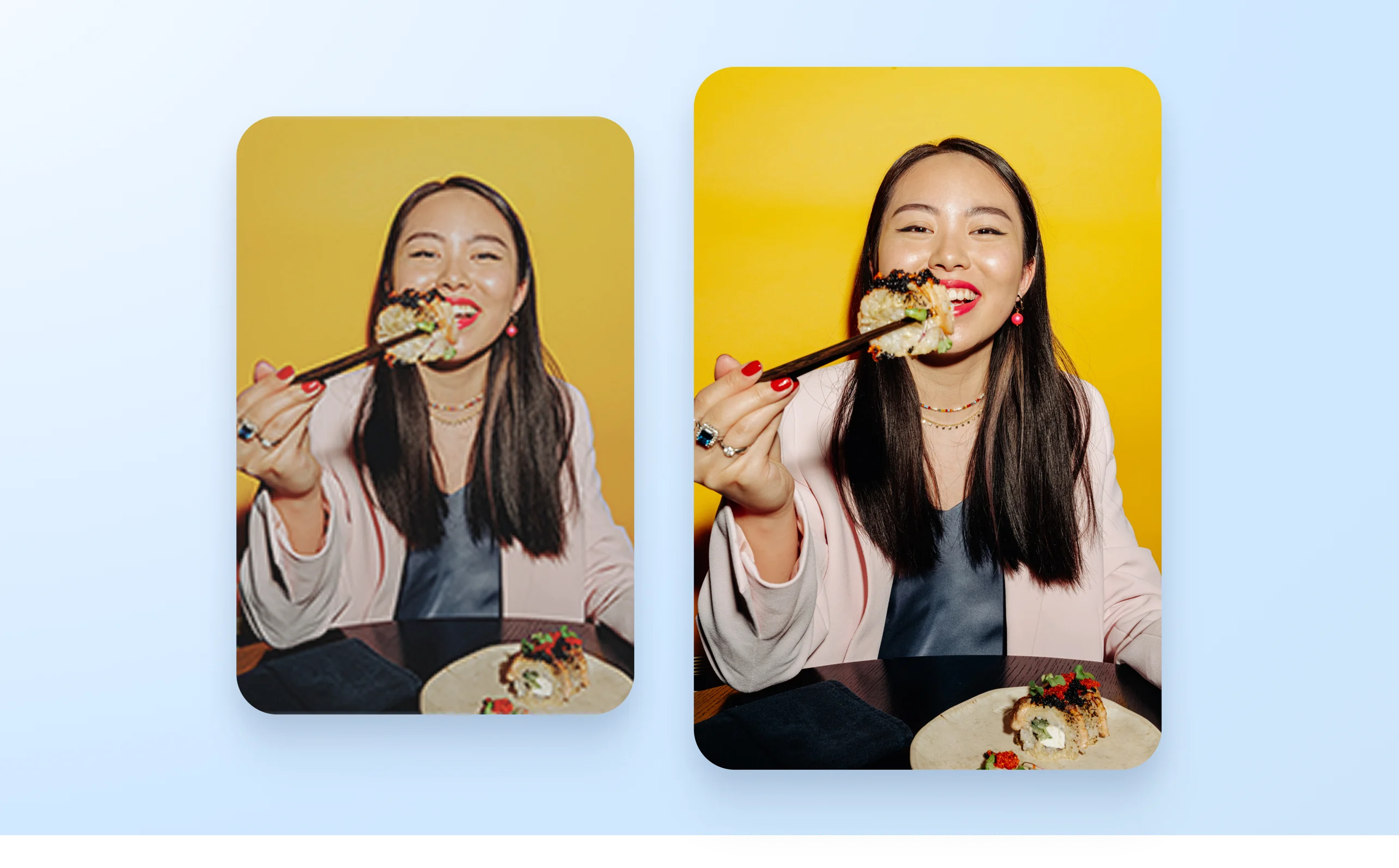
Reveal stunning clarity to your photos with Canva's online image upscaler. Easily upscale images in just one click without losing quality.
or drop it here
Learn about Canva's upload formats and requirements. See how we use your content in our Privacy Policy.
Upscale image quality with AI

Seamlessly enhance and upscale any image using Canva’s online image upscaler. Whether you need to enlarge an image for a big-screen presentation(opens in a new tab or window) or want to add more pixels to your photo for high-resolution online sharing, you can easily improve its clarity while preserving its quality in just a few clicks.
Drag and drop to dazzle


On Canva, you don’t need design experience to enhance your photos like a pro. Effortlessly take your photos to the next level with the photo editor(opens in a new tab or window)’s drag-and-drop interface and intuitive design tools. Add beautiful filters(opens in a new tab or window), adjust the color grading and exposure, and make your images come alive within seconds.
Bring magic to your photos

Transform your images with the power of AI. Skip the hassle of learning and using complex editing software, and make the most of Canva’s Magic Studio(opens in a new tab or window). Instantly add or replace elements in your image with Magic Edit (Pro)(opens in a new tab or window) by simply providing a written prompt. Or, brush off unwanted objects in your photo with Magic Eraser (Pro)(opens in a new tab or window). Want to expand your image to fit a design layout? Magic Expand (Pro)(opens in a new tab or window) can extend it in any direction for the perfect shot.
One app for all your design needs

Edit, design, collaborate, and share — all in one platform. Start by browsing Canva’s beautifully designed templates or uploading your own photo. Create mockups(opens in a new tab or window) to bring your ideas closer to reality. Work with your team in real time no matter where they are. Add your upscaled photo to any Canva design and use it for presentations or social media posts to wow your audience.
How to upscale image


Frequently asked questions
- Upscaling an image means increasing its resolution by adding pixels and making it larger than it originally was. This ensures your image is sharp and high-quality.
- AI-powered tools, like our image upscaler, intelligently analyze your image and enhance its resolution. This restores and clarifies details while maintaining the photo's natural look and quality.
- To upscale an image with AI, use our online image upscaler. With just one click, your image will have better sharpness and clarity. Afterwards, you can download it as a high-resolution file and use the image for social media posts, marketing collateral, or presentations.

@IGchef_andrewb