- Connect with Canva Education at ISTELive 21
Connect with Canva Education at ISTELive 21

Save the date—ISTELive is coming on June 26-30, 2021! This year’s theme is “Designing a New Learning Landscape”. Education experts from around the world will share inspiring stories about how edtech innovation can change lives and improve learning, as well as learn from each other and support student growth.
Join us at the virtual Canva Education Solutions Hub to:
- Attend our daily learning sessions - 4 x 30 minute sessions hosted by Canva Education leaders and educators
- Discover the latest updates in Canva Education
- Book one-to-one meetings and chat with Canva Education experts
Join a Canva Education session at ISTELive
1) Sunday, June 27th - Inspire Creativity and Collaboration in Every Classroom with Canva Education - George Lee, a 26-year veteran media arts teacher in San Francisco. Over the years, George has collaborated with numerous technology companies to bridge the gap between student imagination and learning outcomes. His latest work with Canva has pushed the boundaries of what is possible in creative collaboration.
Hear several examples of how teachers and students are using Canva Education to transform learning in both face-to-face and virtual environments.
2) Monday, June 28th - Setting up your District with Canva Education—for FREE! - Jason Wilmot is the Head of Education at Canva. Jason joined Canva in December of 2020 after spending the last 17 years at Microsoft in a variety of roles focused on education. His most recent role at Microsoft was leading the K12 Education team globally. He is now focused on working with district and school leaders to inspire creativity and teamwork in the classroom with Canva Education.
Learn how districts across the world are getting set up on Canva Education. Canva integrates with several Learning Management Systems including Google Classrooms, Microsoft Teams, Schoology, Canvas and more.
3) Tuesday, June 29th - 10 Things you can Create using Canva Education - Rory Yakubov is a math teacher at Old Bridge High School in New Jersey, and has been teaching for 15 years. She shares everything she does in her classroom (lesson planning, classroom setup ideas, technology use, etc.) through social media (Instagram and TikTok) under the handle @iteachalgebra.Rory is a Canva Education Advocate and loves creating templates for fellow math teachers to use in their own classrooms.
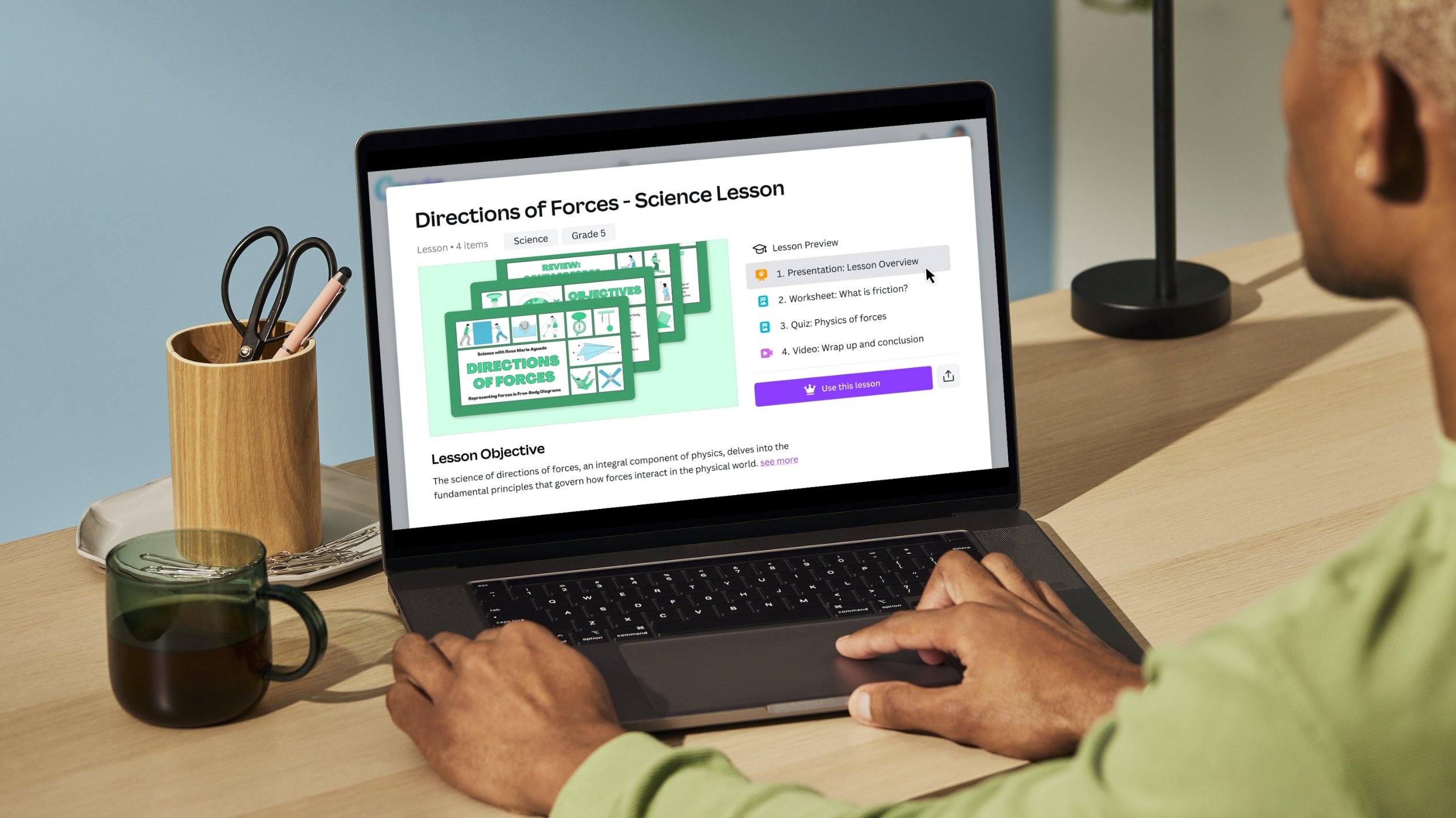
Learn about 10 practical resources teachers can create using Canva Education. Bring your ideas to life with 60,000+ educational templates from presentations, posters, newsletters, worksheets, lesson plans and more.
4) Wednesday, June 30th - How to Create Interactive Worksheets with Canva Education and Wizer - Wizer, the popular platform helping teachers create easy and fun digital worksheets. Time and time again teachers were requesting a Canva and Wizer integration, and now it exists.
Canva Education and Wizer have partnered to help teachers create interactive digital worksheets. In this session, we’ll share how to find ready-to-use worksheets in Canva and transform them using Wizer.
Register today(opens in a new tab or window) to access the full agenda and start planning your ISTELive 21 experience.
We can’t wait to connect with you!
Upgrade Now to Canva Education
If you’re a K12 educator, you can access Canva Education - our free offering. With it, you get all the benefits of premium features such as millions of images, fonts, graphics, videos, animations, and templates. You also get a dedicated classroom space to invite students and teachers to share, review, and manage your work.
You can sign up here(opens in a new tab or window) using your school, Dept. Ed’s, or Google-certified email domain. Please note, you may be asked to verify your teaching credentials so you can access Canva Education.

Written by
Marcia McInnes