- Canva Education and Smore partner to make interactive school newsletters
Canva Education and Smore partner to make interactive school newsletters
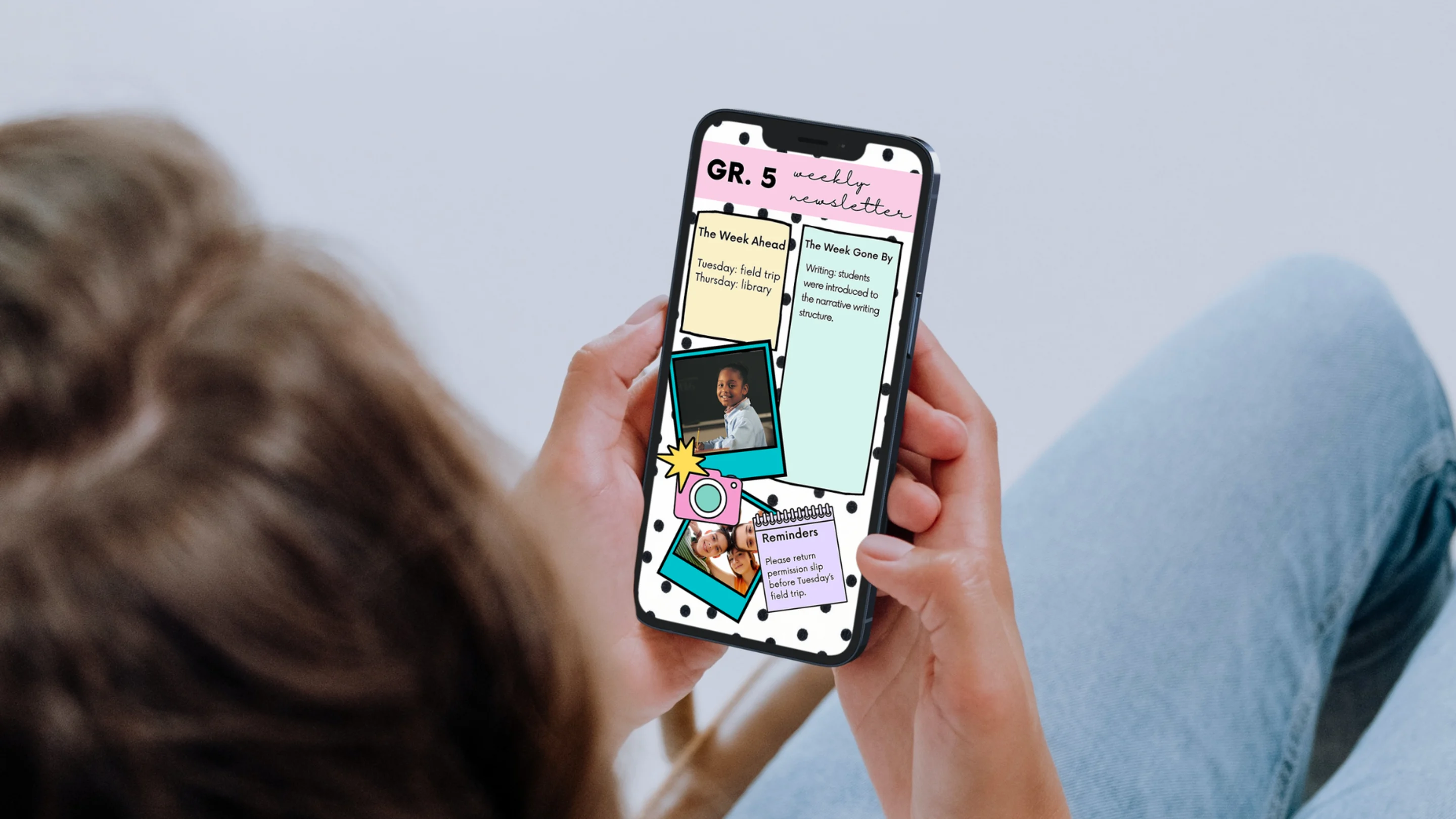
We’re excited to announce our new integration with Smore(opens in a new tab or window), the popular platform helping school leaders and teachers create interactive newsletters. Teachers have already been importing images and files designed on Canva into Smore. Now, the start of a more formal integration exists where teachers using Smore can easily upload beautiful and engaging newsletter headers directly from Canva.
Here's how to transform your Canva designs into an interactive newsletter on Smore:
- Login to your Smore account. Educators can try Smore for free and the premium Smore option offers more customization options and increased monthly email sends.
- To begin, click Start a Newsletter and select a template or start from scratch
- Click the Canva button to import a Canva Design
- Once in the Canva editor, you can select a header template and edit using Canva’s elements, text, photos and other graphics
- Once finished, Click Publish, and you’ll be taken back to the Smore platform
- On Smore, finish adding to your newsletter by adding text, a background, audio, video, links and more
- On Canva, you can always create a design and drag and drop to Add Picture on Smore
- When you’re finished, click Done Editing
- hare with your mailing list by email or social media and see email analytics on open and click rates, and the number of sends.
Get inspired with these app smashing ideas
- Weekly or Monthly Newsletter - keep your parents in the loop with a beautiful and engaging newsletter
- Special Announcement - engage your colleagues, academic or sports community with visually empowering announcements for special occasions
- Assignments and Lesson Plans - create and send detailed assignments to students via email
Upgrade now to Canva Education
If you’re a K12 educator, you can access Canva Education - our free offering. With it, you get all the benefits of premium features such as millions of images, fonts, graphics, videos(opens in a new tab or window), animations, and templates. You also get a dedicated classroom space to invite students and teachers to share, review, and manage your work.
You can sign up here(opens in a new tab or window) using your school, Dept. Ed’s, or Google-certified email domain. Please note, you’ll be asked to verify your teaching credentials so you can access Canva Education.

Written by
Marcia McInnes