- How to make a coloring book to entertain your kids
How to make a coloring book to entertain your kids

Stoke their creativity with a some of your own
Need a fun activity in a pinch? Want to create a unique coloring book for your color-loving kids? Canva makes it easy. Coloring is an excellent way to entertain and educate your kids as well as stoke their creativity.
Why is coloring good for kids?
Coloring is a great way for kids to improve their fine motor skills and ability to focus. Not to mention, it helps stimulate creativity and self-expression, and they can learn about colors and even color theory, too.
It’s not just good for kids, either. It’s a quick activity that’s easy to set up and pack up with minimal mess, making it great for educators and parents alike.
What’s the secret to a good coloring book?
Coloring books are plentiful and inexpensive on the market, but the themes are often repetitive or, as the kids will tell you…boring! So what makes a coloring book great? In short, a strong theme that speaks to your kids’ interests and passions.
Whether it’s garden images, animals, birds, or cars, a cohesive theme will always be better than a coloring book full of random images. Don’t get us wrong, random images can still be fun, especially if you curate the collection specifically for your child. But a visual narrative or a journey they can follow is way more engaging and rewarding for them.

Using templates to make a coloring book in Canva
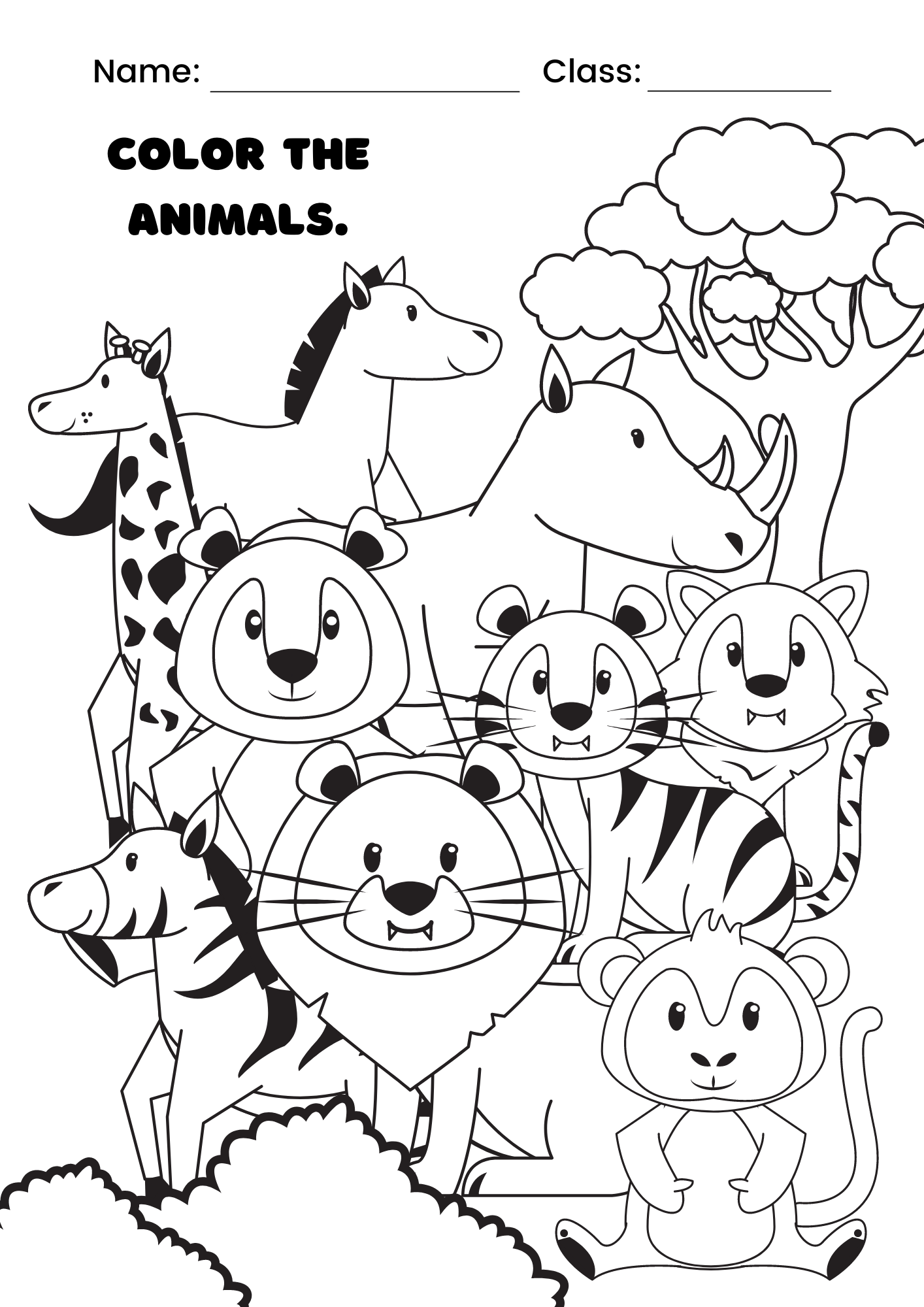
There are more than 300 coloring page templates on Canva so you can start inspired. Plus, if your kids start getting bored with a certain theme, it’s easy to create something new. Remember, templates are just a starting point—if you can’t find one that matches the theme you want, simply select any template that resonates with you and customize it.
When choosing your template, think about how you’re going to print it (landscape, portrait, or square) and resize your design accordingly. You can also do this at the end, but you’ll save time by doing it now, as you don’t have to tweak your design and fill in the gaps later.
Customizing your template
Let’s say the theme for your coloring book is “beach day” because you have a beach holiday coming up. Start by removing whatever elements you don’t need from the template. Then, go to the Elements tab at the left side of the editor and search for beachy things to include. Bucket, dolphins, towels—whatever you need, you’ll find it here. And why not sneak in some spelling and counting activities while you’re at it?
How to print your coloring book in Canva
Once you’ve finished designing your coloring book, you can print it directly from Canva. If you want something more immediate and you happen to have a working printer at home, simply save it as a PDF(opens in a new tab or window) and print it as normal.
If you want something a little more special, in the top right click “Share”, then “Print Your Design”. Bound Document(opens in a new tab or window) is an excellent option as it allows plenty of room for coloring away from the central fold line. Then simply follow the prompts, which include proofing your design to ensure the best possible final product. With Canva Print, you can get your professionally printed coloring book delivered straight to your doorstep with free standard shipping.
And just like that, you’ve created an inspiring and entirely unique coloring book to entertain your kids.

Written by
Andy Summons