- Add Glasses to Photo
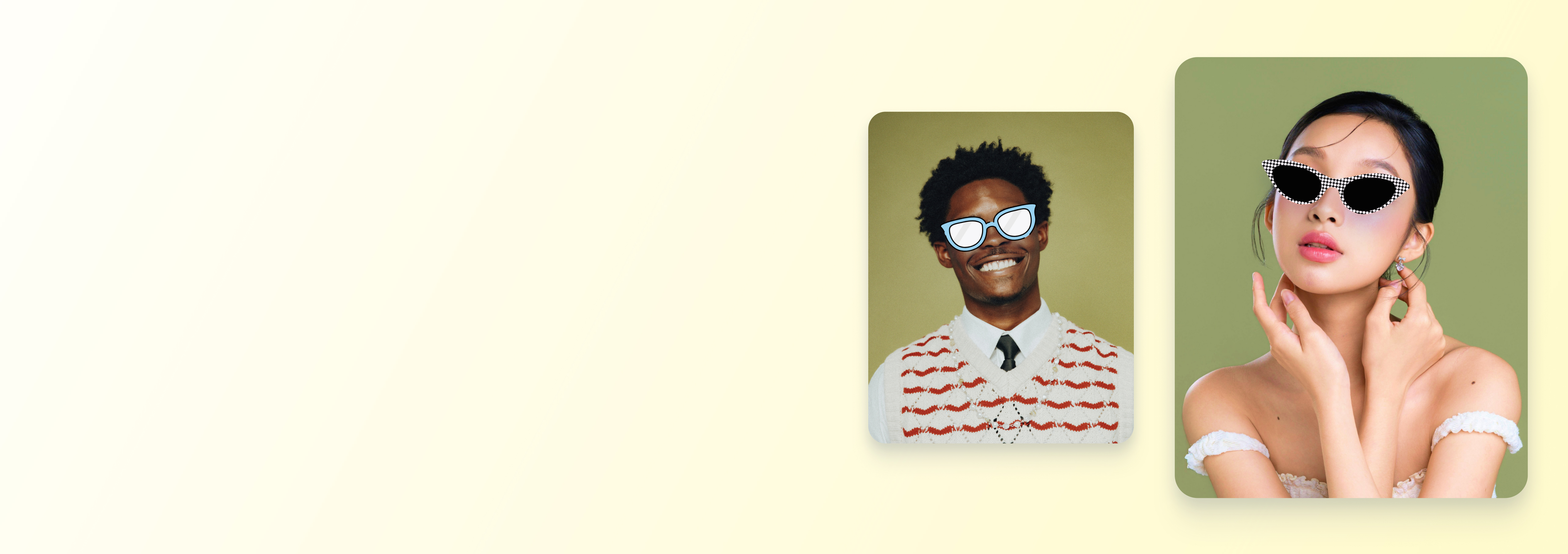
Add glasses to your photos and instantly elevate your look
Give your portraits a fresh new vibe in seconds. Add stylish sunglasses to any photo using the free AI-powered tool on Canva.
How to add glasses to a photo
Upload your image
Select the “Upload your image” button or easily drag and drop your files into the section.
Edit your image
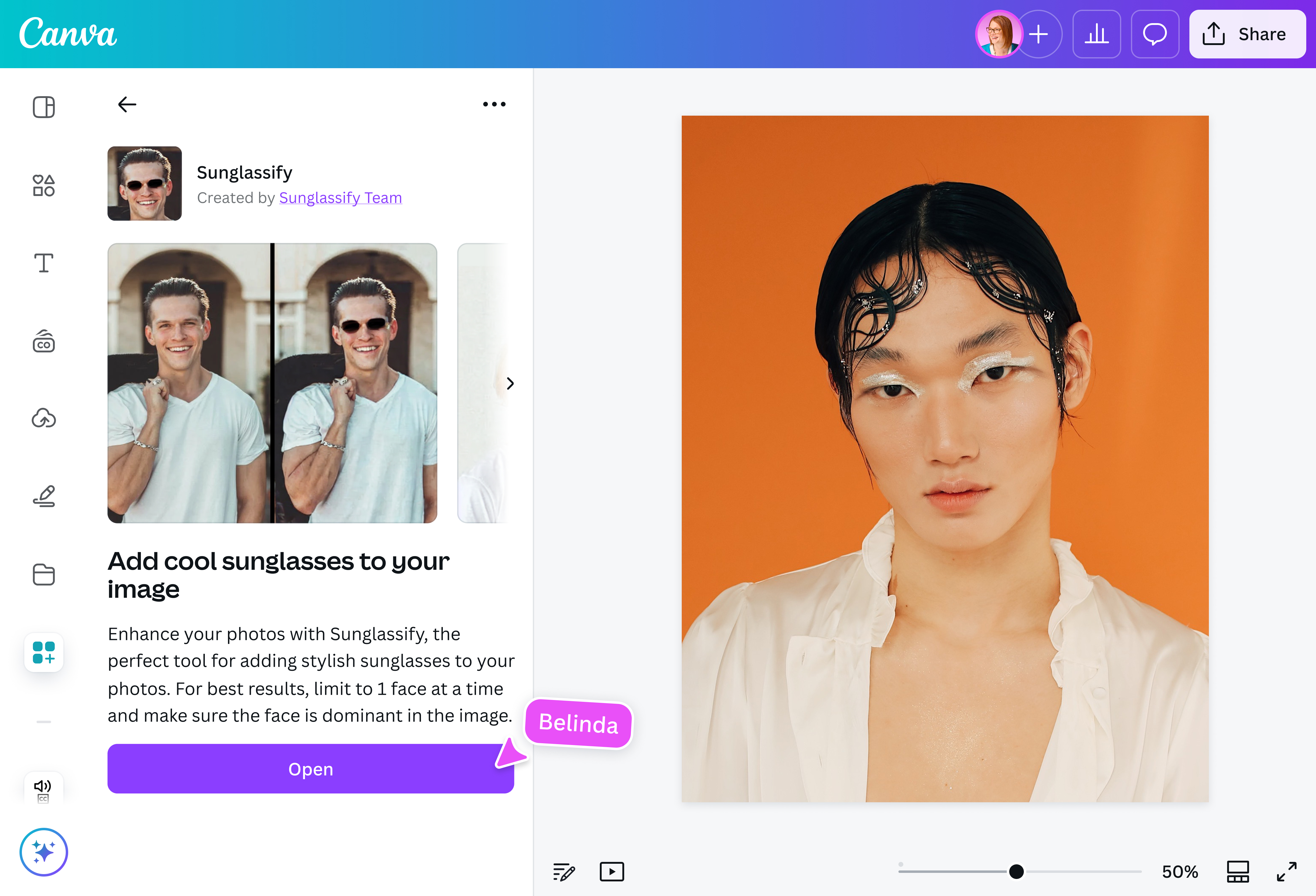
Use the “Sunglassify” app to add a realistic glasses filter to your photo with AI.
Download your image
Finally, download your new image in high-quality JPG or PNG format.
Enhance a photo by adding sunglasses

Want to infuse personality into portraits or hide tired eyes in selfies? Sunglassify(opens in a new tab or window) comes to the rescue by adding a pair of glasses to a photo. Just upload an image, and see how this free online tool perfectly generates realistic-looking sunglasses onto any face.
Fine-tune your images with AI

Adding glasses to a photo is a breeze with AI, but the fun doesn’t stop there. With Canva Pro’s AI-powered tools, you can transform an image into whatever you imagine: smoothen skin(opens in a new tab or window), erase unwanted objects(opens in a new tab or window), expand images(opens in a new tab or window), or remove backgrounds(opens in a new tab or window). Add emojis and generate new graphics from a simple text prompt(opens in a new tab or window). The result? Eye-catching photos that’ll look amazing on socials, ad mockups, and branded content.
Turn photos into shareable content

Once you’ve added glasses to an image, why not turn it into a funny meme or post a “vacation mode on” selfie? Magic Resize™(opens in a new tab or window) (Pro) lets you transform your edited photo into an Instagram Story or TikTok video and share it without leaving Canva. You can even create localized versions by translating your design(opens in a new tab or window) into different languages—perfect for sharing content with audiences around the world.
How to add glasses to a photo

Frequently asked questions
- Yes, some image editing tools and online apps allow users to add glasses to group photos. Sunglassify, the AI-powered online app available on Canva, gives users a chance to overlay sunglasses on two people in one go. But for the best results, it's recommended that you upload an image with a single, dominant face.
- For the Sunglassify app, PNG and JPG are the best file formats for quickly adding sunglasses to your photo. But once you’re done editing the design, you can export it in various image formats: PNG, JPG, GIF, and PDF.
- There are many creative ways to use added glasses in photos. Glasses can change the way the wearer looks or feels. Depending on the eyewear, the stylish accessory can set the mood, making a person appear intelligent, cool, or playful. Adding glasses in photos can also help craft a visual story. The reflective lenses can show where the person is or help direct viewers towards the subject’s face.

@navneet4