
Free online face smooth tool
Everyone deserves to look and feel their best when uploading their portraits online. Whether you’re fighting bad lighting or a sudden zit, you can enhance your looks instantly with Canva’s photo retouching tool.
or drop it here
Learn about Canva’s upload formats and requirements. See how we use your content in our Privacy Policy.
How to make your face smoother online
1
Upload your image
Select the “Upload your image” button or easily drag and drop your files into the section.
2
Edit your design
Go to Effects and select Face Retouch. Wait for our AI-powered tool to smooth your face online, then turn the slider to your preferred level of smoothness.
3
Download your design
Finally, save your image for free and download your design as a high-resolution JPG or PNG.
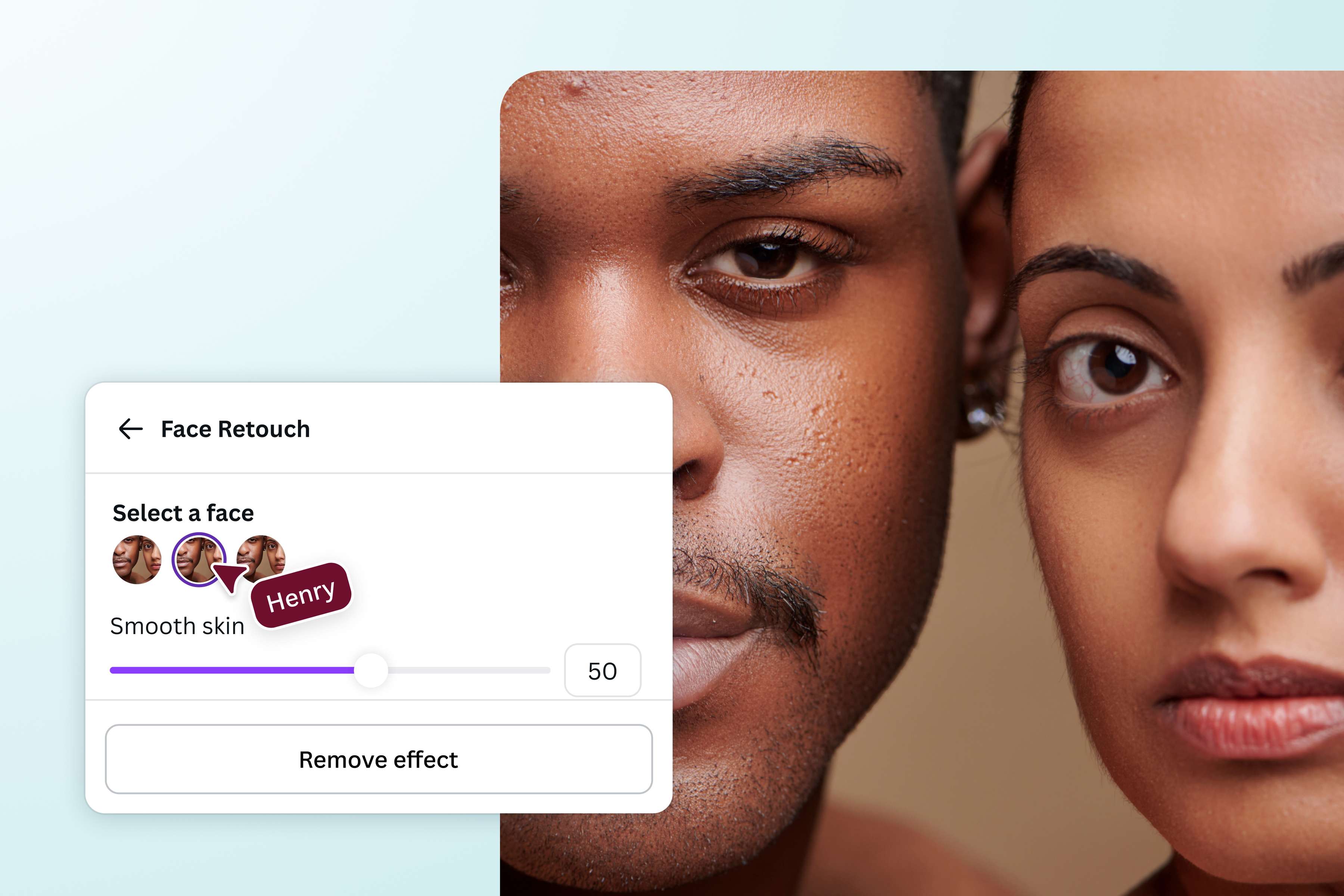
One-tap face smoothing
Give your photos a clean, polished look in just one click. Canva’s Face Retouch tool smooths skin and enhances facial features instantly! No complicated steps or experience required. It’s perfect for quick touch-ups before a post, profile update, or print. Simple, subtle, and effortlessly flattering.
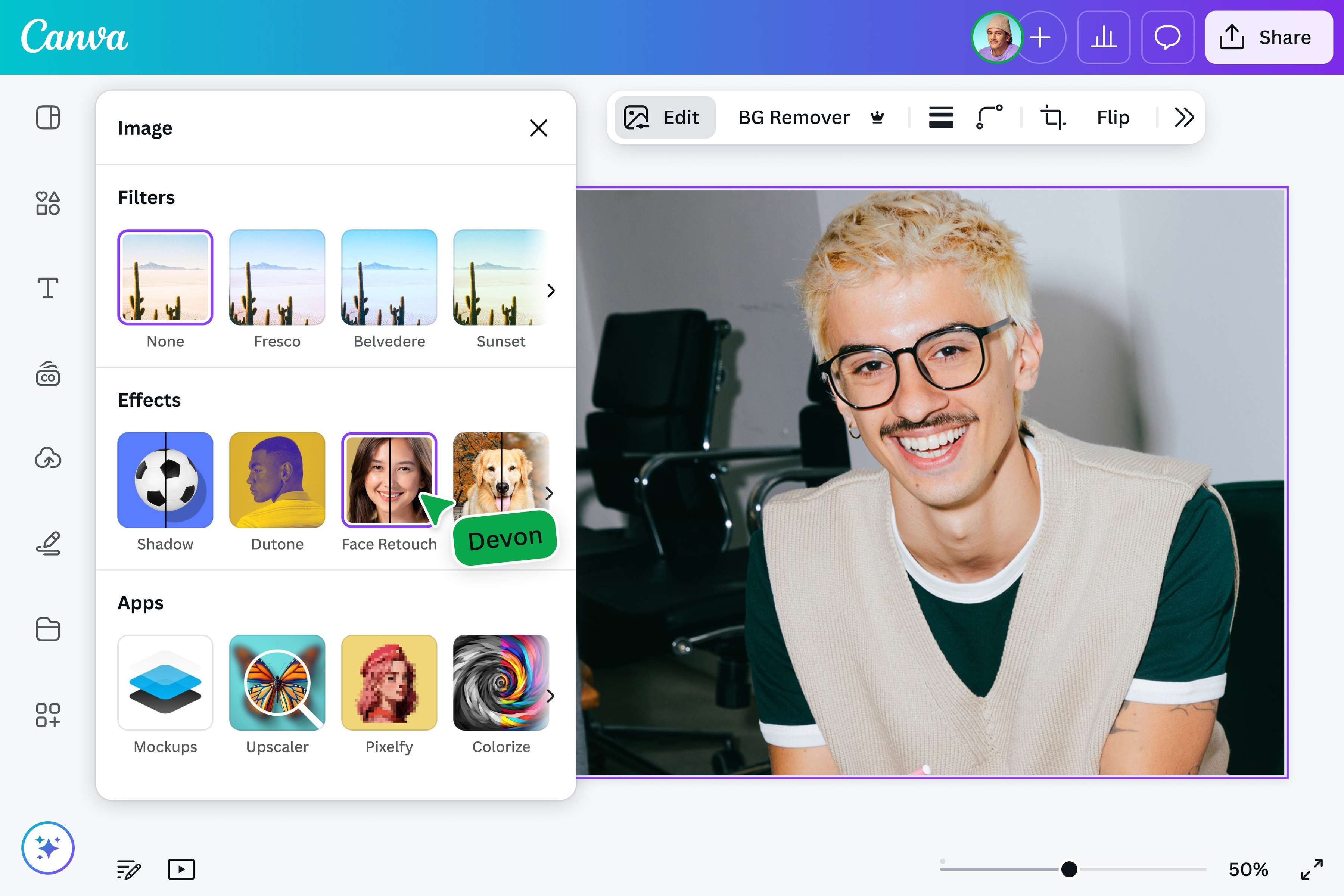
Fast, free, and online
You don’t need to download additional software or pay to get started. Just upload your photo on Canva, open the editor, and retouch away. It’s fast, fuss-free, and always ready when inspiration strikes. So if you’re editing on the go or wrapping up a project, Canva makes it easy.
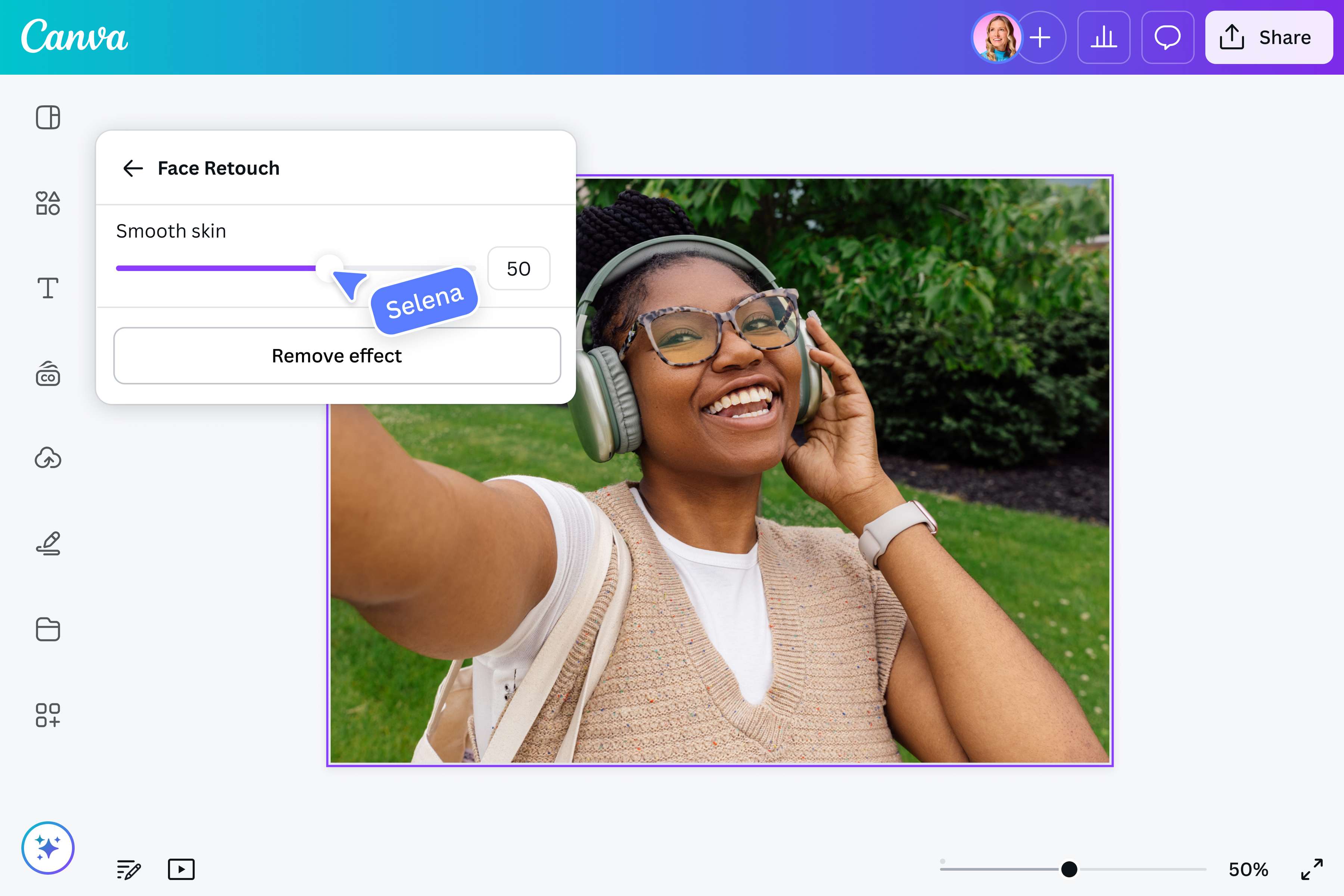
Set your smoothness, your way
Not too much, not too little—just the right amount of smoothness. With the adjustable slider, you control how natural or refined your photo retouch is. Want a barely-there blur or a glow-up moment? It's totally up to you. No over-editing, just the look you feel good about.
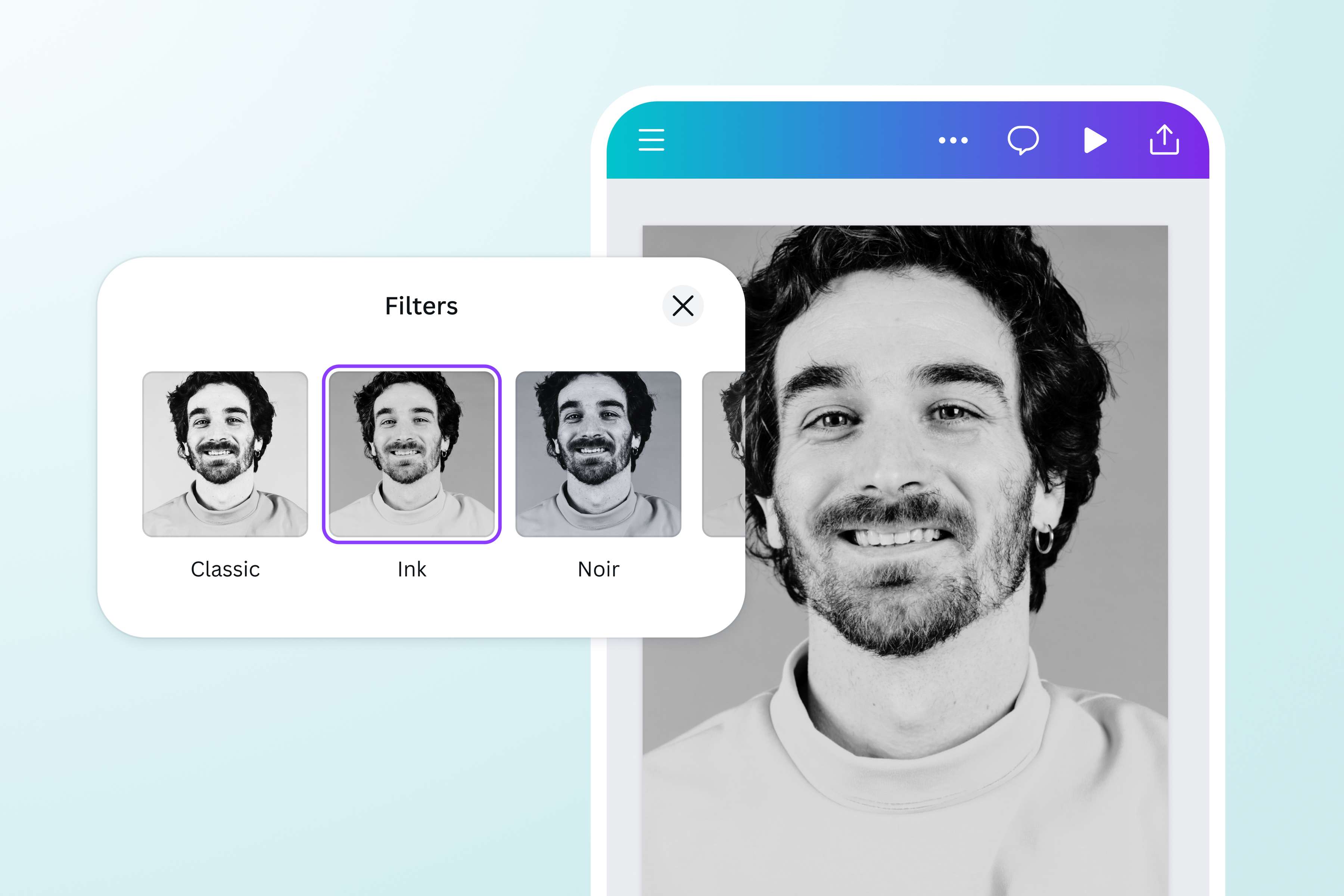
Spruce it up with creative elements
After smoothing your photo, you can keep the creativity flowing. Add stickers, text, filters, or fun design elements from Canva’s massive media library. Whether you're posting to socials or just having fun, you can personalize every detail. It’s the little extras that make your photo truly yours.
How to make your face smooth online
Launch Canva
Open Canva on your mobile device or desktop to start editing with our picture editor to smooth your face online.Upload your image
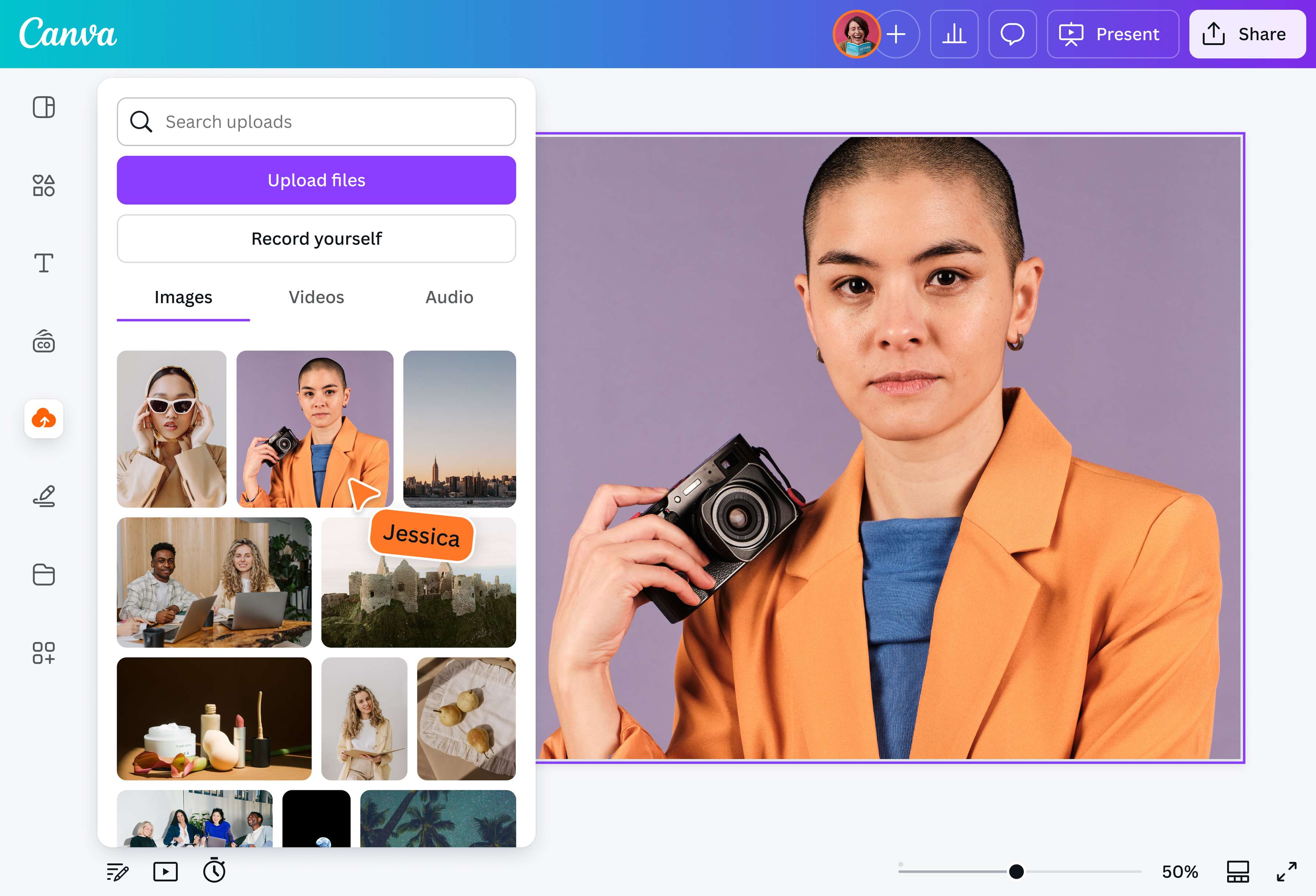
Select the “Upload your image” button or simply drag and drop your file into your layout.Use Canva’s image retouching tool
Once your photo is uploaded, go to Effects and select Face Retouch. Our face smoother tool will enhance your photo. Then, you can turn the slider to your preferred level of smoothness.Make more customizations
With Canva's AI-powered tools(opens in a new tab or window), you can beautify your photos further with features like Magic Eraser (Pro)(opens in a new tab or window) to remove unwanted details from your photos, Magic Expand (Pro)(opens in a new tab or window) to extend images, and more.Share and publish your image
Save your image as high-resolution JPG or PNG, and upload it to your social media accounts straight from Canva.
Frequently asked questions
- With Canva’s Face Retouch tool, simply upload your photo, open it in the Photo Editor, and select the Face Retouch option. From there, you can smooth skin, reduce shine, and enhance other facial features in just a few clicks.