- Video Effects
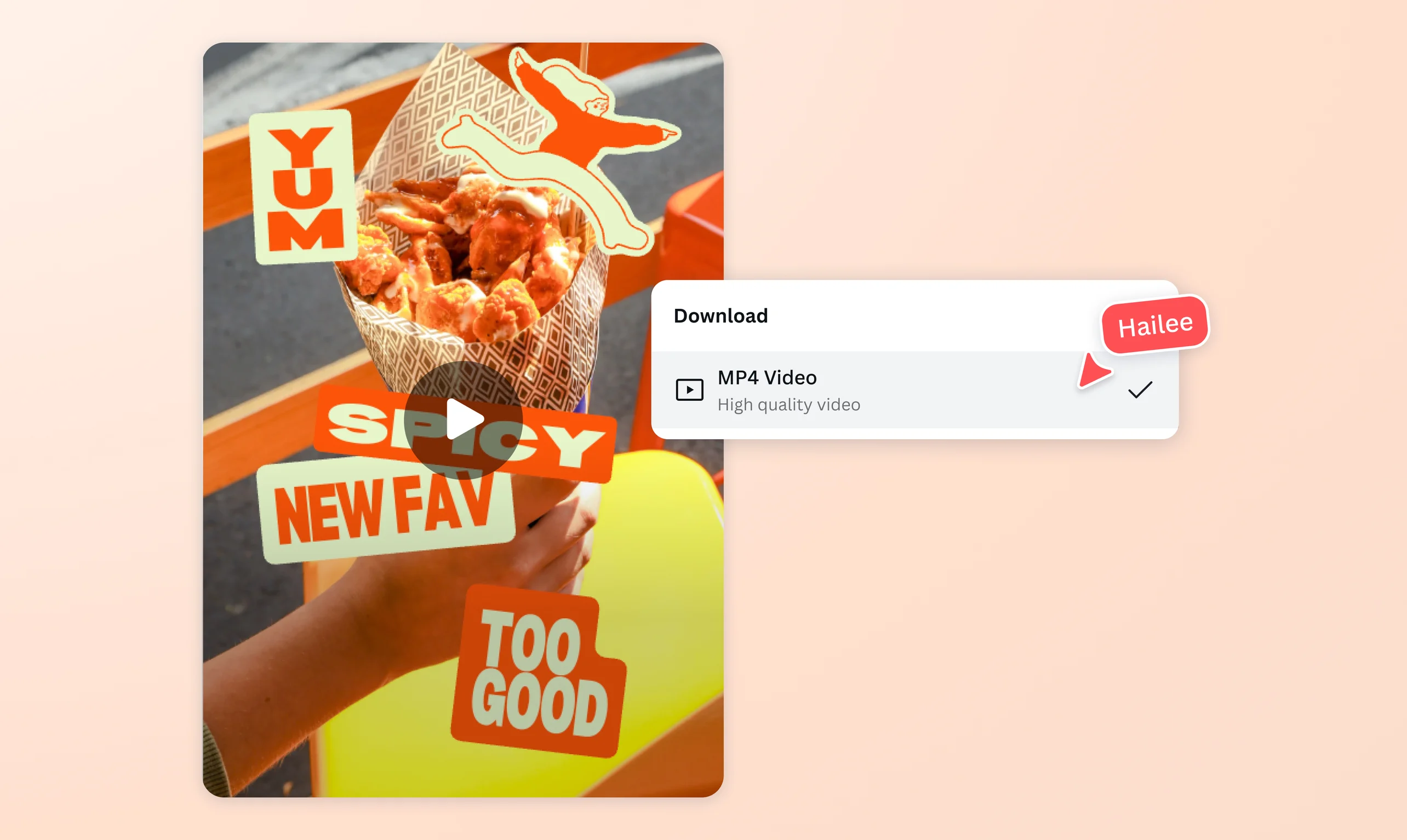
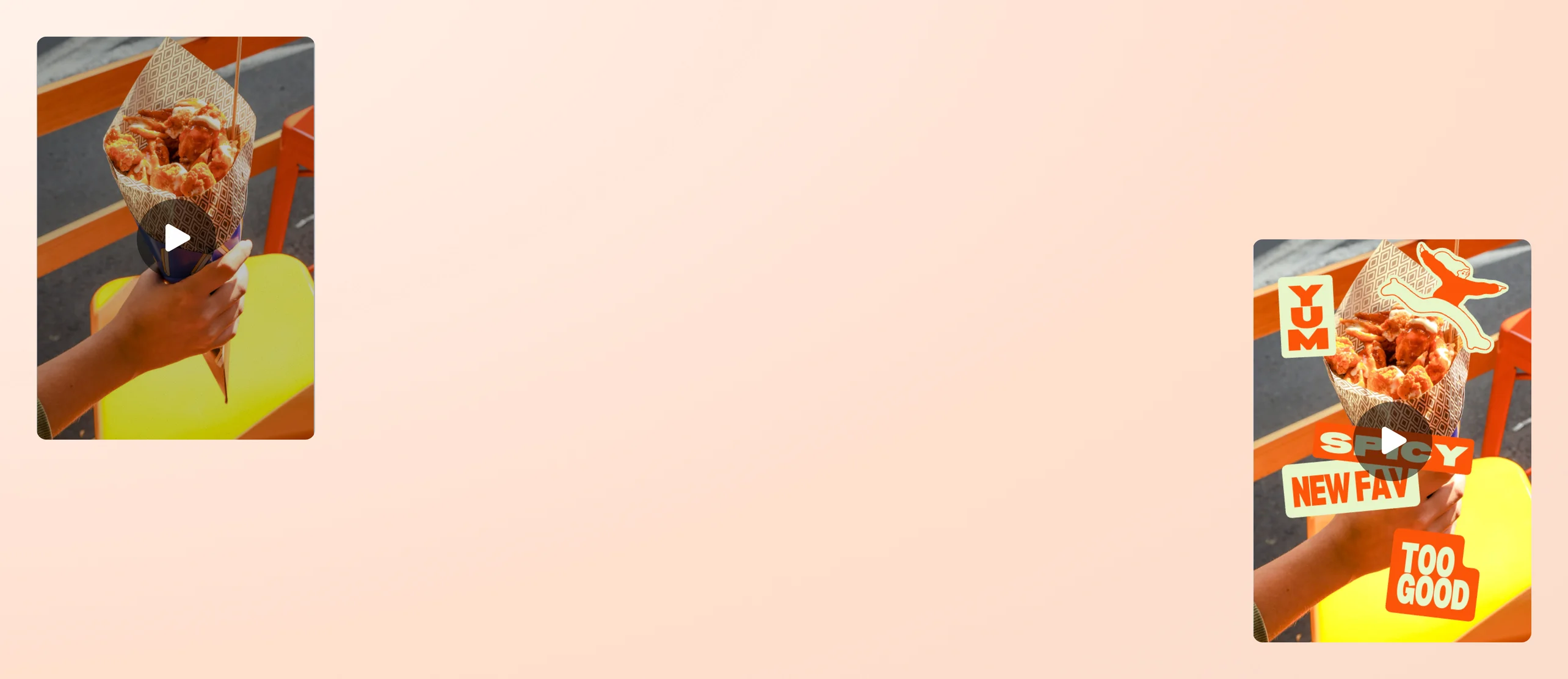
Make your videos stand out with epic video effects
Add filters, animations, and transitions in seconds with Canva’s free video effects. Turn everyday clips into scroll-stopping videos that feel polished, professional, and packed with personality.
or drop it here
Learn about Canva's upload formats and requirements. See how we use your content in our Privacy Policy.
Create movie magic in just a few clicks

Want that big-screen feel without the Hollywood price tag? Add smooth transitions(opens in a new tab or window), moody filters(opens in a new tab or window), bold animated text, and trending effects to ads, trailers, or product launches. Canva’s intuitive, drag-and-drop video editor(opens in a new tab or window) handles the tricky stuff in the background. You get to focus on the fun.
Move audiences with custom motion

Make text bounce into frame or have graphics zigzag across the screen. You’re in control with Canva’s Create an Animation tool. Our motion path animator(opens in a new tab or window) puts you in the director’s chair and lets you call the shots on YouTube intros, gaming highlights, social media content, and more. Timing, speed, flow—it’s all yours to decide.
Smart AI tools that do the heavy lifting

Edit videos without the grind with Canva’s AI video editor(opens in a new tab or window). Trim clips in seconds. Lock them to the beat of your soundtrack with Beat Sync(opens in a new tab or window). Make text and graphics dance across the frame with Magic Animate(opens in a new tab or window). Clear out backgrounds with a single tap. Missing a shot? Generate fresh clips with Canva’s AI video generator(opens in a new tab or window) or pull from a library of free, professionally-shot stock footage.
Collaborate in real time

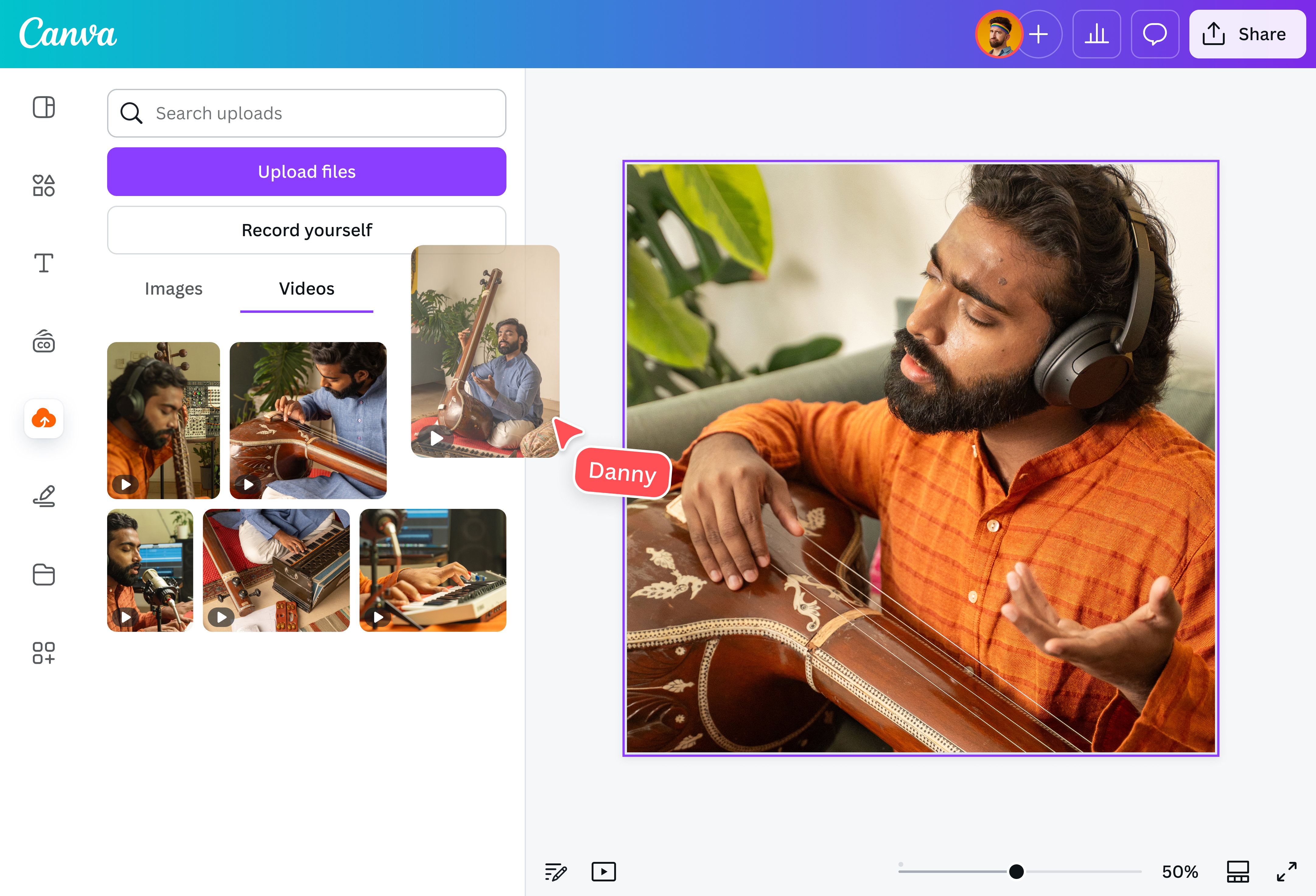
Video editing doesn’t have to be a solo mission. Share a link to your video with your team, class, or crew and build your campaign video or group presentation together. Assign tasks, comment ideas, and swap feedback effortlessly, and watch updates appear live as you work. Teammates can view and edit from any device, whether on desktop or mobile(opens in a new tab or window).
How to add video effects

Frequently asked questions
- Video effects are enhancements or visual changes applied to video clips to change their look, feel, or flow. They can be subtle, like a color adjustment that sets the mood, or bold, like an animated title that grabs attention. The main benefit is simple: effects turn plain footage into something more engaging, professional, and memorable.
- You can add AI video effects to video clips online for free. An online video editor will have options to add filters, transitions, animated text, and more.
- Some popular video effects include fade-ins and fade-outs, color filters, slow motion, glitch transitions, animated text, and overlays.
- Video filters usually change the overall appearance of a clip in a single step. For example, shifting colors to black-and-white or adding a warm, golden tone. Video effects, on the other hand, cover a broader range of enhancements, from transitions and animations to text overlays and motion graphics.
- When choosing the right video effects, you have to first know who your target audience is and what you want to make them feel. A professional audience would probably want simpler, sleeker, minimal effects, while younger social media viewers would prefer more fun and playful video effects. Make sure that the effects you choose support and enhance the message you want to convey, not distract from it.

@navneet4